
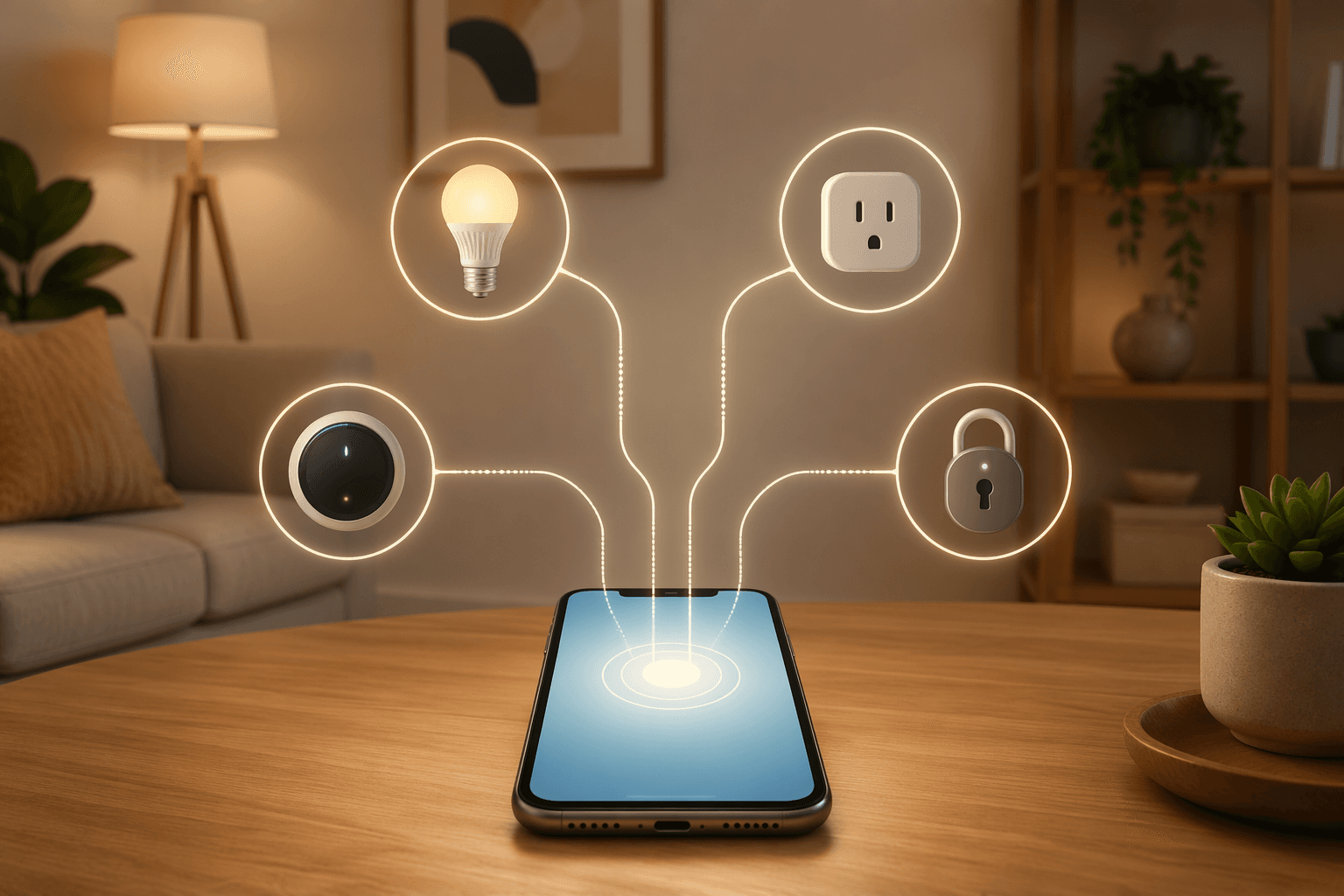
The easiest way to waste money on the best home automation devices is to buy one of them too early. A smart bulb on sale, a plug with thousands of reviews, a camera bundled with cloud storage, a lock that needs a bridge you did not notice at checkout — each one can look sensible alone and still leave you with a home that depends on too many apps, too many accounts, and no clear next step.
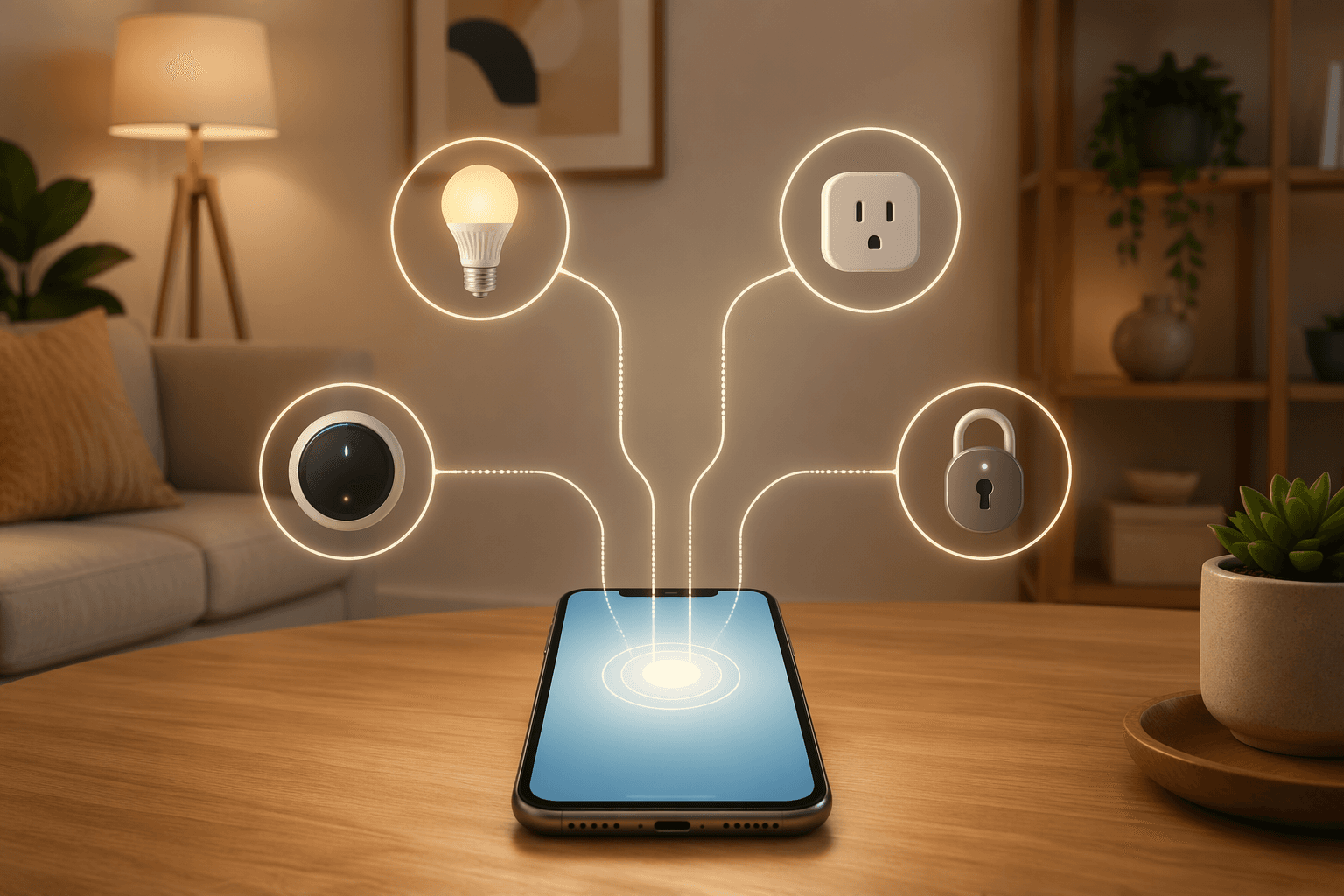
For a beginner in 2026, the first purchase is not really a bulb or a lock. It is a platform decision. Choose Alexa, Google Home, Apple HomeKit, SmartThings, or Home Assistant first, then buy a small set of compatible devices around that choice. Matter helps because certified devices are designed to work across Alexa, Google, HomeKit, and SmartThings, and Security.org counted more than 850 Matter-certified devices in June 2026.[1] That reduces the risk of a dead-end purchase. It does not remove the need to check hubs, features, firmware, or subscriptions.
Start With the Ecosystem, Not the Device
A beginner’s smart home needs one place where the household can ask for lights, schedules, locks, and routines. That place might be a voice assistant, an app, or a local hub, but it has to be chosen before the cart fills up. If you want the longer version of this decision, use our smart home platform comparison or the step-by-step platform decision guide. For a first buying plan, the practical differences are narrower.
| Platform | Best beginner fit | What to watch |
|---|---|---|
| Alexa | Largest device catalog and easy starter bundles | Alexa+ costs $19.99/month unless included with Prime |
| Google Home | Strong voice answers and broad device support | Device support is smaller than Alexa but still large |
| Apple HomeKit | Good fit for iPhone-heavy households that value tighter control | Fewer compatible devices than Alexa or Google |
| SmartThings | Useful when you want a hub-centered setup and mixed device types | Beginners need to check which devices need a hub or bridge |
| Home Assistant | Best for local control and deep customization | More configuration patience required |
Alexa is the low-friction choice when device breadth matters most. Security.org reported support for more than 140,000 devices, compared with more than 50,000 for Google Home.[1] That does not make every Alexa-compatible device good, current, or subscription-free, but it does mean a beginner is less likely to find that the next plug, bulb, or thermostat lives outside the chosen system.
Google Home is the better first bet when voice answers matter as much as device control. In Security.org’s 2026 head-to-head testing, Google Assistant answered 93% of questions correctly.[1] If the household already uses Android phones, Nest speakers, Gmail calendars, and Google services, that convenience can matter more than having the largest possible device catalog.
Apple HomeKit belongs in the conversation for households already built around iPhones, Apple Watches, Apple TVs, and HomePods. Its device universe is smaller — Security.org put HomeKit at around 1,000 compatible devices — so the tradeoff is not “Apple works with everything.” It is that a more selective catalog may be acceptable if the people using the system want Apple’s app, automations, and household permissions to be the center of gravity.[1]
Home Assistant is the wrong recommendation for some beginners and exactly right for others. Security.org and ZDNET describe it as a local-control platform with more than 2,500 official integrations, and ZDNET lists the Home Assistant Green hub at $159.[1][2] If you want to avoid cloud dependence and you do not mind learning more than a voice-assistant app requires, it can be a strong foundation. If you want everything working tonight with minimal tinkering, start with Alexa, Google Home, or Apple HomeKit and come back to Home Assistant later.
The Starter Bundle That Makes Sense Under $500
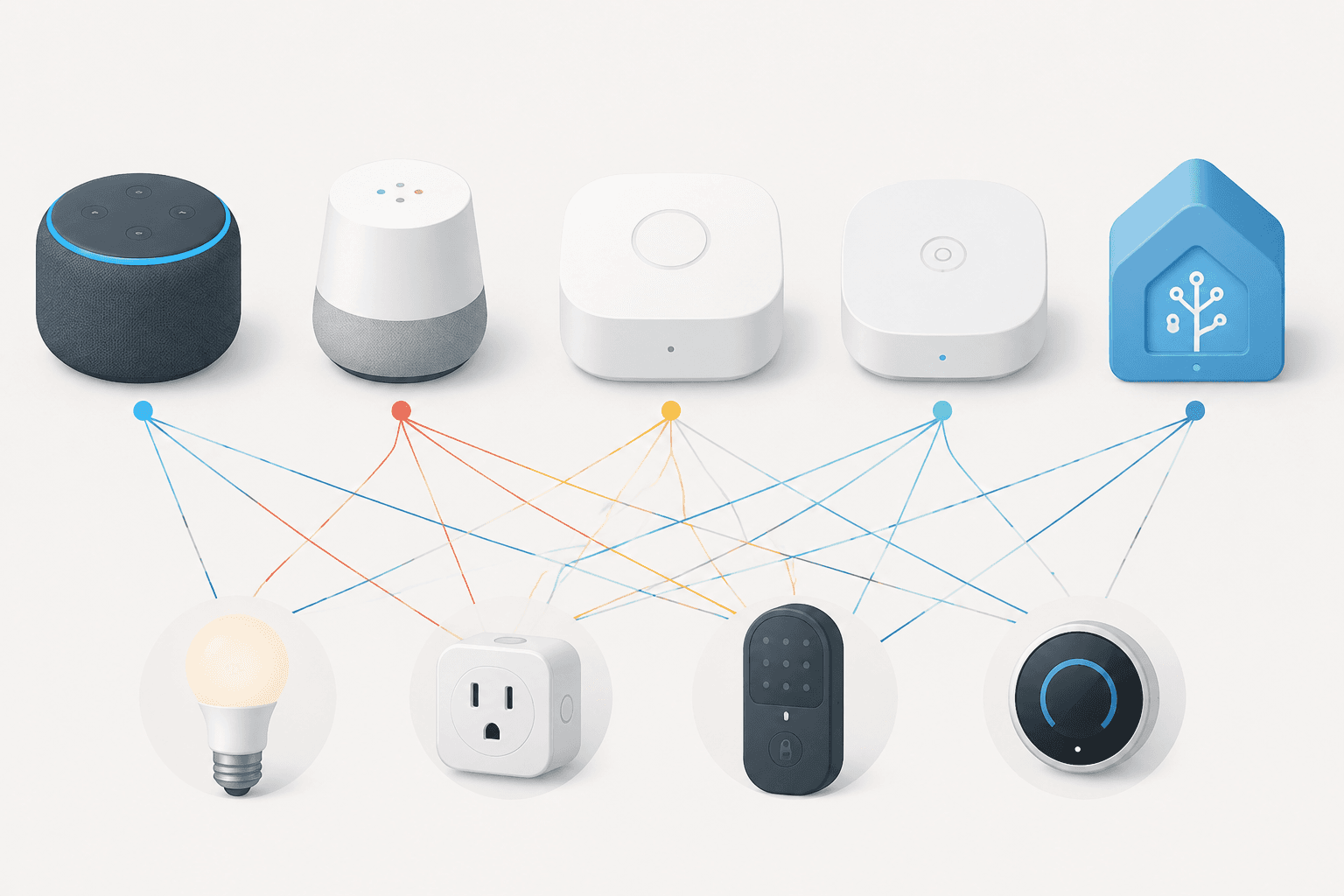
A good first system should make several rooms more useful without asking the owner to become a part-time administrator. For most Alexa or Google-style beginners, that means five categories: a hub or speaker, one smart plug, one smart bulb, one thermostat, and one smart lock. Cameras can wait unless security monitoring is the reason for the project, because they are more likely to introduce storage plans, privacy decisions, and notification fatigue.
| Starter device | Example pick | Price | Why it earns a first-bundle slot |
|---|---|---|---|
| Hub or speaker | Echo Dot (5th Gen) | $49.99 | Gives the household a voice and app control point |
| Smart plug | TP-Link Tapo P110M | $19.99 | Adds automation to an ordinary lamp, fan, or appliance |
| Smart bulb | TP-Link Tapo L535E | $17.99 | Matter-certified lighting with 1,100 lumens |
| Thermostat | Amazon Smart Thermostat | $79.99 | Adds scheduling and energy-control value |
| Smart lock | Yale Assure Lock 2 | $279.99 | Adds entry control and works with Apple Home, Alexa, and Google |
Those example prices put the five-device bundle at $447.95 before taxes, discounts, installation accessories, or any optional plans. PCMag’s June 2026 smart home roundup lists the Echo Dot at $49.99, the TP-Link Tapo P110M smart plug at $19.99, the TP-Link Tapo L535E smart bulb at $17.99, and the Amazon Smart Thermostat at $79.99.[3] CNET’s May 2026 roundup lists the Yale Assure Lock 2 at $279.99 and notes that it works with Apple Home, Alexa, and Google.[4] Both roundups include affiliate links, so treat them as current tested buying references, not as neutral public price databases.
The lock is the budget hog, and that is not a flaw in the math. It is the item where a bad purchase is most annoying: the wrong lock can mean a missing compatibility module, a bridge you did not budget for, a keypad the family dislikes, or a feature that depends on a paid plan. If the $500 ceiling is firm, buy the speaker, plug, bulb, and thermostat first, then add the lock when you are sure the platform is staying.
Why these five categories come before the fun extras
The hub or speaker is there because someone has to coordinate the system. A voice speaker is not mandatory in every smart home, but for beginners it reduces friction: the person cooking, carrying laundry, or leaving the house can change a light or lock a door without opening the right app.
The smart plug is the safest first device because it does not ask you to replace anything important. Put it on a lamp, a fan, or a seasonal decoration. If the app annoys you or the routine is not useful, you have learned that lesson on a $19.99 device rather than on a door lock or thermostat.[3]
The bulb tests daily comfort. The TP-Link Tapo L535E matters here because PCMag names it as a top smart bulb pick, lists it at 1,100 lumens, and identifies it as Matter-certified.[3] A beginner does not need a dozen color bulbs on day one. One well-placed bulb in a living room, bedroom, or entryway is enough to test schedules, scenes, and voice control.
The thermostat earns its place because it can change an actual household routine, not just add novelty. CNET says smart thermostats can save approximately 10% on energy bills.[4] That is not a promise that every home will see the same result; climate, HVAC behavior, occupancy, and utility rates all matter. The narrower point is still useful: among beginner devices, the thermostat is one of the few that can plausibly pay back some of its cost while making schedules easier.
The lock is the first device that affects trust. A good smart lock lets a household stop hiding spare keys, give temporary access, and check whether the door is secured. It also introduces higher consequences if compatibility or reliability is poor. That is why the lock should come after the platform decision, not before it.
A $200, $500, or $1,000 First Plan
Not every beginner should spend the same amount. The useful question is what each budget proves.
- Around $200: choose the platform, buy the speaker or hub, add a smart plug, add a Matter-certified bulb, and consider a thermostat if installation is straightforward.
- Around $500: build the full starter bundle with speaker, plug, bulb, thermostat, and lock, using the lock as the biggest deliberate purchase.
- Around $1,000: finish the entry area, add a second room, and consider whether a better hub, additional switches, or network upgrades matter more than more gadgets.
If you want more options by price tier, use our best home automation devices by budget guide. If the real goal is to spend as little as possible before committing, start with our smart home devices under $50 list and keep the experiment limited to devices that fit your chosen ecosystem.
The Checks That Prevent Subscription and Hub Surprises
Before buying any device, check four things on the product page or manufacturer support page: the platform badge, the protocol, whether a separate hub or bridge is required, and which features require a paid plan. “Works with Alexa” or “Works with Google Home” is useful, but it is not the same as saying every feature works locally, without a bridge, and without a subscription.
Voice assistants can also change the cost picture. The Gadgeteer reported in February 2026 that Alexa+ costs $19.99 per month, while remaining free for Prime subscribers.[5] A beginner does not need to reject Alexa because of that, but the recurring cost belongs in the same mental budget as cloud camera storage, security monitoring, and premium automations.
- Platform: Does it support the ecosystem you chose, not just a different one you might use someday?
- Matter: Is it Matter-certified, or merely compatible through one vendor’s app?
- Hub: Does it need a separate bridge, Thread border router, Zigbee hub, or brand gateway?
- Subscription: Are recordings, alerts, advanced voice features, or remote access tied to a monthly plan?
- Household access: Can the people who live there use it without sharing one password or one phone?
When Home Assistant Changes the Bundle
A Home Assistant starter plan should reserve more of the budget for the hub and less for voice convenience. The Home Assistant Green hub at $159 is not expensive compared with many smart home controllers, but it changes the shape of a $500 cart.[2] A realistic first bundle might be Home Assistant Green, one Matter bulb, one smart plug, and one thermostat or lock depending on what the household wants to automate first.
That tradeoff buys a different kind of confidence. Instead of betting mainly on a cloud assistant, you are betting on local control and integrations. It is a good fit for someone who already knows they care about resilience, privacy, and automations that keep running without every command leaving the house. It is less ideal for the relative who will call you because a setup screen asked about network discovery.
For hub-specific comparisons, see our best home automation hub guide before mixing protocols or buying devices that need bridges.
Expand Room by Room, Not Sale by Sale
Once the starter bundle works, expand by room and routine. The first expansion is usually the entry, bedroom, living room, or kitchen — not whichever gadget is discounted this week. A room-based plan keeps compatibility checks simple because each new device has to answer a practical question: what routine does it join?
| Next room | Useful additions | What to avoid |
|---|---|---|
| Entry | Lock, porch light, door sensor | Adding cameras before deciding on storage plans |
| Bedroom | Bulb, plug, voice control, shade controller later | Buying specialty lighting before basic routines work |
| Living room | Lamps, TV plug where appropriate, scenes | Mixing several lighting brands without checking Matter or platform support |
| Kitchen | Under-cabinet lighting, leak sensor, voice speaker | Automating appliances that should not run unattended |
This is also when the network starts to matter. Forbes recommends a proper Wi-Fi 6 or Wi-Fi 6E mesh router as the backbone once a smart home reaches 10 or more devices.[6] That is not a reason for every beginner to buy a new router on day one. It is a warning against blaming every dropped device on the plug or bulb when the real problem is a crowded, weak, or poorly placed network.
The more advanced toys can wait. Forbes highlighted mmWave presence sensors from brands including Aqara and Meross as stronger than traditional PIR motion sensors for presence detection.[6] That kind of sensor can make automations feel much smarter — lights that stay on while someone is reading, rooms that react to presence rather than crude motion. It is a second-layer purchase. Beginners should first make sure the platform, lighting, plug, thermostat, and lock are behaving reliably.
A Simple Buying Sequence
If you are standing in a store aisle or staring at ten tabs, use this order:
- Choose the platform your household will actually use: Alexa, Google Home, Apple HomeKit, SmartThings, or Home Assistant.
- Buy the control point first: a speaker, display, Apple home hub, SmartThings hub, or Home Assistant Green.
- Add one low-risk device, usually a smart plug or Matter-certified bulb.
- Add the thermostat if scheduling and energy control matter in your home.
- Add the smart lock only after checking platform support, bridge requirements, household access, and any paid features.
- Expand one room at a time, using the same compatibility checks before every purchase.
For an even broader beginner overview, read what first-time smart home buyers need to know. For a full build sequence that starts with the network and moves through platform and room planning, use our guide to building a smart home automation system that works together.
The best first smart home is small enough to understand. Pick the ecosystem, buy a few devices that belong together, check the subscription and hub details before paying, and let the next room inherit the same rules.
References
- Best Smart Home Systems, Security.org, June 2026, https://www.security.org/smart-home/best/
- The best home automation systems, ZDNET, 2026, https://www.zdnet.com/home-and-office/smart-home/best-home-automation-system/
- The Best Smart Home Devices, PCMag, June 17, 2026, https://www.pcmag.com/picks/the-best-smart-home-devices
- Best Smart Home Devices, CNET, May 14, 2026, https://www.cnet.com/home/smart-home/best-smart-home-devices/
- 7 smart home devices you need to know about in 2026, The Gadgeteer, February 19, 2026, https://the-gadgeteer.com/2026/02/19/7-smart-home-devices-you-need-to-know-about-in-2026/
- How To Supercharge Your Smart Home In 2026, Forbes, January 1, 2026, https://www.forbes.com/sites/paullamkin/2026/01/01/how-to-supercharge-your-smart-home-in-2026/
Reader Feedback
Share your purchase experience, flag outdated picks, or ask clarifying questions about the checklist items.
Comments
Join the discussion with an anonymous comment.