
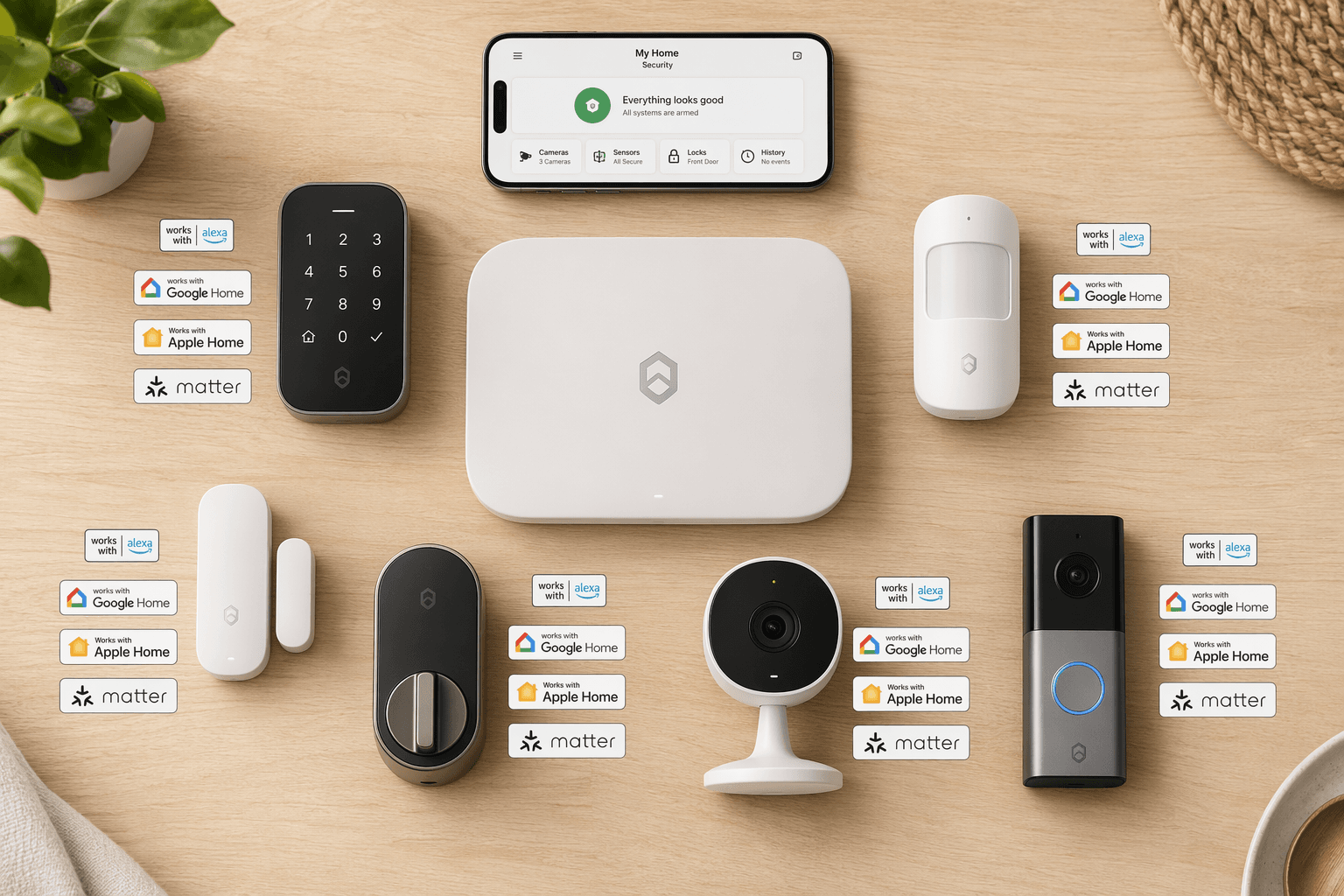
What Does “Works With” Actually Mean?
I have been burned by that checkmark before. A security system says it “works with Alexa.” You bring it home, set it up, and discover you can turn a light on but you cannot disarm the alarm by voice. Or the integration only shows a camera feed in the Alexa app but refuses to trigger a routine when motion is detected. The difference between a marketing checkbox and a real integration is where most buyers get tripped up.
After testing a handful of systems and digging into the compatibility tables from PCMag and Security.org, I have come to think of integration depth in three tiers:
- Level 1: Voice control for basic actions (turn on/off, arm system).
- Level 2: Voice arming and disarming, and live camera feeds on smart displays.
- Level 3: Full integration with platform automations — geofencing, routines, and triggers that work without extra workarounds.
Most articles flatten these into a single checkmark. This one will not.
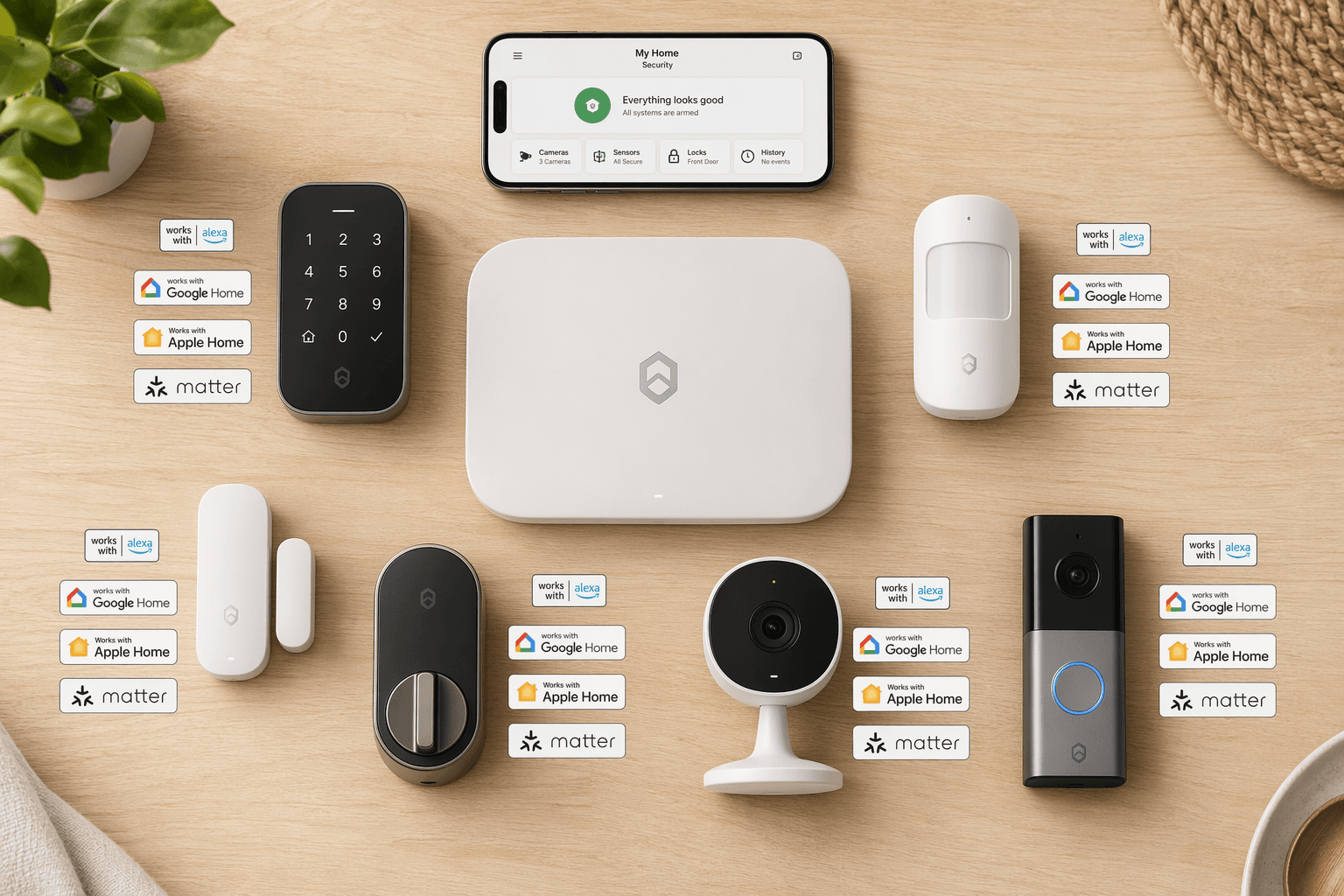
Ring and Alexa: The Native Advantage (With Walls)
Ring is the obvious choice for an Alexa household, and for good reason. Amazon owns Ring, so the integration runs deeper than any third-party system. You can arm and disarm the Ring Alarm Pro with your voice. Live camera feeds pop up on Echo Show devices automatically when someone rings the doorbell. Alexa Routines can lock your smart lock, turn off the lights, and arm the alarm with a single phrase like “Alexa, I’m leaving.” That’s Level 3 integration.
But “deep” does not mean “complete.” The Ring Alarm Pro lacks Google Assistant and Apple HomeKit entirely. It also skips IFTTT, which means you cannot build custom automation chains outside the Amazon ecosystem. If you ever want to add a non-Alexa smart home gadget, you are out of luck. PCMag confirms this limitation, and it is a real constraint if your household uses both iPhones and Android phones. You get Level 3 for Alexa, Level 0 for everything else.
Ring also dominates the market — 43% of security system users identify Ring as their primary brand, according to a 2026 SafeHome.org survey. That scale means the ecosystem gets constant updates and a huge accessory catalog. If you are all-in on Alexa, Ring gives you the smoothest experience. Just be aware of the walls around it.
For a secondary option, SimpliSafe supports Alexa and Google, but its automation depth is shallower — more like Level 2. You can arm and disarm with voice, but routines rely on IFTTT or Alexa Routines themselves — not native triggers from the SimpliSafe system. It works, but it adds a step.
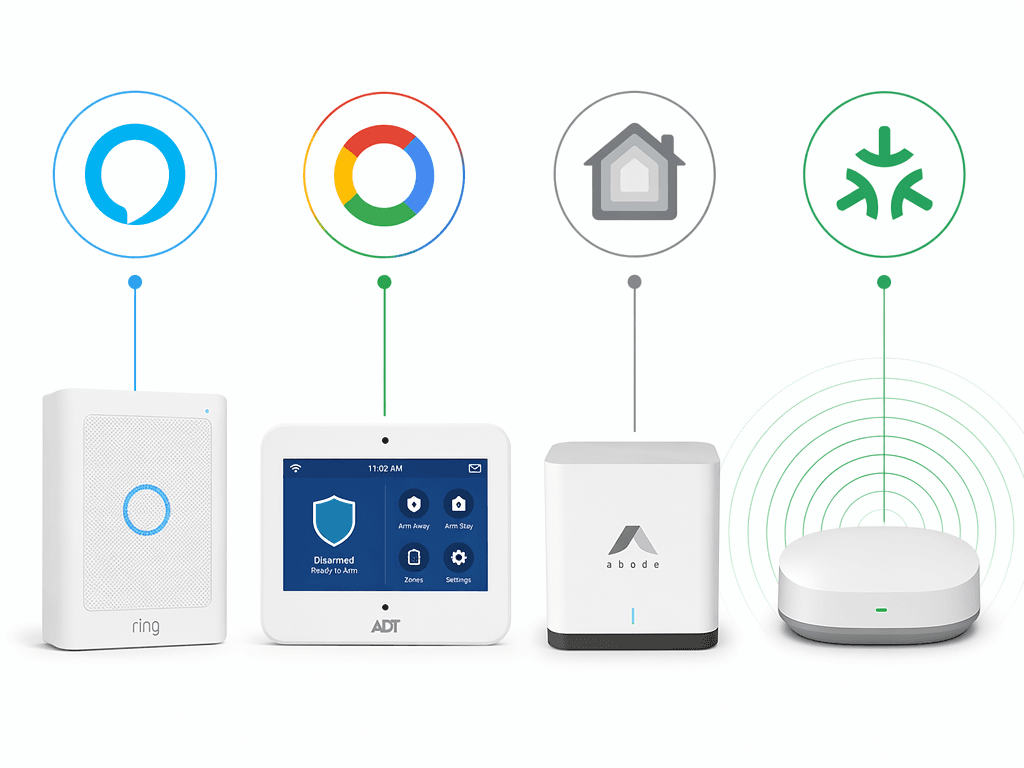
ADT and Google: Verifying the “Deepest Integration” Claim
ADT markets “the deepest Google integration.” I wanted to verify that. Here is what I found: ADT has an official partnership with Google Nest, which gives it native support for Nest cameras — including familiar face alerts and Trusted Neighbor features. You can control ADT through the Google Home app, set up automations like “turn on Nest Cam when the alarm arms,” and use Google Assistant to arm/disarm. That’s Level 3 on the Google side.
Security.org and PCMag both confirm that ADT’s Front Door Protection package works tightly with Google Nest and Yale smart locks. That means hardware you already own (if you are in the Nest ecosystem) slots right in. For a Google household, this is the closest you get to a native experience.
The catch? ADT requires a professional monitoring contract. You cannot buy a system outright and self-monitor — at least not without losing the integration benefits. That monthly fee ($28–$45) locks you in for 24–36 months. If you are comfortable with a contract, it is worth it. If you hate being tied down, look at Vivint or SimpliSafe — both support Google Assistant, but neither has the same depth as ADT’s official partnership.
Abode: HomeKit Without the Bridge (But a Smaller Catalog)
Apple HomeKit remains the hardest ecosystem to find good security system support. Most major brands — Ring, SimpliSafe, ADT — ignore it. Abode is the exception.
Abode’s Gateway and Iota hub offer native HomeKit support, not just a bridge. That means you can add it to the Apple Home app, control it with Siri, and — importantly — get full HomeKit Secure Video support for indoor cameras. This is Level 3 on HomeKit: you can set automations like “unlock the door when I arrive” and “arm the alarm when I leave” directly in the Home app, with no extra steps.
PCMag, Security.org, and CNET all list Abode as a HomeKit-native system. It also supports Z-Wave, Zigbee, and IFTTT, making it the most open system in this list. The trade-off is a smaller device catalog — Abode does not offer its own outdoor cameras or video doorbells yet, though you can integrate third-party ones that support HomeKit.
If you live in the Apple ecosystem and want a security system that feels like it was made for your phone, Abode is the clear pick. If you need a huge accessory catalog or outdoor cameras, you may have to supplement with a separate HomeKit-compatible camera set.
Matter: The Promise Still in Progress
Matter sounds like the ultimate solution: one standard that makes everything work together. And the numbers are promising — over 3,300 Matter-certified products as of 2026. But dig into that list and you will find mostly lights, plugs, and sensors. Security systems — cameras, alarm panels, motion detectors — are underrepresented. Matter 1.5, released in early 2026, added standardized camera transmission, but adoption is still early.
What this means for a buyer today: Matter is a good future-proofing factor, but it does not yet deliver the same depth of integration as Ring-Alarm-with-Alexa or ADT-with-Google. If you are building a home from scratch and want to avoid platform lock-in, consider a system that supports Matter as a secondary protocol — but do not expect it to replace native platform integration just yet.
Automations: The Real Test
The real test of a security system’s ecosystem fit is not voice control — it is automations. Can you set a geofence so the alarm arms when the last person leaves? Does a motion event trigger a routine that turns on the lights and sends a notification to your phone? Do those automations work reliably every time, or do they drop out after an app update?
Platform-native integrations win here. Ring’s Alexa Routines are the most reliable because the system and the voice assistant are built by the same company. ADT’s Google Home automations are a close second — geofencing is solid, and the Nest camera integration is genuinely useful. Abode’s native HomeKit automations run locally, without depending on cloud services, which means they work even if your internet goes down. That is a meaningful difference: when my neighbor’s Ring alarm failed during an outage, my Abode automations kept running.
The SafeHome.org survey reports that 28% of users already use AI person/package detection, and 39% say they want facial recognition. Treat that 28% as a sentiment indicator, not a precise usage number — it is self-reported. But it does tell you that buyers expect their security system to do more than just sound an alarm. Automation depth — the ability to say “if the camera sees a person, turn on the floodlight and send a notification” — is what separates a modern system from a dumb siren.
| Feature | Ring (Alexa) | ADT (Google) | Abode (HomeKit) | SimpliSafe |
|---|---|---|---|---|
| Voice arming/disarming | Yes, native | Yes, native | Yes, via Siri | Yes, via Alexa/Google |
| Geofencing | Excellent (Alexa Routines) | Good (Google Home) | Excellent (HomeKit) | Limited (via IFTTT) |
| Camera feed on smart display | Echo Show (native) | Nest Hub (native) | Not available | Not available |
| Multi-platform support | Alexa only | Google + Alexa | HomeKit + Alexa/Google | Alexa + Google |
| Reliability | Best in class | Good | Local, no cloud dependency | Moderate |
The Trade-Offs No One Tells You
Every recommendation in this article comes with a catch. I want you to walk away with your eyes open, not with a false sense of perfect fit.
- Ring: Best for Alexa, but zero support for HomeKit or Google. You also lose IFTTT. That is a walled garden, not a compromise.
- ADT: Deepest Google integration, but you must sign a 24–36 month monitoring contract. No month-to-month option. The integration is contingent on the contract.
- Abode: Native HomeKit and open protocol support, but a smaller device catalog — no own-brand outdoor cameras or doorbells yet. You will need to mix brands.
- SimpliSafe: Works with Alexa and Google, but automation depth is shallow (Level 2). No HomeKit at all.
- Matter-ready systems: Still early for security. Do not buy a system solely for Matter support today. The certification count of 3,300 is mostly lightbulbs and plugs, not security hardware.
Pricing is another variable. All of these systems run promotions (SimpliSafe often offers 60% off; Prime Day cuts Ring prices). Check our Smart Home Subscription Costs Tracker 2026 for the latest numbers on monitoring plans and cloud storage fees.
The Short Version
- If you use Alexa every day and own Amazon devices → get Ring Alarm Pro. Accept that you are locked into Alexa.
- If you have a Google Nest hub and want the smoothest Google experience → get ADT. The contract is the price of admission.
- If you are an Apple household and want native HomeKit → get Abode. You may need to supplement with third-party cameras.
- If you want maximum flexibility and do not mind a few extra steps → consider SimpliSafe for Alexa/Google, or a Matter-ready system if you are building for the long term and are comfortable with limited security options today.
No system is perfect, but the one that aligns with your existing platform will save you the most headaches. The checkmark means something — as long as you know which level of integration it actually represents.
For a broader view of the smart home ecosystem decision (not just security), read The Smart Home Ecosystem Trap: Which Platform to Buy Into in 2026.
Reader Feedback
Share your purchase experience, flag outdated picks, or ask clarifying questions about the checklist items.
Comments
Join the discussion with an anonymous comment.