
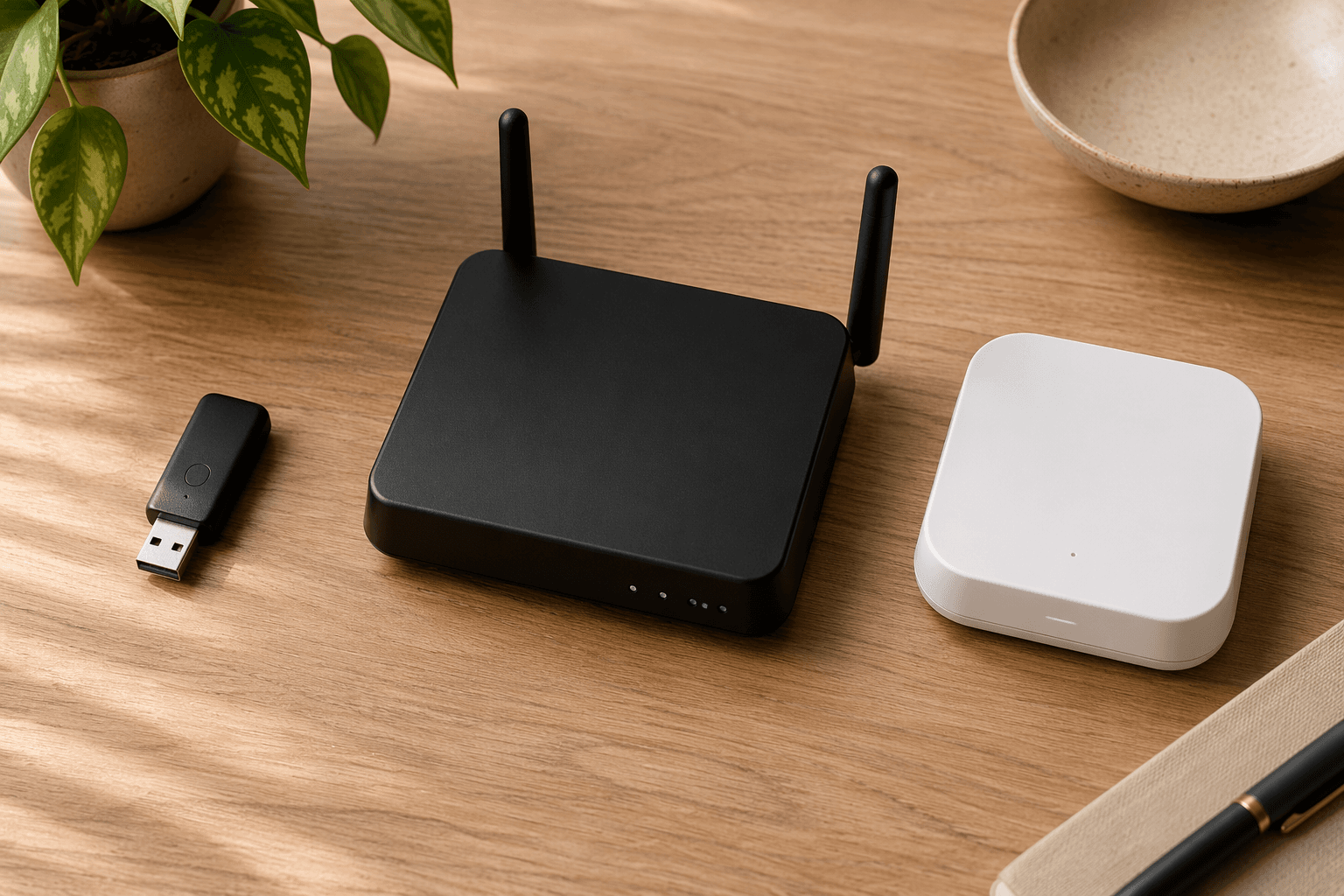
The best Z-Wave hub in 2026 is not the hub with the longest radio list. It is the one whose range, maintenance burden, automation model, and cloud dependence fit the house you are actually wiring up. If you only remember one warning before shopping: Matter certification does not mean a hub supports Z-Wave. A Matter hub, Thread border router, or general “smart home hub” may still have no Z-Wave radio at all, so Z-Wave buyers need to verify Z-Wave support explicitly before buying.[1][2]
That distinction matters because Z-Wave is still one of the better choices for locks, leak sensors, wall switches, shades, and battery sensors where reliability matters more than novelty. If you need the protocol basics first, start with this Z-Wave explainer. If you already know you want Z-Wave, the short version is simple: Hubitat C-8 Pro is the power-user pick, Homey Pro is the polished multi-protocol pick, Aeotec Smart Home Hub with SmartThings is the beginner-friendly cloud-first pick, and a Zooz or Aeotec USB stick is the cleanest Home Assistant route.
| Buyer profile | Best fit | Why it fits | Main catch |
|---|---|---|---|
| Power user, larger home, local automation | Hubitat Elevation C-8 Pro | Z-Wave 800 Long Range, external antennas, local processing, advanced rule logic | More setup and maintenance than a beginner hub |
| Multi-protocol enthusiast who wants one polished box | Homey Pro | Eight wireless protocols, strong app experience, broad device support | Higher price and Z-Wave 700 rather than Z-Wave 800 LR |
| Beginner who wants SmartThings simplicity | Aeotec Smart Home Hub / SmartThings | Easy ecosystem entry and familiar app-driven setup | Cloud dependency; do not confuse it with SmartThings Station |
| Home Assistant user | Zooz ZST39 LR or Aeotec Z-Stick | Low-cost Z-Wave controller path for an existing Home Assistant system | Not a standalone beginner hub |
First, make sure you are buying a Z-Wave controller
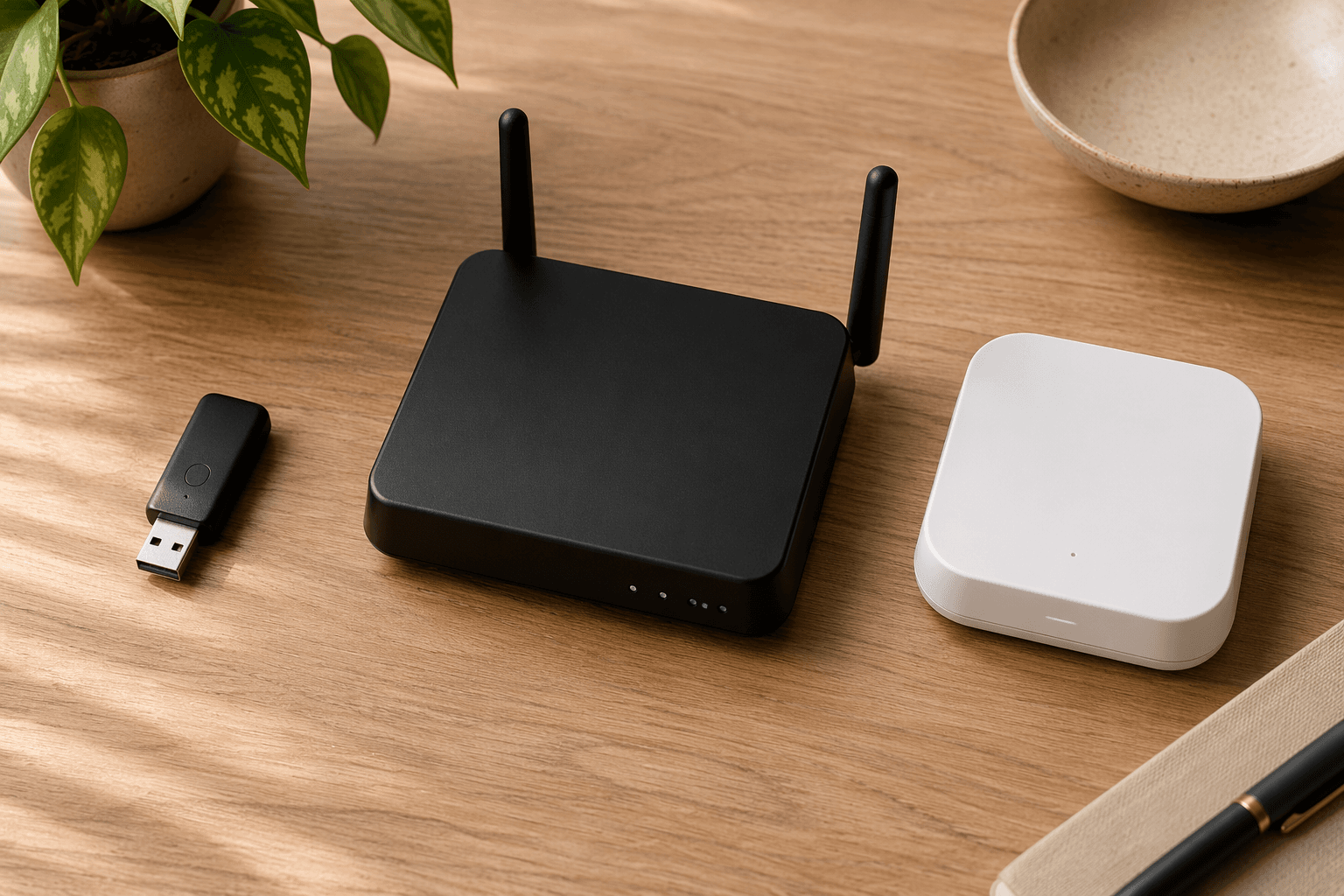
The easiest wrong purchase in this category is buying a product called a hub and assuming it speaks Z-Wave. SmartThings Station is the classic trap: it is an inexpensive smart home hub, but it does not include Z-Wave. That means it cannot directly control Z-Wave locks, switches, sensors, or modules despite sitting in the same mental shopping aisle as the Aeotec Smart Home Hub, which does support Z-Wave.[1][2]
The same confusion shows up around Matter. Matter helps with cross-platform device control, but it does not absorb Z-Wave into every certified box. If your shopping list includes Z-Wave door locks, in-wall dimmers, or leak sensors, look for the actual Z-Wave radio in the specifications. For a broader hub-versus-no-hub decision, see when you actually need a smart home hub and the separate Matter protocol explainer.
Hubitat C-8 Pro: the strongest dedicated Z-Wave pick for power users
Hubitat Elevation C-8 Pro is the one I would put in a house where the owner cares about local automation, has enough devices to justify serious rule logic, and does not want the controller to become the weak link when the internet drops. It is commonly priced around $160–$200 as of Q2 2026, and its real advantage is not just that it is “advanced.” It combines local processing, Z-Wave 800 Long Range, external antennas, and Hubitat’s Rule Machine in a dedicated controller that rewards careful setup.[1]
Z-Wave Long Range changes the design assumptions for certain homes. The Z-Wave Alliance describes Z-Wave LR as a star-network extension of Z-Wave with advertised range up to 1.5 miles line-of-sight, though indoor performance will be shorter once walls, appliances, metal boxes, and terrain get involved.[3] That line-of-sight number should not be read as a promise that a basement lock and a detached garage sensor will magically behave in every property. It does mean that a controller with Z-Wave 800 LR and good antenna placement gives you more room to solve range problems than older hub hardware.
The 800-series platform also matters for battery devices. Silicon Labs says Z-Wave 800 series reduces transmit current by up to 42% and receiver current by up to 600% compared with Z-Wave 700 hardware, enabling up to 10-year coin-cell battery life under the right device and usage conditions.[4] That does not turn every sensor into a decade-long device, but it is a meaningful chipset-generation difference if you are buying new locks, contact sensors, motion sensors, or leak sensors in 2026.
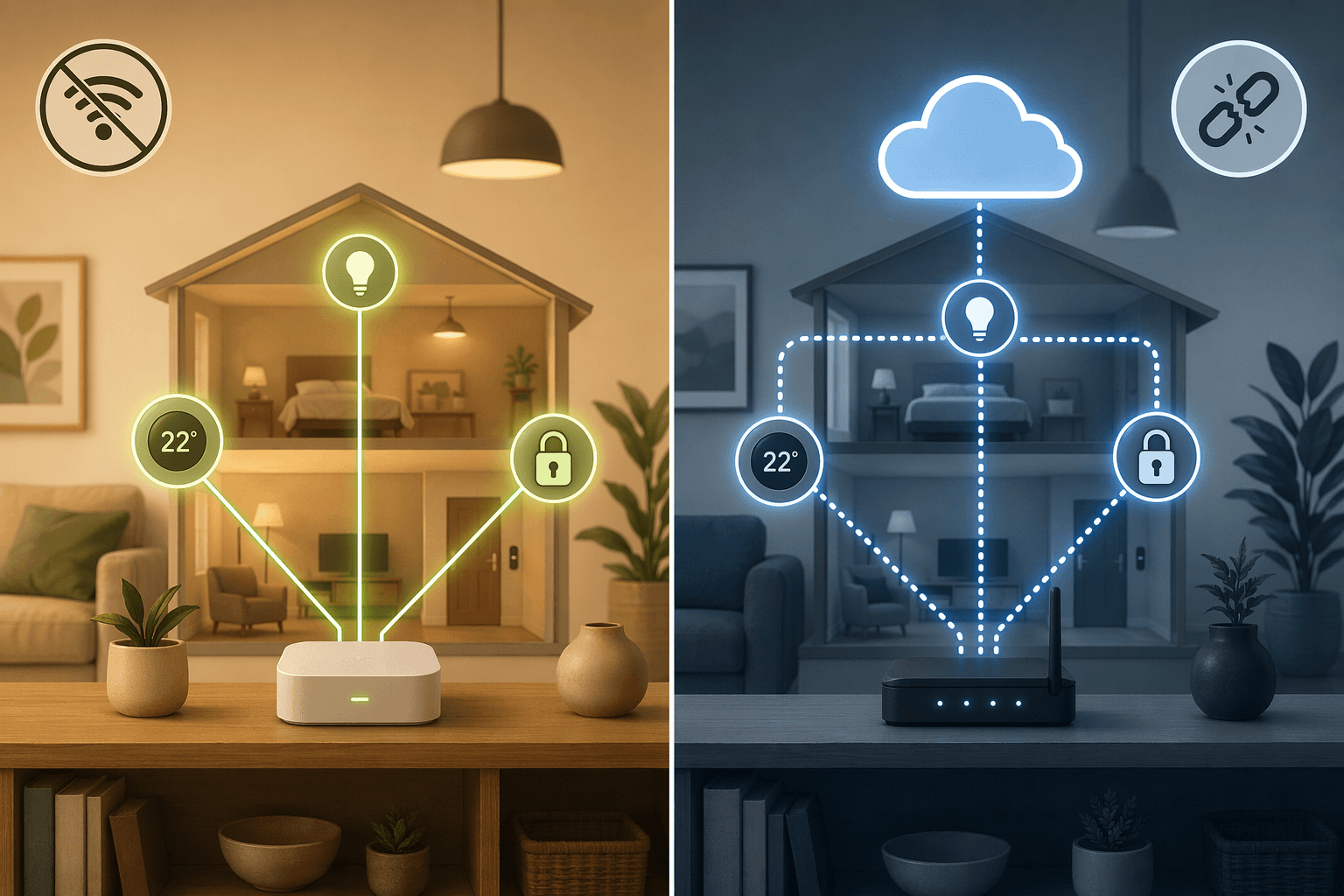
The other reason Hubitat belongs near the top is local control. When an automation runs locally, the controller can evaluate conditions and issue commands inside the home instead of waiting on a cloud service. That is the difference between a motion-triggered hallway light that keeps working during an internet outage and a cloud-routed automation that may not fire at all. If your house depends on automations for safety-adjacent routines such as water shutoff, access control notifications, or nighttime lighting, the location of the brain is not a philosophical detail. For a deeper reliability and privacy comparison, see local vs. cloud home automation.
The catch is that Hubitat is not the friendliest first smart home purchase. Rule Machine is powerful because it exposes the logic that simpler systems hide. That is excellent when you want conditions, modes, exceptions, schedules, and device states to interact in a precise way. It is less excellent when a beginner just wants a lock to trigger a light and does not want to learn why a rule failed at 11:40 p.m. Hubitat is the right kind of complexity for someone who will maintain it. It is the wrong kind for someone who will resent seeing the machinery.
When Z-Wave 800 Long Range is worth paying attention to
Z-Wave 800 LR matters most when at least one of these is true: the home is physically large, the controller cannot be centrally placed, you have outbuildings or edge-of-property sensors, you are buying many new battery devices, or you have already lived through weak Z-Wave coverage with older gear. In a compact apartment with a handful of nearby plug-in modules, it is less decisive. A good 700-series controller may be completely adequate there.
This is where spec-sheet shopping gets people into trouble. A buyer in a small condo may be happier with a simpler cloud-first system than with an advanced local controller they never learn. A buyer with a detached workshop, exterior gate, or long sensor run may regret saving a little money on older Z-Wave hardware. Range problems are the sort of thing that feel theoretical until you are standing in the driveway excluding and re-including the same sensor for the third time.
Homey Pro: the polished multi-protocol choice, with one Z-Wave caveat
Homey Pro is the hub for the person who wants the smart home to feel like one app instead of four ecosystems tied together with hope. The Early 2023 Homey Pro supports eight wireless technologies: Z-Wave, Zigbee, Matter, Thread, Wi-Fi, Bluetooth, 433 MHz, and infrared.[5] That is a genuinely broad radio stack, and it is the reason Homey keeps showing up in conversations with people who own a messy mix of remotes, bulbs, sensors, shades, thermostats, and bridges.
It also aims at a different user than Hubitat. Homey’s app-store model and visual flow-building approach are easier to explain to a non-coder than a deeply exposed rule engine. If the goal is a polished interface and broad device coverage rather than maximum local Z-Wave range, Homey Pro makes sense. Its device-support story is also unusually large, with Homey describing support for more than 50,000 devices.[5]
Now the caveat: Homey Pro Early 2023 uses Z-Wave 700 series, not Z-Wave 800 Long Range.[5] That does not make it bad. It does mean buyers should not treat it as equivalent to Hubitat C-8 Pro for Z-Wave LR planning. If your main problem is a sprawling Z-Wave deployment or edge-of-property reach, Homey’s broad protocol support does not erase the chipset distinction.
Price also changes the recommendation. Homey Pro commonly sits around $349–$449 as of Q2 2026, making it substantially more expensive than a dedicated Z-Wave hub or USB controller path.[1][5] That premium can be justified if you actually use the radio breadth and the polished control layer. It is harder to justify if all you need is a Z-Wave controller for Home Assistant or a mostly Z-Wave switch-and-lock installation.
There are two naming details to watch before buying. Homey Pro Mini lacks Z-Wave, so it is not a substitute for Homey Pro if Z-Wave is on your device list.[5] A 2026 Homey Pro model has been announced, but the available sourced material did not confirm its Z-Wave chipset details, so mid-2026 buyers should verify the exact model and radio specifications before treating it as an 800 LR upgrade.
Aeotec Smart Home Hub and SmartThings: the beginner path, if you accept the cloud
The Aeotec Smart Home Hub running SmartThings is the most comfortable recommendation for someone who wants Z-Wave support without taking on a hobby. It is commonly priced around $130–$150 as of Q2 2026, supports Z-Wave through the SmartThings ecosystem, and gives beginners a familiar app-led setup path.[1] If the buyer is installing a few locks, sensors, outlets, and switches and wants household members to understand the app quickly, that simplicity has value.
The trade-off is cloud dependency. SmartThings automations are routed through Samsung’s cloud, which means automations can fail during an internet outage.[6][7] For some homes, that is acceptable. If the main routines are convenience automations—lamps, scenes, voice-triggered controls—the occasional outage may be annoying rather than serious. If the system is expected to keep critical routines alive without internet service, a local-first controller is the safer match.
This is not a moral judgment against cloud systems. Cloud-backed platforms can be easier to share, easier to onboard, and less intimidating for people who do not want to manage a local automation box. The problem is pretending the trade-off does not exist. The buyer who chooses SmartThings should be doing it because app simplicity and ecosystem convenience matter more than local autonomy, not because the packaging made every hub sound interchangeable.
Also be careful with Aeotec model names. The older Aeotec Smart Home Hub is the SmartThings-compatible Z-Wave choice discussed here. If you are comparing versions, check Aeotec Smart Home Hub V3 vs V4 before buying, because the V4 / Smart Home Hub 2 drops Z-Wave. Do not buy SmartThings Station for Z-Wave; it lacks the radio.
Home Assistant users should not overbuy the box
If you already run Home Assistant, the best Z-Wave hub may not be a hub-shaped product at all. A Zooz ZST39 LR or Aeotec Z-Stick gives Home Assistant the Z-Wave radio it needs without forcing you into another automation platform. The typical price range is roughly $35–$70, which makes the USB-stick path the lowest-cost serious option in this guide.[1]
This is not a budget hack. It is the clean choice when Home Assistant is already the system of record. You keep your automations, dashboards, integrations, and device history in one place, then add the Z-Wave controller hardware the platform needs. Paying for a polished standalone hub can be wasteful if you are only going to bridge it back into Home Assistant and ignore most of its own app experience.
The warning is just as important: a USB stick is not the beginner shortcut. It assumes you are comfortable installing and maintaining Home Assistant, managing Z-Wave JS or the relevant integration path, backing up configuration, and troubleshooting when a device interview fails. For the right user, that is normal ownership. For the wrong user, it is the first weekend of a project they never meant to start.
The local-versus-cloud decision is the real fork in the road
Most Z-Wave hub comparisons spend too much time counting supported device brands and not enough time asking who is waiting when the automation fails. If a light scene misses once, someone taps the app. If a water sensor fails to trigger a shutoff, the consequence is different. If a lock routine depends on a cloud service during an outage, the person troubleshooting it will not care how friendly the app looked on day one.
| If this matters most | Lean toward | Why |
|---|---|---|
| Automations must run during internet outages | Hubitat C-8 Pro or Home Assistant with a Z-Wave stick | Local processing keeps the control loop inside the home |
| Household members need the easiest app experience | Aeotec Smart Home Hub / SmartThings | Cloud-backed ecosystem simplicity lowers the learning curve |
| One polished interface for many protocols | Homey Pro | Its broad radio support reduces the number of separate bridges |
| Lowest-cost Z-Wave control for an existing DIY platform | Zooz ZST39 LR or Aeotec Z-Stick | The USB stick adds the radio without buying another hub platform |
Privacy follows the same line. Local systems can reduce how much routine automation traffic leaves the home, while cloud systems usually trade some of that local autonomy for easier remote access and ecosystem convenience. If platform privacy is part of the decision, compare the broader ecosystem choices in Smart Home Platform Privacy Compared before committing to a hub family.
What about Z-Wave 2025B?
Z-Wave 2025B is worth knowing about, but it should not distort a 2026 hub purchase. The Z-Wave Alliance says the 2025B specification is certifiable from January 2026 and adds support for self-powered energy-harvesting WOEEN devices plus on-device Active Scheduling.[8] That points to where the standard is going: lower-power devices, smarter device-side behavior, and less dependence on constant battery maintenance.
The practical limit is availability. A specification becoming certifiable is not the same as shelves being full of mature products. Unless you are deliberately buying into early hardware that documents support for those features, 2025B should be treated as a signal, not the main reason to choose one hub over another today.
A practical buying order
Start with the devices you already own or plan to buy. If there are no Z-Wave devices on that list, you may not need a Z-Wave hub at all. A general smart home controller comparison such as Best Smart Home Controller 2026 may be a better starting point.
- Confirm the hub has an actual Z-Wave radio. Do not rely on words like “smart hub,” “Matter,” or “works with many devices.”
- Decide whether local automation is a requirement or a preference. If internet-outage behavior matters, favor Hubitat or Home Assistant.
- Decide whether Z-Wave 800 Long Range matters for your property. Large homes, detached structures, difficult hub placement, and new battery-heavy deployments make it more relevant.
- Match the platform to the person who will maintain it. A powerful hub that nobody understands becomes fragile in practice.
- Check the exact model name before checkout. Homey Pro Mini is not Homey Pro for Z-Wave purposes, and SmartThings Station is not the Aeotec Smart Home Hub.
If you choose Hubitat, budget time for careful inclusion, naming, and rule design. If you choose SmartThings, understand which routines depend on the cloud. If you choose Homey Pro, make sure its broad protocol support is something you will actually use. If you choose Home Assistant with a stick, make backups before you turn a working network into an experiment. For post-purchase basics, keep how to set up a home automation controller handy, and if a smart lock is your first Z-Wave device, use a dedicated Z-Wave smart lock setup guide.
So, which Z-Wave hub should you buy?
Buy Hubitat C-8 Pro if you want the strongest dedicated Z-Wave controller, local automation, Z-Wave 800 Long Range, external antennas, and advanced rule control. Buy Homey Pro if you want a polished multi-protocol appliance and accept that its Early 2023 Z-Wave radio is 700 series, not 800 LR. Buy Aeotec Smart Home Hub with SmartThings if you are a beginner who values app simplicity and accepts cloud dependency. Buy a Zooz ZST39 LR or Aeotec Z-Stick if Home Assistant is already your chosen brain.
The longest feature list is not the win. The win is choosing the controller whose maintenance burden, range capability, and cloud dependence match the home you actually have.
References
- Best Z-Wave Hubs (2026 Update) — LinkdHOME.
- Best smart home hubs 2026 — Tom's Guide.
- Z-Wave Long Range vs Z-Wave — Z-Wave Alliance.
- Introduction to Z-Wave 800 Series — Silicon Labs.
- Comparing Homey Pro and Hubitat — Homey.
- Home Assistant vs SmartThings vs Hubitat — DEV Community.
- Best smart home systems 2026 — PCWorld.
- Introducing the Z-Wave 2025B Specification — Z-Wave Alliance.
Reader Feedback
Share your purchase experience, flag outdated picks, or ask clarifying questions about the checklist items.
Comments
Join the discussion with an anonymous comment.