
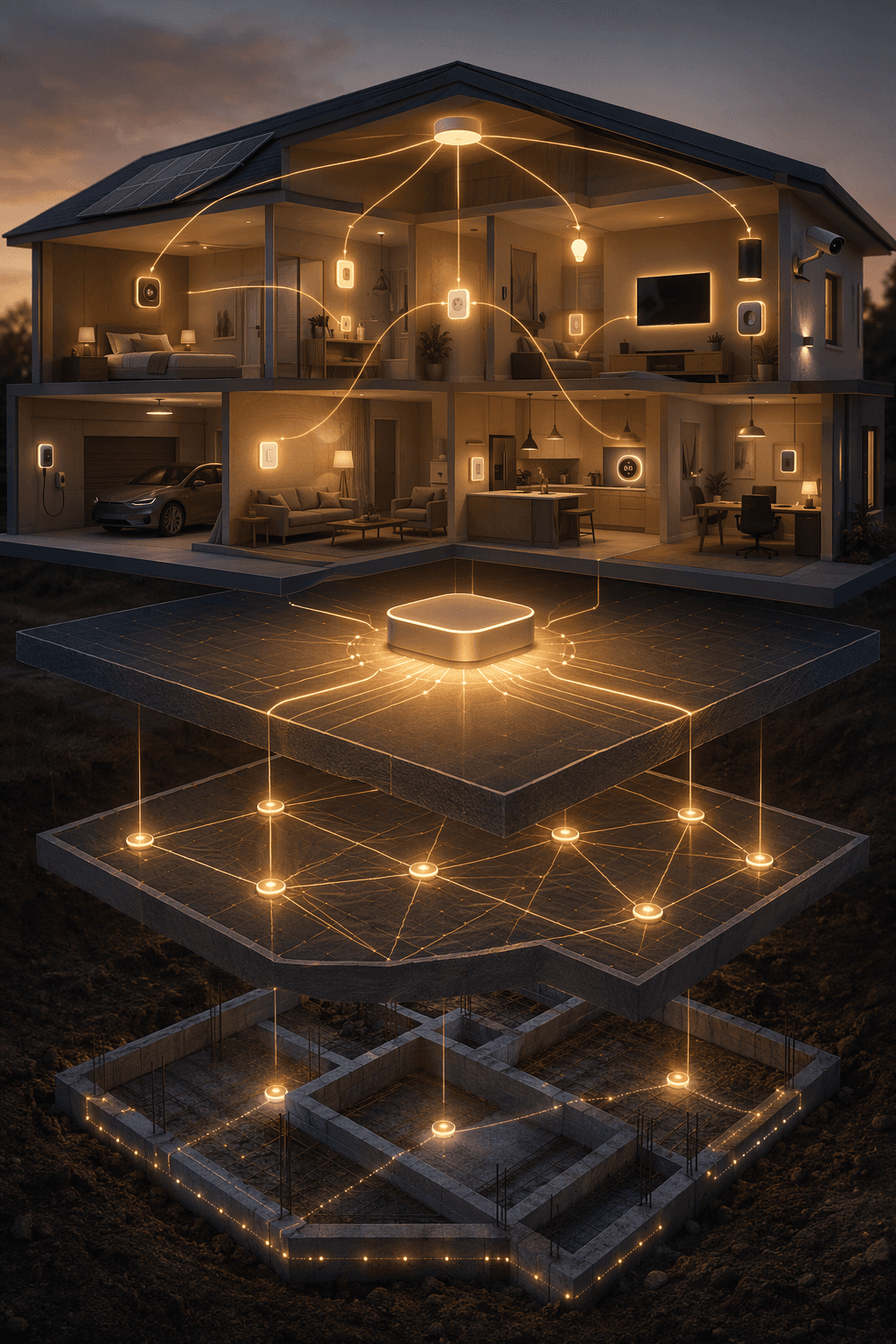
A smart home automation system starts to feel broken long before anything actually fails. You have a speaker in the kitchen, a plug behind a lamp, a bulb in one bedroom, maybe a camera at the front door, and each one technically works. The problem is that none of it behaves like one system. One app owns the light. Another owns the camera. The wall switch still kills the smart bulb. Someone else in the house does the normal human thing, flips a switch, and the whole “automation” disappears.
The fix is not to buy a better gadget next. The fix is to make decisions in the right order: network first, backbone platform second, rooms third, sensors fourth, and cross-device automations last. That sequence prevents the expensive kind of smart-home failure: returns, re-buying, extra hubs, abandoned automations, and a house full of devices that only one person knows how to operate.
Forbes’ 2026 smart-home guidance puts the network at the front of the job and also flags a setup-frustration return figure of 22%, which is best treated as a warning sign rather than a universal law: a lot of smart-home disappointment happens during pairing, app switching, and unreliable daily control, not after a device has quietly done its job for months.[1]
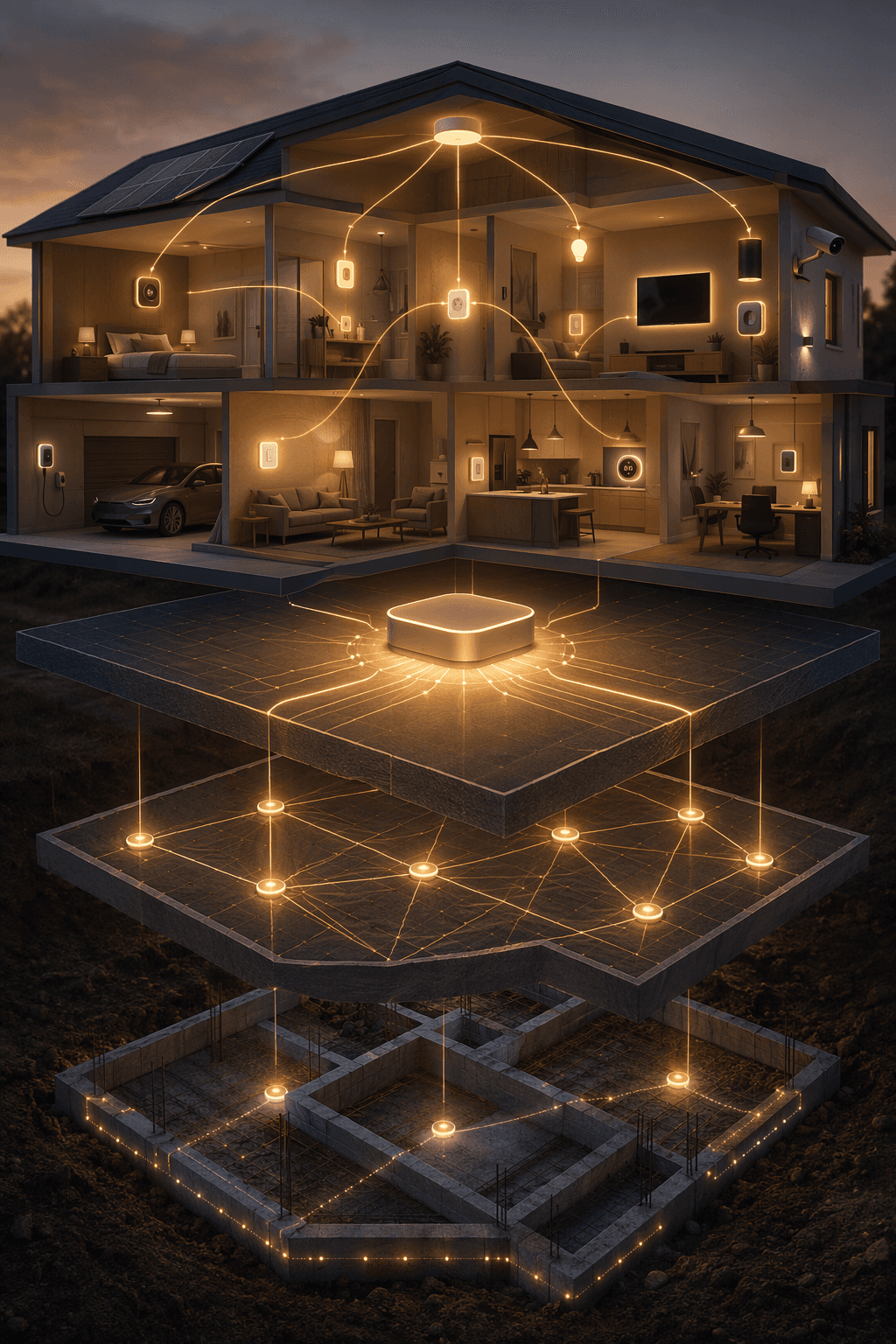
The build order that keeps the system from fragmenting
Before choosing devices, write the build path down. It does not need to be fancy. It needs to stop you from solving tomorrow’s problem with today’s impulse purchase.
| Order | Decision | What it prevents |
|---|---|---|
| 1 | Make the home network dependable | Devices dropping offline, slow cameras, failed pairing, weak rooms |
| 2 | Choose the control backbone | Three apps controlling three separate islands |
| 3 | Build one room at a time | Random device spread with no repeatable pattern |
| 4 | Prefer usable physical controls where people touch the house | Smart bulbs being disabled by ordinary wall-switch behavior |
| 5 | Add sensors after the basic devices are stable | Automations guessing instead of reacting to useful conditions |
| 6 | Create cross-device automations last | Complex routines failing because the underlying devices are unreliable |
This is why a smart speaker is not a system, even if it is a useful control point. A system has a dependable network underneath it, one main place to control and automate devices, and a room-by-room pattern that another person in the house can understand without opening a spreadsheet.
Start with the network, even if that feels less fun than buying devices
Most beginner smart-home advice gets exciting too early. It talks about lights, cameras, thermostats, and voice assistants while the router is still shoved behind a TV, a mesh node is sitting too far from the room it is supposed to help, and every camera is fighting for weak Wi-Fi at the same time.
For a 2026 build, the boring first upgrade is a solid Wi-Fi 6 or Wi-Fi 6E mesh network, with Ethernet backhaul wherever you can reasonably run it. Forbes treats the network as the smart-home foundation, and ListenUp’s 2026 guide also recommends a phased build that begins with a reliable Wi-Fi 6 mesh layer rather than device shopping.[1][2]
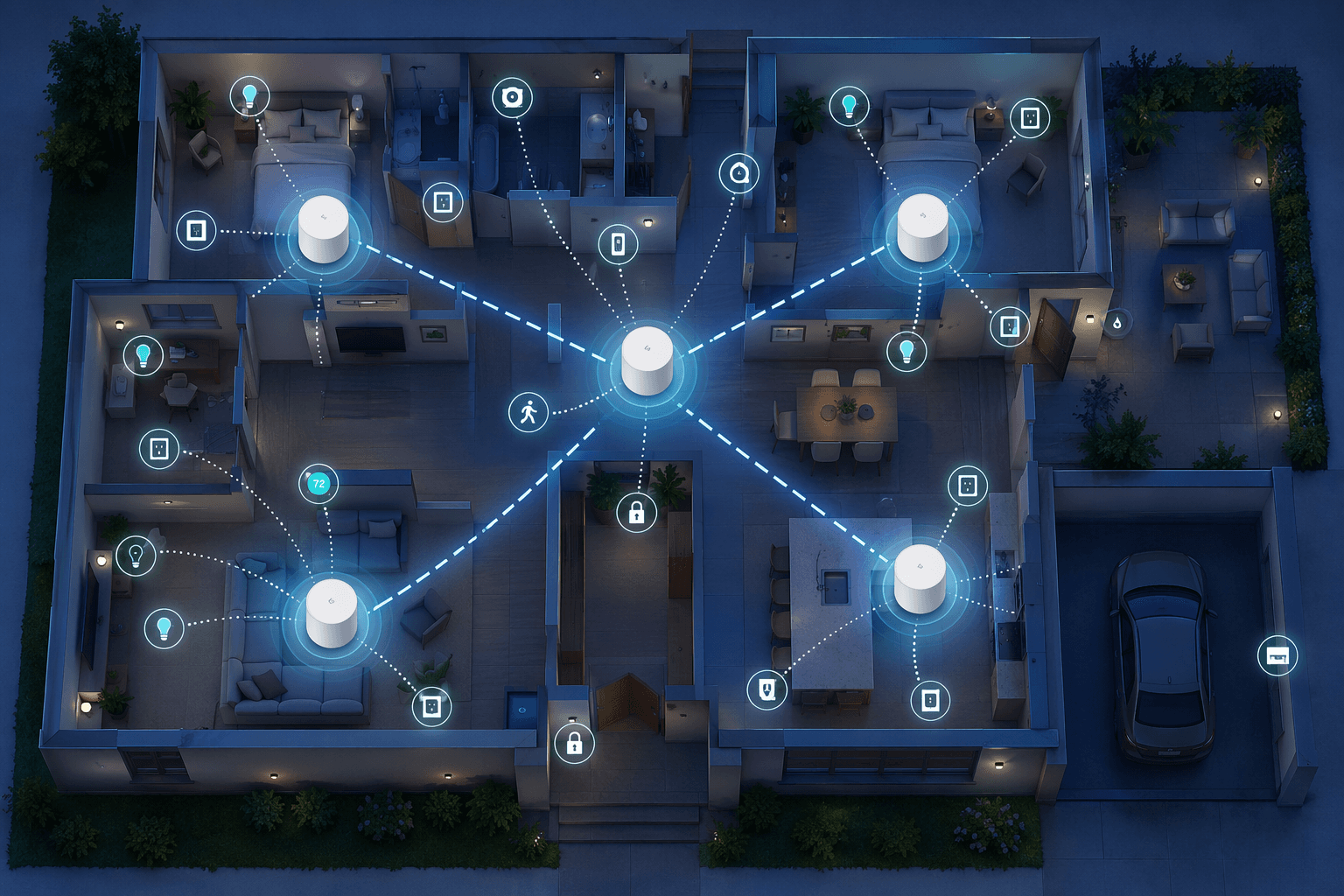
Ethernet backhaul matters because it lets mesh nodes talk to each other over wire instead of spending wireless capacity relaying traffic. If a cable is not realistic everywhere, prioritize the rooms where failure is most annoying: the office, the TV area, the front door camera location, and any room where you expect several smart devices to live.
Do this before buying more gear:
- Move the router or primary mesh node out from behind the TV, metal shelving, appliances, or a cabinet.
- Walk the house and note weak rooms before adding more smart devices to them.
- Use Ethernet backhaul for mesh nodes where possible, especially between floors or across long layouts.
- Keep cameras and other high-bandwidth Wi-Fi devices in mind when placing nodes.
- Do not judge a smart-home platform until the network underneath it is no longer the obvious suspect.
This step is also where protocol choices begin to matter. Wi-Fi is convenient and common, but not every device should be another Wi-Fi device. Vesternet’s beginner guide separates Wi-Fi from lower-power mesh protocols such as Zigbee and Z-Wave, which can improve reliability for sensors, switches, and small devices because they form their own mesh networks instead of loading everything onto the Wi-Fi router.[3]
Thread belongs in the same conversation, but not as a magic label. Spartan Concepts describes Thread as a mesh networking technology used by newer smart-home devices, while Matter is a compatibility standard intended to make devices work across major ecosystems. Those are related shopping signals, not the same thing.[4]
Choose one backbone before the house chooses three for you
Once the network is no longer the weak link, pick the main place where the household will control devices and where automations will live. This is the backbone. It may be Apple Home, SmartThings, Alexa, Google Home, Home Assistant, or another controller. The point is not that every device must come from one brand. The point is that daily control should not depend on remembering which app owns which light.
Do not turn this decision into a platform trophy contest. The right backbone is the one that fits the people living with the system, the devices you expect to add, and your tolerance for tinkering.
| Backbone tendency | Best fit | Plain trade-off |
|---|---|---|
| Apple Home | Households already deep in iPhone, HomePod, Apple TV, and privacy-focused defaults | Clean daily use, but device choice can be narrower than broader ecosystems |
| SmartThings | People who want a balance of approachable setup and expandable hub-based control | Good middle ground, but still requires compatibility checking |
| Alexa or Google Home | Voice-heavy homes and people who already use those assistants throughout the house | Broad ecosystem reach, but app and automation depth may not satisfy every power user |
| Home Assistant Green | Tinkerers who want local control, deep integrations, and long-term flexibility | Powerful and inexpensive hardware, but not beginner-easy |
Security.org’s 2026 smart-home device guide lists Alexa compatibility at more than 140,000 devices, Home Assistant at more than 2,500 integrations, Google voice AI accuracy at 93%, and Home Assistant Green hardware at $99.[5] Those numbers are useful, but they do not answer the whole question. A household that wants simple voice control may value a broad Alexa or Google ecosystem. A privacy-minded Apple household may prefer Apple Home even with a narrower device lane. A person willing to maintain their own system may find Home Assistant Green’s price and integration depth hard to ignore, while a beginner may find the learning curve too steep for a first backbone.
Matter makes this decision less punishing than it used to be, but it does not erase it. Spartan Concepts reports more than 850 Matter-certified devices by early 2026, which is encouraging for cross-platform device support.[4] It is not a promise that every advanced automation, device setting, or multi-platform routine will behave identically everywhere.
Before buying the next device, answer three questions:
- Which app or dashboard will the household use first when something needs to be controlled?
- Where will automations be created and edited?
- Which protocols will you deliberately support: Wi-Fi only, or a mix that may include Zigbee, Z-Wave, Thread, and Matter?
If that choice already feels like its own project, pause here and use a deeper home automation controller decision framework before buying more devices. A controller mistake is easier to avoid than to unwind after every room depends on it.
Build one room until it is boringly reliable
After the network and backbone are settled, pick one room. Not the whole house. One room where better control would actually improve daily life: a kitchen, living room, bedroom, entry, or home office.
Aqara’s beginner guidance recommends expanding room by room and layering sensors after the basic room devices are in place.[6] That order works because it gives you a repeatable pattern. You learn what your backbone sees cleanly, what your household actually uses, and which devices are annoying before you multiply the same mistake across six rooms.
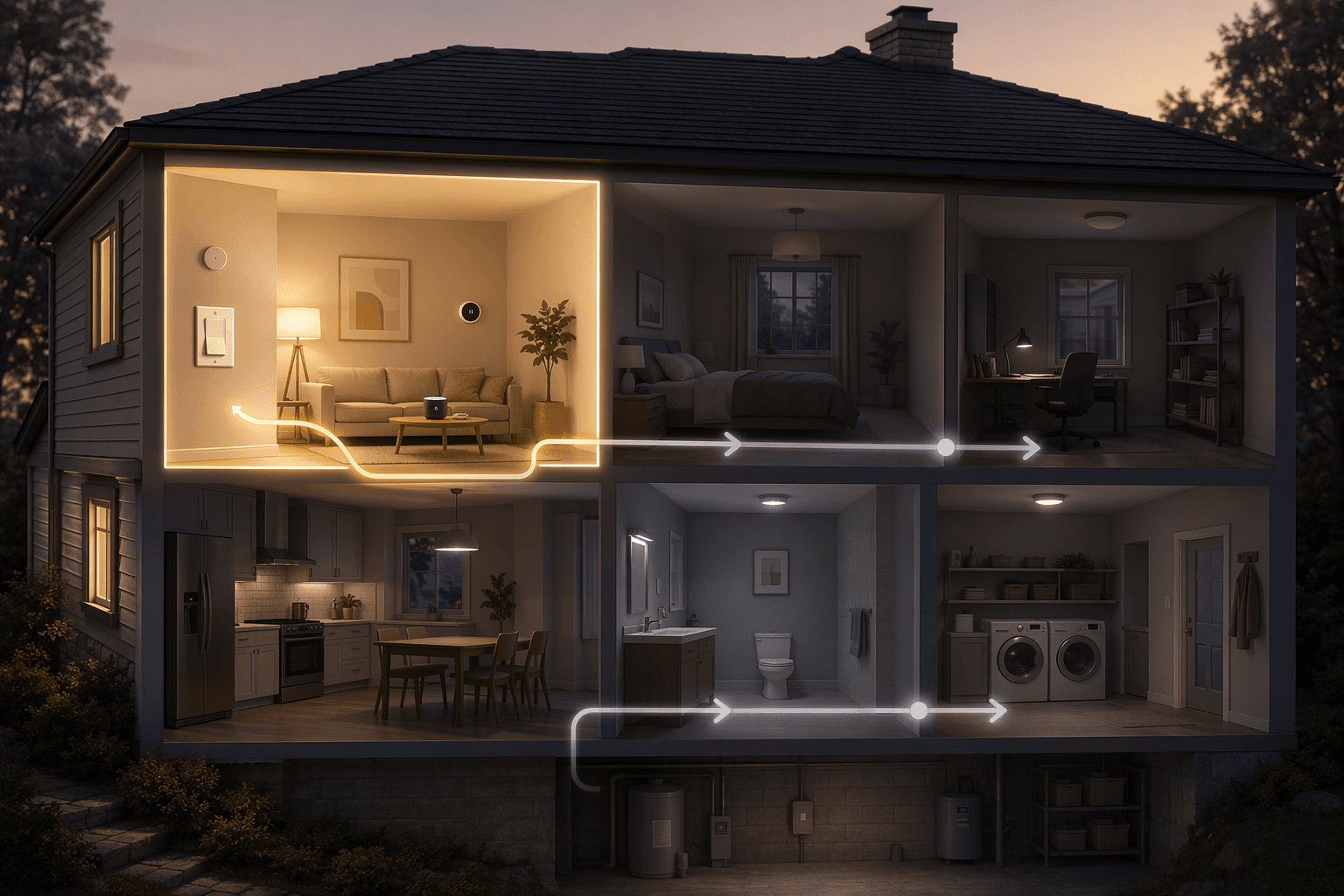
For a first room, start with the controls people already touch. That often means switches before bulbs.
Why switches usually beat bulb-only setups
Smart bulbs are useful. They are cheap, visible, renter-friendly in many situations, and good for lamps, accent lighting, color scenes, and quick experiments. The trouble starts when a smart bulb is installed in a ceiling fixture controlled by a normal wall switch. Someone turns the wall switch off, the bulb loses power, and the app or voice assistant can no longer reach it.
Forbes recommends smart switches over bulbs for many core lighting jobs because the physical control keeps working while the light remains part of the system.[1] That matters more than it sounds. Guests can press a switch. A spouse does not have to remember a voice command. A sleepy person can turn on the bathroom light without negotiating with an app. Automations survive ordinary behavior.
In owner-occupied homes, a smart switch or dimmer is often the more durable system choice for built-in lighting. In rentals, old homes without neutral wires, or situations where electrical work is off the table, bulbs, smart plugs, button controllers, and plug-in dimmers may be the practical path. The rule is not “never use bulbs.” The rule is “do not let bulb convenience define the architecture of the whole house.”
A good first-room pattern might look like this:
- Put main built-in lights on smart switches or dimmers where practical.
- Use smart plugs for lamps, fans, or simple on/off appliances that are safe to automate.
- Use smart bulbs where color, tunable white, or lamp-level control is the actual goal.
- Add one or two sensors only after the basic controls behave correctly.
- Name devices by room and function so another person can understand them later.
Once that room works for a week without anyone complaining, repeat the pattern in the next room. This is slower than buying a box of random devices on sale. It is also how you avoid owning a box of random devices six months later.
Treat protocols as infrastructure, not stickers on the box
By the second or third room, protocol sprawl starts to show up. One device is Wi-Fi. Another needs Zigbee. A lock wants Z-Wave. A newer sensor says Thread. The box says Matter. None of those labels should be read as a simple “works with everything forever” promise.
Vesternet’s beginner material is useful here because it explains why Zigbee and Z-Wave devices commonly rely on mesh behavior and a hub, while Wi-Fi devices connect through the home network directly.[3] Thread also uses mesh networking, and Matter aims to improve interoperability across ecosystems, but the actual experience still depends on the controller, device implementation, and supported feature set.[4]
| Label | What to check before buying |
|---|---|
| Wi-Fi | Is your network strong in that room, and are you adding too many small devices directly to Wi-Fi? |
| Zigbee or Z-Wave | Do you have the right hub or controller, and enough powered mesh devices to support the network? |
| Thread | Do you have a compatible Thread border router in the ecosystem you plan to use? |
| Matter | Which platform features are actually supported, not just whether the device can pair? |
This is where cheap devices can become expensive. A low-cost sensor that requires a separate bridge may still be a good buy if that bridge fits your plan. A slightly more expensive sensor that works cleanly with your existing backbone may be cheaper in the real sense: fewer apps, fewer accounts, fewer failure points.
When you are ready to compare actual purchases rather than architecture, a budget-organized smart home device guide is more useful after these constraints are clear.
Add sensors when they improve decisions
Sensors are where a smart home starts to become less dependent on commands, but they should not be sprinkled everywhere just because they are small. Add them where they answer a question the system needs answered.
- A motion or presence sensor answers: is someone here?
- A contact sensor answers: is this door, window, cabinet, or gate open?
- A temperature or humidity sensor answers: is this room different from what the thermostat thinks?
- A leak sensor answers: is water somewhere it should not be?
Aqara’s step-by-step beginner guidance emphasizes sensor layering as the system grows, not as the first move.[6] That distinction matters. A motion sensor controlling a light is only pleasant if the light itself is already reliable, named sensibly, and controllable by the wall switch when the automation guesses wrong.
IoT Breakthrough’s 2026 smart-home analysis also points to protocols and sensors as areas that are actually sticking, rather than novelty categories.[7] That does not mean every sensor is necessary. It means the useful direction is toward homes that react to conditions, not homes that require more voice commands for every small task.
Only then build your first cross-device automations
Cross-device automations are the reward for doing the dull work first. If the network is weak, the platform is undecided, and devices are scattered across apps, automations become theater: impressive when demonstrated, irritating by Tuesday.
Start with automations that are easy to notice, easy to override, and safe when they fail. Do not begin with a chain that locks doors, changes thermostats, turns off half the house, and depends on five people’s phone locations all being correct. Begin with one room or one daily transition.
| First automation | Good trigger | Devices involved | Why it is a sane starting point |
|---|---|---|---|
| Entry lighting | Door opens after sunset | Contact sensor, entry switch or light | Useful, visible, and easy to override with the wall switch |
| Bedtime assist | Button press, voice command, or scheduled window | Bedroom lamps, hallway light, thermostat mode if supported | One intentional action starts a small group of predictable changes |
| Away reminder | Household leaves or security mode changes | Selected lights, plugs, thermostat, notification | Can begin as a notification before you trust it to control more devices |
| Bathroom fan helper | Humidity rises above normal room behavior | Humidity sensor, fan switch | Solves a specific job without needing the whole house involved |
A good first automation plan for a living room might be this: smart dimmer on the main lights, smart plug on one lamp, motion or presence sensor only if the room layout supports it, and a simple evening scene that sets the lights to a comfortable level. The wall control still works. The app still works. Voice is optional. If the automation misfires, nobody is trapped in a dark room wondering which app to open.
That is the standard to hold. A coherent smart home automation system in 2026 is not the one with the most devices. It is the one where uncertainty has been narrowed in the right order: dependable network, chosen backbone, repeatable room pattern, usable physical controls, useful sensors, then automations that connect stable pieces.
If you reach this point and realize you are deciding between a DIY hub, a managed ecosystem, or a professional whole-home approach, step sideways into a broader smart home automation systems comparison before you scale beyond the first few rooms.
References
- How To Supercharge Your Smart Home In 2026 — Forbes, 2026-01-01
- 2026 Smart Home Guide: How to Build a Reliable, Future-Ready System — ListenUp
- Smart Home Automation for Beginners — Vesternet
- The Complete Guide to Smart Home Automation in 2026 — Spartan Concepts
- The Best Smart Home Devices of 2026 — Security.org
- How to Make a Smart Home for Beginners — Aqara
- The Smart Home in 2026: What's Actually Sticking — IoT Breakthrough
Implementation Notes
Share platform-specific tips, report that a recipe no longer works after a platform update, or contribute variations for different device combinations.
Comments
Join the discussion with an anonymous comment.