
Choose the tier before you choose the device
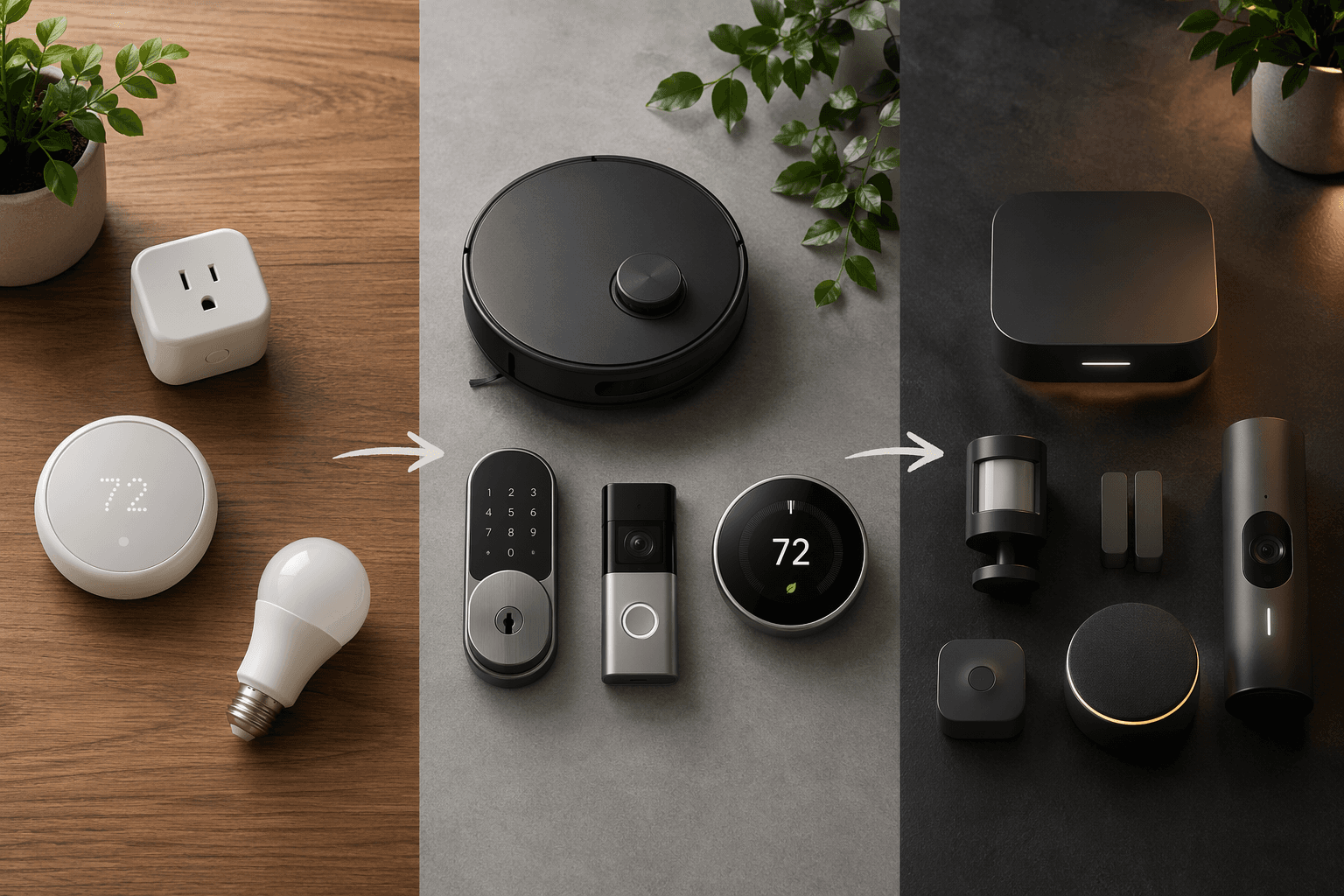
If the real question is what to buy with $200, $800, or $1,000 without wasting the first round, the cleanest answer is to shop by budget tier instead of by room or category. If you already know you want a lock, thermostat, camera, or lighting system, the category-by-category guide is the better companion. That keeps the first purchase useful now and still defensible six months later, which matters more than collecting the "best" device in every aisle.
| Tier | What to buy now | What can be reused later | Hidden cost warning |
|---|---|---|---|
| Starter under $200 | One smart plug, one basic thermostat if it replaces an old one, and one routine that gets used every day | Simple automations, voice routines, and a few standalone devices | Cheap Wi-Fi gear can become a dead-end if you later want tighter local control or one app for everything |
| Mid-Range $200–$800 | Thermostat, robot vacuum, smart lock, and one camera or doorbell | The devices that still make sense inside a larger system, especially thermostat and lock | Subscriptions, accessory fees, and hub requirements can quietly turn a mid-range cart into a premium bill |
| Premium $800+ | Professionally installed platform or a serious DIY-local-control core, then devices that fit it | The platform itself, not just the individual gadgets | Installation labor, licensing, and ecosystem lock-in matter more here than sticker price |
Starter under $200: make one thing useful immediately
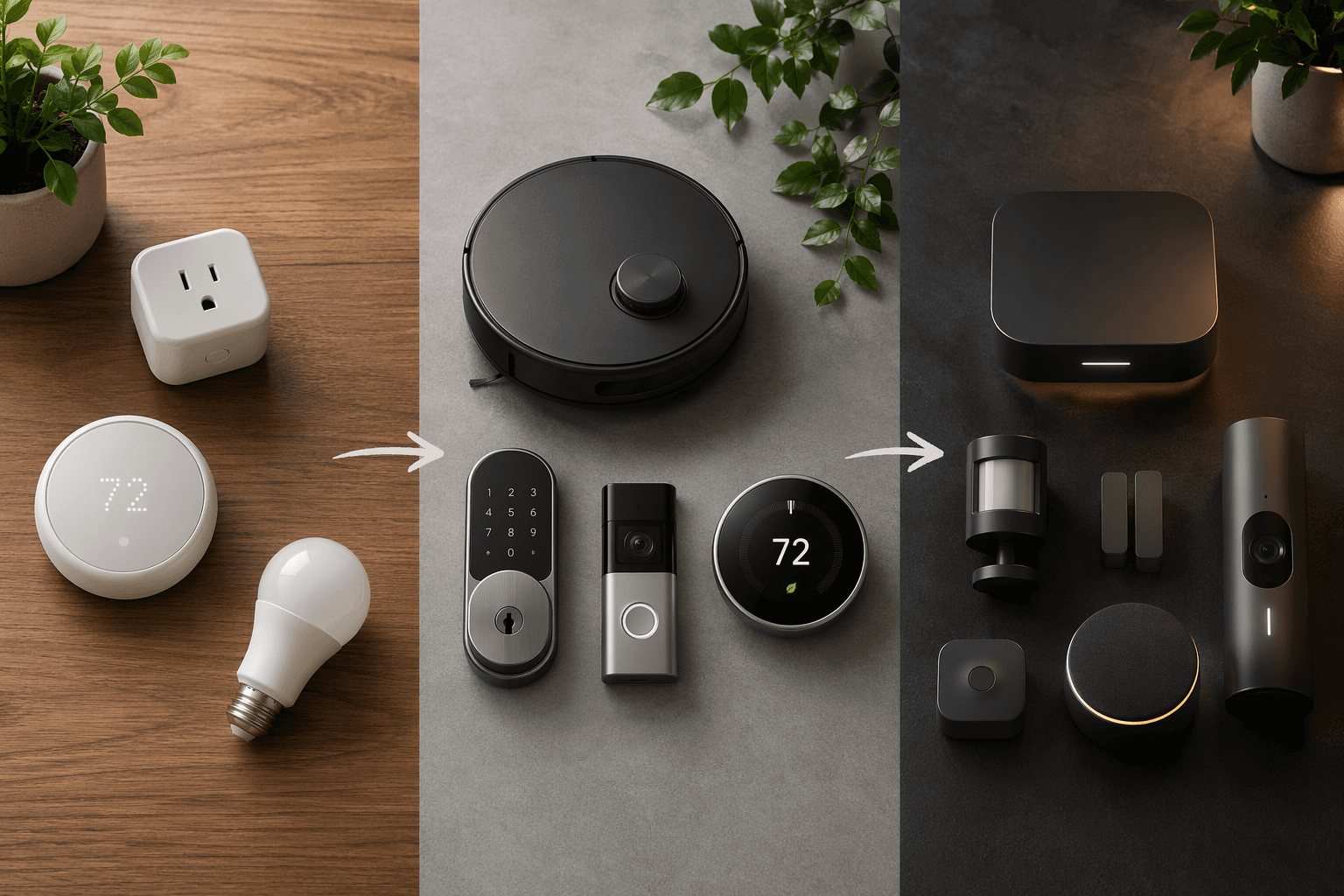
The cheapest practical entry is still a smart plug. A TP-Link Kasa Mini usually starts around $15–$20 and gives a beginner something they can actually feel the same day: schedules, lamp control, and simple energy-saving automations. That is why the Amazon Smart Plug profile and the Alexa Morning Routine recipe make sense as a first stop; they show how one device turns into one habit, which is the real test at this tier. For a thermostat, the Amazon Smart Thermostat around $80 and the Nest Learning Thermostat at $249 are more serious buys, but the payback story is part of the appeal: roughly 10% energy savings and a possible 1–2 year payback can make the purchase feel like household math instead of gadget spending [1].
Starter-tier mistakes are predictable. People buy three cheap devices from three different apps, then discover they have not built a system so much as a drawer of unfinished experiments. A better first cart is one plug, one useful routine, and, only if it replaces an existing thermostat cleanly, one thermostat. The beginner setup guide is the right companion once the box arrives, because the value at this tier comes from getting the first automation to run reliably, not from expanding too quickly.
Mid-Range $200–$800: where value is easy to miss
This is the budget range where people most often overspend without noticing. The cart looks reasonable because every item seems "mid-priced," but a thermostat, a robot vacuum, a lock, and a camera can add up fast once subscriptions and accessories appear. The right move is to buy devices that either lower operating cost or replace a task you already do every week.
A thermostat is the clearest example. The Nest Learning Thermostat at $249 or the Amazon Smart Thermostat at about $80 can pay for themselves in 1–2 years through roughly 10% energy savings, which puts them in a different category from ordinary convenience gadgets [1]. If heating and cooling is one of the biggest controllable bills in the house, this is often the first mid-range purchase that still looks sane after the novelty wears off. The Smart Thermostat Payback Period Calculator is the right next click if you want to check the math before buying.
Robot vacuums are the other mid-range trap, because the price jump to self-emptying models used to push buyers into the premium lane. The TP-Link Tapo RV30 Max Plus around $299 is interesting precisely because it brings a self-emptying feature that normally shows up in much more expensive machines down into a reachable price band [2]. That does not make every robot vacuum a bargain; it just means this one is doing more of the premium work for less money.
Cameras are where the hidden cost warning matters most. The Arlo Pro 6 asks about $8 per month for full features, so the true price is not the box on the shelf but the recurring fee that keeps the useful functions unlocked [3]. Eufy’s E30 is the cleaner no-subscription alternative if recurring costs are the thing you want to avoid [4]. Neither answer is universal. If you care most about polished app features and are comfortable paying monthly, Arlo still belongs in the conversation. If you want ownership to mean ownership, the no-subscription path stays much easier to justify over time.
A smart lock belongs in this tier too, but only when it solves a real access problem. The Kwikset smart lock lineup makes sense for buyers who want one door to handle codes, app access, or guest entry without turning the front door into a software project. It is worth checking the Kwikset profile before buying, because lock choices become annoying when you discover too late that you needed keypad access, not just Bluetooth control.
Premium $800+: pay for integration, not just expensive hardware
Premium is where the conversation changes. You are no longer only buying devices; you are buying coordination, installation labor, fewer app silos, and the calm that comes from not having to troubleshoot your own ceiling, wall, and network decisions. Professionally installed platforms such as Control4 can start around $5,000–$10,000 installed, and that price buys a level of integration that a box of sale-priced gadgets will not replicate by accident [5].
The DIY-local-control path lives in the same tier for intent, but not for cost. Home Assistant Green starts around $95 and gives buyers a serious local-control core at a fraction of the price of a full installed system [5]. That does not mean it replaces a professional installation for everyone. It does mean the premium fork is real: either pay for a polished, installed platform, or build a local-control stack yourself and accept the planning that comes with it. If ecosystem choice is still unclear, the Smart Home Platforms Compared guide and How to Choose a Smart Home System: Pick Your Ecosystem, Not the Spec Sheet are better next reads than any single-device roundup.
At this level, the useful question is not which device looks smartest on paper. It is whether the system reduces friction enough to justify the installed cost, the learning curve, or both. A premium setup earns its keep when the homeowner stops thinking about brand-by-brand compatibility and starts using the house as one system.
Buy in this order if you want to avoid stranded gear
- Choose the tier first: Starter under $200, Mid-Range $200–$800, or Premium $800+.
- Buy the first device that will change a daily habit or lower a real bill.
- Check subscriptions, hub needs, and installation costs before checkout.
- Add the next device only after the first automation is actually being used.
That sequence is the whole point of budget-first planning. It is not about spending as little as possible at every step. It is about making sure the first $200, $800, or $1,000 does not turn into stranded gear that never becomes part of a working system. If the thermostat math still feels close, the Smart Thermostat Payback Period Calculator is worth using before you buy. If you are ready to wire the first devices into routines, the beginner setup guide is the better place to start.
References
- CNET — Best Smart Home Devices of 2026: Upgrades for Every Room
- PCMag — The Best Smart Home Devices We've Tested for 2026
- CNET — The best smart home products of 2025-26
- PCWorld — The best smart home products of 2025-26
- TVS — 11 Best Smart Home Automation Systems for 2026 Compared
Reader Feedback
Share your purchase experience, flag outdated picks, or ask clarifying questions about the checklist items.
Comments
Join the discussion with an anonymous comment.