
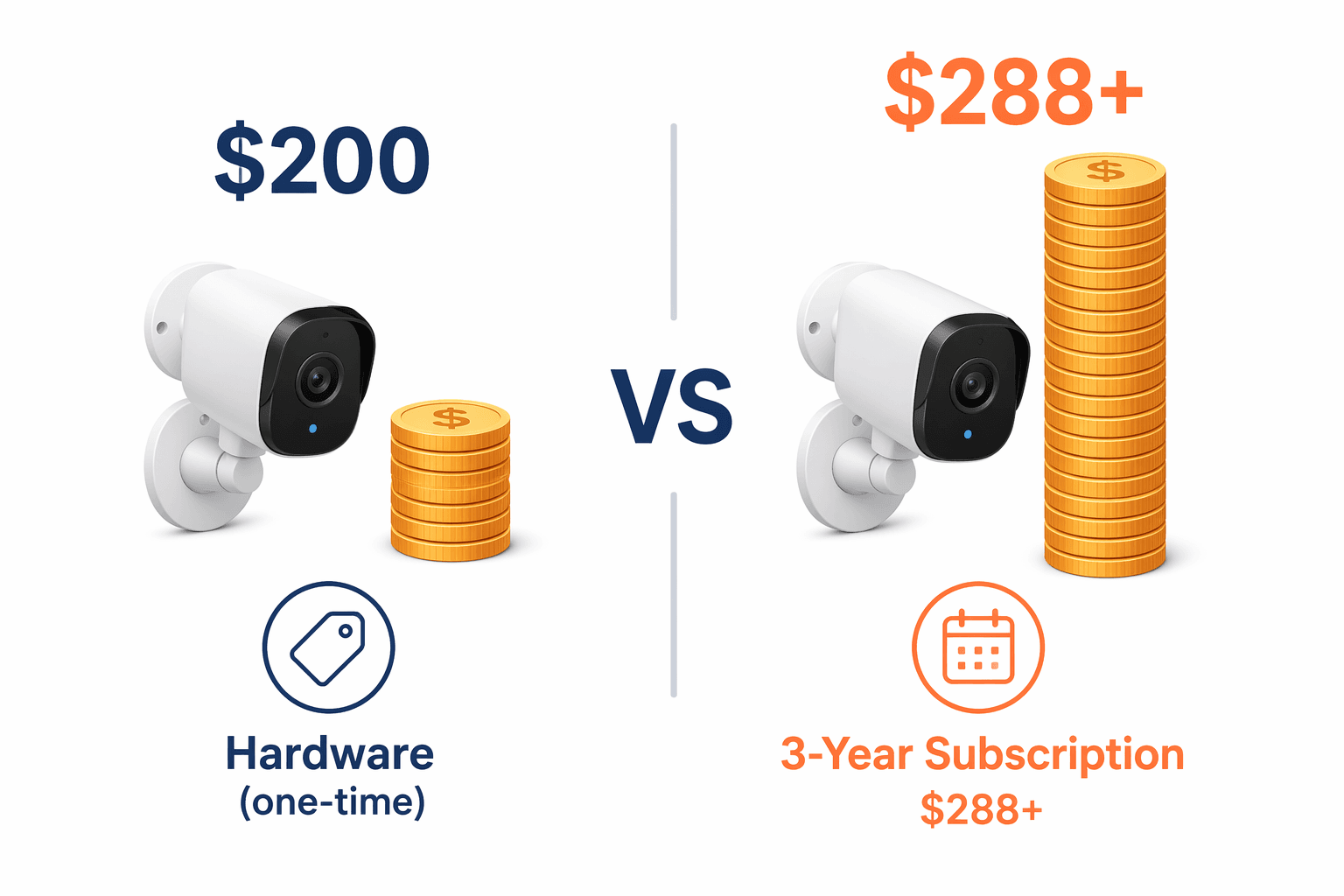
A $200 smart security camera is not necessarily a $200 purchase. Take the Arlo Pro 6: current mid-2026 pricing puts the camera hardware around $200, while the subscription needed for video storage and AI features starts at $8 per month. Leave it running for three years and the plan alone costs at least $288, before taxes or any future price changes. The fee has quietly become the larger number.
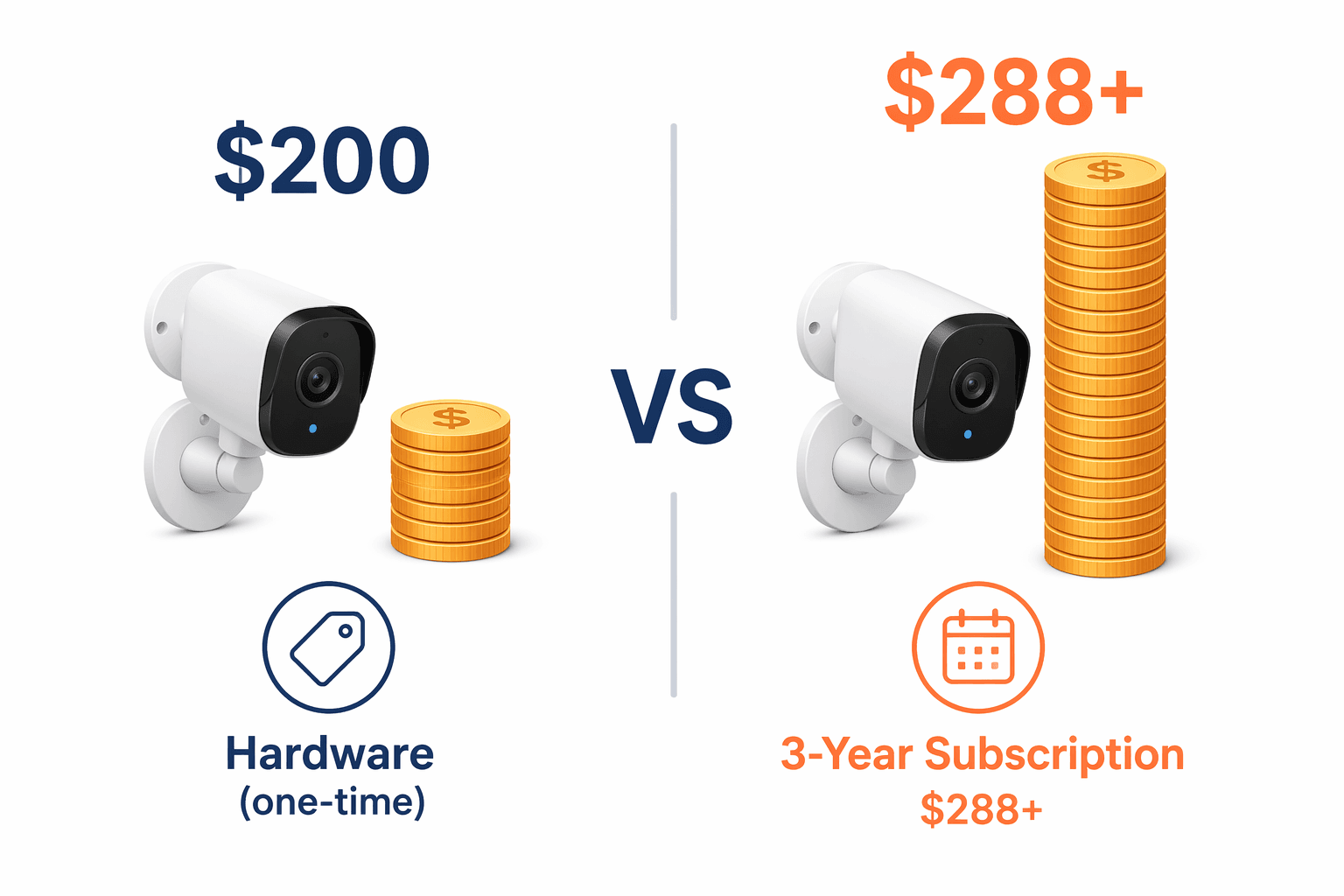
That is the useful way to shop for smart home products in 2026: not by asking what the box costs today, but by asking what the device keeps asking for after year two or three. The pattern is most obvious with cameras and doorbells, but it is spreading into speakers and displays as AI features move behind paid plans. Ring Protect plans currently run from $8 to $20 per month depending on tier, while Alexa+ costs $20 per month without Prime or is bundled with Prime at $139 per year, based on mid-2026 pricing. Those are not accessory costs if the feature you expected is on the other side of the paywall.
The broad smart-home market is large enough that this matters beyond a few annoyed buyers. One statistics roundup cites average U.S. smart-home device spending of $546.50, while Market.us projects the global smart-home market at $180 billion in 2026.[1][2] A recurring fee attached to even one or two devices can change the household math quickly.
The camera and doorbell bill is where the trap usually starts
Security cameras and video doorbells are the category to inspect first because the subscription often controls the features people assumed were basic: saved clips, event history, package detection, person alerts, and sometimes richer AI filtering. Live view may remain free, but a camera that only shows what is happening right now is a much narrower product than most people thought they were buying.
Here is the clean version of the Arlo math, using the mid-2026 figures in our Smart Home Subscription Costs Tracker 2026:
| Item | Cost |
|---|---|
| Arlo Pro 6 hardware | About $200 |
| Required plan for video storage and AI features | $8+ per month |
| Subscription cost after 3 years | $288+ |
| What becomes more expensive | The subscription, not the camera |
This is why the checkout price is a weak comparison tool. A camera with a slightly higher hardware price but usable local storage can be cheaper after a few years than a discounted camera that needs a cloud plan for normal use. PCMag’s 2026 smart-home device testing is useful for seeing current device categories and hardware pricing, but the subscription line is the part that decides whether the deal survives ownership.[3]
Ring deserves special attention because it is often a household’s first smart-home security purchase. The hardware is easy to understand: doorbell, app, alerts, maybe a chime. The plan structure is where the real decision sits. At $8 to $20 per month, a Ring Protect plan can add $288 to $720 over three years. That is before considering multiple cameras, professional monitoring, or future plan changes.
None of this means every cloud plan is a scam. Off-site storage can be useful if a camera is stolen, if you want easier sharing, or if you do not want to manage memory cards. The problem is when the product page sells the camera as a complete security device while the practical security record lives in a monthly plan. If saved video is the reason you are buying the device, then the plan is part of the purchase price.
The cheapest camera is often the one with local storage
The brands worth a closer look are the ones that keep core recording usable without a required cloud plan. Eufy and TP-Link Tapo both offer models with local microSD storage and no mandatory cloud fee, according to product-spec coverage and PCWorld’s reporting cited in the research brief. That does not make every model perfect, and it does not remove privacy or security due diligence. It does change the cost curve.
For camera buyers, the better first questions are boring and very effective:
- Can it record locally without a subscription?
- Are person, package, vehicle, or pet alerts free, paid, or partly limited?
- How many days of video history are included without paying?
- If the company raises the plan price, does the device remain useful?
- Does the three-year subscription cost exceed the hardware price?
That last question is blunt, but it filters the category fast. If a $150 to $250 camera needs $8 per month to keep the features you bought it for, the subscription overtakes the hardware in roughly two to three years. For a multi-camera home, the math gets irritating much sooner.
AI features are turning speakers and displays into subscription products
Smart speakers used to be the cheap entry point: buy the puck or display, ask for timers, music, weather, routines, and smart-home control. In 2026, the hardware is still cheap enough to impulse-buy, but the more capable assistant features are starting to look like software subscriptions attached to small appliances.
Alexa+ is the clearest example. Amazon’s mid-2026 pricing puts it at $20 per month for users without Prime, while Prime members get it bundled into a Prime plan priced at $139 per year. That bundling matters. A Prime household may see Alexa+ as included; a non-Prime household should treat it as a $240-per-year assistant upgrade.
This is a different kind of hidden cost than cloud video storage. With a camera, the fee often controls the archive. With speakers and displays, the fee may control the more advanced assistant layer: better conversations, smarter help, richer automation, or AI features that make the device feel current. The old device may still work. It may just stop being the version shown in the most exciting demo.
Ecosystem size can make that fee feel easier to accept. Security.org’s smart-home platform guide cites Alexa at more than 140,000 compatible devices, Google at more than 50,000, and Apple at more than 1,000, though those counts can overlap and depend on methodology.[4] Compatibility is useful, but it should not distract from the recurring cost attached to the assistant you plan to use every day.
The practical move is to separate control from convenience. Basic control of lights, plugs, thermostats, locks, and routines should not require a premium AI plan. If the subscription only adds optional assistant polish, that may be acceptable. If the device starts to feel intentionally half-finished without the plan, that is a different purchase than the shelf tag suggested.
Thermostats are the cleaner exception
Smart thermostats are one of the few smart home products where the financial case can still be straightforward. Nest and Ecobee-style thermostats are not usually built around a required monthly fee for core use, and the savings can offset the hardware. ENERGY STAR and DOE-based guidance commonly uses an average savings figure around 10% on annual HVAC costs, which works out to roughly $155 to $237 per year for a typical single-family home. Actual savings vary widely by climate, occupancy, HVAC type, and existing habits, with site guidance noting ranges from 2% to 26%.
That is why thermostats should be judged differently from cameras. A camera subscription is often a cost added to a device that does not directly lower a utility bill. A thermostat can pay back the purchase in one to two years if the household’s heating and cooling patterns leave room for savings. For a deeper breakdown, see Smart Thermostat Savings in 2026 and Smart Thermostat Energy Savings Decoded.
The caution is not to over-credit the thermostat before checking your home. Someone who already runs an efficient schedule in a mild climate will not see the same payoff as a household with big heating and cooling swings. Still, the category is refreshingly normal: buy device, use device, maybe save money. That should not feel rare, but here we are.
Smart locks are usually not the subscription problem
Smart locks are less dramatic. Yale, Level, and similar lock makers may offer optional bridges, keypads, app features, or ecosystem integrations, but the core value is usually local and physical: unlock the door, share access, auto-lock, keep a keypad code, or connect to a smart-home platform. A good lock should not need a monthly plan to remain a lock.
That does not make every lock cheap. Hardware can be expensive, installation can be annoying, and battery behavior matters. But compared with cameras and AI assistants, smart locks are not usually where a household gets ambushed by a three-year subscription total. If the lock you are considering does require a plan for basic remote access or access history, compare it against models that keep those essentials local or platform-based.
A quick total-cost check before buying
The simplest smart-home budget is a three-year budget. One year is too forgiving; five years can be too speculative because plan prices change. Three years is long enough for a recurring fee to show its teeth.
| Category | Subscription risk | What to check first |
|---|---|---|
| Security cameras | High | Local recording, video history, AI alerts, multi-camera pricing |
| Video doorbells | High | Saved clips, package detection, event history, cloud plan tiers |
| Smart speakers and displays | Rising | Whether AI assistant features require a monthly plan |
| Thermostats | Lower | Energy savings, utility rebates, HVAC compatibility |
| Smart locks | Lower | Core lock functions without a subscription |
For any device with a plan, write the real price this way:
Real 3-year cost = hardware price + required accessories + (monthly subscription × 36)If the plan is optional, run the math twice: once with the free version and once with the paid version you would actually use. If the free version removes the reason you wanted the product, it is not the real version.
Also watch the wording. “Cloud storage available” is different from “cloud storage required.” “AI detection included” is different from “AI detection included with plan.” “Works with Alexa” is different from “best features require Alexa+.” These are small phrases on a product page, but they decide who gets the bill later.
The buying rules that still hold up in 2026
- For cameras and doorbells, favor local storage when possible.
- Treat subscription-gated video history, person detection, and package alerts as part of the product price.
- Do not compare two devices by hardware price alone unless their free features are genuinely comparable.
- Be more open to subscriptions when they are optional, modest, and tied to measurable value.
- Give thermostats credit for potential payback, but check your own HVAC costs before assuming average savings.
- Avoid any device whose core job becomes meaningfully worse without a recurring plan.
Smart home products are not automatically bad buys. Some solve real problems cleanly. The trick is refusing to let the hardware price pretend to be the whole price. If a camera, doorbell, speaker, or display needs a monthly fee to stay fully useful, that fee belongs on the price tag. In cameras and doorbells, it may become the biggest number.
References
- RubyHome Smart Home Statistics — RubyHome
- Smart Home Statistics — Market.us Scoop
- The Best Smart Home Devices We've Tested for 2026 — PCMag
- Smart Home Platforms Guide — Security.org
Reader Feedback
Share your purchase experience, flag outdated picks, or ask clarifying questions about the checklist items.
Comments
Join the discussion with an anonymous comment.