
Why you should ignore the mainstream picks
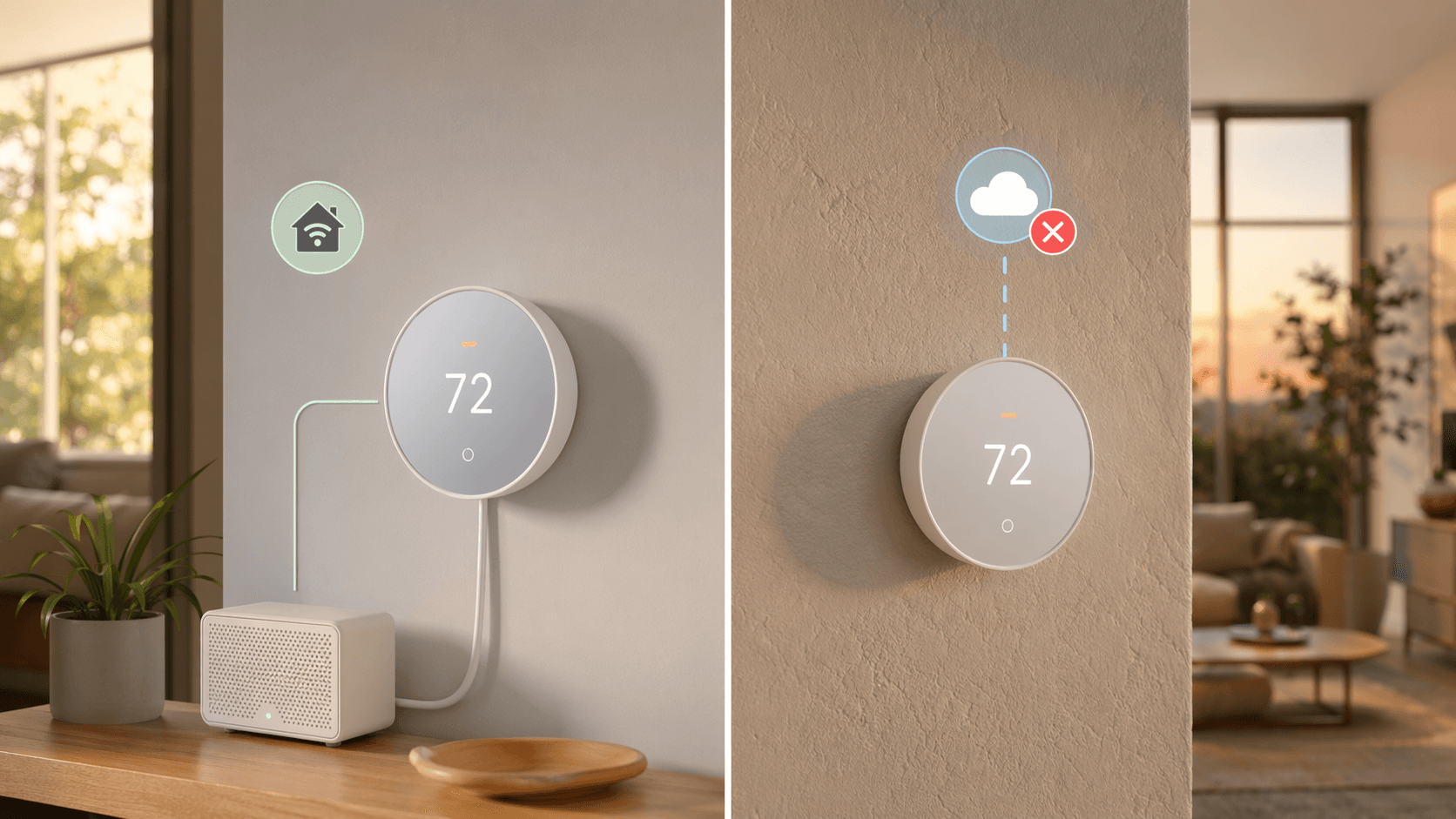
If you run Home Assistant, the best smart thermostat is not the Nest or the Ecobee Premium. It is the Honeywell T6 Pro Z-Wave — a thermostat that keeps working when the internet goes down. I have spent years watching people buy a Nest, set up the Home Assistant integration, and then watch it fall over the first time Google changes the API. The Home Assistant community has a running joke: "Nest works great — until it doesn't." The same goes for the Ecobee cloud integration, which can lag behind by minutes. Those are not reliability problems when you are adjusting the temperature from your couch. They are problems when your "away" automation depends on an instant update and the cloud decides to queue your request.
The mainstream guides do not publish that picture because their readers do not ask for it. But if you are reading this, you already know that the best smart thermostat for a Home Assistant household is not the one with a built-in speaker. It is the one that survives a cloud outage.
The one that survives
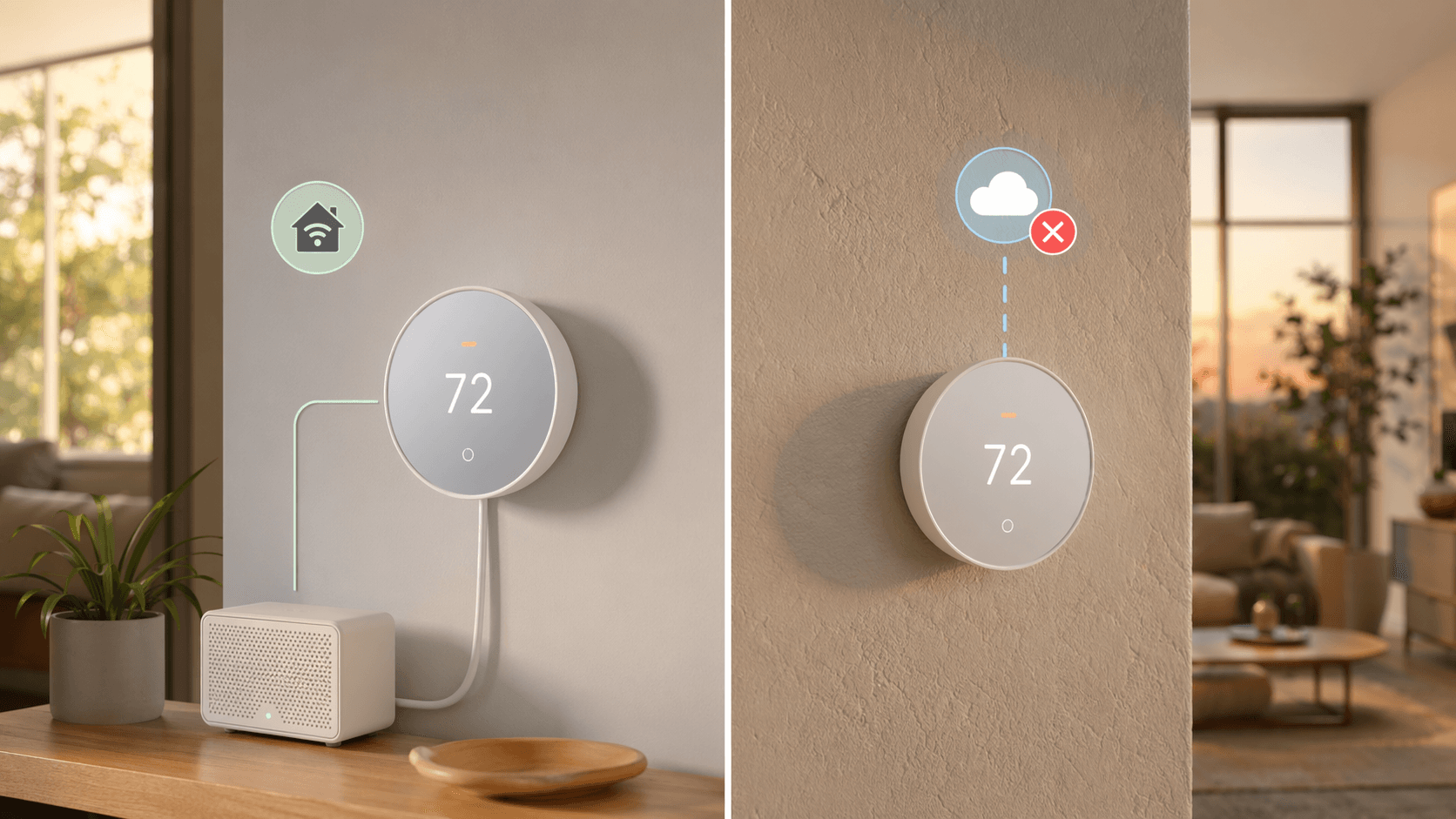
The Honeywell T6 Pro Z-Wave (around $125) is the model I recommend most often to Home Assistant users who insist on fully local operation. It shows up reliably in Z-Wave mesh networks, never phones home once paired, and every state — temperature, setpoint, mode, fan, hold — is exposed as Z-Wave command classes that Home Assistant reads instantly. No cloud account. No API key. You pair it, and it is done.
There is a gotcha: it needs a C-wire. Industry data from Parks Associates (cited by CLIQ for Home) shows that smart thermostats are in fewer than 1 in 6 US homes, and the C-wire requirement is a big reason why. But if you are technical enough to run Home Assistant, you can add a C-wire adapter or use a model that works without one — though the T6 Pro Z-Wave is not one of them.
What about the thermostat itself?
The T6 Pro Z-Wave has a basic digital display — no color screen, no learning algorithms. That is part of why I like it: there is almost nothing to break. You set a schedule through Home Assistant, and the thermostat simply follows commands. No AI, no privacy concerns, no cloud dependencies.
The firmware risk
I need to say something that makes this recommendation uncomfortable: no thermostat is forever local. Firmware updates can silently re-enable cloud dependencies. I have seen it happen to other Z-Wave devices, and Honeywell is capable of issuing an update that changes how the T6 Pro behaves.
The current firmware stays local. But if you buy this thermostat today, you should block its internet access at the router level and disable automatic updates. Then test every major Home Assistant update against it. Community consensus is that the T6 Pro Z-Wave is the safest current pick — but community consensus is not a manufacturer guarantee.
Alternatives if Z-Wave is not an option
Not everyone has a Z-Wave hub or wants one. Here are two strong alternatives, each with a clear trade-off.
| Model | Protocol | Local control | Latency | C-wire needed | Hub required |
|---|---|---|---|---|---|
| Venstar ColorTouch T7850 | WiFi (local API polling) | Fully local, no cloud | Poll interval depends on integration (seconds to minutes) | Yes | No (WiFi) |
| Ecobee Premium | WiFi + HomeKit | Local via HomeKit bridge (instant), cloud for comfort settings | Instant via HomeKit | Optional (includes power extender) | HomeKit hub (Apple TV/HomePod) |
| Honeywell T6 Pro Z-Wave | Z-Wave | Fully local, no cloud | Instant (Z-Wave mesh) | Required | Z-Wave hub |
The Venstar ColorTouch series uses local WiFi API polling — it exposes every setting over your local network with no cloud required. The latency comes from the poll interval: Home Assistant may not see a change for up to 30 seconds depending on your configuration. For most automation use cases that is fine, but if you need instant reaction (e.g., motion sensor triggers the fan immediately), the Venstar may feel sluggish.
The Ecobee Premium is the surprising option. Through the HomeKit Controller integration in Home Assistant, it provides instant local updates — no cloud, no delay. The catch is that you need a HomeKit hub (Apple TV or HomePod) and you still use the Ecobee cloud for remote control outside your home. If you already have Apple Home architecture, this is a clean bridge. If you are adding a HomeKit hub just for the thermostat, it is complexity you may not want.
Skip Nest
If you value local control, do not buy a Nest. The Home Assistant community has widely documented API reliability issues since Google's platform migration. The integration works inconsistently, and Google has no incentive to make it better. There is no local API. If your internet goes down, the thermostat keeps running its last schedule, but Home Assistant cannot change a thing. The only reason to consider Nest is if you also rely on Google Assistant for other smart home features — and even then, I would recommend a different thermostat plus a Google Home hub instead.
How to set it up
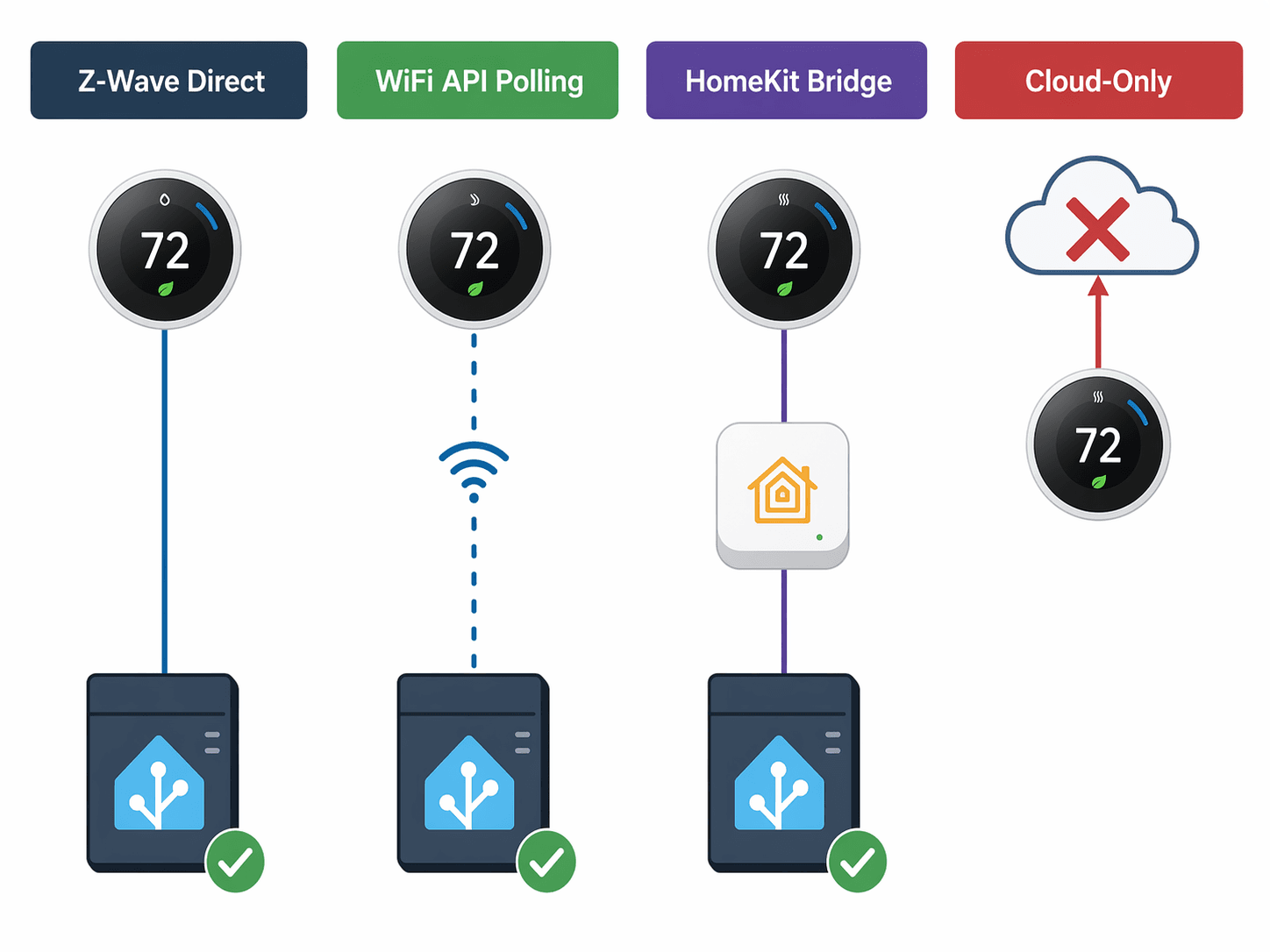
Integration is straightforward for each approach. For the T6 Pro Z-Wave, add a Z-Wave stick (e.g., Zooz, Aeotec) and install the Z-Wave JS integration in Home Assistant. Pair the thermostat by putting it into inclusion mode. All entities appear automatically. For Venstar, use the built-in Venstar integration — it finds the thermostat on the local network and starts polling. For Ecobee via HomeKit, ensure you have an Apple TV or HomePod, pair the Ecobee with Apple Home, then use the HomeKit Controller integration in Home Assistant. No cloud required for local updates.
# Example Home Assistant configuration for Z-Wave JS thermostat
# This assumes you have already added the Z-Wave JS integration.

climate:
  - platform: zwave_js
    device: thermostat.honeywell_t6_pro_z_wave
For hub recommendations, see our Best Smart Home Controller 2026 guide. And for a fuller decision on whether you need a hub at all, read Hub or No Hub.
Final word
If you run Home Assistant, the best smart thermostat is the one that works when the internet is down. The Honeywell T6 Pro Z-Wave is the current safest pick: fully local, instant Z-Wave mesh, no cloud calls. Accept the C-wire requirement and the firmware risk — both are manageable with the steps I described. The Venstar is a solid runner-up if you prefer WiFi and can tolerate polling latency. The Ecobee via HomeKit is the best bridge option if you already own Apple hardware. And Nest? Skip it entirely.
None of these picks is perfect. The T6 Pro Z-Wave could lose its local behavior with a careless firmware update. The Venstar's poll interval is not instant. The Ecobee HomeKit bridge adds a device you may not already own. That is the trade-off for real local control. Take it, test it, and if a firmware update breaks it — block the thermostat's internet access and stay on the current version.
Reader Feedback
Share your purchase experience, flag outdated picks, or ask clarifying questions about the checklist items.
Comments
Join the discussion with an anonymous comment.