
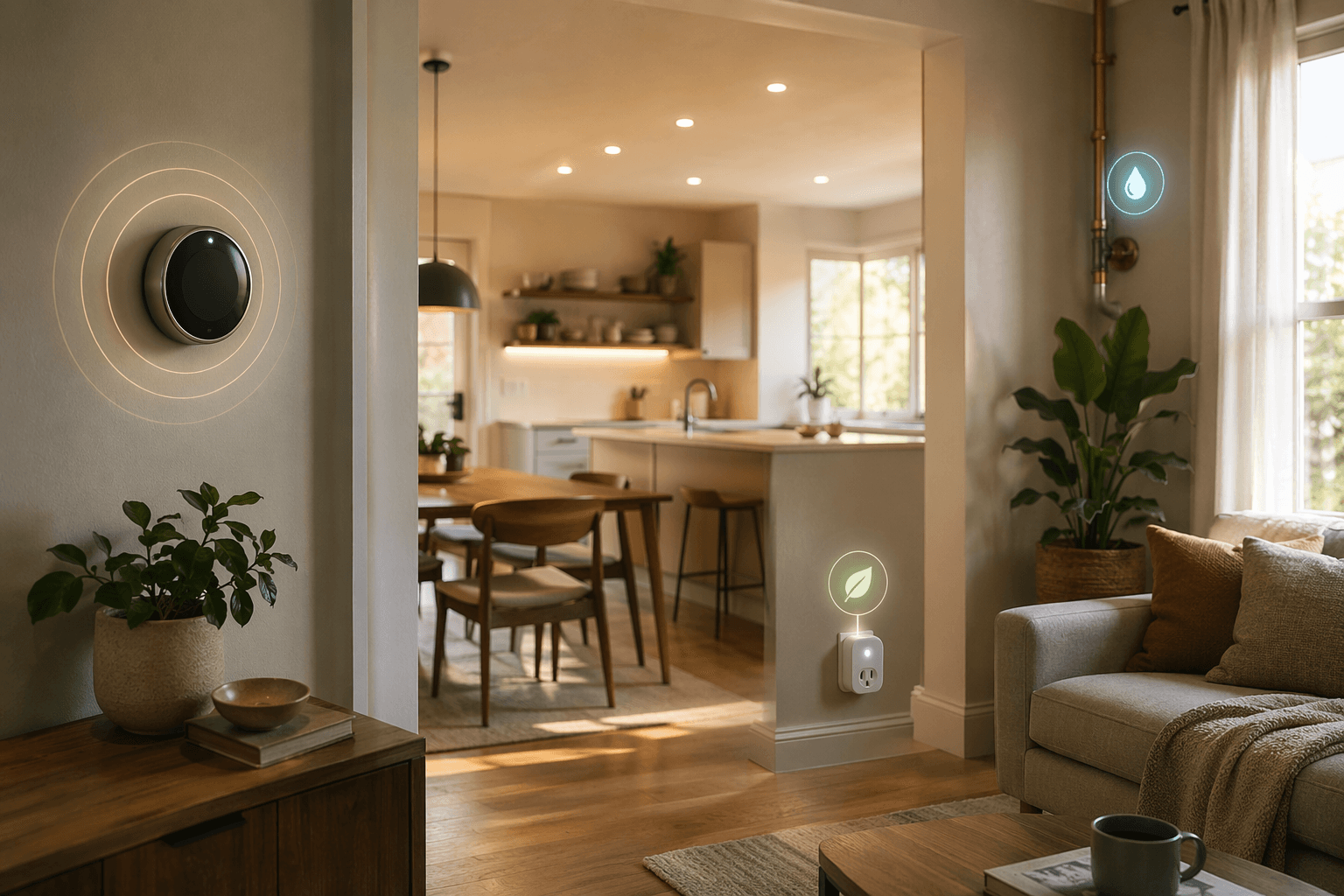
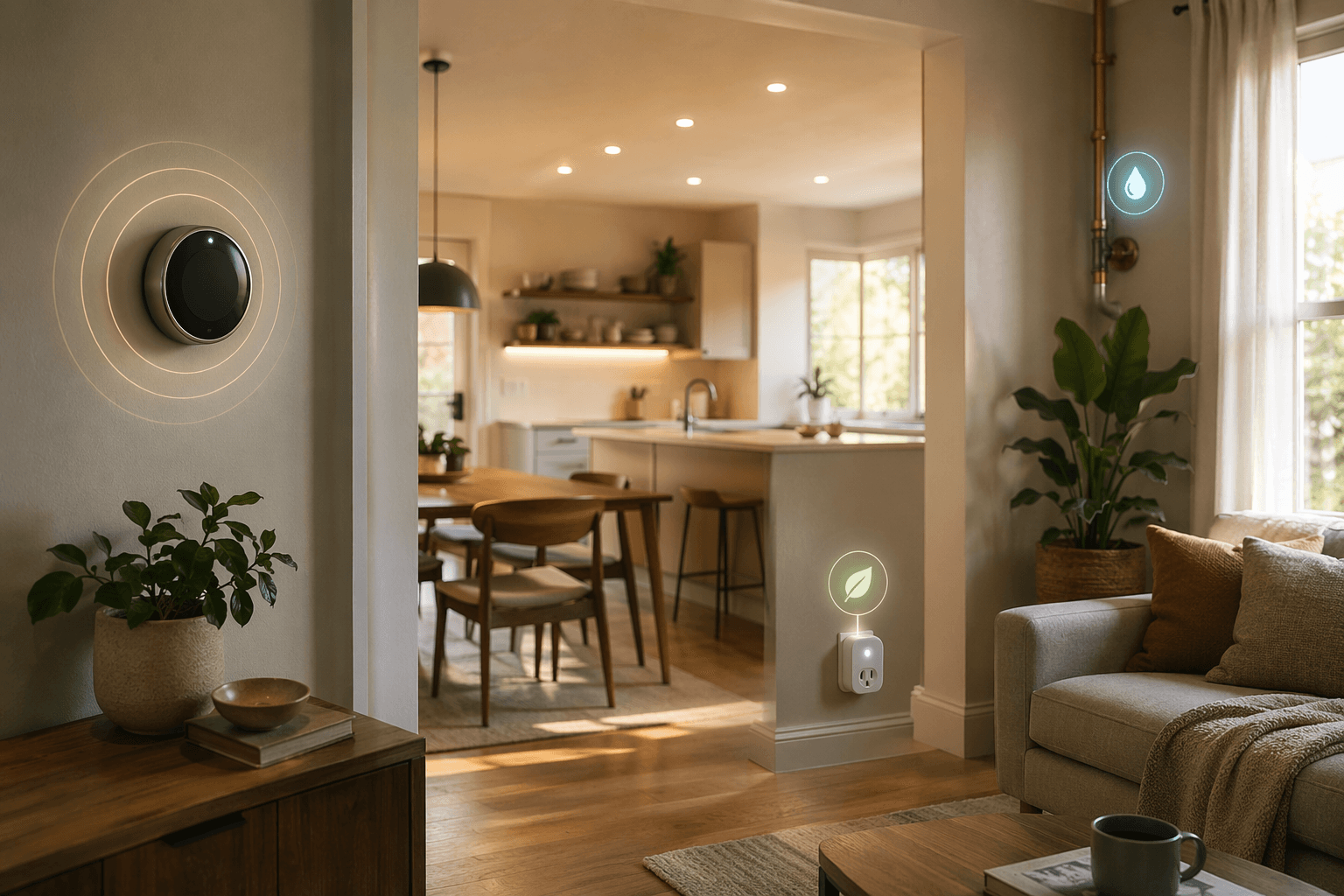
If the goal is to save money, the best smart home automation ideas are the boring ones: turn the HVAC down when nobody is home, shut lights off in rooms people forget, cut power to devices that sit warm all night, stop irrigation after rain, and catch water leaks before they become repair bills. A routine that runs every Tuesday at 10 p.m. and prevents waste is usually worth more than a dramatic “movie night” scene.
The payback question is simple: what waste does the automation stop, how often does that waste happen in your house, and what did the hardware cost? A 12–18 month payback is possible when the waste is real and the device cost is modest. It is not a universal feature of smart homes.
| Automation | What triggers it | Waste or risk it targets | Best first use |
|---|---|---|---|
| Smart thermostat setbacks | Schedule, occupancy, geofencing, sleep period | Heating and cooling when comfort is not needed | Homes with predictable empty or sleep hours |
| Smart lighting | Motion, door/contact sensor, schedule, daylight level | Lights left on and inefficient bulbs | Low-use rooms, closets, garages, porches, kids’ rooms |
| Smart plugs and outlet schedules | Time of day, voice routine, occupancy, appliance schedule | Controllable standby loads and forgotten small appliances | Entertainment centers, coffee makers, chargers, task lamps |
| Leak sensors with shutoff | Water contact, flow anomaly, valve rule | Hidden leaks, running water, damage escalation | Water heater, laundry, sinks, toilets, main shutoff |
| Weather-aware irrigation | Rain skip, weather forecast, soil moisture, flow monitoring | Outdoor watering after rain or during low-need periods | Homes with significant lawn or landscape watering |
Start with the payback math, not the gadget list
For any automation, use the same filter before buying anything:
- Annual savings estimate: the bill reduction you can reasonably attribute to the automation.
- Installed cost: device price, hub or bridge if required, sensors, batteries, subscription if any, and installation if you are not doing it yourself.
- Payback period: installed cost divided by annual savings.
A $90 device that saves $60 a year pays back in 18 months. A $250 setup that saves $25 a year takes 10 years. The same product can be sensible in one house and mostly decorative in another.
That is why the first dollars should usually go toward automations tied to recurring loads: HVAC, lighting, standby power, water leaks, and outdoor watering. For a broader comparison of device categories, see Which Smart Home Devices Save the Most Energy? A Payback-Focused Guide.
Smart thermostat automations have the cleanest savings case
Heating and cooling are the first place to look because they are expensive, repetitive, and easy to run when nobody benefits. ENERGY STAR says certified smart thermostats save users about 8% on heating and cooling bills, or about $50 per year on average [1]. Save on Energy Canada describes potential savings up to 15%, which is useful as an upper-bound reminder rather than a promise for every home [3].
The automation recipe is not complicated. Set a comfort schedule for occupied hours, a setback for work or school hours, a sleep temperature for overnight, and a vacation mode that does not depend on someone remembering to change the thermostat while loading the car. If your household has irregular schedules, occupancy sensing or geofencing can do the job that a fixed schedule cannot.
The waste being stopped is specific: the furnace or air conditioner running to maintain a comfort temperature for an empty house. That is a better target than asking a thermostat to “learn” magic from a chaotic week. A good thermostat rule should remove a predictable human failure: forgetting to set back the temperature, overriding it and never restoring it, or heating and cooling normally during a trip.
The honest caveat is that climate, insulation, HVAC condition, and occupancy patterns matter. A household that already keeps a tight manual schedule may have less room to improve. A house that often sits empty with the HVAC running normally has more. For a deeper dollar estimate, use How Much a Smart Thermostat Saves You in Actual Dollars and then run your own hardware price through the Smart Thermostat Payback Period Calculator.
Thermostat routines worth setting first
- Weekday empty-home setback: use a schedule or geofence to relax heating and cooling during regular away hours.
- Sleep setback: set a different overnight temperature if the household can stay comfortable under bedding or with ceiling fans.
- Vacation hold: create a one-tap mode that changes HVAC behavior for multi-day absences.
- Demand-response enrollment: if your utility pays for thermostat participation, compare the incentive with your comfort tolerance using Smart Thermostat Demand-Response Earnings.
Lighting automation pays when it cuts runtime, not just when it feels clever
Smart lighting has two separate savings levers. The first is the bulb itself: LEDs can use up to 90% less energy than incandescent lighting [2]. The second is automation: the light turns off or dims when nobody needs it.
If you still have incandescent bulbs in regular use, replacing those is the obvious first move. Smart features are secondary to the efficiency jump. If the house already uses LEDs, the payback depends less on bulb efficiency and more on how often people leave lights on unnecessarily.
The best lighting automations belong in rooms where attention is low: closets, pantries, laundry rooms, garages, bathrooms used by kids, basement storage areas, and exterior lights. Motion-off rules work well in these spaces because the desired outcome is binary. Someone is there, or nobody is. The light should follow that fact.
| Room or fixture | Automation to use | Why it can pay |
|---|---|---|
| Closet, pantry, laundry room | Motion on, motion off after a short delay | These lights are easy to forget because visits are brief |
| Garage or basement | Motion off after vacancy, optional door-triggered on | Long accidental runtime is common in low-traffic utility spaces |
| Porch and exterior lights | Sunset on, sunrise off, or motion-only after bedtime | Prevents daytime operation and unnecessary all-night brightness |
| Kids’ rooms and playrooms | Scheduled bedtime shutoff or vacancy-based off | Removes a recurring reminder job from adults |
| Living areas | Dimmed scenes and voice control | More about comfort unless it reliably reduces brightness or runtime |
Daylight-aware dimming can help in bright rooms, but it needs setup discipline. A sensor that dims lamps near a sunny window is useful; a complicated scene that leaves accent lights running all day is not. For a whole-room or whole-home plan, Whole-Home Smart Lighting Installation is a better place to work through switches, bulbs, hubs, and fixture choices before buying mismatched parts.
Smart plugs are useful, but only for the standby loads they can actually control
Standby power is a tempting target because it is invisible. Palmetto cites vampire energy as 13.7% of annual energy costs [2]. That number is large enough to care about, but it should not be treated as the savings from buying a few smart plugs. It covers all standby use, including loads a plug may not reach or should not interrupt.
A smart plug is strongest when it controls a cluster of devices that can be fully off for predictable windows. Entertainment centers are the classic example: TV accessories, streaming boxes, game consoles, speakers, and decorative lighting can sit in standby for long periods. A scheduled overnight shutoff or an “away” routine can cut the controllable portion without asking anyone to crawl behind furniture.
Kitchen and utility uses can be even more satisfying because they also reduce worry. A coffee maker can turn off after the morning window. A curling iron plugged into a smart outlet can lose power when the house enters away mode. A task lamp can shut off at bedtime. These are not all big energy savers, but they remove small recurring failures that are otherwise handled by memory.
Space heaters deserve special caution. Some smart plugs are not rated for high-wattage heating loads, and many heater manufacturers warn against using extension cords, timers, or remote-control devices. If the plug and appliance are not explicitly compatible, do not use that automation. Saving a few dollars is not the standard here; safe operation is.
Plug routines that make sense
- Entertainment center off from late night to early morning, with a manual override for movie nights.
- Coffee maker or small kitchen appliance off after the morning routine.
- Desk chargers and task lights off when the home office is vacant.
- Holiday lights on a sunset-to-bedtime schedule instead of all-night operation.
- Away-mode shutoff for nonessential lamps, fans, and accessories.
The payback calculation for plugs should be stricter than for thermostats because the savings are more device-specific. Before buying a multipack, identify the loads you will actually automate. If most outlets will end up controlling lamps that are already LED and rarely left on, the math gets weak fast. For device-level constraints, compare options such as the Amazon Smart Plug and Best Smart Plugs for Alexa before assuming every plug can handle every job.
Leak detection is partly about the water bill and partly about the repair bill
Water leak automation sits in a different category. It may save water, but its bigger value can be stopping a bad event early. Palmetto cites EPA-linked figures that household leaks can waste 10,000 gallons per year and that fixing easily corrected leaks can save about 10% on water bills [2]. Those figures are important, but they cover household leaks broadly, including dripping faucets and running toilets. A sensor under one sink does not solve every leak source in the house.
The minimum setup is a leak sensor placed where water should never appear: under sinks, behind the washing machine, near the water heater, by a dishwasher, beside a refrigerator line, or near a toilet supply. The sensor sends an alert when it detects water. That is helpful if someone is awake, reachable, and able to act.
The stronger version pairs sensors with an automatic shutoff valve. When the sensor detects water, or when a flow monitor sees unusual continuous flow, the valve closes. That changes the automation from “please notice this notification” to “stop feeding the problem.” For anyone who travels, owns an upstairs laundry room, has an aging water heater, or has already had one plumbing scare, that difference matters.
Payback is harder to express as a neat monthly savings number because avoided damage is lumpy. A leak sensor may sit quietly for years. Then one washing machine hose, refrigerator line, or water heater failure can justify the entire setup. That does not mean every home needs the most expensive valve system first. It means the purchase should be judged as risk reduction, not only as water conservation.
| Setup | What it does well | What it does not prove |
|---|---|---|
| Single leak sensor | Alerts you to water at one high-risk point | That the rest of the home is protected |
| Multiple leak sensors | Covers several likely failure points | That water will be stopped automatically |
| Sensors plus smart shutoff valve | Detects and can stop incoming water | That every leak type or drainage problem is eliminated |
| Flow monitor | Can flag unusual usage patterns | That small fixture leaks will always be diagnosed correctly |
Weather-aware irrigation belongs on the list, but the ROI is local
Smart irrigation can be excellent in the right yard. The useful automations are rain skip, weather-based schedule adjustment, soil-moisture thresholds, seasonal runtime changes, and flow alerts that flag a broken sprinkler head or stuck valve. The waste being stopped is not subtle: watering after rain, watering during cool low-need periods, or running a zone while water is already flowing where it should not.
The reason to keep this category lighter is that outdoor water use varies too much to generalize. A household with a large irrigated lawn in a dry climate has a very different payback case than a house in a rainy region with a small garden bed. If irrigation is a major line on your bill, weather-aware control deserves attention. If outdoor watering is occasional, put the money into HVAC, lighting, plugs, or leak protection first.
A practical buying order
The right order depends on your house, but the triage usually looks like this:
- Buy a smart thermostat first if your HVAC runs during empty-home, sleep, or travel periods and you do not already manage setbacks reliably.
- Replace remaining high-use incandescent bulbs with LEDs, then automate rooms where lights are often left on.
- Use smart plugs only where you can name the standby load or forgotten appliance before buying the plug.
- Add leak sensors in the highest-risk places; consider auto-shutoff when the consequence of a leak would be expensive or slow to notice.
- Upgrade irrigation control if outdoor watering is a meaningful part of your water use.
Platform choice matters only after the savings target is clear. Alexa, Google Home, Apple Home, SmartThings, and other systems can all run useful routines if the devices are compatible and reliable. Do not buy a hub to create a routine you will never trust. If you need examples of routines that are practical rather than theatrical, use Smart Home Automation Recipes: 10 Practical Routines in 2026 or Home Automation Recipes: What Each System Can Actually Do for You.
The verdict is not that smart homes automatically pay for themselves. The automations worth buying first are the ones aimed at waste you already have or risks you can reasonably avoid. Price the hardware, estimate the annual savings narrowly, and let convenience-only routines wait until the bill-reducing ones are already working.
References
- Smart Home Tips — ENERGY STAR
- Smart home energy saving devices that save you money — Palmetto
- Home Automation — Save on Energy Canada
Implementation Notes
Share platform-specific tips, report that a recipe no longer works after a platform update, or contribute variations for different device combinations.
Comments
Join the discussion with an anonymous comment.