
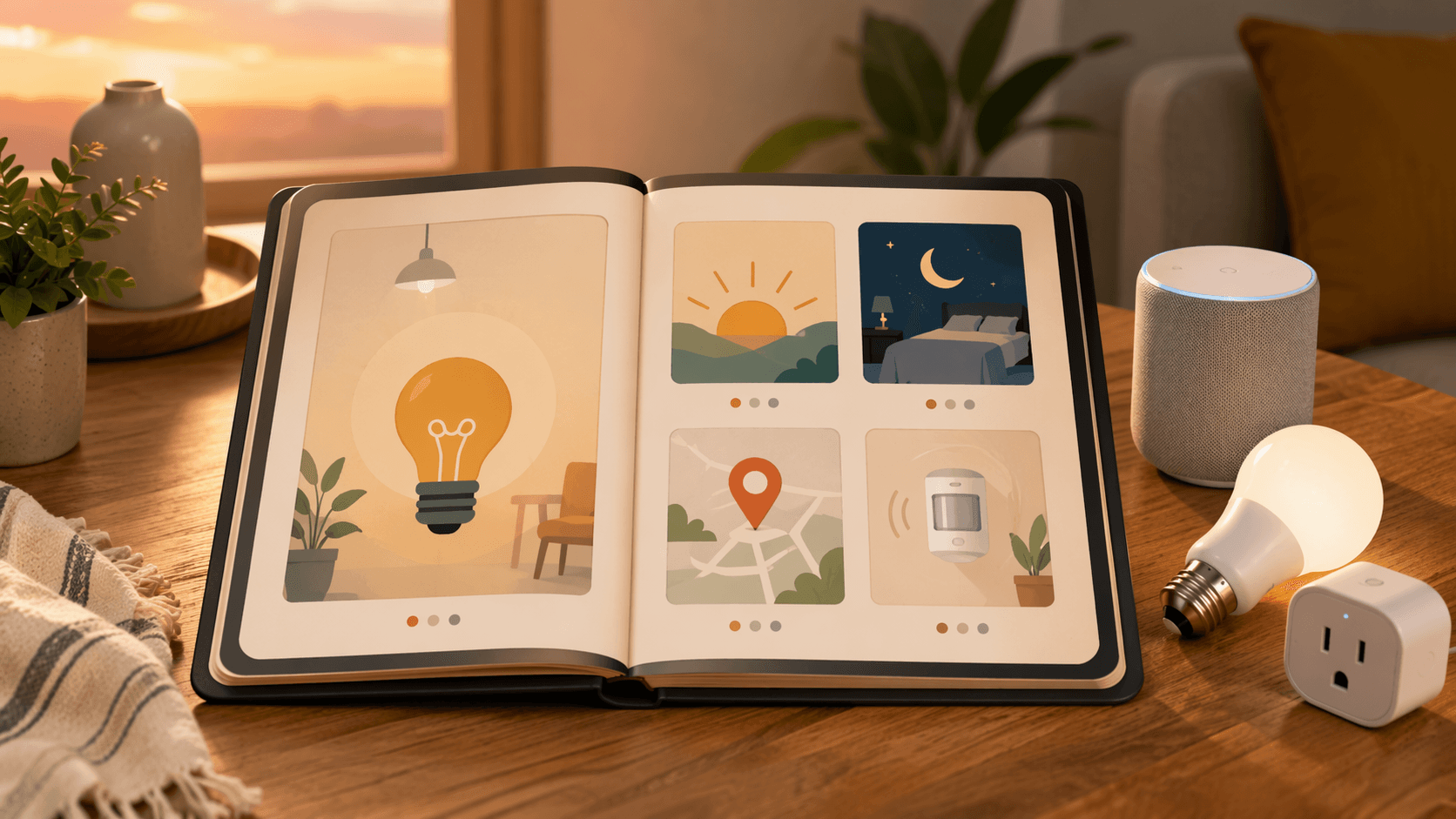
You already have enough gear to begin
Most first-time smart-home owners do not lack devices. They lack one successful routine. In U.S. internet households, 45% already own at least one core smart-home device, and the average smart-home household now has 6.2 connected devices.[1] At that point, opening three different apps for lights, plugs, and speakers is not a “smart” setup anymore; it is just a new kind of errand.
The good news is that the first useful automations live entirely inside the app you already have open: Alexa Routines, Google Home Automations, or Apple Home Scenes and Shortcuts. No hub, no Home Assistant, no YAML, and no extra hardware beyond the devices each recipe actually needs. If the menus still feel vague, the home automation setup guide covers the basics without turning setup into a weekend project.
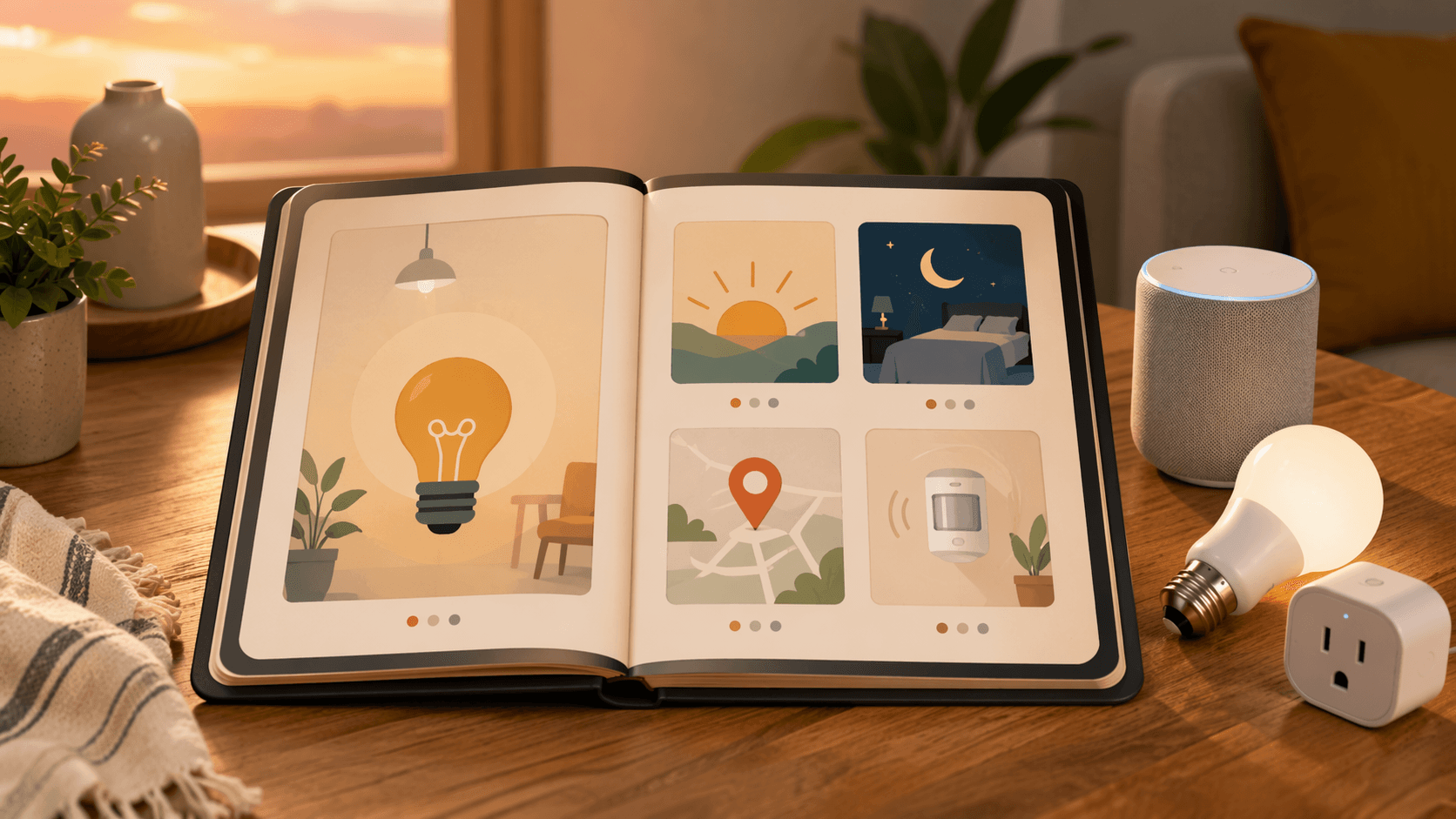
The five recipes below are the small wins that usually unlock everything else: sunset lights, a goodnight scene, geofence arrival, motion-triggered nightlights, and a smart plug timer. That is not an arbitrary list. Starter automation roundups keep coming back to motion lighting, presence-based arrival or away behavior, and a goodnight scene because those patterns are easy to understand and immediately useful.[2][3]
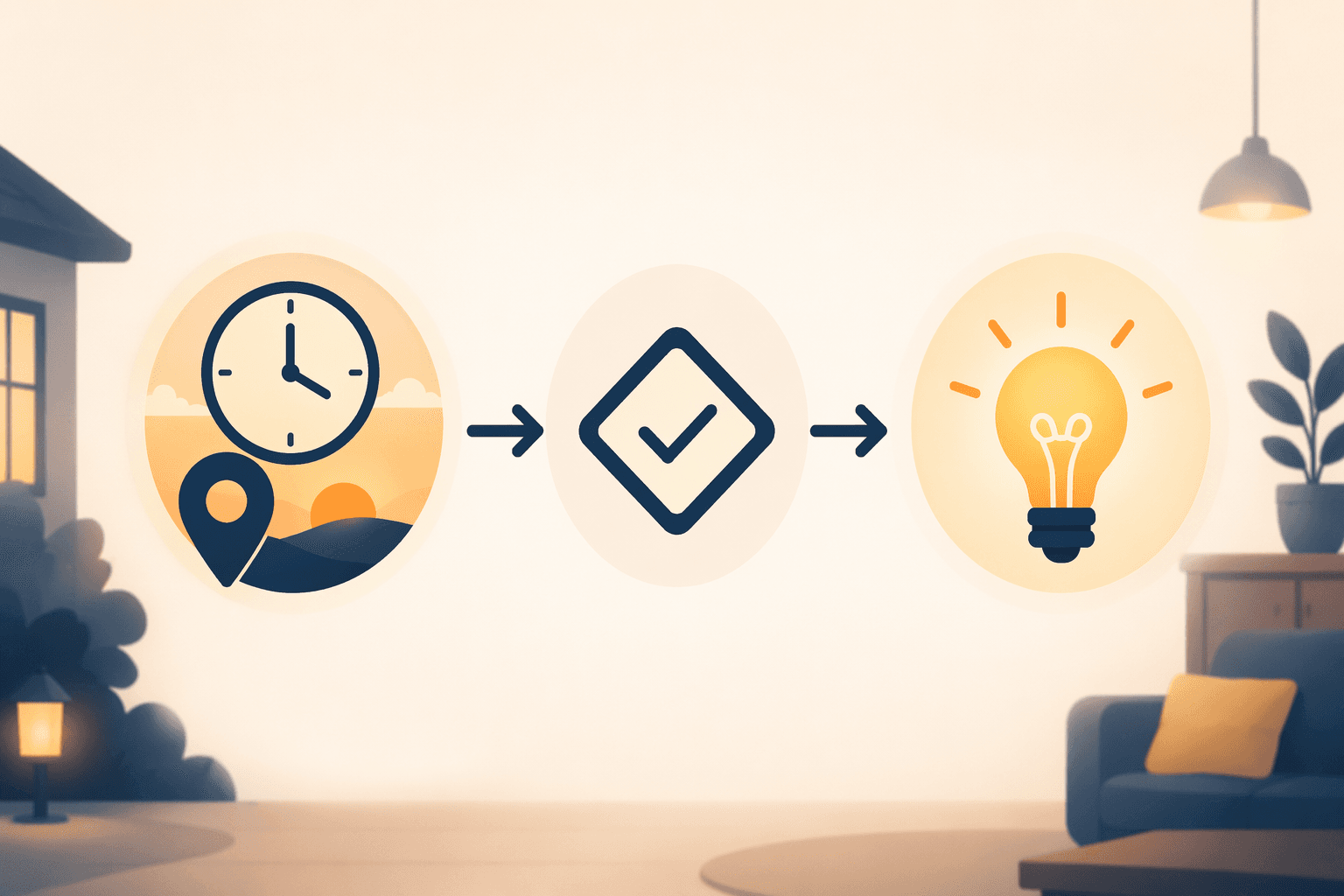
Every recipe follows the same rhythm: trigger, optional condition, action, then a quick test. The names change by platform, but the logic does not.
| Recipe | What it changes | Minimum gear |
|---|---|---|
| Sunset lights | Turns on porch or lamp lighting when daylight fades | Smart bulb or smart plug |
| Goodnight scene | Shuts down lights and sets the home into sleep mode | Lights, optional thermostat, optional smart lock |
| Geofence arrival | Wakes the house when you come home | Phone location permission, lights, optional thermostat |
| Motion-triggered nightlight | Keeps a hallway or bathroom dark until someone enters | Motion sensor or motion-capable light |
| Smart plug timer | Runs one appliance on a schedule | Smart plug and a safe appliance |
1. Sunset lights
This is the cleanest first win because it asks almost nothing of the house. A porch light, entry lamp, or backyard fixture turns on at sunset instead of waiting for someone to remember it. If you already use a smart bulb, this is the simplest way to make that bulb feel useful at the house level instead of just the app level.
Build it in the native app by choosing a time-based trigger, then picking the light and the brightness you want. In Alexa, that is usually a Routine. In Google Home, look for an Automation with a time starter. In Apple Home, a time-of-day automation or a Scene will do the same job depending on how many devices you want to group.
- Needed: one smart bulb, or a smart plug controlling a lamp or outdoor light. If the bulb itself still needs setup, the smart light bulb setup guide handles that part.
- Trigger: sunset, with an optional offset if your porch gets dark earlier than the official time.
- Action: turn the light on, and if the app allows it, set brightness instead of full blast.
- Quick test: move the trigger 10 to 15 minutes earlier for one night. If the light comes on before you need it, nudge the offset back.
2. Goodnight scene
This is the recipe that makes a home feel coordinated. One tap, one voice command, or one scheduled routine can turn off the lights you keep forgetting, lower the thermostat if you have one, and lock the doors only if you already own a smart lock. The point is not to automate every object in the house; it is to stop bedtime from becoming a room-by-room cleanup.
Scenes are especially helpful here because they hold several final device states at once. In Apple Home, that often means building a Scene first and then, if needed, attaching it to a time or voice trigger. In Alexa and Google Home, the same idea usually lives inside a Routine or Home Automation. Start with lights only. Add temperature or locking after the first version behaves.
- Needed: at least one light, with thermostat or lock actions only if those devices already exist in the home.
- Trigger: a bedtime phrase, a button tap, or a set time.
- Action: lights off, thermostat to a sleep setting, doors locked if the lock is supported.
- Quick test: stand in the room you usually forget. If one lamp survives the scene, add it now instead of pretending you will remember later.
- If the lights themselves still need a clean setup, the smart light bulb setup guide is the easiest companion read.
3. Geofence arrival
Arrival routines are where the house starts acting like it noticed you. The beginner mistake is making them too clever. Start with one person, one location radius, and one or two actions. Ask the app to run when your phone enters home, not when every household member’s device drifts across the block and accidentally wakes the house five times a day.
Location permissions matter here, and that is normal. If the app asks for always-on location access, that is what lets the routine tell the difference between arriving home and simply walking to the mailbox. Native apps handle the trigger part; you just need to decide which devices should react. Lights on in the entryway is enough for a first pass. Thermostat resume is a good second action if the app supports it.
- Needed: a phone with location permission, plus lights or a thermostat if you want the routine to do more than greet you.
- Trigger: arriving home or entering the geofence.
- Action: hallway lights on, thermostat back to normal, or another small welcome sequence.
- Quick test: stop a little way from the house and watch the trigger. If it fires too early, shrink the radius. If it never fires, the location permission is usually the first thing to check.
4. Motion-triggered nightlight
This is the hallway fix that saves toes. A motion sensor in a corridor, bathroom, or pantry can switch on a low light only when someone enters, then shut it back off after a short delay. Routine guides keep recommending this pattern because the trigger is obvious, the action is tiny, and the payoff is immediate.[4]
The useful trick is to make the light just bright enough to navigate, not bright enough to wake the whole house. If your app supports a darkness condition, use it so the light only reacts at night. If not, a lower brightness level is still better than a full-room blast at 2 a.m.
- Needed: a motion sensor or a light with motion built in, plus a bulb or fixture you are comfortable running at night.
- Trigger: motion detected, preferably with a nighttime condition if the app offers one.
- Action: turn on at low brightness, then switch off after the room has been empty for a short while.
- Quick test: walk past the sensor normally, then slowly. If it is too eager, reposition it rather than overcomplicating the routine.
5. Smart plug timer
A smart plug is the blunt instrument of smart home automation, which is why it works. Put it on a lamp, fan, or coffee maker that can safely stay powered, then schedule it the same way you would set a kitchen timer. Beginner guides keep recommending plug timers because they turn one ordinary appliance into something the app can handle without any extra logic.[5]
This is not the place to get ambitious. Avoid heaters and anything that needs a human to babysit it. If you already have a plug from Amazon, the Amazon Smart Plug page is useful for checking the practical limits; if you are still shopping later, the best smart plugs for Alexa guide covers that side of the decision. For this recipe, the plug itself just needs to show up in the native app.
- Needed: one smart plug and one appliance that can safely run on a schedule.
- Trigger: a set time, or sunrise and sunset if that matches the appliance.
- Action: turn the plug on or off at the chosen time.
- Quick test: start with a lamp first. If the lamp obeys, the coffee maker or fan will probably behave too.
When the first routine works
Once one of these runs cleanly, the app stops feeling like a pile of menus and starts feeling like a tool. That is the real barrier most people are bumping into, not device capability. You do not need to think in hub architecture, protocol futures, or power-user dashboards yet. You just need one routine that makes the hallway brighter, bedtime calmer, or arrival less awkward. After that, the next step in the broader automation roundup is not a different skill. It is just another recipe.
References
- Smart Home Statistics 2026: Adoption & Devices — SQ Magazine
- I'm a Smart Home Expert. Here Are 3 Easy Automations I Find Particularly Useful — CNET
- How To Supercharge Your Smart Home In 2026 — Forbes, 2026-01-01
- Smart Home & Home Automation Routines — CEDIA
- DIY Home Automation Guide for Beginners — SafeWise
Implementation Notes
Share platform-specific tips, report that a recipe no longer works after a platform update, or contribute variations for different device combinations.
Comments
Join the discussion with an anonymous comment.