
Amazon Smart Plug: Specs, Features, and Limitations for Alexa Homes
This Amazon Smart Plug device profile covers specifications, compatibility, setup, and key limitations to help you decide if it's the right choice for your Alexa home. Compare pricing, power rating, and missing features against Amazon's own Basics line and competitors like TP-Link Kasa.
Last updated
The Amazon Smart Plug is a single-outlet indoor Wi-Fi plug built for one job: put a lamp, fan, coffee maker, or other simple plug-in device under Alexa voice and routine control with as little setup friction as possible. As of Q2 2026, that remains its strongest argument. Amazon lists the current 2-pack model with a 15A/1800W maximum load, 2.4GHz Wi-Fi, and indoor-only use, while PCMag’s June 2026 review found voice responses to be instant and schedules to run flawlessly.[1][2]
That does not make it the best smart plug for every home. It is an Alexa-only product with no energy reporting and no official support for Google Assistant, Apple HomeKit, Siri, or IFTTT in the sources checked.[2] If the person who will maintain the setup already lives in the Alexa app, the convenience is real. If the household wants cross-platform flexibility or wants to see what an appliance costs to run, the value starts to fall apart quickly.
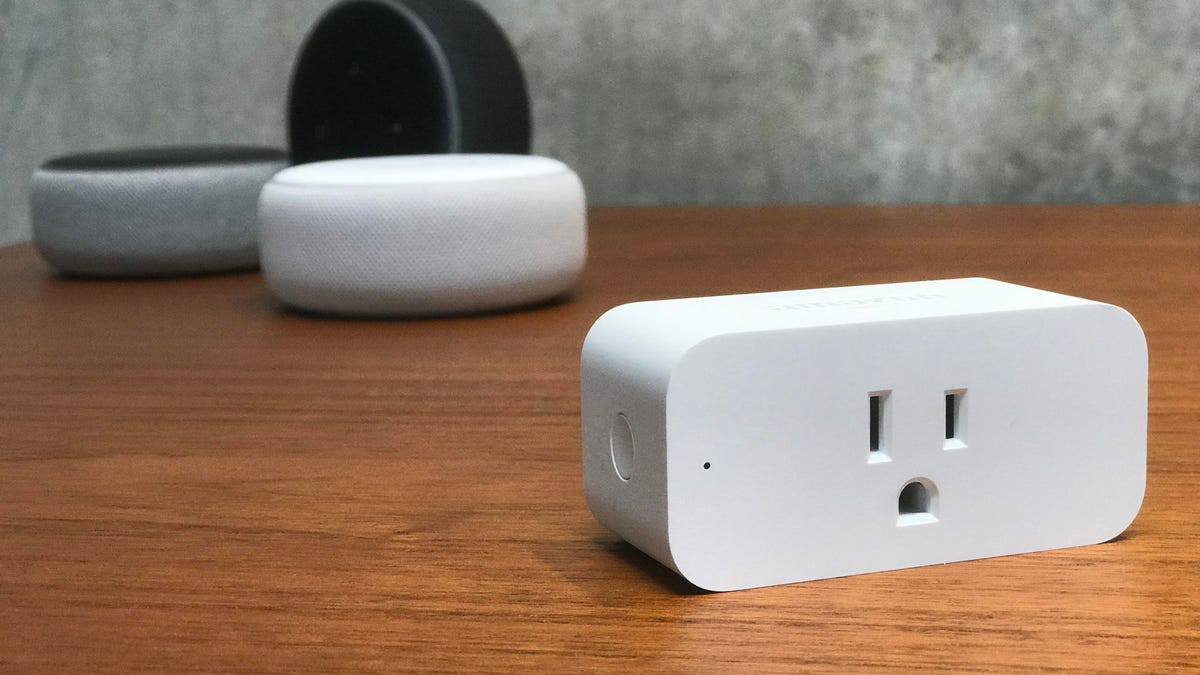
Amazon Smart Plug Specs at a Glance
| Spec | Amazon Smart Plug |
|---|---|
| Device type | Indoor single-outlet Wi-Fi smart plug |
| Dimensions | 3.2 x 1.5 x 2.2 in[1] |
| Weight | 3.5 oz[1] |
| Electrical rating | 15A / 1800W max[1] |
| Wireless | 2.4GHz Wi-Fi, 802.11 b/g/n[1] |
| Outdoor use | No; indoor only[1] |
| Primary ecosystem | Alexa[2] |
| Google Home / HomeKit / Siri / IFTTT | Not supported in reviewed sources[2] |
| Energy monitoring | Not included[2] |
| Typical pricing context | $24.99 single-pack list price; 2-pack list price $49.98, seen at $23.98; sale pricing often matters more than list price[1][2] |
| Last verified | June 25, 2026 |
The 1800W rating is the specification to check before putting anything more demanding than a lamp or fan on the plug. It does not turn the plug into a free pass for every heater, espresso machine, or countertop appliance; the appliance still has to stay within the plug’s rating, the outlet’s limits, and the manufacturer’s safety instructions. For outdoor decorations or weather-exposed lights, this is the wrong category entirely; use an outdoor-rated plug instead, not an indoor plug tucked under an eave. A separate guide on choosing an outdoor smart plug is a better fit for that job.
Setup Is the Feature Amazon Is Really Selling
The Amazon Smart Plug’s main advantage is not a clever automation trick. It is the moment after unboxing when the Alexa app recognizes the plug, adds it, and lets someone say, “Alexa, turn on the fan,” without hunting through a third-party app. PCMag described setup through Wi-Fi Simple Setup as taking under two minutes and reported that the plug was automatically detected by the Alexa app.[2]
That matters more than it sounds. A smart plug that needs a separate account, a firmware update, a pairing-mode reset, and then an Alexa skill link may still be easy for a hobbyist. It is not easy for the person standing in a kitchen with the router name written on a sticky note. Amazon’s version cuts out several places where a beginner usually gets stuck: finding the right app, linking the wrong account, or naming a device twice.
There are still a few setup details worth doing deliberately. Give the plug a plain spoken name, such as “fan” or “window lamp,” instead of a brand name or room-number label. Put it in the correct Alexa room so group commands behave predictably. If it will be used in a Routine, test both the voice command and the scheduled action before walking away. Most later complaints about smart plugs are not about the relay inside the plug; they are about names, rooms, and routines that made sense for five minutes during setup and stopped making sense a week later.
Voice Control, Schedules, and Alexa Routines
For an Alexa household, the daily behavior is the best part of the product. PCMag’s 2026 testing found instant response to Alexa voice commands and flawless schedule execution.[2] That is the part a cheaper plug has to match before its lower price starts to matter.
The normal uses are straightforward: turn a lamp on at sunset, shut off a fan at bedtime, run holiday lights on a schedule, or include a plug in a morning or evening Routine. Amazon also supports Away Lighting behavior through Alexa, so a connected light can be used as part of a lived-in-home pattern while the house is empty.[2] None of this is exotic, but reliability is the point. A smart plug that follows the schedule every day is more useful than one with a longer feature list and a habit of disappearing from the app.
If a Routine stops triggering, the plug is only one possible culprit. The routine trigger, device name, Wi-Fi connection, Alexa group, and account state can all be involved. For troubleshooting, the companion guide Alexa Routine Not Triggering: Fix Guide is more useful than replacing the plug first.
The Compatibility Wall Comes Up Fast
The Amazon Smart Plug belongs in an Alexa home. That sounds obvious, but it is the purchase decision. PCMag’s current review specifically lists the missing support for Apple HomeKit and Google, along with the lack of energy reporting, as drawbacks.[2] The available sources do not support treating this as a Matter plug, a Siri plug, a Google Home plug, or an IFTTT-friendly automation device.
This is fine in a home where every voice command already goes through Echo speakers and nobody plans to change platforms. It is less fine in a mixed household where one person uses Google Home, another uses iPhone-based Home control, and the smart home is slowly moving toward Matter or multi-admin setups. Ecosystem choice is not a theoretical problem when the plug is mounted behind furniture and someone else has to explain why it cannot be added to the app they actually use.
There is also a support lesson from the broader smart-plug market. Wirecutter’s 2026 guide notes that Belkin discontinued Wemo cloud services on January 31, 2026.[3] That does not mean Amazon’s plug is facing the same issue; it means app and cloud dependence should be noticed before buying a drawer full of any one brand. The site’s Wemo Smart Plug device profile covers that shutdown in more detail.
What You Do Not Get: Energy Monitoring
The missing energy monitor is the Amazon Smart Plug’s most annoying omission in 2026 because cheaper and more flexible plugs now include it. With Amazon’s plug, Alexa can turn the outlet on and off, but the reviewed sources do not show per-device kWh tracking, cost estimates, or appliance-level energy history.[2]
That matters if the plug is being bought to investigate a space heater, dehumidifier, old entertainment center, or always-on appliance. CNET’s energy guide says vampire devices can account for about 10% of household energy use and estimates standby waste at $100 to $200 per year; it also notes that a smart plug itself may consume about 1 to 2 watts, or roughly 10 kWh per year, about $1.30 at 13 cents per kWh.[4] Those figures explain why energy-aware smart plugs can be useful, but they do not prove savings from this Amazon model. Without energy reporting, the Amazon Smart Plug can cut power on a schedule; it cannot show what the attached device was costing before or after.
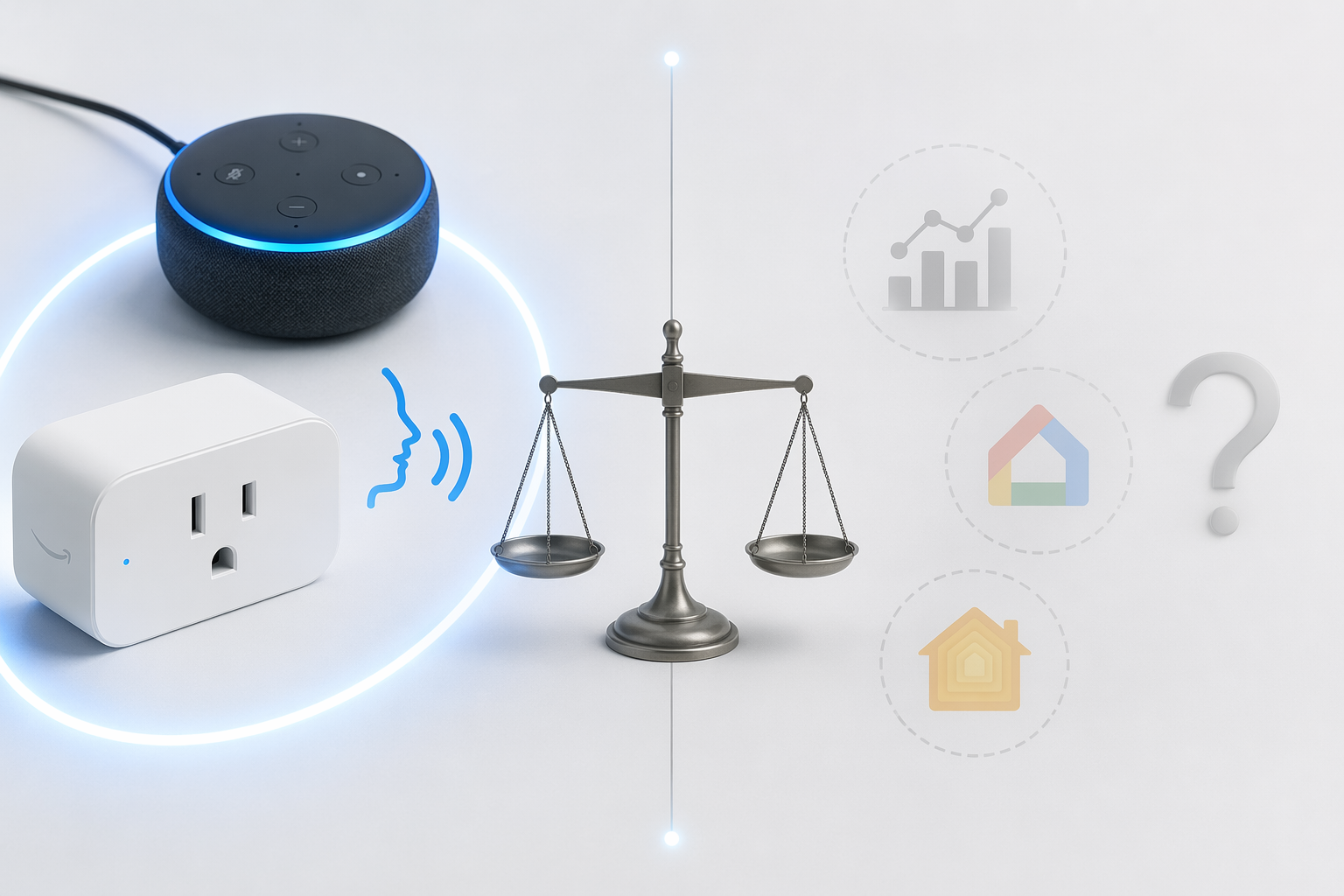
Amazon Smart Plug vs. Amazon Basics and TP-Link Kasa
The hard comparison is no longer between the Amazon Smart Plug and no-name plugs. It is between Amazon’s convenience plug, Amazon’s own cheaper Basics line, and well-reviewed competitors that include features Amazon leaves out.
| Option | Best reason to buy | Main tradeoff |
|---|---|---|
| Amazon Smart Plug | Lowest-friction Alexa setup; PCMag found instant voice response and flawless schedules[2] | Alexa-only; no energy monitoring; higher per-plug price unless discounted[2] |
| Amazon Basics Smart Plug 4-pack | About $26 for four plugs, or roughly $6.50 per plug[5] | Published product-page details should be checked carefully for the exact variant; the checked listing is positioned as a cheaper Amazon alternative[5] |
| TP-Link Kasa EP25 | Wirecutter’s 2026 top indoor smart plug pick; about $35 for a 4-pack, or roughly $8.75 per plug, with energy monitoring, Away Mode, sunrise/sunset scheduling, and Alexa, Google, Apple, and SmartThings support[3] | Setup is not Amazon’s own Wi-Fi Simple Setup experience |
The Amazon Basics comparison is awkward for Amazon’s premium plug. The checked Amazon Basics 4-pack listing is about $26, putting the per-unit price around $6.50.[5] Even allowing for differences in model variants and sale timing, that is the kind of price gap a household notices when buying plugs for several rooms. One unresolved detail deserves care: claims that the Amazon Smart Plug’s 1800W rating contrasts with a 1500W Amazon Basics rating should be verified against the exact official Basics listing before being used as a firm buying argument. The official Amazon Smart Plug page supports 15A/1800W for this model; the comparison should not lean on unverified shorthand from forum discussions.[1]
The Kasa EP25 comparison is sharper because it changes the value judgment, not just the price. Wirecutter names the TP-Link Kasa EP25 its best indoor smart plug overall in 2026 and cites energy monitoring, cost calculation, Away Mode, sunrise/sunset scheduling, and support for Alexa, Google, Apple, and SmartThings.[3] At roughly $8.75 per plug in a 4-pack, it undercuts the Amazon Smart Plug’s normal single-unit price while adding the two features most likely to matter later: energy data and platform flexibility.[3]
Price Changes the Answer
At the $24.99 single-pack list price, the Amazon Smart Plug is expensive for what it does.[2] At a sale price around $12, or when a 2-pack drops near $23.98, it becomes much easier to recommend for an Alexa-only home that just needs one or two reliable outlets.[1][2] The product is not suddenly more capable on sale, but the convenience tax becomes smaller.
This is why the number of plugs matters. For one kitchen lamp or one bedroom fan, paying a little extra to avoid setup questions may be sensible. For a whole apartment, holiday lighting, or several rooms at once, the math starts favoring multi-packs. Amazon Basics lowers the per-outlet price inside Amazon’s own store, while Kasa adds broader compatibility and energy monitoring without becoming a premium-priced option.[3][5]
Older Reviews Tell the Same Story, With Less Weight
The criticism is not new. TechRadar’s 2021 review praised the Amazon Smart Plug’s simplicity while also flagging missing features.[6] CNET’s 2018 review gave it a 6.2/10, but that review predates current app behavior, newer competing plugs, and Amazon’s Basics line, so it is useful mainly as historical context rather than a current buying guide.[7]
The more current PCMag review carries more weight here because it tests the thing a buyer still cares about in 2026: whether Alexa control and schedules behave reliably now. Its conclusion lands in the same place the spec sheet does. The plug works cleanly inside Alexa, but Amazon has not filled in the capability gaps that cheaper competitors now use as standard selling points.[2]
Verdict: Buy It for Setup Peace, Not Feature Value
Buy the Amazon Smart Plug if the home is already Alexa-only, the device count is small, and the top priority is getting a plug into the Alexa app with the least possible fuss. It is a good fit for a lamp, fan, or simple appliance where voice control and a dependable schedule are enough.
Skip it if energy tracking, multi-platform support, Matter flexibility, or the lowest per-outlet price matters. In that case, Amazon Basics is the cheaper Amazon-store comparison, and TP-Link Kasa EP25 is the stronger feature comparison. The Amazon Smart Plug is the plug to buy when avoiding setup grief is worth paying for; it is not the plug to buy when maximizing features per dollar.
References
- Amazon Smart Plug, Simple setup, endless possibilities, 2-pack — Amazon.
- Amazon Smart Plug Review — PCMag, June 16, 2026.
- The Best Smart Plugs and Power Strips — Wirecutter, 2026.
- Your Smart Plug Can Pay for Itself if You Use It Correctly — CNET.
- Amazon Basics Single Outlet Indoor Smart Plug, 4-Pack — Amazon.
- Amazon Smart Plug review — TechRadar, 2021.
- Amazon Smart Plug review — CNET, 2018.
Known issues with this device / protocol
Spec-version history
For active regressions on this protocol, see Update Watch.
No linked Update Watch entries yet.