
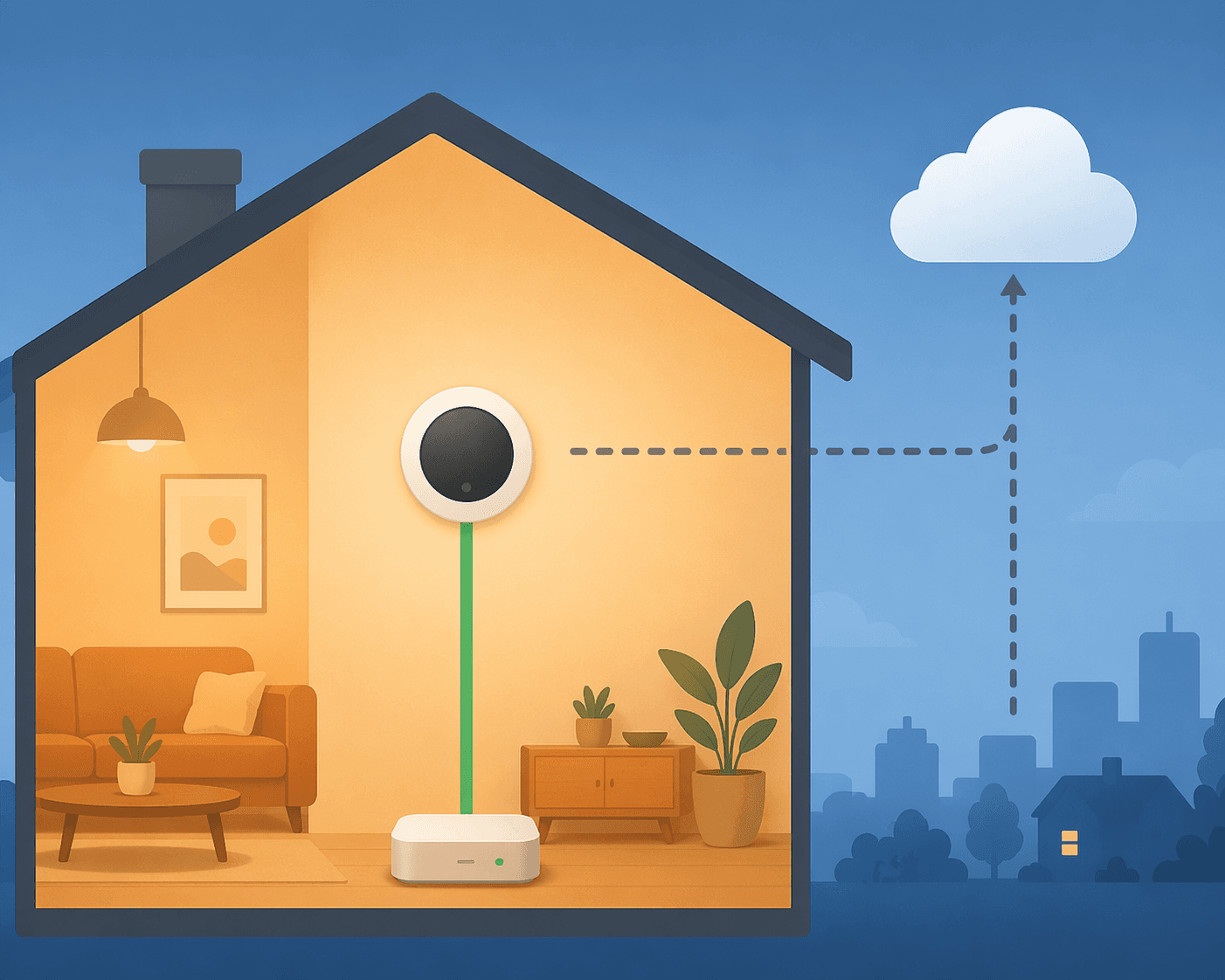
Search for the best thermostat for Home Assistant and the first problem is that most thermostat recommendations are answering the wrong question. They compare app design, brand reputation, display quality, energy reports, or whether the thermostat works with Alexa and Google. Those things matter in a normal smart-home roundup. They matter less when Home Assistant is the system that has to change the setpoint at 2 a.m. without waiting on a vendor cloud.
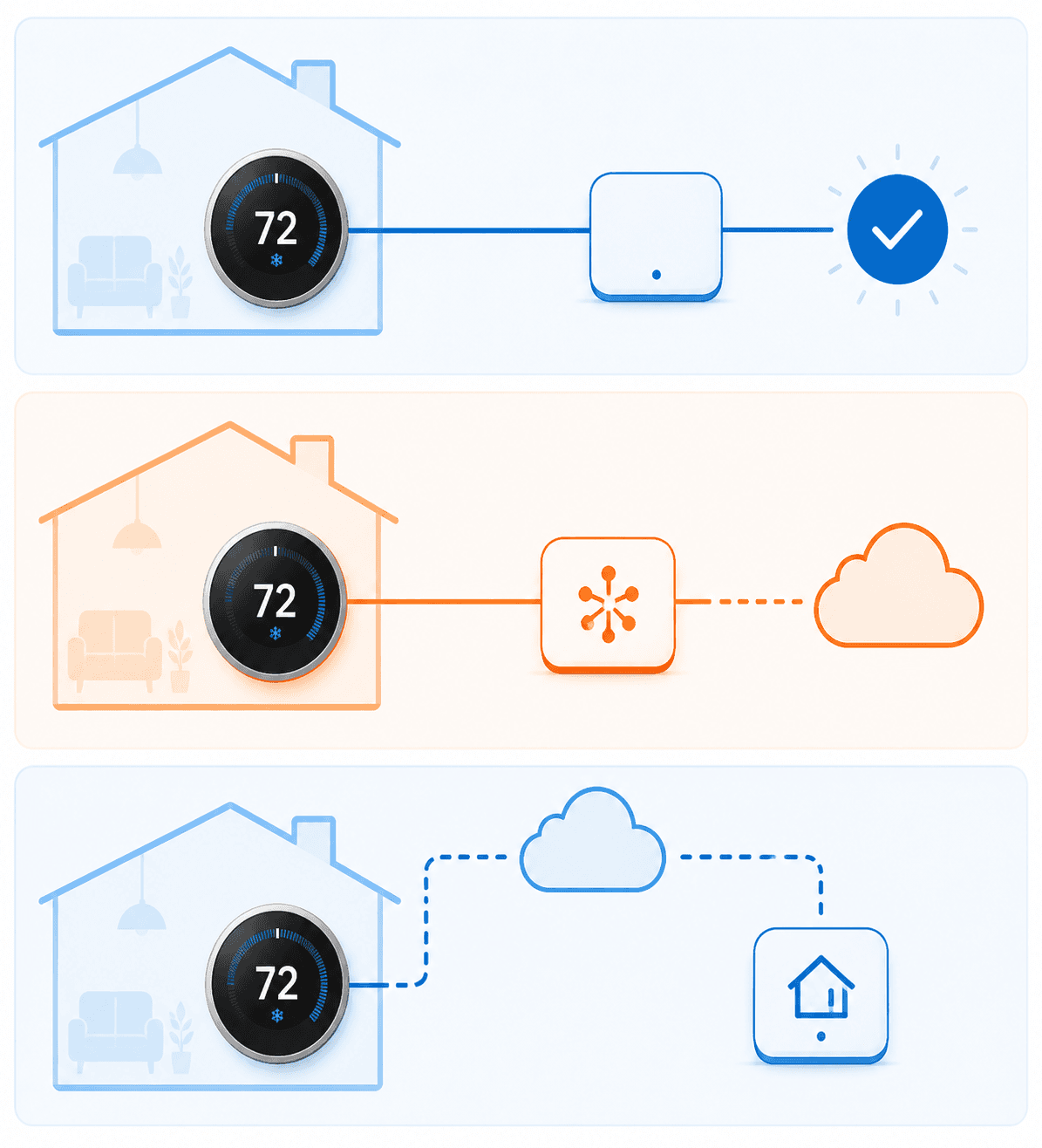
For Home Assistant, “compatible” is not a single category. A thermostat can be exposed through Z-Wave, a local Wi-Fi API, Matter, HomeKit Controller, or a cloud integration that polls a manufacturer account. All of those can create a climate entity in Home Assistant. They do not all behave the same when the internet is down, when an access token expires, or when a cloud service has a bad morning.
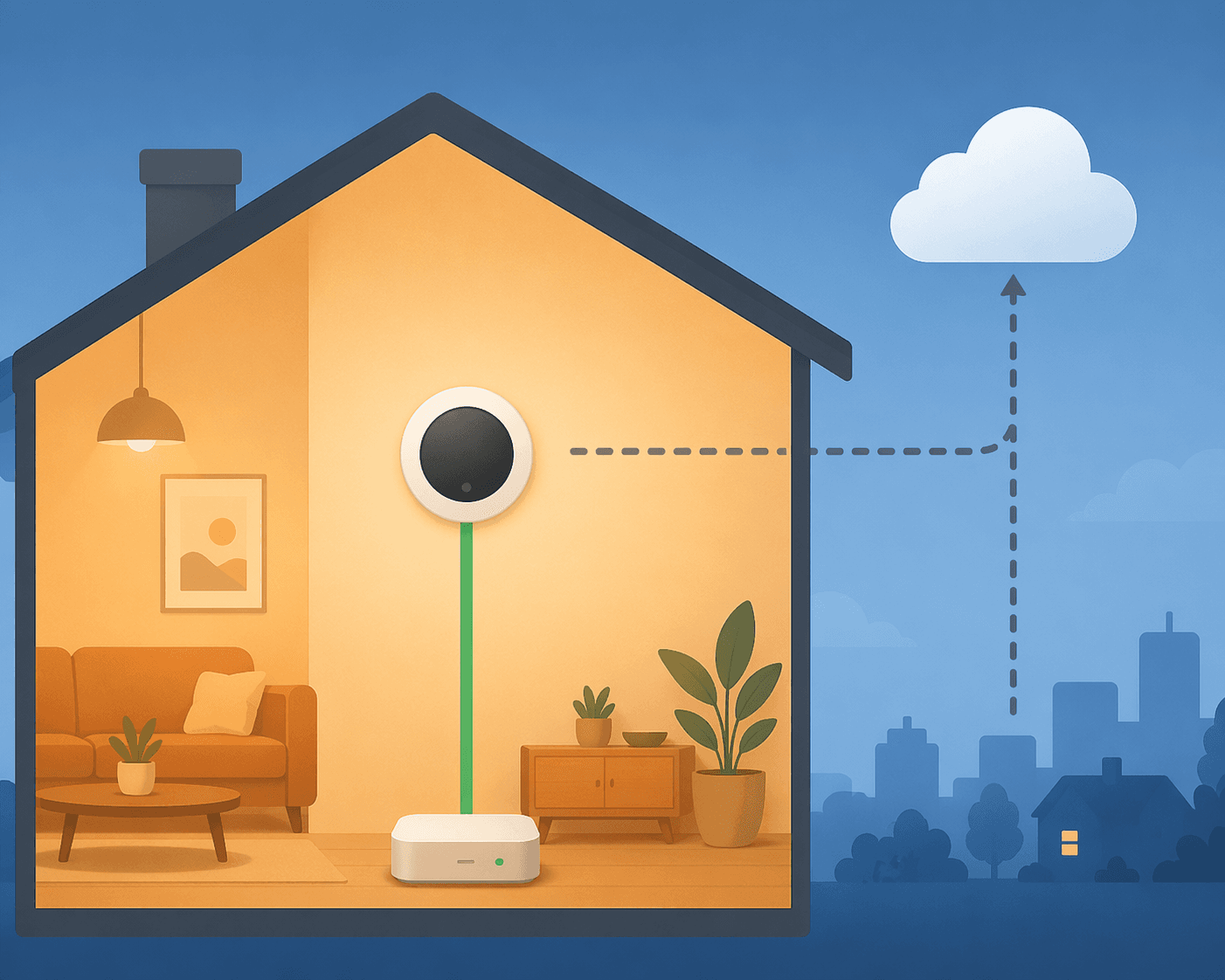
The practical buying order is simple: choose the most local control path your HVAC system and Home Assistant hardware can support. Protocol first. Feature set second. Price after that. Before buying anything, confirm the thermostat matches your heating and cooling equipment; a reliable integration does not help if the base HVAC wiring is wrong. For that side of the decision, start with which smart thermostat fits your HVAC system or the broader smart thermostat compatibility guide.
The Short Version
| Situation | Best fit | Why |
|---|---|---|
| You already have Z-Wave and can still find one | Honeywell T6 Pro Z-Wave | Strong fully local Home Assistant fit, but discontinued and increasingly hard to buy new in mid-2026. |
| You want a current local Wi-Fi thermostat | Venstar ColorTouch T7900 | Uses a local REST API and does not require a cloud account. |
| You want the cheapest fully local route | Radio Thermostat CT50 | Very inexpensive used or old-stock option, with clear limitations. |
| You want budget Matter | Meross MTS300 | Matter gives local control, though firmware and entity coverage should be checked. |
| You want Matter plus Thread infrastructure | Aqara Thermostat Hub W200 | Combines thermostat control with Matter/Thread hub functions. |
| You prefer Ecobee hardware | Ecobee via HomeKit Controller | Local core control is possible, while some advanced features remain outside that local path. |
| You only care that it appears in Home Assistant | Cloud-polled Wi-Fi thermostat | Works until the cloud path, account, or polling behavior becomes the weak point. |
That table is not a brand ranking. It is a control-path ranking. A polished cloud thermostat can be a good thermostat and still be a weaker Home Assistant thermostat than a plainer device that accepts local commands directly.
Fully Local Is Still the Cleanest Answer
A fully local thermostat gives Home Assistant a control path that does not depend on a vendor account. For a light bulb, cloud delay is annoying. For HVAC, it changes the character of the device. The thermostat is infrastructure. It should keep accepting basic heat, cool, mode, and setpoint changes even when your internet connection is having a bad night.
This is why the Honeywell T6 Pro Z-Wave keeps showing up in Home Assistant discussions. It is the kind of device Home Assistant users tend to want: Z-Wave, locally controllable through a Z-Wave controller, and boring in the right way. The problem is availability. Honeywell has discontinued production, and new units are increasingly hard to find in mid-2026; community recommendations still point to it, but that does not make it a responsible default purchase for everyone today.[1]
If you already have a Z-Wave stick and can buy a legitimate T6 Pro Z-Wave at a sane price, it remains the best answer for many Home Assistant setups. The qualification matters. A disappearing product can be “best if available” without being the thermostat everyone should plan around.
The tradeoff is the usual Z-Wave tradeoff: you need a Z-Wave controller, you need to include the device correctly, and your experience depends on the health of the Z-Wave network around it. That is not a downside if you already run locks, switches, or sensors on Z-Wave. It is friction if your Home Assistant setup is currently Wi-Fi and Matter only.
Venstar Is the Local Wi-Fi Option That Deserves More Attention
The Venstar ColorTouch T7900 is less famous than Nest or Ecobee, but for Home Assistant it has one rare virtue: a documented local API. Venstar publishes local API documentation, and Home Assistant’s Venstar integration is classified as local polling, meaning Home Assistant talks to the device on the local network rather than through a vendor cloud account.[2][3]
That makes the T7900 the cleaner currently buyable local Wi-Fi recommendation. It avoids the extra Z-Wave hardware requirement while still keeping the core control path inside the home. It also avoids the uneasy middle ground where a thermostat looks local because it is on Wi-Fi but still needs the manufacturer’s servers for normal control.
The T7900 is not the cheapest option, typically around $150–200, and it does not have the consumer-brand gloss that sells thermostats in big-box stores. For a Home Assistant buyer, that is not automatically a problem. A documented local REST API is a feature. In this category, it is one of the most important features.
Radio Thermostat CT50: Cheap, Local, and Clearly a Compromise
The Radio Thermostat CT50 sits in a different lane. It is the bargain-bin local option, often discussed in the $30–50 range, and Home Assistant has a local integration for Radio Thermostat devices. The catch is that the integration page reports only about 77 active installations, and the thermostat’s web server is single-threaded, which limits concurrent requests.[4]
That does not make it useless. It makes it a very specific purchase. If you want the cheapest local thermostat that can expose basic controls to Home Assistant, the CT50 can make sense. If you want the thermostat you install once and forget across a more demanding setup, the small installed base and request-handling limitation are real signals.
The best use case is a modest Home Assistant installation where the thermostat is not being hammered by dashboards, automations, and multiple polling clients. Keep expectations plain: local control, low cost, fewer niceties.
Hybrid Local Can Be Good Enough, If You Know What Is Local
The next tier is where most 2026 buyers will spend time. Matter and HomeKit Controller can give Home Assistant a local path into thermostats that were not designed around Home Assistant first. That is useful. It is also easy to overstate.
Local control through Matter or HomeKit Controller usually means the core thermostat functions are local: current temperature, target temperature, operating mode, and sometimes fan control or humidity-related entities. It does not mean every manufacturer feature is now local. Learning algorithms, branded room-sensor behavior, energy reports, remote access, and some comfort features may still belong to the vendor ecosystem.
That distinction is the difference between a useful workaround and a misleading recommendation. A thermostat can be good for a household because its app and sensors are pleasant, while still being only partly satisfying for Home Assistant automation.
Meross MTS300: The Budget Matter Bet
The Meross MTS300 is the budget-friendly Matter pick, typically around $70. Matter is the reason it belongs in this conversation: Matter provides a local integration path, which is immediately more attractive than a Wi-Fi thermostat that only talks to Home Assistant through a cloud account.[5]
There is still some early-platform messiness to watch. A Residential Tech Today review noted that early firmware had fan-control entity gaps that were addressed by a later update.[5] That is a good example of where Matter stands in 2026: promising, useful, and still dependent on device firmware and platform maturity for the exact entities Home Assistant exposes.
For a cost-sensitive Home Assistant user who wants local control without adding Z-Wave, the MTS300 is easier to justify than a cloud-polled bargain thermostat. Just verify current firmware behavior and make sure the exposed controls cover your HVAC use, especially if fan handling matters in your automations.
Aqara W200: Matter With Extra Infrastructure
Aqara’s Thermostat Hub W200 is a newer kind of candidate because it is not only a thermostat in the Matter conversation. Aqara describes it as a thermostat hub that also functions as a Matter/Thread border router.[6] That matters if your smart home is moving toward Thread devices and you do not want every purchase to add another bridge or dongle.
The W200 is most interesting for a buyer who is already leaning into Matter and Thread. It is less compelling if your only goal is the most proven local thermostat integration today. Z-Wave and documented local APIs are still easier to reason about because they have fewer moving parts. Matter may get there; in some setups, it already feels close. But “future-proof” should not be used as a shortcut for “known reliable in your exact Home Assistant installation.”
Ecobee: Better Through HomeKit Controller Than the Official Cloud Path
Ecobee is where a lot of Home Assistant recommendations get sloppy. Ecobee makes capable, polished thermostats. The Premium and Essential models occupy very different price positions, with Premium around $250 and Essential around $140. For general buyers, the app experience and comfort features can be the point. For Home Assistant, the integration path decides whether Ecobee is pleasant or irritating.
The official Home Assistant Ecobee integration is cloud polling. That means Home Assistant is not talking directly to the thermostat for normal control through that integration. The better route for many HA users is HomeKit Controller, which can expose local temperature and setpoint control without requiring Apple devices. This is frequently missed because “HomeKit” sounds like it must involve an Apple home hub, but Home Assistant’s HomeKit Controller integration is its own local pairing path.[7]
The caveat is just as important as the workaround. HomeKit Controller is about core local HVAC control. It should not be treated as a magic adapter that makes every Ecobee feature local. Advanced Ecobee behavior, including SmartSensor-style comfort logic and vendor-side features, may still live outside that local path.[7]
If your household wants Ecobee’s interface and comfort features, Ecobee is not a bad thermostat. It is a conditional Home Assistant recommendation: use HomeKit Controller for the local basics, understand what remains cloud-tied, and pick the model for the features you actually need. For model-level differences, see Ecobee Premium vs Enhanced vs Essential; for the Premium value question specifically, see whether the Ecobee Smart Thermostat Premium is worth $250.
Nest 4th Gen: Matter Helps, But It Does Not Erase the Cloud Shape
The 4th-generation Nest thermostat is the kind of device that tempts people into saying “it works with Home Assistant” and stopping there. Matter support improves the Home Assistant story because it can provide a more local control path than older cloud-only approaches. That is meaningful.
It still should not be evaluated like a purpose-built local thermostat. Nest remains a cloud-native product in the broader sense, and Matter does not automatically move every feature, setting, and behavior into Home Assistant. If you like Nest hardware and accept that split, the 4th Gen is more defensible than older non-Matter Nest choices. If your priority is Home Assistant reliability first, it sits behind Z-Wave, Venstar-style local API control, and the cleaner Matter options.
Cloud-Polled Wi-Fi Belongs at the Bottom
Cloud-polled Wi-Fi thermostats are not automatically bad thermostats. They may have nice apps, decent schedules, and enough integrations for a casual smart-home setup. They are just weak choices for a Home Assistant-first thermostat purchase.
Amazon Smart Thermostat and older non-Matter Nest setups belong in this last-resort category. The concern is not that they can never appear in Home Assistant. The concern is that the control path depends on manufacturer services, account health, and polling behavior. When an automation misses a comfort window because the thermostat entity did not update quickly enough, the original bargain starts to look smaller.
Use this tier only when convenience, price, or household preference matters more than Home Assistant reliability. That is a valid household decision. It is not the best technical answer to the Home Assistant thermostat question.
Where Sensors and Automations Change the Decision
Home Assistant users often outgrow the thermostat’s own room reading. They add temperature sensors in bedrooms, offices, nurseries, basements, or sunny rooms, then let automations decide which room should drive comfort at different times. That is where local thermostat control becomes more than a preference.
A simple example is enough: if a bedroom sensor reports that the room is too warm at night, Home Assistant can adjust the thermostat setpoint or HVAC mode. The automation is only as dependable as the slowest required control path. A local Zigbee or Bluetooth temperature sensor paired with a cloud-polled thermostat leaves the most important step outside the house.
If you are building that kind of setup, start with how to add a temperature sensor to Home Assistant. For broader automation ideas beyond HVAC, the 2026 Home Assistant starter stack gives better context for what should stay local and what can tolerate a cloud dependency.
How to Choose in Q2 2026
If you already run Z-Wave and can find a new or trustworthy Honeywell T6 Pro Z-Wave, that is still the cleanest purchase. The discontinuation is the only reason it is not the simple default. Do not overpay blindly just because the Home Assistant community has liked it for years.
If you want a currently buyable local Wi-Fi thermostat, start with Venstar. The local REST API and Home Assistant’s local polling integration make it much easier to defend than most Wi-Fi thermostats. This is the recommendation that feels least like a workaround.
If price is the main constraint, decide which compromise you prefer. The Radio Thermostat CT50 is the cheapest fully local path, with the limitations that come with an older, lightly used integration. The Meross MTS300 costs more but gives you a Matter path that fits better with where new consumer smart-home hardware is going.
If you want Matter and Thread infrastructure, the Aqara W200 is interesting because it can reduce the number of ecosystem pieces you need. Treat it as a Matter-forward choice, not as the most proven local thermostat path.
If your household wants Ecobee or Nest, buy with the integration path in mind. Ecobee is much more attractive through HomeKit Controller than through the official cloud-polled integration. Nest 4th Gen is more interesting than older Nest options because Matter improves the local story, but it still should not be confused with a thermostat designed around local Home Assistant control.
Energy savings claims should not decide this specific purchase unless the thermostat also meets your control-path requirements. Schedules, occupancy behavior, and HVAC type can matter more than the brand name on the wall. For that separate question, read smart thermostat energy savings decoded.
The buying stance is narrow but useful: choose the most local pathway your home and hardware can support. The Honeywell T6 Pro Z-Wave is best if you can still get one without playing marketplace roulette. Venstar is the cleaner current local Wi-Fi answer. Matter thermostats from Meross and Aqara are worth watching and, in some homes, worth buying now. Ecobee and Nest can make sense when you accept their boundaries. Cloud-polled thermostats should be the fallback, not the target.
References
- Thermostat recommendations, Home Assistant Community forum
- Venstar Local API, Venstar
- Venstar, Home Assistant
- Radio Thermostat, Home Assistant
- Meross 300 Smart Wi-Fi Thermostat Review, Residential Tech Today
- Thermostat Hub W200, Aqara
- Which thermostat is most Home Assistant friendly? Ecobee?, Home Assistant Community forum
Implementation Notes
Share platform-specific tips, report that a recipe no longer works after a platform update, or contribute variations for different device combinations.
Comments
Join the discussion with an anonymous comment.