
Matter Troubleshooting in 2026: Fixing Compatibility, Fragmentation, and Setup Problems
Matter device behaves differently across platforms due to version fragmentation
Last updated
Last verified: June 25, 2026.
A Matter device that pairs is not necessarily a Matter device that works. In 2026, the more common failure is uglier: the light appears in one app but loses scene behavior in another, the lock exposes fewer controls through Matter than through its own app, the sensor joins Apple Home but refuses Google Home, or a Thread device becomes reliable only after someone unplugs a perfectly good Nest Hub or Echo. That does not automatically mean the hardware is defective. It usually means one layer is out of step with another.
Start with the symptom, not the logo. Matter is a compatibility standard, not a guarantee that every platform has implemented every Matter feature at the same time. By early 2026, Matter 1.5 officially includes support for security cameras, but among the major ecosystems, Samsung SmartThings is the notable early adopter while Alexa, Google Home, and Apple Home users are still waiting for comparable support; the same status review notes that Google Home has lagged on some earlier Matter functionality, including generic switches from Matter 1.0 in certain contexts.[1] That is the shape of many “broken” smart home gadgets right now: certified device, real standard, uneven platform behavior.
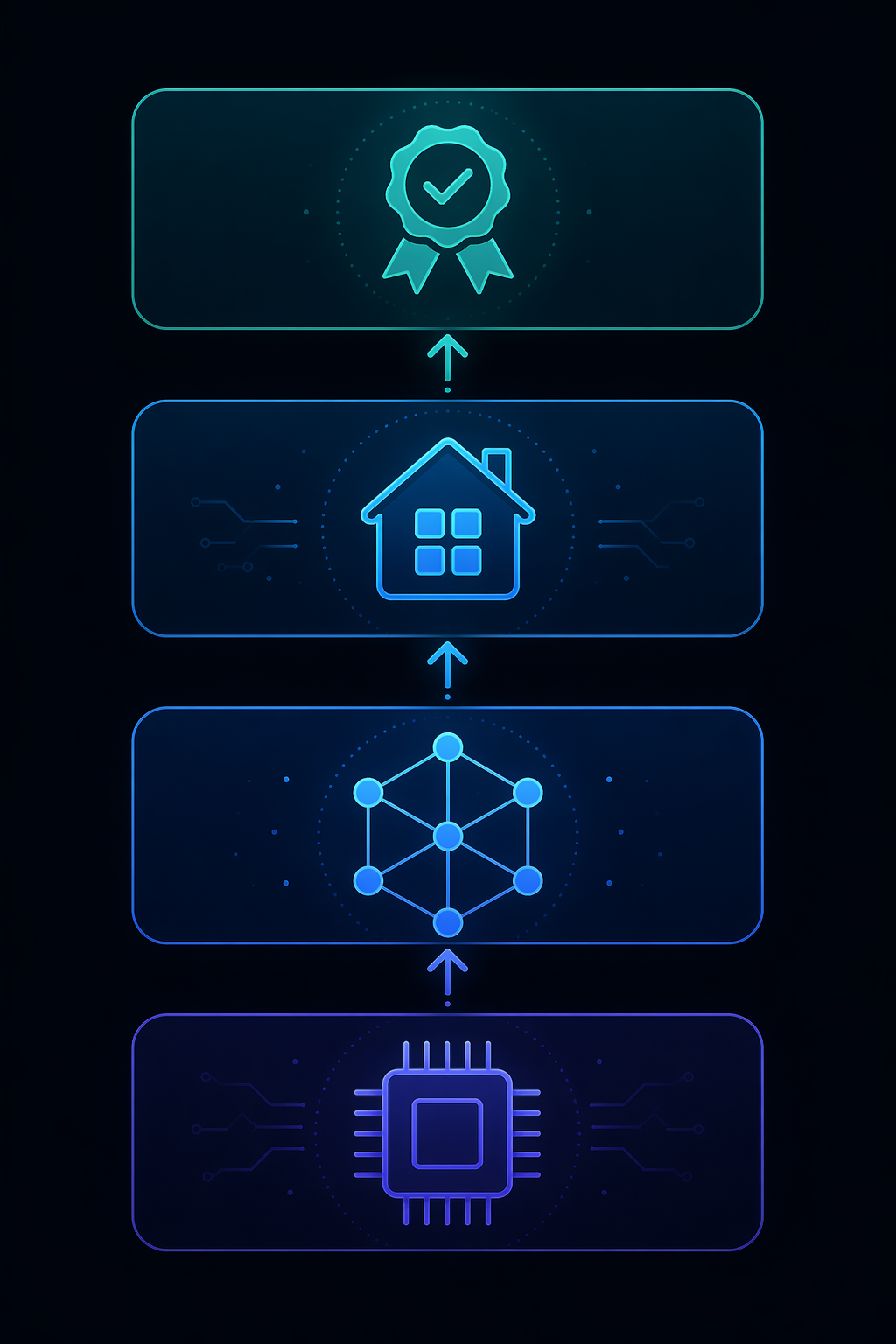
First Separate Ordinary Smart Home Trouble From Matter Trouble
Before blaming Matter, clear the boring failures. A battery sensor with a weak cell, a Wi-Fi plug stuck at the edge of coverage, a router that just rebooted, or a device that never received its latest firmware can produce symptoms that look like ecosystem fragmentation. Those checks are not glamorous, but skipping them turns every diagnosis into folklore.
Use a quick triage pass. If the device is offline everywhere, treat it as power, battery, radio, or firmware first. If it works in the manufacturer's app but loses controls in Apple Home, Google Home, Alexa, or SmartThings, suspect Matter feature exposure or platform support. If it works for one platform and not another, suspect platform implementation. If several Thread devices become unstable together, especially after adding a new hub, display, speaker, or streaming box, suspect Thread topology before you factory-reset the whole house.
| Symptom | Most likely layer to test first | What to do before resetting |
|---|---|---|
| Device is offline in every app | Power, battery, Wi-Fi, or firmware | Check power, replace batteries, reboot network gear, update firmware |
| Device works in native app but loses features through Matter | Matter feature exposure or platform implementation | Compare the native app controls with each Matter platform's exposed controls |
| Device works in SmartThings but not Apple Home, Google Home, or Alexa | Platform Matter version support | Check whether that platform supports the device category and Matter version |
| Thread devices drop together or improve when one hub is unplugged | Thread border router topology | Map which devices are acting as Thread border routers |
| Groups of lights turn on one after another | Matter scene behavior | Confirm whether this is the known stagger rather than a pairing fault |
If the first row fits, move to a broader network guide rather than a Matter-specific rabbit hole. The general failure path still matters for Matter-over-Wi-Fi devices, and the deeper Wi-Fi/router work belongs in Why Your Smart Home Keeps Breaking: The Network Is Usually the Problem or the full Smart Home Device Troubleshooting guide. Stay here when the device is alive, paired somewhere, and behaving differently depending on which Matter path you use.
Check The Device Firmware Before You Judge The Platform
The cleanest test is still the least dramatic one: update the device in the manufacturer's app or hub first, then update the controller app and hub that will run it. A Matter device may advertise itself correctly and still depend on firmware fixes for commissioning, Thread behavior, exposed attributes, or multi-admin sharing. If the vendor app shows a firmware update, install it before deleting the device from every ecosystem.
After the update, test where the problem follows. If the same missing control appears in every Matter platform but exists in the native app, the manufacturer may not be exposing that feature through Matter yet. If the control appears in one ecosystem and not another, the device is probably not the only actor. If a lock, sensor, light, or camera behaves differently after being paired through a different administrator, note the exact path: which app commissioned it first, which platform was added later, and whether the second platform received the same capabilities.
This is also where the Matter logo can mislead. A product may be Matter-certified without supporting newer capabilities introduced after its certification target. The status review warns that the logo does not tell a buyer whether a device is certified for Matter 1.0, 1.3, or 1.5 features.[1] That distinction matters when a device category has changed under the standard but your platform or hardware is still operating as if the older version is the whole universe.
Platform Version Fragmentation Is The Main 2026 Trap
The worst troubleshooting mistake in 2026 is assuming “Matter support” is a single switch. It is not. Apple Home, Google Home, Amazon Alexa, and SmartThings can all support Matter while supporting different device types, commands, setup paths, and release schedules. The practical result is a device that appears legitimately compatible in a product listing and then behaves like a partial citizen once it reaches the home.
Security cameras are the sharpest example because the mismatch is visible. Matter 1.5 support for cameras exists in the standard, and SmartThings moved quickly enough to stand out among the major platforms. But the same category remains unavailable or delayed for users waiting on Alexa, Google Home, or Apple Home support.[1] The device can be real, the certification path can be real, and the missing controls can still be real.
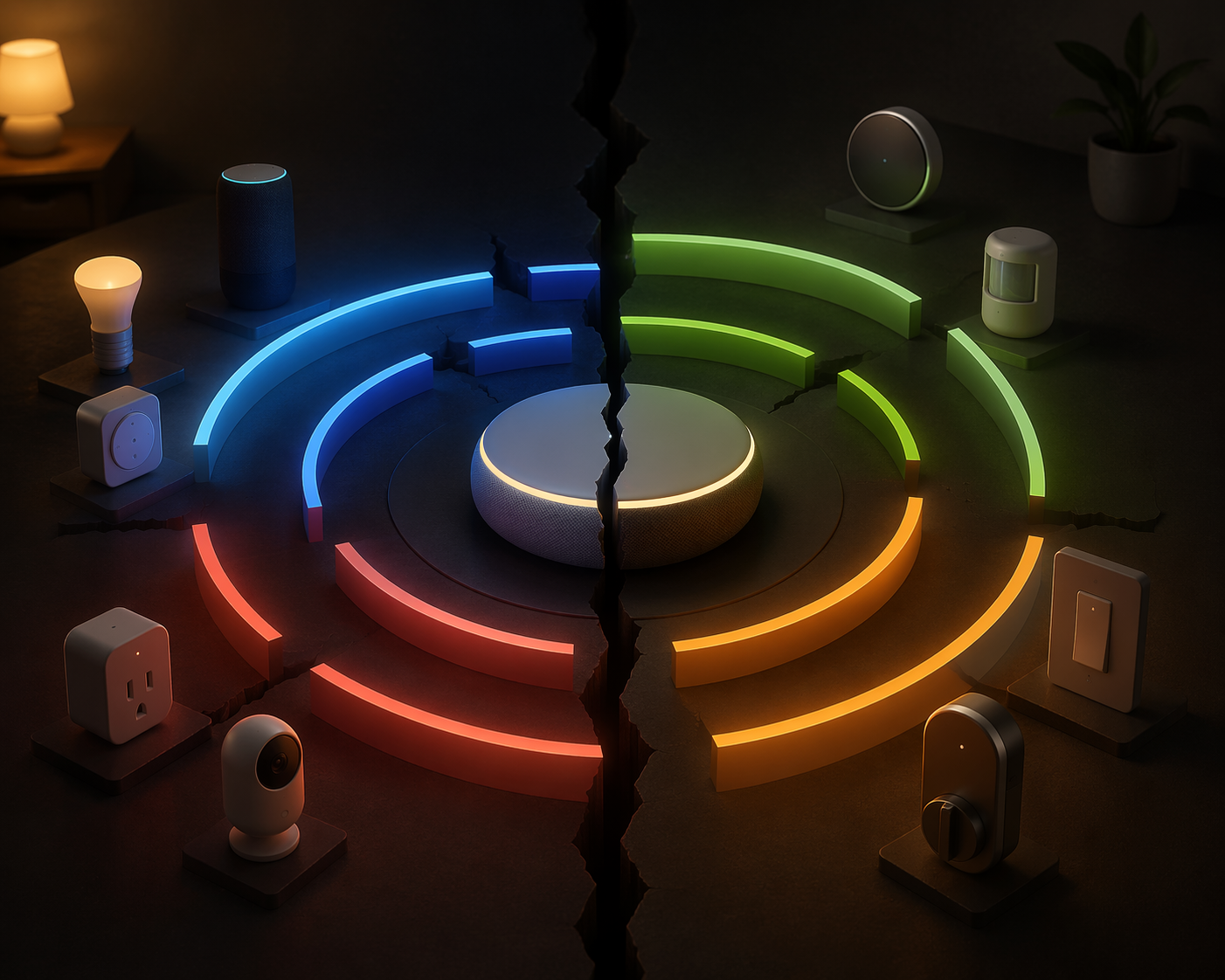
Do not troubleshoot that as if a factory reset will teach Apple Home, Google Home, or Alexa a device category they have not implemented. The right question is narrower: does this platform currently support this Matter device type and the specific feature I am trying to use? If not, the fix is a platform update, a different ecosystem path, or using the manufacturer's app for that function until support catches up.
Feature disparity is not limited to cameras. Hands-on Matter users continue to report that advanced device functions often disappear when the same product is added via Matter instead of the manufacturer's native app.[2] That is not automatically a scandal; Matter usually exposes a common control surface, while vendors often keep deeper settings, effects, diagnostics, calibration tools, or proprietary scenes in their own apps. But it changes how you diagnose the problem. Missing a basic on/off command points one way. Missing a specialty effect, advanced automation condition, or vendor-specific camera setting points another.
The Ikea Dirigera reports belong in this bucket too, but only as a caution, not a universal rule. Users have reported Thread-pairing difficulty with certain platform combinations.[2] That tells you to test the pairing path and platform pairing support before condemning the device, not that every Dirigera setup will fail or that every platform-specific error has the same cause.
A Practical Platform Test
When a Matter accessory behaves differently across ecosystems, stop changing five things at once. Pick one known-good controller, update it, commission the device there, and record exactly which controls appear. Then add a second platform through Matter multi-admin and compare. If the missing feature appears in the first platform but not the second, you have a platform implementation problem. If it appears nowhere except the native app, you likely have a Matter exposure or device firmware limitation. If it appears nowhere at all, you may be chasing the wrong advertised capability.
- Keep one platform as the baseline while testing; do not re-pair through every app in the same hour.
- Write down the commissioning path, because “added to Google Home” and “shared to Google Home from Apple Home” are not always equivalent experiences.
- Compare basic controls separately from advanced vendor features.
- Check the device's Matter certification version and the platform's current Matter support before replacing hardware.
Thread Problems Feel Irrational Because The Routers Are Trying To Help
Thread should be the calm part of the house: low-power mesh devices, nearby border routers, less dependence on Wi-Fi for every sensor and button. The trouble starts when several ecosystems bring their own Thread border routers and do not share credentials cleanly. Apple TV, Google Nest Hub, and Amazon Echo devices can each try to be useful, and users have reported split or competing Thread meshes when multiple brands are present.[1][2]
This failure looks different from an ordinary weak signal. A device may pair, then vanish. A group of Thread accessories may become unreliable only after a new display, speaker, or streaming box is added. One platform may see the device while another seems to create a parallel neighborhood. Credential sharing is supposed to reduce that mess, but in real homes it remains unreliable enough that topology still deserves direct attention.[1]
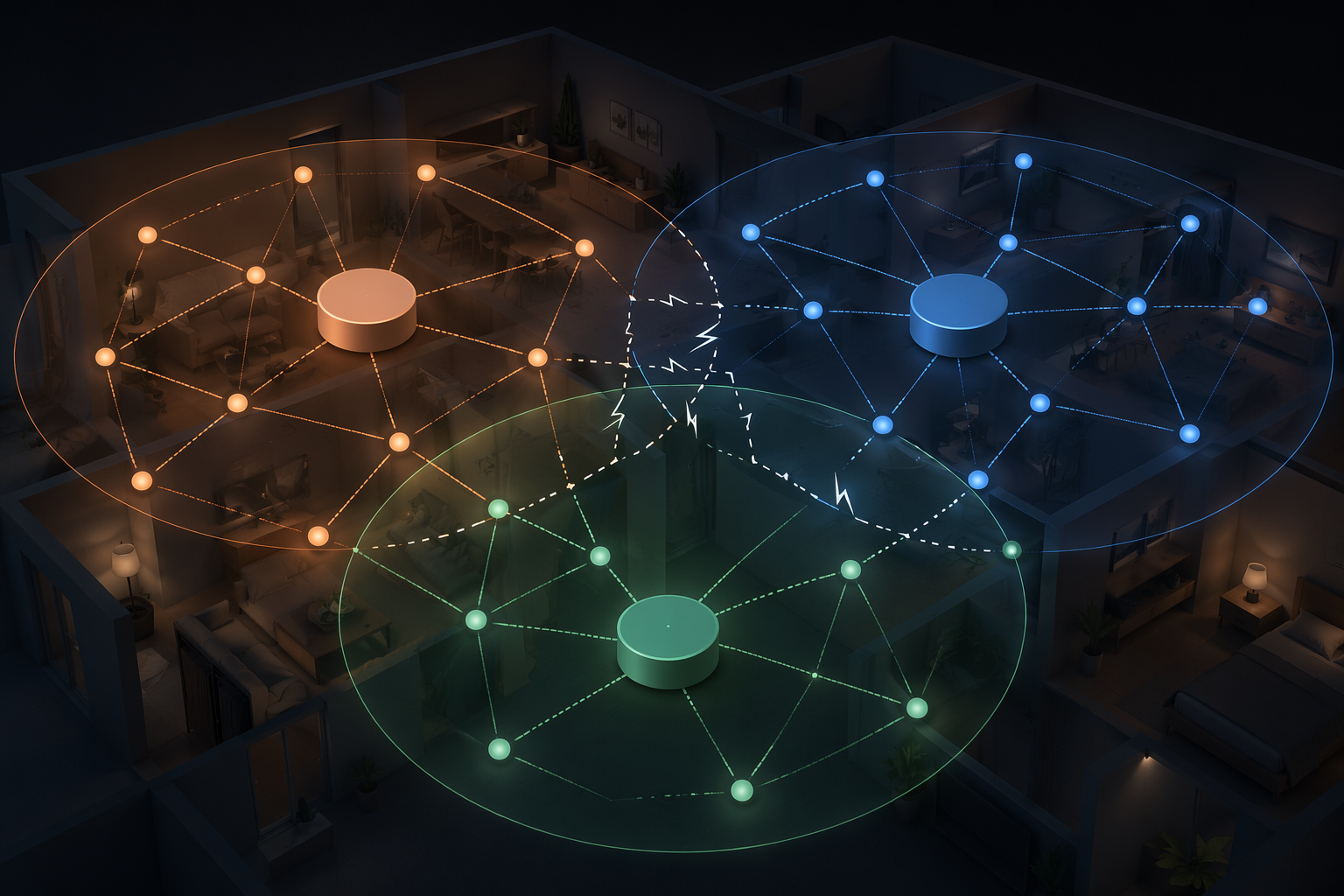
The irritating part is control. With a normal router feature, you expect a toggle. With common Thread border routers, that toggle may not exist. Reports note that users often cannot easily disable the Thread border router function in devices such as Google Nest Hub or Amazon Echo, which leaves physical workarounds: unplugging, relocating, or temporarily removing hardware to stabilize the Thread network.[1][2] That feels primitive because it is primitive. It is also sometimes the cleanest diagnostic move.
Map the Thread border routers before deleting accessories. In many homes, that list includes Apple TV models, HomePod models, Nest Hub devices, Echo devices, and certain hubs. You are not just asking “Do I have Thread?” You are asking “How many Thread networks might this home be creating, and which ecosystem gave credentials to which device?” If unplugging one border router suddenly makes commissioning reliable, you have learned more than a dozen factory resets would have taught you.
How To Stabilize A Suspect Thread Setup
Choose a primary Thread ecosystem for the test. Leave its most reliable border router powered and online. Temporarily power down competing border routers from other brands, especially newly added smart displays, speakers, or streaming boxes. Then commission one problematic Thread device again and watch whether it stays reachable. If it stabilizes, bring other border routers back one at a time and give the network time to settle between changes.
This does not mean every mixed-brand Thread home is doomed. It means mixed Thread infrastructure is one of the few places where adding more capable hardware can make the system worse. If you are deciding whether to buy another hub or border router, the better question may be whether it will join your existing topology cleanly. The broader hub decision belongs in Hub or No Hub: When You Actually Need a Smart Home Hub in 2026, but for troubleshooting, fewer active border routers can be more informative than more.
The Popcorn Effect Is Not The Same Kind Of Failure
When several Matter lights turn on one after another instead of snapping together, it is tempting to hunt for the slow bulb. Sometimes one bulb is unhealthy. But the common “popcorn effect” described by hands-on users is broader: multiple Matter lights visibly stagger because Matter does not yet match the simultaneous multicast scene behavior that mature systems such as Philips Hue's Zigbee implementation have refined for years.[2]
That matters because the fix category changes. Firmware updates may improve timing, and platform scene engines may get better, but a one-by-one stagger is not the same as a dead radio or bad pairing code. If your benchmark is a polished Hue room where a Zigbee group scene fires as one visual event, a Matter group may feel worse even when every device is technically responding.
Test it with simple scenes. Put three or four Matter lights in the same room, trigger the same state change from the platform, and watch whether the delay is consistent across devices or tied to one accessory. If one light is always late, investigate its firmware, power, route, or placement. If the order varies and all lights eventually respond, you may be seeing the protocol and platform behavior rather than a single defective product.
Use The Native App As Evidence, Not As A Crutch
The manufacturer's app is useful because it shows what the hardware can do. If a shade calibrates, a lock exposes access settings, or a light strip shows advanced effects in the native app, the device is not necessarily incapable. The question is whether those controls are exposed through Matter and then implemented by your chosen platform.
Do not let the native app become the permanent answer without noticing what it proves. If every important feature requires the vendor app, Matter may still be useful for basic automations, presence in a shared dashboard, or cross-brand triggers. It may not be the right path for the device's advanced behavior. That is a product decision, not a reset procedure.
For platform shoppers, this is where a comparison becomes more useful than a spec sheet. A household that depends on cameras, advanced lighting scenes, or Thread-heavy sensors should choose based on current implementation, not just long-term Matter promises. If that is the decision in front of you, compare ecosystems in Smart Home Platforms Compared: Which Ecosystem Should You Choose in 2026 and treat Matter support as a moving implementation record, not a badge.
A Layer-By-Layer Diagnostic Workflow
When the same device has been reset three times and the house is getting worse, slow down. The point is to make the problem follow one layer at a time.
- Confirm the basic symptom: offline everywhere, missing controls, failed pairing, unstable Thread connection, or staggered group behavior.
- Clear ordinary causes first: power, battery, Wi-Fi coverage, router stability, and device firmware.
- Compare native app behavior with Matter behavior to see whether the hardware can perform the missing function.
- Check whether the device's Matter certification version includes the feature you expect.
- Check whether your platform currently implements that Matter feature or device category.
- For Thread devices, simplify the border-router environment and test whether reliability improves when competing routers are removed.
- Only then decide whether to replace the device, change the platform path, or wait for firmware/platform support.
That order protects you from the two most expensive mistakes: replacing working hardware because a platform is behind, and expanding the network because the existing Thread topology is already fragmented. Matter has passed the point where every failure can be dismissed as early-adopter chaos; the same status review points to more than 850 certified products and real momentum.[1] But a large device catalog does not make every platform equal on every feature.
When To Stop Troubleshooting
Stop when the layer is identified. If the device is missing a feature because your platform has not implemented that Matter version, more resets are just wear on your patience. If a Thread network stabilizes only when a second ecosystem's border router is powered down, the problem is topology, not the end device. If a vendor-only feature never appears through Matter, decide whether basic cross-platform control is enough or whether that device belongs primarily in its native app.
The standard for declaring hardware guilty should be higher than “the Matter setup was annoying.” Check firmware, platform support level, Matter certification version, and Thread topology first. If those layers line up and the problem still follows the device across platforms and networks, then the bulb, lock, camera, or sensor has earned the blame.
For the broader state of the standard before buying more devices, use Matter in 2026: An Honest Status Review. For devices that are simply offline, flaky, or weak on Wi-Fi, leave Matter aside and troubleshoot the network first.
References
- The Matter Standard in 2026 – A Status Review — matter-smarthome.de
- Why Matter Still Sucks in 2026! — Terry White
Corroborating context
For protocol background on why this failure happens, see Compatibility & Protocols.
Not currently linked to a known regression. Background on the underlying protocol lives in Compatibility & Protocols.