
Switch Smart Home Schedules to Sun Time for Permanent DST
Clock-anchored schedules fire an hour off at every DST change, and permanent daylight saving time would leave them misaligned with winter daylight for good. This skill-tiered recipe set rebuilds daylight-tracking automations on solar events — sunrise, sunset, sun elevation, with lux fallback — so they follow real daylight, while keeping strict clock-time jobs on the clock.
Recipe scope: this is a rebuild guide in the recipes group for smart home automations that are supposed to follow daylight. If your lights, thermostats, shades, or scenes are already firing an hour wrong today, use Fix Smart Home Schedules After Daylight Saving Time first. That companion article is for diagnosis and cleanup. This one is for rebuilding the schedule so you do not have to repeat that cleanup at every clock change.
The practical answer is simpler than the political argument around permanent daylight saving time: fixed clock schedules stay fixed, while sunrise and sunset move around them. If an automation’s real job is “turn on when the porch is dark,” “start the wake light before sunrise,” or “preheat only when the room is about to be occupied in daylight,” then 6:30 a.m. or 7:00 p.m. is a fragile shortcut. The durable anchor is the sky event, with the hub’s timezone and home location set correctly.
First sort the automation: clock job or sky job
Do this before editing anything. Open your automations list and write down the ones that use a specific time. Then ask what each automation is actually trying to follow.
| Automation type | Keep it on wall-clock time | Move it to sun time |
|---|---|---|
| Morning alarm, medication reminder, school pickup reminder | Yes. The human appointment is the clock. | No. |
| Porch lights, path lights, exterior accent lights | Usually no. | Yes: sunset, dusk, or sun elevation. |
| Wake light | Only if the wake-up time matters more than daylight. | Yes if the point is to simulate sunrise or soften dark winter mornings. |
| Thermostat preheat or precool | Yes for a fixed occupancy schedule. | Often yes when daylight, solar gain, or dark-morning comfort is part of the job. |
| Shades and blinds | Sometimes, for privacy at a fixed hour. | Yes for glare, sunrise, sunset, or heat gain. |
| Holiday lights | No, unless a local rule requires a fixed shutoff. | Yes for sunset-on, bedtime-off. |
The mistake is not using a clock. The mistake is using a clock for a daylight job. A dishwasher delay, a workday coffee routine, and a medication reminder can stay on the wall clock. A porch light that comes on before the sky has dimmed is telling you it was filed in the wrong category.
Why this is worth rebuilding instead of patching twice a year
The same failure pattern has shown up across different ecosystems, though the evidence is mostly dated community evidence rather than vendor-confirmed root-cause reports. Treat these as warning lights, not universal diagnoses.
| Status label | Ecosystem signal | What it shows |
|---|---|---|
| Confirmed community case | SmartThings users in Arizona reported automations firing one hour early around the March 2022 U.S. daylight saving change; the community fix discussed was changing geolocation and re-saving each automation. | A non-DST location can still be affected when the hub/app location or schedule state is wrong. |
| Workaround, not official fix | eWeLink users reported TRV and scene schedules shifting one hour around EU winter/summer clock changes in 2024–2025; forum workarounds included toggling scenes off/on or bulk-editing timers. | Schedule state can survive a clock change in the wrong shape until the user forces a refresh. |
| Platform-specific guard | A Home Assistant user reported a bedroom automation firing at the DST changeover instant in January 2024 discussion; the accepted community fix used a template condition that returned false on the last Sunday of March and October. | Some edge cases deserve a changeover-day guard, but only when the platform and automation actually need one. |
Those reports come from SmartThings Community, the eWeLink Forum, and Home Assistant Community respectively, and they should be read with their dates and platforms attached.[1][2][3] The useful lesson is not “all hubs fail DST.” The useful lesson is that fixed-time schedules and cached timer state are brittle places to hide a daylight assumption.
The rebuild workflow
Work from the schedule list outward. Do not start by blaming DST, the device, or the app. Start by finding every automation that says “at 6:30,” “at sunset plus 30 minutes,” “at sunrise,” or “when illuminance drops below…” and put it in one notebook page or spreadsheet.
- Audit every fixed-time automation. Include disabled automations, old scenes, thermostat comfort schedules, lighting groups, shade routines, and voice-assistant routines. A disabled scene can still be copied later and bring the same bad assumption back.
- Classify each one as clock-bound or daylight-bound. If a person would describe the job with “before sunrise,” “after dusk,” “when the room is dark,” or “while the sun is low,” it is a daylight-bound automation.
- Verify the home location and timezone in the platform that owns the schedule. Check the hub, the app account, the home address/geofence, and any bridge that stores schedules locally. Correct location matters because solar events are calculated from location.
- Replace fixed times with sunrise, sunset, dawn, dusk, or a sun elevation threshold where the app exposes those options.
- Use offsets for ordinary “a little before” or “a little after” behavior. Use sun elevation when the quality of twilight matters more than a fixed offset.
- Add a lux condition only when the actual room or yard light level matters. This is especially useful for overcast mornings, shaded rooms, covered porches, and homes with heavy tree cover.
- Add a DST changeover-day guard only for automations with a known changeover-trigger problem. Do not scatter DST sensors through a healthy setup just because they look clever.
- Validate by temporarily moving the action to a harmless notification or low-impact light, then watching the next sunrise/sunset cycle.
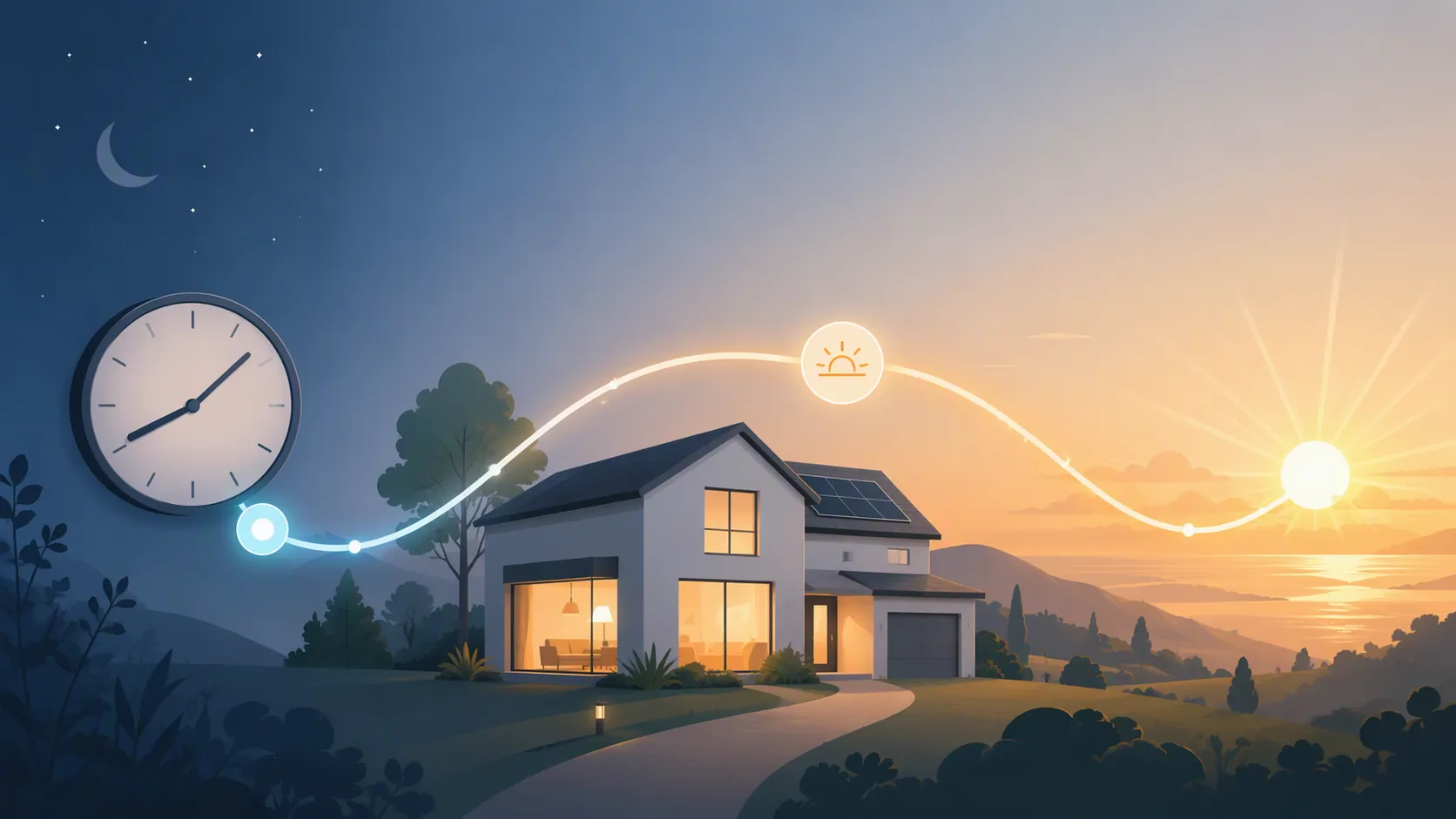
Timezone and location come before recipe changes
A sun-based schedule is only as good as the hub’s idea of home. If the hub thinks your house is in the wrong timezone, or a cloud account stored an old city, sunrise and sunset triggers can be wrong in a cleaner-looking way. Before replacing a single trigger, check:
- Hub timezone.
- Home address or latitude/longitude.
- Mobile app geolocation permission, if presence or home mode is part of the automation.
- Bridge time settings for devices that store schedules locally.
- Voice-assistant routines that duplicate the same light or thermostat action outside the main hub.
This is also where some “DST bugs” turn out to be old location state. The SmartThings Arizona thread is a good reminder: a non-DST region does not save you if the platform’s location handling or stored automation state is wrong.[1]
Beginner recipe: use the app’s sunrise and sunset triggers
Use this when your app exposes simple choices such as “sunrise,” “sunset,” “before sunrise,” or “after sunset.” The app may not call it “solar events,” but that is what you are looking for.
| Old fixed-time routine | Better daylight routine | Why |
|---|---|---|
| Porch light on at 6:00 p.m. | Porch light on at sunset, or 15 minutes before sunset if the entry needs to be lit early. | The porch follows actual evening light instead of a date on the calendar. |
| Path lights off at 7:00 a.m. | Path lights off at sunrise, or 20 minutes after sunrise. | Winter and summer mornings no longer need separate edits. |
| Holiday lights on at 5:00 p.m. | Holiday lights on at sunset and off at a fixed bedtime. | The on-time follows dusk; the off-time still follows household preference. |
| Wake light starts at 6:30 a.m. | Wake light starts at sunrise minus an offset, if the goal is daylight simulation. | The routine stops pretending that 6:30 means the same thing in every season. |
For basic apps, keep the logic boring. Pick one solar trigger, one offset if needed, and one action. Then watch it for a day before adding presence, weather, or mode conditions. If you make five changes at once, you will not know which one fixed the schedule or which one broke it.
Intermediate recipe: offsets, validation, and real-room light
Offsets are fine when the phrase in your head is “a bit before” or “a bit after.” They are weaker when the phrase is “when it is actually dim.” In that case, a light sensor gives the automation a real-room correction that the clock and the astronomical sunset table do not have.
A good intermediate porch-light routine usually looks like this:
- Trigger near sunset, dusk, or a sun-elevation threshold.
- Check that someone is home or the house is in an evening mode, if that matters.
- Optionally check a lux sensor so the light can turn on earlier on overcast days.
- Turn off at a fixed household time, a bedtime scene, or after no motion for a set period.
That split is intentional. “On” follows daylight. “Off” often follows people. A path light may need to come on at dusk, but it may turn off at 11:00 p.m. because that is when your household stops using the path. Do not migrate the off-time just for symmetry.
For thermostats, the same distinction matters. A heat-wave cooling routine may legitimately follow a fixed occupancy schedule, as in smart thermostat settings to save energy in a heat wave. A winter wake/preheat routine tied to dark mornings is different: if the comfort problem is “the room feels cold and dark before sunrise,” the trigger should consider sunrise, sun elevation, occupancy, or room conditions rather than only the clock.
Use sun elevation when twilight precision matters
Sunset plus 30 minutes is easy to understand, but twilight duration changes through the year. Home Assistant’s official Sun integration exposes sunrise, sunset, dawn, dusk, and sun elevation, and the docs show elevation-based triggers such as checking the sun.sun elevation attribute rather than relying only on a fixed sunset offset.[4][5] Civil twilight is the band from 0° to -6° solar angle, so an elevation threshold lets you target a repeatable light condition more directly than “30 minutes after sunset.”[4]
For a front entry, sunset minus a few minutes may be enough. For photography lighting, exterior accent scenes, or a room where glare changes sharply, elevation is the cleaner handle.
Advanced Home Assistant recipes
Home Assistant is unusually good for this job because the solar-event tools are explicit. The Sun integration is shipped by default, and Home Assistant’s public integration page reports it in 99.6% of active installations.[4] That does not make Home Assistant the only right hub; it just gives precise examples for readers who want the logic in the open.
Sunrise offset: start before the sun, not before an arbitrary clock time
alias: Wake light before sunrise
mode: single
triggers:
  - trigger: sun
    event: sunrise
    offset: "-00:45:00"
conditions:
  - condition: state
    entity_id: input_boolean.vacation_mode
    state: "off"
actions:
  - action: light.turn_on
    target:
      entity_id: light.bedroom_lamp
    data:
      brightness_pct: 10
  - delay: "00:20:00"
  - action: light.turn_on
    target:
      entity_id: light.bedroom_lamp
    data:
      brightness_pct: 60
The official Home Assistant automation docs show sun triggers with events such as sunrise and offsets such as -01:00:00.[5] The important part here is not the exact 45-minute example; it is that the routine follows sunrise. If permanent daylight saving time ever changes the legal clock, this automation still keys off the calculated solar event for the home location.
Dusk by elevation: avoid a stale sunset offset
alias: Exterior lights at consistent dusk
mode: single
triggers:
  - trigger: numeric_state
    entity_id: sun.sun
    attribute: elevation
    below: -4.0
conditions:
  - condition: state
    entity_id: input_boolean.guest_mode
    state: "on"
actions:
  - action: light.turn_on
    target:
      entity_id:
        - light.porch
        - light.front_path
    data:
      brightness_pct: 70
The -4.0 value is an example threshold inside civil twilight, not a universal porch-light number. Test it at your own house. A covered porch, a north-facing entry, and a street with bright lamps will not feel the same at the same solar angle.
Lux fallback: let the room overrule a bright-looking calendar
alias: Living room lamp when the room is actually dim
mode: single
triggers:
  - trigger: numeric_state
    entity_id: sensor.living_room_illuminance
    below: 80
  - trigger: numeric_state
    entity_id: sun.sun
    attribute: elevation
    below: -2.0
conditions:
  - condition: state
    entity_id: binary_sensor.living_room_occupied
    state: "on"
  - condition: or
    conditions:
      - condition: numeric_state
        entity_id: sensor.living_room_illuminance
        below: 80
      - condition: numeric_state
        entity_id: sun.sun
        attribute: elevation
        below: -2.0
actions:
  - action: light.turn_on
    target:
      entity_id: light.living_room_floor_lamp
    data:
      brightness_pct: 45
The lux values in this example are placeholders to calibrate, not published comfort standards. Put the sensor where the automation’s decision is actually made: a windowsill sensor may be good for daylight tracking, while a sensor hidden behind a plant may only measure the plant. Watch the value on a bright day, an overcast day, and at the moment someone says, “Why are the lights off?” Then set the threshold.
Changeover-day guard: only for known edge cases
A Home Assistant Community workaround used a template condition to prevent an automation from running on the last Sunday of March and October, matching the reported DST-changeover issue in that thread.[3] That is a useful pattern when you have a known changeover-trigger problem. It is not something to paste into every automation in every country.
alias: Example guard for EU-style DST changeover Sundays
condition:
  - condition: template
    value_template: >
      {{ not (now().month in [3, 10]
              and now().weekday() == 6
              and now().day > 24) }}
If you are in the United States, or in a region that does not observe daylight saving time, adapt the dates or do not use this guard. A guard copied from the wrong legal clock calendar is just another hidden schedule bug.
Optional DST state sensor
Home Assistant users have also shared a template binary sensor that checks whether the system is currently in DST with now().timetuple().tm_isdst > 0.[3] Use it as a diagnostic or a guard for a specific edge case, not as a substitute for sun-based triggers.
template:
  - binary_sensor:
      - name: "Currently DST"
        state: "{{ now().timetuple().tm_isdst > 0 }}"
For more Home Assistant recipe patterns with copyable YAML, the same habit of explicit triggers and explicit guard conditions shows up in Which Heat-Wave Cooling Automations Actually Work? and Set Up DeepSeek V4 as a Home Assistant Assist Agent. The subject is different; the maintenance discipline is the same.
Where permanent daylight saving time fits
As of 2026-08-02, H.R. 139, the Sunshine Protection Act, had passed the House 308–117 on July 14, 2026 and was pending in the Senate.[6][7] That status is a dated note, not a prediction. The primary congressional tracker was not available in the research used here, so treat the legislative status as something to re-check before publishing or making policy-dependent claims.
The smart-home consequence, if year-round daylight saving time became law, is that winter mornings would stay one clock hour later than they would under standard time. The Hill’s city table, attributed through Nexstar/WKRN, listed example winter sunrise shifts such as Chicago 7:18 to 8:18 a.m., Denver 7:21 to 8:21, New York 7:20 to 8:20, Indianapolis 8:06 to 9:06, and Grand Rapids 8:14 to 9:14; those exact city times should be re-verified against a solar-time source before publication.[8]
For a fixed 6:30 a.m. wake-light or preheat routine, that means roughly two hours before sunrise in Chicago, Denver, or New York in those examples, and closer to two-and-a-half-plus hours before sunrise in Indianapolis or Grand Rapids. That is a synthesis from the listed sunrise times, not a new survey result.[8] A sun-anchored wake-light does not care whether Congress changes the clock label; it recalculates from sunrise at the home location.
There are broader arguments about public preference, energy, and the 1974–75 year-round-DST precedent, but they do not change the recipe. FactCheck.org summarized the earlier repeal after dark-morning backlash and noted mixed energy findings, including a DOE estimate of about 0.03% electricity savings from the 2007 DST extension and a 2011 Indiana study finding about a 1% demand increase.[9] None of that makes a 6:30 a.m. porch-light schedule smarter.
What Matter time sync does and does not solve
Matter Server 9.1.0 added automatic time sync in July 2026, with Home Assistant Community discussion describing host time, UTC, timezone, and DST information being pushed to supported Matter devices every 24 hours.[10] That is good reliability plumbing. It can help a device know the correct time.
It does not tell a fixed 6:30 a.m. routine whether the sun is still well below the horizon. Correct time sync and correct schedule design are different jobs. Keep the time sync; still move daylight automations to daylight triggers.
Verification checklist after migration
- Every automation has a written purpose: clock-bound, daylight-bound, occupancy-bound, or condition-bound.
- Clock-bound routines still use fixed times because the appointment is genuinely fixed.
- Daylight-bound routines use sunrise, sunset, dawn, dusk, sun elevation, or lux.
- The hub’s timezone and home location are correct.
- Voice assistants, bridges, and thermostat apps do not contain duplicate old schedules.
- Lux thresholds were observed in the actual room or yard before being trusted.
- DST guards exist only where a known platform behavior justifies them.
- The first run after migration uses a harmless notification, low brightness, or another low-risk action if the automation controls heat, locks, or anything disruptive.
If a hub outage or bridge reboot is part of your schedule problem, handle that separately with power and network reliability work such as Keep Smart Home Devices On With a UPS or Power Station. A sun trigger will not help a hub that is offline at sunrise.
References
- Daylight Savings Time Issues — SmartApps & Automations, SmartThings Community
- Winter time --> Summer time — same problem every year, eWeLink Forum
- Disable an automation when daylight saving time comes or goes, Home Assistant Community, Jan 2024
- Sun, Home Assistant
- Automation Trigger, Home Assistant
- House Passes Legislation to Make Daylight Saving Time Permanent, House Energy & Commerce Committee, July 14, 2026
- Sunshine Protection Act, Wikipedia
- What permanent daylight saving time would look like in your state, The Hill
- Trump’s Push to Make Daylight Saving Time Permanent, FactCheck.org, June 2026
- Hooray for Matter Server 9.1.0 Time Feature!, Home Assistant Community, July 2026