
Smart Home Bear Prevention Starts With the Trash Can
Copyable, status-labeled smart-home recipes for bear country: trash-can presence monitoring, smart-plug light and radio patterns, and human-verified camera alerts — with the failure notes included, since fixed scare devices stop working once bears learn they pose no risk. The through-line: the smart home is an orchestration layer over attractant removal, not a substitute for it.

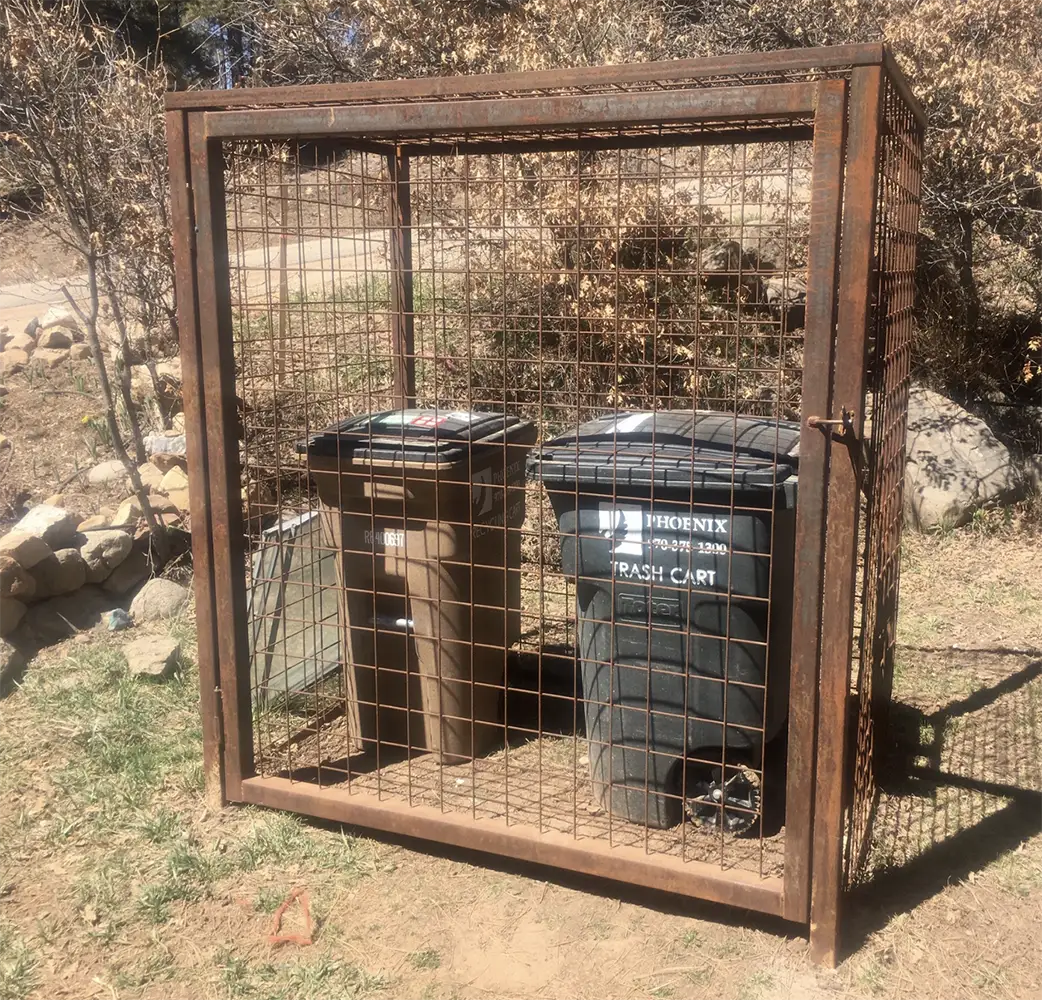
Start at the trash can. If the can is outside overnight, if bird seed is still hanging by the porch, or if pet food is sitting in the garage with the door cracked, the smart home is already late. Bear Smart’s waste guidance is blunt about the order of operations: garbage and other attractants have to be stored so bears cannot get to them, and bear-resistant carts are still “resistant,” not bear-proof. The safer habit is boring and specific: keep garbage secured and put it out as close to pickup time as local rules allow, not the night before because the camera has animal detection turned on. [1]
That is where smart home bear prevention earns its keep. Not by pretending a hub can outsmart a hungry bear, and not by blasting a siren every time something warm crosses the driveway. The useful job is smaller: notice when the prevention step did not happen, remind the right person, and escalate before the can becomes a reward.
The highest-payoff automation: is the trash can where it belongs?
A trash-can presence recipe is not glamorous. That is the point. It watches for one condition that creates a real problem: the can is not in its protected storage spot during the hours when it should be there.
The cleanest community recipe right now is a BLE beacon on the bin, read by Home Assistant through ESPresence or Bermuda. In a Home Assistant forum build, users discussed Blue Charm BC04P iBeacons mounted to garbage bins, with the beacon becoming a binary presence signal for whether the bin is near its expected location. The same thread keeps the important limits attached: battery life depends heavily on power settings, with reports ranging from roughly a year to about four years; RSSI changes can show a bin moving by 2–3 meters, but walls, parked cars, placement, and receiver location all matter; and one user’s practical line-of-sight range was about 30 meters, not the roughly 300-meter manufacturer-style range claim. [2]
| Recipe field | Use this value |
|---|---|
| Status | Confirmed as a community field pattern; re-verify hardware, battery behavior, and receiver placement at your house |
| Hub | Home Assistant |
| Protocol | BLE beacon read by ESPresence or Bermuda |
| Verified date | 2026-07-31 |
| Skill level | Beginner hardware, mid-level calibration |
| What it should do | Notify when the trash can is away from its storage zone during bear-risk hours or after pickup |
| What it should not claim | That the can is bear-proof, locked, empty, or safe |
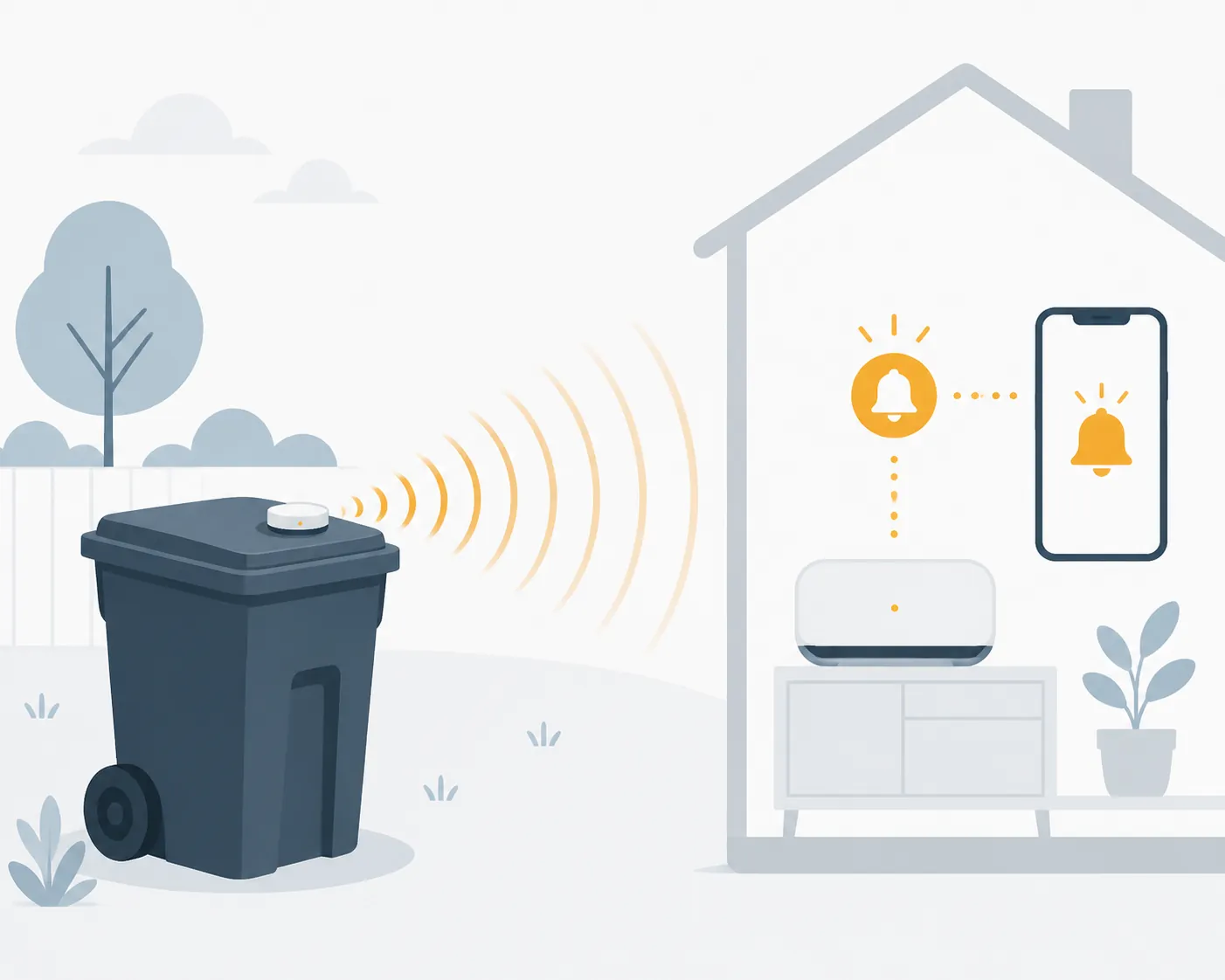
The automation can be simple. Define one zone as “trash stored,” another as “curb,” and treat anything uncertain as a reminder, not a police report. If the can should be inside the garage or behind a secured enclosure by evening, the house sends a message while someone is still awake enough to fix it.
alias: Trash can not stored before night
mode: single
trigger:
  - platform: time
    at: "20:30:00"
condition:
  - condition: state
    entity_id: binary_sensor.trash_can_in_storage_zone
    state: "off"
action:
  - service: notify.mobile_app_your_phone
    data:
      title: "Trash can check"
      message: "The trash can is not reporting from its storage spot. Bring it in or confirm it is secured."
That template deliberately avoids cleverness. It does not unlock anything, spray anything, or decide that a bear is present. It asks a person to restore the ordinary bear-safety condition before the problem gets interesting.
Calibration matters more than the beacon brand. Put the receiver where the house can consistently distinguish the storage spot from the curb or driveway. Watch the signal for several normal trash cycles. Park the car in its usual place. Close the garage door. Move the can to the curb and back. If those states overlap, the recipe is not ready for escalation; it is only ready for a low-confidence reminder.
- Use a notification first, not an alarm.
- Add a second reminder only after the signal has been stable for several pickup cycles.
- Label the automation with its tested receiver location, because moving the BLE reader can change the result.
- Replace “away” language with “not reporting from storage” if the signal is occasionally missing.
- Keep the bear-resistant can in the wording. The sensor is checking habit compliance, not certifying bear security.
This is also the one place where a missed automation can be designed to fail politely. If a beacon battery dies, the useful response is not to assume danger; it is to send a maintenance note: “Trash can beacon has not reported.” Battery life reports in the Home Assistant thread are useful planning notes, not guarantees, so the battery check belongs in the recipe from day one. [2]
Pickup-day logic should reduce nagging, not weaken the rule
Pickup day is where a good recipe becomes livable. The can is allowed to be at the curb for a defined window, then the alert returns. If the neighborhood has morning pickup, the alert can be delayed until after the truck usually comes through. If pickup time varies, use a “snooze until collected” button rather than pretending the hub knows the street schedule.
alias: Trash can still at curb after pickup window
mode: single
trigger:
  - platform: time
    at: "14:00:00"
condition:
  - condition: state
    entity_id: binary_sensor.trash_can_in_storage_zone
    state: "off"
  - condition: state
    entity_id: input_boolean.trash_pickup_day
    state: "on"
action:
  - service: notify.mobile_app_your_phone
    data:
      title: "Bring the trash can back"
      message: "Pickup day window is over and the can is still not reporting from storage."
For Home Assistant users who already build notification flows, the same pattern used for weather alerts or load-shedding confirmations applies here: detect a condition, notify clearly, and require a human acknowledgment before anything disruptive happens. Internal recipes like NWS push-notification alert patterns and Home Assistant blueprint reliability patterns are closer to the right mental model than a wildlife-scare gadget.
The smart-plug radio and light pattern is a workaround, not a shield
The old smart-home deterrent recipe is still worth knowing because it is cheap and easy to understand: motion sensor sees movement, hub turns on an outdoor smart plug, radio or perimeter lights come on. A 2015 SmartThings community thread sketched exactly that kind of pattern for black bear deterrence, with users discussing motion sensors, outdoor plugs, lights, talk radio, and sprinklers. Treat it as a proof-of-concept, not as current hardware guidance; the device models, platform behavior, and app flows all need re-verification before copying. [3]
| Recipe field | Use this value |
|---|---|
| Status | Workaround |
| Hub | SmartThings, Home Assistant, Hubitat, or similar |
| Protocol | Motion sensor plus outdoor-rated smart plug or switched lighting |
| Verified date | 2026-07-31 for concept review; 2015 community thread requires hardware re-check |
| Best use | Temporary, supervised nudge after attractants are already managed |
| Known failure notes | False triggers from deer and raccoons; sprinklers are a bad winter dependency in freezing weather; bears may stop caring |
The failure notes are not footnotes. They decide where the recipe belongs. A motion sensor does not know whether it saw a bear, a deer, a raccoon, a person, or a branch moving in the wrong place. A sprinkler that is useful in July can be a frozen liability in January. A radio that startles an animal once can become background noise once the animal learns nothing follows.
Bear Smart makes the habituation problem explicit: fixed scare devices lose their effect once a bear learns they do not pose a real risk. [4] That does not make lights and radio useless. It means the recipe has to be labeled as a short-term interruption, ideally one that prompts a person to check the yard and remove the reason the bear showed up.
alias: Yard motion temporary light and radio
mode: restart
trigger:
  - platform: state
    entity_id: binary_sensor.driveway_motion
    to: "on"
condition:
  - condition: time
    after: "21:00:00"
    before: "06:00:00"
action:
  - service: switch.turn_on
    target:
      entity_id:
        - switch.outdoor_radio_plug
        - switch.perimeter_lights
  - delay: "00:10:00"
  - service: switch.turn_off
    target:
      entity_id:
        - switch.outdoor_radio_plug
        - switch.perimeter_lights
  - service: notify.mobile_app_your_phone
    data:
      title: "Yard motion triggered deterrent"
      message: "Lights/radio ran for 10 minutes. Check camera before assuming the cause."
If this is built in Home Assistant, the useful adjacent skill is not bear expertise; it is safe plug automation: outdoor-rated load, weather exposure, manual override, and a clear shutoff. A general smart-plug pattern library such as Home Assistant smart-plug automation recipes is the right place to solve those electrical and logic details.
Camera AI should ask for a human check
The camera is the tempting place to start because it feels like proof. A dark shape appears near the driveway, an app says “animal,” and the next automation is supposed to fire the lights, siren, sprinkler, or radio. That chain is too confident.
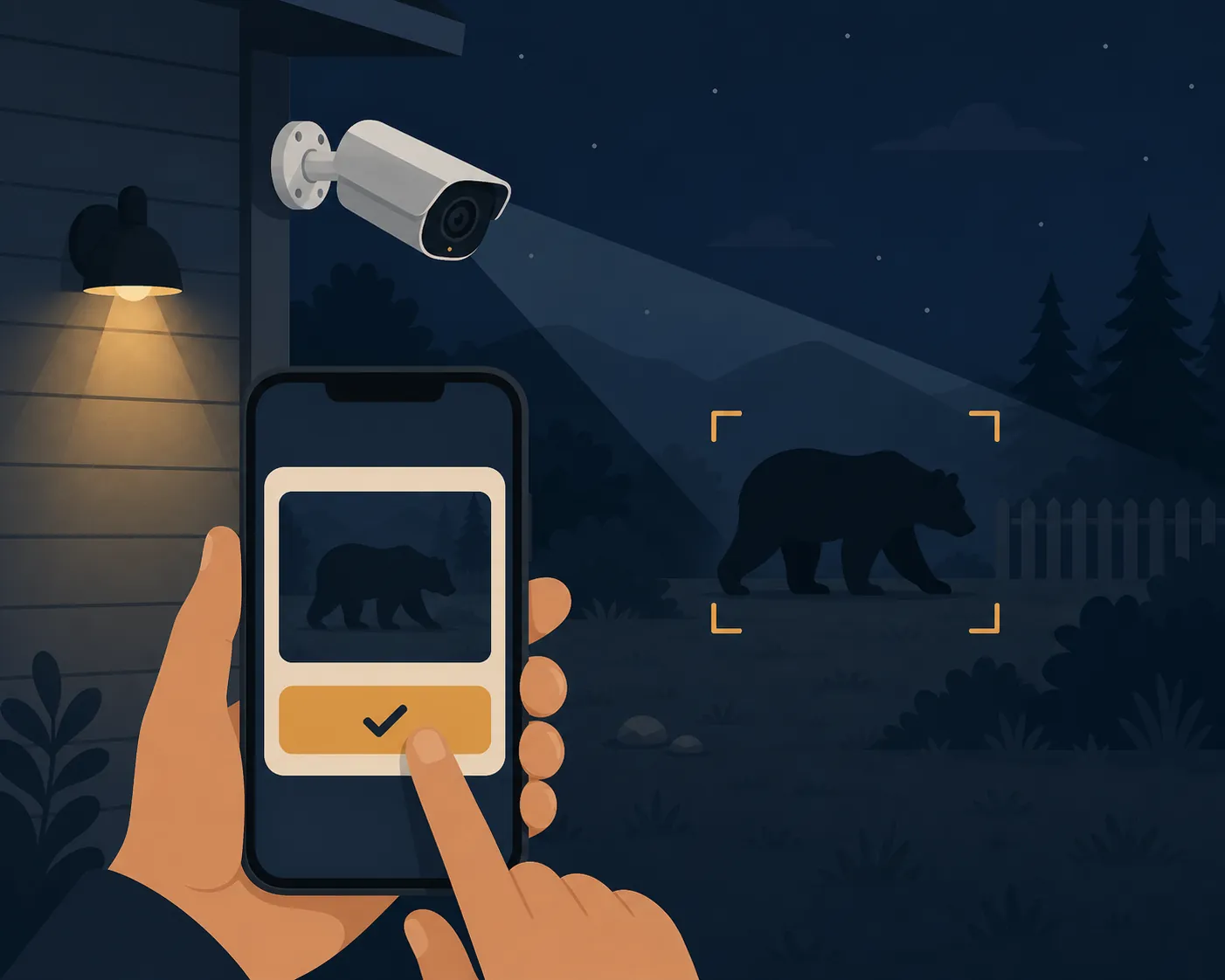
Reolink’s smart-detection documentation does list bears under Pet/Animal detection, but the same support material is full of device, firmware, hardware-version, and app/client caveats. In other words, “Reolink can detect animals including bears” is narrower than “your Reolink camera can safely trigger an autonomous bear response tonight.” [5]
Frigate is more flexible, especially for users already running Coral or OpenVINO and training with Frigate+. But the practical failure mode is not theoretical. In a GitHub discussion, a user described a bear walking in front of a camera with zero detection until the Frigate+ model was actually active. [6] Frigate+ documentation supports custom models and labeling workflows, but that workflow has to be completed and deployed before it helps. [7]
Wyze owners have their own range caveat. In a Wyze forum discussion about wild animal detection, one user reported that a Wyze Cam v3 was limited outdoors to roughly 40 feet for their detection use case. That is an individual field report, not a camera-wide performance statistic, but it is exactly the kind of limit that matters when the bear is near the trash enclosure and the camera is mounted for a pretty driveway view. [8]
| Camera path | Status | Use it for | Do not use it for |
|---|---|---|---|
| Reolink animal detection | Confirmed feature with device/version caveats | Phone alert with still image or clip | Automatic deterrent trigger without local testing |
| Frigate plus Frigate+ | Advanced; depends on active model and training workflow | Local detection pipeline with human verification | Assuming a bear label works before the model is active |
| Wyze outdoor detection | Investigating; community range reports vary by setup | Supplementary alert camera | Long-range perimeter certainty |
The recipe that survives those caveats is modest:
- Camera detects an animal-like event.
- Hub sends a rich notification with a still image or clip.
- A person taps “confirmed bear,” “ignore,” or “check later.”
- Only the confirmed path turns on a light, radio, or other temporary response.
- The next notification asks the person to check attractants, not to admire the clip.
alias: Camera animal event asks for verification
mode: single
trigger:
  - platform: state
    entity_id: binary_sensor.driveway_camera_animal
    to: "on"
action:
  - service: notify.mobile_app_your_phone
    data:
      title: "Animal detected near driveway"
      message: "Review the image before triggering any deterrent. If bear is confirmed, use the manual action."
If an AI assistant helps write the YAML, keep it in the drafting lane. Let it generate a template, explain an error, or compare entity names, but do not give it live authority to decide when the yard gets a deterrent. That boundary is the same one used in Gemini Gem Home Assistant coaching: useful for building and debugging, not for unsupervised control.
Where sirens, sprinklers, alarms, and doormats belong
There is a place for deterrent devices. It is just not the foundation. They belong after a confirmed sighting, during a supervised interruption, or as part of a broader attractant-removal plan.
Orbit sells the Yard Enforcer motion-activated sprinkler at a $99.99 list price as of 2026-07-31. [9] Sunshine Coast Bear Alliance describes a solar alarm designed to run for 40 seconds and to be neighbor-safe. [10] Tahoe Bear Busters lists electric doormats at $68.75 per linear foot and says the company has been in business since 2010. [11] FOX9 published footage of a Minnesota bear fleeing after a sprinkler turned on. [12]
Those examples show possible tools, not a universal sequence. A sprinkler can startle one bear on one video and still be a poor winter automation. An alarm can be less obnoxious than a full siren and still become noise if it fires at raccoons. An electric doormat is a specialized physical deterrent, not something a camera should energize because a model guessed “animal.” The more physical or disruptive the response, the more the workflow needs a human confirmation step.
A practical tiered build
For a house in bear country, the order is not camera, siren, sprinkler, trophy clip. It is storage, verification, notification, then response if someone confirms there is something to respond to.
| Tier | Build | Confidence | Why it belongs there |
|---|---|---|---|
| 1 | Remove or secure attractants: trash, bird feeders, pet food, and pickup-day cans | Highest | This is the actual prevention layer |
| 2 | BLE trash-can presence monitoring | High when calibrated locally | It catches the forgetfulness that creates risk |
| 3 | Pickup-day reminders and escalation | High when the schedule is honest | It gets the can back where it belongs |
| 4 | Motion-triggered light or radio | Medium to low | It may interrupt, but false triggers and habituation stay attached |
| 5 | Camera animal detection with human verification | Useful for awareness; not enough for autonomous action | It gives a person a clip to judge |
| 6 | Sprinkler, alarm, or other deterrent | Confirmed-sighting only | It is a response layer, not prevention |
Every recipe should carry four fields before anyone copies it: hub, protocol, verification date, and status. “Home Assistant, BLE, verified 2026-07-31, confirmed after local calibration” is a usable note. “Bear AI deterrent” is not. SmartThings recipes from old threads need a current hardware pass. Frigate recipes need the active model named. Reolink recipes need the camera model, hardware version, firmware, and app/client version checked against the support table. Wyze recipes need local range testing, not confidence borrowed from someone else’s yard.
The best smart-home bear prevention recipe is the one that makes the boring rule harder to forget: store or remove the attractant first, monitor the trash can because that is where the lapse shows up, use lights or radio only as a labeled workaround, and let cameras notify a person instead of commanding the yard.
References
- Waste Management, Bear Smart
- BLE Beacons for Garbage Bins, Home Assistant Community
- Black Bear Deterrent Ideas, SmartThings Community
- Bear Deterrents, Bear Smart
- Introduction to Reolink Smart Detection, Reolink Support
- Frigate Discussion #19738, GitHub
- Frigate+, Frigate Docs
- Wild Animal Detection, Wyze Forum
- Yard Enforcer Motion-Activated Sprinkler, Orbit
- Deterrent Devices, Sunshine Coast Bear Alliance
- Electric Doormats, Tahoe Bear Busters
- Bear surprised by sprinkler video, FOX9