
How to Set Your Smart Thermostat for Summer Heat Savings
Copyable summer heat settings for Nest, ecobee, and Honeywell Home smart thermostats, with a beginner baseline recipe and an advanced time-of-use pre-cooling tier. Every setting is tied to a dated source, and the included verification step (Energy History, Home IQ, or Home Report) shows whether your season actually saved money.
For an ordinary summer week, start with this baseline: cool to 78°F when people are home, let the house rise about 7–10°F during a long away period if humidity allows, and use the thermostat’s schedule or presence sensing so the setting does not drift back to 72°F by habit. The 7–10°F setback for 8 hours a day is the dated public benchmark from the DOE’s 2022 Energy Saver Guide, which says it can save up to about 10% a year on heating and cooling; the live DOE thermostat pages that used to carry similar guidance are no longer a reliable citation, so the PDF is the cleaner source here.[1]
That does not make 78°F a comfort law. ENERGY STAR recommends 78°F when home and warmer settings when away, and also says raising the thermostat 2°F while using ceiling fans can cut air-conditioning costs by up to 14%.[2] A good summer smart-thermostat recipe uses that as the starting point, then checks whether the household will actually leave it alone.

The copyable summer baseline
Use this as the season-long recipe before getting clever with rates or grid events. It is meant for normal hot weather, not a heat dome, wildfire-smoke day, medical cooling need, or utility emergency. If you are dealing with those, use the heat-dome thermostat recipe or the 115-degree heat-wave cooling schedule instead.
| Situation | Cooling setpoint to try | Why this is the first recipe |
|---|---|---|
| Home and awake | 78°F | Matches ENERGY STAR’s summer home recommendation; adjust only as much as needed for household adoption.[2] |
| Sleeping | 76–78°F if comfortable; lower only for sleep needs | Night comfort is where many perfect schedules fail. Keep the smallest comfort concession that prevents manual overrides. |
| Away for work, errands, or school | 84–88°F in dry climates; about 80–85°F as a safer ceiling in humid climates | The DOE benchmark depends on holding a deeper setback for hours, but humid homes still need AC runtime for dehumidification.[1][4] |
| Return-home recovery | Start cooling 30–60 minutes before arrival if the home recovers slowly | The point is not to punish the household at 5:30 p.m.; it is to avoid cooling an empty house all afternoon. |
| Fan | Auto, not On, for most homes | Auto avoids running the blower continuously after the coil is no longer actively removing moisture. |
The away number is where the climate matters most. In a dry climate, a higher Eco or Away setpoint can work well because the house can coast. In a humid climate, pushing the house too warm can backfire: the AC may not run long enough to pull moisture out of the air, and Trane’s consumer guidance warns against away settings above roughly 80–85°F where humidity and mold risk are concerns.[4]
Per-degree savings rules are useful only as rough pressure tests. PG&E’s commonly cited rule of thumb is about 2% savings for each degree above 78°F, Trane describes up to 3% per degree above 72°F, and SMUD describes 5–10% for a 2°F increase, but those are utility or industry heuristics with different baselines, not a controlled guarantee for your house.[4][18]
Set it on Nest
On a Nest thermostat, the summer recipe lives in three places: the cooling schedule, Eco Temperatures, and Home/Away presence behavior. The exact menu names vary between Nest Thermostat, Nest Learning Thermostat, and the Google Home app, but the decision is the same: 78°F when occupied, a warmer Eco cooling limit when away, and automatic switching only if the household trusts it.
- Set the occupied cooling schedule to 78°F for the periods when people are normally home.
- Set Eco Temperature cooling to the warmest away number your house can tolerate: often 84–88°F in dry climates, closer to 80–85°F where humidity is a problem.
- Turn on Home/Away Assist or presence sensing if the home’s phones and thermostat location make it reliable. Nest’s Eco Temperature and Home/Away features are designed to switch the thermostat when the home is empty, and the Nest Leaf appears when a chosen temperature is expected to save energy.[5]
- If the thermostat learns bad habits from repeated manual overrides, edit the schedule directly instead of fighting it every afternoon.
- Check Energy History after several days. Nest Energy History shows the last 10 days, while the monthly Home Report gives a longer weather-adjusted view.[7]
Be careful with Nest savings labels. Google’s 2020 Seasonal Savings blog described small cumulative schedule tweaks of about 2°F and average 3–5% savings on heating and cooling, while a current Google support page describes 3–7% cooling savings and cites ACEEE.[6][7] Those are not the same claim. Treat Seasonal Savings as a seasonal tune-up that may preserve a good schedule, not as proof that your bill fell.
Nest’s larger published savings figures are also a different category. Google has reported 10–12% heating savings, 15% cooling savings, and $131–145 per year from real-user bill studies with weather controls and comparison groups; independent coverage at the time described the analysis as covering customers across 41 states.[7][8] Useful expectation, not a receipt for your own compressor runtime.
Set it on ecobee
On ecobee, build the recipe around Comfort Settings and Schedule first, then decide how much eco+ should adjust. The mistake is letting every smart feature tug at the schedule before you have chosen the actual summer temperatures.
- Set the Home Comfort Setting cooling temperature to 78°F.
- Set Sleep to the highest temperature the household will keep without manual overrides, often 76–78°F.
- Set Away to a warmer cooling temperature: often 84–88°F in dry climates, with a humidity-aware ceiling around 80–85°F in humid homes.
- Build the weekly Schedule from those Comfort Settings instead of dragging individual temperatures around one day at a time.
- Enable Smart Home & Away if occupancy detection is dependable in your house. If pets, room sensors, or odd work hours confuse it, keep the schedule stricter.
- Use eco+ gently at first. Time of Use, Community Energy Savings, and related eco+ features can help, but they should be allowed to adjust a schedule you already understand.
ecobee has better public evaluation material than many vendors, but the labels still matter. Demand Side Analytics evaluated eco+ across about 240,000 thermostats using a randomized encouragement design and found weighted energy-efficiency savings of about 6% per opt-in thermostat in summer 2019 and about 5% in summer 2020; the same evaluation reported demand-response reductions around 0.91–1.12 kW per device and 7–23% cooling-cost savings for time-of-use customers in 2020.[9][10]
That is separate from ecobee’s consumer-facing “up to 26%” savings language. ecobee says its savings estimate compares use against a constant 72°F baseline, and the company states that this methodology is not yet independently verified.[13] The 72°F baseline is useful for understanding the claim; it is not the same as comparing your new schedule against the way your family actually used the thermostat last July.
Set it on Honeywell Home
Honeywell Home and Resideo thermostats vary widely by model, so use the schedule structure rather than chasing a single button path. If your model supports geofencing, adaptive recovery, or utility features, turn those on only after the basic temperature blocks are correct.
- Create a weekday cooling schedule with 78°F for occupied morning and evening periods.
- Use a warmer daytime Away period during work or school hours: 84–88°F where dry, closer to 80–85°F where humidity is the limiting factor.
- Set a return period early enough that the house is comfortable when people arrive, especially if the system is slow to recover.
- Use geofencing if arrivals vary, but do not let it erase the away setback every time one phone stays home.
- If your Honeywell Home app or connected utility portal offers runtime or energy reports, check those before trusting a headline savings number.
Honeywell Home’s own consumer guidance repeats the DOE-style idea that smart thermostats save by keeping a consistent schedule and reducing heating or cooling when the home does not need it.[17] If you use a Honeywell model mostly as a manual up/down thermostat, it will behave like one.
For recurring schedule mechanics across Honeywell Home, ecobee, and Nest, the cooler weekend thermostat schedule is the better place to troubleshoot day-by-day programming. Here, the important part is that Honeywell’s schedule has a real Away block, not just a slightly warm occupied day.
When to use time-of-use pre-cooling
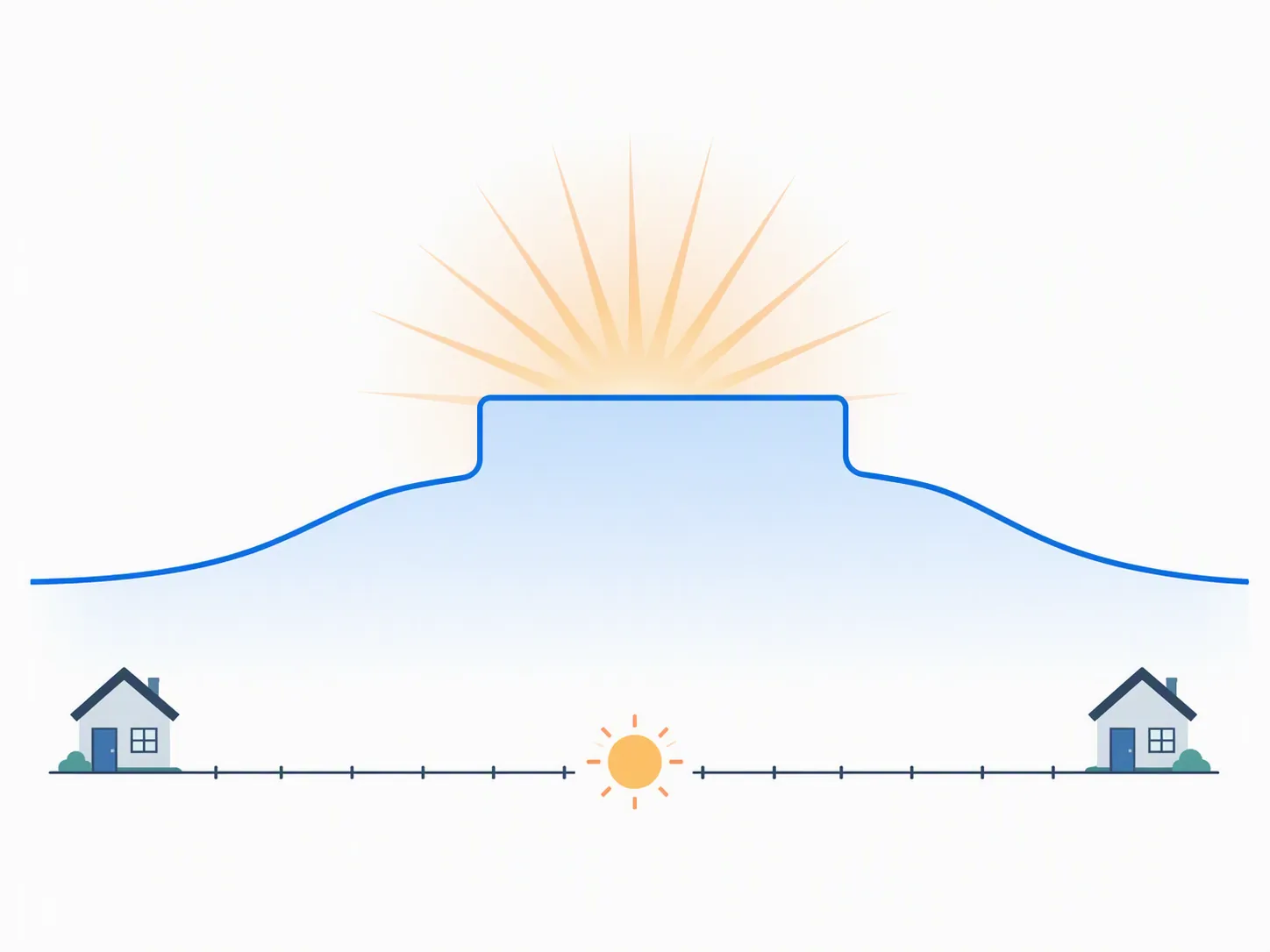
Pre-cooling is not the same move as a normal away setback. A normal setback saves by reducing cooling while nobody needs the house cold. Time-of-use pre-cooling tries to move some cooling into a cheaper off-peak window, then coast through a more expensive peak window. It can lower cost even when total cooling runtime does not fall much, because the bill depends on when the compressor runs.
Use this tier only if you have a time-of-use rate with a defined expensive window, the house can coast without becoming unsafe, and the household will tolerate a warmer late afternoon. If your rate is flat, pre-cooling may simply cool the house more than necessary.
| TOU example | Schedule pattern | How to adapt it |
|---|---|---|
| APS residential pre-cooling example | Cool to 72°F off-peak, then raise to 80°F from 4–7 p.m. on weekdays.[11] | Use this only if your peak window and rate design resemble the example. If 72°F is too cold or the house overcools, try a milder pre-cool. |
| Energy-engineer six-period summer schedule | Includes a 3:15 p.m. pre-cool before a 4 p.m. TOU peak period.[12] | Copy the timing logic, not necessarily every temperature. The key is finishing the expensive cooling before peak starts. |
For Phoenix-style APS schedules, use the more detailed smart thermostat schedule for Phoenix heat. For Texas-style grid events, rate alerts, and demand-response overlap, route to the Texas grid emergency energy-saving setup instead.
The better automation studies support the idea that smart control can hold settings people would not maintain manually. A Georgia Tech and Carnegie Mellon analysis of residential thermostat behavior found that households with automation kept summer cooling setpoints up to 2.2°F higher than fixed or manual households.[15] A Georgia Tech Toronto ecobee time-of-use study found automation shifted setpoints by 1–5°F and produced savings up to about 30 Canadian cents per day.[16] Those are behavior and rate-window results, not evidence that one universal temperature is best.
Demand response: check enrollment before blaming the thermostat
Many smart thermostats can participate in utility demand-response or community energy programs. That may be worth doing, but it is a separate decision from your summer baseline. If the thermostat suddenly raises the cooling setpoint on a hot afternoon, check whether you are enrolled in a utility event before assuming the schedule broke.
Do a quick opt-out audit if you bought the thermostat through a rebate, accepted an app prompt, or inherited the setup from a previous homeowner. The smart thermostat heat-wave opt-out guide covers the places to look. You do not need to reject demand response on principle; you do need to know whether a third party can adjust your setpoint.
Verify the season instead of trusting the claim
The right verification is boring and useful: compare runtime, weather, and bills after the schedule has stayed in place for long enough to matter. A thermostat can report shorter cooling cycles while the bill still rises because the weather was worse, rates changed, or a peak-hour window got expensive.
| Platform | Where to look | What to check |
|---|---|---|
| Nest | Energy History for the last 10 days; monthly Home Report for the longer view.[7] | Cooling runtime, days with large manual changes, and whether Eco actually triggered during away periods. |
| ecobee | Home IQ runtime reports and savings views, where available.[13][14] | System Monitor/runtime by day, temperature holds, eco+ adjustments, and whether savings are being compared with ecobee’s 72°F baseline. |
| Honeywell Home | Honeywell Home app, Resideo app, or utility portal reports available for your model and program. | Runtime trends, schedule adherence, geofencing behavior, and whether a utility event changed setpoints. |
Give the schedule at least a few comparable hot weeks before judging it. If the house feels fine but runtime did not fall, look for a missing Away period, a too-low Sleep setting, or manual overrides. If runtime fell but comfort complaints keep dragging the thermostat down, raise the evening recovery priority and give back one degree where it prevents daily overrides.
ENERGY STAR says certified smart thermostats save high-use families about $100 per year and that certification is based on roughly 8% of heating and cooling bills, or about $50 per year for a typical home.[3] That is a reasonable expectation range for the product category. Your own result comes from the schedule that survived, the rate you pay, the weather you had, and the report your thermostat can show.
References
- Energy Saver Guide 2022, U.S. Department of Energy, 2022.
- Keep Your Cool and Save Your Money This Summer, ENERGY STAR.
- Smart Thermostat FAQ, ENERGY STAR.
- Should You Really Set Your Thermostat to 78 in the Summer?, Trane.
- Learn about Eco Temperatures and how to change settings, Google Nest Help.
- Seasonal Savings for your Nest thermostat, Google, June 2020.
- Learn about Seasonal Savings, Google Nest Help.
- Study: Nest thermostats can reduce residential energy use more than 17%, Utility Dive.
- eco+ EM&V Report, ecobee.
- New evaluation report proves ecobee smart thermostats save, ecobee.
- Precooling, APS.
- I’m an Energy Engineer, and This Is How I Set My Thermostat to Optimize Comfort and Energy Efficiency, Green Builder Media.
- Savings, ecobee.
- How to save on summer cooling bills, ecobee.
- Study: Thermostat automation could save energy, improve comfort, Carnegie Mellon University College of Engineering, January 15, 2026.
- Save Energy? Users Let Smart Thermostats Take the Lead, Georgia Tech, May 13, 2024.
- How Smart Thermostats Help You Save on Energy Bills, Honeywell Home.
- How to save on air conditioning costs during California heat waves, Sacramento Bee.