
How to Set Your Smart Thermostat for a Heat Wave
A copyable four-block thermostat schedule—sleep, morning, away, evening—tuned for extreme heat waves, with pre-cool timing and temperature ranges that work on Nest, Ecobee, Honeywell, and Amazon Smart Thermostats.
Copy This Heat Wave Schedule
If you are standing in the thermostat app right now, start here. This smart thermostat heat wave schedule uses the same pattern on Nest, Ecobee, Honeywell Home, and Amazon Smart Thermostat: sleep cooler, pre-cool before peak heat, hold higher through the worst hours, then recover before evening.
| Schedule Block | Suggested Time | Cooling Setpoint | What It Is Doing |
|---|---|---|---|
| Sleep | 10 PM–6 AM | 72–76°F if needed; up to 78°F if comfortable | Keeps sleep tolerable without starting the day from an unrealistically cold house. |
| Morning | 6 AM–9 AM | 76–78°F when home | Returns the house to the DOE/EnergyStar home baseline before outdoor heat builds. [1] |
| Pre-Cool / Peak Hold | 9 AM–3 PM | Set 3°F below your daytime target for the 3 hours before peak, then hold 78–82°F | Uses the cooler part of the day to pull indoor temperature down before the 12–3 PM peak window. [2] |
| Evening Recovery | 3 PM–10 PM | 76–78°F | Lets the house recover before dinner and bedtime without asking the AC to make a huge drop all at once. |
| Away Override | Any 8-hour away block | 82–85°F | Avoids cooling an empty house to occupied comfort levels; DOE-linked guidance commonly uses this range. [1] |
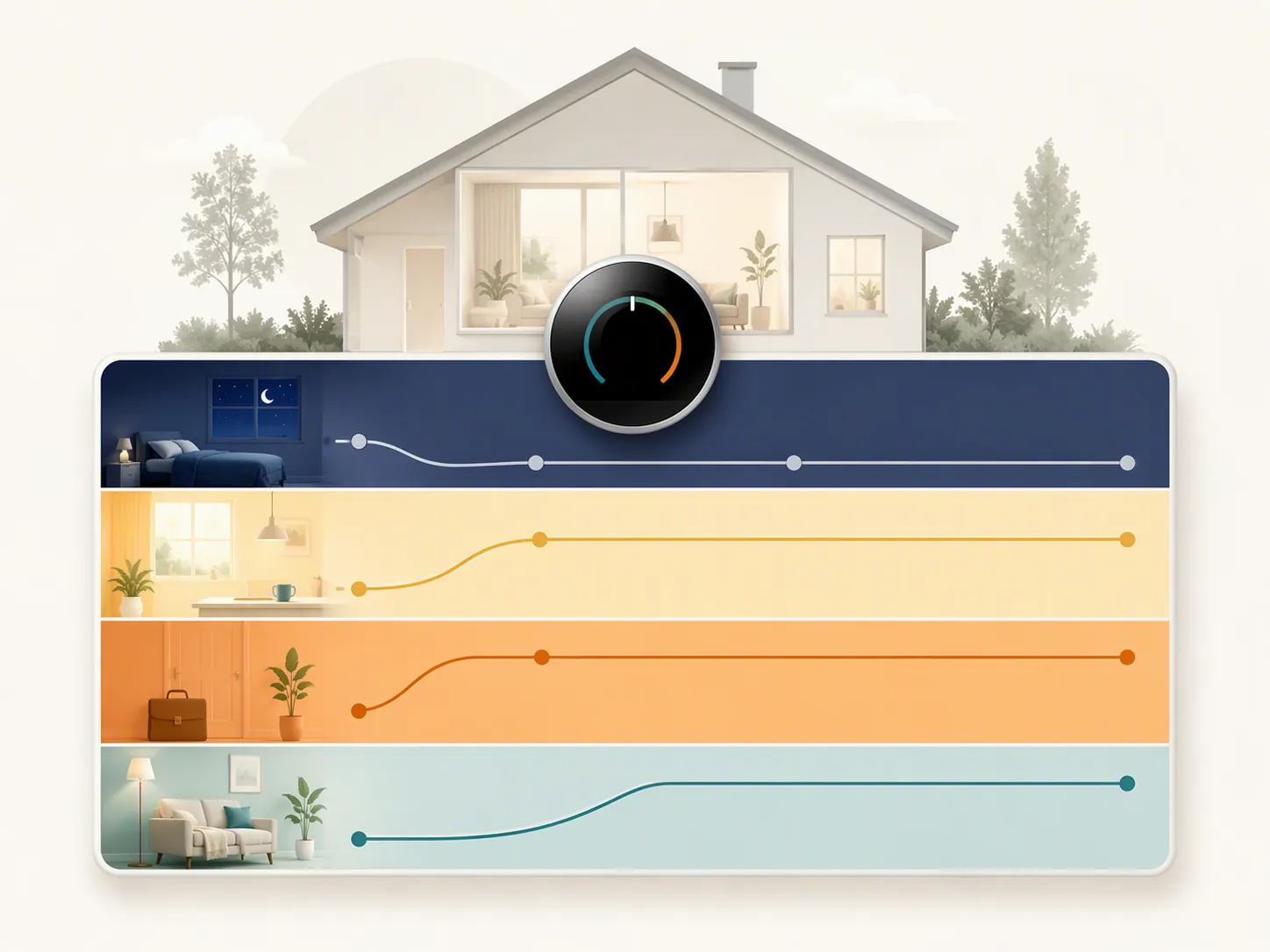
Do not read the table as a comfort contest. If your household can sleep at 76–78°F, use that. If someone needs 72–74°F to sleep safely and actually stay with the schedule, that is more useful than copying a higher number and manually overriding it every night.
The important part is the shape of the day: lower before peak, higher during peak, gradual recovery later. A smart thermostat helps because it can make those changes consistently. CBS News reported that smart thermostats can cut cooling costs by about 10–15% by reducing unnecessary runtime through scheduling, not by making the air conditioner itself more powerful. [3]
Pick the Version That Matches the Heat
There is no single perfect heat-wave number. A house with shade, tight windows, and a well-sized AC can follow a different version than a west-facing apartment with weak airflow. Use the version that fits the day you are actually facing, then adjust by 1–2°F if the house or the people in it are not coping.
| Heat-Wave Situation | Use This Schedule | Best For | What Not to Change |
|---|---|---|---|
| Moderate heat wave, around mid-90s highs | Sleep 74–78°F; morning 76–78°F; pre-cool to 73–75°F before peak; peak hold 78–80°F; evening 76–78°F | Homes where the AC still reaches setpoint without running constantly. | Keep the pre-cool window and the higher peak hold. |
| Extreme heat wave, around 105°F+ highs | Sleep 72–76°F; morning 76°F; pre-cool to 73°F if the system can handle it; peak hold 78–82°F; evening 76–78°F | Homes that need a little thermal cushion before the afternoon but should not be forced into a huge evening recovery. | Do not chase 68°F or lower during the afternoon. |
| Heat wave plus utility demand-response event | Pre-cool 3°F below normal before the event; raise the setpoint 2–4°F during the event; recover gradually afterward | Homes enrolled in utility programs or facing expensive peak pricing. | Do not override every few minutes unless indoor conditions become unsafe. |
Those three versions are a practical synthesis across utility, DOE-linked, and HVAC guidance, not a single official standard. The DOE savings frame is useful in the background: raising the thermostat 7–10°F for 8 hours can reduce annual cooling costs by about 10%, and each degree raised is commonly associated with about 3% cooling savings. [1][4] During a heat wave, though, the first job is not proving an annual savings estimate. It is keeping the home livable without pushing the equipment into a fight it cannot win.
If Your Normal Setting Is Much Lower
If your usual summer setting is 70–72°F, do not jump straight to 78°F on the first dangerous afternoon and expect everyone to be fine. If the forecast gives you a few days, raise the occupied setpoint by 1°F per day until you are closer to the heat-wave schedule. That small pre-adaptation is easier to live with than a sudden seven-degree change at 2 PM.
The 3-3-3 Rule: Pre-Cool, Then Stop Fighting the Afternoon
The cleanest heat-wave rule is Tucson Electric Power’s pre-cooling pattern: lower the setpoint by 3°F for 3 hours before peak afternoon heat, which is typically 12–3 PM. [2] If your normal occupied target is 78°F, that means setting 75°F from roughly 9 AM to noon, then letting the thermostat rise back to 78–82°F for the peak block.
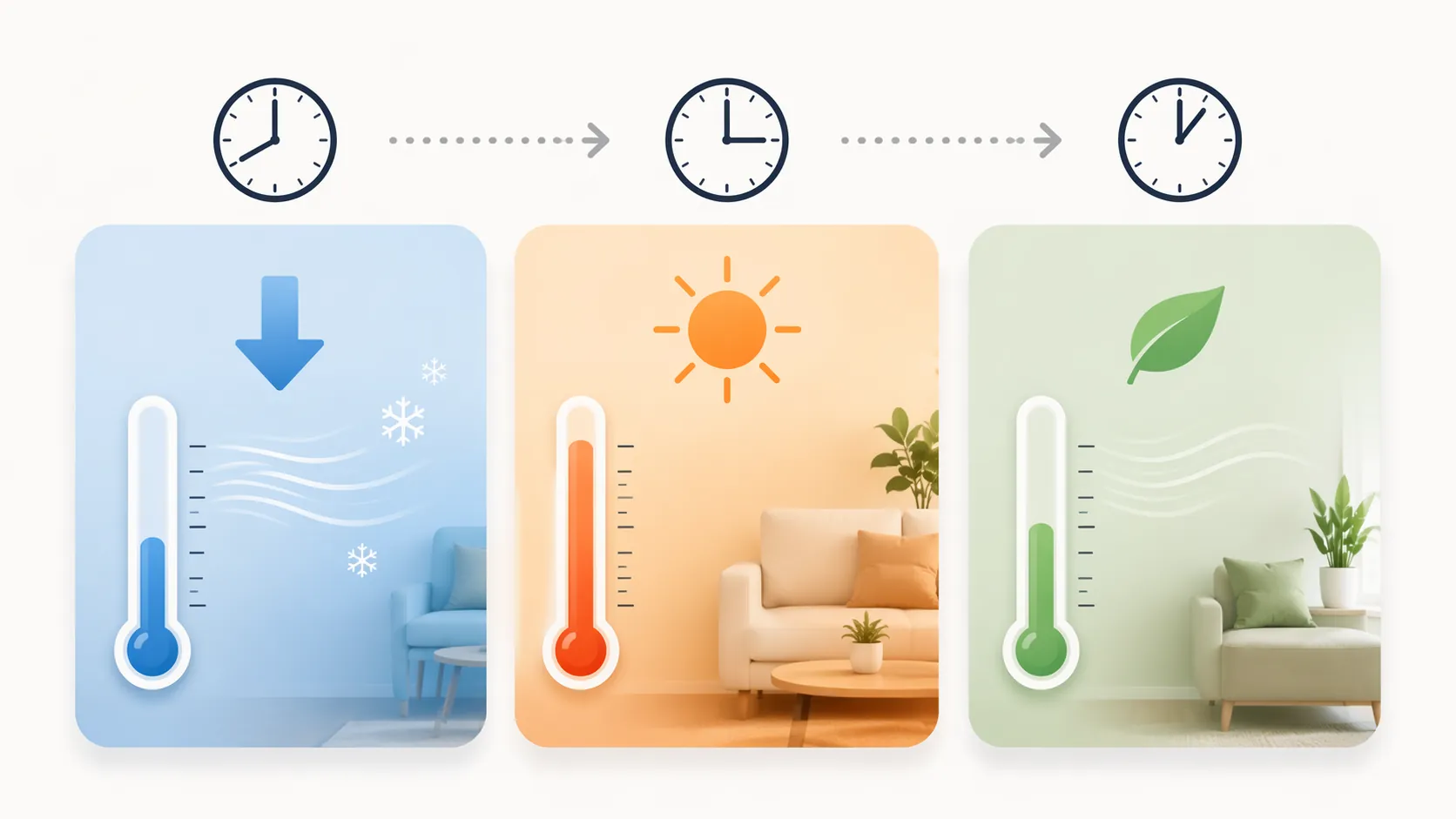
That sounds backwards if you are used to saving the lower setting for the moment you feel hottest. The point is to move some cooling earlier, when the house and outdoor air are less punishing, then avoid a long full-capacity pull during the afternoon. The AC may still run during peak heat, but it is not being asked to drag the house down several degrees while the sun is at its worst.
For a typical workday, the copyable version looks like this: 75°F from 9 AM to noon, 78–82°F from noon to 3 PM, 76–78°F from 3 PM to bedtime. If your home peaks later because of western sun, slide the same pattern later by an hour. If your utility peak window is different, anchor the pre-cool block to that window instead.
Three Shortcuts That Make the Schedule Worse
The first shortcut is setting the thermostat very low because the house feels hot. A low setpoint does not make most central AC systems cool faster; it mostly keeps the system running longer. HVAC experts cited by Martha Stewart warn that setting below 68°F during a heat wave can contribute to frozen coils and may add $30–50 per month in blower electricity alone. [5]
The second shortcut is constant manual fiddling. If you lower the setting, get impatient, raise it, then lower it again, the system never gets a steady target. One HVAC vice president cited in the same report compared frequent adjustments to stop-and-go traffic and said systems need about 8–12 minutes of steady operation to work efficiently. [5]
The third shortcut is switching the fan from Auto to On. It feels active, but continuous fan operation can add $30–50 per month and can reduce dehumidification because air keeps moving across the coil after active cooling stops. [5] Use Auto for normal operation. If your thermostat offers Circulate, use it only when you need occasional air mixing, not as a heat-wave rescue setting.
How to Enter It on Nest, Ecobee, Honeywell, and Amazon
The app names differ, but the schedule blocks do not. Create the main cooling blocks: Sleep, Morning, Peak Hold, and Evening Recovery. Add an Away override if the home will be empty for a long stretch, rather than hunting for a special heat-wave mode.
- Nest: Use the Google Home or Nest schedule screen to add temperature presets for the four blocks. Leave Early-On enabled if you already use it; Google describes Early-On as starting heating or cooling early so the home reaches the scheduled temperature on time. [6]
- Ecobee: Edit Comfort Settings such as Home, Away, and Sleep, then place them on the schedule. Keep Smart Recovery and relevant eco+ features enabled; Ecobee describes eco+ as using factors such as occupancy, humidity, and time-of-use electricity information to make automatic adjustments. [7]
- Honeywell Home: Use schedule blocks if your day is predictable, or geofencing if the home is empty at shifting times. Keep the same temperature targets: occupied around 76–78°F, away around 82–85°F, and a 3°F pre-cool before peak.
- Amazon Smart Thermostat: Build the blocks as Alexa schedules or routines. If you use presence-based routines, make sure they do not cancel the pre-cool block right before the afternoon peak.
The recovery features are worth keeping on during a heat wave because they spread cooling earlier instead of waiting until the scheduled time and then forcing a hard run. That is exactly what this schedule is trying to do manually: make the hard part of the day less dramatic.
If you are still choosing between platforms rather than programming one today, compare Ecobee and Nest before buying. If you want the thermostat schedule to coordinate with shades, fans, air purifiers, and safety checks, pair it with a broader heat-wave automation mode.
When This Stops Being a Scheduling Problem
Pre-cooling only helps if the AC can still pull the house down during the easier part of the day. If airflow is weak, the system runs for a long time without getting close to setpoint, rooms feel clammy, or indoor humidity stays high, stop treating the app as the main problem. Raise the setpoint to reduce strain, close blinds, avoid oven and dryer use during peak heat, and consider service before asking the system for a colder schedule.
The safest practical boundary is simple: copy the schedule, leave smart recovery features enabled, avoid the below-68°F and fan-On shortcuts, and protect the equipment if it cannot recover. A good heat-wave schedule should make the house steadier, not turn every afternoon into a wrestling match with the thermostat.
References
- Best Thermostat Types and Settings, Constellation Energy
- Pre-Cooling Your Home in the Summer, Tucson Electric Power
- How much can smart thermostats save during a heat wave?, CBS News
- How to Set Your Thermostat in a Heat Wave, Florida Realtors, June 2025
- The Most Expensive Air Conditioner Setting, According to HVAC Pros, Martha Stewart
- Learn about Early-On, Google Home Help
- eco+, Ecobee