
Is Your Smart Thermostat Raising Itself in Heat Waves?
Unexplained setpoint rises during a heat wave usually come from a demand-response program many owners joined unknowingly through a free, subsidized, or sweepstakes thermostat. The per-platform audit path shows how to confirm enrollment and opt out, with subsidy contract checks and bill-credit trade-offs to weigh before leaving a program.
The suspicious version of a heat-wave thermostat problem is not subtle. You set the house cooler, leave the room, and come back to a higher setpoint while the outdoor temperature is still punishing. The display is alive. The air conditioner may still be running. Wi-Fi may be fine. Nothing looks broken except the one thing that matters: the thermostat is no longer holding the temperature you chose.
Before you factory-reset it, check for a demand-response or energy-savings event. In 2022, Vice reported a Deer Park, Texas family whose thermostat was raised to 78°F by EnergyHub’s Smart Savers Texas program while a 3-month-old was napping; the homeowner said he had not realized a sweepstakes thermostat also came with program enrollment, and he later unenrolled.[1] ABC13 Houston reported the more ordinary version the same summer: during Texas conservation calls, smart thermostats enrolled in demand-response programs were adjusted remotely, with some participants having opted in so long ago they no longer remembered it. Reliant’s Degrees of Difference program, as reported then, could adjust temperatures by four degrees during designated periods and allowed no-penalty opt-out.[2]
Those are 2022 examples, not a current map of every utility program in Q3 2026. Program names, app screens, rebate terms, and enrollment flows change. The useful lesson is narrower and more practical: a rising setpoint during a heat wave can be a permissioned grid event, not a haunted thermostat. That matters most in homes with infants, older adults, pets, medical equipment, or anyone whose body does not tolerate indoor heat well.

Start with the symptom, not the reset button
A demand-response event usually looks different from a dead thermostat or HVAC failure. The thermostat still has power. The app still opens. The system may still respond when you change the setpoint. What changed is control priority: an energy event, utility setting, eco feature, or enrollment rule temporarily pushed the target temperature higher.
If the thermostat is blank, offline, rebooting, ignoring all commands, or failing to turn on cooling, use a normal heat-wave troubleshooting path instead. That is a different problem from a setpoint being raised during a conservation event. NestGrid’s heat-wave smart-home fixes cover that failure mode separately.
| What you see | Most likely direction to check first |
|---|---|
| Setpoint rises during a heat wave, but the thermostat and app still work | Demand-response event, utility program, eco/community savings feature, or time-of-use optimization |
| Thermostat says an energy event, savings event, community event, or utility event is active | Use the event opt-out control before changing deeper settings |
| Thermostat is blank, offline, or not controlling HVAC | Treat it as a device, wiring, power, Wi-Fi, or HVAC issue instead |
| No event notice appears, but the setpoint keeps changing at predictable times | Check schedules, eco modes, occupancy settings, time-of-use settings, and utility enrollment |
The audit path: find the permission before changing the thermostat
The fastest safe move is to verify enrollment in layers. Do not assume the label will literally say “demand response.” Utilities and thermostat makers often use friendlier names: savings event, energy event, community savings, peak savings, time-of-use optimization, active savings, eco feature, rush hour, or a branded utility program.
- Look at the thermostat screen first. If it shows an active event, read the on-screen wording before overriding anything. Many programs allow a per-event opt-out from the thermostat or app.
- Open the thermostat app and check energy, eco, savings, utility, community, rebate, or time-of-use sections. Also check any “connected services” or “partners” page.
- Log in to the utility account attached to the home. Search for thermostat rebates, demand response, peak events, smart savings, conservation events, or connected thermostat programs.
- Find the original thermostat paperwork if the device was free, discounted, subsidized, or won through a sweepstakes. The enrollment may have happened there, not in the thermostat app.
- Decide whether you need to opt out of the current event, pause or adjust an energy feature, or fully unenroll from the program.
- Before full unenrollment, check whether leaving affects bill credits, rebates, sweepstakes terms, thermostat subsidy terms, or early-exit obligations.
That last step is not paperwork theater. The cases that make people angry often begin with a “free thermostat,” “rebate,” or “savings” offer that sounded harmless at sign-up. If a thermostat subsidy helped pay for the device, the exit rules may live in the utility program terms rather than on the thermostat screen.

Sensi/Copeland: separate the event from the enrollment
Sensi’s demand-response FAQ is useful because it separates three things that often get blurred together: Active Savings Events, ongoing energy-efficiency optimizations, and time-of-use optimization. The FAQ says these programs require consent, that Active Savings Events may include precooling or preheating before the event, that users can opt out of an event through the app or device, and that unenrollment goes through the utility rather than simply deleting the thermostat schedule.[3]
For a Sensi owner, that means the audit has two stops. First, handle the current event on the thermostat or in the app if comfort or safety requires it. Then check the utility account if the goal is full unenrollment. Turning off a schedule or changing a cooling setpoint may not remove the home from the utility program.
Ecobee: look inside eco+ and utility-connected settings
On ecobee systems, the audit target is usually not just the ordinary heating and cooling schedule. Check eco+ settings, especially Community Energy Savings if a utility has been added. Demand-response events may appear on the thermostat with an opt-out option, while enrollment can be tied to the utility connection rather than to a temperature schedule you created yourself.
Treat savings language carefully here. Ecobee’s Time of Use materials include a vendor claim about precooling and improved cooling savings; that is not the same thing as a guarantee that your home, rate plan, insulation, medical needs, or comfort limits will benefit. Precooling can be genuinely useful when it is visible and chosen. It is much less charming when someone discovers the trade-off only after the nursery, bedroom, or pet area gets warmer than expected.
Nest, utility portals, and branded programs: trust the account record over memory
For other platforms, including Nest-linked programs and utility-branded thermostat offers, the same rule applies: verify the account record. A household member may have accepted a rebate years ago. A landlord, previous owner, installer, or utility marketplace may have set up the original program. A utility may have renamed the program since the thermostat was installed. Memory is a poor audit tool during a heat wave.
If you are comparing platforms or trying to understand why one thermostat surfaces these controls more clearly than another, use a platform guide separately. NestGrid’s Sensi, Nest, and ecobee comparison is the better place for that context. In the middle of a heat event, the job is narrower: find the active permission and decide what to do with it.
Opt out of the event, pause a feature, or unenroll completely
There are three different exits, and they do not carry the same consequences.
| Choice | What it usually means | When it fits |
|---|---|---|
| Per-event opt-out | You leave the current heat-wave or peak-demand event, but may remain enrolled for future events | Someone is uncomfortable or heat-sensitive right now, but you still want credits or grid support later |
| Pause or adjust an energy feature | You keep the thermostat but reduce how aggressively it responds to eco, time-of-use, or community savings settings | You like automation but need tighter comfort limits |
| Full unenrollment | You leave the utility or demand-response program, often through the utility account or program administrator | Surprise setpoint changes are unacceptable, or the household’s safety needs outweigh the program benefits |
A per-event opt-out is the cleanest first move when the house is already hot. It solves the immediate comfort problem without forcing a permanent decision while everyone is irritated. Full unenrollment is still reasonable when the household cannot tolerate surprise changes, but check the terms first if the thermostat was discounted, subsidized, or bundled with a utility offer.
Demand response can be a good deal when it is knowingly chosen. Some households accept a few degrees of adjustment in exchange for bill credits, grid support, or lower-cost cooling strategies such as precooling. Others should not make that trade because the home includes a baby, an older adult, a heat-sensitive person, or a pet that cannot move to a cooler space. The right answer depends on what the household is optimizing for, not on whether the program sounds green, modern, or helpful.
Before leaving only because the thermostat surprised you, check the money side. NestGrid’s smart thermostat demand-response earnings guide is the companion for weighing credits and payouts against comfort limits. If the thermostat came from a free or subsidized offer, the smart thermostat buyers guide can also help explain how those offers typically reach homeowners.
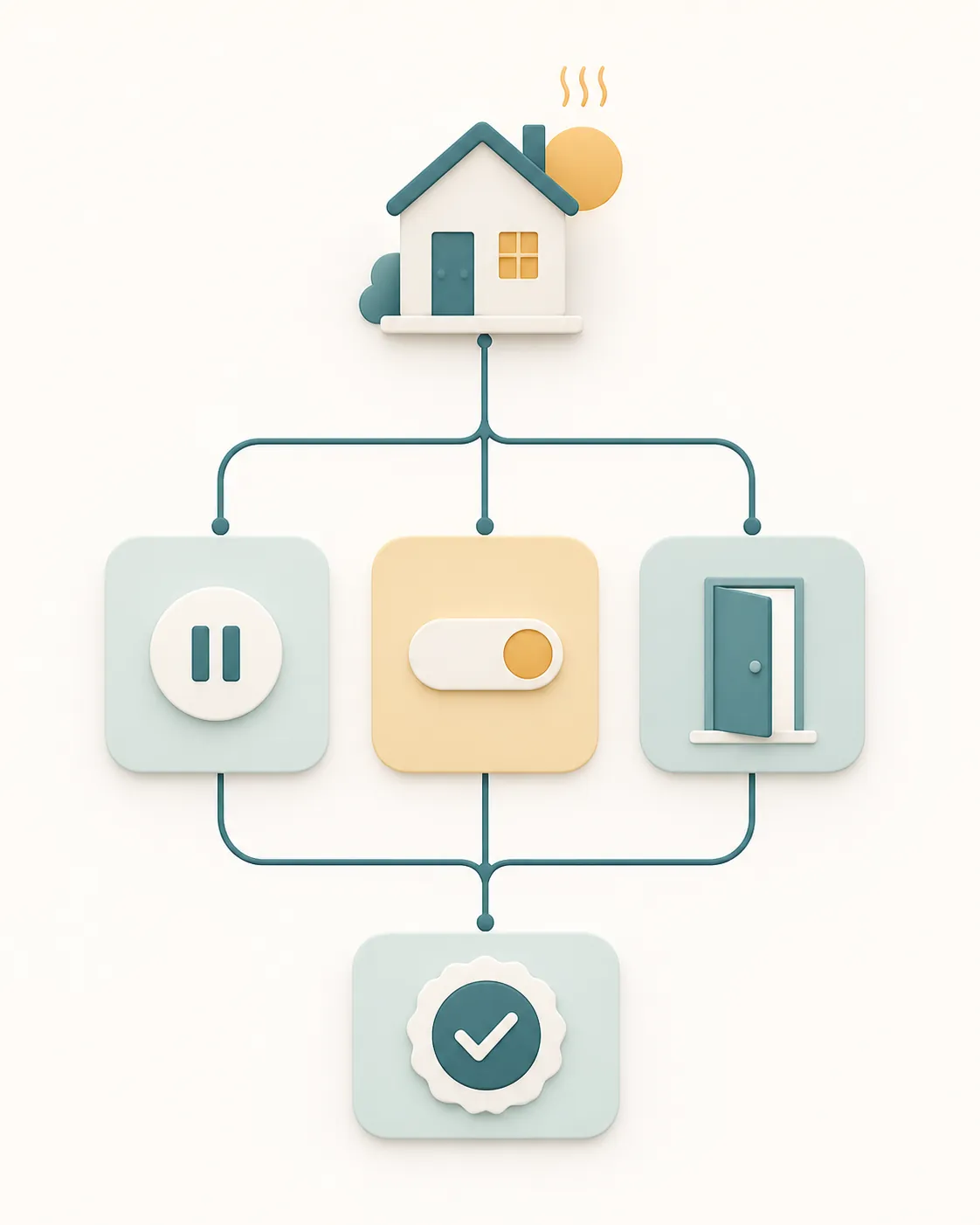
A heat-safety check while the audit is still open
While you are checking settings, treat the home as occupied by the most heat-sensitive person in it. Move an infant, older adult, sick person, or pet to the coolest room first. Lower blinds on sun-facing windows. Use fans only where they improve comfort and do not create a false sense of cooling in dangerous heat. If indoor conditions are already unsafe, solve that before finishing the account audit.
Then make the thermostat prove what happened. Screenshot the event notice, the utility program name, the app setting, and any opt-out confirmation. If you later call the utility, those screenshots are better than describing “the thermostat changed itself.” They also help separate a real event from a schedule, occupancy rule, or automation you forgot you built.
If you want broader automations around indoor heat alerts, sensor placement, and backup notifications, use them as a second layer after this audit. The extreme heat safety automations guide belongs there. It should not distract from the first question here: did someone, at some point, give a utility or program permission to change the setpoint?
If you find nothing
If there is no event notice, no utility enrollment, no eco or community savings feature, no rebate record, and no connected program in the utility account, stop treating demand response as the answer. The thermostat may be following a schedule, reacting to occupancy, obeying a time-of-use setting, switching into an eco mode, or dealing with a normal device or HVAC fault.
But if the setpoint rises during a heat wave and the thermostat still works, the first move is not a factory reset. Start with enrollment verification. If you find a demand-response program, choose the smallest exit that protects the household: opt out of the current event, adjust the feature, or fully unenroll after checking credits and terms. If you find no enrollment and no event, move the problem back into ordinary thermostat troubleshooting.
References
- Smart Thermostats Are Turning Down Air Conditioners During Heatwave, Vice, 2022.
- Smart thermostats disable lower temperatures in Texas energy conservation heat wave, ABC13 Houston, 2022.
- Demand Response & Rebates FAQ, Sensi/Copeland.