
Smart Thermostat Schedule for Phoenix Heat Days
Generic "set it to 78°F" advice fails at 110°F in Phoenix. Get a copyable three-phase weekday schedule — exact pre-cool, hold, and recovery setpoints for Nest or ecobee — plus the guardrails that keep your AC alive without spiking the bill.
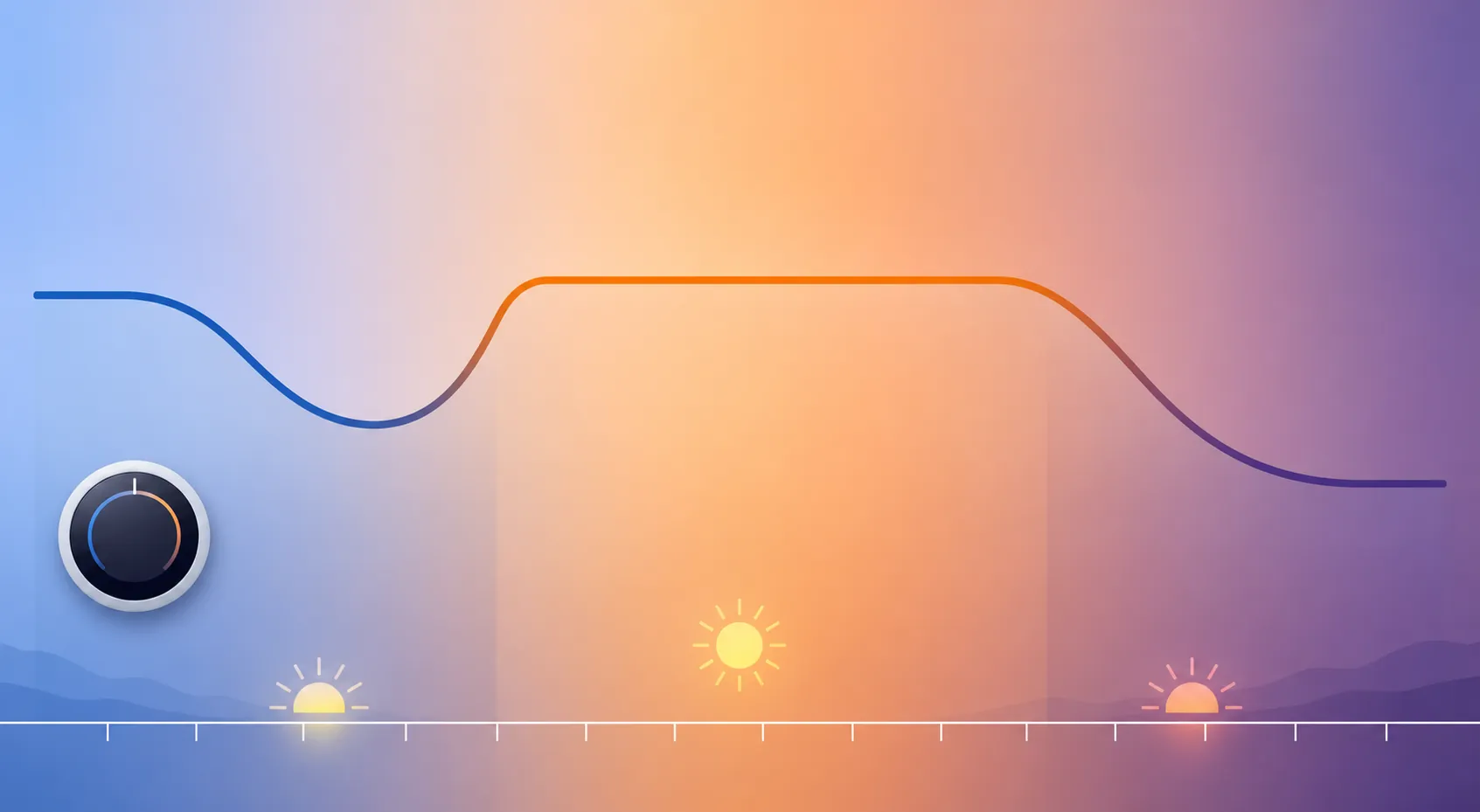
If tomorrow’s Phoenix forecast is flirting with 110°F, program the thermostat tonight as a three-phase day: cool the house before the worst heat, stop chasing low numbers during the afternoon, then recover after the peak window. The copyable version is below.
The timing is anchored by APS’s own pre-cooling example: cool to 72°F during off-peak hours, raise to 80°F from 4–7 p.m. on weekdays, then set the thermostat as desired after 7 p.m. [1] Shamrock Heating & Cooling gives the more heat-day-specific pattern: cool to 70–72°F from early morning to noon, then hold 78°F or higher through the 3–7 p.m. heat peak, and use 80–82°F when away instead of turning cooling off. [2] Morehart Air’s Arizona baseline is close enough to use as the safety band: 78°F home and awake, 82–85°F empty, and 75–78°F sleeping. [3]
| Time | If someone is home | If the house is empty until evening | What this phase is doing |
|---|---|---|---|
| 5:30 a.m.–11:30 a.m. | Set cooling to 72–74°F. Use 70–72°F only if the system reaches it without running nonstop. | Set cooling to 76–78°F if you want evening comfort; skip deep pre-cool if nobody needs it. | Pre-cool the walls, floors, furniture, and air before the house is heat-soaked. |
| 11:30 a.m.–3:00 p.m. | Raise to 76–78°F. | Raise to 80–82°F. | Let the house drift upward slowly instead of waiting until late afternoon to react. |
| 3:00–7:00 p.m. | Hold 80°F. Use 78°F only for heat-sensitive occupants or a room that stays usable at that setting. | Hold 82–85°F. Do not turn cooling fully off. | Protect the AC during the hardest outdoor load and, for APS customers, cover the 4–7 p.m. weekday peak window. |
| 7:00–10:30 p.m. | Recover to 76–78°F. | Recover to 76–78°F before people arrive or as soon as you are home. | Bring comfort back after the peak rather than asking the system to claw back from an overheated house. |
| 10:30 p.m.–5:30 a.m. | Sleep at 75–78°F. | Sleep at 75–78°F once occupied. | Keep bedrooms comfortable without using a 68°F target the system may never reach. |
Why the schedule starts before the house feels hot
A single “best temperature” falls apart on a Phoenix heat day because the house is not just air. By late afternoon, the drywall, attic, slab, windows, and furniture have been storing heat for hours. At 5:30 p.m., a thermostat can truthfully say “cooling” while the hallway still feels heavy because the AC is fighting both the outdoor temperature and the heat already inside the structure.
That is why the morning number can be lower than the afternoon number. A 72–74°F morning setting is not the same request as a 72°F request at 5 p.m. In the morning, the system has a better chance to pull heat out of the house before the hottest part of the day. In the afternoon, holding 80°F may feel more realistic than trying to force a low target while the building is absorbing heat faster than the system can remove it.
APS’s example uses 80°F from 4–7 p.m. on weekdays, so the table above stretches the caution window to 3–7 p.m. for the kind of day when the house starts losing ground before the official peak window begins. Treat the APS page as a timing anchor, not as a permanent rate table; your actual plan details can change. [1]
The guardrails that keep the AC from being punished
The first guardrail is simple: do not use 68°F as the rescue button. Shamrock describes residential AC systems in extreme heat as typically designed around roughly a 20–25°F indoor-outdoor temperature difference, and Morehart gives Arizona homeowners a similar rough 20°F differential rule. Those are contractor field guidelines, not a lab-certified law, but they explain the failure mode: at 110°F outside, a 68°F setpoint is asking for a gap of more than 40°F. [2][3]
Lowering the thermostat from 78°F to 68°F does not make the AC blow twice as cold. It usually just tells the system to keep running. If the house is already heat-soaked, the result can be hours of compressor runtime with little improvement in the rooms that feel bad.
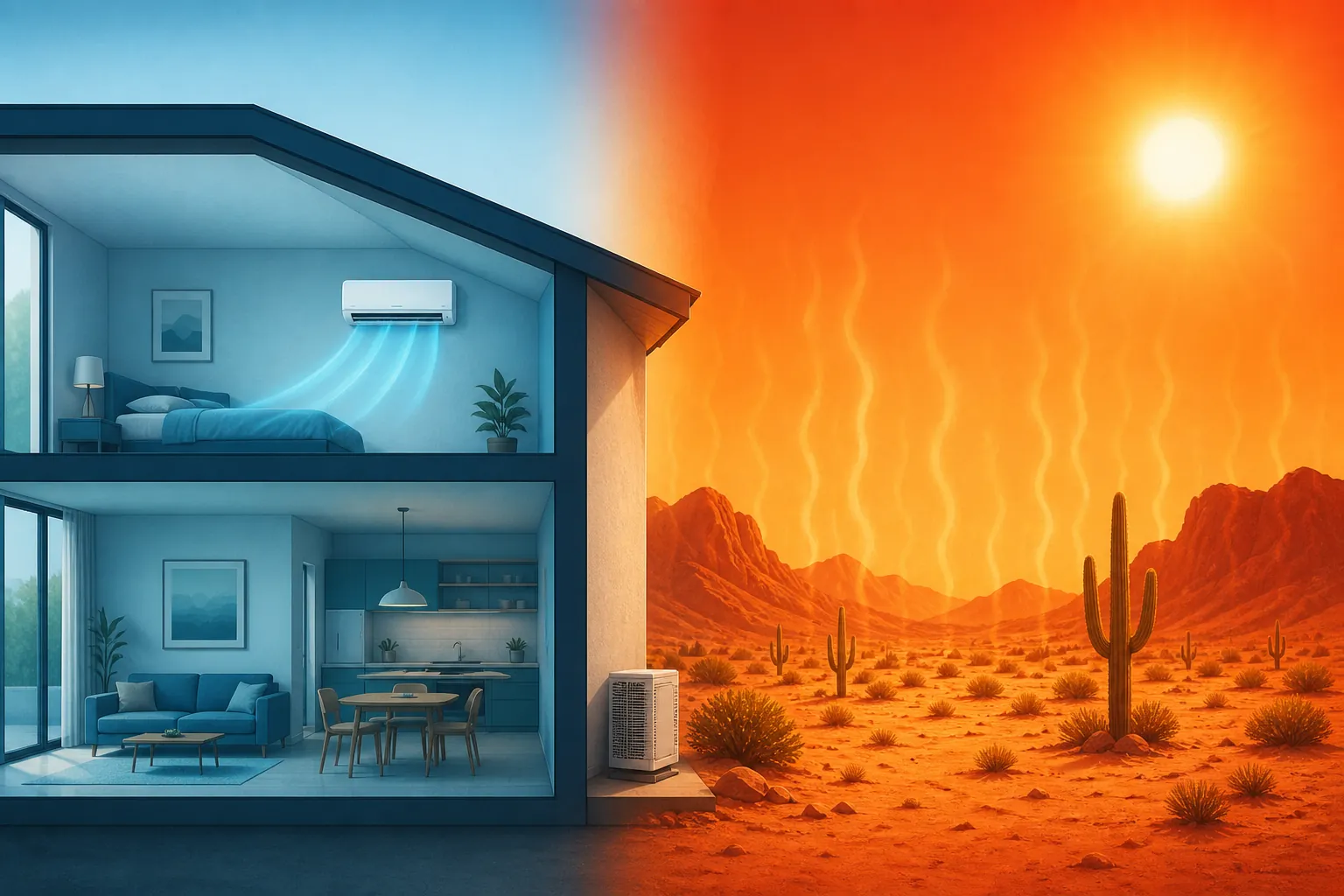
The second guardrail is for away mode. Raising the setpoint is fine. Turning cooling fully off is where Phoenix homeowners get ambushed. Shamrock’s away guidance is to raise the thermostat to 80–82°F rather than shut the AC off, while Morehart’s empty-home range is 82–85°F. [2][3] That gives the house room to save energy without letting the attic, walls, and bedrooms become an evening recovery problem.
Use 85°F only when the house can tolerate it: no heat-sensitive people at home, no pets that need a cooler range, no room that reliably runs much hotter than the thermostat location, and no expectation that the house will feel good immediately at 6 p.m. If someone will walk in during the evening, schedule recovery before arrival instead of waiting until the door opens.
Adjust inside the bands, not outside them
| What you notice | First adjustment to try | What not to do |
|---|---|---|
| The house is already uncomfortable by 3 p.m. | Start pre-cooling earlier or lower the morning pre-cool by 1–2°F, as long as the AC can actually reach it. | Do not wait until 4 or 5 p.m. and then drop the setpoint to 68°F. |
| The bill is the main concern and comfort is acceptable | Let the afternoon hold sit at 81–82°F, especially if the house is empty. | Do not turn the system fully off during a 110°F day. |
| Bedrooms are fine during the day but bad at night | Keep the main schedule conservative and solve the sleep problem with a 75–78°F sleep event or room-priority sensor setup. | Do not cool the entire house to a deep overnight setpoint just because one room is hot. |
| You arrive home before 7 p.m. | Schedule a modest recovery before arrival, or hold closer to 80–82°F instead of 85°F while away. | Do not expect fast comfort after an all-day 85°F hold. |
| The thermostat says cooling but the room still feels heavy | Give the system time, check obvious airflow issues, and avoid repeated setpoint drops. | Do not assume the thermostat is broken just because the house recovers slowly during peak heat. |
If the equipment is older, newly installed, or you are not sure whether your smart thermostat is wired correctly for your system, check HVAC compatibility before programming aggressive pre-cooling. The schedule is meant to shift load away from the worst part of the day, not hide an airflow, refrigerant, duct, or sizing problem.
How to enter it in Nest or ecobee
Do not worry about making the app look fancy. Translate the table into four scheduled cooling events and one away/Eco rule:
- Morning pre-cool: 5:30 a.m. to 11:30 a.m., cooling set to 72–74°F for an occupied house.
- Midday glide: 11:30 a.m. to 3:00 p.m., cooling set to 76–78°F.
- Afternoon hold: 3:00 p.m. to 7:00 p.m., cooling set to about 80°F when occupied, or 82–85°F when away.
- Evening recovery: 7:00 p.m. to 10:30 p.m., cooling set to 76–78°F.
- Sleep: 10:30 p.m. to 5:30 a.m., cooling set to 75–78°F.
On Nest, keep Eco cooling inside a Phoenix-safe away band instead of letting it drift too high for your house. Google lists Nest Eco “Cool to” settings as adjustable from 76–90°F, so an 82–85°F away limit fits inside the device range without using the extreme top end. [4]
On ecobee, think in comfort settings rather than one-off manual changes: Home for pre-cool and recovery, Away for the 82–85°F daytime limit, and Sleep for the 75–78°F overnight range. If your bedroom runs hotter than the hallway thermostat, this is where remote sensor limits and room priority matter more than another whole-house temperature drop.
Manual holds are useful only if you remember to release them. For a heat-day recipe, scheduled events are safer because the thermostat moves from pre-cool to hold to recovery without needing someone to notice the time.
When the thermostat seems to ignore you
If your programmed 80°F hold suddenly becomes 82°F or 83°F during a peak event, look for a utility demand-response setting before blaming the schedule. Some smart thermostat programs can raise the setpoint by 2–3°F for a few peak hours unless you opt out or override the event.
That is not the same problem as bad scheduling. It is a control conflict: you told the thermostat one thing, and a peak-event program temporarily told it another. If that keeps happening during heat warnings, use the heat-wave opt-out recipe to decide whether the program still fits your house.
For a Phoenix heat day, the rule is blunt: pre-cool before the worst heat, hold higher during the afternoon peak, recover after 7 p.m., and never ask the AC to do the impossible.
References
- Pre-cooling for a lower summer bill — APS
- Running Your AC in Extreme Heat: Tips for 110+ Degree Days — Shamrock Heating & Cooling
- What Temperature Should You Set Your Thermostat to in Arizona? — Morehart Air
- Learn about Eco Temperatures, Eco when away & how to change settings — Google Nest Help