
Smart Thermostat Settings for Heat Dome Weather
Hour-by-hour smart thermostat settings for heat dome weather: precool to 72°F, hold 78°F at home (health permitting), let it drift to 82–85°F when away or overnight, and know which Nest and ecobee features to toggle on and off. Every setpoint is source-attributed with verification dates, so you can enter the numbers once and stop guessing.
Last verified: Aug. 3, 2026. Skill level: beginner. Platform scope: Nest and ecobee owners, with Nest feature instructions supported by readable Google Help pages and ecobee threshold/recovery details marked for on-device verification. Use these settings only health permitting; 78°F is a cost-management starting point, not a medical safety number.
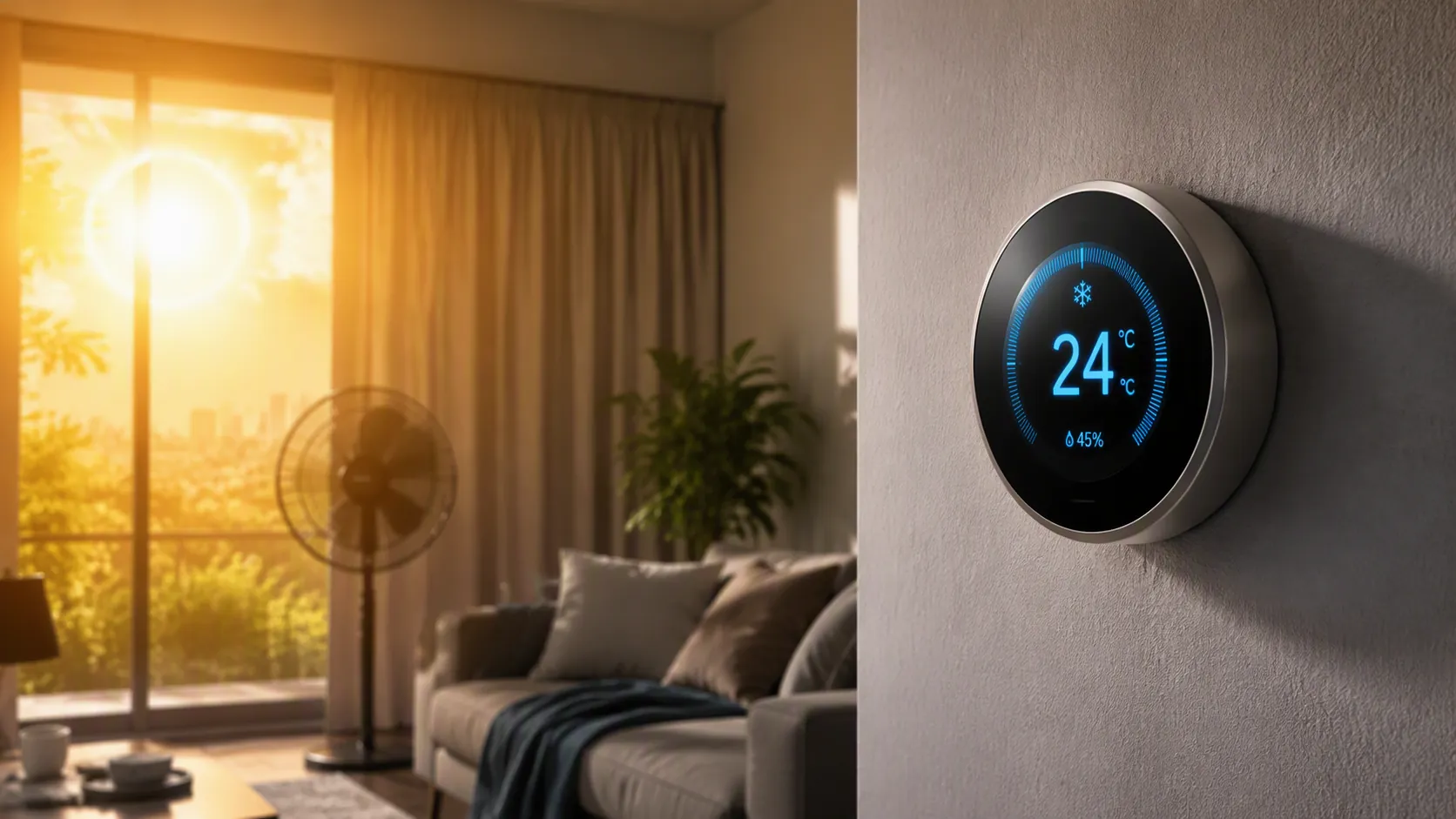
The copyable heat-dome schedule
If you are standing in the hallway with the thermostat app open and the afternoon is about to get ugly, enter this schedule first. It follows the California grid playbook of cooling earlier in the day, then avoiding hard AC recovery during the late-afternoon and evening peak. CAISO describes Flex Alerts as voluntary conservation calls during stressed grid conditions, and FlexAlert.org asks customers to precool, then set thermostats to 78°F or higher during the 4–9 p.m. period when safe to do so.[1][2]
| Time | If home | If away | Why this number is here |
|---|---|---|---|
| 6–10 a.m. | 72°F | 76–78°F | Precool the house before the worst outdoor heat and before the 4–9 p.m. grid peak. |
| 10 a.m.–3:30 p.m. | 74–76°F if needed, then let it climb toward 78°F | 78–82°F | Avoid letting the house become so hot that the system has to sprint later. |
| 3:30–9 p.m. | 78°F or higher, health permitting | 82–85°F | Hold steady through the peak window instead of forcing aggressive recovery. |
| 9 p.m.–midnight | 78–80°F | 82–85°F | Let the house ease down only if outdoor conditions and comfort allow. |
| Overnight | 78–82°F, or lower only if sleep/health requires it | 82–85°F | Use a gentle drift, not a deep setback that creates tomorrow’s recovery problem. |
For many homes, the most important number in that table is not 78°F. It is 72°F in the morning. That is the part people skip when they only hear “raise the thermostat,” and it is the part that prevents a 5 p.m. panic tap down to 70°F while the compressor is already losing ground.
If 78°F is unsafe or miserable for someone in the home, do not use it as a badge of discipline. The Conversation’s 2025 heat-wave coverage makes the same useful distinction: 78°F can be a starting point for energy management, but it is not the right setting for everyone, and the average U.S. household reportedly targets about 72°F.[3]
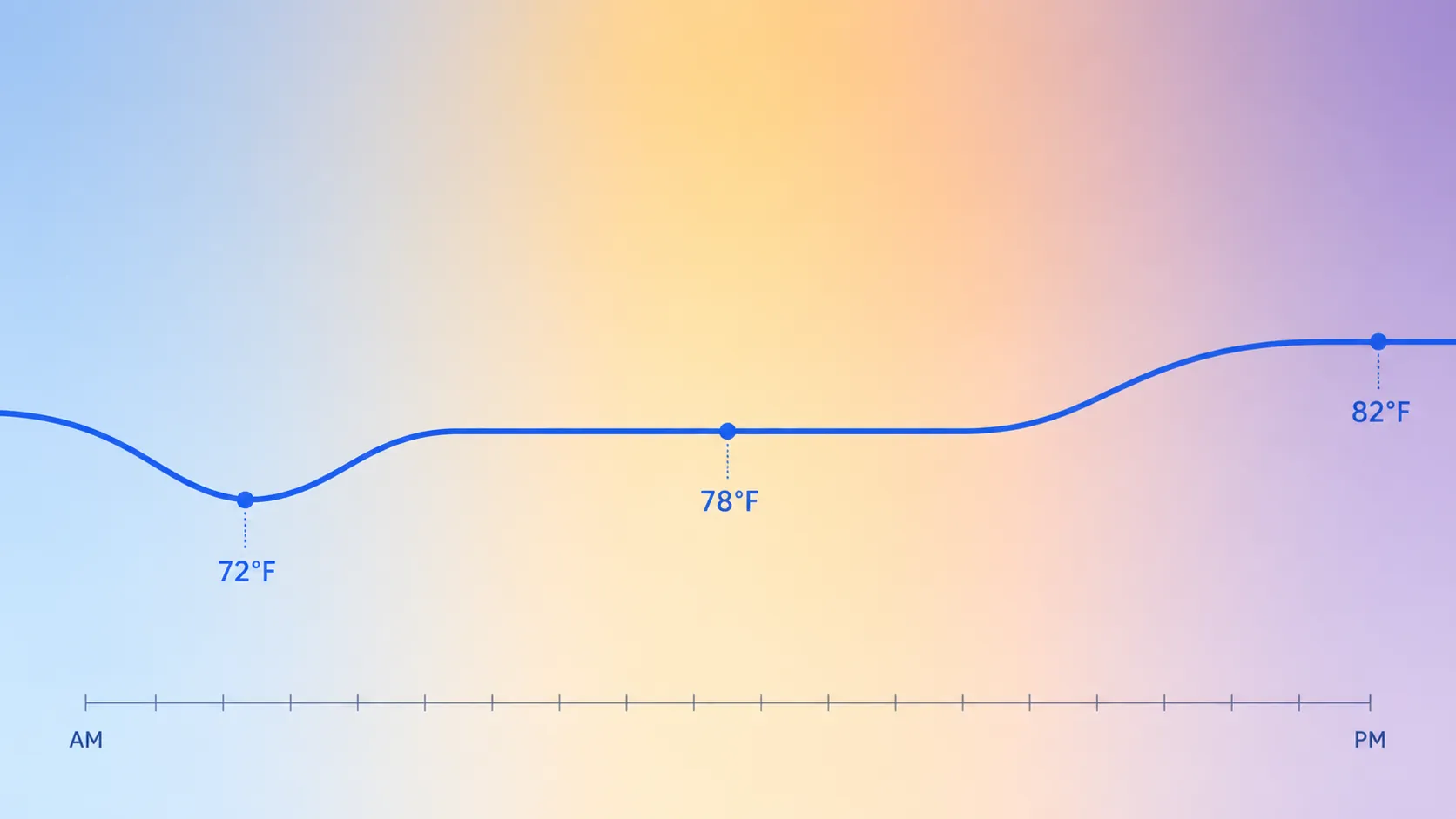
Why the day is divided this way
A heat-dome thermostat schedule has two jobs that fight each other if you do them in the wrong order: keep the house livable, and avoid asking the AC to recover during the worst grid and outdoor-temperature window. Precooling solves that by spending some cooling earlier, when the house can bank comfort, then holding a higher setpoint through the late afternoon.
The 4–9 p.m. window is not arbitrary in this recipe. FlexAlert.org specifically names 4–9 p.m. as the period when customers are asked to reduce electricity use, including by setting thermostats to 78°F or higher if health permits.[2] CAISO’s Flex Alert guidance also describes precooling before the conservation period so customers are not trying to make the house colder while the grid is under the most strain.[1]
The away and overnight range is deliberately loose: 82–85°F works as an energy-saving drift for many empty homes or sleep-tolerant households, but it should not be used if it creates unsafe indoor heat, humidity problems, or a punishing morning recovery. A smart thermostat schedule is supposed to reduce the number of emergency decisions you make, not trap the house in a setting that clearly is not working.
What to change in the app before the peak heat arrives
Enter the schedule as fixed time blocks first. Then check the features that can quietly rewrite your plan. The ones that matter during heat-dome weather are not the flashy automations; they are the settings that prevent temperature swings, humidity surprises, and afternoon catch-up.
| Feature or behavior | Heat-dome setting | Status |
|---|---|---|
| Deep setbacks | Avoid large daytime setbacks that let the house climb far above the next occupied setpoint. | Source-backed operating guidance |
| Aggressive recovery | Avoid any mode or schedule that tries to recover several degrees during 3:30–9 p.m. | Source-backed operating guidance |
| Geofencing churn | Disable or narrow behavior that flips between home and away because people briefly leave, arrive, or move phones around. | Practical setting discipline |
| Manual overrides | Stop repeated tap-downs during peak heat; choose a safe setpoint and hold it. | Source-backed operating guidance |
| Nest Airwave | Leave on if comfort allows; it can run the fan after compressor shutdown and turns off when indoor humidity is high. | Supported by Google Help |
| Nest Cool to Dry | Use with care in humid homes; it prioritizes dehumidification, which may run cooling for humidity control. | Supported by Google Help |
| Nest Eco Temperatures | Set cooling Eco high enough to save energy when away, but not so high that recovery lands in the peak window. | Supported by Google Help |
| ecobee Smart Recovery and thresholds | Investigating: check on-device settings before relying on exact threshold or differential instructions. | Unverified from supplied JS-rendered support pages |
The manual override problem deserves its own warning because it feels productive in the moment. Setting the thermostat lower does not make the AC cool faster; it only tells the system to keep running until it reaches a lower target. Meyer & Depew’s heat-wave guidance makes that point plainly and warns that deep setbacks followed by aggressive recovery can backfire during extreme heat.[4]
So if the house is 79°F at 5 p.m. and the app says cooling is running, dropping the target to 68°F is not a turbo button. It may extend runtime, increase discomfort if the system cannot catch up, and leave you with no clearer plan than you had before. If 79°F is unsafe for someone inside, lower the setpoint for health; just do it knowing the equipment cannot break the laws of heat transfer because the app number looks more urgent.
Nest settings you can check with more confidence
For Nest owners, three settings are worth checking after the schedule is entered: Airwave, Eco Temperatures, and Cool to Dry. If you want a broader device context before changing equipment, use the Google Nest Thermostat profile; this recipe stays on the heat-dome schedule layer.
Airwave
Google says Nest Airwave can turn off the compressor and keep the fan running to use remaining cold air in the system, and that Airwave will not turn on when indoor humidity is high.[5] In dry or moderate humidity, that makes it a reasonable feature to leave enabled during a heat dome. In sticky weather, do not assume Airwave will behave the same way; Google’s own description says humidity changes whether it runs.[5]
Eco Temperatures
Eco Temperatures are useful only if the range does not create a recovery cliff. Google describes Eco Temperatures as energy-saving temperature ranges used when the home is set to Eco or when the thermostat switches to Eco behavior.[6] During heat-dome weather, set the cooling Eco temperature close to your away target — for example, 82–85°F if safe — rather than letting the home drift so high that the thermostat starts a hard pull-down during the 4–9 p.m. peak.
Cool to Dry
Cool to Dry is not just a temperature feature. Google explains that it uses air conditioning to help reduce indoor humidity.[6] That can protect comfort in humid homes, but it also means the system may run for dehumidification even when your temperature schedule looks settled. Leave it on if humidity is the real comfort problem; turn it off only if you understand the tradeoff and the indoor air still feels safe.
ecobee settings: useful, but verify on the device
ecobee owners can still use the same hour-by-hour setpoints. The caution is about exact feature instructions, not the schedule. Smart Recovery, staging behavior, temperature differential, and threshold settings can affect how hard the system tries to reach the next setpoint, but the available support pages were not reproducible as readable source text. Treat exact ecobee threshold instructions as Investigating until you confirm them in your thermostat or app.
For this week’s heat dome, the safe beginner move is simple: enter the schedule, avoid large setbacks, and watch whether the thermostat starts recovery before or during the peak window. If it does, adjust the next day’s schedule so the house is already near the occupied target before late afternoon.
If you are choosing between thermostat platforms rather than entering settings right now, use the Nest vs. ecobee comparison. This recipe is intentionally narrower: it is for the day the alerts are already hitting your phone.
What the savings claims do and do not prove
Thermostat savings numbers are easy to overstate because they are usually tied to specific conditions: how many degrees, for how many hours, compared with what baseline, in what climate, and over what period. The cleanest way to use them here is to keep each claim attached to its source.
| Source | Claim | How to read it |
|---|---|---|
| PG&E, attributing the figure to DOE | Turning the thermostat back 7–10°F for 8 hours a day can save about 5–10% a year on cooling costs. | Annual savings estimate, not a promise for one heat-dome week. |
| SMUD | Raising the thermostat 2°F can save about 5–10% on cooling costs. | Utility tip; do not merge it with PG&E’s annual 7–10°F-for-8-hours claim. |
| SDG&E Heat Wave FLEX | Encourages precooling and reducing use during peak heat-wave periods. | Operational heat-wave guidance, not a universal savings percentage. |
PG&E’s summer tips page attributes to the U.S. Department of Energy the estimate that setting the thermostat back 7–10°F for 8 hours a day can save as much as 5–10% a year on heating and cooling, with PG&E presenting it in summer energy-saving guidance.[7] SMUD, by contrast, says customers can save about 5–10% on cooling costs for every 2°F they raise the thermostat.[8] Those are not the same claim, and they should not be averaged into one fake rule.
SDG&E’s Heat Wave FLEX guidance belongs in a different lane: it supports the behavior pattern of precooling and reducing use during peak stress, rather than giving a single savings number to paste onto every house.[9] That is the more useful evidence during heat-dome weather anyway. The question is not whether one degree always equals one fixed percentage. The question is whether your schedule avoids the most expensive and stressful recovery window while keeping people safe.
Do not treat old 78/85/82 charts as live safety guidance
You may still see the old 78°F when home, 85°F when away, and 82°F while sleeping pattern repeated online. The live Energy.gov page was not available when checked; Newsweek reported in 2018 that a DOE webpage instructing people to set thermostats to 78°F had been removed.[10] That does not make every number useless, but it does mean this article does not cite the removed page as current DOE guidance.
Use 78°F as a starting point when occupants can tolerate it, 82–85°F as a drift range when away or overnight where safe, and the morning 72°F target as the practical heat-dome adjustment that keeps the system from chasing comfort during peak stress.
Where this recipe stops
This is the setpoint-and-feature-toggle layer. If you need the larger cooling stack — blinds, fans, plugs, alerts, and room-by-room behavior — use the broader smart-home cooling heat-wave recipe. If you want a separate indoor-temperature warning, use the 26°C heat-wave alert setup. Home Assistant thermostat builds and HVAC wiring checks belong in their own workflows: best thermostats for Home Assistant and smart thermostat HVAC compatibility.
For the thermostat itself, enter the morning precool, hold steady through 4–9 p.m., keep away and overnight drift reasonable, and disable anything that turns the afternoon into a recovery sprint. Once those settings are in, the best next move is often to stop poking the app and watch the indoor temperature trend.
References
- Flex Alerts can play an important role during extreme conditions, CAISO
- What is a Flex Alert?, FlexAlert.org
- Why 78 degrees isn't the right thermostat setting for everyone during a heat wave, The Conversation
- Why Smart Thermostat Settings Can Backfire During Heat Waves, Meyer & Depew
- Learn about Airwave and how to change settings, Google Nest Help
- Learn about Eco Temperatures, Google Nest Help
- Summer Energy-saving Tips, PG&E
- Heating & Cooling tips, SMUD
- Heat Wave FLEX, SDG&E
- DoE Deletes Webpage Instructing People To Lower Thermostat to 78, Newsweek, 2018