
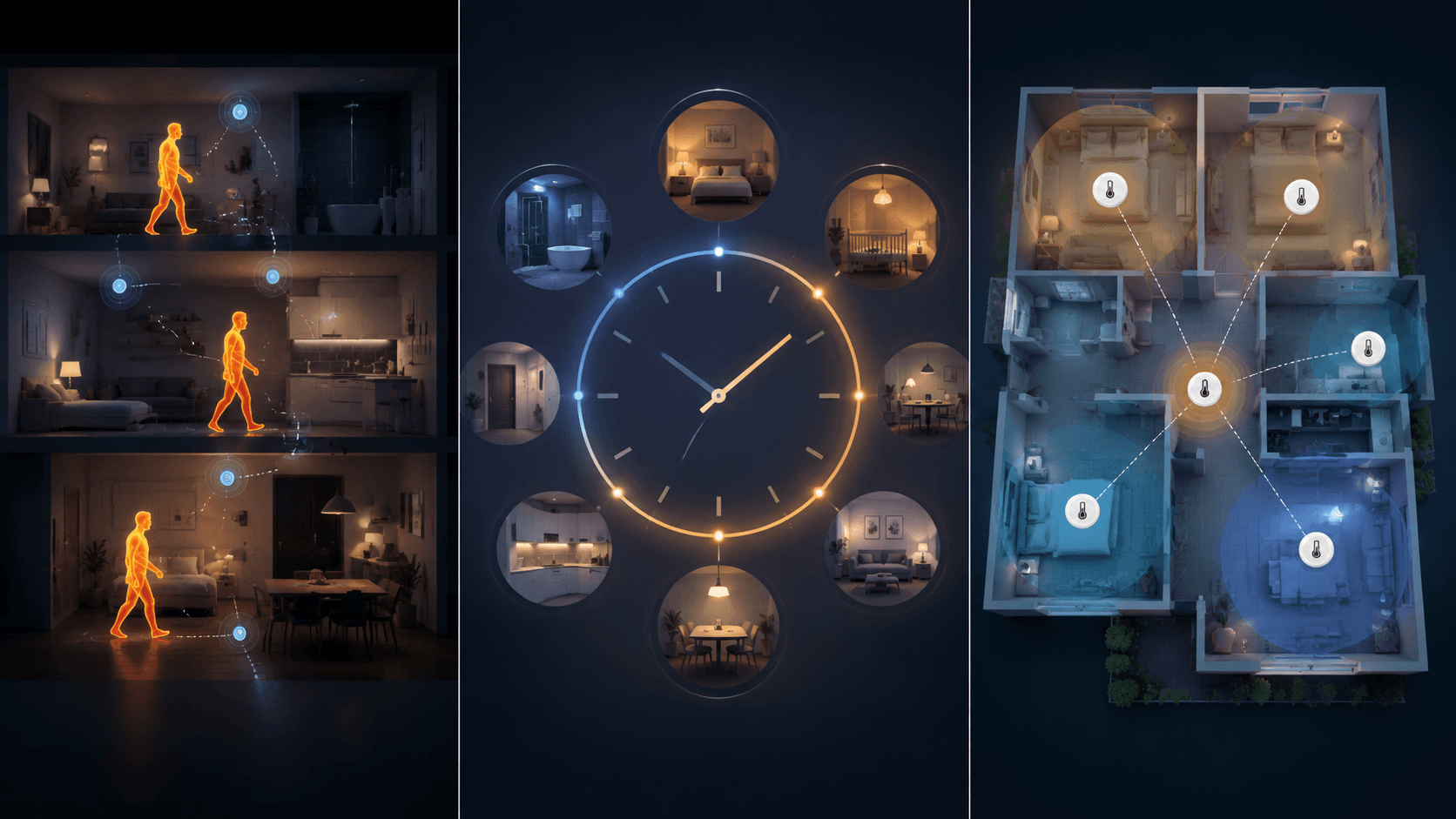
The hallway thermostat is usually telling the truth. The problem is that it is telling the truth about the hallway. At 8 p.m., that may have very little to do with the upstairs bedroom, the office over the garage, the nursery with the door half closed, or the family room where everyone has drifted after dinner.
That is the real reason to buy a smart thermostat with remote sensor support. The sensor is not just an accessory for checking another room’s temperature. In each ecosystem, it changes how the thermostat decides what “comfortable” means. Ecobee, Nest, and Honeywell Home all sell that idea, but they do not make the same decision once the sensor reports back.
| System | What the remote sensor mainly does | Best fit |
|---|---|---|
| Ecobee | Detects temperature and occupancy, then can prioritize occupied rooms | Homes where people use rooms unpredictably |
| Google Nest | Reads temperature in selected rooms and follows scheduled room priority | Predictable routines where room comfort changes by time of day |
| Honeywell Home T9 | Averages selected room sensors to smooth out hot and cold areas | Larger homes where balancing many rooms matters more than following people |
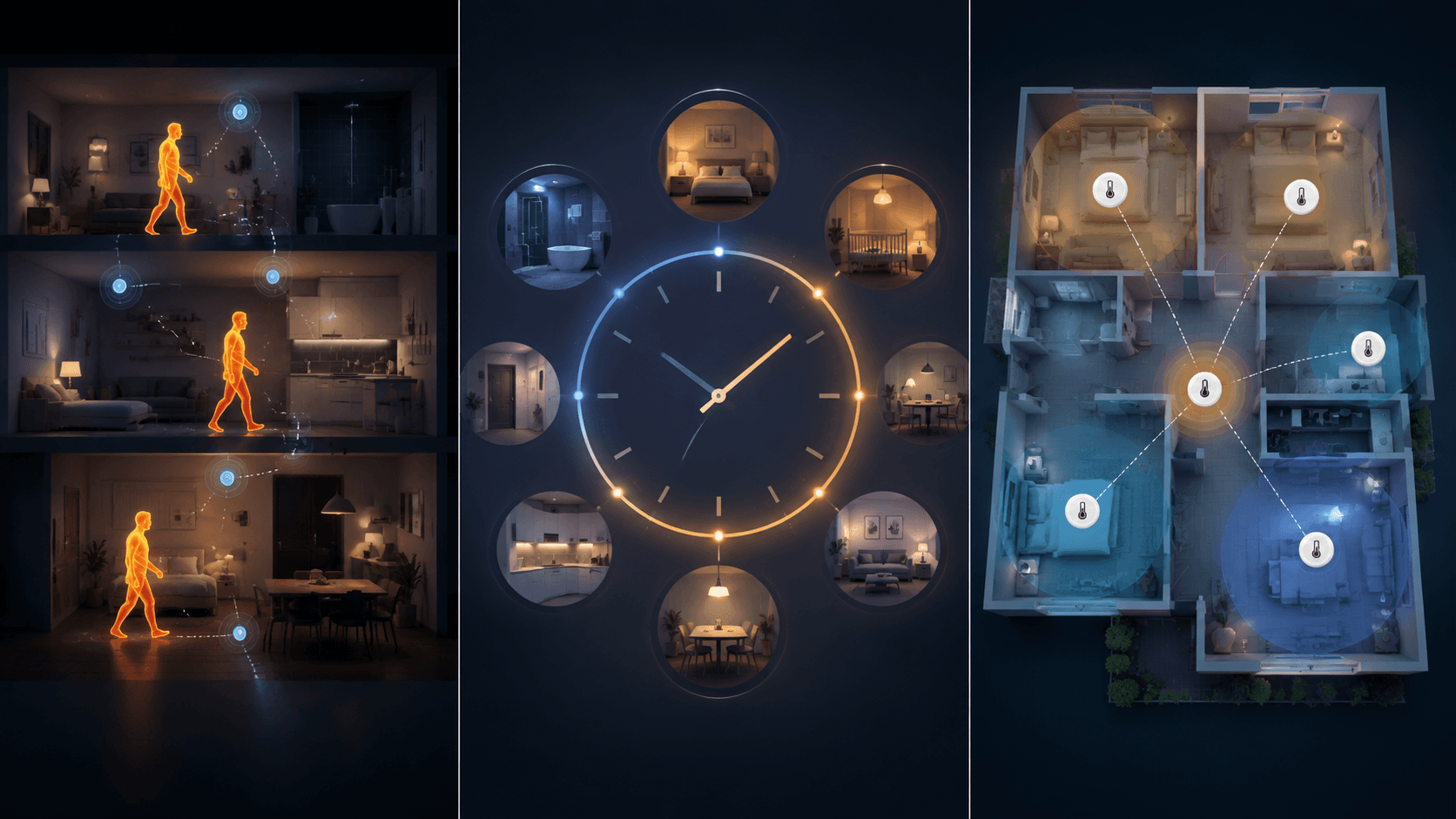
The important difference is sensor logic
A remote sensor can be a thermometer, a presence signal, or one input in a multi-room average. Those are different jobs. Calling all of them “remote sensors” makes the shopping page look cleaner, but it hides the part that affects the room someone is actually sitting in.
Ecobee’s SmartSensor is the most distinct because it measures both temperature and occupancy. Ecobee describes the occupancy side as infrared sensing of body heat, not ordinary motion detection, and its Follow Me feature can use occupied rooms when deciding whether to heat or cool. The system supports up to 32 sensors, which is far beyond what most homes need but useful in sprawling layouts or homes with several problem rooms.[1]
That changes the nature of the system. If the office is occupied after lunch, the thermostat can care about the office. If the family room is where people are sitting in the evening, that room can take priority. The thermostat is still controlling one HVAC system, not magically conditioning each room separately, but Ecobee has a better signal about where comfort matters right now.
Nest’s Temperature Sensor is simpler. It reports temperature, uses Bluetooth with a listed range of about 50 feet that can be reduced by walls, and uses a CR2 lithium battery with an estimated battery life of about two years. Google says a Nest thermostat can use up to 6 temperature sensors, with up to 18 total sensors in a Google Home structure.[2]
The key limitation is not the sensor count. It is that the Nest Temperature Sensor does not detect occupancy or presence. You can tell the thermostat to prioritize a bedroom at night or a living room in the evening, and with the 4th generation Nest Learning Thermostat that scheduling can be set in 1-hour increments, but the sensor will not automatically chase people from one room to another.[2]
That does not make Nest a bad choice. It makes it a scheduled-room system. If your household really does use the same rooms at the same times most days, Nest’s approach is easy to live with. If the uncomfortable room changes because life changes, Nest needs you to keep telling it which room matters.
Honeywell Home’s T9 sits in a different lane. Its Smart Room Sensors are temperature-focused, and the system can support up to 20 sensors per thermostat, which gives it a stronger large-home argument than Nest. The useful feature is averaging: you choose which rooms participate, and the thermostat aims at the average rather than treating the hallway as the whole house.
That is helpful when the complaint is not “follow me” but “stop letting one bad thermostat location run the house.” A long ranch, a two-story home, or a house with a sun-facing room may benefit from averaging several readings. The tradeoff is that averaging can also compromise. If one room is warm and another is cool, the average may look reasonable while both people still have an opinion.
There is also a hard boundary that applies to all three systems but matters especially when people look at Honeywell’s multi-sensor count: smart room sensors do not create separate HVAC zones. Honeywell Home explicitly distinguishes smart room sensors from a zoned HVAC system with duct dampers, which is what can maintain different temperatures in different rooms at the same time.[3]
Which system fits the way your house is actually used?
Start with the room that causes the argument. Then look at why it causes the argument.
- If the problem room changes through the day because people move around unpredictably, Ecobee has the best sensor logic.
- If the same room matters at the same time most days, Nest’s scheduled priority can be enough.
- If several rooms are always a little off and the goal is to smooth the house out, Honeywell’s averaging approach is the cleaner fit.
A home office is a good test. If someone works there every weekday from 9 to 5, Nest can be perfectly sensible: schedule the office during working hours, then hand priority back to the bedroom or living area later. If that office is used some mornings, some evenings, and sometimes not at all, Ecobee’s occupancy-aware behavior is more aligned with what is happening in the room.
A nursery is different. Many parents do not want comfort decisions to depend on whether a sensor thinks the room is occupied. They may prefer a scheduled priority window or a fixed comfort setting during sleep hours. In that case, Nest’s limitation is less important, and Ecobee’s extra intelligence may simply be more capability than the job requires.
A large upstairs-downstairs mismatch points toward a different question: is one room the priority, or are you trying to keep the whole house from swinging too far around the thermostat location? Honeywell’s averaging makes sense for the second problem. It is not zoning, and it will not make an upstairs bedroom and downstairs office independently perfect, but it can keep the system from obeying only one wall.
Sensor count matters only after the logic matches
The maximum sensor number looks like an easy spec-sheet win, but it is only useful if the thermostat knows what to do with the readings. Ecobee’s up-to-32 limit is impressive because the sensors can also report occupancy. Nest’s up-to-6 limit is usually enough for a few priority rooms, but those sensors still need scheduled instructions. Honeywell’s up-to-20 limit is useful when the point is broader averaging across many rooms.[1][2]
| Brand | Sensor capability | Sensor limit | Comfort decision style |
|---|---|---|---|
| Ecobee | Temperature plus infrared occupancy/body-heat sensing | Up to 32 sensors | Can follow occupied rooms |
| Google Nest | Temperature only | Up to 6 per thermostat; up to 18 per Google Home structure | Prioritizes rooms by schedule or manual selection |
| Honeywell Home T9 | Temperature-focused room sensing | Up to 20 sensors per thermostat | Averages selected rooms |
Most homes do not need double-digit sensors. Two or three well-placed sensors usually reveal the important pattern: the bedroom runs cold, the upstairs runs hot, the office is ignored by the hallway thermostat. More sensors can help in a larger home, but they can also create more readings to manage without fixing airflow, insulation, duct balance, or sun exposure.
The real price is the thermostat plus the sensors you actually need
Remote sensors are where the shelf price starts to get slippery. A thermostat that looks cheaper can stop being cheaper once the rooms you care about are counted.
Ecobee’s higher-end Premium package commonly includes one SmartSensor, while the more basic Ecobee Essential does not. That distinction matters because Ecobee’s SmartSensor two-pack is about $100, so an Essential installation that needs remote sensing is no longer just the thermostat price.[1]
Nest’s Temperature Sensor is about $40 each, and the 4th generation Nest Learning Thermostat package includes one sensor. That makes a simple bedroom-or-office setup straightforward, but a three- or four-room plan adds cost quickly.[2]
Honeywell’s T9 has traditionally had a strong value argument because it includes one room sensor in the box and additional sensors have often been priced around the same general range as Nest’s. The complication in mid-2026 is availability: recent product-page and store signals around the T9 appear inconsistent, so buyers should verify the current Honeywell Home model and sensor compatibility before treating the T9 as a safe default. If the T9 is unavailable, check whether a current model such as the X8S supports the sensor behavior you are trying to buy.
This is where a broader model-by-model comparison helps. If you are still choosing the thermostat hardware, not just the sensing behavior, compare the current lineups in the Ecobee model guide, the Google Nest thermostat profile, and the Honeywell T9 profile before pricing the full system.
Placement can make a good sensor look bad
A remote sensor should describe the room, not the nearest draft. Put it on an interior wall, roughly 4 to 5 feet high, away from supply vents, return drafts, exterior doors, windows, and direct sun. A sensor on a bookshelf in a sunbeam or next to a register will make any brand look confused.
Do not hide the sensor in the worst corner of the room just to prove a point. If a bedroom feels cold near the window but normal near the bed, the sensor belongs where comfort matters. If the room has a ceiling fan, a closed door, or heavy afternoon sun, give the system a few days before judging it. One evening is enough to notice a problem; it is not always enough to tune a house.
What about Sensi and Amazon?
Sensi Touch 2 is worth knowing about if you want a simpler thermostat with remote sensor support, especially if your needs are closer to scheduled comfort than occupancy-aware automation. It is not the center of this comparison because the main decision most buyers are making is still Ecobee versus Nest versus Honeywell. For a wider brand view, the Sensi, Nest, and Ecobee comparison is the better place to branch off.
Amazon’s Smart Thermostat is the budget exception people often ask about. It does not have native remote sensor support in the same way these systems do, though some households use Echo devices with temperature sensing as a workaround. That can be useful for a narrow budget setup, but it is not the same as buying a thermostat ecosystem built around room sensors.
Savings depend on what the sensors let you stop doing
ENERGY STAR says certified smart thermostats save at least 8% on annual heating and cooling. That is useful context, not a promise that one sensor on a nightstand will pay for itself in a neat number of months.[4]
Remote sensors can support savings when they reduce unnecessary conditioning. Ecobee’s occupancy-aware logic has the clearest path there: if rooms are empty, the system has a signal it can use to stop prioritizing them. Nest can also save energy when the schedule reflects real life. Honeywell can help when averaging prevents the system from overreacting to a badly located thermostat.
The opposite is also true. If sensors simply make every room demand comfort all day, the HVAC system may run more, not less. Actual savings depend on climate, insulation, HVAC type, thermostat settings, and household behavior. Strong manufacturer savings claims should be read through that filter.
For the cost side of that decision, use a dedicated remote sensor savings guide or the broader smart thermostat energy savings guide before assuming the sensors are an automatic payback purchase.
The practical pick
Choose Ecobee if the uncomfortable room changes because people move through the house unpredictably. Its SmartSensor and Follow Me behavior are the most convincing answer to the evening problem where the hallway is fine and the occupied room is not.
Choose Nest if the household routine is predictable and scheduled room priority is enough. It is the cleaner fit for people who want the bedroom prioritized overnight, the living area in the evening, and very little ongoing fiddling beyond that.
Choose Honeywell if the house needs broader temperature smoothing across many rooms and current product availability checks out. Its sensor count and averaging approach make sense when the goal is balance, not occupancy following.
None of the three is universally smarter. The best remote sensor system is the one whose decision logic matches the way your home stops being comfortable, while avoiding unnecessary conditioning where the sensors are only asking the HVAC system to do more.
References
- SmartSensor, Ecobee
- Learn about the Nest Temperature Sensor, Google Nest Help
- Difference Between Smart Room Sensors and Zoned HVAC System, Honeywell Home
- Smart Thermostats, ENERGY STAR
Data Updates
Know about updated rebate programs, changed subscription prices, or new ENERGY STAR certifications? Submit a note below to help keep this content current. For formal data corrections, use the contact page.
Comments
Join the discussion with an anonymous comment.