
The easiest way to get lost while shopping for the best smart lock in 2026 is to start with someone else’s winner. PCMag’s top pick is the Ultraloq Bolt Fingerprint at $169.99, CNET names the Yale Assure Lock 2 at $240, and Wirecutter recommends the Schlage Arrive Smart WiFi Deadbolt, a Grade 1 model.[1][2][3] That is not a three-way mistake. It is what happens when one reviewer gives more weight to biometric convenience, another to broad household usability, and another to physical security.
A smart lock is one of the few gadgets that has to be pleasant at 7 p.m. and boringly reliable at 7 a.m. The fingerprint reader, video feed, and auto-unlock demo may be what sells the upgrade. The grade stamped on the deadbolt, the way it talks to the rest of the home, and the month when the batteries die are what decide whether the upgrade still feels smart after the first few weeks.
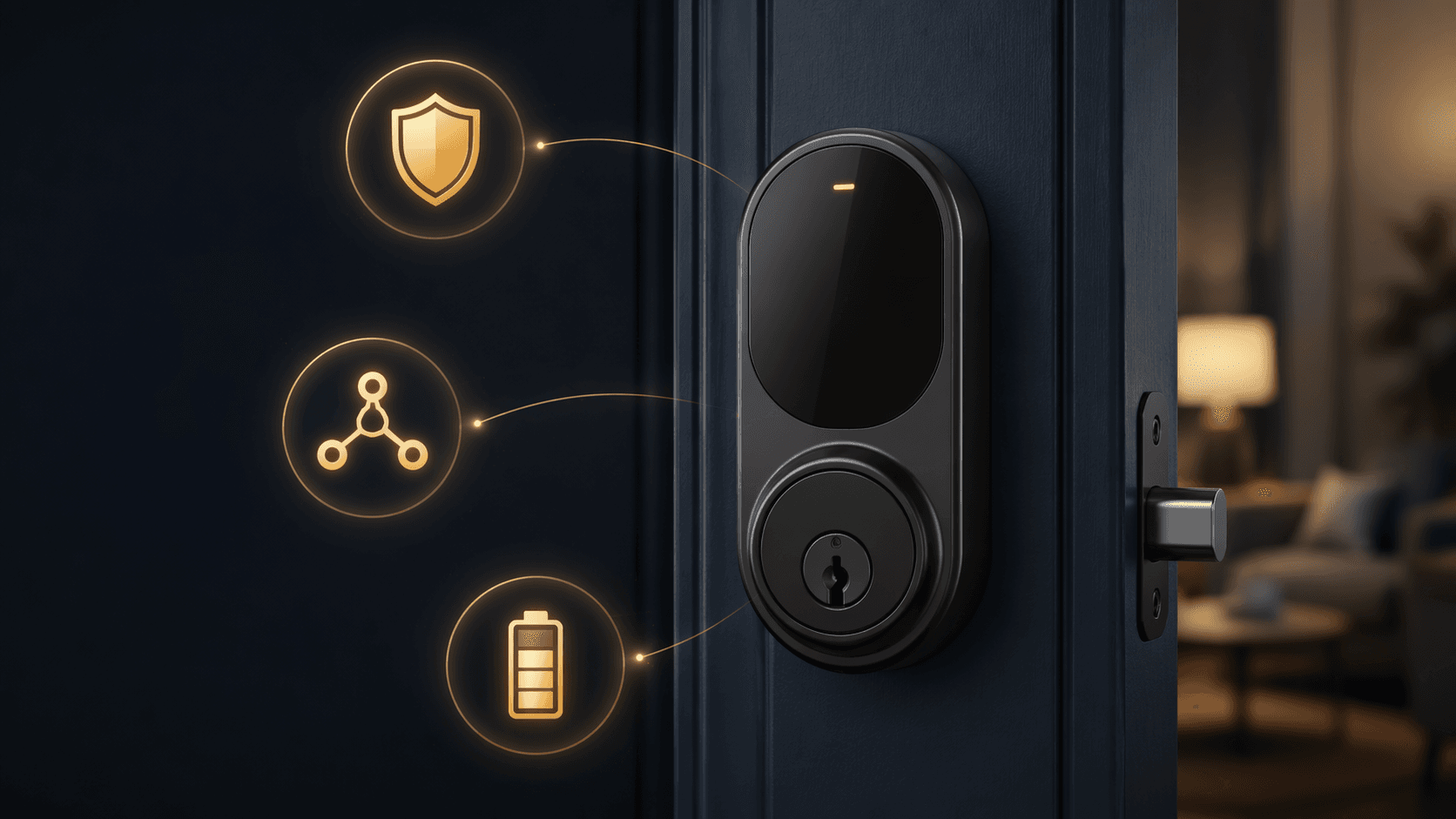
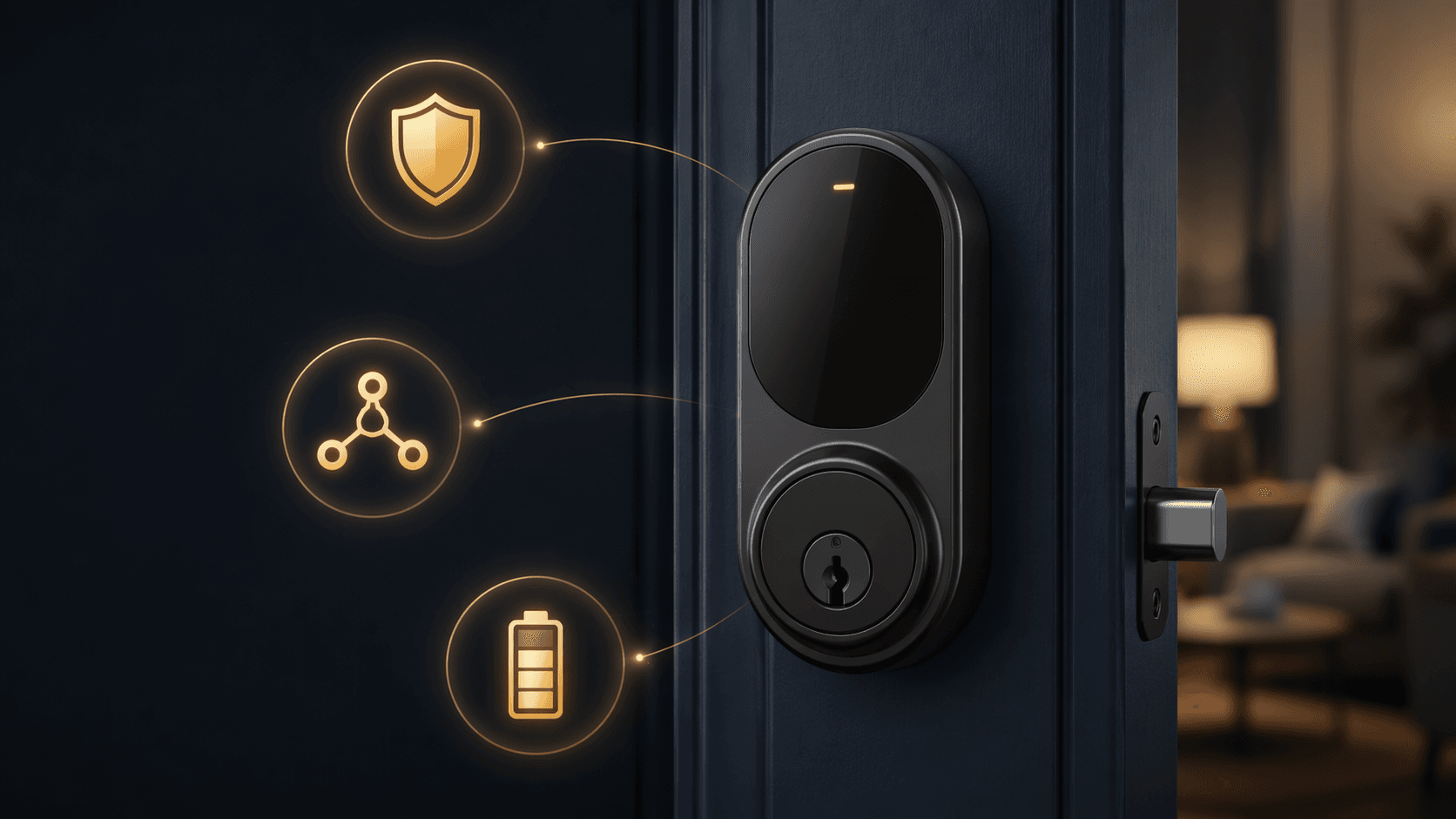
Before paying extra for a smart lock, put the spec sheet in this order: security grade first, platform fit second, battery life third. After that, keypads deserve more attention than most flashy features. Biometrics, video integration, UWB auto-unlock, and subscription-free claims can matter, but they should not be allowed to rescue a lock that fails the basics.
| Priority | Feature | What It Should Prove |
|---|---|---|
| Must-have | ANSI/BHMA Grade 1 or AAA for primary doors; Grade 2 acceptable for lower-risk doors | The lock is built as a security device, not only as a connected accessory |
| Must-have | Platform compatibility, ideally Matter-over-Thread with caveats checked | The lock works with the home you actually use, not only the app shown on the box |
| Must-have | Real-world battery life of at least six months | Maintenance does not become the main ownership experience |
| High-value convenience | Keypad entry | Children, guests, cleaners, and backup access do not require a phone or enrollment |
| Conditional extras | Fingerprint, video, UWB auto-unlock, subscription-free claims | The feature matches a household need after the fundamentals are already acceptable |
Start With The Part That Still Has To Be A Lock
The least glamorous feature on a smart lock box is usually the one that deserves the first read. ANSI/BHMA grades are meant to describe physical lock performance: durability, strength, and resistance to attack. For a front door, Grade 1 or AAA is the cleaner target. Grade 2 can be reasonable for a side door, interior garage entry, or a lower-risk location. Grade 3 should make a buyer slow down before treating the lock as a serious front-door upgrade.
Consumer Reports’ lab work is the useful cold shower here: in its smart-lock testing, half of the locks failed kick-in tests when they were not paired with a reinforced strike plate, and most smart locks on the market are Grade 2 or Grade 3 rather than Grade 1.[4] That does not mean every Grade 2 lock is unsafe, and it does not mean Consumer Reports has tested every lock a shopper might consider. It does mean a lock’s app features should not be allowed to distract from the physical deadbolt, latch, strike plate, and installation.
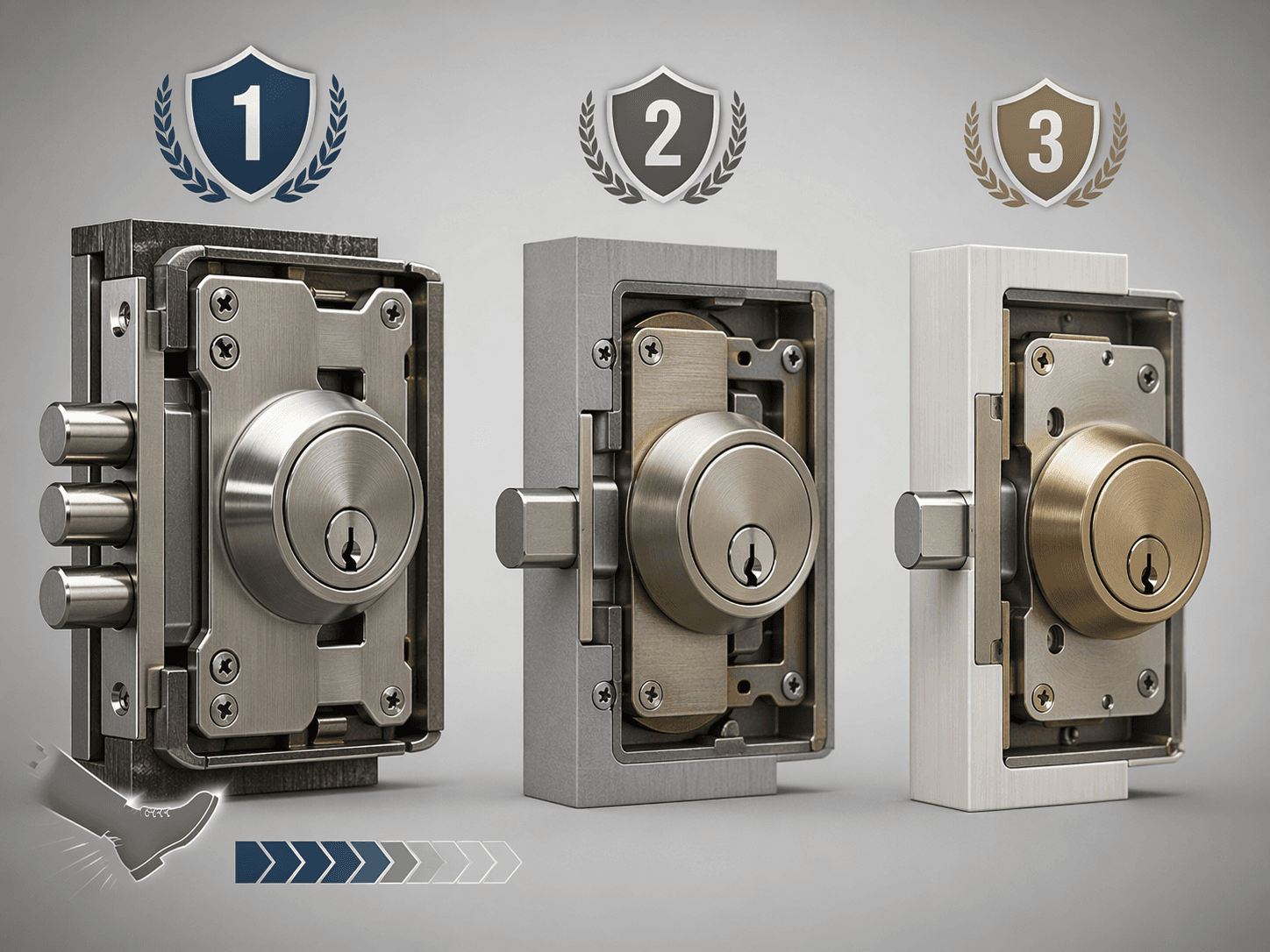
This is also where installation stops being a side note. A strong lock installed into a weak door frame with a short screw strike is not getting the benefit implied by the grade. If the door is old, warped, or already difficult to throw by hand, fix that before treating any connected feature as the upgrade. For a deeper grading breakdown, use the ANSI/BHMA security-grade comparison before comparing app features.
There is one practical exception to the Grade 1-or-bust instinct: not every door is defending the same risk. A back door inside a locked garage, a utility room, or a rental unit with different access patterns may justify a Grade 2 lock if the rest of the spec sheet is strong. The front door gets less leniency because it carries the most daily use and the clearest forced-entry concern.
Compatibility Is Not Just A Logo Row
The second filter is whether the lock belongs in the smart home you already have. Apple Home, Google Home, Alexa, and SmartThings badges are useful, but they do not answer the whole question. A buyer needs to know which protocol the lock uses, which hub or border router is required, and whether the features they care about survive outside the manufacturer’s own app.
In 2026, Matter-over-Thread is the cleanest default to look for if the rest of the lock is strong. Thread avoids the battery cost and router-dependence of Wi-Fi for routine communication, and Matter gives the lock a better chance of working across major ecosystems. That is a future-proofing argument, not a promise that every Matter lock behaves identically in every app.
The caveat is not academic. Some locks lose native-app conveniences when they are put into Matter mode, including features such as geofencing, door-status alerts, or in-app guest-code management. The Kwikset Matter smart-lock case study is a good example of why “supports Matter” and “keeps every feature I expected” are not the same sentence.
That makes the pre-purchase check more specific than usual:
- Confirm the lock works with the ecosystem used by the people who will actually manage it.
- Check whether Matter mode disables any feature you consider essential.
- Identify the required hub, bridge, Wi-Fi module, or Thread border router before buying.
- Look for local keypad operation so the door still works when a phone, app, or cloud service is inconvenient.
If that sounds like too much homework, it is still less annoying than discovering after installation that the lock works in Apple Home but not with the guest-code flow your household expected. For a broader pre-check by installation type, ecosystem, and protocol, start with the 2026 smart-lock buyer guide. For standards nuance, the Matter-over-Thread comparison is the better rabbit hole.
Battery Life Is A Feature, Not A Footnote
Battery life is where smart locks often move from delightful to tiresome. Manufacturer claims are commonly expressed as access events rather than calendar months, which makes them hard to compare across households. A front door used by a family, a dog walker, and a cleaner is not the same workload as a side door opened twice a week. Reviewer experience is imperfect, but it is often more useful than a clean-looking event count.
The spread is large enough to change the buying decision. The August Wi-Fi Smart Lock is repeatedly criticized for roughly three-month real-world battery life, while Schlage Encode and Yale Matter models are reported around 12 months or more in reviewer experience.[1][2][3] A three-month lock asks for attention four times a year. A 12-month lock can become annual maintenance. That difference is not a small convenience gap; it changes who gets interrupted and how often.
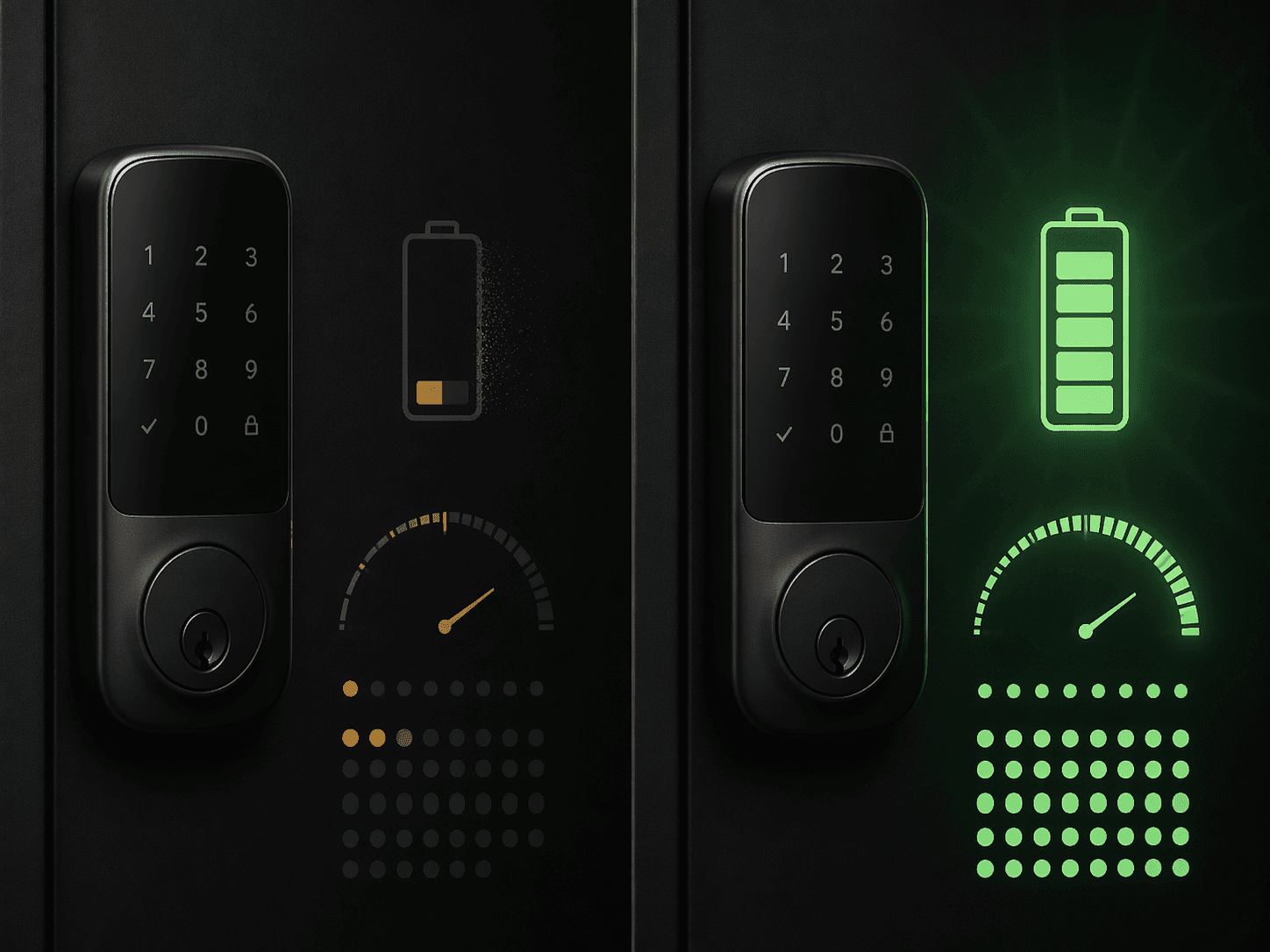
Retrofit locks are especially tempting because they keep the exterior hardware and can make installation feel less invasive. That convenience can be worth it for renters, historic doors, or households that do not want to change the outside look. It also makes battery life worth checking twice. The August Smart Lock Pro device profile is the kind of trade-off profile to read before deciding that retrofit automatically means lower hassle.
Six months is the minimum expectation I would use for a main entrance. Less than that can still be acceptable for a niche case: a low-use door, a rental where exterior hardware must stay unchanged, or a household that already has a battery routine. But if the lock is going on the door everyone uses daily, short battery life becomes a recurring support problem. When that cycle has already started, the smart-lock troubleshooting guide is more useful than pretending low-battery warnings are just a minor notification.
Keypads Beat Many Flashier Features
The keypad is not new, which may be why it gets under-sold. It is also the access method that solves the widest range of real household problems. Children do not need phones. Guests do not need app accounts. A neighbor can water plants without biometric enrollment. A service provider can get a temporary code instead of a copied key.
Wirecutter and SafeHome.org both highlight keypad-first designs as stronger fits for households with multiple users, which matches the way these locks tend to fail socially rather than technically.[3][5] The lock may connect beautifully to a phone, but the person at the door may be a grandparent, babysitter, contractor, or guest who wants to enter once and not become part of your smart-home setup.
A good keypad feature set is plain: easy code creation, temporary or scheduled codes if needed, visible digits in poor light, and a layout that does not make mistakes common. Touchscreens can look cleaner, but physical buttons can be easier in rain, with gloves, or for anyone who does not want to wake a glossy panel just to get inside.
Fingerprint Unlock Is Great When It Is Not Carrying The Purchase
Fingerprint unlock deserves its moment. When it works well, it is faster than a code, friendlier than opening an app, and genuinely satisfying for a household where the same people use the door every day. It can also be a strong accessibility feature for someone who struggles with keys or small keypad targets.
It should not be the first filter. A fingerprint reader still needs enrollment, backup access, weather tolerance, and a plan for visitors. It does not make a weak deadbolt stronger, does not fix poor ecosystem fit, and does not stretch a short battery cycle. If two locks already meet the security, compatibility, and battery thresholds, choose the one with the better biometric experience. If only one does, the fingerprint reader should not decide the purchase.
Video Locks Add Doorbell Trade-Offs
Video integration can be useful, especially at a door that does not already have a good video doorbell. Seeing who is at the door before issuing access is cleaner than juggling two devices. For rentals or small homes with one main entrance, a combined device may also reduce clutter.
The trade-off is that video adds a second product category’s problems. Camera placement may be worse than a dedicated doorbell. Battery drain can increase. Cloud storage and AI alerts are often where subscriptions appear, even though core smart-lock functions such as keypad use, app lock and unlock, and local event logs are broadly subscription-free among major 2026 models.[6] Subscription-free lock operation is no longer a premium brag. It is the baseline expectation.
Auto-Unlock Needs A Household Fit Check
Auto-unlock is one of the most appealing smart-lock promises because it removes the unlock moment altogether. UWB-based approaches, where available, are especially interesting because they can be more precise than older presence methods. For someone carrying groceries, managing a stroller, or coming home in bad weather, the feature can feel less like a gimmick and more like the point of buying a connected lock.
It still needs a sober check. Which phones support it? Does it work for every regular user or only the tech enthusiast in the house? Does Matter mode affect the related presence or geofencing feature? What happens when a phone is dead, left at home, or carried by a guest? The better a household’s backup access is, the safer it is to enjoy auto-unlock without making it the only pleasant way in.
A Faster Way To Shortlist
A smart-lock shortlist gets much easier when the first pass is elimination, not admiration. Remove any front-door lock that lacks a serious security grade or depends on an installation your door cannot support. Remove locks that do not fit your platform without losing features you consider essential. Remove models whose real-world battery life is likely to fall below six months on the door you use most.
Then choose the convenience layer that matches the household. Pick a keypad-first model if guests, kids, or service access matter. Add fingerprint unlock if the regular users will benefit from fast enrolled access. Consider video if you do not already have a better camera at the door. Treat UWB auto-unlock as a premium comfort feature, not as proof that the rest of the lock is well chosen.
Do not shop for the most advanced smart lock first. Eliminate locks that fail security grade, platform fit, or six-month battery expectations, then pay for the convenience feature your household will actually use.
References
- Best Smart Locks We've Tested for 2026, PCMag
- Best Smart Locks of 2026, CNET
- The 6 Best Smart Locks of 2026, Wirecutter
- Best Smart Locks of 2026, Lab-Tested and Reviewed, Consumer Reports
- The Best Smart Locks of 2026, SafeHome.org
- 5 Smart Locks With Zero Monthly Fees (2026), The Gadgeteer
Corrections & Community Notes
Spotted an outdated spec, changed compatibility, or new firmware behavior? Submit a correction below to help keep this profile current. For formal editorial updates, use the contact page.
Comments
Join the discussion with an anonymous comment.