
Smart Light Bulb Buyer's Guide: Compatibility, Brightness, and Connectivity Explained
This buyer's guide walks first-time buyers through the key decision points — bulb shape, brightness, connectivity protocol, ecosystem compatibility, and cost — so you can pick bulbs that work with your setup without wasting money.
Last updated
A smart light bulb looks like one purchase, but the return pile usually starts with a chain of small misses: the wrong shape, the wrong base, the wrong brightness, the wrong app path, or the wrong network for the number of bulbs being added. The easiest way to avoid that is to decide in order, starting with the fixture and only then moving outward to connectivity and ecosystem support.
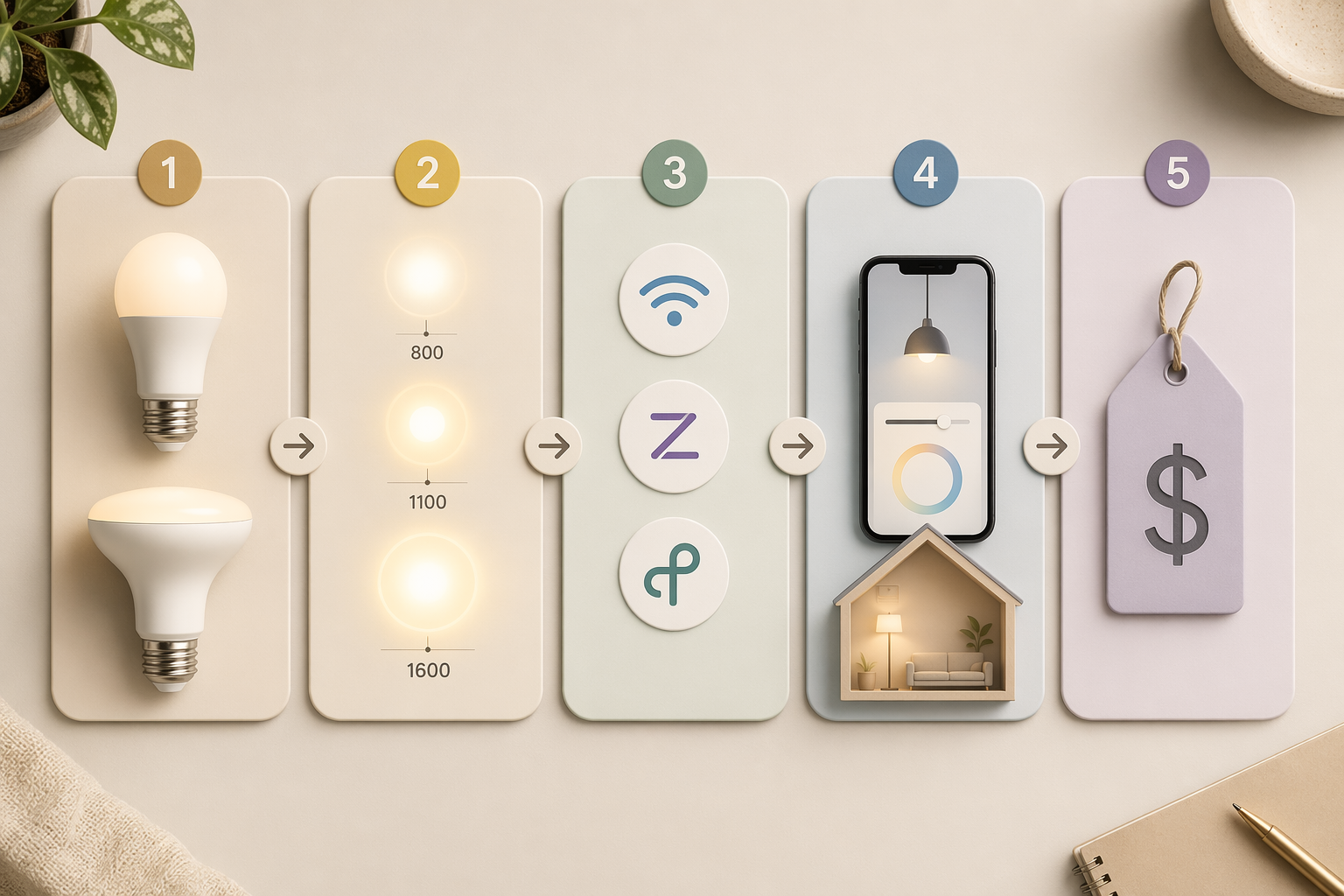
| Decision check | What you are deciding |
|---|---|
| Shape and base | Will it physically fit the lamp, can, or fixture? |
| Brightness | Will it give enough light for the room? |
| Color type | Do you need tunable white, RGB, or both? |
| Connectivity | Will Wi-Fi, Zigbee, Thread, or Matter work for your setup? |
| Ecosystem | Will it work with the phone, speaker, or hub already in the house? |
| Location | Is it meant for indoor, damp, or exposed outdoor use? |
| Budget | Does the total cost still make sense for one bulb or a whole room? |
Start with the fixture, not the app
For most U.S. lamps, the familiar combination is an E26 base with an A19 shape. Recessed cans usually want a BR30 floodlight shape instead. That sounds basic until someone buys a perfectly good bulb that cannot sit correctly in the shade, sticks out of the trim, or simply does not match the fixture it was meant for. Reviewers keep coming back to those two forms because they are the everyday defaults that most first-time buyers actually need, not the more decorative shapes that show up in product photos [1][2][3].
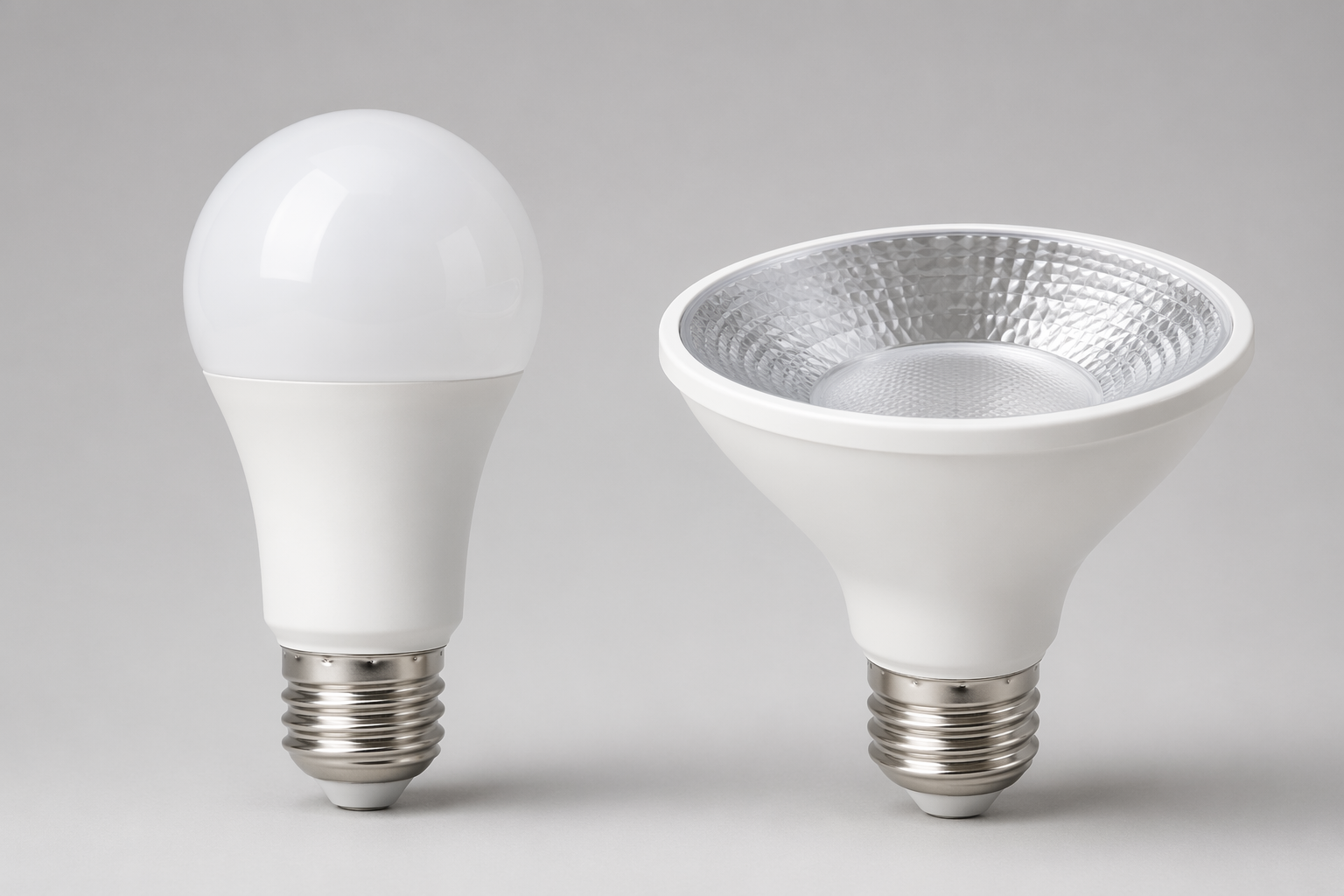
The physical check is also where an apparently cheap purchase becomes expensive. A bulb that is easy to install in a table lamp can be the wrong choice for a recessed can, a covered pendant, or a narrow bedside shade. If the bulb shape is wrong, compatibility with Alexa, Google Home, or HomeKit does not rescue it.
Get the brightness right before you worry about color
Brightness is the number that packaging still hides behind old habits. For many lamps, 800 lumens is the practical target, which is why "60W equivalent" keeps showing up on boxes. For task lighting or overhead light that has to carry a room, 1,100 to 1,600 lumens is the more realistic range [1][3].
That difference matters more than the app screenshots. A bulb that is bright enough for a desk or kitchen surface can feel underpowered in a recessed can, while a bulb chosen for accent use can be annoying in a main lamp if it never reaches the needed light level. The right number is the one that matches the fixture's job, not the prettiest watt-equivalent label.
A simple way to read it: use roughly 800 lumens for many living-room and bedroom lamps, and move up when the bulb is doing actual work instead of atmosphere.
Choose the color type you will actually use
Tunable white and RGB solve different problems. Tunable white changes warmth from a cooler daytime tone to a warmer evening tone, which is useful in rooms you use every day. RGB is for color scenes, accent lighting, and the occasional decorative effect. If the bulb is going into a bedside lamp, a reading corner, or a kitchen can light, color effects often end up being a feature you paid for but barely touch.
Connectivity is where the invisible mistakes happen
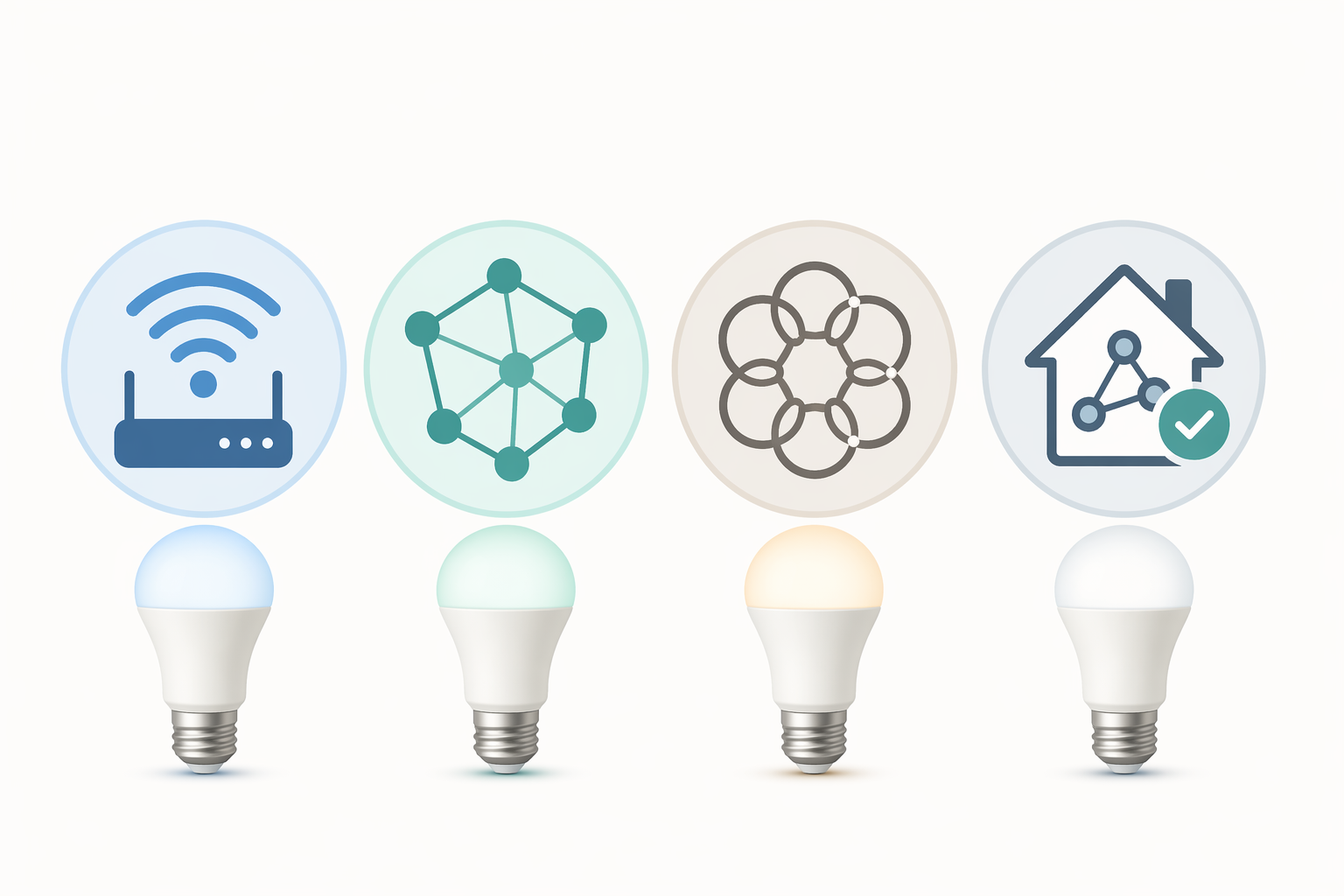
Wi-Fi bulbs are the easiest to understand. They usually do not need a hub, they are often cheaper up front, and they make sense when you are replacing a few bulbs in one room. The tradeoff is that they can become messier as the count grows, especially if several bulbs are all asking the router for attention at once [2][3][4].
Zigbee and Thread are more system-minded choices. They usually need a hub or a compatible controller, but they are built for mesh-style reliability and tend to make more sense when a household is adding multiple bulbs instead of one or two. That is why reviewers keep steering people who want scale, routines, or room-wide control toward those protocols rather than the cheapest Wi-Fi option [1][2][3][4].
Matter sits above that as a compatibility layer. A Matter-certified bulb is meant to reduce friction when the same home has Alexa, Google Home, and Apple Home in play, but it does not erase the need to check the exact bulb, controller, app, and firmware. A bulb can be Matter-capable and still be annoying if the surrounding setup is weak [5].
The practical rule is simple: a few bulbs in one easy room can be a Wi-Fi job; a whole house or a room full of lights usually points toward Zigbee, Thread, or a Matter-compatible setup with the right controller.
Ecosystem support matters more than the brand name on the box
The bulb has to work with the household's actual control point: the phone app people will use, the speaker already sitting on the counter, or the hub already set up in the home. A cheap bulb that skips HomeKit is not a bargain in a HomeKit-only home, and a premium bulb that only feels easy inside one app is still the wrong buy if the home mixes platforms. Matter helps here because it is aimed at reducing that lock-in pressure, especially in homes that do not want to pick a single ecosystem forever [5].
Check the location before you assume one bulb works everywhere
Indoor bulbs are not automatically right for exposed outdoor fixtures, damp locations, or places where heat and weather matter more than app features. If the bulb is going into a porch light, an unsealed fixture, or any spot that gets moisture, the rating needs to be checked before the checkout button, not after the package arrives.
What the price tiers are really telling you
In current review roundups, budget bulbs often sit under $10, midrange bulbs around $10 to $20, and premium bulbs around $20 to $55 [1][2][3][4]. Those numbers are not just about materials. They usually reflect differences in app polish, ecosystem coverage, hub dependence, and how much compromise the buyer has to accept on the way to a working setup.
That is why the cheapest option is not automatically the smartest choice. A low-priced bulb can be fine for one spare lamp or a simple room, but the moment the buy extends to several fixtures, reliability and compatibility start to matter more than shaving a few dollars off the first cart total.
Energy cost is a reality check, not the main reason to buy
A study of 30 smart LED bulb models found standby power below 0.5 watts per bulb [6]. That is small, but it is not zero, and it is a reminder that the smart layer adds a little always-on cost on top of the higher purchase price. The value of a smart bulb usually comes from control, scheduling, dimming, and convenience; the power savings story is mostly about switching from older lighting to LED in the first place, not about the bulb's smart features paying for themselves.
Pre-purchase checklist
- Does the bulb shape and base match the fixture: A19 with E26 for most lamps, or BR30 for recessed cans?
- Is the bulb bright enough for the job: about 800 lumens for many lamps, more for task or overhead lighting?
- Will you actually use tunable white, RGB, or both?
- Is Wi-Fi enough for a few bulbs, or does the room call for Zigbee, Thread, or a Matter-compatible setup built for scale?
- Does it work with the household's real ecosystem: Alexa, Google Home, Apple Home, or a mix?
- Is the bulb rated for the location, especially if the fixture is outdoor or exposed to moisture?
- Does the total cost still make sense for the number of bulbs you are replacing?
References
- The 4 Best Smart LED Light Bulbs of 2026 — Wirecutter
- Best Smart Lights for 2026 — CNET
- The Best Smart LED Light Bulbs We've Tested for 2026 — PCMag
- The Smart Light Bulbs Worth Buying in 2026 — WIRED
- Matter and Smart Lighting: The Definitive Guide — AiDot
- Evaluating the standby power consumption of smart LED bulbs — ScienceDirect
Known issues with this device / protocol
Spec-version history
For active regressions on this protocol, see Update Watch.
No linked Update Watch entries yet.