
Smart Display vs. Old Tablet: Which Makes the Better Smart Home Dashboard?
Wondering whether to buy a dedicated smart display like the Echo Show or mount an old tablet as your smart home dashboard? This comparison breaks down cost, screen size, ecosystem integration, and long-term value so you can decide which approach fits your household.
Last updated
The awkward part of choosing a smart home display is that both options can look sensible from the kitchen counter. An Echo Show or Nest Hub is cheap enough to feel like the easy answer, especially if your house already runs on Alexa or Google Home. Meanwhile, there may be an older iPad or Android tablet sitting in a drawer with a perfectly good screen, waiting to become something more useful than a backup Netflix machine.
The short version: use the old tablet if your smart home crosses ecosystems, needs a larger screen, or would benefit from running several manufacturer apps in one place. Buy the dedicated smart display if the household mostly wants voice control, timers, camera feeds, music, and simple one-tap routines without anyone learning a dashboard.
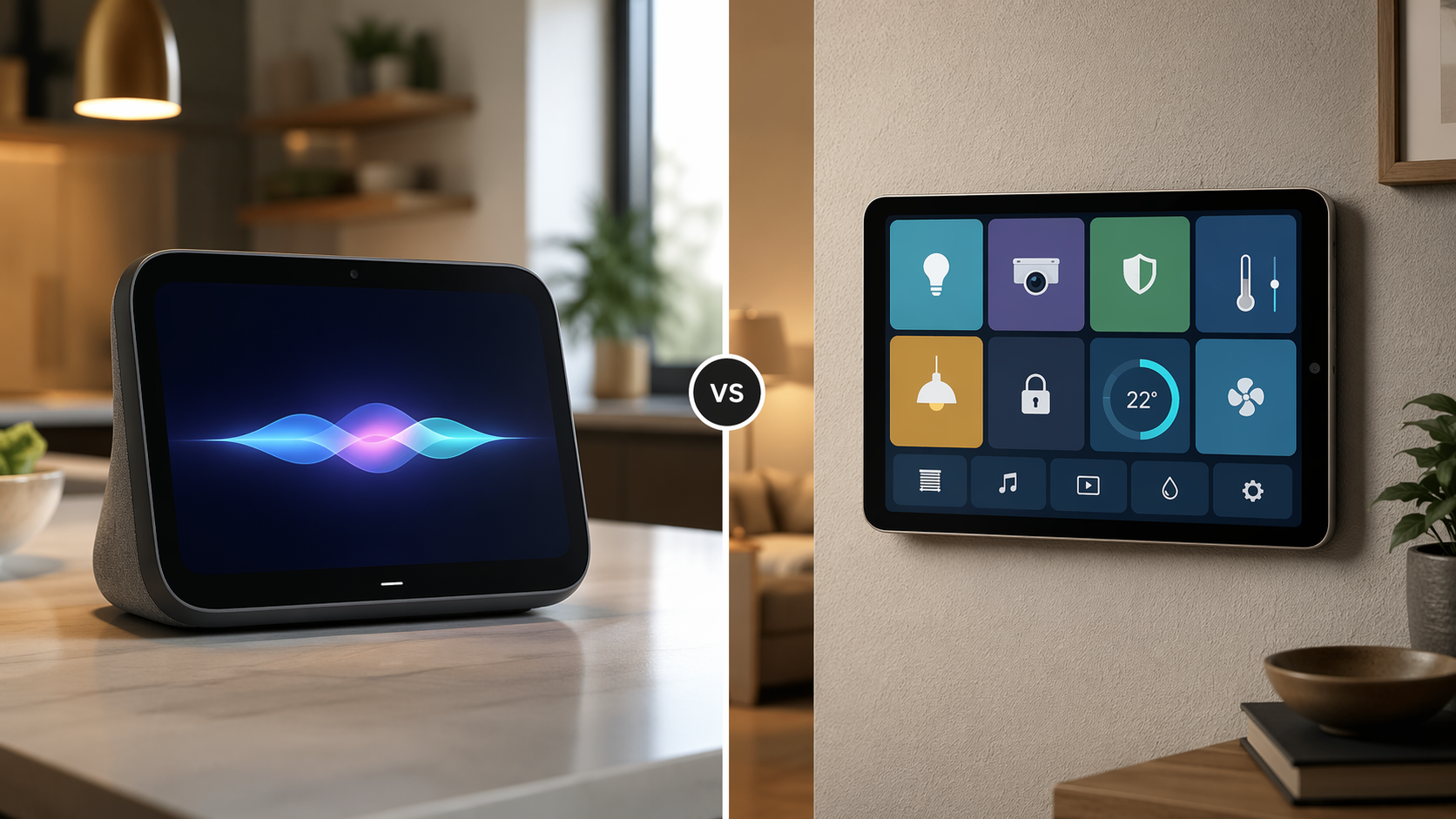
The old tablet has the better value story, if you already own it
The strongest case for the tablet is not that it is technically superior. It is that it may already be paid for. A repurposed tablet dashboard can cost nothing beyond the device you already own, or roughly the price of a basic wall mount; SimpliDock frames the comparison as about $0–$50 for a tablet mount versus roughly $60–$400 for a dedicated touchscreen or display setup.[1]
That condition matters. A “free” tablet dashboard is only free when the tablet is already in the house and still healthy enough to stay powered, wake reliably, and run the apps you need. If you are buying a new tablet only to use it as a wall panel, the math gets less charming very quickly.
| Choice | Typical strength | Main catch |
|---|---|---|
| Old tablet | Low extra cost, larger screen, multiple apps | More setup and maintenance |
| Dedicated smart display | Voice-first simplicity and native ecosystem behavior | Smaller screens and stronger platform lock-in |
Screen size is the next obvious advantage. Tablets commonly land in the 10- to 13-inch range, while mainstream smart displays tend to sit closer to 5 to 11 inches.[1] That difference sounds like a spec-sheet detail until someone is trying to hit the right light group with wet hands, or read a camera tile from across the room. A larger dashboard lets you keep more controls visible at once instead of burying them behind swipes.
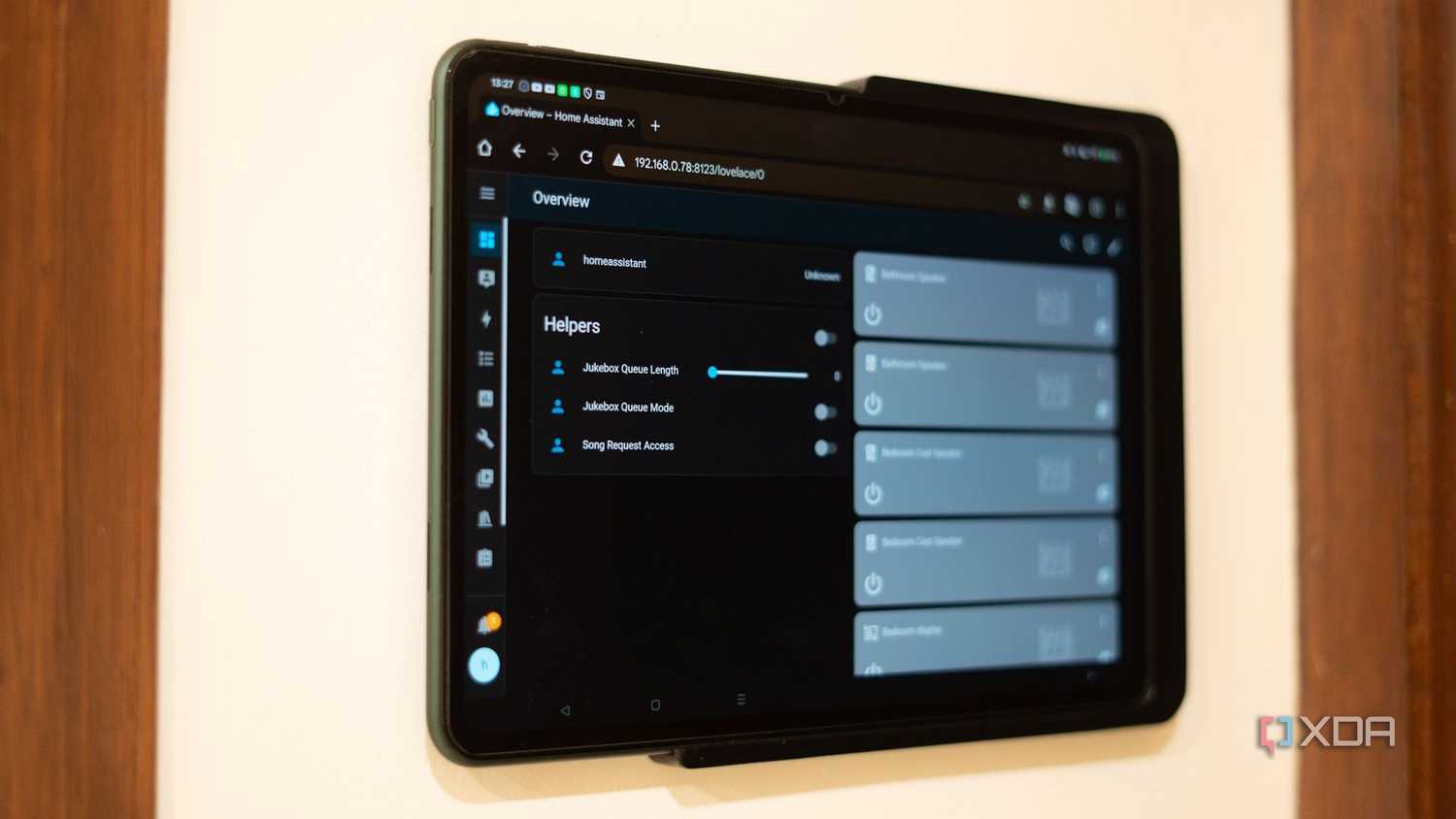
A tablet is better when your home is already messy
Most real smart homes are not as clean as the box art. A few Alexa devices arrive first. Then a video doorbell has its own app. A thermostat belongs to another account. The robot vacuum wants its own tile. Maybe Home Assistant or SmartThings enters later because someone finally gets tired of jumping between apps.
That is where the tablet earns its place. It can run multiple manufacturer apps, a browser dashboard, or a third-party control surface in ways a dedicated Echo Show or Nest Hub usually will not. XDA’s argument for old tablets as smart home dashboards leans heavily on this point: tablets can remain useful through app stores and web dashboards even when purpose-built display hardware starts to age inside a vendor’s ecosystem.[2]
The best proof is not theoretical. MakeUseOf describes a 2015 iPad Pro still working as an Alexa dashboard, which is the kind of example that makes the drawer-tablet idea feel less like forum bravado and more like a reasonable weekend project.[3] ZDNET’s Pixel Tablet example shows the polished version of the same instinct: a modern tablet used as a smart home panel rather than a single-purpose smart display.[4]
The tablet also has one quiet advantage that dedicated displays usually lack: a built-in battery. In a short power blip, the wall-mounted tablet may keep showing the dashboard while a mains-powered smart display goes dark. That does not make it a whole-home backup system, and it will not help if the router, hub, or modem is also down. But for brief outages or accidental unplugging, a battery buys a little grace.
The tablet tax is paid in setup time
The part people skip when praising the old-tablet route is the maintenance. A smart home dashboard is not useful if the screen sleeps every few minutes, the charging cable looks like a temporary repair, or the dashboard app crashes and waits for someone technical to notice.
Keeping a tablet always available often means dealing with screen timeout settings, developer options, guided access, kiosk apps, browser dashboards, charging limits, and battery health. Tools such as Fully Kiosk Browser or DakBoard can help, but that also turns a simple wall control into another small system someone in the house owns.
That trade-off is fine if the same person who built the automations enjoys tending them. It is less fine if the least technical person in the home just wants to turn off downstairs lights without remembering which app has the right button. App flexibility does not automatically become household usability.
Aging hardware adds another limit. An old tablet with a swelling battery, unreliable Wi-Fi, poor charging behavior, or an operating system too old for the apps you need should not be promoted to wall duty just because it still turns on. Avoiding e-waste is satisfying; installing a flaky control panel at eye level is not.
Dedicated smart displays still win when voice is the interface
A dedicated smart display is not trying to be a neutral dashboard for every device maker. It is trying to make Alexa or Google Home feel present in the room. That can be exactly what a household needs.
The prices are not absurd, which is why this decision is tempting in the first place. CNET lists the Echo Show 8 around the $124–$150 range, while PCMag places the Google Nest Hub 2nd Gen at about $100 and larger Echo Show models such as the Echo Show 21 in the roughly $320–$400 range.[5][6] If you want to compare current models rather than repurpose hardware, a dedicated smart home display buyer’s guide is the better next stop.
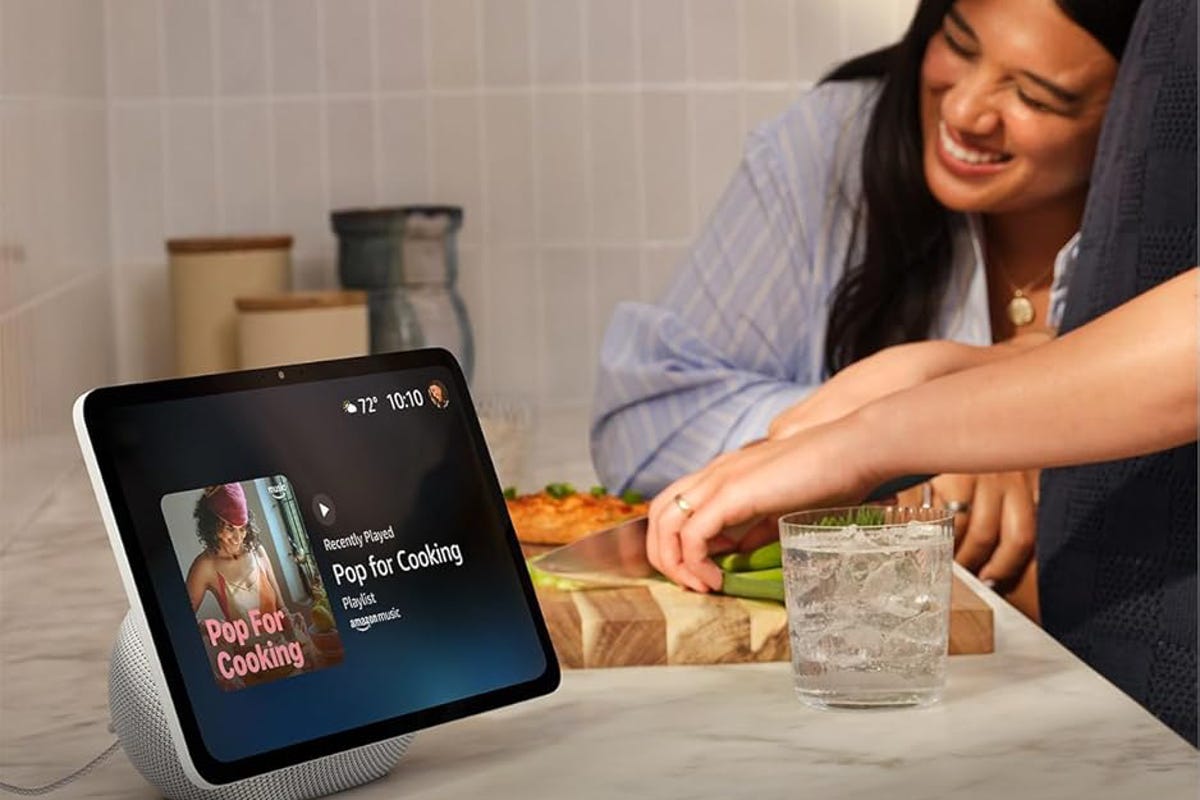
The advantage is speed. “Show me the front door” is faster than opening a tablet, finding the camera app, and waiting for a stream. “Turn off the kitchen lights” is faster than tapping through a dashboard when your hands are full. Timers, alarms, music, weather, intercom features, and simple routines are the chores dedicated displays handle without making the interface feel like a project.
This is also where native ecosystem behavior matters. An Echo Show belongs most naturally in an Alexa household; a Nest Hub belongs most naturally in a Google Home household. If you are choosing between those worlds rather than choosing a screen, start with the ecosystem decision, not the hardware comparison. The practical question is whether your household is already anchored in Alexa, Google Home and Nest devices, HomeKit, SmartThings, Home Assistant, or some mixture that refuses to stay tidy.
Vendor age is a warning sign, not a verdict
The fair criticism of dedicated displays is that they can become stranded. The Google Nest Hub 2nd Gen is 2021 hardware with no refresh as of mid-2026, which makes it reasonable to ask how long a purpose-built display will keep feeling current.[2] That does not prove every dedicated display is a bad buy. It does mean you should be careful about treating one as the permanent center of the home.
Tablets age differently because they are general-purpose devices. Even after operating system support slows or stops, some apps and web dashboards may keep working. That is the durability argument that makes repurposing appealing. It is not a guarantee. App support can disappear, browsers can age out, and battery wear can turn a once-good tablet into a dim little maintenance chore.
There is a broader market reason these products keep improving and fragmenting. Fortune Business Insights projects the smart home display sub-segment at $12.39 billion in 2026, which helps explain why vendors keep treating the screen as a strategic foothold in the home.[7] That context is useful, but it should not decide what goes on your wall.
Choose by household behavior, not by the prettier setup
Start with what you already own. If a healthy 10-inch or larger tablet is sitting unused, the tablet path deserves a serious look before spending money on another screen. If the only available tablet is slow, cracked, unsupported, or unreliable on power, do not let the idea of savings override the daily annoyance it will create.
Then look at how the house actually controls devices. If people mostly speak commands from the kitchen, ask for camera feeds, set timers, and play music, a dedicated smart display will probably feel better. If people open several apps, check sensor dashboards, adjust scenes, or manage devices across platforms, the tablet gives you more room to build the control surface you actually need.
- Choose an old tablet if you already own one, want a larger dashboard, and need multiple apps or a web-based control panel.
- Choose a smart display if Alexa or Google Home already runs the house and voice commands matter more than custom layout.
- Avoid the tablet route if nobody wants to manage kiosk settings, charging behavior, app updates, and screen wake issues.
- Avoid the dedicated-display route if your devices are spread across ecosystems and the screen needs to act as a neutral dashboard.
Privacy and reliability can also change the answer. A wall tablet running a local Home Assistant dashboard is a different proposition from a cloud-first voice display with microphones always nearby. If that is the real concern, compare the broader smart home control panel trade-offs before deciding that the screen category itself is the problem.
If you are still early in the whole project, do not start with the screen at all. Pick the ecosystem first, then choose the display that fits it. A beginner’s smart home setup path or a guide to choosing a smart home system will save more frustration than chasing the most impressive screen.
For a mixed smart home, I would rather mount the old tablet first and see whether the household uses it. The cost is low if the device is already there, the screen is better, and the flexibility is hard to replace. For a family that wants the kitchen screen to respond instantly to normal speech with almost no explanation, I would buy the smart display and stop pretending everyone wants to maintain a dashboard.
References
- Wall Mount Tablets vs Dedicated Touchscreen, SimpliDock
- Old tablets make better smart home dashboards, XDA
- I turned my old tablet into a smart home dashboard, MakeUseOf
- I use my Pixel Tablet as a smart home panel, ZDNET
- Best Smart Displays, CNET
- Best Smart Displays, PCMag
- Smart Home Market Size, Share & Industry Analysis, Fortune Business Insights
Known issues with this device / protocol
Spec-version history
For active regressions on this protocol, see Update Watch.
No linked Update Watch entries yet.