
Smart home devices are no longer a hobbyist corner of the electronics aisle. In 2026, 51% of U.S. households — about 77 million homes — use at least one smart home device, which also means nearly half still do not. That hesitation is not irrational: in ASHB survey data cited by Maker Stations, 52% of non-adopters pointed to price or complexity as a primary barrier. [1]
The safest way in is not to buy a cart full of cameras, sensors, thermostats, and color-changing lights. Start with one ecosystem decision, then buy three forgiving devices: a smart speaker or display, a smart plug, and a smart bulb. Favor Matter-certified devices where the choice is otherwise close, then set everything up before you mount, stick, screw in, or hide anything.
| Your first move | Why it matters |
|---|---|
| Choose an ecosystem | The app, voice assistant, privacy model, and compatible devices all flow from this choice. |
| Buy the starter trio | Speaker or display + plug + bulb teaches the basics without locking you into a whole-house plan. |
| Prefer Matter when available | Matter gives you more room to change platforms later, though it does not eliminate every setup issue. |
| Set up carefully | Most first-week frustration comes from Wi-Fi band mismatch, app order, bad names, and ungrouped rooms. |
Choose the ecosystem before you choose the gadget
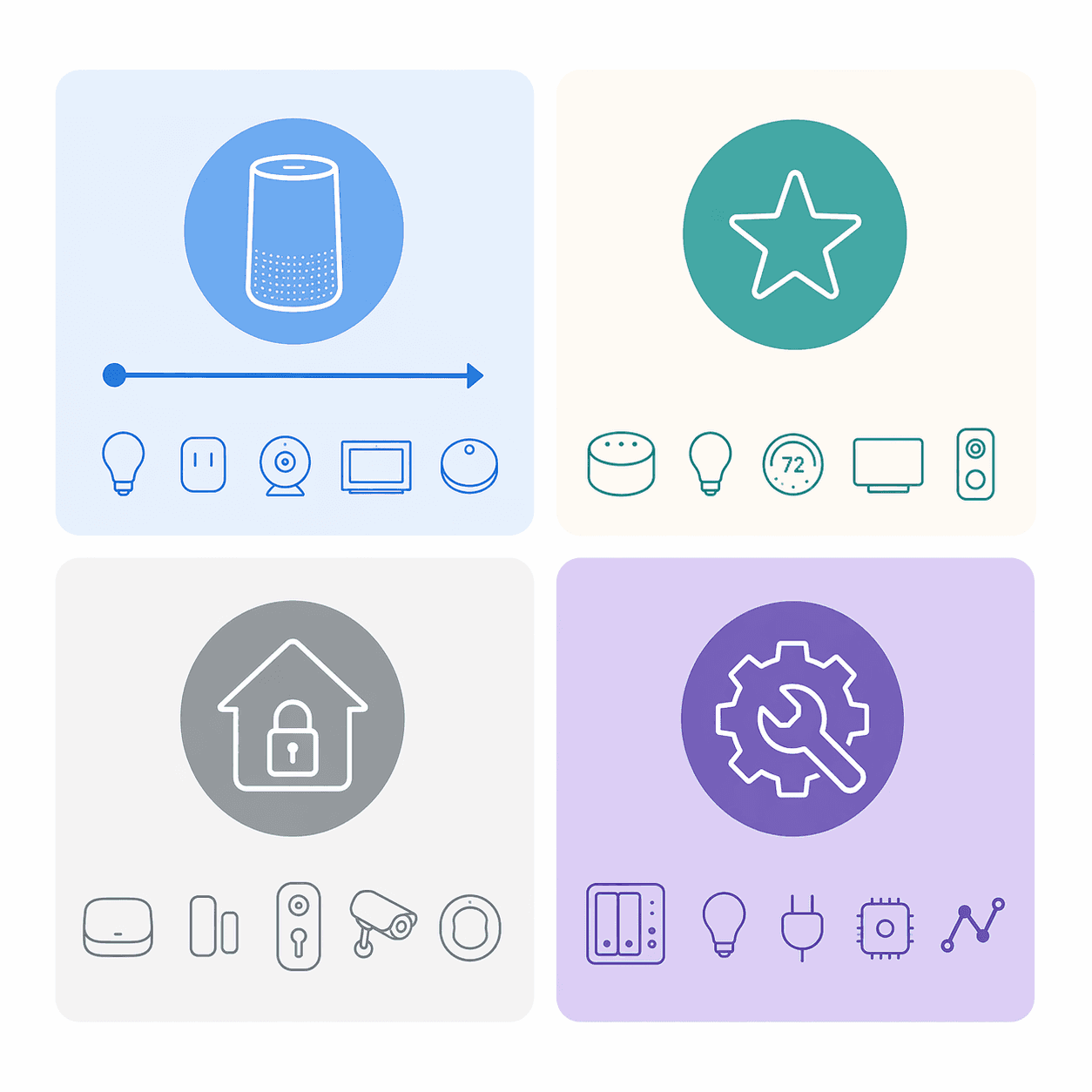
The box on the shelf may say “works with Alexa,” “works with Google Home,” “Apple Home,” “Matter,” or all of the above. That is helpful only after you know where you want the device to live. The ecosystem is the home base: the app you open, the voice assistant you talk to, the room names you create, and often the place where automations are built.
For a deeper platform-by-platform decision, use How to Choose a Smart Home System: Pick Your Ecosystem, Not the Spec Sheet. For a first purchase, the short version is this:
| Ecosystem | Best beginner fit | What to watch |
|---|---|---|
| Amazon Alexa | The broadest device selection. Security.org lists Alexa at 140,000+ compatible devices, described as the widest ecosystem. [2] | Great for bargain hunting and mixed brands, but breadth can also mean more uneven device quality and more app clutter. |
| Google Home | Strong if you already use Android, Nest devices, Gmail, Google Calendar, or Google speakers. Security.org lists 50,000+ compatible devices and found Google Assistant answered 93% of questions correctly in its own head-to-head testing. [2] | That 93% figure is Security.org’s in-house test result, not a universal benchmark. Treat it as a useful signal, not a guarantee. |
| Apple HomeKit / Apple Home | A good fit for iPhone households that care about privacy, local control, and a cleaner app experience. Security.org describes Apple’s ecosystem as smaller, with about 1,000+ certified devices. [2] | You usually need an Apple hub such as a HomePod or Apple TV for the best experience, and the device catalog is narrower. |
| Home Assistant | Best for people who want self-hosted control, deep customization, and the ability to connect many brands and services. | This is powerful, but it is not the easiest first Saturday setup for a zero-device household. Save it for later unless tinkering is part of the appeal. |
If you are completely undecided, choose based on the phone and speaker habits your household already has. An iPhone-heavy home will usually have an easier first week with Apple Home. A home that already uses Echo speakers will have less friction with Alexa. Android and Nest households usually settle into Google Home faster. The “best” ecosystem is the one the people in the house will actually open, talk to, and troubleshoot.
Where Matter fits into the decision
Matter is worth looking for, especially on plugs, bulbs, switches, sensors, and other basics. Security.org counted 850+ Matter-certified devices as of 2026, and Matter’s practical promise is that one device can work across the major ecosystems instead of being tied to only one app family. [2]
That does not make Matter magic. You can still run into Wi-Fi band issues, app pairing steps, firmware updates, or missing features in one ecosystem. Think of Matter as a future-flexibility filter, not a setup guarantee. If two similar smart home devices cost about the same and one is Matter-certified, choose the Matter model. If you want the protocol details before shopping, read Matter Protocol Explained.
Buy three devices first, not a whole smart home
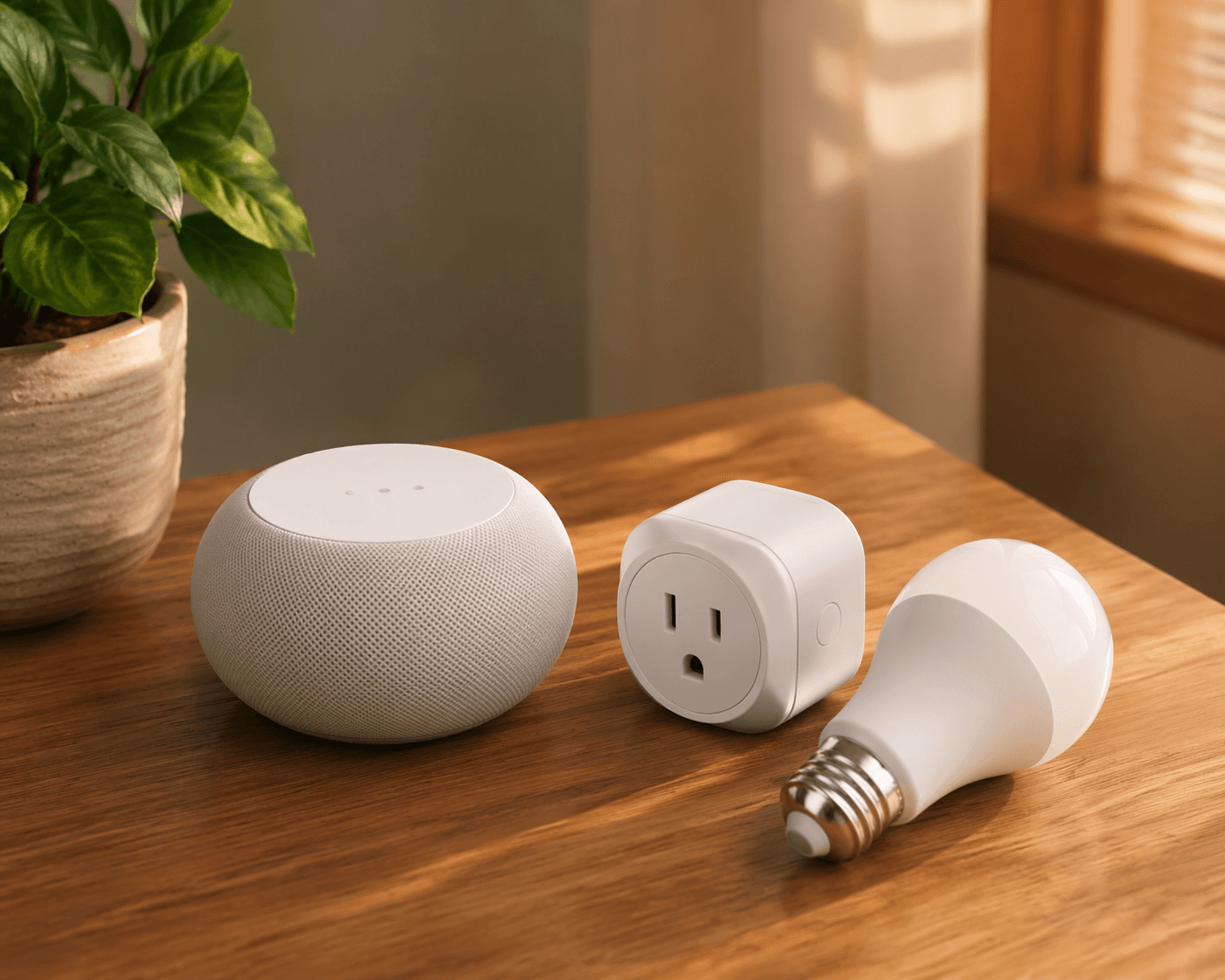
A smart speaker or display, a smart plug, and a smart bulb are enough to learn the system. They are visible, easy to reset, useful in a rental, and not expensive enough to turn one bad choice into a renovation problem. They also teach the three interactions that matter most: voice control, app control, and room-based grouping.
1. Smart speaker or smart display
This is the control point. It gives the household a simple test: can someone say “turn on the living room lamp” and have the right thing happen? A small speaker is enough if you mainly want voice control. A display is better if you want touch controls, camera views later, recipe help, family calendars, or a visible dashboard.
Do not buy this by specs alone. Buy the speaker or display that matches the ecosystem decision you already made. Echo for Alexa, Nest or Google-compatible displays for Google Home, HomePod or Apple TV-centered control for Apple Home. If you are comparing screen sizes and kitchen-versus-bedroom use, the Smart Home Display Buyer’s Guide is the more useful place to slow down.
2. Smart plug
A smart plug is the most forgiving first device because it turns an ordinary lamp, fan, coffee maker, or holiday decoration into an app-controlled device without changing the fixture. If you dislike it, unplug it. If you move, take it with you. If the setup goes sideways, reset it on the table instead of standing on a chair.
For the first plug, buy an indoor model that clearly supports your chosen ecosystem and, ideally, Matter. Save outdoor plugs for the next round unless your first use case is truly outside; weather rating, outlet orientation, and Wi-Fi reach matter more outdoors. When that time comes, use How to Choose an Outdoor Smart Plug rather than guessing from product photos.
3. Smart bulb
A smart bulb gives the fastest visible payoff. Screw it into a lamp, pair it, name it, dim it, change the color temperature if the bulb supports that, and see whether the household likes controlling light this way. Start with one bulb in one lamp, not a six-pack across three rooms.
The main caution is wall switches. If someone turns off the physical switch, the smart bulb loses power and stops responding. For a first setup, use a table lamp or floor lamp that people are unlikely to cut off at the wall. Smart switches can come later, but they are less renter-friendly and may involve wiring.
Where to find current product picks
Model recommendations change too quickly for a static shopping list to stay honest all year. PCMag’s 2026 smart home guide tests products across more than 20 categories and organizes picks by device type, which is useful once you know you need a plug, bulb, speaker, display, or thermostat. [3] CNET’s 2026 list is also lab-tested and organized by room, which can help if you already know the first room you want to fix. [4] Consumer Reports provides reviewed smart home picks as well, with the added value of its testing framework and owner-oriented lens. [5]
Use those lists after you have narrowed the category and ecosystem. Otherwise, product rankings can pull you into buying the “best” device for someone else’s home.
Set up the first room before you install anything permanently
The common first setup mistake is treating the physical install as step one. It is not. Pair the device while it is still on the table, close to the router, with the packaging and reset instructions nearby. Only move it to its final spot after the app sees it, the voice assistant can control it, and the name makes sense.
WIRED’s smart home setup guide flags one particularly common source of failure: many smart home devices use 2.4 GHz Wi-Fi, and pairing can fail when the phone is on a 5 GHz network or the router steers devices in a way the setup app does not expect. [6]
- Download the main ecosystem app first. Install Alexa, Google Home, Apple Home, or the manufacturer app before you open the device packaging. Sign in, update the app, and make sure Bluetooth and local network permissions are allowed.
- Check Wi-Fi before pairing. If your router shows separate 2.4 GHz and 5 GHz network names, put your phone on the 2.4 GHz network for setup. If your router combines bands under one name, stay near the router and check the manufacturer’s pairing notes before assuming the device is defective.
- Pair on the table. Plug in the smart plug, screw the bulb into a nearby lamp, and keep the speaker or display in the same room until everything appears in the app.
- Update firmware when prompted. It is boring, and it may take a few minutes, but skipped updates are a bad foundation for troubleshooting.
- Test app control before voice control. If the app cannot turn the lamp on, the voice assistant will not fix the underlying problem.
PCMag’s beginner setup guide follows the same practical order: choose the platform, add devices through the relevant app, and build from basic controls toward scenes and automations only after the devices are recognized. [7]
Name devices like another person will have to use them
Device names are not cosmetic. They are the difference between “turn on the lamp” working and three devices arguing over what “lamp” means. Use room plus object: “Living Room Lamp,” “Bedroom Plug,” “Desk Light.” Avoid joke names, duplicate names, and brand names as device names.
| Good name | Avoid |
|---|---|
| Living Room Lamp | Lamp |
| Bedroom Plug | Smart Plug 1 |
| Kitchen Display | Google Thing |
| Desk Light | Lighty McLightface |
Group devices into rooms immediately, even if you own only three. Put the plug and bulb in “Living Room” if that is where they are. Put the speaker or display in the room where it will hear commands. Room grouping lets you say “turn off the living room” later without rebuilding the system.
What not to buy first
Some smart home devices are excellent second- or third-round purchases but poor first purchases. A thermostat can be valuable, but it touches comfort, HVAC compatibility, wiring, schedules, and sometimes utility programs. Cameras raise placement, privacy, storage, and subscription questions. Door locks add battery, key backup, household trust, and guest access concerns.
None of those categories is bad. They simply punish uncertainty more than a plug or bulb does. Learn the ecosystem on devices that are easy to remove. Then bring in the devices that affect security, heat, cooling, and access.
When the starter trio works, expand for a reason
After the speaker or display, plug, and bulb are stable for a week or two, the next purchase should solve a specific household annoyance. If energy management matters, look at a thermostat that fits your HVAC system and chosen ecosystem; The Best Smart Thermostat for Your Ecosystem is the better next stop than a general gadget list. If convenience matters, add another room, an outdoor plug, or a few more lights. If the first devices are still flaky, do not add more devices yet.
Automations should come after reliability, not before it. A simple evening routine that turns on one lamp is fine. A chain that depends on motion sensors, time windows, occupancy, and three different brands can wait. When you are ready for routines, use How to Set Up a Home Automation System rather than trying to build everything from the device apps one guess at a time.
If you chose Matter devices and later run into pairing or cross-platform behavior that does not match the label on the box, keep Matter Troubleshooting in 2026 nearby. Matter reduces lock-in; it does not remove the need for careful setup.
A first smart home is built by giving every new device somewhere sensible to belong. Pick the ecosystem, buy the three starter devices, prefer Matter when it is available, and set up the first room carefully enough that the next device is an addition rather than a rescue mission.
References
- Smart Home Market Trends And Statistics 2026, Maker Stations
- The Best Smart Home Platforms of 2026, Security.org
- The Best Smart Home Devices for 2026, PCMag
- Best Smart Home Devices of 2026, CNET
- Best Smart Home Devices of the Year, Consumer Reports
- How to Set Up Your Smart Home, WIRED
- How to Set Up Your Smart Home: A Beginner's Guide, PCMag
Community Tips
Share platform-specific variations, steps that have changed after app updates, or tips that helped your installation succeed.
Comments
Join the discussion with an anonymous comment.