
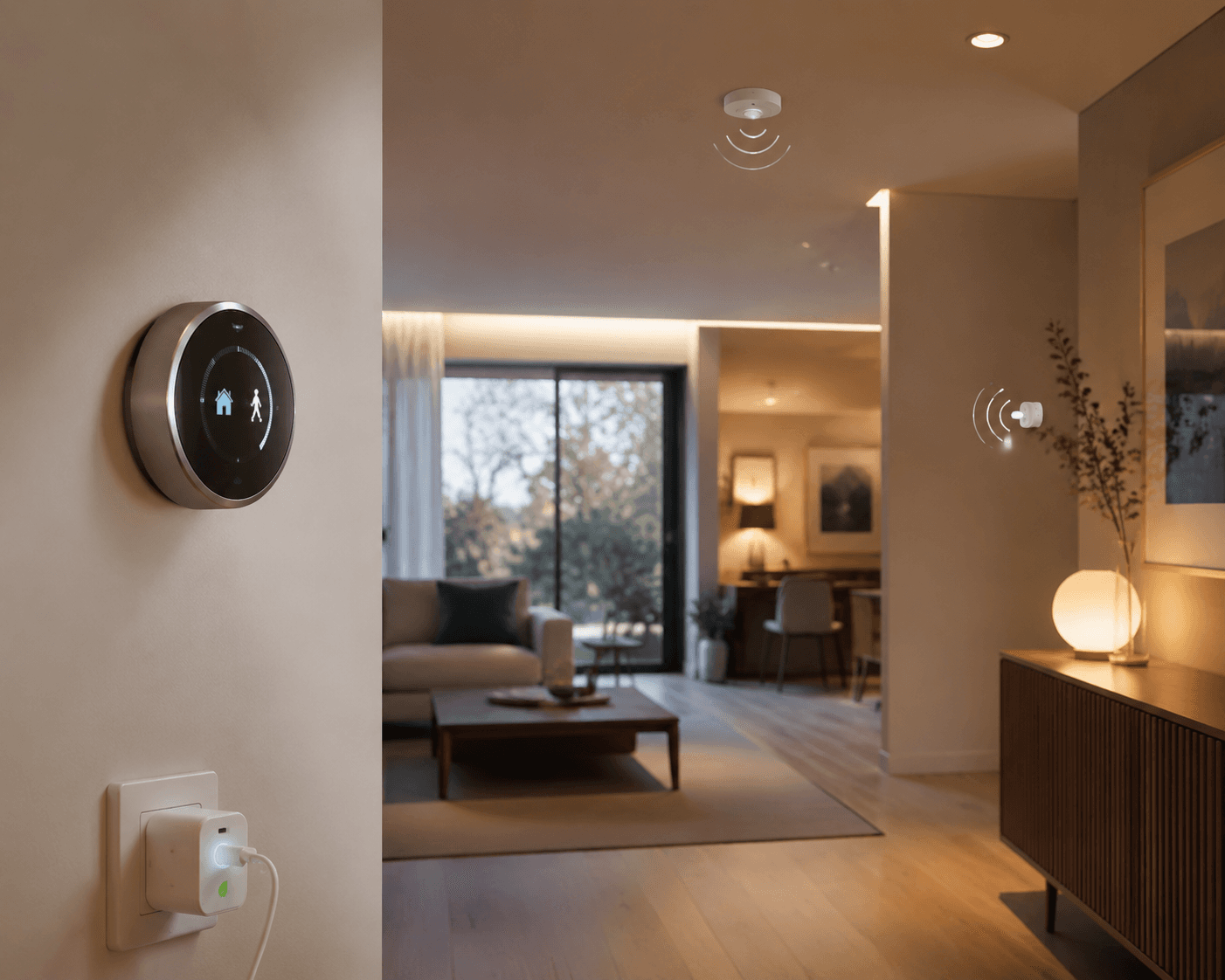
The smart home automation ideas that deserve space on a utility bill are the boringly repeatable ones: the heat drops when the house empties, the lights shut off when the room stays vacant, the plug strip stops feeding standby devices overnight, and the sprinkler skips a rainy morning. That is different from buying a device because it has an app. The savings come from removing a wasteful default before anyone has to remember it.
Start with the thermostat because it has the strongest public baseline. ENERGY STAR says certified smart thermostats save an average of 8% on heating and cooling, and our smart thermostat energy savings analysis translates that into roughly $155–$237 per year for many U.S. households in 2026 dollars.[1] That is the kind of number you can compare with a device price, not just a pleasant feeling that the house is “optimized.”
The quick recipe map
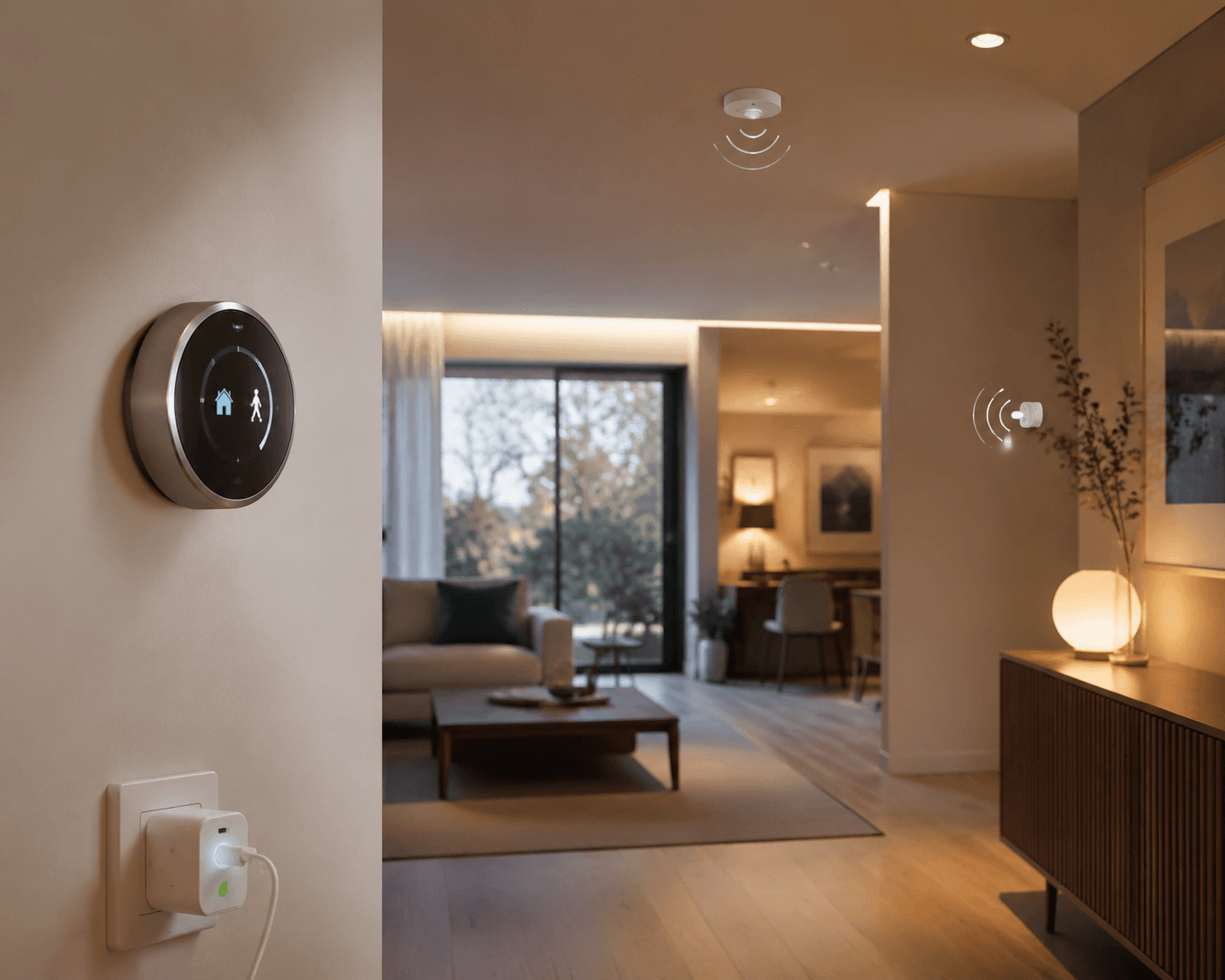
Before getting lost in platforms, hubs, and brand ecosystems, it helps to sort each automation by the waste pattern it attacks. A routine that has no recurring waste pattern behind it may still be convenient, but it should not be filed under monthly savings.
| Automation recipe | Waste pattern it removes | Minimum gear | Best fit |
|---|---|---|---|
| Geofenced thermostat setback and arrival resume | Heating or cooling an empty home at comfort settings | ENERGY STAR certified smart thermostat and phone location permissions | Most homes with central heating or cooling |
| Occupancy-based lighting shutoff | Lights staying on after people leave a room | Smart bulbs, switches, or dimmers plus motion or occupancy sensors | Hallways, bathrooms, closets, garages, kids’ rooms |
| Smart plug and power-strip schedules | Standby power from devices that do not need to stay ready all day | Smart plugs or smart power strips | Entertainment centers, office gear, chargers, small appliances |
| Weather-adaptive irrigation | Watering when rain or weather conditions make it unnecessary | Smart irrigation controller with weather-based scheduling | Homes with lawns, gardens, or outdoor irrigation zones |
| Coordinated smart home energy management | Multiple categories of small waste happening at once | Certified thermostat, lighting control, and plug-load management | Households ready to connect several automations into one system |
Set the thermostat by departure and arrival, not by optimism
A manual thermostat schedule assumes tomorrow looks like today. It assumes everyone leaves at the usual time, nobody works from home unexpectedly, and the last person out remembers that the house no longer needs to be held at comfort temperature. That is a lot of responsibility to place on a weekday morning.
A better money-saving recipe is geofenced setback: when the last authorized phone leaves the home area, the thermostat moves to an away temperature; when someone approaches home, it resumes comfort settings. The point is not that geofencing is fancy. The point is that it ties heating and cooling to actual occupancy instead of a schedule people keep meaning to update.
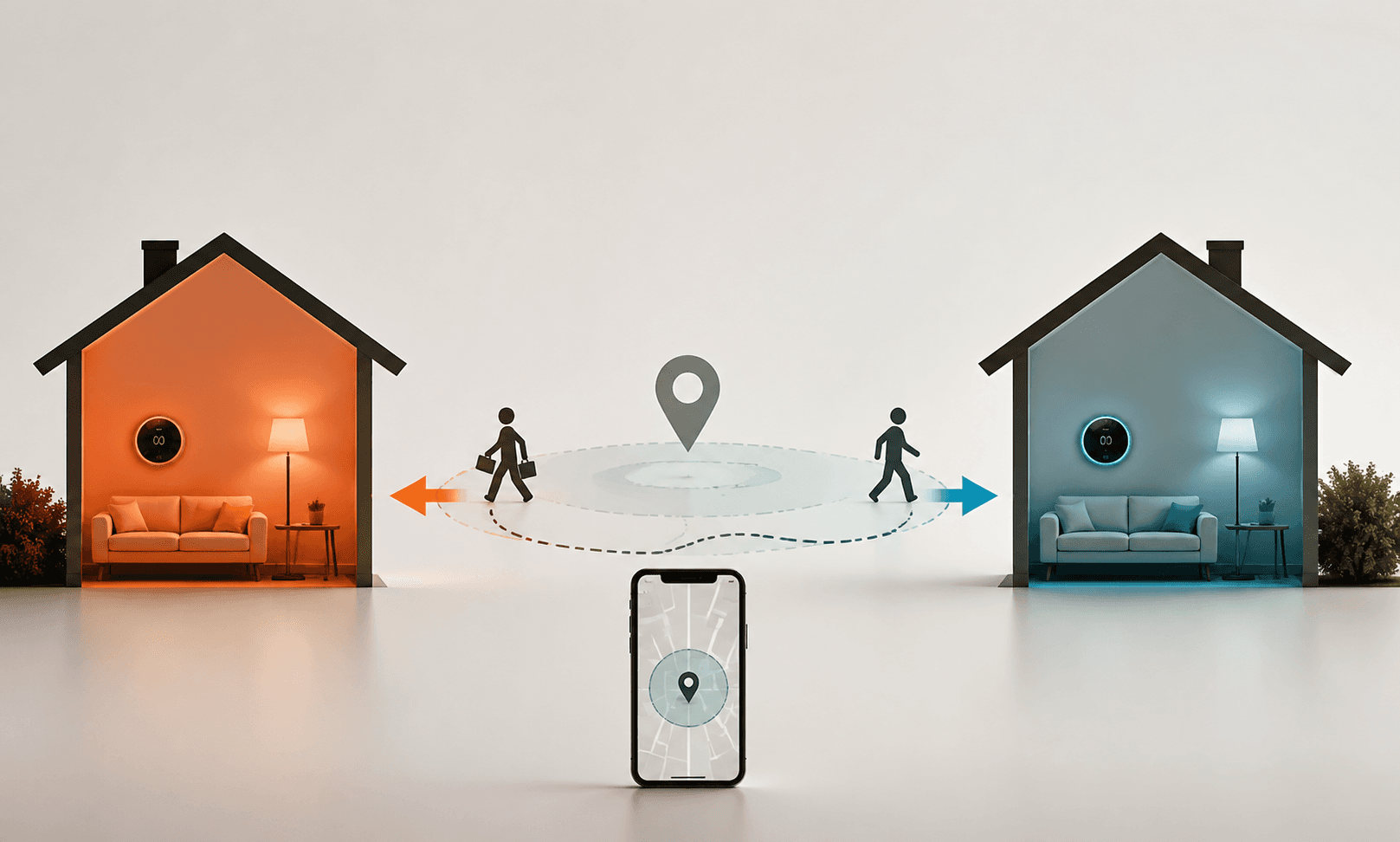
The basic setup is simple: choose an ENERGY STAR certified thermostat, connect the household phones that should count for presence, set an away temperature that saves energy without creating comfort or humidity problems, then set an arrival resume rule. If platform choice is still open, use a smart thermostat ecosystem guide before buying, because compatibility matters more here than the shape of the screen.
This is also where savings claims need a little discipline. Vivint has published an independently verified claim of up to $300 per year in thermostat savings, which is interesting as an upper bound for its own smart energy optimization program.[2] It should not replace the ENERGY STAR average as the planning number. If the family budget needs a conservative payback estimate, the $155–$237 annual range is the sturdier place to start.
The thermostat recipe is strongest when it prevents the same expensive mistake every day. Cooling an empty house through a summer afternoon or heating it at full comfort through a winter workday is not a tiny standby leak; it is one of the largest controllable loads in many homes. That is why this automation belongs first, before anyone spends an afternoon making the porch lights turn blue when a package arrives.
A practical thermostat recipe
- Use a certified smart thermostat where possible, especially if heating and cooling bills are a major part of the monthly bill.
- Enable geofencing for the phones that reliably represent household presence.
- Set a departure setback that saves energy but does not create comfort, humidity, or freeze-risk problems.
- Use arrival resume so the system begins recovering before people are already standing in an uncomfortable house.
- Review the schedule seasonally, because a good winter setback is not automatically a good summer cooling rule.
Use occupancy lighting where people actually forget
Lighting automation has a faster emotional payoff than thermostat automation because the waste is visible. A bathroom light left on overnight, a garage fixture burning after a quick errand, a closet bulb nobody notices until morning — these are small losses, but they repeat.
The recipe is occupancy shutoff, not remote control. Put motion or occupancy sensing in rooms where people pass through and forget. Turn the light on when motion is detected if that helps, but the savings action is the off rule: no motion for a set period, then lights off. Practical automation guides repeatedly treat this as one of the highest-return starter routines because the device cost can be low and the behavior it fixes is common.[3][4]
The timer should match the room. A closet can shut off quickly. A bathroom needs more patience. A garage may need a longer delay if someone is working near the edge of sensor range. This is where “set it and forget it” has limits: a badly placed sensor that plunges someone into darkness will be bypassed, and a bypassed automation saves nothing.
If the home already uses thermostat room sensors, check whether those sensors can also help with presence logic before buying separate gear. The details vary by brand, which is why a remote sensor comparison is useful before assuming one sensor can do every job.
Schedule plug loads instead of automating random outlets
Smart plugs are easy to overbuy because every outlet starts to look like an opportunity. The better question is narrower: which plugged-in devices draw power while nobody needs them ready?
Good candidates are entertainment centers that can fully sleep overnight, office equipment that does not need standby power after work, chargers that stay energized long after devices are full, and small appliances with clocks or idle electronics that nobody relies on. Poor candidates are routers, medical devices, security equipment, refrigerators, and anything that creates risk or annoyance if power is cut.
The useful recipe is a schedule or rule tied to an actual idle window: office strip off at night, charger bank off after bedtime, media cabinet off after the household’s normal viewing hours. If the plug has energy monitoring, use it for a week before deciding whether the outlet deserves automation. If it shows almost no standby draw, move the plug somewhere else.
For device-by-device payback, use the smart home devices energy savings payback ranking rather than assuming every plug pays for itself at the same speed. Plug-load control can be worthwhile, but it works best as targeted cleanup, not as a reason to put a smart plug behind every lamp.
Weather-adaptive irrigation is powerful, but only for the right home
A smart irrigation controller is not a universal savings device. Renters without outdoor watering, apartment dwellers, and households in climates where irrigation is minimal can skip this category without guilt.
For homes that do water lawns or gardens, weather-adaptive irrigation attacks a very specific waste pattern: the sprinkler runs because the timer says Tuesday morning, even though rain is forecast or recent weather has already done the job. Rachio-style controllers can skip watering automatically when rain is expected, turning irrigation from a fixed timer into a weather-aware routine.[3]
The setup deserves more care than an indoor plug schedule. Zones, soil, plant type, slope, and local watering rules all affect whether the automation behaves sensibly. The payoff can be compelling where outdoor water use is substantial, but this is a situational recipe, not the first purchase for someone trying to trim a power bill in a small apartment.
When individual recipes start working, coordinate them
The next tier is not “buy more devices.” It is making sure the devices that already control major waste categories act from the same household state. Away should mean the thermostat sets back, unnecessary lights shut off, selected plugs power down, and only essential systems keep running.
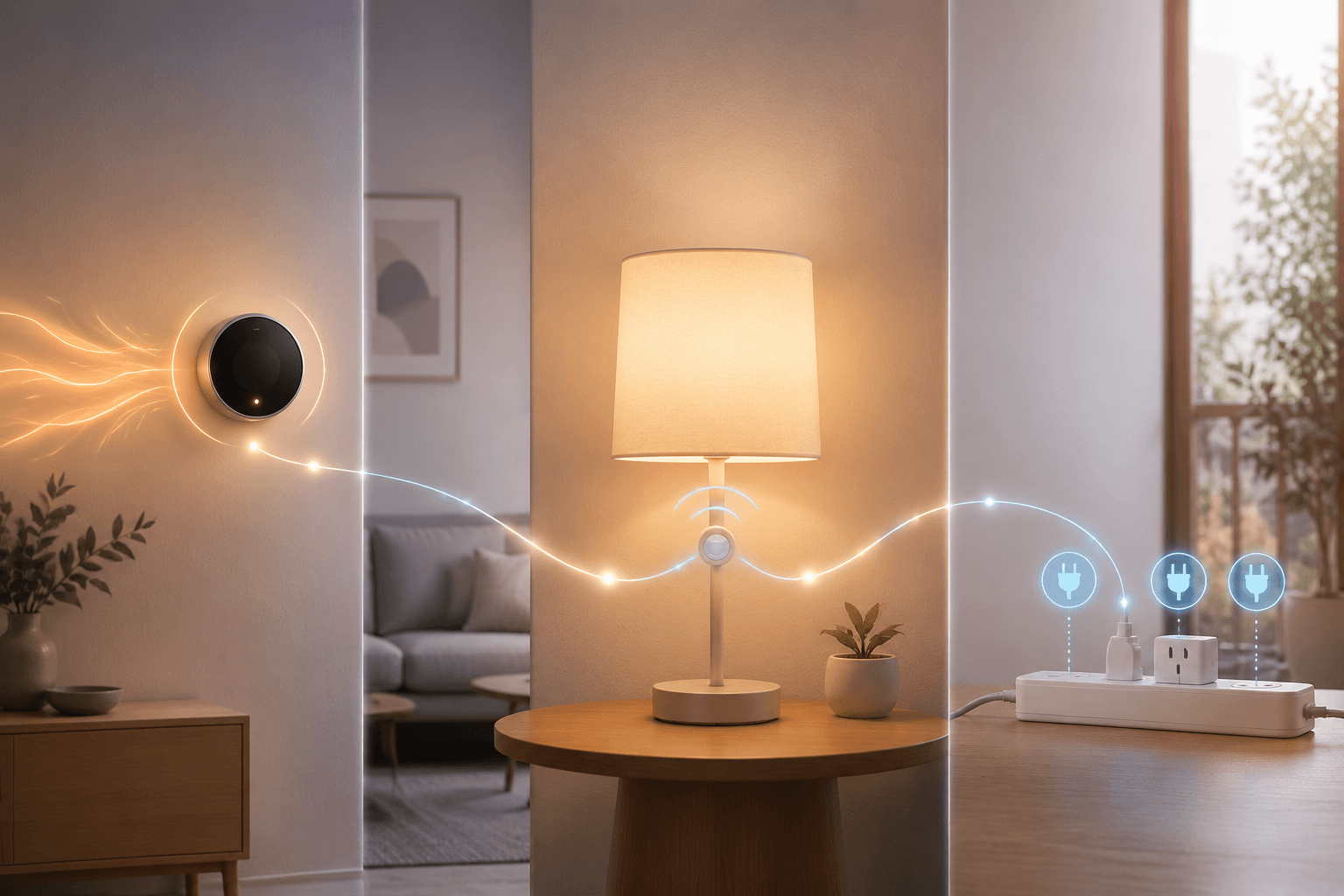
This is where ENERGY STAR’s smart home energy management systems program matters. Its requirements focus on coordination among a certified smart thermostat, lighting, and plug-load control rather than treating a single gadget as the whole solution.[1] That is a more useful standard than a vague smart-home dashboard because it names the categories that must be managed together.
The logic is easy to miss because each individual automation looks modest. A thermostat setback handles the largest comfort load. Occupancy lighting cleans up room-level waste. Plug schedules remove idle power from selected devices. Together, they cover different kinds of recurring waste instead of asking one device to do everything.
Industry analysis cited by Brilliant, drawing on ACEEE and Parks Associates, also points in this direction: energy savings are significantly higher when smart devices operate as a coordinated system rather than as isolated controls.[5] That does not mean every home needs a complicated hub on day one. It means the long-term plan should favor devices that can share occupancy, schedule, and energy-management signals.
A coordinated away routine
- Trigger: the last household phone leaves the home geofence.
- Thermostat: shift to the selected away temperature.
- Lighting: turn off nonessential lights after a short vacancy delay.
- Plug loads: turn off selected office, charger, or entertainment plugs.
- Return: resume comfort temperature and restore only the devices that need to be ready when someone arrives.
The arrival rule matters as much as the departure rule. If the home is uncomfortable every time someone returns, people will disable the setback. If the plug schedule turns off something essential, the smart plug will be removed. A savings automation has to survive real household impatience.
What the 2026 smart home trend does and does not prove
Smart home energy management is getting more attention. One market projection cited by IoT Breakthrough puts the global smart home energy management segment at $2.95 billion in 2017 and about $17.5 billion by 2027.[6] That helps explain why more platforms are building energy features into thermostats, lighting, plugs, and dashboards.
Market growth is not the same as household savings. A larger category can include excellent products, mediocre dashboards, and features that mainly make charts prettier. The reason to trust a recipe is still the same: it controls a real load, it runs reliably, and its savings claim is traceable to a credible source or a measured device-level result.
Where to start if the bill is the problem
Begin with the thermostat if the home has meaningful heating or cooling costs. The evidence is strongest, the waste pattern is common, and the annual savings range is concrete enough to compare against device cost. If buying now, compare models with a smart thermostat purchase guide instead of choosing only by app screenshots.
Then add occupancy lighting in the rooms where lights are actually left on, not the rooms that simply look nice in an automation demo. After that, use smart plugs where standby power has a clear idle window. Weather-adaptive irrigation comes next only if outdoor watering is part of the household bill.
Once those routines are stable, think about coordinated smart home energy management. The broader smart home automation ideas overview can help with non-energy routines, but the monthly-bill hierarchy is narrower: verified thermostat savings first, repeated small waste second, coordinated control third.
Actual savings still depend on climate, utility rates, home size, equipment, and behavior. A household with high heating and cooling use has more room for thermostat savings than a mild-climate apartment. A family that already turns every light off will gain less from occupancy lighting than one with kids, guests, or a garage light that lives its own life. The useful promise is not that every smart home earns the same return; it is that the right automations remove recurring waste without needing someone to win the memory contest every day.
References
- Smart Home Tips, ENERGY STAR.
- Smart Energy Optimization, Vivint.
- 25 Smart Home Automation Ideas, Smart Home Solver.
- 75+ Smart Home Automation Ideas, Power Moves.
- Smart Home Trends for 2026, Brilliant.
- The Smart Home in 2026, IoT Breakthrough.
Implementation Notes
Share platform-specific tips, report that a recipe no longer works after a platform update, or contribute variations for different device combinations.
Comments
Join the discussion with an anonymous comment.