
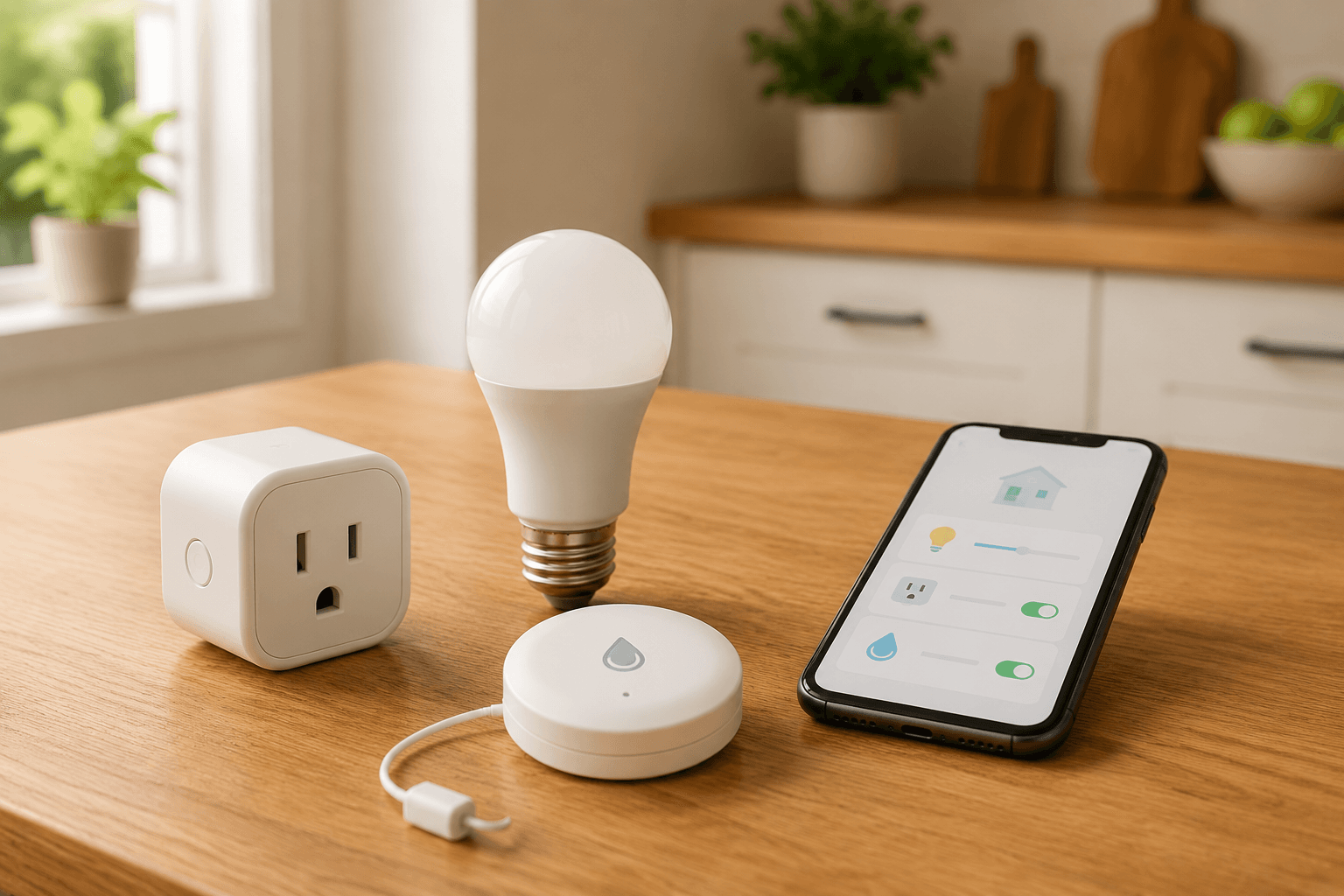
The awkward part of starting a smart home is not usually the app. It is standing in a store aisle, or staring at a cart online, and realizing the “cheap” device may need a bridge, a subscription, or three more purchases before it does anything useful. That is why price deserves to be the first filter: 46% of current smart home owners and 52% of non-adopters cite cost as the primary reason they have not expanded or started a setup.[1]
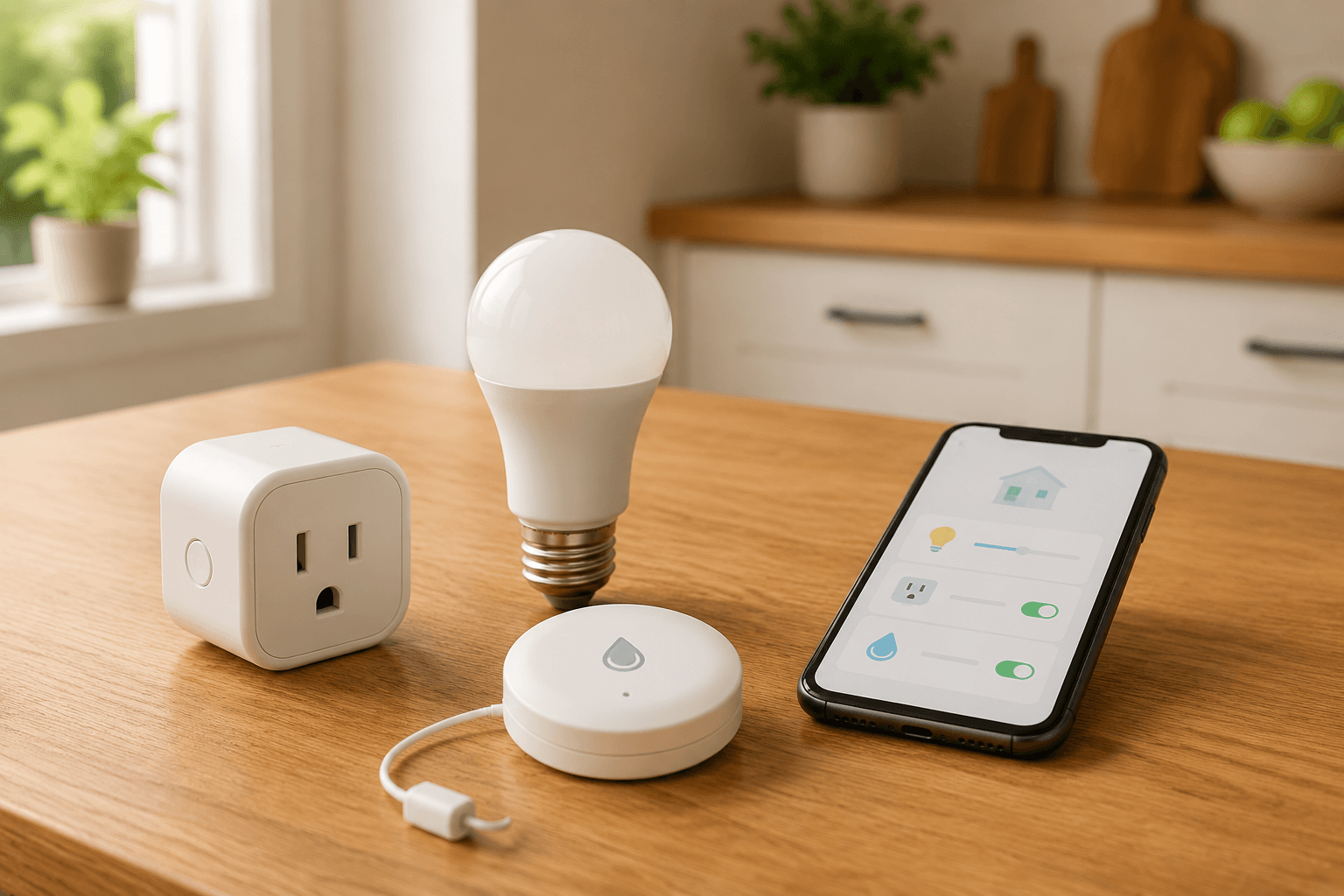
So here is the practical answer to the question behind most budget home automation ideas: seven complete automations you can build with less than $100 in hardware, no hub, and about five to thirty minutes of setup. The prices below reflect approximate mid-2026 retail pricing and can move by retailer, region, coupon, and multipack availability, so check the current total before buying.
Seven Hub-Free Recipes Under $100
| Recipe | Hardware to buy | Approx. hardware cost | Setup time | Trigger | Action | Platform notes |
|---|---|---|---|---|---|---|
| Goodnight smart-plug routine | Two Matter-compatible smart plugs | $20–25 | About 5 minutes | Voice command, app tap, or bedtime schedule | Turns off lamps or approved plug-in devices | Best with Matter plugs; confirm Apple Home, Google Home, Alexa, or SmartThings support before buying |
| Motion-activated nightlight | Motion sensor plus smart bulb, or motion-triggered outlet/light | Under $30 | 10–20 minutes | Motion during nighttime hours | Turns on a dim light, then turns it off | Wi-Fi options are simplest; Matter support varies by device |
| Leak detection under a sink | Two Wi-Fi water leak sensors | Under $40 | 10–15 minutes | Water contacts the sensor | Sends a phone alert | Choose sensors that send direct app alerts without a hub |
| Sunrise alarm | One dimmable Wi-Fi smart bulb | Under $25 | 10 minutes | Scheduled wake time | Gradually brightens before morning alarm | Works best in the bulb maker’s app or a supported voice platform |
| Away-mode lamp scheduling | One smart plug plus an existing table lamp | $10–15 | Under 5 minutes | Travel schedule or randomized timer | Turns lamp on and off while you are away | Most Wi-Fi plug apps support scheduling; randomization varies |
| Arriving-home geofence | One Matter or Wi-Fi smart plug plus existing lamp | Under $25 | 10–20 minutes | Phone enters home area | Turns on an entry lamp | Requires location permission; reliability depends on phone and platform |
| Simple smart-plug timer | One smart plug | $10–15 | Under 5 minutes | Daily schedule or countdown | Runs a fan, lamp, or simple coffee maker on a timer | Use only with devices that are safe to leave plugged in |
These are not meant to be the cheapest possible gadgets in a vacuum. A $9 plug that only works inside one obscure app may be fine for a hobbyist, but it is not the best first purchase for someone trying to avoid platform regret. As of early 2026, there are more than 750 Matter-certified products, but Apple Home and Google Home still do not have full Matter 1.4 and 1.5 feature parity, so “Matter” should be treated as a strong buying clue, not a magic compatibility guarantee.[2]
If you want individual device picks before assembling a recipe, start with Best Smart Home Devices Under $50. If you already know you want routines, the recipes below are the more useful shopping list.
1. Goodnight Smart-Plug Routine
This is the one I would hand to almost anyone first: two smart plugs, two ordinary plug-in devices, and one routine called “Goodnight.” A two-pack of Matter-compatible smart plugs from brands such as Amazon Basics or comparable alternatives has commonly retailed around $20–25, making this one of the cleanest under-$100 starts.[3][4]
Use it for lamps in the living room, a fan, or a coffee maker that has a simple physical on/off switch. Be careful with anything that produces heat. A space heater, iron, hot plate, or older appliance should only be automated if the manufacturer explicitly says it is safe for smart-plug control; if you have to argue yourself into it, skip that device.
- Buy: a two-pack of Matter-compatible smart plugs, preferably rated for the load of the device you plan to control.
- Set up: add both plugs to Apple Home, Google Home, Alexa, SmartThings, or the maker’s app, then name them plainly, such as “sofa lamp” and “coffee plug.”
- Routine: create a bedtime automation that turns both plugs off, or turns one plug off and prepares another for morning use.
- Check before buying: look for the exact platform logos you use, not just the word “smart.”
- Skip it if: your main target device has an electronic soft button that does not resume its previous state when power returns.
The five-minute payoff is real because nothing has to be mounted, wired, or explained to the rest of the household. If someone hates the automation, they can still turn the lamp on at the lamp. That small escape hatch matters more than most smart home spec sheets admit.
2. Motion-Activated Nightlight
A motion nightlight is a tiny comfort upgrade that feels bigger than its price. Instead of leaving a bathroom or hallway light on all night, you use a motion sensor or motion-triggered smart light to turn on a dim glow only when someone walks through. Budget versions can come in under $30 when built from a basic motion sensor and smart bulb or a motion-triggered outlet/light setup.[3]
The trick is not making the light smart. The trick is making it polite. Set it to 10% to 25% brightness, choose a warm color temperature if the bulb allows it, and restrict the trigger to overnight hours. A bathroom light that blasts to 100% at 2 a.m. is not automation; it is a prank.
- Buy: one motion sensor plus one compatible smart bulb, or a single motion-activated smart light if you want fewer parts.
- Set up: place the sensor where it sees the doorway or walking path, not the bed, pet bowl, or shower curtain.
- Routine: if motion is detected between bedtime and morning, turn on the light at low brightness, then turn it off after a short delay.
- Check before buying: some sensors need a hub, so choose Wi-Fi or clearly hub-free hardware unless you already own the required bridge.
- Skip it if: pets, kids, or hallway traffic would trigger it constantly and annoy sleepers.
This recipe is especially renter-friendly because the best version often needs no screws. A removable adhesive strip and a nearby outlet can be enough. The first night will tell you whether the sensor angle is right; expect one adjustment before calling it done.
3. Leak Detection Under a Sink
Leak sensors are not flashy, which is exactly why they are useful. A two-pack of water leak sensors can cost under $40, and budget smart home guides often place them under sinks, near water heaters, or beside washing machines for direct phone alerts.[3][4]
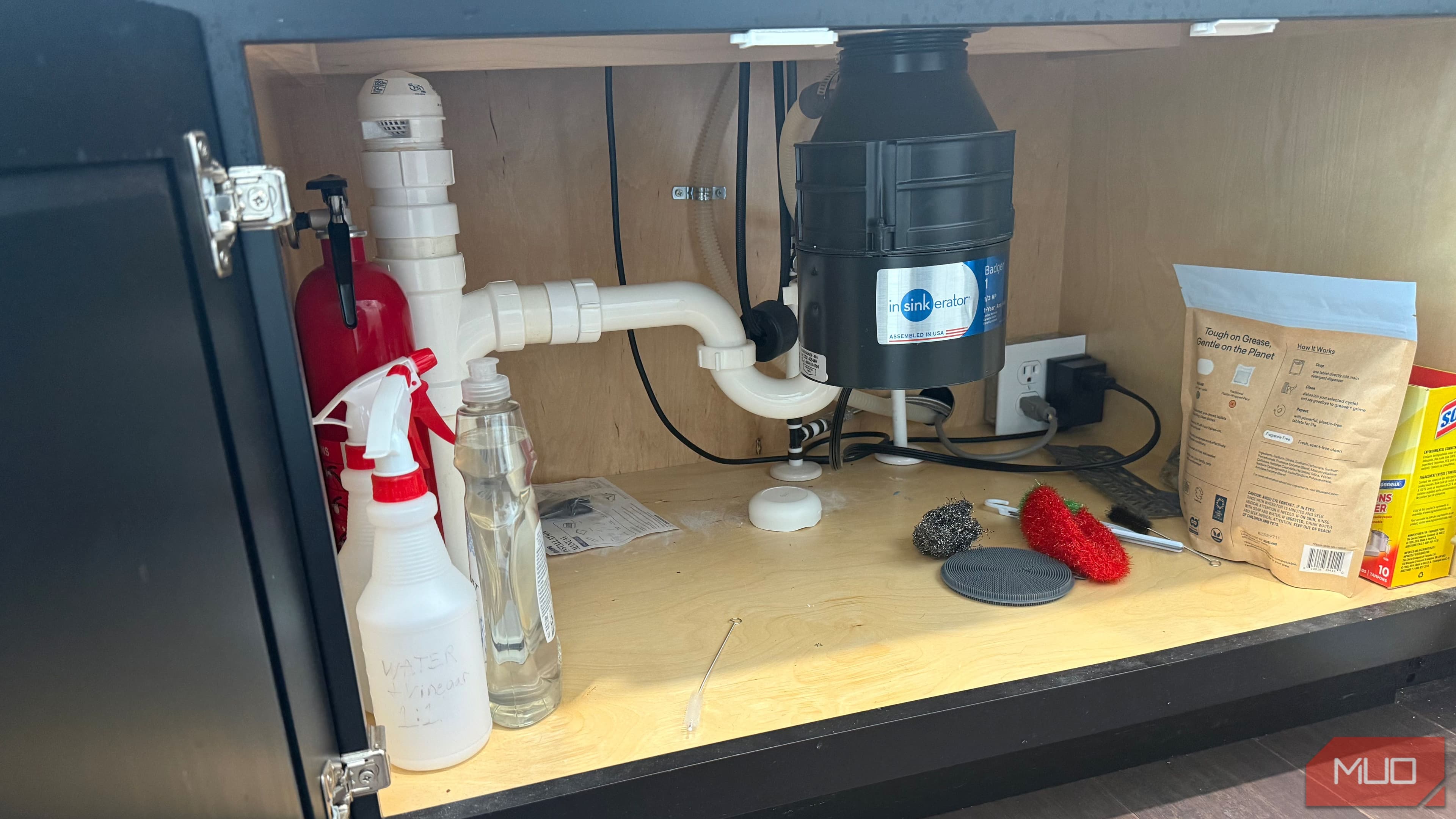
The reason this belongs in a budget list is not that a sensor guarantees savings. It does not. The reason is that water damage claims can average more than $5,000, so an under-$40 alert device is one of the few beginner automations aimed at catching a genuinely expensive problem early.[3][4]
- Buy: a two-pack of Wi-Fi leak sensors that sends app notifications without a hub.
- Place: one sensor under the kitchen sink and one near a washing machine, water heater, dishwasher, or bathroom vanity.
- Set up: install the app, connect each sensor to Wi-Fi, name each location clearly, and test the alert with a damp paper towel.
- Check before buying: confirm whether the sensor has an audible alarm, phone alerts, replaceable batteries, and 2.4 GHz Wi-Fi support.
- Skip it if: the only affordable option you find requires a separate hub that pushes the total above your budget.
A leak sensor is only as good as the alert path. After setup, turn off Wi-Fi briefly, check whether the app warns you about disconnection, and make sure notifications are not buried in a quiet mode you never notice. The device cannot shut off water by itself unless you add more hardware; this recipe is about early warning.
4. Sunrise Alarm With One Smart Bulb
A sunrise alarm is the rare smart lighting idea that needs only one bulb. A dimmable Wi-Fi bulb from brands such as Philips Wiz, Sengled, or TP-Link Kasa can cost under $25 and can be scheduled to brighten gradually over 15 to 30 minutes before wake time.[3][4]
- Buy: one dimmable Wi-Fi smart bulb that fits your bedside lamp.
- Set up: add it to the bulb maker’s app, then create a morning schedule that starts dim and ends at your chosen brightness.
- Check before buying: make sure the bulb supports gradual fade or sunrise-style scheduling, not just a hard on/off timer.
- Skip it if: your bedroom lamp is controlled by a wall switch that household members routinely turn off, because the bulb needs power to stay reachable.
This is also a good test of whether smart lighting fits your household. If the lamp switch keeps getting flipped off, you have learned something useful before spending money on a room full of bulbs.
5. Away-Mode Lamp Scheduling
Away mode is the simplest travel automation: plug an ordinary table lamp into a smart plug, then schedule it to turn on and off while you are gone. Budget examples often use a $10–15 smart plug and a lamp the household already owns, with setup taking under five minutes in many plug apps.[4][5]
- Buy: one Wi-Fi or Matter smart plug.
- Set up: plug in a table lamp near a visible window and create evening on/off schedules.
- Check before buying: look for vacation mode, away mode, or randomized scheduling if you do not want the lamp switching at the exact same minute every night.
- Skip it if: the lamp is visible in a bedroom or private area where random switching would bother someone still at home.
Do not oversell this as home security. It is a low-cost occupancy signal, not a camera, alarm, or monitoring service. Its real value is that it gives a dark house a little ordinary-looking activity without asking anyone to come by and flip switches.
6. Arriving-Home Geofence Lamp
A geofence routine uses your phone’s location as the trigger. When your phone enters the home area, a smart plug turns on an entry lamp. Smart home writers and platform guides continue to point to geofencing as a practical 2026 automation pattern, but it is also one of the recipes most affected by phone settings, app permissions, and platform quirks.[6]
- Buy: one Matter-compatible or Wi-Fi smart plug for an entry lamp.
- Set up: add the plug to your platform, then create an automation that turns it on when your phone arrives home after dark.
- Check before buying: confirm your chosen app supports location-based automations without a paid service.
- Skip it if: you are uncomfortable granting continuous location permission or your phone aggressively disables background app activity.
This is a pleasant automation when it works and a mildly annoying one when it does not. Keep a normal schedule as backup if the lamp matters for safety, especially for steps, icy walkways, or a dark entry.
7. Smart-Plug Timer for a Fan, Lamp, or Simple Coffee Maker
The plain timer is almost too humble, but it earns its place because it replaces the kind of small daily annoyance people actually remember. A single $10–15 smart plug can run a fan for an hour at bedtime, turn off a decorative lamp at midnight, or power a basic coffee maker that already has its physical switch left on.[4]
- Buy: one smart plug with scheduling and countdown timer support.
- Set up: create either a daily schedule or a manual countdown timer in the plug app.
- Check before buying: verify the plug’s electrical rating and avoid high-heat or high-risk appliances unless the device maker allows plug control.
- Skip it if: the appliance has a digital button that does not turn back on after power is restored.
This recipe is also a good use for a second plug from the goodnight two-pack. One plug can handle a lamp routine; the other can become a timer. That is often how a smart home starts in real life: not with a master plan, just one useful spare device.
Before You Buy, Check These Three Things
The under-$100 promise assumes the recipe hardware is all you need. If a device quietly requires a bridge, speaker, subscription, or proprietary hub, it no longer belongs in this list for a first-time buyer.
- Platform: confirm the exact product supports Apple Home, Google Home, Alexa, SmartThings, or the maker app you plan to use.
- Wi-Fi: many budget devices require 2.4 GHz Wi-Fi, so check your router setup before blaming the plug or bulb.
- Device behavior: test whether the lamp, fan, or coffee maker resumes its previous state after power is cut and restored.
Smart speakers are optional for these recipes, not required. Voice control is nice, but an app schedule, phone alert, or sensor trigger is enough. If you do want to compare what each platform can actually automate before buying, use Home Automation Recipes: What Each System Can Actually Do for You as a platform reality check.
What to Build First
If you are starting from zero, build either the goodnight smart-plug routine or the leak detection setup first. The first gives you an immediate everyday convenience for about the price of dinner; the second watches a place most people forget until something goes wrong. If someone in the household is skeptical, the motion nightlight is the easiest one to appreciate without explaining a dashboard.
These recipes are not fringe experiments. One market estimate says 51.37% of U.S. households use at least one smart home device, though household adoption figures vary by how analysts define an active smart home household.[7] The gap is not that people have never heard of smart devices. It is that many have one bulb, one plug, or one assistant sitting around without a routine that earns its keep.
Once one or two recipes prove useful, you can chain them into broader routines with a full smart home system guide, compare budget versus premium smart home ROI, or move toward a thermostat-level upgrade where larger energy savings may become relevant. The important part is not buying a whole ecosystem today. It is getting one useful automation working tonight, with no hub hiding in the cart.
References
- Smart Home Market Trends, Maker Stations
- The Matter Standard in 2026: A Status Review, matter-smarthome.de
- Smart Home Automation Ideas, powermoves.blog
- Best Home Automation Ideas, LazyAdmin
- Home Automation Ideas, SpinChill
- How To Supercharge Your Smart Home In 2026, Forbes, January 1, 2026
- Smart Home Statistics, Market.us Scoop
Implementation Notes
Share platform-specific tips, report that a recipe no longer works after a platform update, or contribute variations for different device combinations.
Comments
Join the discussion with an anonymous comment.