
Set Your Smart Thermostat to 65°F Every Night for Sleep
The science-backed night-time target is 65°F inside the 60–67°F sleep range; this recipe programs ecobee and Nest to hold it automatically, target the bedroom sensor, and confirm it held overnight with the thermostat's own history.
Set your smart thermostat to 65°F for sleep tonight. That is the cleanest default inside the commonly recommended 60–67°F adult sleep range, and it lines up with medical sources that name roughly 65°F as the ideal bedroom temperature for many adults.[1][2][3] The catch is the part that matters at 2 a.m.: 65°F on a hallway thermostat does not prove the bedroom is 65°F.
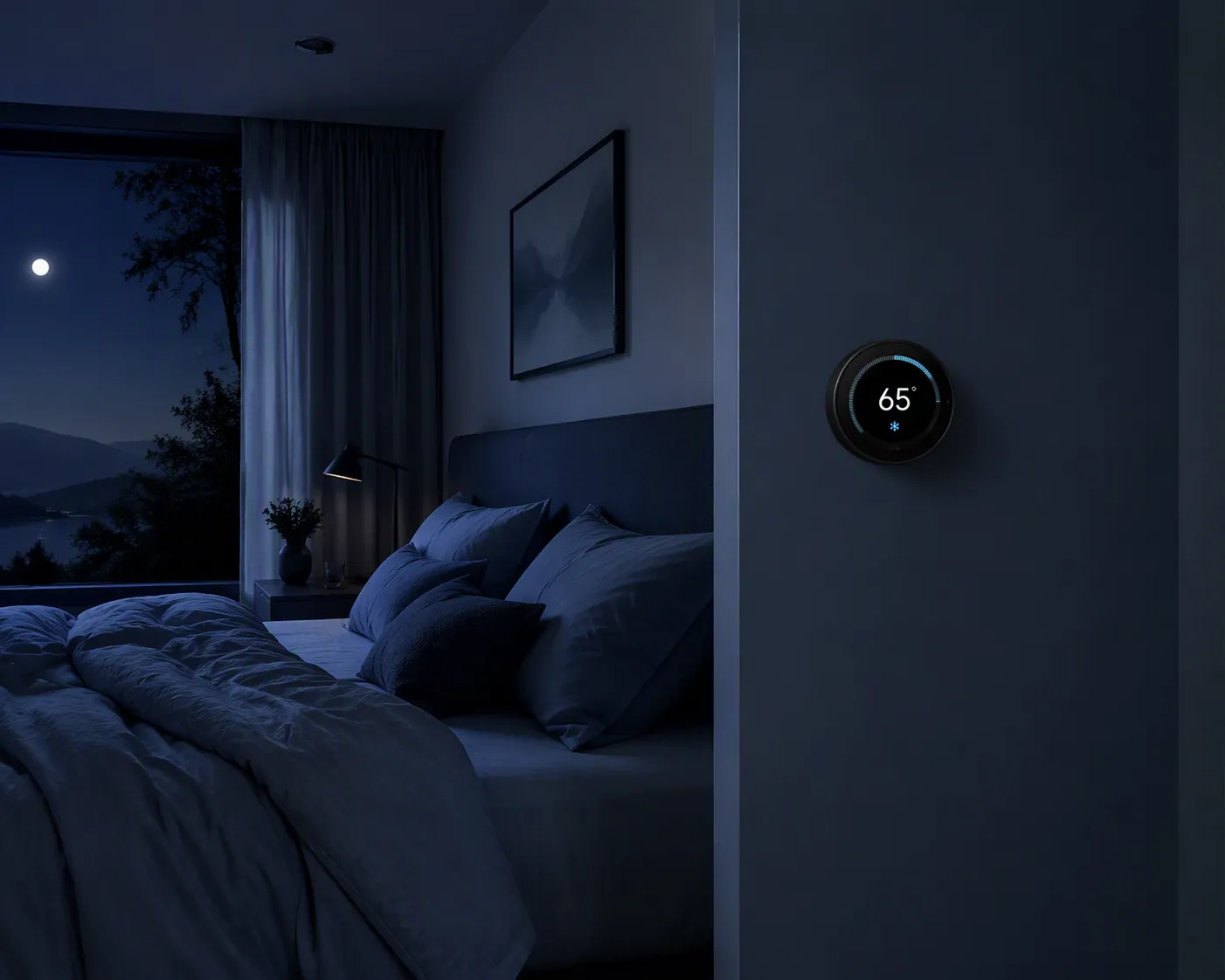
The working setup is simple: use 65°F as the starting setpoint, schedule it with your thermostat’s native Sleep mode, make the bedroom sensor the overnight reference, then check the thermostat history the next morning. If the room actually held close to target and you slept well, leave it alone. If the bedroom ran warm or cold, adjust the schedule or sensor logic—not just the number on the wall.
| What to set | Use this tonight |
|---|---|
| Default sleep target | 65°F |
| Reasonable adjustment band | 60–67°F for many adults |
| Too warm for many sleepers | Above 70°F is where Cleveland Clinic’s guidance says a room may be too hot for sleep |
| Too cold for many sleepers | Below 60°F is where Cleveland Clinic’s guidance says a room may be too cold for sleep |
| Smart thermostat rule | The bedroom sensor should drive the overnight schedule |
| Morning proof | Check temperature or energy history before declaring the setup fixed |
Why 65°F is the default, not a commandment
The medical guidance converges tightly enough to give you a real starting point. Cleveland Clinic puts the ideal adult sleeping temperature around 60–67°F and adds useful guardrails: above 70°F may be too hot, while below 60°F may be too cold.[1] Medical News Today names about 65°F, or 18.3°C, as ideal for most adults within a 60–67°F band.[2] Sleep Foundation also centers its recommendation around 65°F, with a 65–68°F range.[3] The American Heart Association, citing National Sleep Foundation guidance for hot-weather sleep, points readers toward a cool sleeping environment as part of staying safe and sleeping better in heat.[4]
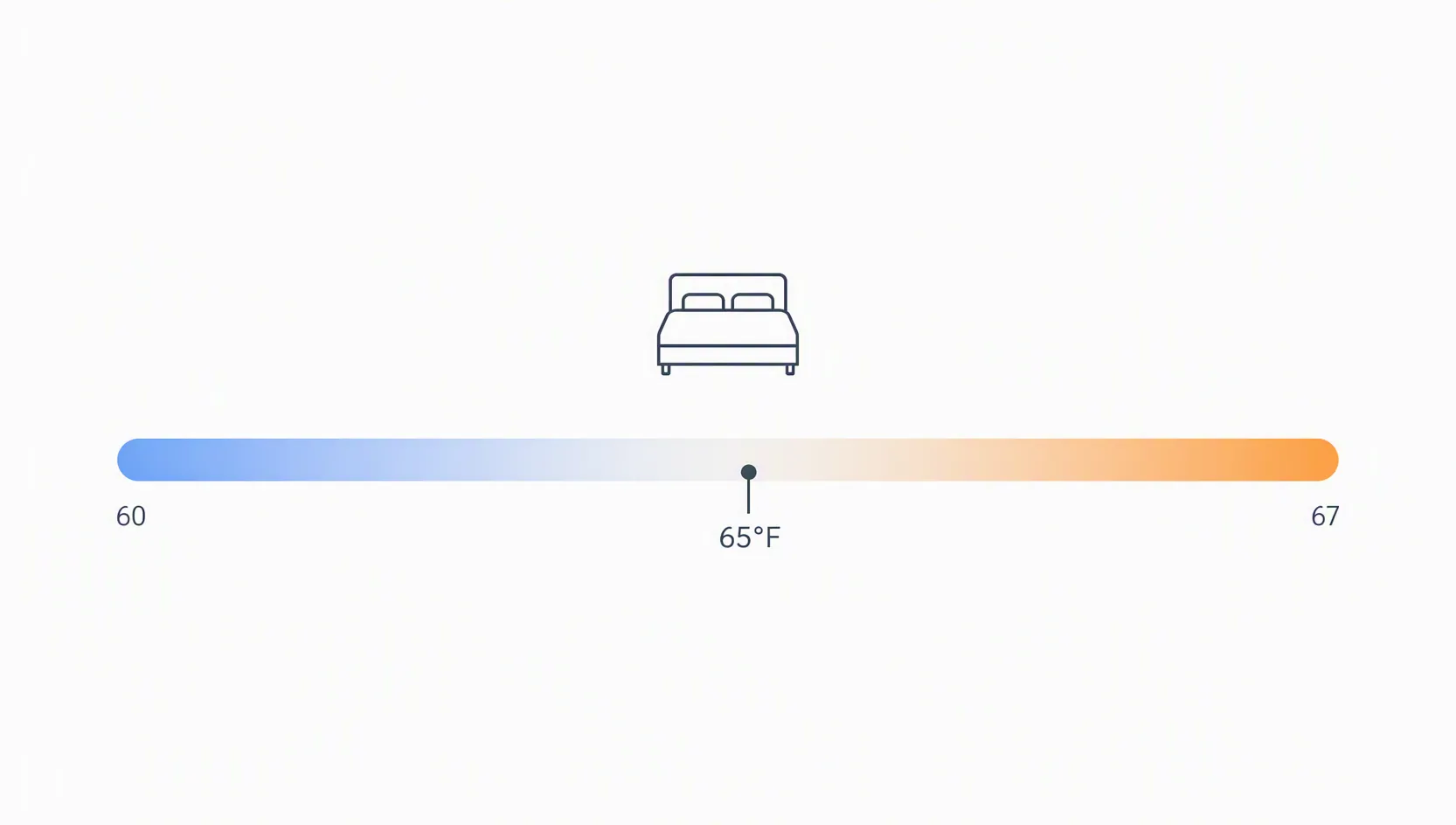
That is enough to answer the basic temperature question: the ideal AC temperature for sleep on a smart thermostat is best treated as 65°F to start, then adjusted within the range if your room history and sleep comfort say otherwise.
There is a serious counterweight, and it is worth taking seriously before turning 65°F into a household law. A 2023 real-home study of 50 older adults in the Boston area analyzed about 11,000 person-nights and found an optimal sleep-temperature range of 68–77°F, with substantial variation between individuals. The same study reported a 5–10% drop in sleep efficiency as bedroom temperature rose from 25°C to 30°C.[5] That does not erase the mainstream 60–67°F guidance for many adults; it does mean older adults, warmer sleepers, colder sleepers, and households with different bedding or humidity may need to move the target after looking at their own results.
The thermostat setpoint is not the bedroom temperature
This is the failure point in many “set it and forget it” thermostat tips. The thermostat may be in the hallway, near a return, beside a stairwell, or in a part of the house that cools faster than the bedroom. At 11:40 p.m., the thermostat can be perfectly satisfied while the bedroom is still holding heat from the afternoon.
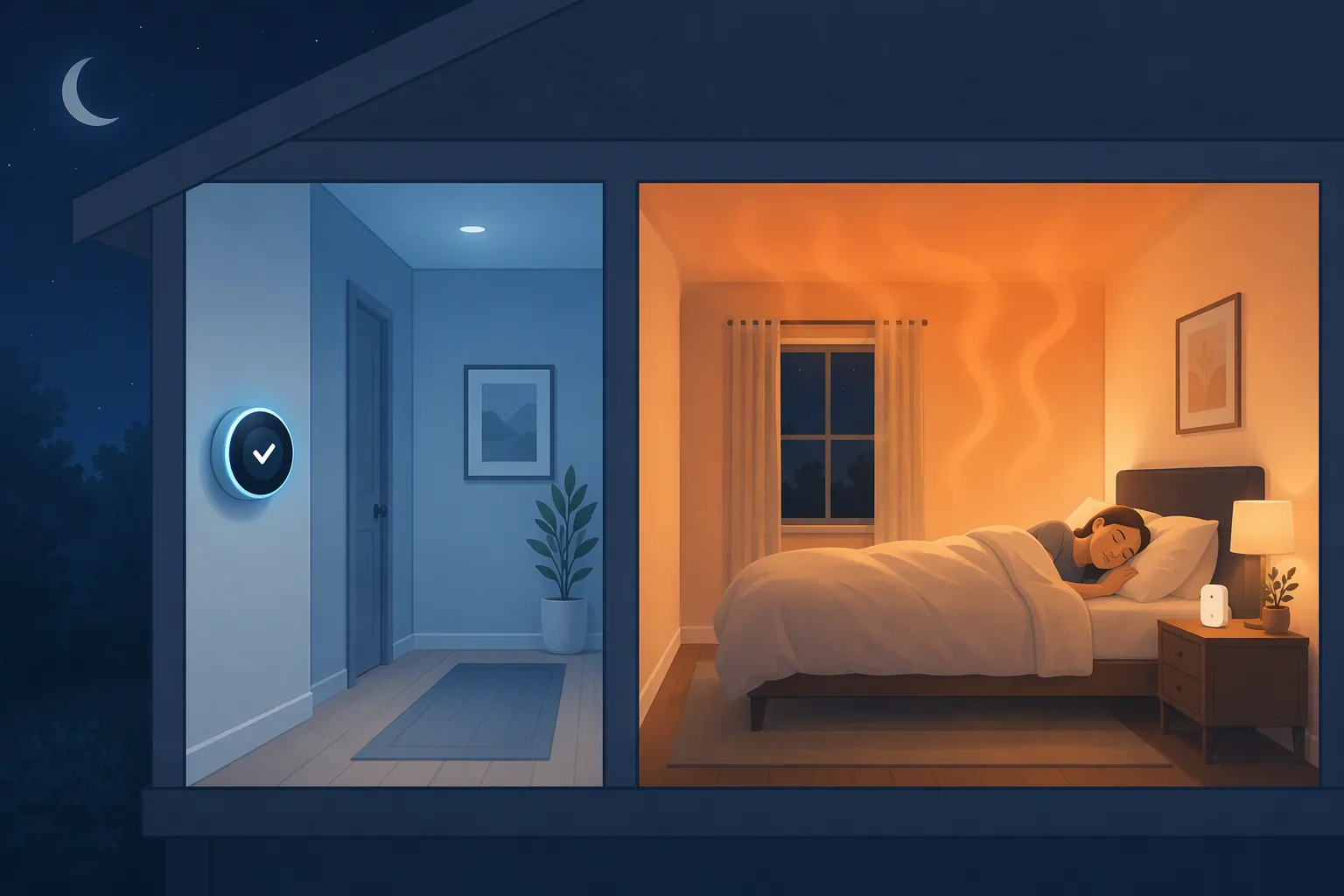
A smart thermostat only becomes useful for sleep when the overnight schedule listens to the room where sleep happens. If you own remote sensors, the bedroom sensor should be the active overnight sensor. If you do not, the thermostat can still run a Sleep schedule, but you should be honest about what it is measuring: the wall location, not necessarily the bed.
If you are still deciding whether sensors are worth it, the practical test is blunt: if the bedroom regularly feels warmer or cooler than the thermostat reading, a sensor is not a luxury feature. Start with why remote sensors matter for smart thermostats or compare options in the ecobee, Nest, and Honeywell remote sensor guide.
The quick setup flow
- Pick 65°F as tonight’s Sleep target.
- Set it as a recurring Sleep schedule or comfort setting, not a one-night manual hold.
- Assign the bedroom sensor to the overnight schedule if your system supports room sensors.
- Give the schedule enough time to cool the room before you are trying to fall asleep.
- Check the thermostat’s history the next morning to see whether the bedroom held near the target.
- If the bedroom ran warm, cool the Sleep target by 1–2°F or start the schedule earlier. If it ran cold, raise the Sleep target by 1–2°F.
Use a recurring schedule if this is your normal sleeping preference. Use a temporary hold only when the problem is one unusual night. If you are deciding between those two, the logic is the same as any cooler-weekend thermostat schedule: holds solve exceptions; schedules solve patterns.
ecobee: set a Sleep Comfort Setting that uses the bedroom
ecobee’s native path is the Sleep Comfort Setting. ecobee documents Home, Away, and Sleep as Comfort Settings under its Activities and Comfort Settings system.[6] Use that instead of building a complicated automation first; the native schedule is easier to inspect the next morning and easier to fix if one room is wrong.
- Open the ecobee app.
- Go to your thermostat.
- Open Comfort Settings.
- Choose Sleep.
- Set the cooling temperature to 65°F.
- Under participating sensors, choose the bedroom sensor for Sleep. If you use more than one bedroom, include only the rooms that should actually decide overnight comfort.
- Open Schedule.
- Place Sleep over the hours you are normally in bed, such as bedtime through wake-up.
- Save the schedule.
The sensor choice is the important line. If Sleep includes the hallway thermostat and the bedroom sensor together, the displayed average may look reasonable while the bedroom is still off. For a single sleeper or one primary bedroom, start with the bedroom sensor as the overnight authority. If two occupied bedrooms fight each other, you may need a compromise target or a room-level fix such as airflow balancing, a fan, or bedding changes.
Status note: ecobee’s support material for Activities and Comfort Settings is JavaScript-rendered in some environments. Exact default values or differential behavior should be checked against the current app screen and support page. The steps above rely on the stable user-facing concept—Sleep as a Comfort Setting with schedule control—rather than an unverifiable hidden default.
Nest and Google Home: use the Sleep preset, then choose the bedroom sensor per event
Google’s thermostat scheduling system includes ready-made Comfort, Eco, and Sleep presets. Google also documents that schedule events must be at least 60 minutes apart, and that compatible Nest Temperature Sensors can be selected for individual schedule events.[7] That last detail is the difference between a neat schedule and a bedroom that actually cools.
- Open the Google Home app or Nest app, depending on which app manages your thermostat.
- Open your thermostat.
- Go to Temperature schedule.
- Choose or create a Sleep preset.
- Set the Sleep cooling temperature to 65°F.
- Add a schedule event for bedtime.
- Add the wake-up event at least 60 minutes later; in real life, it will usually be many hours later.
- For the overnight schedule event, select the bedroom Nest Temperature Sensor if your thermostat and sensor model support it.
- Save the schedule and leave it alone for one full night before judging it.
Do not stack tiny schedule events around bedtime just because the app lets you edit them. Google’s documented spacing rule is a useful minimum, but the sleep problem is usually not solved by five clever temperature changes in an hour. A cleaner setup is easier to read in the morning: evening comfort, Sleep at bedtime, morning recovery.
Model support matters. If your thermostat does not show sensor selection for a schedule event, confirm whether your hardware supports that feature before assuming the app is hiding it. The Nest thermostat model guide is the right place to check model-specific behavior.
Give the room a head start
A bedroom that was sun-baked all afternoon may not become comfortable the instant Sleep mode begins. If your bedtime is 11 p.m. and the room is usually warm at 10:45, start the Sleep schedule earlier rather than lowering the target dramatically. A 65°F target that begins too late can feel worse than a 66–67°F target that starts early enough to remove stored heat from the room.
This is where schedule construction matters more than thermostat ambition. In hot climates, a pre-cool, hold, and recovery pattern may work better than a single bedtime cliff. The same timing logic used in a Phoenix smart thermostat schedule applies here: the system needs time to change the room, not just permission to try.
Check the next morning before you change anything else
Do not judge the setup by memory alone. Open the thermostat’s temperature history, runtime history, or energy history the next morning and look for three things:
- Did Sleep mode actually start when you expected?
- Was the bedroom sensor the active or selected sensor during the overnight window?
- Did the measured temperature hold near the 65°F target, or did it spend long stretches warmer or cooler?
If the history shows the bedroom stayed warmer than target, do not immediately drop the thermostat to 60°F. First check whether the schedule started too late, whether the bedroom sensor was actually selected, and whether the system reached the target only near morning. If the AC ran hard for hours and still could not reach 65°F, the problem may be load, airflow, insulation, filter condition, or extreme outdoor heat—not a missing app trick.
If the history shows the bedroom reached 65°F quickly and you woke up cold, raise Sleep to 66°F or 67°F. If you woke up hot but the history proves the bedroom held 65°F, you may be dealing with humidity, bedding, airflow over the bed, alcohol, illness, medication, or a partner-comfort conflict. The thermostat did its part; now the room conditions need a smaller adjustment.
| Morning finding | Change tonight |
|---|---|
| Bedroom never reached 65°F | Start Sleep earlier; confirm bedroom sensor selection; check airflow before lowering the setpoint |
| Bedroom reached 65°F only near wake-up | Move Sleep earlier by a modest amount |
| Bedroom held 65°F and you were cold | Raise Sleep to 66–67°F |
| Bedroom held 65°F and you were hot | Check humidity, bedding, fan direction, and partner heat load before pushing below 65°F |
| Hallway held 65°F but bedroom was warm | Use a bedroom sensor or change sensor participation |
| AC could not approach target in severe heat | Use a health-safe target and follow extreme-heat thermostat guidance |
Comfort target, not the cheapest target
A 65°F sleep setting is for comfort. It should not be sold as the cheapest summer AC setting. Cooling a house to 65°F overnight usually costs more than holding a mid- or upper-70s cooling target, especially during hot weather. If you are balancing sleep quality against a utility bill, treat 65°F as the comfort baseline and then test 66°F or 67°F before jumping to a much warmer room.
In extreme heat, the safe answer may not be 65°F. If the outdoor temperature is dangerous, the grid is strained, or your AC cannot keep up, use health-permitting settings and avoid forcing equipment into a target it cannot hold. For heat-dome nights, use the separate smart thermostat heat-dome settings or the Nest and ecobee heat-wave recipe instead of treating a normal-night sleep target as emergency guidance.
Small caveats that are worth checking
- Humidity changes how 65°F feels. A cooler setpoint may not fix sticky air if humidity is the real problem.
- Bedding can overpower a correct thermostat setting. Heavy duvets and foam mattresses can make a technically cool room feel warm.
- Partner preference may require a compromise. If one person needs 65°F and the other sleeps cold, solve some of the difference with bedding before dragging the whole room far outside the sleep range.
- Sensor placement matters. Do not put the bedroom sensor in direct sun, beside a lamp, above electronics, or right next to an air supply register.
- Give each change at least one normal night unless the room is obviously unsafe or uncomfortable.
Once the bedroom sensor is driving Sleep and the history shows the room holding near target, the nightly fiddling should stop. Keep 65°F if the evidence and your sleep agree. Move to 66–67°F if you are cold or cost-sensitive. Move lower only carefully, and do not go below the medical comfort boundary without a specific reason. The number is useful; the proof is the bedroom history.
References
- What’s the Ideal Temperature for Sleep? — Cleveland Clinic.
- What is the best AC temperature for sleeping? — Medical News Today.
- Best Temperature for Sleep — Sleep Foundation.
- Keep your cool and stay healthy with these hot-weather sleep tips — American Heart Association, August 19, 2025.
- Nighttime ambient temperature and sleep in community-dwelling older adults — Science of The Total Environment, 2023.
- What are Activities and Comfort Settings? — ecobee Support.
- Temperature schedules for Nest thermostats — Google Nest Help.