
Smart Home Cooling Myths That Could Cost You During a Heat Wave
Many common smart home cooling tips backfire during a heat wave. Learn which myths drive up your energy bill and how a coordinated thermostat, blinds, and fan strategy actually saves money.
The bill usually feels unfair because the house did not feel wildly cooler. You lowered the thermostat, let geofencing switch to away mode, ran the fans, maybe closed a few vents in rooms nobody was using, and still the AC spent the afternoon grinding through the hottest part of the day. During a heat wave, that is where many smart home cooling myths get expensive: the system is not failing because it lacks one more clever setting. It is fighting longer runtime, a shorter recovery window, humidity that trails behind temperature, and sunlight pouring through glass before the thermostat can react.
A smart thermostat can still help. So can fans, shades, plugs, sensors, and routines. The mistake is treating any one of them as the hero. In extreme heat, savings come from reducing the cooling load before it reaches the room and avoiding aggressive recovery cycles later, not from making the thermostat more dramatic.
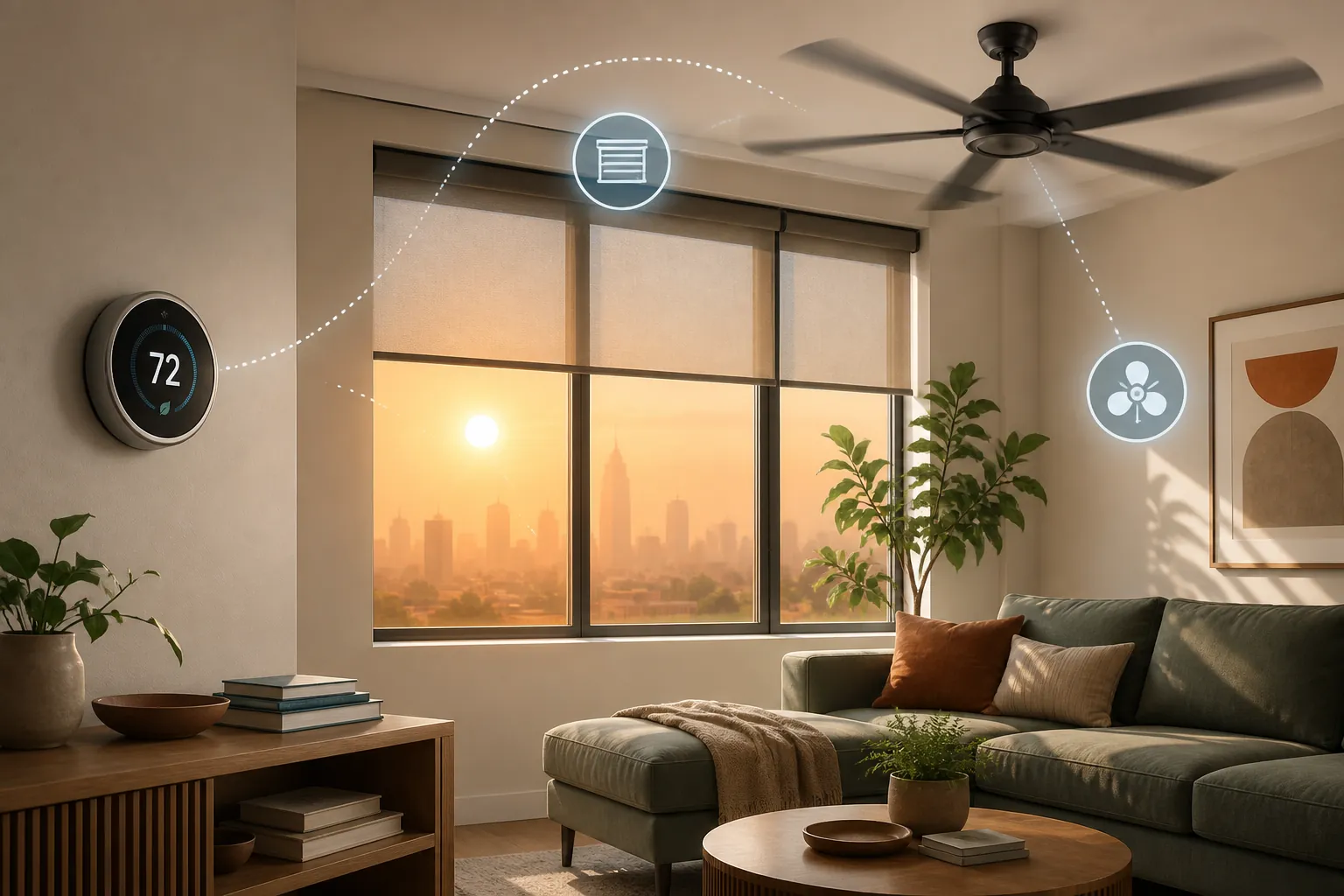
Myth: Cranking the thermostat lower cools the house faster
This is the first panic move because it feels active. The living room is 79 degrees, the afternoon sun is on the west windows, and setting the thermostat to 68 looks like giving the AC clearer instructions.
A typical residential AC does not cool faster because the setpoint is lower. It runs at its normal cooling rate until the thermostat is satisfied. Setting a much lower target mainly extends runtime and increases the chance that the system overshoots comfort or runs deep into the high-rate, high-load hours of the day. Trane and Hitachi both describe this as a common thermostat misconception: the lower number does not create a faster cooling gear; it just keeps the equipment running longer.[1][2]
The practical fix is boring but useful: choose the warmest setpoint that still feels safe and livable, then use other devices to reduce the load around it. If the room is uncomfortable because sun is landing on the floor, the first automation to check is not a more aggressive thermostat rule. It is whether the shades closed before the glass became a radiator.
Myth: A smart thermostat’s advertised savings number is what you should expect in a heat wave
The savings gap matters because it changes how much trust you put in thermostat automation. CBS News reported smart thermostat claims of savings up to 26%, while also pointing to independent research showing cooling savings closer to 10% to 15%.[3] Consumer Reports has also framed smart thermostats as useful but dependent on the home, climate, behavior, and energy prices rather than as guaranteed bill cutters.[4]
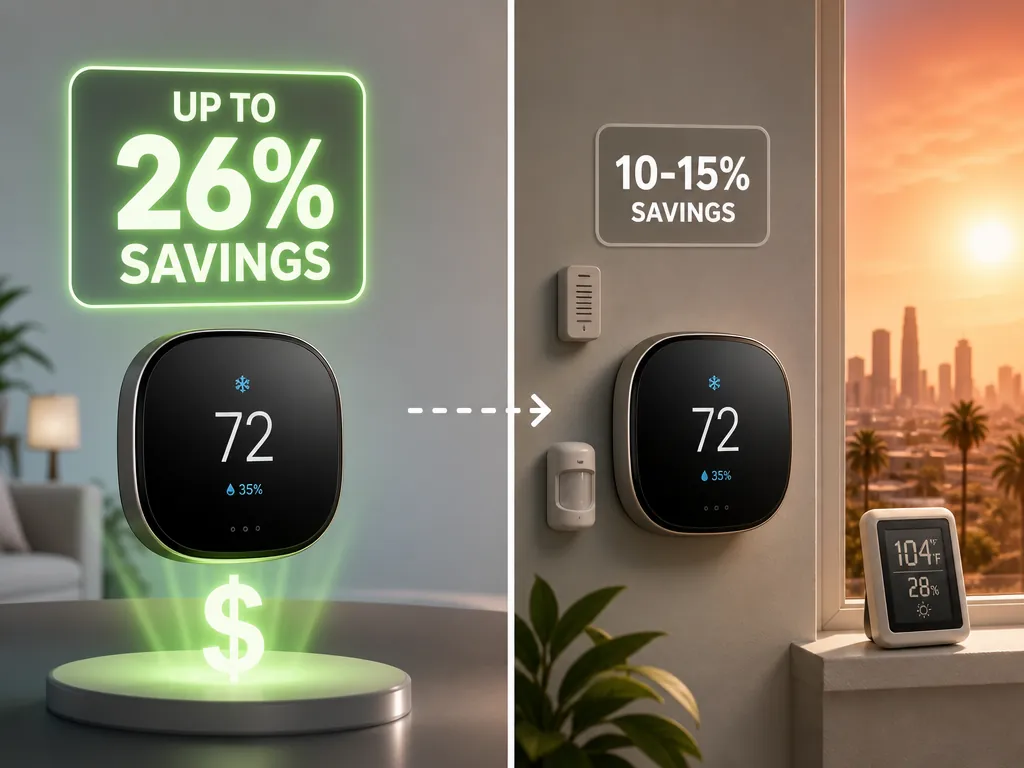
ENERGY STAR’s certification standard is a better reality check than the largest marketing number. To earn certification, a connected thermostat must show at least a 10% cooling runtime reduction using field data, not just lab testing.[5] That is still worth having. On a large cooling bill, 10% is not nothing. It is also not a license to ignore windows, humidity, ducts, occupancy, or the late-afternoon recovery problem.
Heat waves compress the easy savings. If the outdoor temperature stays punishing for hours, the AC has fewer low-load periods where a gentle setback can save energy without creating a hard recovery later. The thermostat can delay cooling when nobody is home, but it cannot repeal solar gain, leaky ducts, poor insulation, or moisture that built up while the system was idle.
| Claim or standard | What it actually means for a homeowner |
|---|---|
| “Up to 26%” savings claims | A best-case or advertised figure, not a heat-wave guarantee for every house. |
| Independent cooling savings around 10% to 15% | A more modest expectation when comparing smart thermostat performance in real homes. |
| ENERGY STAR 10% cooling runtime reduction requirement | A field-data certification threshold focused on runtime reduction, not total comfort or humidity performance. |
Myth: Geofencing away mode is always the smartest summer setting
Geofencing is useful on normal days. If everyone leaves, the thermostat can relax the setpoint instead of cooling an empty house. The trouble starts when the away setback is too aggressive during extreme heat and the system has to recover at exactly the wrong time: late afternoon, when outdoor temperatures, sun exposure, and grid demand can all be high.
The less obvious problem is humidity. Meyer & Depew describes a summer comfort issue where aggressive geofencing setbacks allow indoor humidity to build; when the thermostat later tries to recover, air temperature can come down faster than moisture, leaving the house feeling cool but clammy.[6] That is the kind of “smart” behavior that looks efficient in a schedule and feels lousy at 5 p.m.
A better heat-wave rule is to narrow the away setback instead of turning it off blindly. Let the thermostat drift a bit when the house is empty, but do not ask it to climb back from a deep setback during the hottest recovery window. If your thermostat supports humidity readings, runtime history, or remote sensors, watch those after a setback. A room that reaches the target temperature but still feels sticky is telling you the recovery plan is too aggressive.
Myth: Window coverings are a small comfort detail
This is the myth that costs people because it feels less technological than a thermostat. It is also where the data gets interesting. An Illinois Tech study using a Willis Tower testbed found that automated insulating window shades cut energy consumption by about 25% across heating and cooling seasons.[7] Consumer Reports, citing Department of Energy data, notes that proper window coverings can reduce heat gain by up to 77%.[8]
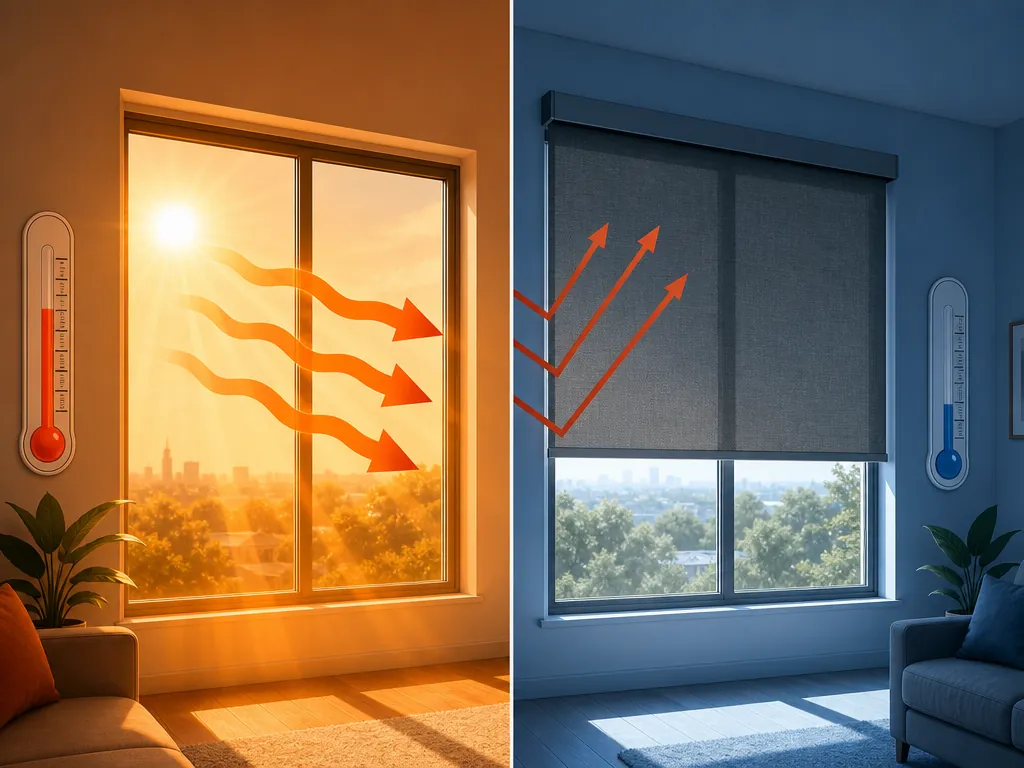
Those two facts do not mean every shade in every house will cut a bill by the same amount. They do explain why automated shades deserve more attention during heat waves than another tiny thermostat tweak. The thermostat reacts after heat enters the home. Window coverings reduce part of the load before the AC has to remove it.
The automation timing matters. Closing blinds after the room is already hot is late. The useful routine closes east-facing coverings before morning sun becomes a problem, south- and west-facing coverings before peak exposure, and any heat-prone room before the thermostat starts calling for long cooling cycles. If you have lux sensors, sun-position triggers, or a weather integration, this is where they earn their keep.
This is also the cleanest place to coordinate devices. A thermostat setback makes more sense when shades are already blocking solar gain. A ceiling fan feels better when the room is not being baked through glass. A pre-cool routine is less wasteful when the windows are covered before the AC starts that work.
Myth: Fans lower the room temperature
Fans are comfort tools, not room coolers. They make people feel cooler through air movement, but they do not lower the air temperature in an empty room. Trane describes this as the wind-chill effect: useful when someone is present, wasteful when nobody is there.[1]
That does not make fan automation pointless. It makes occupancy the key condition. A good fan routine turns on in occupied rooms, pairs with a slightly warmer thermostat setpoint, and shuts off when the room is empty. Bedroom routines can be especially useful because comfort at night is often about air movement across a sleeping person, not about cooling the whole house several extra degrees. If you want a more detailed build, a smart fan automation recipe is a better use of effort than leaving every ceiling fan running all afternoon.
There is a safety boundary here, too. Fans can help with perceived comfort, but they are not a substitute for safe indoor temperatures during dangerous heat, especially for older adults, infants, pets, or anyone with health risks. For those households, cooling automations should include alerts and escalation rules, not just comfort routines. A dedicated heat-safety automation plan belongs in the setup if vulnerable people or animals are in the home.
Myth: Opening windows helps once the house feels stuffy
Opening windows can make sense only when outdoor air is cooler and less oppressive than indoor air. During peak heat, it usually does the opposite of what the AC needs. Homes & Gardens, citing HVAC expert advice, recommends keeping windows closed during a heat wave to prevent hot outdoor air from entering and forcing HVAC systems to work harder.[9]
If you use window sensors, make them part of the cooling logic. A sensor can pause cooling when a window is open on a mild evening, but during a heat wave it should also warn you when a window is open while the outdoor temperature is above your indoor target. The useful automation is not “never open windows.” It is “do not invite peak outdoor heat into a house you are paying to cool.”
Myth: Closing vents in unused rooms saves energy
This one sounds efficient because it borrows logic from lights: if nobody is in the room, turn the thing off. Forced-air HVAC does not behave like a lamp. Hitachi warns that closing supply vents does not save energy and can create duct or system problems.[2]
A few closed vents may not instantly break anything, but treating vent-closing as an energy strategy is risky. It can change pressure, reduce airflow where the system expects it, and make comfort less predictable. If one room is always too hot, the better smart-home response is measurement first: check temperature, humidity, sun exposure, door position, and whether the room needs shading, balancing, maintenance, or a different fan strategy.
Myth: Pre-cooling is always wasteful
Pre-cooling can be wasteful if it becomes an excuse to run the AC hard for hours. It can also be useful when it prevents a brutal late-afternoon recovery. The distinction is whether the routine reduces total strain or simply moves extra runtime earlier.
A reasonable heat-wave pre-cool is modest: lower the setpoint slightly before the most punishing hours, close shades before the sun hits, and avoid setting a target so low that the AC never gets a break. The goal is not to turn the home into a refrigerator before noon. It is to keep the indoor temperature and humidity from drifting so far that the system spends the late afternoon clawing back comfort.
This is where temperature sensors help. If your upstairs bedroom always gains heat after 2 p.m., pre-cooling the whole house may be less effective than closing the west-facing shade earlier and running an occupied-room fan later. If the main living area holds steady but humidity spikes after away mode, the thermostat schedule needs attention more than the fan routine.
What the coordinated heat-wave setup looks like
The better pattern is not complicated, but it does require the devices to stop competing. The thermostat should avoid expensive recovery. The blinds should block heat before it enters. Fans should improve comfort only where people are. Window and door sensors should keep cooled air from being wasted. Humidity should be watched as its own comfort signal, not treated as a footnote to temperature.
- Before peak sun: close the shades on heat-exposed windows, especially rooms that usually run warm.
- Before peak heat: use only a modest pre-cool if your home struggles to recover later.
- During occupied hours: run fans in rooms with people, and let that comfort boost support a warmer thermostat setting.
- During away periods: avoid deep geofence setbacks when the home will need to recover in late afternoon heat.
- During recovery: check humidity as well as temperature before deciding the schedule worked.
For a full routine, start with three smart home heat wave automations and adapt them to your sensors, window exposure, and thermostat options. If you are trying to cool without central AC, the same logic still applies: block heat first, move air only where it helps, and automate shutoffs so devices do not run pointlessly. The no-AC heat wave cooling guide and the broader smart home cooling device stack are better places to extend that setup than another thermostat-only tweak.
If devices behave strangely during extreme heat, treat that as a separate failure mode rather than a cooling strategy problem. Connectivity, sensor placement, battery levels, and overloaded automations can all make a heat-wave setup look dumber than it is. A smart home heat-wave troubleshooting pass is worth doing before you rewrite every routine.
The operating rule is simple enough to keep on the utility-bill spreadsheet: smart cooling saves money when it reduces heat entering the home and avoids expensive recovery. It gets costly when it merely makes the thermostat more aggressive.
References
- Busting Common Thermostat Myths — Trane
- 8 Common Air Conditioning Myths Debunked — Hitachi Cooling & Heating
- How much smart thermostats save during heat wave — CBS News
- Are Smart Thermostats Worth It? — Consumer Reports
- Smart Thermostat FAQ — ENERGY STAR
- Geofencing Thermostat Summer Comfort Issues — Meyer & Depew
- Automated Window Shades Show Potential for Significant Energy Savings, Illinois Tech Study Finds — Illinois Tech
- Beat the Heat With Window Coverings — Consumer Reports
- 5 heatwave myths debunked — Homes & Gardens