
How to Set Up a Hurricane Mode Routine for Your Smart Home
Tiered, copyable automation recipes for building a Hurricane Mode routine in your smart home, covering pre-storm preparation, during-storm monitoring, and post-storm recovery, with essential manual overrides for when power and internet fail.
Hurricane Mode is one routine with three branches: get the house ready before evacuation, keep watching the few things that still matter while you are gone, and make the first post-storm check less blind. The useful version is not a dramatic smart-home demo. It is the routine that closes shutters before the app stops responding, pre-cools the house before the grid flickers, arms security without leaving a door sensor forgotten, and sends one clear alert when a leak or refrigerator temperature problem needs human attention.
The detail that makes this worth setting up is remote action. AHS Carolinas describes homeowners using Alexa or Google Home integration to close motorized roll-down hurricane shutters from 500 miles away while evacuated.[1] That is the right mental model for how a smart home helps during a hurricane: not by making the storm safer after conditions deteriorate, but by removing decisions early enough that the house is already in its storm posture when power, broadband, or a cloud service becomes unreliable.
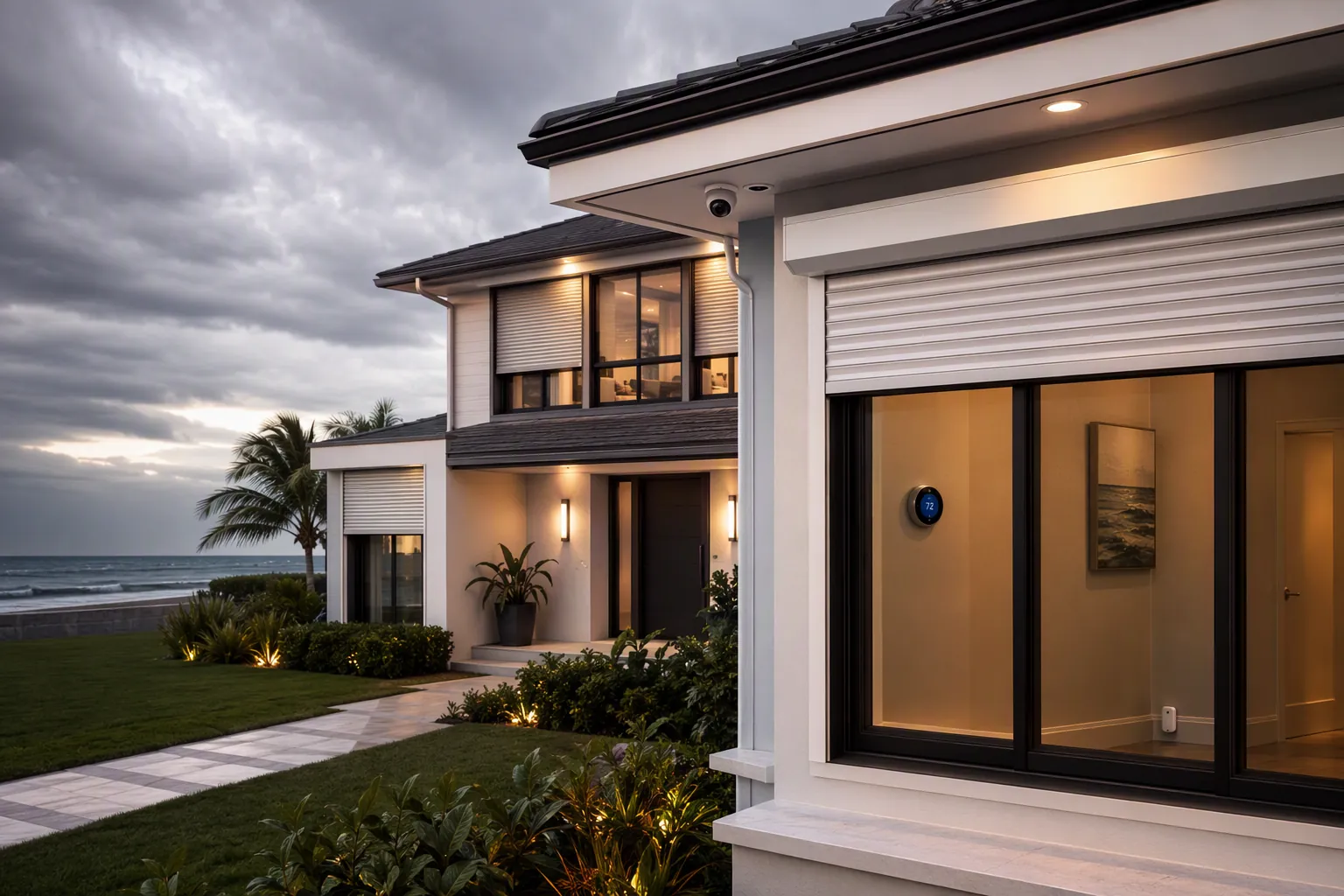
Build Hurricane Mode as an automation plus a paper fallback. The automation buys time, especially because power and internet can fail 6–12 hours before the worst conditions arrive. The fallback is for the person standing in the garage, utility closet, or dark hallway after the polished part of the smart home has stopped answering.
| Phase | What Hurricane Mode Should Do | What Must Still Work Manually |
|---|---|---|
| Pre-storm / evacuation | Close supported shutters, pre-cool the house, set humidity targets, arm security, lock doors, pause nonessential schedules, start occupancy lighting, send a confirmation alert. | Hand-crank or physical shutter override, physical keys, garage-door release, thermostat controls, security-panel code, water shutoff. |
| During storm / outage | Prioritize local sensors and battery-backed devices: leak alerts, flood alerts, refrigerator or freezer temperature alerts, critical lights on sensor triggers, security panel backup where available. | Flashlight access, manual water shutoff, valve wrench if needed, written alarm-company procedure, non-app contact list. |
| Post-storm / return | Report whether power returned, flag refrigerator temperature spikes, watch humidity, notify on standing water, shed loads if on battery or generator. | Manual inspection route, breaker-panel access, appliance shutoff, generator procedure, documented device reset steps. |
Why the Routine Has to Assume an Outage
Outage-aware design is not pessimism on the coast. Climate Central counted 474 weather-related major outages in the Southeast from 2000 through 2021, more than any other U.S. region in its analysis, and found that hurricanes accounted for 15% of all weather-related major outages nationally.[2] The U.S. Energy Information Administration reported that U.S. customers averaged 11 hours of power interruptions in 2024, nearly double the prior decade average, and that Hurricane Helene left 5.9 million customers across 10 states without power.[3]
Those numbers are not the same measurement. Climate Central is counting major outage events across years. EIA is reporting customer interruption duration and a specific 2024 hurricane impact. Keep them separate, and the practical conclusion is still plain: the routine should do its most important work before landfall, then degrade gracefully.
Connected thermostats show why even ordinary smart-home devices can be useful during an outage, if expectations stay narrow. A Department of Energy–linked study used data from internet-connected thermostats to geospatially map large power outages during Hurricane Irma; some secondary summaries cite a 1,000-thermostat sample, a detail that should be verified against the original Applied Energy paper before publication.[4] That does not mean your thermostat can protect the house by itself. It means device status can become a signal: power is out, internet is gone, indoor temperature is rising, humidity is drifting, or the house has stopped reporting.
Tier 1: A Beginner Hurricane Mode in Alexa, Google Home, SmartThings, or a Similar App
This version is for the home that already has a smart thermostat, a security system or cameras, a few smart lights, perhaps a smart lock, and motorized shutters only if the shutter installer supports app or voice integration. It is cloud-dependent. That is acceptable as long as the routine is triggered early and the household knows how to do the same actions by hand.
- Create one scene or routine named
Hurricane Mode, not separate scenes calledStorm Lights,Vacation, andSecurity Away. A storm day is the wrong day to remember which routine did which half of the job. - Add supported shutters first. If your roll-down shutters are integrated with Alexa, Google Home, SmartThings, or the installer’s app, set them to close when Hurricane Mode runs. Do not include any shutter you have not tested from outside the home network.
- Pre-cool the house. Set the thermostat lower than your normal away temperature before evacuation so the building starts with cooler air, colder refrigerator surroundings, and less immediate humidity stress if the power drops. If you are still choosing hardware, compare ecosystem support before buying; thermostat features matter less than whether the device works cleanly with the platform that will run the routine. See our 2026 smart thermostat comparison and ecosystem-specific thermostat guide.
- Arm security and lock supported doors. Use the security system’s away mode, lock only the smart locks that have physical-key backups, and have the routine send a single confirmation message after the action runs.
- Start simple occupancy lighting. Use two or three interior lamps on varied evening schedules, not every light in the house. Smart plugs can handle this well; for more advanced plug ideas, see these Home Assistant smart plug recipes.
- Send one useful alert: Hurricane Mode ran: shutters requested closed, thermostat set, security armed, occupancy lights scheduled. A vague alert that says routine complete is less useful when someone is checking from a hotel, relative’s house, or highway shoulder.
Older device names change, but the use cases do not. Wirecutter’s 2017 first-person evacuation account centered on remote monitoring, occupancy simulation, and manual override needs; the specific Nest Cam and SmartThings hardware from that era is not a current buying list, but the pattern is still recognizable to anyone who has left a house behind during a natural disaster.[5]
Tier 1 Manual Fallback
Write the fallback next to the routine, not in a separate preparedness binder that no one opens. For a beginner setup, the manual page should say exactly how to close each shutter without the app, where the smart-lock keys are, how to pull the garage-door release, how to change the thermostat at the wall, how to arm or disarm the security panel at the keypad, and who receives the alert if the app account owner is unreachable.
Tier 2: Add Sensor Chains That Can Still Save the House After You Leave
Tier 2 is where Hurricane Mode stops being only a departure scene. The best additions watch water, temperature, humidity, and security-panel resilience. These are not glamorous automations, but they catch the problems that make the return home expensive: a leaking water heater, a sump area taking water, a freezer warming up, indoor humidity staying high, or a security panel that died with the router.
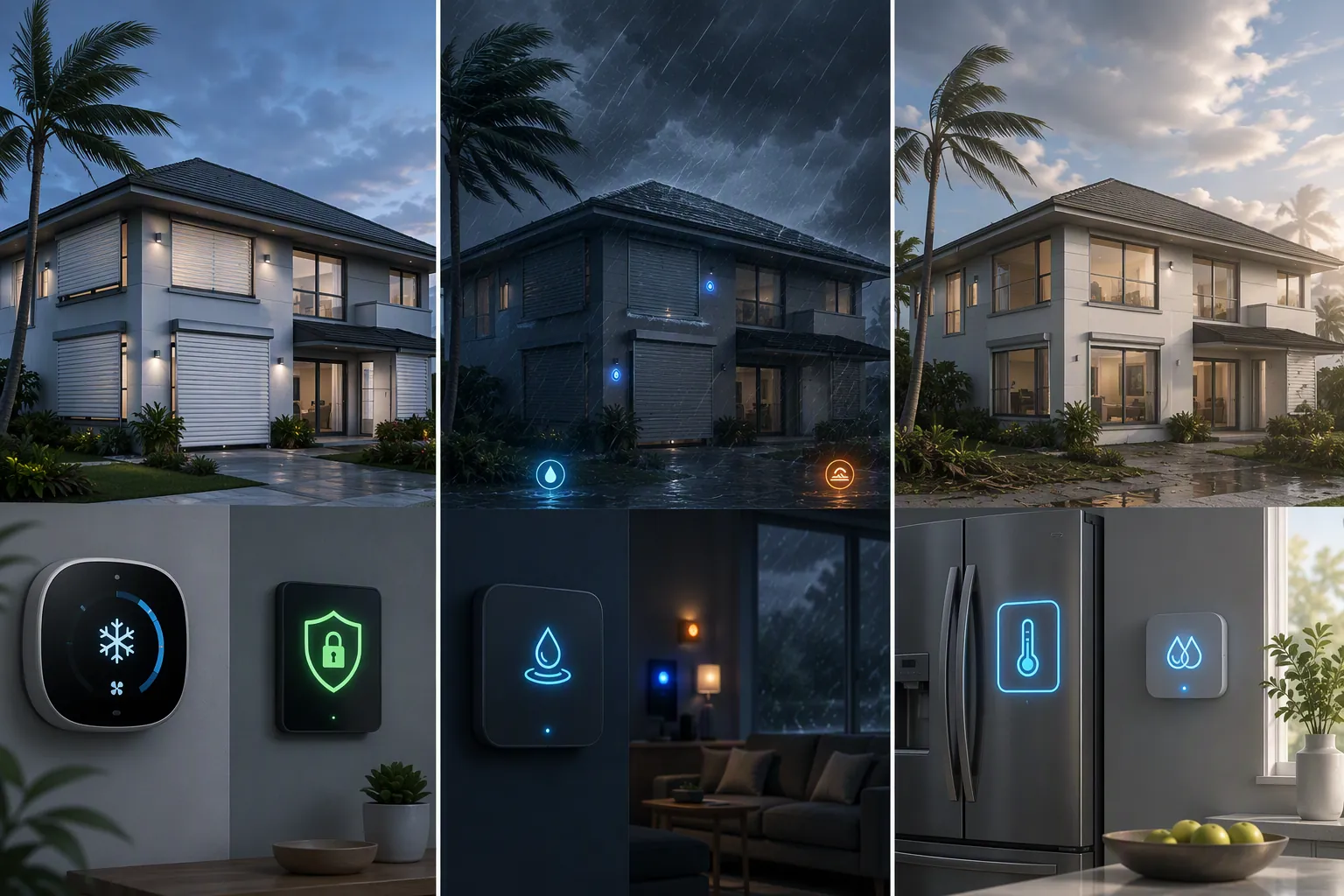
- Leak sensor to water shutoff: place leak sensors near the water heater, sump pit, washing machine, dishwasher, refrigerator line, and under vulnerable sinks. If any critical sensor detects water, send an urgent alert and close a compatible main shutoff valve. In a Fixr expert interview, Whisker Labs CEO Bob Marshall described leak detectors near water heaters, sump pits, and appliances as providing preventative insights before disasters escalate, and the same source notes that systems such as Moen Flo and Phyn Plus can pair leak triggers with automatic shutoff valves.[6] If you need compatibility help, start with this flood sensor hub guide.
- Flood alert to visible signal: if a hub-controlled light still has power, flash one interior lamp or change its color when a flood sensor trips. This is mainly for a neighbor, family member, or first person returning to the house. Do not depend on this as the only alert.
- Refrigerator and freezer temperature monitoring: put a temperature sensor in the refrigerator or freezer and alert when the temperature rises above your own spoilage threshold. The alert will not save food during a long outage, but it can stop someone from opening, tasting, or trusting food that should be discarded.
- Humidity and dehumidifier logic: if power is available after the storm, run a dehumidifier or HVAC humidity mode when indoor humidity climbs above your chosen threshold. Reliant’s weather-responsive automation examples include running a dehumidifier when humidity exceeds 60%, a useful reference point for post-storm mold-prevention logic rather than a universal rule for every house.[7]
- Security panel resilience: if your security system offers battery backup and cellular failover, confirm both before storm season. Vivint states that its panels include 24-hour battery backup and cellular failover so the panel can remain live when grid power and internet service are down.[8] Treat that as a vendor-specific disclosure, not proof that every security panel behaves the same way.
Tier 2 Manual Fallback
| Automation | Manual Override to Document |
|---|---|
| Leak sensor closes main valve | Where the physical water shutoff is, which direction closes it, and what tool is needed if the handle is stiff or hidden. |
| Flood sensor sends app alert | Who can physically check the house if roads are open and it is safe to do so; never make a neighbor guess which sensor tripped. |
| Refrigerator sensor reports temperature | How to decide whether food is discarded when the sensor history is unavailable or the battery died. |
| Humidity automation runs HVAC or dehumidifier | How to run the thermostat or dehumidifier from its local controls after Wi-Fi returns slowly or the hub is offline. |
| Security panel uses battery or cellular backup | Panel code, alarm-company contact method, and what the panel sounds or displays like when it is on backup power. |
Tier 3: Home Assistant Hurricane Mode for Local Control
Home Assistant is the strongest layer when you want Hurricane Mode to keep working locally, but it is also the least forgiving. The goal is not to copy a mystery blueprint from a forum thread. Build a plain automation you understand, keep entity names readable, and test it on a normal day when you can still walk around the house and undo mistakes.
Use three triggers: a manual dashboard button, a voice or app action if you still want it, and a weather-alert trigger. If you want a full weather-alert walkthrough, start with Automate Tropical Depression Warnings in Home Assistant. Hurricane Mode can reuse that alert signal, but the safer design still requires a human confirmation before closing shutters or changing security state unless every device has already been tested.
alias: Hurricane Mode - Pre Storm
mode: single
trigger:
  - platform: state
    entity_id: input_boolean.hurricane_mode
    to: "on"
condition: []
action:
  - service: cover.close_cover
    target:
      entity_id:
        - cover.living_room_shutter
        - cover.bedroom_shutter
  - service: climate.set_temperature
    target:
      entity_id: climate.downstairs
    data:
      temperature: 72
  - service: alarm_control_panel.alarm_arm_away
    target:
      entity_id: alarm_control_panel.home
    data:
      code: !secret alarm_code
  - service: lock.lock
    target:
      entity_id:
        - lock.front_door
        - lock.side_door
  - service: notify.family
    data:
      title: "Hurricane Mode started"
      message: "Shutters requested closed, thermostat set, alarm armed, doors locked. Check dashboard for failed devices."
That YAML is intentionally boring. It closes covers, sets the thermostat, arms the alarm, locks doors, and sends a message. Add complexity only after the base routine proves reliable. For example, add a condition that prevents the alarm from arming if a door is open, or add a second notification that lists which covers failed to report closed.
alias: Hurricane Mode - Leak Shutoff
mode: single
trigger:
  - platform: state
    entity_id:
      - binary_sensor.water_heater_leak
      - binary_sensor.laundry_leak
      - binary_sensor.kitchen_sink_leak
    to: "on"
action:
  - service: valve.close_valve
    target:
      entity_id: valve.main_water_shutoff
  - service: notify.family
    data:
      title: "Water leak detected"
      message: "Main water valve requested closed. Check which leak sensor triggered before reopening water."
alias: Hurricane Mode - Fridge Temperature Alert
mode: single
trigger:
- platform: numeric_state
entity_id: sensor.refrigerator_temperature
above: 45
for: "00:30:00"
action:
- service: notify.family
data:
title: "Refrigerator temperature rising"
message: "Refrigerator has been above the set threshold for 30 minutes. Treat food safety as uncertain until inspected."If the house has solar, a battery, or a generator input, pair Hurricane Mode with load control instead of letting every plug and charger compete for runtime. The post-storm branch can turn off nonessential plugs, keep network gear and refrigeration prioritized if your electrical setup supports it, and alert when a monitored load behaves unusually. For a separate load-shedding pattern, use Automate Power Outage Load Shedding with Home Assistant. If you are drafting custom YAML from your own device list, a Home Assistant automation coach can help turn plain-language requirements into a starting point, but you still need to verify every entity and service call against your own system.
Tier 3 Manual Fallback
Local control does not remove the need for a manual plan. Put the fallback in Home Assistant as a dashboard card and print it. Include the physical shutter override method, the lock key location, the garage-door release procedure, the main water valve location, thermostat wall-control steps, the security keypad code process, and how to shut down nonessential loads if the battery or generator is under strain.
What to Test Before the First Named Storm
Run Hurricane Mode on a normal afternoon. Do not simulate it in the app and call that enough. Stand where you can see the shutters. Listen for the lock. Watch the thermostat change. Confirm the alarm state. Trip one leak sensor with a damp cloth if the manufacturer allows safe testing. Open the refrigerator sensor history and make sure someone other than the app owner can read it.
Then test the ugly path. Turn off Wi-Fi for a few minutes and see what still works locally. Unplug the hub if it has no backup battery and note what disappears. Confirm which alerts arrive by cellular data and which depend on the home internet connection. If a routine only works while every cloud service is healthy, schedule it earlier in your evacuation timeline and write that limitation down.
The final checklist should be short enough to use under stress: shutters, locks, garage door, water shutoff, thermostat, security, refrigerator or freezer sensor, humidity control, and load shedding if you have backup power. Store it in the utility closet, near the security panel, and in a shared phone note. The app may be the easiest way to start Hurricane Mode, but it should never be the only way the household knows what the house is supposed to do.
References
- The Ultimate Convenience: A Guide to Remote Control Hurricane Shutters, AHS Carolinas.
- Surging Weather-Related Power Outages, Climate Central.
- The average U.S. electricity customer experienced 11 hours of power interruptions in 2024, U.S. Energy Information Administration.
- Using data from connected thermostats to track large power outages in the United States, Applied Energy, 2020.
- How Smart Home Technology Can Help During a Natural Disaster, Wirecutter / The New York Times.
- Smart Home Disaster Preparedness, Fixr.com, August 2025.
- Weather-responsive home automation, Reliant, January 2026.
- How a Smart Home Protects During a Natural Disaster, Vivint.