
Which Claude Home Assistant Integration Should You Set Up?
Four ways exist to connect Claude to Home Assistant, and the right one depends on your install type, what you want Claude to control, and how much access you're willing to grant. Comparing the first-party Anthropic and MCP Server integrations, the community ha-mcp server, and the Claude Code workarounds lets you settle on a setup path without trial and error.
If you searched for “claude ai smart home integration how to set up,” the first useful answer is that there is no single Claude smart-home integration. In Home Assistant, that phrase can mean four different things: letting Claude control devices already exposed to Assist, exposing Home Assistant through the official MCP endpoint, installing a community MCP server that can manage configuration, or using Claude Code and browser automation as a workaround.
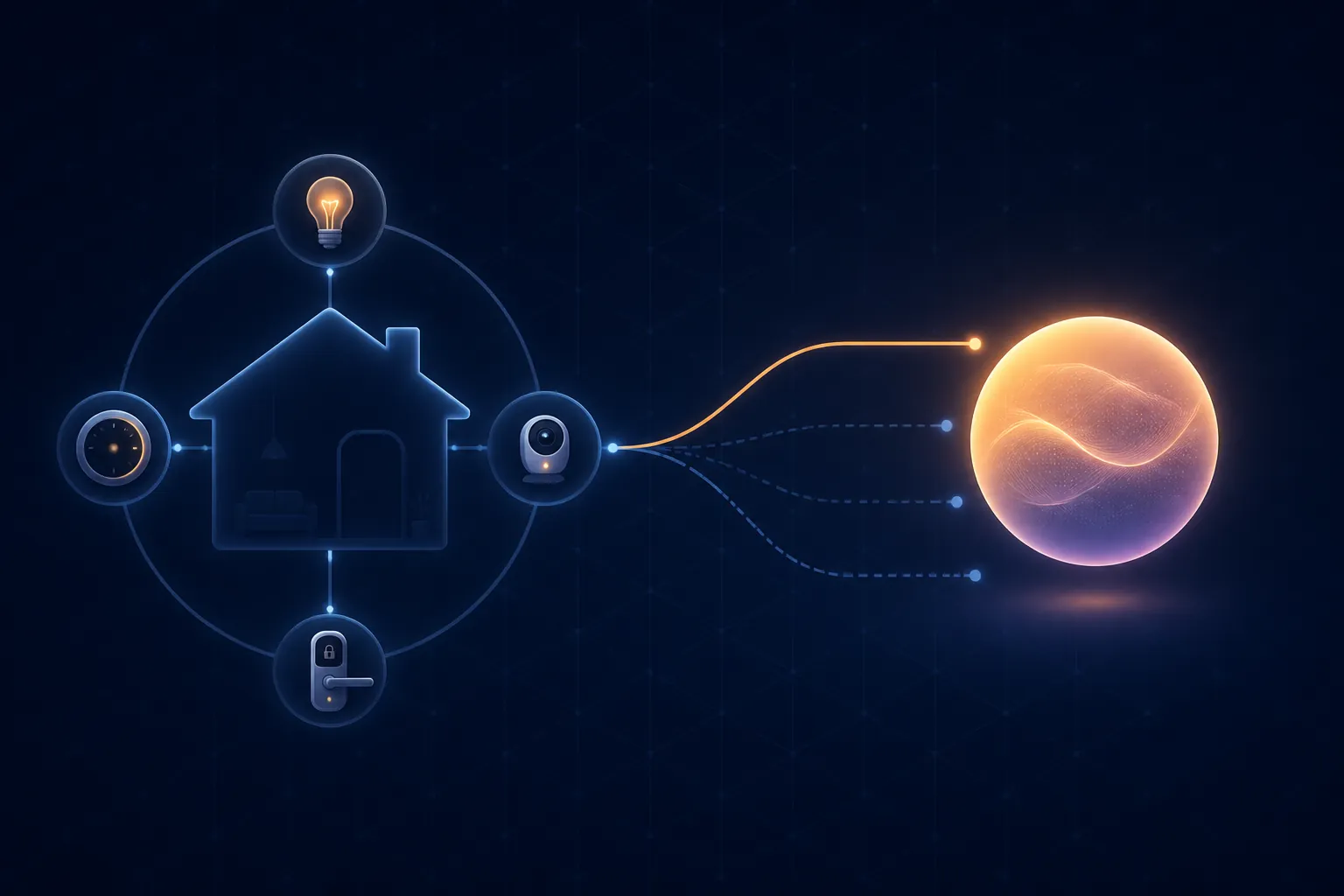
As of Q3 2026, the setup choice is best made by matching your install type, your desired scope, and your tolerance for write access. The table below is the decision point; the sections after it explain the traps that usually cause wasted weekends.
| Path | Install fit | What Claude can do | Access level | Setup burden | Who should choose it |
|---|---|---|---|---|---|
| First-party Anthropic conversation integration | Home Assistant installs that can use the official Anthropic integration; introduced in Home Assistant 2024.9 [1] | Control and converse through Home Assistant Assist, limited to entities exposed to Assist [1] | Narrowest practical surface: exposed entities, not the whole configuration | Low: configure the integration, expose only the entities you want Claude to see, watch token/caching settings | Start here if you want Claude to turn devices on/off, adjust exposed devices, or answer through Assist without giving it config-editing powers |
| First-party MCP Server integration | Home Assistant installs that can enable the official MCP Server integration; introduced in Home Assistant 2025.2 [2] | Expose Home Assistant at /api/mcp to MCP clients such as Claude Desktop [2] | First-party MCP surface; broader than Assist conversation control but not the same as ha-mcp’s management toolset | Medium: enable the integration, connect the MCP client to the endpoint, handle authentication and troubleshooting | Choose this if you specifically want a first-party MCP route from Claude Desktop or another MCP client into Home Assistant |
| Community ha-mcp project | HACS custom-component route runs in-process across Home Assistant install types and avoids a separate token to manage [3][4] | Search, control, manage, monitor, and system tools; documentation describes roughly 87–92 tools, with read/write abilities for automations, scripts, scenes, dashboards, helpers, areas, backups, and add-ons/apps [3] | Potentially broad read/write management access, with Read Only Mode, per-tool enable/disable, approval policies, and automatic edit backups [3] | Medium to high: more capable, more knobs, more reason to start read-only and add write access deliberately | Consider it if you want Claude to help build, edit, debug, and manage Home Assistant, not merely control already-exposed devices |
| Claude Code or browser-automation workarounds | Depends on your desktop/browser setup rather than a clean Home Assistant integration path | Can operate Home Assistant through browser interaction or local proxy arrangements, but with documented friction [5][6] | Harder to reason about: browser sessions, editor behavior, tokens, and manual oversight matter | High: slow interactions, brittle UI automation, and more cleanup risk | Use only as a fallback or experiment when a purpose-built integration does not cover the job |
The first split: device control or Home Assistant work?
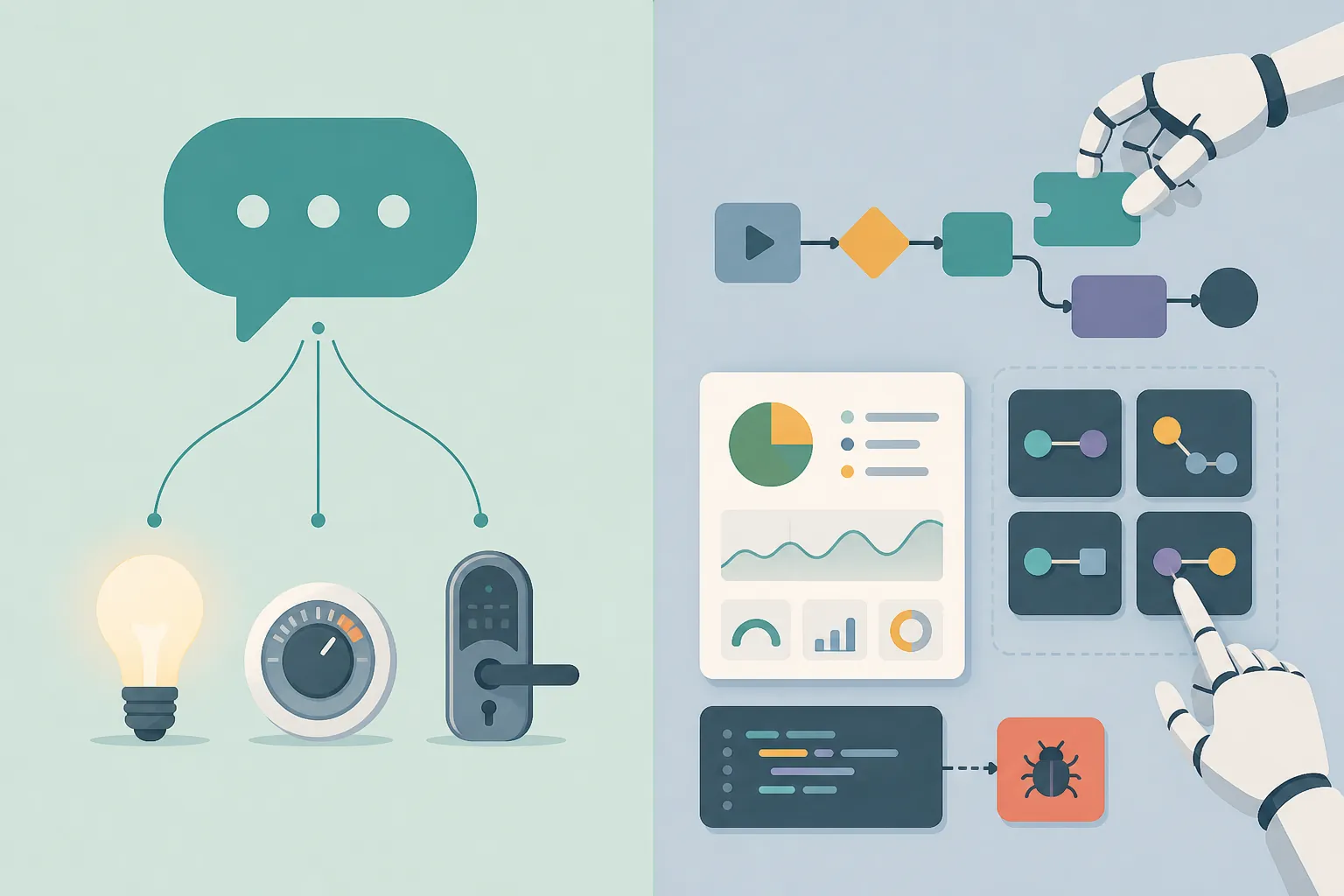
The cleanest Claude setup is the one that does the least surprising thing. If your goal is “Claude, turn off the downstairs lights” or “set the thermostat,” you do not need to hand Claude the keys to your automations directory. The first-party Anthropic integration is the safer starting point because it works through Home Assistant’s conversation system and only controls entities you expose to Assist [1].
That limit is not a defect; it is the point. You decide which entities Assist can reach, and Claude stays inside that surface. For a newcomer, or for anyone connecting an AI assistant to a real house for the first time, that is the recommendation: set up the official Anthropic integration, expose a small set of devices, test ordinary commands, then widen the exposure only if the behavior is boringly predictable.
The official docs also give useful anchors when something goes wrong. Home Assistant documents that truncated responses usually mean the Maximum Tokens setting is too low, and that ImportError or AttributeError failures can point to the installed anthropic Python client version [1]. The same page documents cost controls, including a five-minute prompt cache where cache writes are billed at 1.25x the base input price and cache reads at 0.1x, with system-prompt caching recommended for smart-home use [1].
There are also boundaries that should stop you from expecting too much. The Anthropic conversation integration does not integrate with sentence triggers, and Home Assistant’s linked analytics showed roughly 1% adoption in the context of the docs page [1]. That number is adoption, not proof of effectiveness or failure. It mainly says you should expect fewer copy-paste answers from other users than you would for a long-established integration.
The moment your goal changes from “control these devices” to “help me create automations, restructure dashboards, debug scripts, or edit helpers,” you are no longer shopping for the same thing. You are choosing whether to give Claude inspection and management capabilities over Home Assistant itself. That is where the MCP options start to matter.
The MCP name collision is where most bad setup choices happen
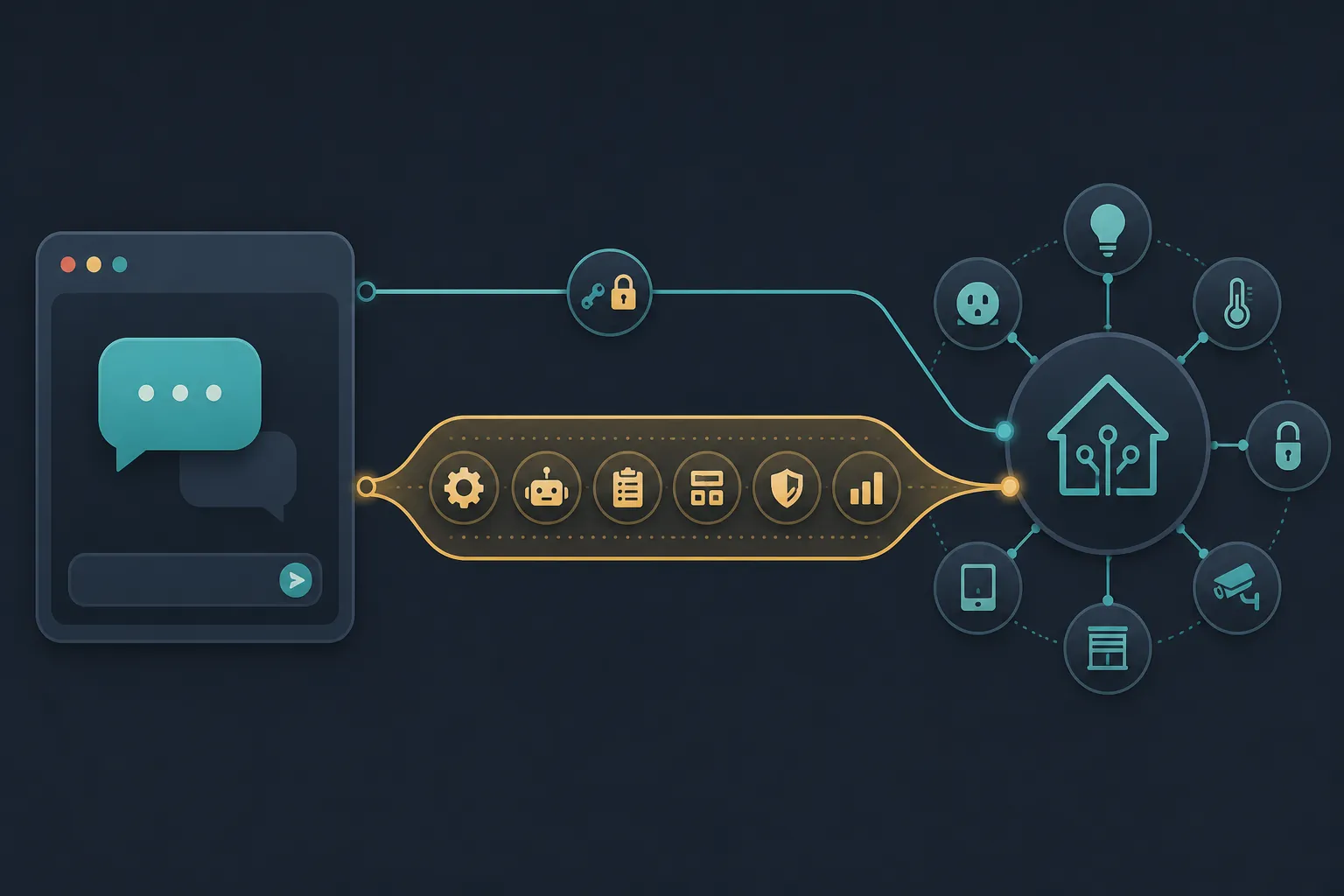
“Use MCP” is not enough information. Home Assistant has an official MCP Server integration, and the community ha-mcp project is also an MCP-shaped route, but they are not interchangeable setup paths.
Official MCP Server: first-party endpoint, narrower promise
The official MCP Server integration is the right choice when your requirement is specifically: “I want an MCP client, such as Claude Desktop, to talk to Home Assistant through a first-party integration.” Home Assistant introduced it in 2025.2, and the documented endpoint is /api/mcp [2].
Its troubleshooting clues are refreshingly concrete. A 404 on /api/mcp means the integration is not configured. A 401 means the long-lived token is bad. Repeated failed OAuth logins can trigger Home Assistant’s IP ban behavior, and the docs point users to ip_bans.yaml when that happens [2]. Those details matter because they tell you whether you are debugging Home Assistant, Claude Desktop, authentication, or the network path.
This route is also easier to justify in a conservative setup review. It is first-party, it has a documented endpoint, and it has recognizable failure modes. If your Home Assistant policy is “prefer official integrations unless there is a specific missing capability,” this is the MCP path to try before reaching for community management tooling.
ha-mcp: the management route, not just another MCP server
ha-mcp becomes interesting when you want Claude to work on Home Assistant rather than merely talk to it. The project’s documentation describes a broad tool surface across search, control, management, monitoring, and system functions, with the exact count varying across documentation sections at roughly 87–92 tools [3]. That shifting count is not the important part. The important part is the category change: ha-mcp can expose tools for creating and editing automations, scripts, scenes, dashboards, helpers, areas, backups, and add-ons/apps [3].
The preferred HACS custom-component installation runs in-process inside Home Assistant, works across Home Assistant install types, and avoids managing a separate token for the MCP connection [3][4]. That is a practical distinction for people running Container or Core who are used to discovering that a guide was quietly written for Home Assistant OS or Supervised. If an older guide and your current Home Assistant screen disagree on Add-ons versus Apps wording, treat that as a version check rather than a different product.
The access model deserves more attention than the install command. ha-mcp documents Read Only Mode, per-tool enable/disable controls, user-approval policies, and automatic edit backups [3]. Those are not decorative features. They are the difference between letting Claude inventory your automations and letting it rewrite them. A sensible first run is read-only, followed by approved writes for a small set of tools after you have seen what Claude asks to inspect.
There are also project-specific gotchas. The maintainer documentation warns that running two install methods for the same client can cause connection hangs, and notes known stdio transport issues under issue #1713, recommending an HTTP method instead [3]. That is exactly the kind of detail to check before blaming Claude, Home Assistant, or your reverse proxy.
The most dangerous mistake is to install ha-mcp because a guide said “MCP,” while expecting the bounded behavior of the first-party MCP Server. ha-mcp is attractive because it solves real workflow problems: it can help inspect, build, and change Home Assistant objects. That is also why it should be installed with an explicit rollback plan. Keep automatic edit backups enabled where available, avoid enabling every write-capable tool on day one, and treat beta-labeled tools such as ha_config_set_yaml in ha-mcp v7.3.0 as unstable surface area rather than routine plumbing [3].
Why people reached for Claude Code anyway
The browser-automation route exists because the official and community routes did not always cover what people wanted at the time they tried them. The Verge’s January 2026 first-hand account is useful because it contains both the appeal and the mess. The reviewer described Claude Code browser automation as “painfully slow,” then switched to ha-mcp, moved about 70% of roughly 200 devices, and generated a usable dashboard in about four hours [5].
That same account also records the cleanup bill: deleted dashboard sections, wrong-device grabs, and hallucinated group membership [5]. Home Assistant founder Paulus Schoutsen described ha-mcp in the article as an API layer that “makes sure Claude doesn’t mess anything up” [5]. That quote is a useful framing, but it should not be inflated into a guarantee. It says a purpose-built layer can constrain the work better than a browser workaround; it does not mean every generated edit is correct.
Android Authority’s June 2026 account shows another reason users kept experimenting: a local MCP proxy plus a long-lived token can keep the connection off the public internet [6]. That is a real guardrail for a certain kind of user. It is also still a hand-built path, and the account documents YAML-editor autocomplete clashes that forced a JavaScript-injection workaround [6]. When the setup requires fighting the editor, the browser, and the token path before Claude even edits the right object, it is no longer the clean recommendation.
The same Android Authority piece included a self-selected reader poll with 1,502 votes: 39% said they would give AI access only with read-only or guardrailed access, while 12% said absolutely not [6]. That is not representative survey data. It is still useful as a signal that the cautious audience is not simply anti-AI; they are trying to define which access boundary is tolerable.
Which Claude setup to use in Q3 2026
- If you want basic Claude conversation control over already-exposed smart-home devices, set up the first-party Anthropic integration first. Keep the exposed Assist entities small at the beginning, then expand after ordinary commands behave correctly.
- If you want Claude Desktop or another MCP client to reach Home Assistant through a first-party surface, use the official MCP Server integration. Its /api/mcp endpoint and documented 404, 401, and IP-ban clues make it easier to debug than a vague “Claude can’t connect” setup.
- If you want Claude to help create, edit, and manage automations, scripts, scenes, dashboards, helpers, areas, backups, and related configuration, consider ha-mcp. Start with Read Only Mode or tool approvals before giving it write access.
- If you are relying on Claude Code or browser automation, treat it as a workaround. It has produced useful results in real accounts, but the documented friction and cleanup risk make it a fallback rather than the setup path to recommend first.
This is a dated access decision, not a permanent identity for your smart home. Revisit it when Home Assistant changes integration behavior, when ha-mcp changes tool stability, or when Claude clients handle MCP differently. The same caution applies to broader AI-home claims: NestGrid’s look at AI smart-home integration limits is the structural companion to this setup choice, while the dated verdict format in DeepSeek V4 Flash for Home Assistant and the regression coverage around Alexa Plus and Amazon Nova in Alexa is a reminder to re-check AI assistant behavior instead of assuming last month’s setup is still the safe one.
References
- Anthropic, Home Assistant.
- MCP Server, Home Assistant.
- homeassistant-ai/ha-mcp, GitHub.
- ha-mcp, ha-mcp documentation.
- Claude vibe coding Home Assistant smart home, The Verge, January 2026.
- Using Claude to fix Home Assistant smart home, Android Authority, June 2026.