
Smart Home Security in 2026: The Three Shifts That Should Drive Your Purchase
With AI person detection now standard, Matter cameras arriving, and verified-response laws changing police dispatch, the criteria for choosing a smart security system have fundamentally shifted. Find out why compatibility, local processing, and subscription value matter more than brand name in 2026.
Last updated
The most important smart home security change in 2026 is not another 4K camera. It is what happens after an alarm trips. If your system cannot show why an alert matters — a person at the door, glass breaking, a forced entry, a package being taken — it may be treated as noise by the people you expect to respond.
That sounds harsh until you look at the false-alarm problem. Industry and policy discussions commonly put police alarm calls in the 94% to 99% false range, depending on source and jurisdiction, and cities including Seattle have moved toward verified-response rules that require video, audio, eyewitness, or other confirmation before police dispatch for certain alarm events.[1] In that environment, a camera is no longer just a way to check a notification from the couch. It can be the evidence layer that decides whether an alarm gets escalated.
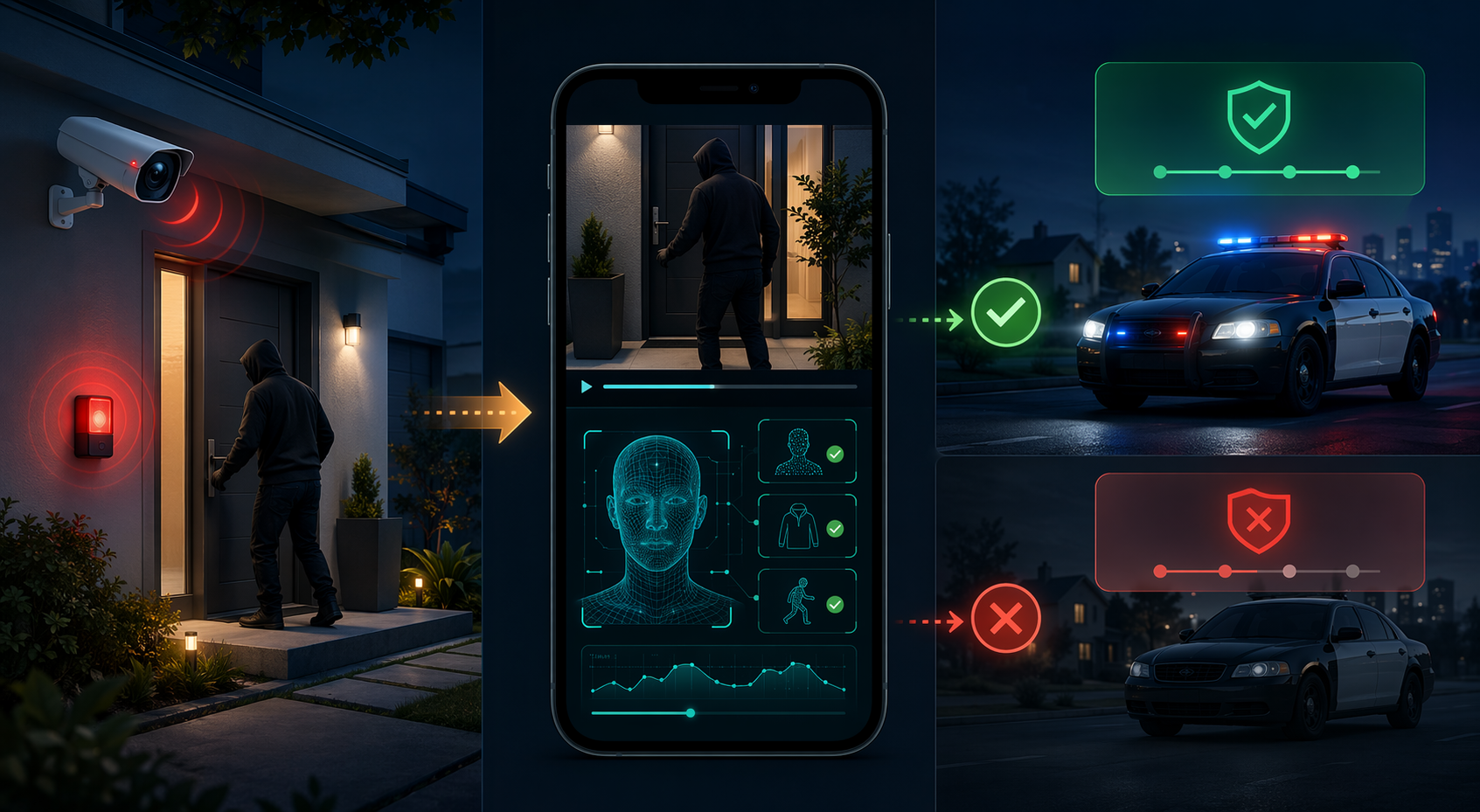
That is the buying logic smart home security has to answer now. A louder siren, a sharper image, or another badge on the box does not matter much if the system still floods the homeowner with weak alerts and gives a monitoring center or dispatcher too little confidence to act. The useful system is the one that can connect sensors, cameras, detection, storage, and notification rules into a cleaner chain of evidence.
Verified response makes detection quality matter
For years, homeowners were trained to compare security cameras by resolution, field of view, night vision, and app polish. Those still matter, but they are no longer enough. In a verified-response world, the more important question is whether the system can tell the difference between motion and evidence.
A motion clip of headlights crossing a driveway is not the same as a person forcing a side gate. A doorbell clip of a delivery driver is not the same as a package disappearing. A window sensor alert with no supporting camera view may leave the homeowner guessing. The operational gap is not theoretical: if police departments are trying to reduce false dispatches, weak or ambiguous alerts become the homeowner’s problem.
This is where AI detection has crossed from product-page decoration into practical value. In SafeHome.org’s 2026 survey of 2,435 U.S. adults, 28% of users said they already use AI person or package detection.[2] That is not universal adoption, and it does not prove every implementation works well. But it does show that person and package recognition is no longer a niche feature for early adopters.
Package detection is a good example because the event is specific and common enough to test whether the feature is useful. The USPS Office of Inspector General estimated that package theft in the United States involved $16 billion in losses and 58 million stolen packages in 2024.[3] SafeHome.org’s 2026 survey also found that 34% of households use doorbell cameras specifically for package monitoring.[2] A doorbell camera that merely records everything is less useful than one that reliably marks the delivery, the pickup, and the suspicious gap between them.
| Old buying question | Better 2026 question |
|---|---|
| How sharp is the video? | Can the system identify the event clearly enough to reduce false alerts? |
| Does the camera have AI? | Which detections run locally, which require cloud processing, and which require a paid plan? |
| Does it work with my app? | Can it share useful camera events across the rest of the home without locking me into one brand? |
| Is monitoring available? | What evidence does the monitoring workflow use before escalation? |
The point is not that every household needs professional monitoring or police dispatch. Many do not. The point is that the same evidence chain matters even when the homeowner is the only responder. If the system wakes you up for shadows, pets, delivery trucks, and tree movement, you eventually stop treating it as security. You treat it as another noisy app.
Local AI is now a security feature, not just a privacy feature
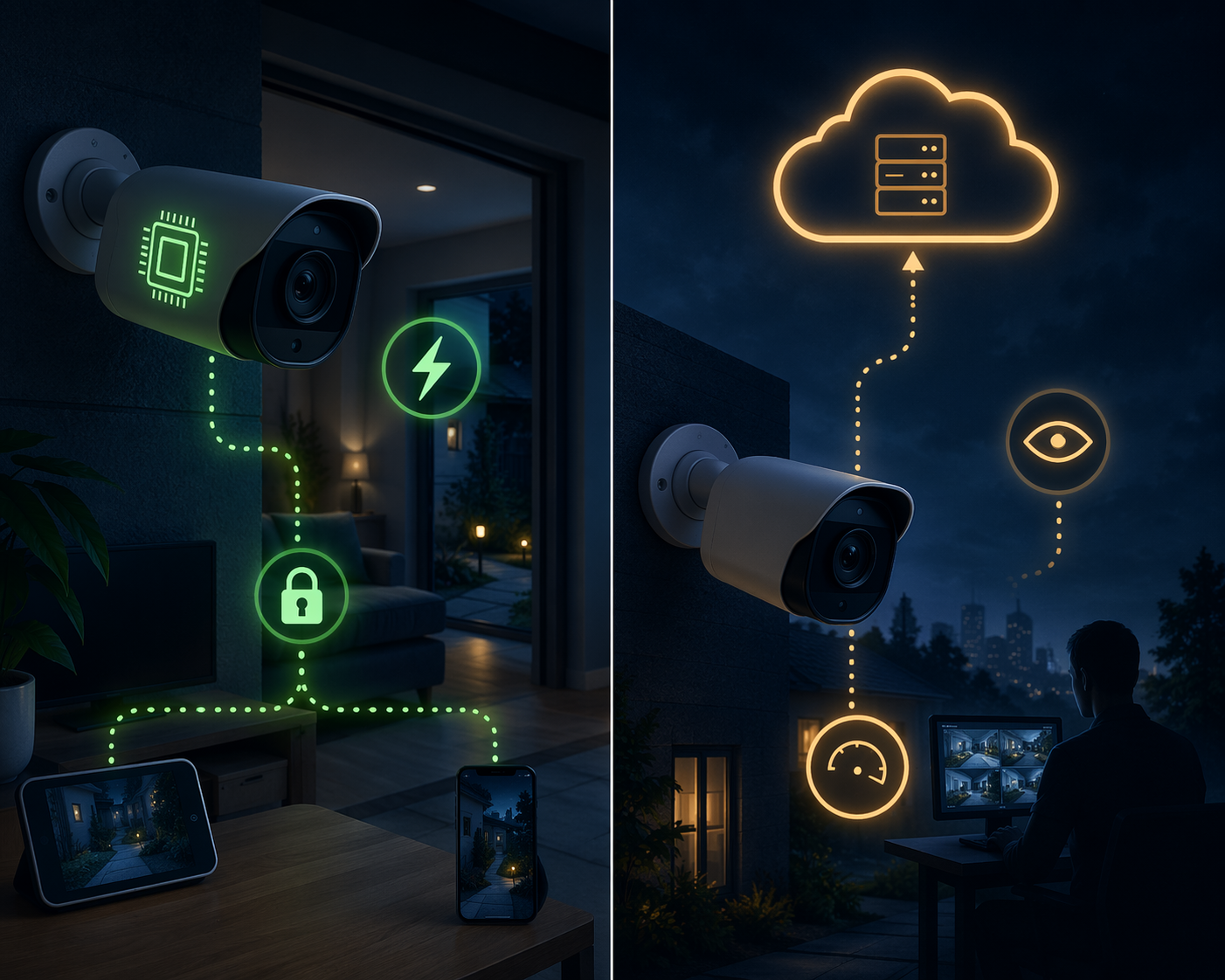
Once detection quality becomes central, the next question is where the detection happens. A camera that has to send footage to the cloud before it can decide whether a person is at the door is a different product from one that can make that decision on-device or through a local hub. The difference affects speed, resilience, privacy, and sometimes the monthly bill.
The privacy demand is visible in user data. SafeHome.org found that 37% of users worry about who can access their security footage, while 49% prefer a hybrid cloud-and-local storage model and 19% prefer local-only storage.[2] Those are survey findings, not proof that every buyer will pay more for local storage. Still, they show that local-first design is not an eccentric hobbyist preference anymore.
The stronger local-AI systems reduce three kinds of friction at once. They can classify routine motion before it becomes a notification. They can keep sensitive footage inside the home unless the user chooses otherwise. And they can preserve useful behavior during an internet outage, assuming the rest of the system was designed for local operation too.
That last caveat matters. “Local AI” can mean several things. It might mean the camera performs person detection on-device. It might mean a hub processes video from multiple cameras. It might mean only a narrow feature, such as vehicle detection, runs locally while history, rich notifications, or facial recognition still depend on the cloud. The box may say AI; the subscription page tells you what the feature really is.
Facial recognition is the obvious pressure point. SafeHome.org reported that 39% of users want facial recognition next.[2] That is an attitude, not a deployment number, and it raises a harder privacy question than generic person detection. A system that recognizes “a person” is not the same as a system that labels family members, visitors, or neighbors. Before paying for that feature, the useful questions are plain: where are face profiles stored, who can access them, can they be deleted, and does the camera still work well without them?
For a deeper privacy-specific treatment, see Smart Home Security and Privacy in 2026. The short version for buying decisions is simpler: if the best parts of detection, storage, and review all disappear when the subscription lapses or the internet goes down, the system is less local than the marketing suggests.
Matter 1.5 finally brings cameras into the compatibility conversation
Matter used to be easy to overhype in security because the most important device category — cameras — was missing. That changed with Matter 1.5, which added camera support using WebRTC-based video streaming and opened the door to more cross-platform camera behavior.[4] The important word is “opened.” Matter camera support is emerging in 2026, not magically complete.
The announced early wave matters because it changes the question from “which brand owns my security setup?” to “which devices and platforms can exchange the security events I actually care about?” Matter-smarthome.de reported Matter 1.5 camera product plans including the Aqara G350 and devices from Eve Systems, TP-Link, and Utec expected in the first half of 2026.[4] SmartThings has also announced expanded camera support with Matter 1.5, giving the spec a major platform path rather than leaving it as a paper promise.[5]
That does not mean every camera feature will move cleanly across every ecosystem. Security cameras are complicated: live video, recorded clips, motion zones, object detection, two-way audio, local storage, encrypted streams, and user permissions do not all become identical because a device carries a Matter logo. Matter Alpha’s assessment of smart home security in the Matter era is useful here because it emphasizes what is still missing rather than treating the standard as finished work.[6]
Still, camera support changes the leverage. If you are buying smart home security equipment in 2026, compatibility is no longer a soft preference. It determines whether your camera can trigger lights, whether your lock can respond to a verified event, whether a hub can process clips locally, and whether you can replace one weak device without rebuilding the whole system.
This is also where brand prestige starts to lose power. A strong brand can still mean better firmware support, better warranty handling, and a more mature app. Those are real advantages. But if a cheaper or less famous device supports the right standard, keeps useful detection local, and works with the hub you already trust, the logo should not outrank the architecture.
For the broader state of the standard, the most relevant companion reading is Matter in 2026: An Honest Status Review. If you need the basics before judging camera support, start with Matter Protocol Explained.
The subscription question is really a feature ownership question
Subscription pricing is often discussed as if it were only a budget issue. It is really a control issue. The monthly fee decides who owns clip history, rich notifications, AI filters, emergency escalation, cellular backup, extended warranties, and sometimes the basic convenience that made the camera worth buying.
SafeHome.org’s 2026 survey found that 32% of users rely on cloud-only storage, while 6% canceled plans because of costs and 12% delayed upgrades in 2025–2026.[2] Those are not huge cancellation numbers, but they are enough to show subscription creep changing behavior. A security camera that looks affordable at checkout can become the expensive part of the system after two or three years.
The cleanest way to evaluate a plan is to separate safety-critical features from convenience features. Paying for professional monitoring may be reasonable if the monitoring workflow uses camera verification, sensor context, and clear escalation rules. Paying every month just to get basic person detection or usable clip history is harder to justify if local alternatives exist.
| Feature | Worth paying for? | What to check before buying |
|---|---|---|
| Professional monitoring | Often, if escalation rules are clear | Whether video or audio verification is part of the workflow |
| Cloud clip history | Sometimes | Whether local recording remains useful without the plan |
| Person and package detection | Only if performance is strong and local options are weak | Whether detection runs on-device, on a hub, or only in the cloud |
| Facial recognition | Use caution | Where face data is stored and whether profiles can be deleted |
| Rich notifications | Convenience, not core security | Whether basic alerts still make sense without the plan |
For households comparing DIY and professional plans, Smart Home Security Systems in 2026: The DIY Revolution and the Hidden Protection Gap is the more detailed read. The practical test is whether the subscription improves the outcome after an alarm, or merely rents back features the hardware could have handled locally.
What deserves money now, and what can wait
Buy for the chain, not the component. A good 2026 smart home security purchase should make alerts more accurate, evidence easier to verify, footage easier to control, and ecosystem changes less painful. If a device only improves one spec while leaving the rest of the chain unchanged, it is probably an upgrade in appearance more than in outcome.
- Spend now on cameras and hubs that support reliable person or package detection, preferably with local or hybrid processing.
- Spend now on systems that can tie sensors, cameras, locks, lights, and alerts together without forcing a single-brand rebuild.
- Be cautious with cameras whose best detection, storage, and notifications all require a cloud subscription.
- Wait on Matter camera claims when the feature list is vague. Look for the specific camera functions your platform will actually support.
- Treat resolution upgrades as secondary unless the current camera cannot capture usable evidence in the places that matter.
The best ecosystem choice will still depend on what is already in the house. If you are deciding whether to build around Apple Home, Google Home, Alexa, SmartThings, Home Assistant, or a security-first platform, use The Best Smart Home Security System for Your Ecosystem alongside a more general DIY Home Security System Buyer Guide 2026. The goal is not to find the most famous brand. It is to avoid buying hardware that becomes stranded when your platform, privacy preferences, or subscription tolerance changes.
The 2026 rule is blunt: choose compatibility first, local processing second, and total subscription value third. Use brand as a tiebreaker after those are visible. A system that reduces false alerts, keeps sensitive processing close to home, and can participate in the Matter camera era deserves money. A system that asks you to trust the logo, ignore the plan pricing, and hope the camera works with everything later deserves caution.
References
- Ending the Era of False Alarms — ESA
- 2026 Home Security Market Report — SafeHome.org
- Package Theft in the United States — USPS OIG
- Matter 1.5 Arrives – Bringing Long-Awaited Cameras — matter-smarthome.de
- SmartThings Expands Camera Support with Matter 1.5 — SmartThings Blog
- Smart home security in the Matter era: What's still missing? — Matter Alpha
Known issues with this device / protocol
Spec-version history
For active regressions on this protocol, see Update Watch.
No linked Update Watch entries yet.