
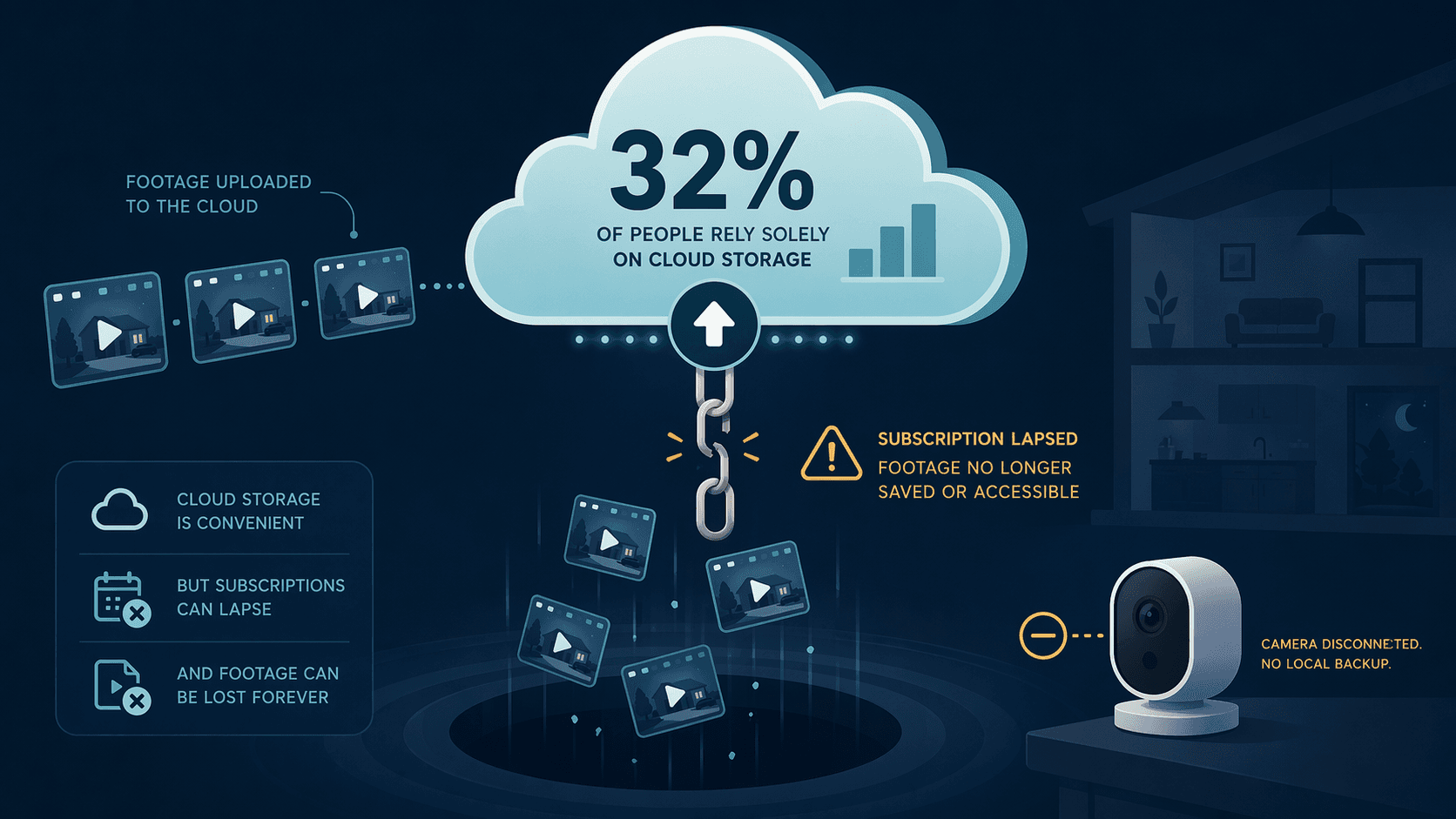
I keep coming back to one number: 32%. That’s the share of smart home camera owners who rely entirely on cloud storage—no local backup, no fallback. If the subscription lapses, the footage disappears. Last year, 6% of users canceled theirs, another 8% considered canceling, and 12% delayed hardware upgrades. The first thing to go in a budget crunch is the recurring fee. And with it, any recorded evidence of a break-in, a package theft, or worse. That’s the protection gap the industry doesn’t lead with.
The adoption numbers are real enough. A SafeHome.org survey of 2,435 U.S. adults found 49% of alarm users installed their own equipment, compared to 42% who paid a professional. (Self-reported, online sample, ±2pp margin—directional, not absolute.) Meanwhile, 61% of households—roughly 74.9 million homes—have at least one camera. DIY has won the popularity contest. But the prize isn’t security; it’s the illusion of it, built on a monthly payment plan.
The price gap isn't the gap that matters
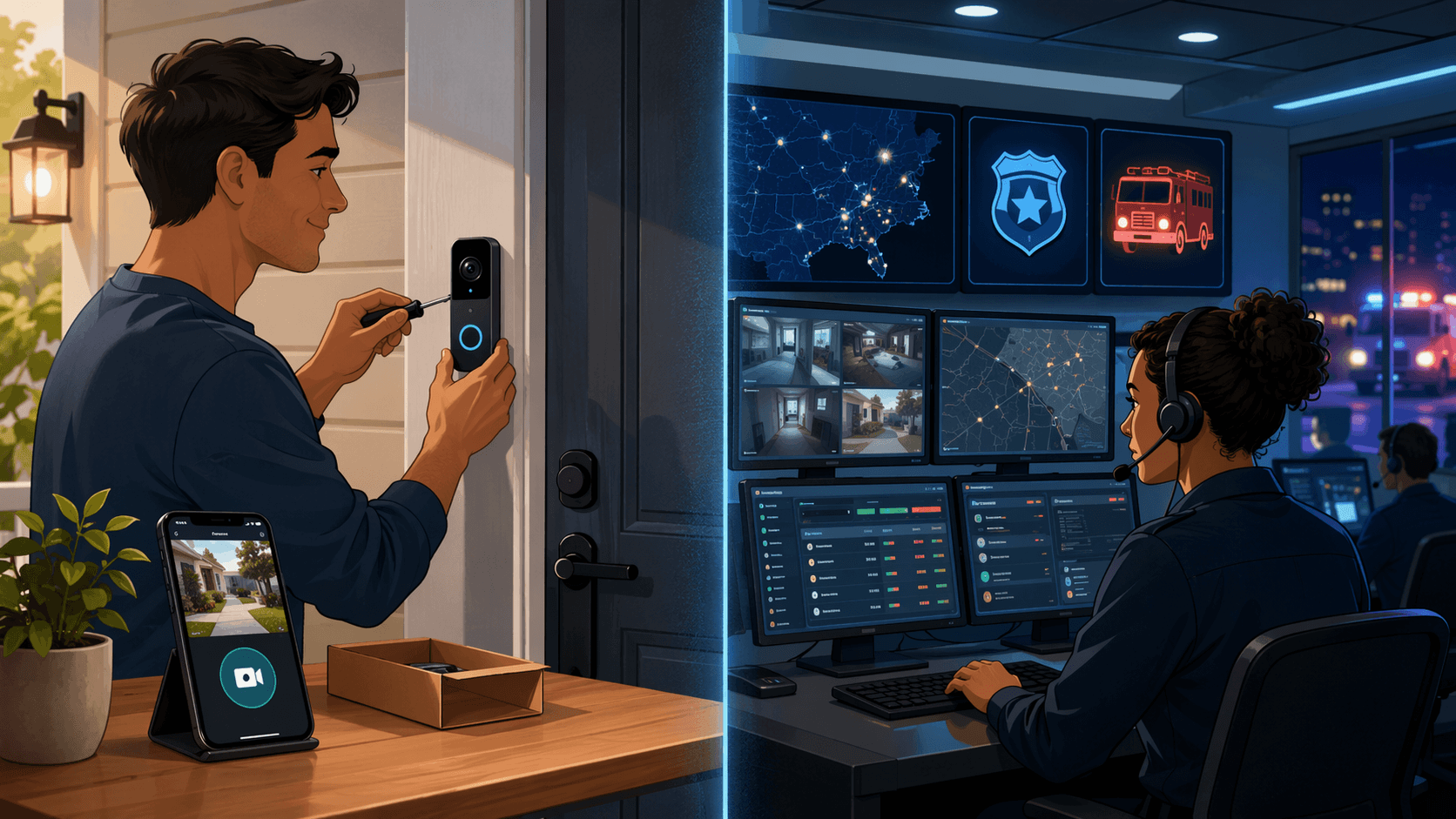
A DIY starter kit goes for $120–$300. A professional system with installation: $500–$1,500+. The monthly fee for pro monitoring runs $25–$50. DIY monitoring is often free, or $10–$20 for cloud storage. But the hardware is increasingly similar. The real divergence is what happens after the alarm triggers.
| Category | Upfront Hardware | Monthly Monitoring | Installation |
|---|---|---|---|
| DIY (Ring, SimpliSafe, Wyze) | $120 – $300 | $0 – $20 | Free (self) |
| Pro (ADT, Vivint) | $500 – $1,500+ | $39 – $50 | $80 – $150 |
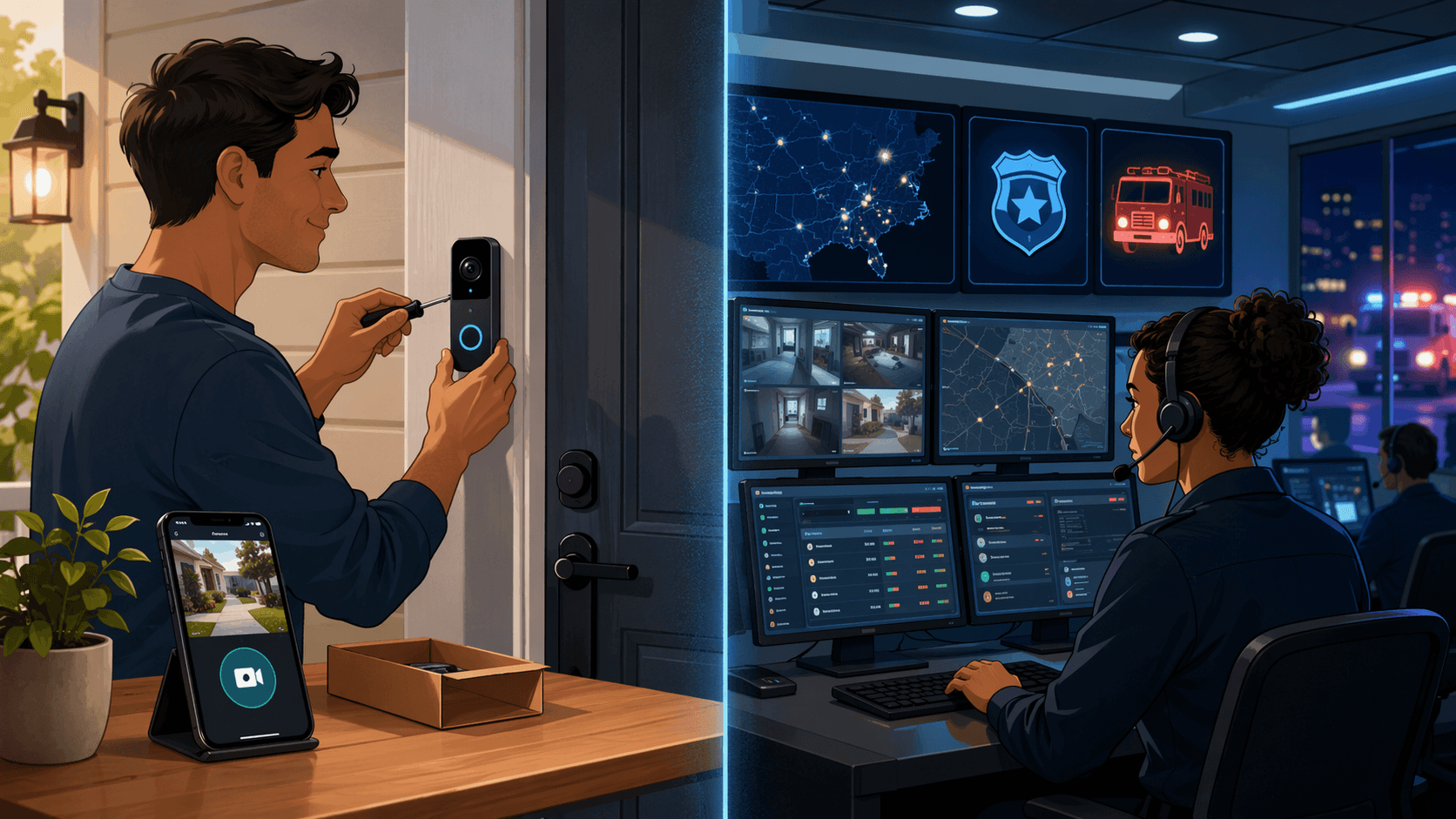
When you get a push alert, you become the dispatch center. Pull out the phone, interpret the video, decide it’s real, dial 911, articulate the address. Most people can’t do this under stress. Most don’t even see the notification for minutes. Professional monitoring centers verify the alarm, call you, and if they can’t reach you, they dispatch. A phone notification is an alert. Professional monitoring is a response. Yet buyers ranked professional monitoring 9th out of 12 purchase factors, mentioned by only 14%. The industry has done a fantastic job selling cameras. It has done a terrible job selling resilience.
The SafeHome survey also noted an Arizona missing-person case where critical footage was locked behind a subscription the family couldn’t afford. I can’t independently verify that exact story, but the vulnerability is verifiable: your entire security history lives or dies on a monthly payment. And that’s where 32% of users sit—cloud-only, one step from zero.
Understanding what happens to your data when the payment stops is as important as knowing the camera resolution. The Smart Home Camera Data Retention and Privacy Guide (2026) walks through specific retention policies of the major brands.
Who should buy what—and who shouldn't
The honest answer depends on your financial stability and your tolerance for failure, not on which camera has the best night vision.
- The cost-conscious renter: Younger buyer (54% of 18–29-year-olds self-install), likely to move, tight monthly budget. Best fit is a hybrid system with local storage and no long-term contract. If the subscription lapses, the camera still records locally. High risk of losing cloud access, but the hardware remains functional.
- The tech-savvy homeowner: Understands the technology, cares about privacy, wants control. Ideal candidate for Eufy (up to 16TB local) or Home Assistant integration. They can afford the hardware but resent the ongoing subscription. Low risk tolerance for data loss.
- The security-focused family: Prioritizes emergency dispatch above all else. Best fit for a full professional system (ADT, Vivint) or a robust hybrid with reliable monitoring (SimpliSafe, Ring Pro). Peace of mind is worth $30–50/mo. High tolerance for contracts, low tolerance for response delays.
- The budget-worried user: Wants security but cash flow is unpredictable. Should avoid any system with mandatory professional monitoring. A local-only setup with an optional monitoring plan (like Abode or SimpliSafe) provides a safety net without a fixed monthly burden.
For a complete walkthrough of how to evaluate your own needs, the DIY Home Security System Buyer Guide 2026 covers every decision point.
A middle ground that actually works
Hybrid systems combine local storage with on-demand professional monitoring. They directly address the protection gap: your footage stays regardless of subscription status, but you can still get a dispatcher when needed. 49% of users surveyed by SafeHome.org prefer this cloud-and-local model. The market is listening.
| System | Upfront | Monthly (Optional) | Local Storage | Smart Lock Integration |
|---|---|---|---|---|
| Eufy ExpertSecure | $999 | $0 | Up to 16TB | Yes |
| SimpliSafe | $250 | $23 | No (Cloud + Base) | Yes |
| Abode | $279 | $7 | Yes (Hub) | Yes |
| Ring Alarm Pro | $300 | $20 | No (Cloud + Backup) | Yes |
Eufy's system allows up to 16TB of local storage—no cloud fee needed. If you already have a compatible smart lock, integration adds an essential automation layer; the Smart Lock Installation Guide shows how to set it up. These aren't perfect for everyone, but they're the most practical solution to the core vulnerability this article identifies.
Here’s a simple framework to match your priorities to a system type.
| Criteria | DIY (Cloud-Only) | Professional | Hybrid (Best Pick) |
|---|---|---|---|
| Upfront Cost | Low ($120–$300) | High ($500–$1,500+) | Medium ($250–$1,000) |
| Monthly Fee | $0–$10 | $25–$50 | $0–$23 (Optional) |
| Emergency Dispatch | You are the dispatcher | 24/7 Call Center | Optional (Pay per use) |
| Storage Vulnerability | High (Lose sub = lose footage) | Low (Usually included) | Very Low (Local backup) |
| Flexibility | High (No contract) | Low (Contract lock-in) | High (No lock-in) |
The best smart home security system in 2026 is the one you can afford to keep running. A fully paid-off, local-storage camera is infinitely more secure than a professional system you just canceled because you couldn't justify the subscription. If you can afford professional monitoring and prioritize dispatch, sign a contract. If your budget is tight, buy a hybrid with local storage and sleep better knowing your footage is safe even if the credit card expires. The hardware is largely a commodity now. The protection gap is what separates a device you own from a security system that actually works. For broader automation strategy, the Smart Home Automation Systems Compared 2026 guide can help integrate your security system into a larger setup.
Policy Updates & Reader Notes
Privacy policies, monitoring plan prices, and security disclosures change frequently. Report new data retention terms, updated plan pricing, or new vulnerability disclosures below. For formal editorial corrections, use the contact page.
Comments
Join the discussion with an anonymous comment.