
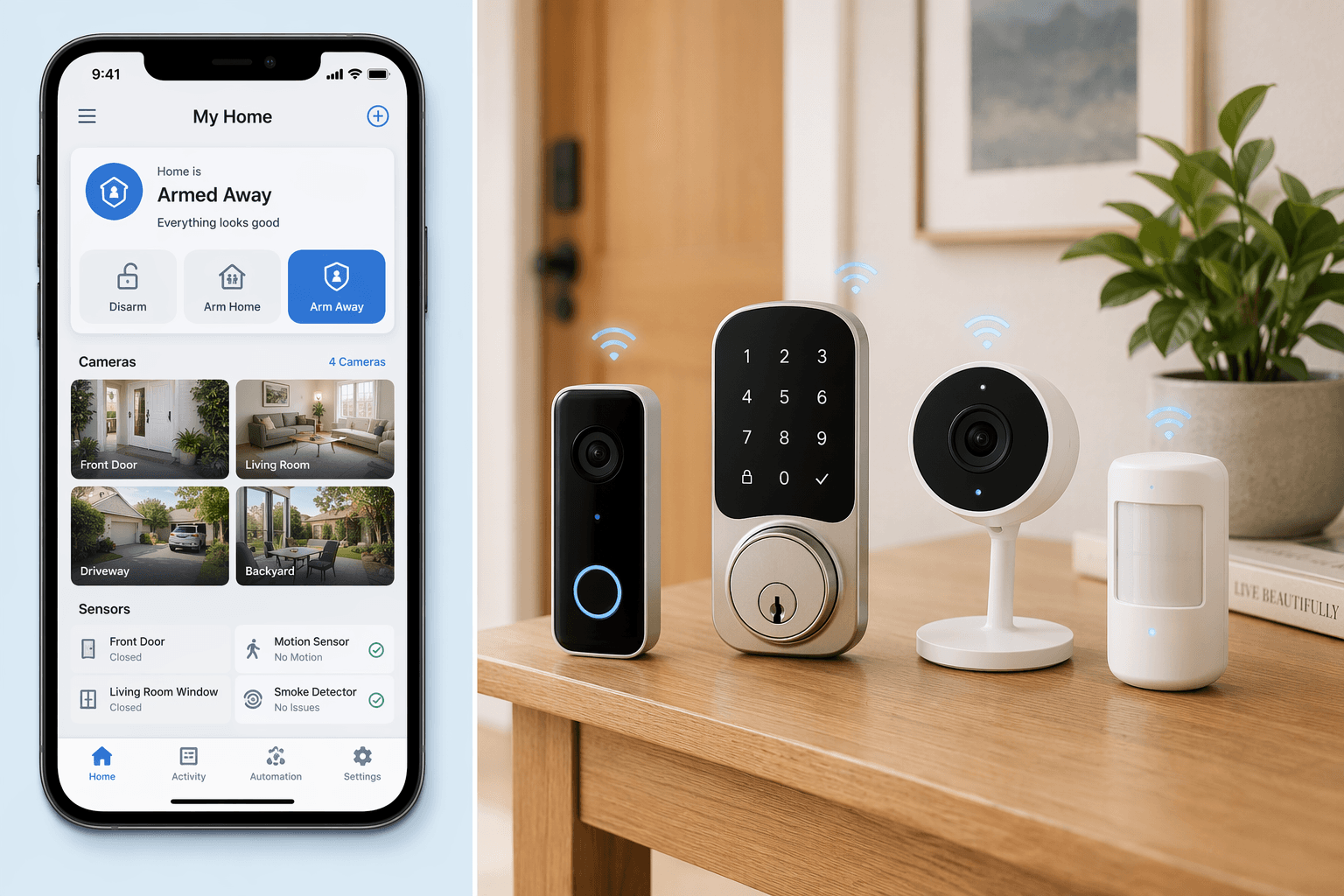
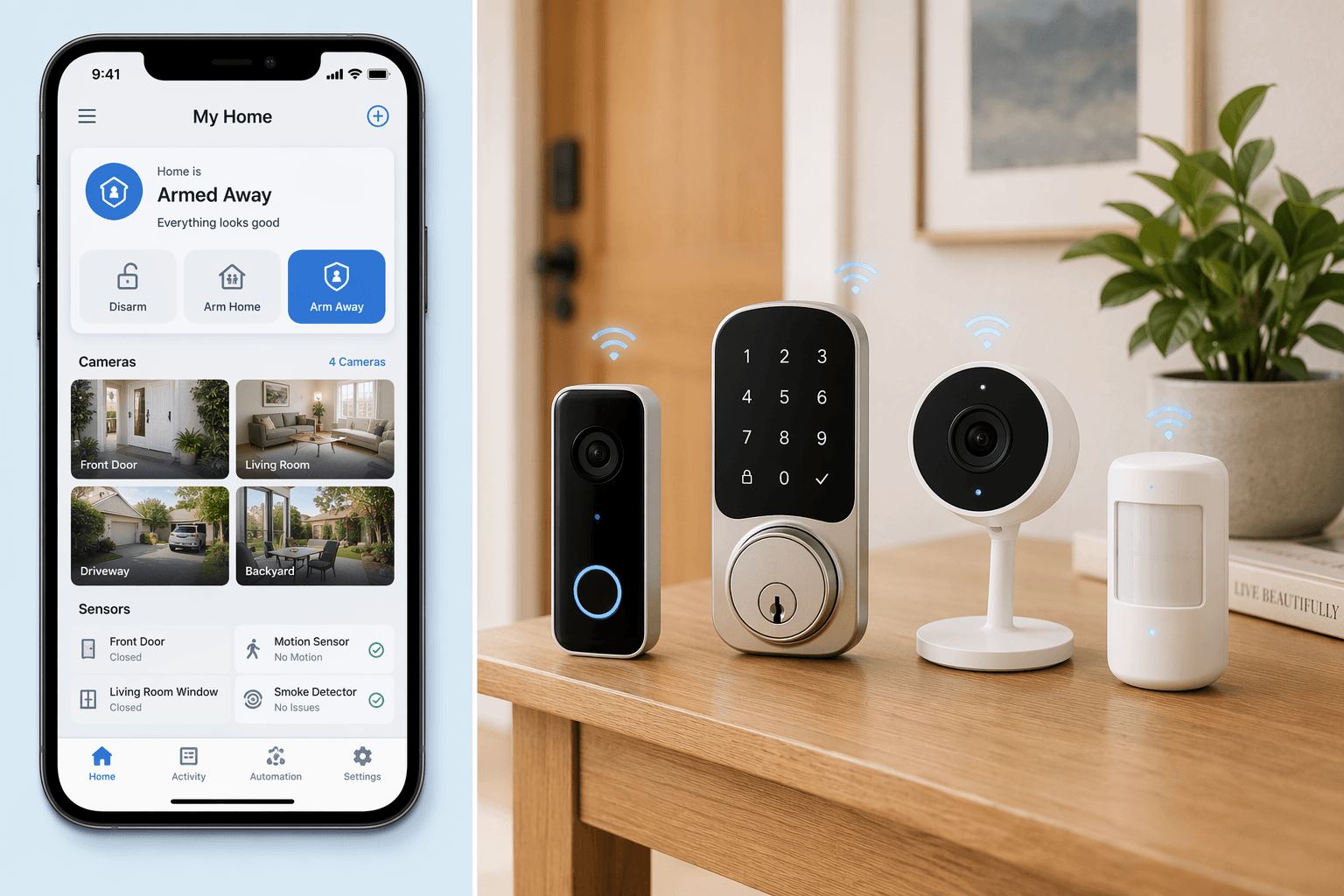
The Gap You Don’t See
Eighty-seven percent of people who own smart home security devices say the system increases their peace of mind. That is the headline from SafeHome.org’s 2026 survey of 2,435 U.S. adults. But when the same survey asked about privacy, the numbers shifted: 37% worry about who might access their footage, and 23% feel uneasy about how much technology watches their home.
Those two sets of numbers sit next to each other without resolving. They describe the same person: someone who bought a camera to feel safer and now wonders who else is watching. The gap between feeling safe and actually knowing what your system does with your data is the real starting point for any honest conversation about smart home privacy.
What a Lapsed Subscription Costs
In early 2026, a missing-person case in Arizona made the front page for a reason that had nothing to do with the crime itself. A Ring doorbell had detected motion near the person’s home during the relevant window, but the subscription had lapsed. The footage was never saved. No cloud, no recording.
According to SafeHome.org, 32% of security camera users rely on cloud-only storage. That means if you stop paying, or if the company changes its plans, or if your card expires, your entire history disappears. The remaining users prefer hybrid cloud-and-local (49%) or local-only (19%). But even hybrid setups often require an active subscription to retain cloud clips beyond a free trial.
The cloud-only model is convenient, but it transfers control to someone else’s server and someone else’s billing department. The trade-off is not just about cost. It is about whether your footage is still there when you need it. Our smart home camera data retention guide covers retention periods and storage options for the major brands.
Why the Gap Exists
Only 8% of homeowners research privacy policies before buying a smart home device, according to the Copeland report. That is not because 92% do not care – 37% worry about footage access, and 29% express significant concern about data protection. The gap between caring and acting is structural.
Reading a privacy policy takes time and literacy. Defaults are set to collect as much as possible, and changing them requires navigating settings menus that bury the meaningful controls. The same Copeland report found that 55% of smart thermostat owners do not understand how their device collects data, and there is no reason to think security camera owners are more informed. The transparency gap is structural: policies are long, defaults are set to collect more rather than less, and the industry has no incentive to surface the trade-off during checkout.
The Copeland report also found that 70% of respondents would consider switching to a brand that offered greater privacy – that figure comes from a thermostat study, but the pattern carries across categories. The demand is there; the market just does not make it easy to act on.
This is not a responsibility problem that can be solved by a better checklist alone. The broader privacy paradox in smart homes explores why convenience nearly always wins out – unless the defaults themselves change.
The Data You Don’t See
If you own a smart security camera or a video doorbell, you probably know it records video when motion is detected. That part is obvious. But the data stream is wider than most people realize.
A typical system collects, at minimum:
- Video footage (motion clips, continuous recording, still images)
- Audio from built-in microphones
- Motion sensor logs and timestamps
- Arm/disarm schedules and manual actions
- App analytics – how often you open the app, which features you use, how long you view each camera
- Location data if geofencing is enabled
None of this is hidden in fine print. It is described in privacy policies that almost no one reads. The Copeland report found that 55% of smart thermostat owners do not understand how their device collects data, and there is no reason to think security camera owners are more informed. The transparency gap is structural: policies are long, defaults are set to collect more rather than less, and the industry has no incentive to surface the trade-off during checkout.
Where Your Data Lives
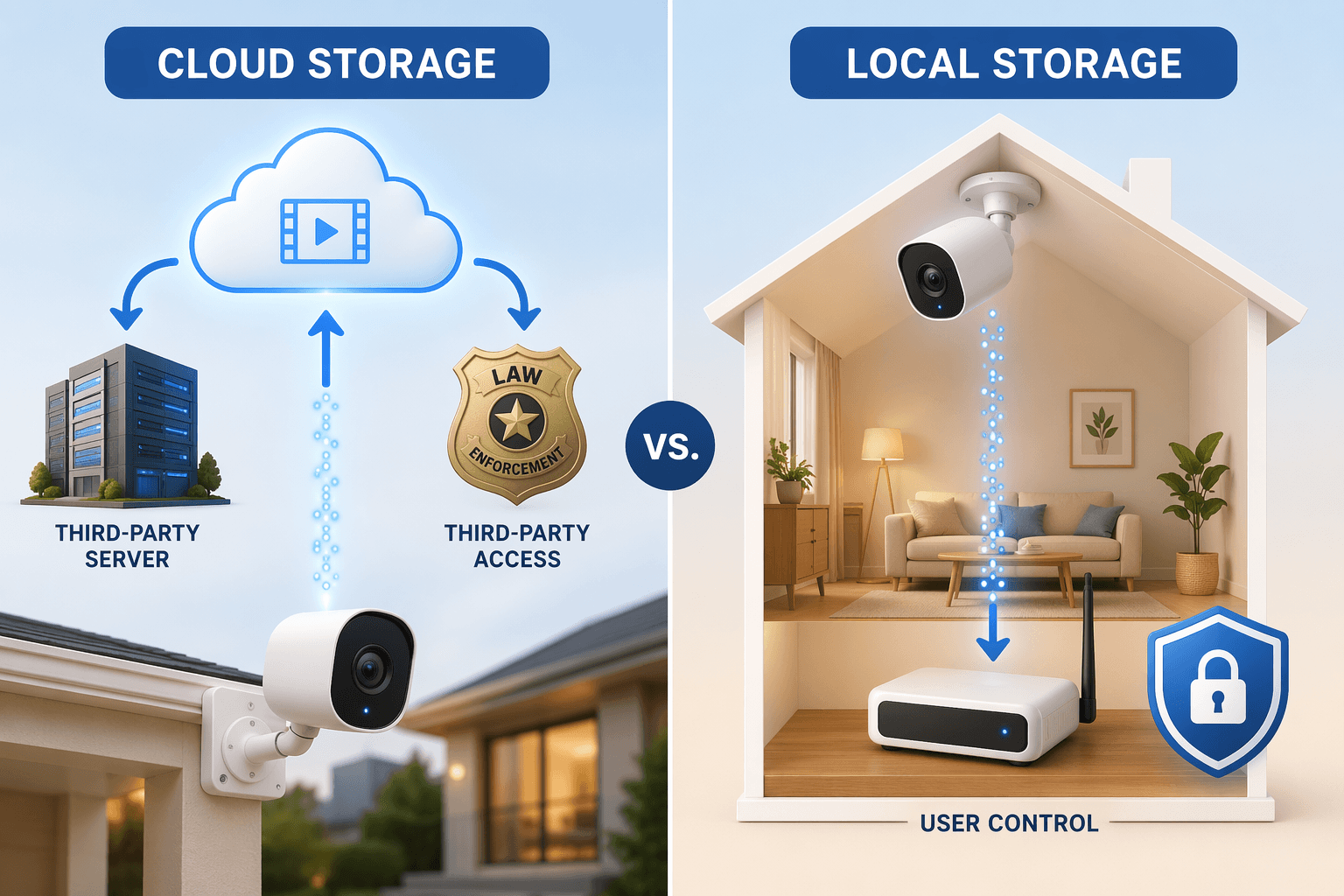
Not all platforms process data the same way. The difference is fundamental to privacy, yet it rarely appears in the sales pitch.
| Ecosystem | Data processing | Privacy posture |
|---|---|---|
| Apple HomeKit | Local (on hub or Apple TV/HomePod) | Most privacy-forward; data does not leave the home by default |
| Amazon Alexa | Cloud (AWS servers) | Video processed in the cloud; Ring footage stored on Amazon infrastructure |
| Google Home | Cloud (Google servers) | Similar to Alexa; data used for service improvement and personalization |
Apple HomeKit processes video locally on a hub – an Apple TV or HomePod – so the raw footage never reaches Apple’s servers unless you enable remote access. Alexa and Google send your camera streams to their cloud for analysis and storage. That means law enforcement requests, subpoenas, and data breaches affect cloud-dependent systems more directly.
Among the major security brands, Abode is the only top-ranked system with full native Apple HomeKit support. Choosing HomeKit does limit your device options, but it also means your video stays on your network. Our smart home ecosystem guide explains the lock-in trade-offs for each platform.
Ring, SimpliSafe, Abode: What They Actually Do With Your Data
Once you pick an ecosystem, the device brand determines the rest. The three most recommended systems in 2026 – Ring, SimpliSafe, and Abode – take very different approaches to privacy, and the differences are not obvious from the packaging.
Ring offers end-to-end encryption on select cameras, but it is opt-in. You have to know it exists and turn it on. Without it, Ring can access your footage, and law enforcement requests are handled by Amazon’s legal team. Ring’s Search Party feature, launched in late 2025, uses AI to scan neighboring Ring cameras for lost pets – and immediately drew backlash from privacy advocates and Senator Ed Markey, who called it a gateway to mass AI-enhanced surveillance. Ring also partnered with Axon (September 2025) and Flock Safety (October 2025) for law enforcement data sharing; the Flock partnership was canceled after public outcry. Our Ring-specific privacy guide covers how to configure E2EE and sharing settings.
What bothers me is that even brands that market privacy still share data. SimpliSafe encrypts video data in transit and at rest, but the app itself shares usage information with Google Firebase and the analytics company Heap.io. This is not video data – it is app analytics – but many users assume a security company would not send any data to third parties. SimpliSafe does offer an optional Wi-Fi mode: you can choose cellular-only connectivity, which reduces network-based exposure.
Abode is the standout for privacy-focused buyers. It supports Apple HomeKit, Alexa, Google Assistant, IFTTT, Zigbee, and Z-Wave, giving you the most flexibility to choose a local-processing ecosystem. It offers local storage for video, and its professional monitoring plans do not require cloud video storage. If privacy is your primary concern, Abode is the easiest recommendation.
The Privacy Price Tag article goes deeper into each brand’s data collection practices, including Eufy, ADT, and Frontpoint.
AI Is Already Watching — And You May Not Have a Choice
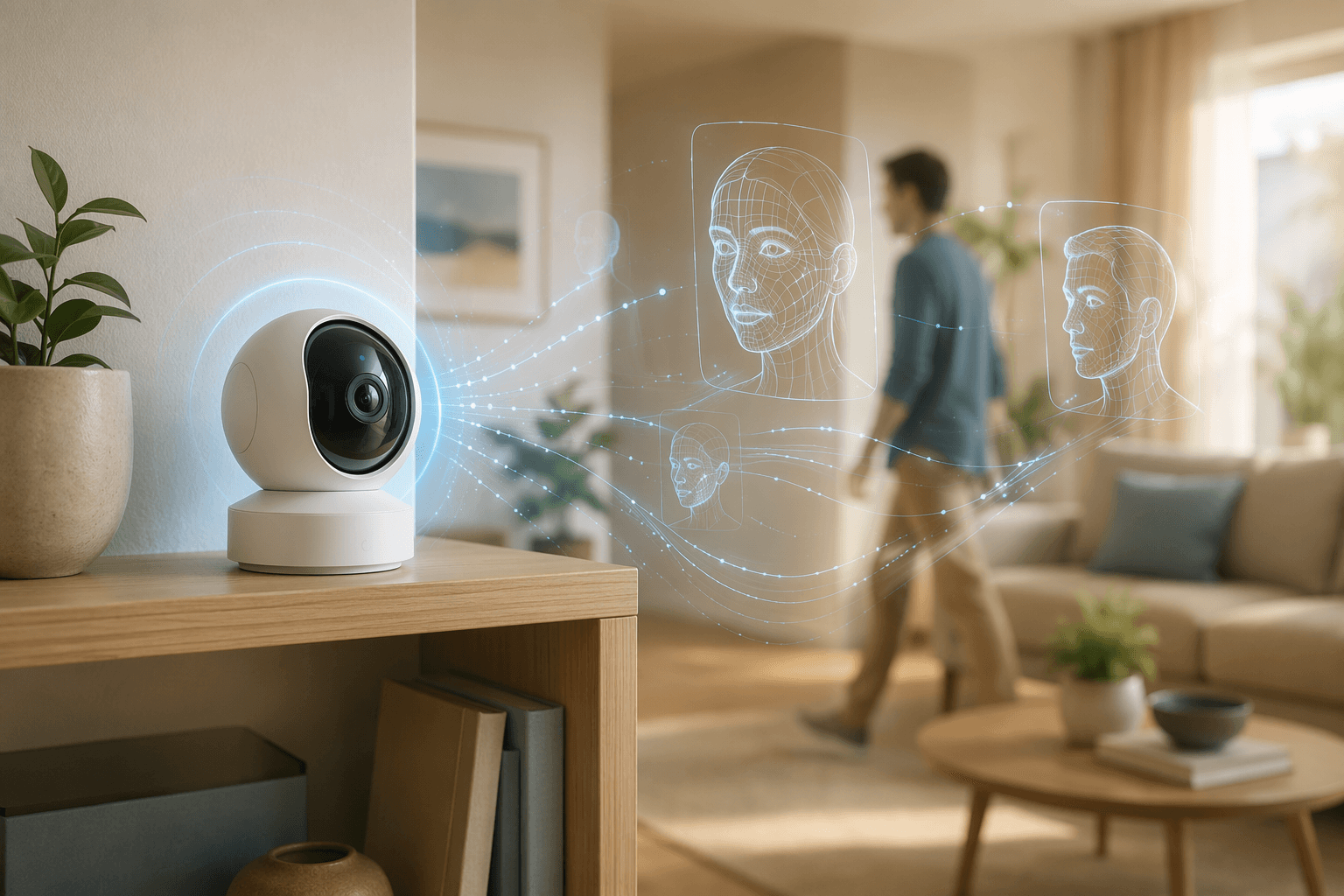
Twenty-eight percent of security camera users already have AI person or package detection, according to SafeHome.org’s survey. Thirty-nine percent say they want facial recognition. The features are coming, and they are not always optional.
Ring’s Search Party is the most visible example: it uses AI to scan footage from multiple cameras across a neighborhood. The feature was marketed as a tool to find lost pets, but it effectively turns every participating Ring camera into a node in a shared surveillance grid. The backlash was swift, but the feature remains.
If you are uncomfortable with AI analysis of your front porch, check each camera’s settings for person detection, pet detection, and facial recognition – and turn them off if you can. On Ring, some of these are toggles; on others, they are baked into the subscription tier. Not all brands let you disable them cleanly.
What You Can Actually Do
I wish I could say that following these steps will make your system completely private. It won’t. The industry profits from data collection, and the defaults are stacked against you. But you can shrink the attack surface, and that matters.
- If your camera supports it (e.g., Ring select models), turn it on. This prevents the company and law enforcement from viewing your footage, even with a subpoena.
- Ring now requires it, and other brands should too. Enforce it on your account.
- Opt out of any community sharing or law enforcement request programs if offered. Ring, SimpliSafe, and others have opt-out toggles.
- Systems like Eufy (up to 16TB), Abode, and some Arlo models support local recording. It costs more upfront but gives you control.
- Person detection, pet detection, facial recognition – disable them unless you actively use them. Each one sends data to the cloud.
- Focus on data retention, third-party sharing, and law enforcement access sections. If it takes more than 10 minutes to find the relevant part, that is a red flag.
- HomeKit gives you local processing – at the cost of fewer device options. Pick the trade-off that matches your priority.
Most people will not do all seven. I know that because I do not do all seven myself – not because I do not care, but because the industry has made privacy a series of hidden menus and opt-outs rather than a design principle. That is not your fault. But the few steps you take will still make a difference.
The core problem is not that companies share your data. The core problem is that 87% of us feel safer without knowing what “safe” actually costs in data. The first step is knowing what you are trading.
Policy Updates & Reader Notes
Privacy policies, monitoring plan prices, and security disclosures change frequently. Report new data retention terms, updated plan pricing, or new vulnerability disclosures below. For formal editorial corrections, use the contact page.
Comments
Join the discussion with an anonymous comment.