
Which Galaxy Watch Is Best for Your Smart Home?
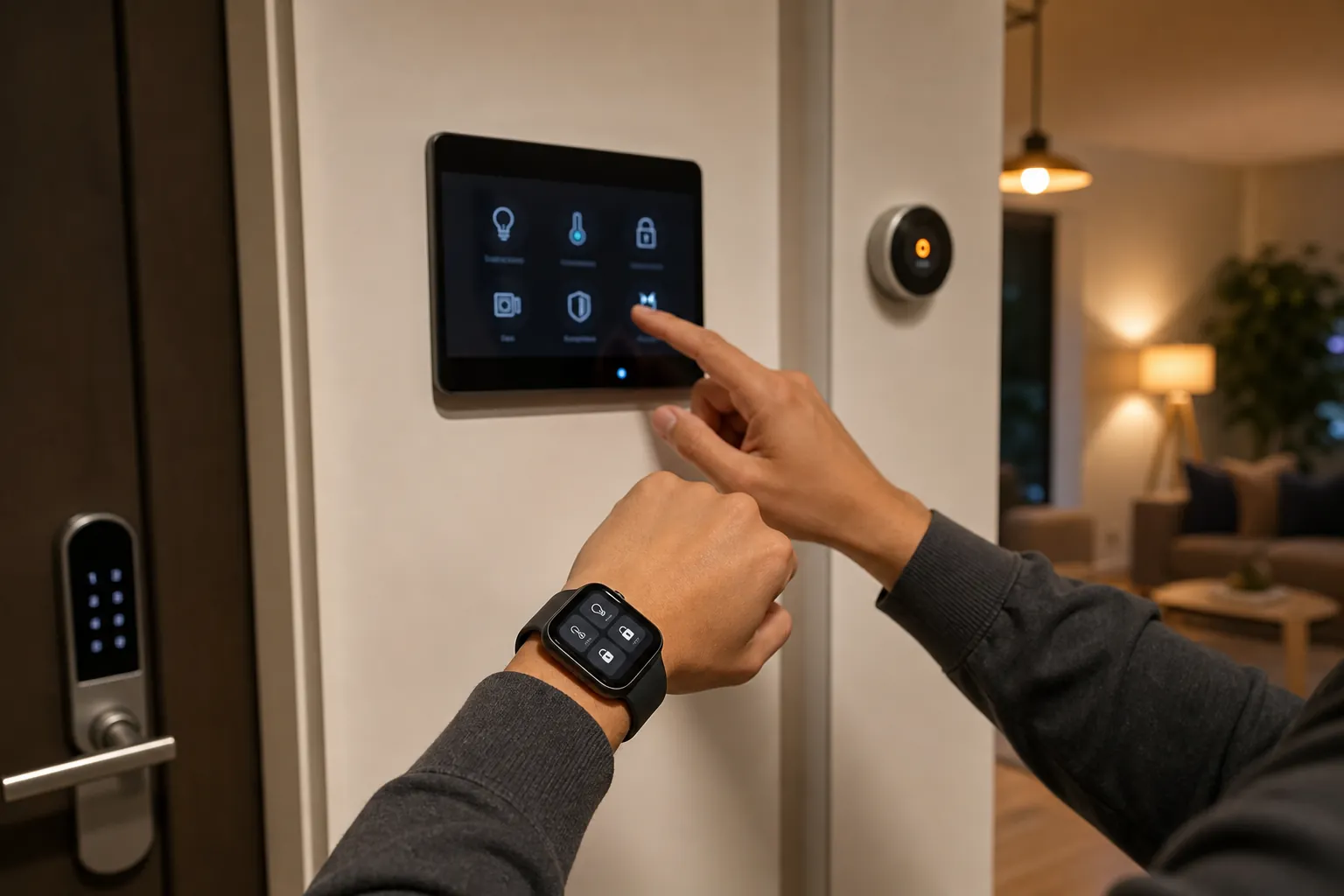
All Galaxy Watch models run the same SmartThings and Google Home apps, so the best choice for smart home control comes down to battery life, processor speed, and price. This guide breaks down each model's trade-offs so you can pick the one that fits your routine.
- Symptom
- slow smart home control response on Galaxy Watch
- Affected ecosystem
- SmartThings, Google Home
- Status
- Confirmed
- Difficulty
- Easy
- Last verified
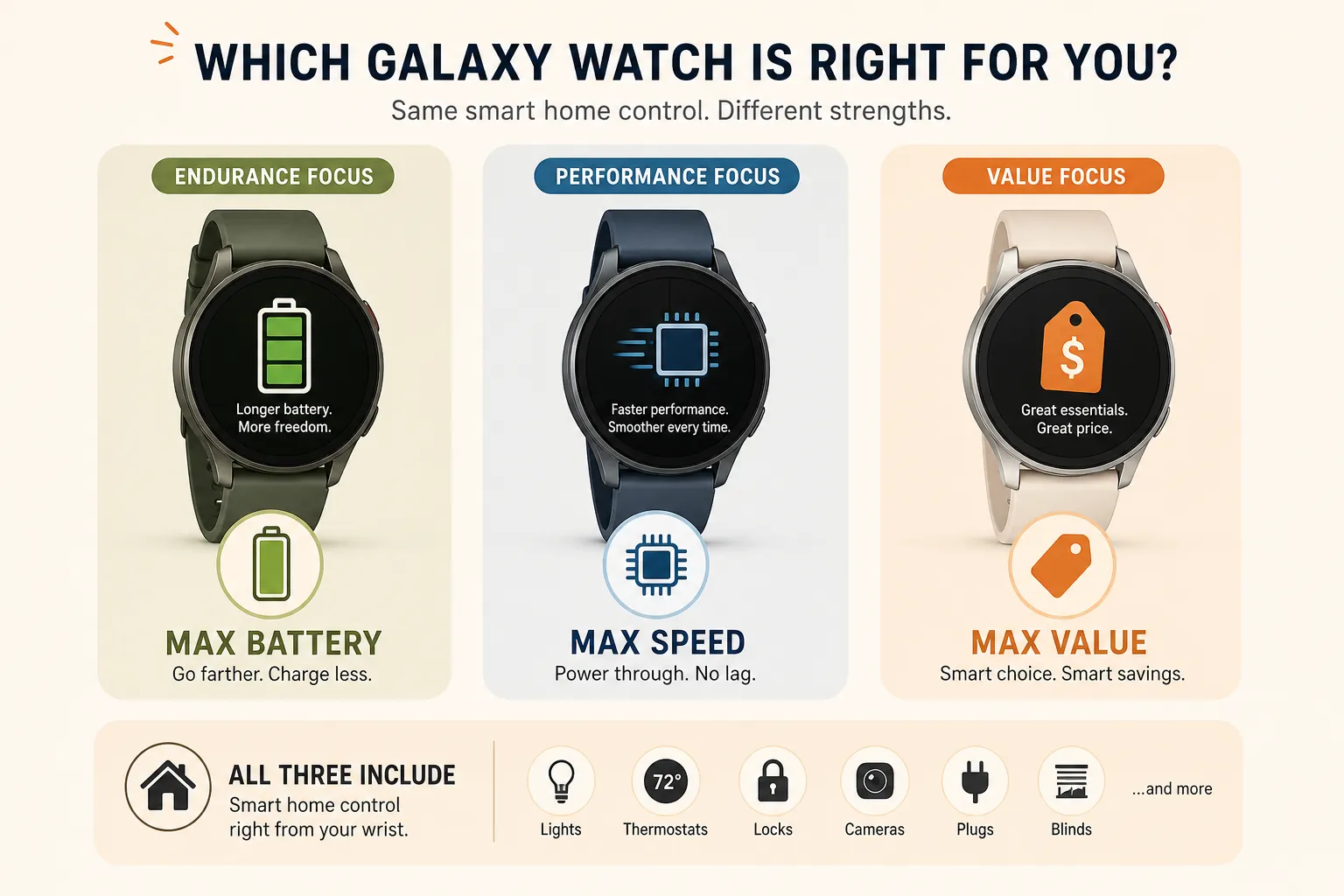
The best Samsung Galaxy Watch for smart home integration is not automatically the newest one. From the Galaxy Watch 4 onward, the important smart home apps are the same: SmartThings and Google Home run across the modern Wear OS Galaxy Watch lineup, and no current model gets an exclusive door-lock, light, thermostat, camera, or automation-control feature just because it costs more.
That changes the buying question. If the watch is mainly a wrist remote, the useful differences are battery life, processor speed, durability, and price. A flagship may be the better controller because it wakes faster or lasts longer, not because it unlocks a hidden SmartThings tier.
What every recent Galaxy Watch can actually control
SmartThings on a Galaxy Watch is useful, but it is not the full phone app shrunk onto your wrist. Samsung’s watch controls cover common device categories including lights, TVs, air conditioners, robot vacuums, thermostats, blinds, and locks; supported lights can be adjusted for brightness, but not color or color temperature, in Samsung’s documented SmartThings watch interface.[1][2]
The watch is also for control, not setup. You should expect to add devices, organize rooms, build routines, and edit automations on your phone, tablet, or hub screen. On the watch, the job is narrower: tap the thing you already configured and get a result without pulling out your phone.[2]
Google Home gives Galaxy Watch owners a parallel path if their home is organized around Google rather than SmartThings. The Wear OS Google Home app can put devices on the watch, and current software supports watch-friendly surfaces such as Favorites Tile access and complications, though older watches may need current Wear OS and app updates before those pieces appear.[3]
None of this makes the Watch 8, Watch 9, or Ultra a different class of smart home controller. They may feel better. They do not control a different smart home.
The trade-off that matters: battery, speed, price
A watch can have every right app installed and still fail as a smart home remote in the most boring way possible: it is charging in another room. That is why the Galaxy Watch 5 Pro remains unusually persuasive for this job. Its 590mAh battery and roughly two-day endurance give it more room for evening light control, quick lock checks, thermostat changes, or a camera glance after a long day than one-day models such as the Watch 4 or Watch FE.[4][5]
Speed is the second real difference. Smart home control feels different from casually opening a weather app. If you are at the door with bags in one hand, trying to unlock something, silence an alarm, or bring up a camera feed, a couple of seconds of lag feels personal. The Watch 8 generation’s Exynos W1000 platform and 2GB of RAM give it a clearer performance advantage over older W920 and W930 models; Watch 9 buyers should verify the final retail specs before treating early performance assumptions as settled.[4]
| Model | Smart home app features | Smart home reason to buy | Main compromise |
|---|---|---|---|
| Galaxy Watch FE | Same SmartThings and Google Home app path as newer models | Lowest-cost way to get wrist control without losing smart home features | 247mAh battery and older Exynos W920 performance |
| Galaxy Watch 4 | Same core app path, if updated and supported | Used bargain if you already find one cheap | Older processor, roughly one-day battery, harder to find new |
| Galaxy Watch 5 | Same core app path | Reasonable used or discounted option | Not the endurance standout unless choosing the Pro |
| Galaxy Watch 5 Pro | Same core app path | Best smart-home-first pick when availability on the wrist matters | Older than the newest flagships and bulkier than standard models |
| Galaxy Watch 6 / 6 Classic | Same core app path | Good if discounted and you want a newer feel than Watch 4/5 | Does not change smart home capability |
| Galaxy Watch 7 | Same core app path | Modern performance if priced well below Watch 8 | Less compelling if close to newer-model pricing |
| Galaxy Watch 8 / 8 Classic | Same core app path | Best speed-first choice among established current models | Costs more for responsiveness, not exclusive controls |
| Galaxy Watch Ultra | Same core app path | Durability and endurance for rougher routines | Hard to justify only for home automation |
| Galaxy Watch 9 | Expected same app path; verify final specs | Potential speed-first flagship if final hardware confirms the advantage | Too new in Q3 2026 to treat every claim as settled |
Best cheap choice: Galaxy Watch FE
If the goal is simply “I want SmartThings or Google Home on my wrist,” the Galaxy Watch FE is the cleanest value answer. Around the $199 tier, it gives you the same smart home app route as the more expensive watches, so you are not giving up SmartThings device control just because you skipped the flagship.[5]
The trade-off is not theoretical. The Watch FE uses the older Exynos W920 platform and a 247mAh battery, so daily charging is part of the deal.[5] For a step counter or notification screen, that may be fine. For a smart home controller, it means the watch will sometimes be off your wrist exactly when the doorbell rings or the upstairs lights need to be killed.
That does not make the FE a bad buy. It makes it a good buy for a specific kind of routine: someone who already charges a watch every night, keeps the phone nearby as backup, and wants a cheap wrist shortcut rather than a primary household remote.
Best always-available controller: Galaxy Watch 5 Pro
The Watch 5 Pro is the model that looks better the more honestly you think about smart home control. It is not the newest. It is not the flashiest. It is also the one with the 590mAh battery and roughly two-day endurance, which is a very practical advantage for a device that only works as a remote when it is actually on your wrist.[4][5]
For SmartThings-heavy homes, that extra endurance matters. You may have a Samsung TV or a Frame TV acting as part of the SmartThings setup, a thermostat such as an Ecobee connected through SmartThings, locks, blinds, and lights already arranged in the phone app. The watch then becomes the small control surface you reach for while moving through the house, not the place where you redesign the system. If that sounds like your setup, our guides to Samsung Frame TV smart home integration and Ecobee SmartThermostat setup across SmartThings and other platforms are the more relevant companion reads than a fitness-focused watch review.
The Watch 5 Pro is not the fastest Galaxy Watch you can buy in 2026. If you open apps constantly and hate any delay, a newer processor has a real appeal. But for a smart-home-first buyer, a slightly slower watch that is awake beats a faster one sitting on its charger.
Best speed-first choice: Galaxy Watch 8, with Watch 9 verification
The Galaxy Watch 8 and Watch 8 Classic are the most sensible premium picks when responsiveness is the priority. Their newer processor class gives them a better case than older models for quick app launches, smoother scrolling through devices, and less waiting when you jump from a complication or tile into a smart home action.[4]
That speed advantage is worth paying for if you already use the watch as a constant interface: tap a complication for Google Home, open SmartThings from the app list, check whether a lock is open, or bring up a camera feed after a notification. Android Central reported Galaxy Watch SmartThings support for Nest and Ring camera feeds, with Ring also supporting two-way talk, which makes responsiveness more than a cosmetic upgrade when the watch is being used for live monitoring.[6]
The Watch 9 belongs in the same conversation, but with a Q3 2026 caution label. It has just been announced, and final retail specs and independent testing matter. If Samsung confirms the expected processor, memory, battery, and software details, it may become the obvious speed-first Galaxy Watch. Until then, do not buy it for a smart home feature that older models supposedly lack. Buy it only if the finished hardware justifies the price.
Where the Ultra fits
The Galaxy Watch Ultra can make sense for smart home use, but usually not because of the “smart home” part. Its case is stronger when you want rugged hardware, longer endurance than standard thin models, and a watch that you will wear through outdoor work, travel, workouts, and errands without treating it delicately.[5]
For home automation alone, the Ultra is easy to overbuy. It does not add a special SmartThings mode. It does not make Google Home control more complete. It is a durable, premium way to run the same apps. That can be the right purchase for someone who already wants the Ultra as a watch; it is a thin reason to choose it only because the house has smart locks and lights.
Older models are still useful, if the price is low enough
The Galaxy Watch 4 is the oldest model in this practical buying range. It arrived in 2021 and is now harder to find new, but it still belongs in the discussion because it runs the same basic Wear OS app path rather than a separate, obsolete smart home system.[5]
The catch is wear-and-tear arithmetic. A used Watch 4 with an aging battery is less attractive for smart home control than its spec sheet suggests. If it cannot reliably get through your day, the savings are less useful. A deeply discounted Watch 6 or Watch 7 can be a better middle ground if it closes the speed gap and still costs much less than a Watch 8 or Watch 9.
The Watch 6 Classic also has one non-smart-home reason some people still prefer it: the classic watch feel. That is a legitimate hardware preference. It just should not be confused with better automation control.
Samsung phone owners get the smoothest side benefits
SmartThings itself is not locked to Samsung phones in the way some health features are. The phone ecosystem still matters, though, because Samsung documents that features such as ECG, blood pressure monitoring, and sleep apnea detection require a Samsung phone in supported regions and configurations.[7] If you are comparing the watch as part of a larger Android setup, that distinction is worth keeping straight.
For smart home decisions, the practical point is simpler: a Samsung phone plus Galaxy Watch is the most seamless version of Samsung’s watch experience, while non-Samsung Android owners can still use the watch as a SmartThings or Google Home controller. If the phone ecosystem question is still open, start with why your Android phone decides the best smart home ecosystem before paying extra for watch hardware.
The NFC tag warning
Automation-minded buyers often ask whether a Galaxy Watch can scan NFC tags to trigger smart home routines. In practice, you should assume the answer is no. How-To Geek’s coverage and Home Assistant community testing point to Galaxy Watch NFC being usable for payments rather than general tag-reading automations; the evidence is based on observed software behavior and security restrictions, not a Samsung support page that explicitly says “NFC tags are blocked.”[8][9]
The important buying point is that this limitation appears to affect the lineup broadly. A Watch Ultra or Watch 9 should not be treated as a workaround for NFC-tag smart home triggers unless Samsung or the app platform changes the software behavior.
So which Galaxy Watch should you buy?
Choose the Galaxy Watch 5 Pro if smart home control is one of the main reasons you want a watch and you care most about having the controller available. Its battery advantage is the most directly useful smart home advantage in the lineup.
Choose the Galaxy Watch FE if you want the cheapest no-feature-compromise smart home option and you accept daily charging plus older performance. It is the anti-overbuy choice.
Choose the Galaxy Watch 8 or Watch 8 Classic if you want the fastest established Samsung watch experience for launching SmartThings, Google Home, tiles, complications, and camera-related controls. Choose the Watch 9 only after checking the final specs and early real-world testing; as of Q3 2026, it should be treated as a promising newest model, not as a different smart home category.
Choose the Galaxy Watch Ultra if you already want the rugged premium watch and its endurance profile. Do not buy it expecting exclusive smart home powers. For a Samsung user who also wants a phone-first control surface, a foldable can be the more capable screen for setup and management; see how to control smart home devices with the Galaxy Z Fold 8 for that side of the setup.
For most smart-home-first buyers, the short answer is: Watch 5 Pro for battery, Watch FE for price, Watch 8 for speed, and Watch 9 only after final-spec verification.
References
- Galaxy Watch Update Offers New Smart Home Controls with SmartThings — Samsung Newsroom
- About SmartThings for the Galaxy Watch — Samsung Support
- How to Control Your Google Home Devices With a Samsung Galaxy Watch — MakeUseOf
- Galaxy Watch 8 vs. Watch 7 and Galaxy Watch 7 vs. Watch 6 comparisons — PCMag
- Best Samsung Galaxy Watch 2026 — Trusted Reviews
- Galaxy Watch SmartThings update brings Nest and Ring camera feeds to your wrist — Android Central
- Samsung smart watch and phone compatibility — Samsung Support
- Galaxy Watch has the feature your smart home needs—but Samsung won't let you use it — How-To Geek
- Can I Use Samsung Galaxy Watch 6 NFC with Home Assistant? — Home Assistant Community
Did this fix work for you?
Report whether this fix resolved your case, or flag a correction if firmware or app behavior has since changed.