
Setup
How Smart Thermostat Remote Sensor Systems Compare — and Which to Choose
This article compares the remote sensor ecosystems of Ecobee, Nest, Honeywell, and Sensi smart thermostats, explaining how each brand's sensor capabilities affect temperature control, cost to expand, and overall comfort — helping you choose the right system for your home layout and budget.
A smart thermostat with remote sensor support is supposed to solve a very ordinary complaint: the thermostat says 72°F, but the room someone is actually using does not feel like 72°F. That gap matters more than the display, the app animation, or the brand name on the wall. The purchase decision is really about what the sensor sees, how many rooms it can cover, and whether the thermostat is allowed to change its priorities when people move through the house.
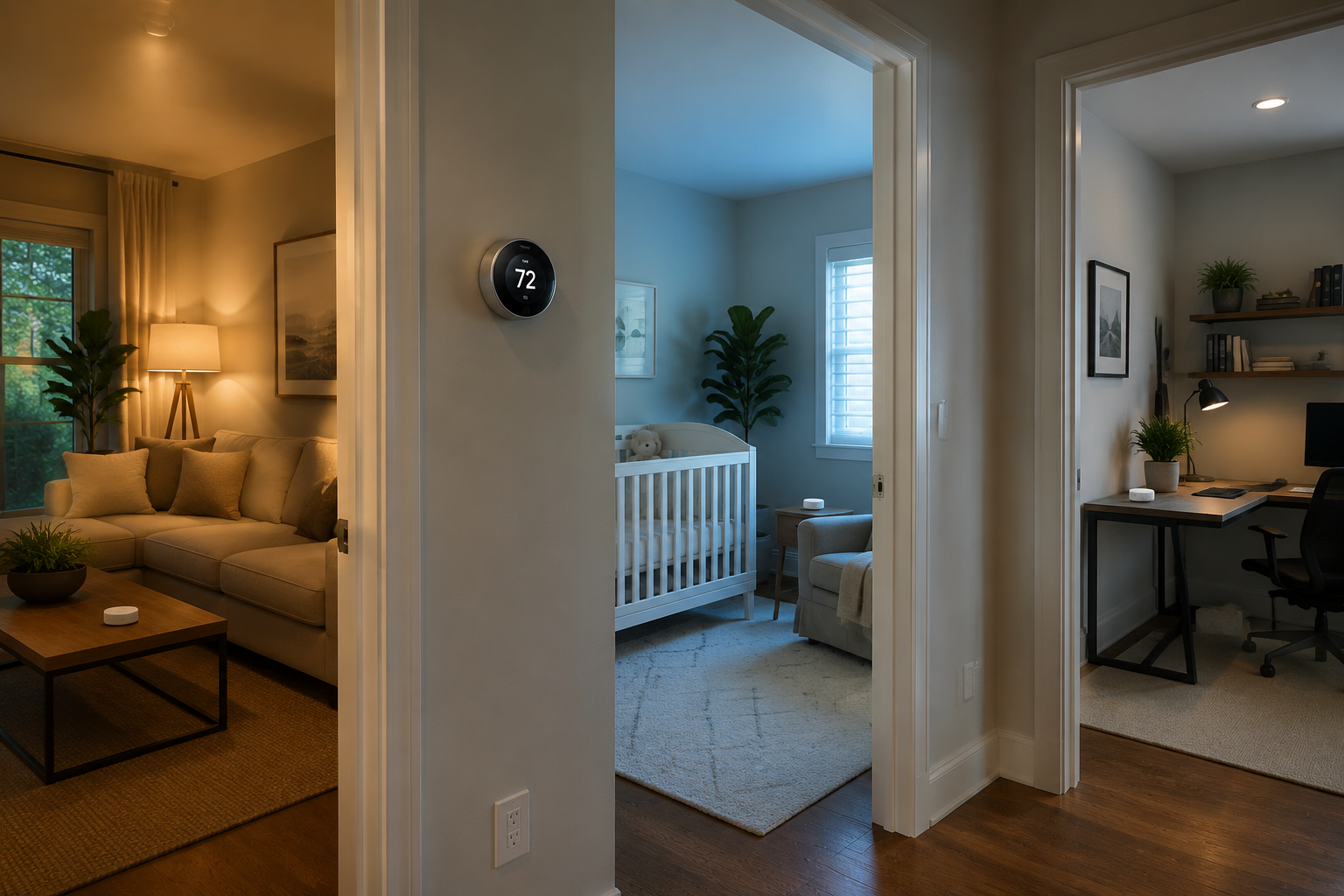
That is where the four major ecosystems separate quickly. Ecobee, Nest, Honeywell T9, and Sensi Touch 2 do not use remote sensors the same way. Some detect occupancy. Some only report temperature. Some can follow people from room to room. Others require you to decide in advance which room matters at which time of day.
| System | What the remote sensor detects | Sensor limit | How the thermostat decides which room matters | Battery estimate | Range | Typical expansion cost noted in sources |
|---|---|---|---|---|---|---|
| Ecobee SmartSensor ecosystem | Temperature and occupancy | Up to 32 sensors per account | Can use occupancy-aware Follow Me behavior and selected comfort settings | CR2477 battery rated up to 5 years | 60 ft | Higher than the lowest-cost systems; value depends on how many rooms need coverage [1] |
| Google Nest Temperature Sensor | Temperature only; no occupancy or motion detection | 6 sensors per thermostat; 18 per home | Schedule-based room selection in the Google Home app | CR2032 battery estimated around 2 years | 50 ft | $40 per sensor [2] |
| Honeywell Home T9 sensors | Temperature, humidity, and occupancy; occupancy logic is described as distinguishing people from pets or other motion | Up to 20 sensors | Can prioritize rooms based on detected activity | AAA batteries, roughly 1 year | Not specified in cited sources | Varies by availability; T9 status complicates buying in 2026 [3] |
| Sensi Touch 2 room sensors | Temperature and humidity; no occupancy detection | Up to 15 sensors | Scheduled or selected room averaging rather than occupancy-aware following | Not specified in cited sources | Not specified in cited sources | $40 per sensor [4][5] |
The table looks like a feature comparison, but the real split is simpler: occupancy-based systems can react to where people are; temperature-only systems can only act on the rooms you tell them to care about. That difference decides whether remote sensors feel like a comfort system or just a better set of thermometers.
The room-switching logic matters more than the sensor itself
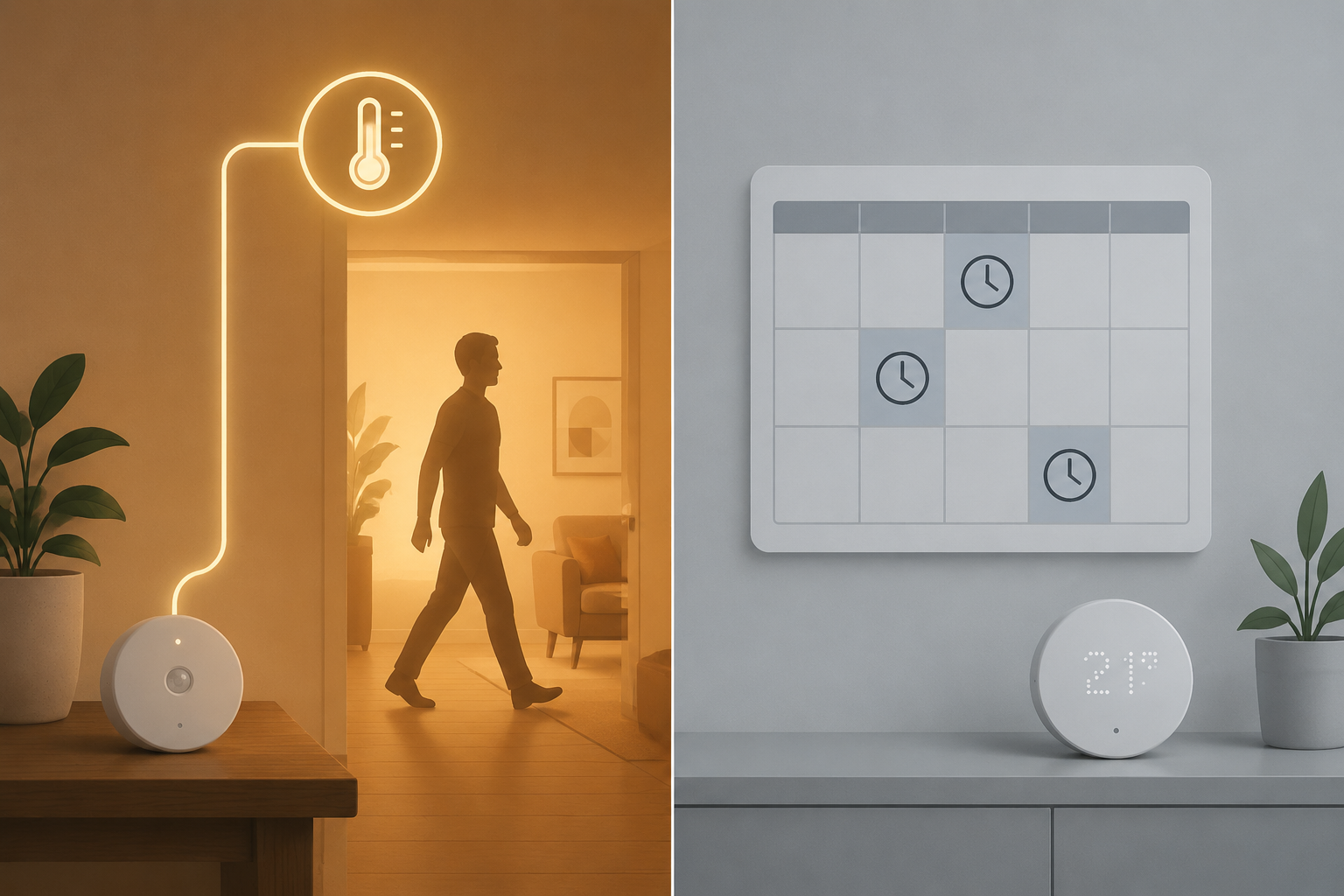
A remote sensor can report that an upstairs bedroom is cold. The more important question is what the thermostat is allowed to do with that information. If the system only averages selected rooms on a schedule, then comfort still depends on whether the schedule matches real life. If the system can detect occupancy, it has a better chance of shifting attention when the home office becomes empty and the living room fills up.
Ecobee: the most room-aware system, with the most to configure
Ecobee is the strongest fit when the household has uneven occupancy: a bedroom used overnight, a kitchen in the morning, a home office during the day, and a living room in the evening. Its SmartSensor ecosystem combines temperature and occupancy detection, supports up to 32 sensors per account, has a stated 60-foot wireless range, and uses a CR2477 battery rated up to 5 years under the company’s estimate [1].
The reason Ecobee deserves more attention is not that it can accept the most sensors. It is that its sensor data can change which rooms the system treats as important. Follow Me behavior is designed around occupied rooms rather than a fixed hallway reading, which is exactly the point of adding sensors in the first place [1].
There is a cost and setup tradeoff. A large Ecobee installation can become expensive because the system invites you to cover more rooms, and the comfort settings need to be thought through. A poorly chosen set of participating sensors can still create odd results. If the chilly guest room is included in an evening comfort profile even though nobody is using it, the system may work harder for a room that does not deserve priority.
For buyers already leaning toward Ecobee, the useful next question is not simply which thermostat model looks better. It is which models support the sensor behavior you want, how many sensors you expect to add, and whether your floor plan needs true occupancy-aware control. The site’s Ecobee lineup guide is the better place to check model-level details before buying.
Nest: useful for one or two problem rooms, not adaptive occupancy
Nest’s Temperature Sensor is tidy and relatively affordable, but it solves a narrower problem. It reports temperature, not occupancy or motion, and the system supports up to 6 sensors per thermostat and 18 per home. Google’s setup documentation describes schedule-based selection through the Google Home app, with a 50-foot range and a CR2032 battery estimated around 2 years [2].
That can be enough. If the back bedroom is always the overnight problem, a scheduled Nest sensor can tell the thermostat to prioritize that room at night. If the downstairs living room is the evening problem, the schedule can shift there. The system becomes less convincing when people move unpredictably. A home office used three days a week, a nursery used at irregular times, or a finished basement that fills only on weekends asks for behavior that a temperature-only schedule cannot infer on its own.
The fair way to describe Nest is not weak; it is limited by design. It is a sensible lower-cost answer for simple room correction, especially when the household is willing to manage schedules manually. It should not be treated as equivalent to an occupancy-aware system.
Honeywell T9: capable sensor logic, awkward 2026 buying status
Honeywell’s T9 sensor system sits in the middle on capability and deserves a careful read. Its room sensors support occupancy behavior, up to 20 sensors, and AAA batteries with an estimate of about 1 year. Honeywell also describes the occupancy sensing as able to distinguish people from pets or other motion, which is a practical advantage in a house where a dog crosses a room long before anyone sits down there [3].
The T9 also helps clarify what remote sensors cannot do. Honeywell’s own explanation separates smart room sensors from a true zoned HVAC system: a thermostat and sensors can tell the equipment which temperature to chase, but they cannot independently deliver different temperatures to different rooms without the ductwork, dampers, or other zoning hardware to control airflow [3]. That boundary matters for every brand in this comparison.
The complication is availability. As of Q2 2026, this site’s Honeywell T9 device profile treats the T9 as discontinued, so it is hard to recommend casually as a fresh ecosystem purchase. If you already own one, its sensor logic remains useful. If you are buying from scratch, long-term availability, replacement sensors, and support should weigh heavily.
Sensi Touch 2: low-cost temperature and humidity coverage
Sensi Touch 2 is the choice to consider when you want more room readings at a lower per-sensor cost and do not need occupancy-aware control. The system supports up to 15 sensors, and the available reviews describe its remote sensors as measuring temperature and humidity while lacking occupancy detection. PCMag and Wirecutter both list the Sensi room sensors at $40 each [4][5].
Humidity readings can be genuinely useful. A bedroom that feels clammy, a basement that runs damp, or a room that feels colder than the number suggests may benefit from seeing humidity alongside temperature. But without occupancy detection, Sensi should be judged as a scheduled or manually selected comfort tool. It gives the thermostat more room data; it does not know which room people are using.
Match the sensor system to the way the house is actually used
The right system usually becomes obvious when you stop asking which thermostat is smartest and start describing the house honestly. A predictable house can live with schedules. An unpredictable house benefits from occupancy detection. A house with one bad bedroom has a different problem from a house where people rotate through five rooms every day.
| Home pattern | Best-fit sensor logic | Systems to consider first |
|---|---|---|
| One bedroom is consistently too hot or too cold at night | Scheduled temperature priority is usually enough | Nest, Sensi, or Ecobee if you already prefer its ecosystem |
| People move between bedrooms, office, kitchen, and living room on changing schedules | Occupancy-aware room prioritization matters | Ecobee first; Honeywell T9 if already owned or still available with acceptable support |
| Several rooms need visibility, but occupants are willing to manage schedules | Lower-cost temperature coverage may be more important than automation | Sensi Touch 2 or Nest |
| Pets move through rooms when people are elsewhere | People-versus-motion logic becomes valuable | Honeywell T9, with the 2026 availability caveat |
| The house has major airflow imbalance between floors or branches | Remote sensors can guide calls for heat or cooling, but cannot replace zoning | Read sensor limitations before expecting room-by-room temperature control |
That last row is where many disappointments begin. A remote sensor can make the system run until the nursery reaches the target temperature. It cannot guarantee that the hallway, primary bedroom, and office will all land at ideal temperatures at the same time. If the ductwork sends too much air to one room and too little to another, the sensor exposes the imbalance; it does not repair the duct system.
For a deeper look at that boundary, see how remote sensors fix hot and cold spots — and what they cannot do. If you are still unsure whether your house needs sensors at all, start with whether you actually need remote sensors before paying to populate every room.
The expansion cost is not just the sensor price
Per-sensor cost matters, but it is not the whole ownership cost. A low-cost sensor is a better buy when the system’s control logic fits the house. A cheaper sensor that requires constant schedule edits can become annoying quickly. A more capable sensor ecosystem can also be overbought if the real problem is only one bedroom.
- Count the rooms that are occupied often, not every room in the house.
- Separate comfort-critical rooms from curiosity rooms; the nursery and primary bedroom usually matter more than the guest room.
- Check whether the system uses occupancy, schedules, or manual room selection before comparing sensor prices.
- Treat battery estimates as planning figures, not guarantees, because the cited lifespans are manufacturer or product estimates under stated conditions.
- Avoid buying into a discontinued ecosystem unless the thermostat, sensors, and support path are still acceptable.
A practical example: if only the upstairs bedroom needs nighttime correction, Nest’s $40 sensor may solve the problem with little fuss [2]. If four rooms trade importance throughout the day, Ecobee’s higher expansion cost may be easier to justify because the sensor system can react to occupancy rather than waiting for a schedule to be right [1]. If humidity visibility matters in several rooms and occupancy does not, Sensi’s $40 sensors are easier to understand as a monitoring-and-averaging purchase [4][5].
What remote sensors mean for energy savings
Comfort has to come first in this comparison because the public savings data does not isolate remote sensors as their own savings category. ENERGY STAR says certified smart thermostats save an average of 8% on heating and cooling, but that figure applies to certified smart thermostats generally, not specifically to the incremental effect of adding remote sensors [6].
Automation can still matter. Consumer Reports notes that 29% of programmable thermostat owners do not use scheduling features, which helps explain why a system that adjusts more intelligently may outperform a schedule that nobody maintains [7]. But that is not the same as proving that each extra sensor produces a measurable payback.
Ecobee also publishes an up-to-26% savings claim tied to eco+ and a 72°F hold baseline [1]. That caveat is important. Savings against a constant 72°F hold are not the same as savings against a well-managed programmable thermostat, and the claim should not be used as a blanket promise that remote sensors will pay for themselves.
The honest energy argument for sensors is narrower: they can help the thermostat make better comfort decisions, and in some homes that may reduce waste from conditioning rooms nobody is using. The available public sources cited here do not quantify that incremental sensor-only savings. For a dedicated treatment, read Do Smart Thermostat Remote Sensors Actually Save Energy or Just Improve Comfort? and the broader guide to smart thermostat energy savings in actual dollars.
Which smart thermostat with remote sensor should you choose?
Choose Ecobee when adaptive room comfort is the main goal and the budget supports expansion. It has the strongest sensor ceiling, the richest occupancy-aware behavior, and the best fit for households whose occupied rooms change throughout the day [1].
Consider Nest when the problem is simple: one or two rooms need scheduled correction, the household is willing to define the schedule, and low-cost sensors matter more than occupancy detection. It is clean and useful, but it is not a room-following system [2].
Treat Honeywell T9 as capable but complicated. Its people-aware sensor logic is practical, especially in homes with pets, but discontinued status makes it a cautious recommendation for new buyers in 2026. Existing owners have more reason to keep using it than new buyers have to build around it [3].
Choose Sensi Touch 2 when broad temperature and humidity coverage at a lower per-sensor price matters more than automatic occupancy-aware room selection. It is a sensible monitoring and scheduling option, not the strongest answer for a house where people constantly change rooms [4][5].
If the thermostat in the hallway has been lying by omission, buy the sensor system that corrects that specific failure. A remote sensor should change what happens in the room people are actually using, not just add another number to the app.
References
- SmartSensor for doors and windows and SmartSensor for rooms, ecobee
- Nest Temperature Sensor setup guide, Google Help
- What’s the difference between Smart Room Sensors and a zoned HVAC system?, Honeywell Home
- The Best Smart Thermostats for 2026, PCMag
- The Best Smart Thermostat, Wirecutter
- Smart Thermostats, ENERGY STAR
- Are Smart Thermostats Worth It?, Consumer Reports
Report a step that didn't work
Tell us which step failed and on what firmware or app version — we re-verify before changing the recipe.