
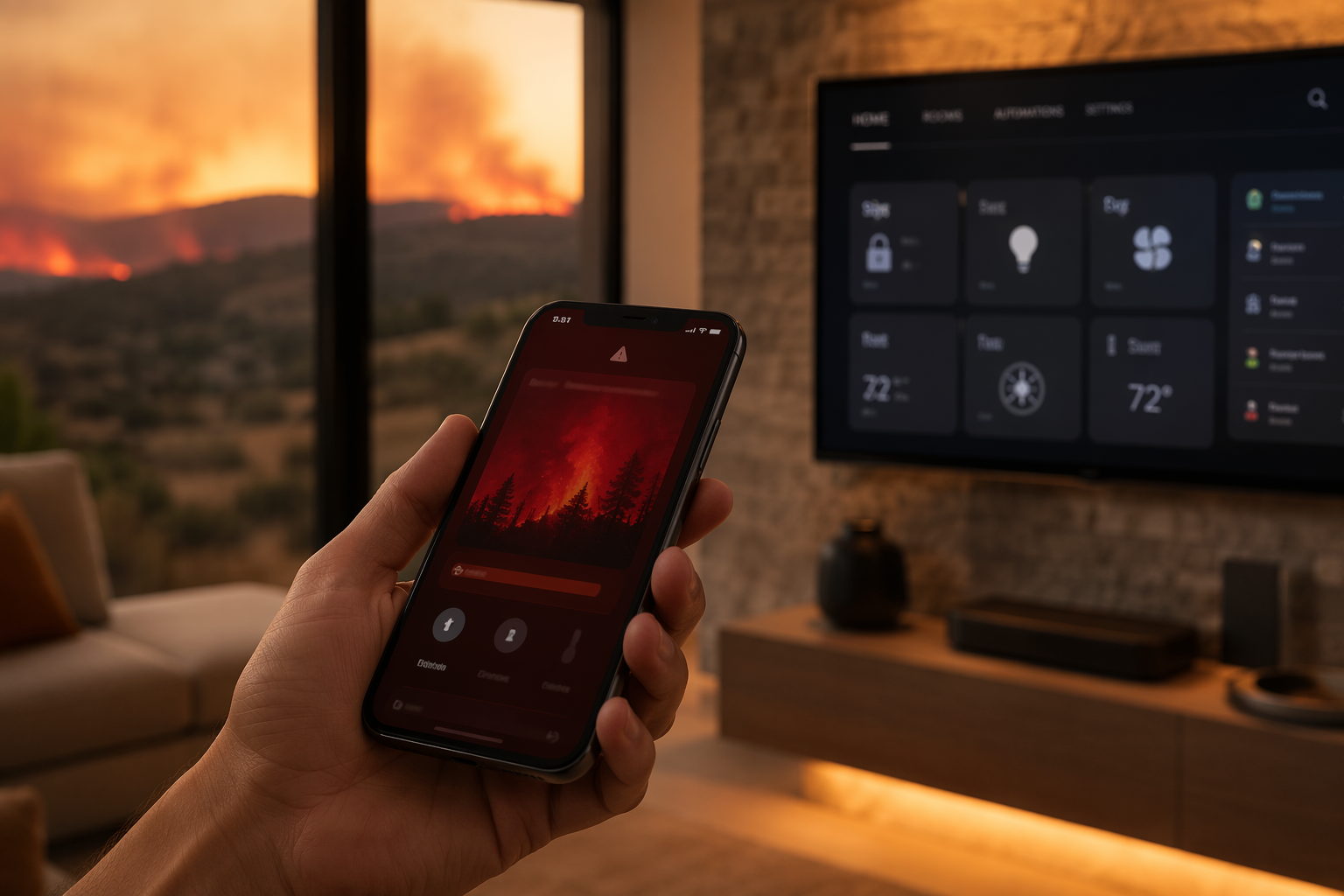
The phone alert is usually too small for the job it has to do. A Red Flag Warning arrives, the sky may or may not look dramatic yet, and the house is still behaving like any other afternoon: appliances on standby, batteries half-charged, cameras set for package deliveries, smoke alarms quietly taken for granted.
That is exactly the moment a smart home fire-safety routine should begin. Not because the house can predict a wildfire, and not because gadgets outrank local emergency instructions. The useful question is narrower: in the next 12 to 24 hours, which household fire-safety tasks are most likely to be forgotten, delayed, or made harder by stress, and which of them can the home handle without waiting for someone to remember?
A Red Flag Warning is an action alert, not a vague seasonal mood. The National Weather Service issues it when weather and fuel conditions can support rapid fire spread; commonly cited criteria include relative humidity at or below 15%, winds at or above 25 mph, and dry fuels, though thresholds vary by forecast office and region.[1] In Q3 2026, that distinction matters. As of mid-July 2026, more than 25,000 wildfires had burned about 2 million acres in the U.S., and 12,700 homes were reported lost in 2025.[2] Those numbers do not mean every warning becomes a disaster. They do mean the alert deserves a household mode change.
Turn the Warning Into a Short Routine
The mistake is trying to automate every piece of wildfire preparedness. Clearing gutters, moving patio furniture, checking go-bags, and following evacuation maps still need human judgment. Smart devices are better assigned to the failure points that become dangerous when attention is split: detection, shut-off, electrical monitoring, alerts, and backup power.
| When the warning arrives | What the smart home should do | Why it matters |
|---|---|---|
| First hour | Confirm smoke/CO alarms, cameras, hubs, and emergency contacts are online | Find dead batteries or disconnected devices before conditions worsen |
| Same day | Charge backup batteries and phones; move critical devices to backup outlets | Keep alerts, communications, and medical devices available if power is shut off |
| Before leaving or sleeping | Shut off selected smart plugs, risky loads, and cooking appliances where safe to do so | Reduce unattended ignition risks when memory is unreliable |
| If an alarm triggers | Sound local alarms, send phone alerts, notify a trusted contact or monitoring service | Reach someone even if the homeowner is outside, driving, or already evacuating |
| If evacuation is ordered | Support departure: lights, locks, garage access, cameras, and power backup | The system helps people leave; it does not argue for staying |
This routine should be boring on purpose. A Red Flag Warning is not the time to be editing automations or discovering that a hub lost Wi-Fi last month. The house should already know its few jobs.
Start With Alarms That Actually Work When Needed
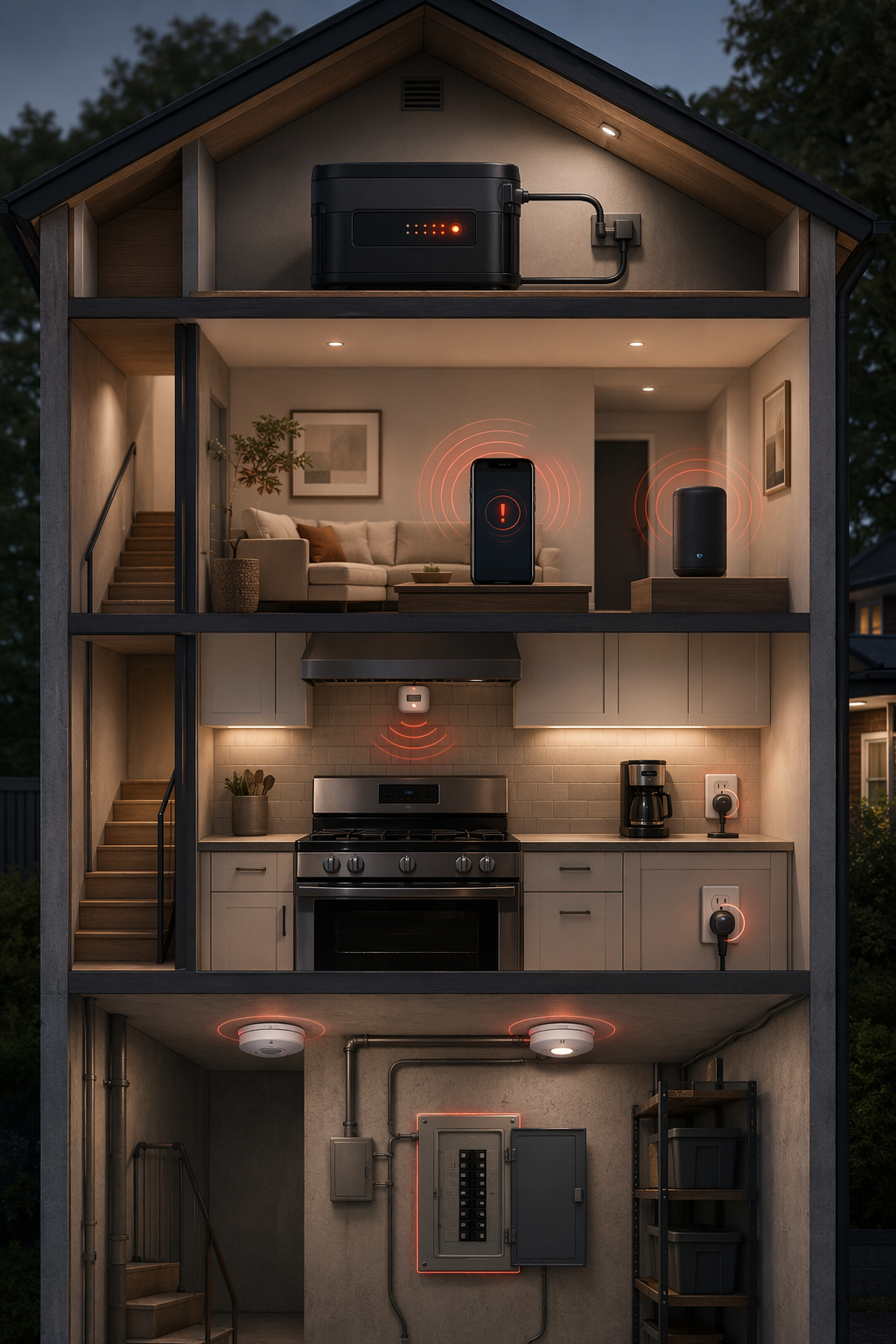
A smart fire-safety setup begins with certified smoke and carbon monoxide alarms, not cameras, apps, or outdoor sensors. The uncomfortable part is that owning alarms is not the same as having a reliable detection layer. NFPA fire-loss reporting continues to show the scale of home fire deaths in the U.S., and Wirecutter’s 2026 smoke alarm review, citing NFPA data, notes that hardwired alarms operated in 94% of reported fires compared with 85% for battery-only alarms. It also reports that 66% of home fire deaths happened in homes with battery-only alarms or no alarms.[3][4]
That is the practical case for checking alarm status as the first Red Flag Warning automation. The system should report whether each alarm is powered, connected, and within its expected service life. If the home has hardwired interconnects, the upgrade question is not just which alarm has the best app. It is whether the new device works with the existing wiring, whether alarms interconnect properly, whether the ecosystem supports remote notifications, and whether monitoring is available. A smart smoke detector compatibility guide is useful at exactly this point, before buying devices that cannot cooperate with the house already in the walls.
Certification matters here. UL 217 is the standard for smoke alarms, and its newer technical requirements were designed in part to improve alarm response while reducing nuisance alarms.[5] That second half is not cosmetic. A detector that is constantly silenced because toast or steam sets it off has become a weak layer, no matter how smart the app looks.
Some manufacturers now make more specific performance claims. Kidde says its UL 217 Edition 9 alarms detect fires 29% faster than its previous generation and are three times more precise at distinguishing real fires from cooking smoke, figures reported in Wirecutter’s 2026 review.[4] Those claims are worth noticing, but they are still manufacturer-supplied. They should help compare models; they should not replace the more basic requirements of certification, correct placement, interconnection, power reliability, and a clear alert path.
Make the Alarm Reach Beyond the Hallway
During a Red Flag Warning, the homeowner may be in the driveway loading the car, checking on a neighbor, or already on the road. Local sound still matters, but remote notification becomes part of the safety layer. Smart alarms can push phone alerts. Alarm-listening devices and services, including Alexa Emergency Assist, can listen for smoke or CO alarms and contact emergency help if the homeowner does not respond, depending on service availability and subscription status.
That kind of service belongs in the supplemental category, not the foundation. It depends on power, connectivity, account status, supported locations, and correct setup. Still, it addresses a real gap: an alarm that only screams inside an empty house is not doing everything a modern alert chain can do.
Do Not Leave the Stove to Memory
Cooking is the ordinary risk that does not pause for fire weather. USFA residential fire statistics identify cooking as the leading cause of residential building fires, with unattended cooking accounting for 46.7%.[6] That figure belongs next to the stove, not in a general anxiety paragraph, because it points to a specific automation: if no one is present, the cooking appliance should not be allowed to keep running indefinitely.
Automatic stove shut-off devices use combinations of motion sensing, timers, temperature sensing, or appliance controls to reduce that failure point. They are often discussed in aging-in-place safety planning, and for good reason; the same principle applies when a healthy, capable adult is distracted by an emergency alert. A room-by-room smart home safety guide can be a useful reference for seeing how stove shut-off fits into broader home safety without turning this into an eldercare-only issue.
A Red Flag Warning routine can add a simple check: if the home enters fire-risk mode, send a stove status alert or require a manual confirmation before bedtime or departure. In homes with compatible shut-off hardware, the routine can turn the appliance off after the defined unattended interval. This is not glamorous automation. It is the kind that saves the person who is doing six things at once from having to remember the seventh.
Treat Electrical Faults as a Different Kind of Fire Risk
Smoke alarms tell you something has already gone wrong. Electrical monitoring tries to catch some problems earlier, which is why it is tempting during fire season. The public risk is real: NFPA data cited in State Farm’s wildfire technology guidance says electrical malfunction causes 13% of U.S. home fires and about $1.3 billion in annual property damage.[7]
Devices such as Ting monitor electrical signals for patterns associated with hazards such as micro-arcs or utility-side faults. State Farm describes Ting as identifying electrical hazards and says the company claims it can prevent four out of five electrical fires.[7] That wording matters. The 13% fire-cause figure is public risk data. The four-out-of-five prevention figure is a company claim, not the same kind of evidence.
Used carefully, this layer can still be worthwhile. A Red Flag Warning routine can check whether the monitor is online and whether any unresolved hazard alerts are open. Smart plugs can shut off nonessential loads that are safe to power down: decorative lighting, small appliances, chargers not in use, workshop tools, or outdoor equipment that does not need to run. The rule is selective shutoff, not panic shutoff. Refrigerators, medical devices, network gear, sump pumps, and anything required for safe evacuation need their own plan before they are put behind an automation.
Smart Plugs Are Useful Only Where the Load Makes Sense
A smart plug is not a universal fire switch. It must be rated for the device attached to it, placed where heat and weather will not damage it, and used according to the manufacturer’s instructions. The useful Red Flag Warning version is modest: turn off the things that are low-value, nonessential, and often forgotten. If a plug controls something that could create a hazard by losing power, it should not be part of the automatic shutdown group.
Use Cameras for Confirmation, Not Permission to Wait
Cameras can help when they answer a concrete question: is there visible smoke, flame, a downed branch near equipment, a gate left open, or activity near the house after evacuation? They become less helpful when they invite a homeowner to keep watching instead of leaving.
Flame-detection cameras are a good example of a promising supplement. CNET reported that Arlo’s 2025 camera lineup included flame-detection AI intended to spot visible flames before smoke reaches a ceiling detector.[8] In the best case, that may buy extra seconds or provide useful confirmation. But visible-flame detection is not a substitute for certified smoke alarms, and a camera’s view can be blocked, poorly aimed, offline, or overwhelmed by glare and smoke.
The better automation is restrained: during a Red Flag Warning, set exterior and key interior cameras to send high-priority alerts, confirm that batteries are charged, and make sure a trusted person can view clips if the homeowner is unavailable. If the system detects a possible flame, it should alert aggressively. If local authorities order evacuation, the camera becomes documentation and situational awareness, not a reason to linger.
Prepare for Power Loss Without Assuming It Will Happen
Red Flag Warnings and Public Safety Power Shutoffs are related in practice but not identical. A utility may cut power during dangerous fire weather to reduce ignition risk from electrical infrastructure, and EcoFlow notes that such shutoffs can last 24 to 48 hours or longer.[9] That does not mean every warning will bring an outage, or that every region uses the same policy. It does mean backup power should be ready before the lights go out.
For a smart home, backup power is not mainly about keeping the whole house comfortable. It is about preserving the alert chain: phones, router or cellular backup if available, alarm bridges, medical devices, radios, and battery-powered lights. Portable battery stations, including products in EcoFlow’s Delta line, are marketed for this kind of fire-weather backup without the combustion and carbon monoxide risks of a gas generator.[9] Capacity, charging speed, safe placement, and device runtime still need to be checked for the actual household.
The automation here can be simple. When the warning arrives, send a charging reminder for phones and battery stations. Switch essential smart home gear to backup outlets if that is how the home is wired. Stop using backup capacity for convenience loads. If someone in the home depends on powered medical equipment, the backup plan should be tested before fire season, not improvised during a warning.
Build One Fire-Risk Mode, Then Keep It Small
The useful automation is not a giant scene named “Wildfire Defense” that nobody trusts enough to run. It is a short fire-risk mode that does the same reliable checks every time a Red Flag Warning affects the home’s area.
- Check detection: confirm smoke/CO alarms, alarm listeners, and monitoring services are online.
- Reduce ignition points: shut off selected smart plugs and confirm stove status or trigger compatible shut-off devices.
- Watch electrical risk: surface any unresolved electrical-monitor alerts and avoid adding high-load devices.
- Preserve alerts: charge phones, backup batteries, radios, and network gear that supports emergency communication.
- Prepare departure: set exterior lights, unlock or test necessary exits, confirm garage access, and share alerts with a trusted contact.
There are reasons not to automate certain actions. Some gas appliances, electrical panels, irrigation systems, garage doors, and locks require local code awareness, professional installation, or a clearer evacuation plan than an app can provide. Some services require subscriptions. Some alerts depend on Wi-Fi or a cloud platform. Local NWS thresholds and utility shutoff rules also need checking, because a routine built around another region’s assumptions can create false confidence.
The best test is plain: if the phone alert came in while someone was packing a car, could the house remove at least a few decisions from that person’s head? It should not ask them to open five apps. It should not require them to remember which plug controls which appliance. It should not bury the smoke alarm status behind a dashboard meant for lighting scenes.
When Leaving Is the Job
No smart home setup makes a house fireproof. It cannot override an evacuation order, predict ember behavior, replace defensible space work, or guarantee that a cloud service will be reachable under stress. Local National Weather Service alerts, emergency management instructions, and utility notices remain the authority.
What the system can do is reduce the number of critical things a person has to remember during the most compressed part of the warning window. It can notice a dead alarm, cut power to a forgotten load, flag an electrical hazard, send an alarm beyond the hallway, and keep enough backup power alive for messages and medical needs.
That brings the Red Flag Warning back to the phone where it started. The strongest setup is not the most elaborate one. It is the one that already knows which few actions matter, can run them without drama, and keeps working long enough for everyone to leave safely.
References
- Red flag warnings: What they mean and what you should do, NPR, April 14, 2023
- Is Your Home Fire-Ready for 2026? Wildfire Risks, U.S. News
- Fire loss in the United States, NFPA
- The 3 Best Smart Smoke Alarms of 2026, Wirecutter
- UL 217, Standard for Smoke Alarms, UL Solutions
- Residential building fire statistics, USFA/FEMA
- Switch on these wildfire protection tech tools, State Farm
- My 7 Tech Picks to Protect Against Home Fires the Smart Way, CNET
- Red Flag Warnings & Backup Power for Fire Safety, EcoFlow
Policy Updates & Reader Notes
Privacy policies, monitoring plan prices, and security disclosures change frequently. Report new data retention terms, updated plan pricing, or new vulnerability disclosures below. For formal editorial corrections, use the contact page.
Comments
Join the discussion with an anonymous comment.