
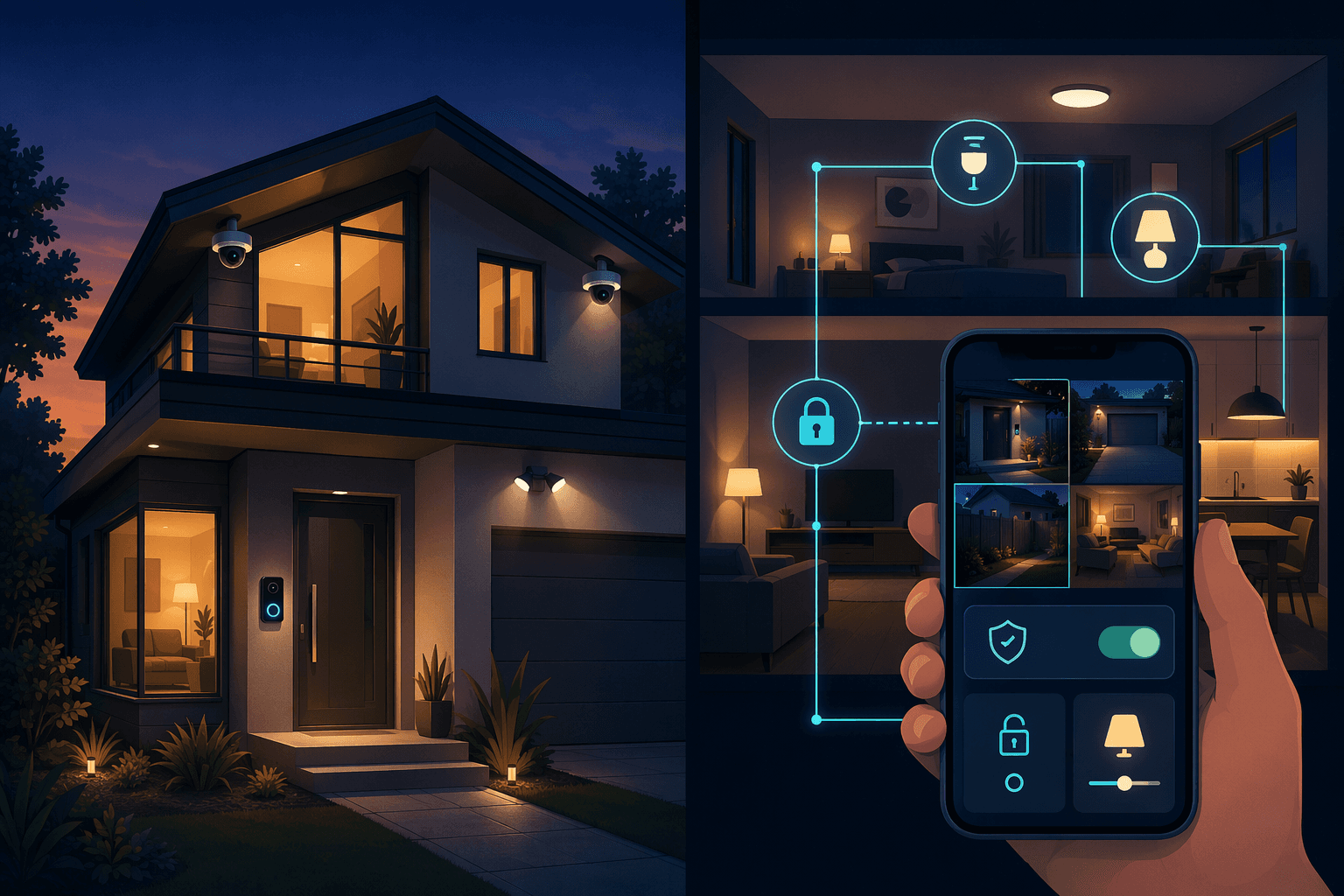
For the first time, more Americans install their own home security systems than hire professionals. That headline comes from SafeHome.org's 2026 survey: 49% of home alarm users put in their own equipment, compared with 42% who used a pro installer. The number is arresting. It also has a ±2 percentage point margin of error from self-reported data — treat it as a strong directional signal, not a law. But the shift is real. Five years ago the question was 'Should I pay a pro?' Now it's 'Why would I ever pay a pro?' The answer depends on your home size, your tech comfort, and whether you actually want the coverage that professional monitoring provides. I'll walk through the costs, the failure rates, the feature gaps, and then give you a concrete decision matrix. No universal default.
The Real Cost: Upfront, Monthly, and Hidden
According to SafeWise's 2026 guide, the average DIY starter equipment runs $326.30. But that average hides a canyon of variation.
| Brand | Equipment Cost | Monthly Monitoring |
|---|---|---|
| Ring (DIY) | $199.99 | $4.99 (self-monitor) / $19.99 (professional) |
| SimpliSafe (DIY) | $250.96 | $22.99 (professional) |
| ADT (Pro) | $404 (or $0 with contract) | $24.99 |
| Vivint (Pro) | $599 (or $0 with contract) | $29.99–$44.99 |
| Wyze (DIY) | $0–$50 | $3.99 (cloud storage) |
Notice the pattern: pro equipment can be free if you sign a contract, but you pay higher monthly fees long-term. DIY equipment costs real money upfront, and while you can self-monitor for free, most people don't. SafeHome found that only about a third of DIY users rely on free self-monitoring; the rest pay for cloud storage or professional monitoring. Those storage plans range from $3.99 to $99 per month, and they add up fast.
For a full brand-by-brand breakdown of subscription plans, see our Smart Home Subscription Costs Tracker 2026. That article covers every tier, feature gate, and early termination fee. Here I will simply note that "free self-monitoring" is rarely free in practice — you either lose video history or you pay.
Many DIY buyers choose it thinking they will never pay a monthly fee. Then they discover that free self-monitoring means no cloud video storage, no cellular backup, and no professional dispatch. So they add a cloud storage plan for $3.99 a month. Then they add professional monitoring for $19.99. Then they realize they need more camera storage and upgrade to $9.99. Before long, the monthly cost equals a pro system.
SafeHome's survey shows that 12% of users delayed upgrading or adding devices because of rising costs, and 6% canceled or downgraded a subscription in the past year. When you factor in battery replacements (every 6–12 months for some sensors), connectivity issues that require new hardware, and the occasional false alarm fee, the total cost of ownership over 3–5 years can easily favor a professional system — especially if you want the peace of mind that comes with cellular backup and professional monitoring.
52% of DIY Users Hit a Wall
The counterweight to the "easy DIY" narrative is a statistic from Parks Associates, reported by MySecureSystems: 52% of DIY users experienced setup or connectivity issues. That is more than half. And these are not trivial problems — failed pairing, Wi-Fi range cutouts, false alarms because a sensor wasn't mounted correctly.
Why so high? Because you are managing multiple brands, each with its own app, firmware update cycle, and platform dependencies. A camera that works fine with the Ring app may drop offline when you add a SmartThings hub. A door sensor that pairs to the base station in two minutes may need a firmware update to stay connected. The pro installer handles all that interoperability testing. You, the DIY owner, are the integration team.
Coverage and Reliability: Where DIY Falls Short
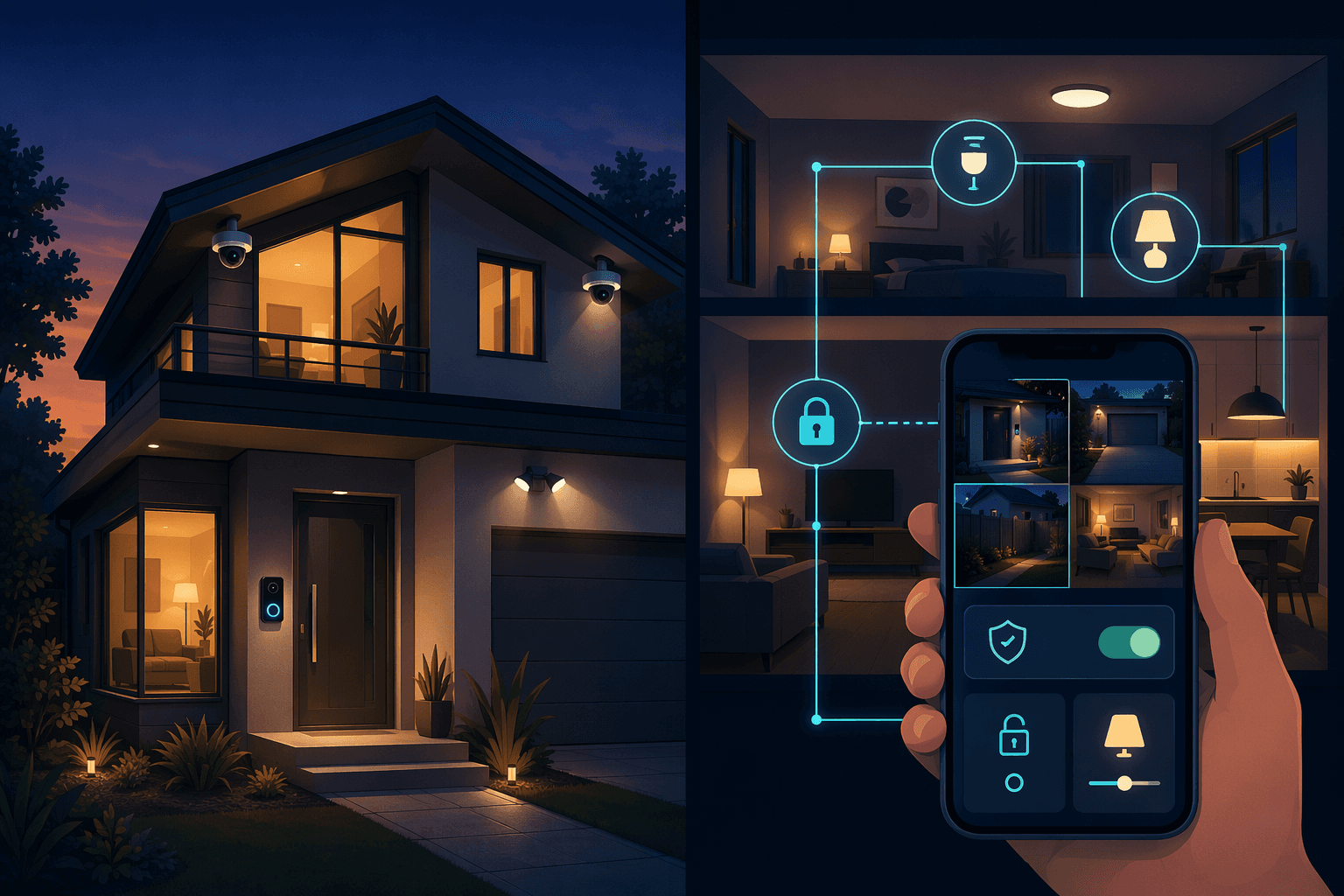
DIY systems rely on your home Wi-Fi. If the internet goes down, your cameras go dark and your doorbell stops recording. Professional systems, by contrast, include cellular backup as a standard feature. ADT, Vivint, and SimpliSafe (with professional monitoring) all maintain alarm transmission over the cellular network even when your broadband is out. That alone can be the difference between a break-in that gets recorded and one that stops a break-in.
There is also the sensor coverage question. A large home with multiple doors, windows, and motion zones needs more sensors, more hubs, and careful placement. Pro installers know where to put glass-break detectors and how to angle motion sensors to avoid pet triggers. DIY buyers typically follow a diagram in the box — and the diagram assumes a single-story, two-bedroom layout.
- Small apartment / condo (under 1,500 sq ft): DIY works well. Wi-Fi coverage is usually solid, few sensors needed, renter-friendly installation.
- Medium house (1,500–2,500 sq ft): DIY is possible if you are comfortable with basic networking and placement. Consider a mesh Wi-Fi system first.
- Large house (over 2,500 sq ft or multiple stories): Professional installation and monitoring strongly recommended. Cellular backup and professional sensor layout make a real difference.
The age demographics from SafeHome reinforce this: 54% of 18–29-year-olds installed their own systems, and 55% of 30–44-year-olds did the same. Among those 60 and older, only 38% went DIY. Tech comfort is not just about age — it is about experience with networking, router admin interfaces, and multiple app ecosystems.
Which Path Fits You?
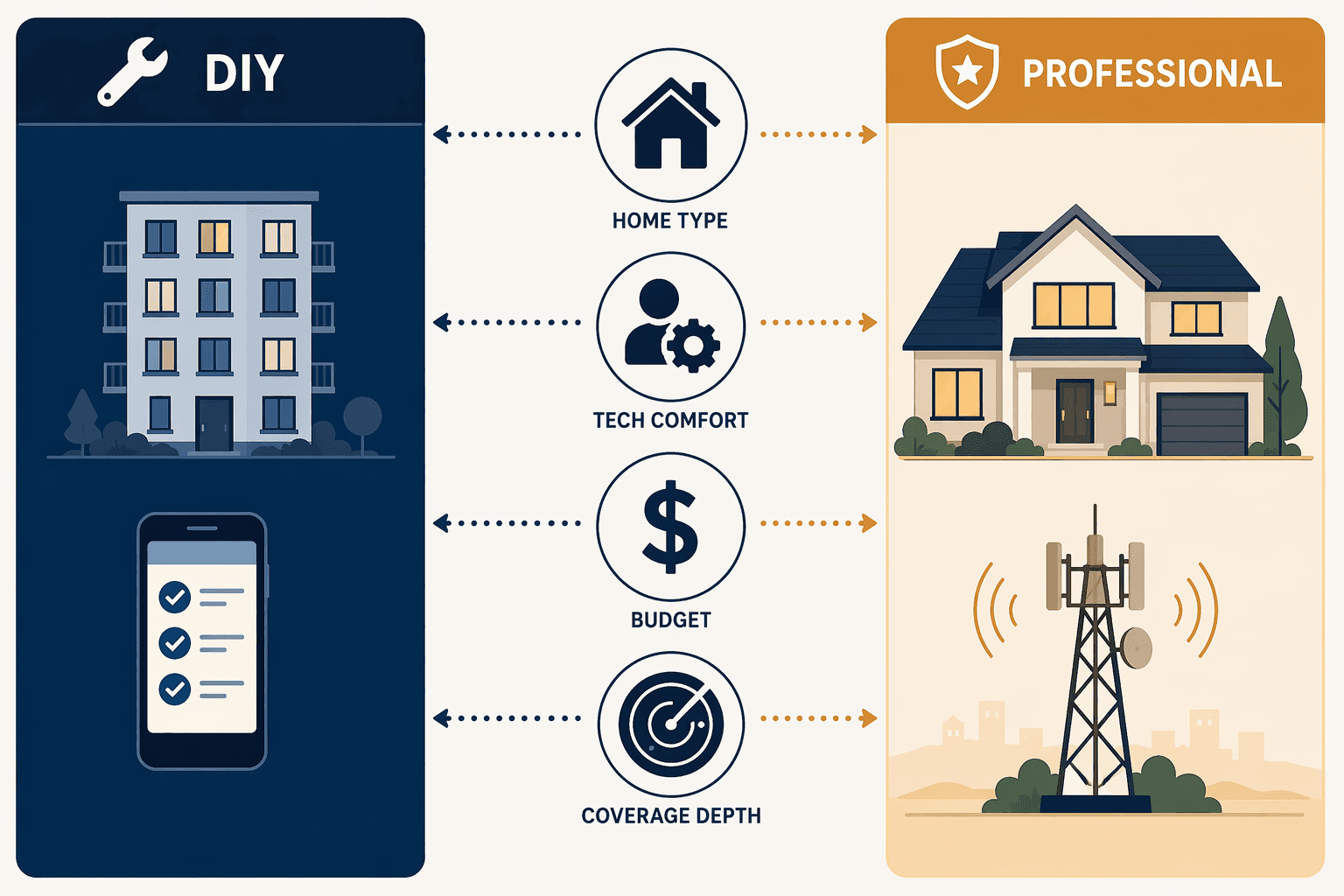
The table below distills the decision into four common profiles. Find yours.
| Your Profile | Recommended Path | Why |
|---|---|---|
| Renter, under 1,500 sq ft, comfortable with apps | DIY | Low cost, no permanent installation, easy to move out. A single hub and a few sensors are all you need. |
| Homeowner, 1,500–2,500 sq ft, moderate tech comfort | DIY with optional pro installation | You can handle the setup if you buy a mesh Wi-Fi system. Professional monitoring optional but recommended for peace of mind. |
| Homeowner, over 2,500 sq ft, frequent traveler | Professional installation + professional monitoring | Cellular backup, professional sensor placement, and 24/7 monitoring are worth the monthly fee. You are not home to tinker with a glitchy connection. |
| Senior or low tech comfort, any home size | Professional installation + professional monitoring | Ease of use (50% of buyers cite this as top factor) and reliability outweigh cost difference. Let the pro handle setup and maintenance. |
If you choose DIY, start with a smart lock installation guide and pick a system from our Best Smart Home Devices 2026 buyer's guide. If you go pro, ask about contract terms and early termination fees before signing.
No Universal Default
The DIY overtake is real and driven by cost and convenience. But it is not a reason to default to self-installation. The right choice depends on the size of your home, your willingness to troubleshoot connectivity issues, your travel frequency, and your appetite for a monthly monitoring fee. For a renter in a 900 sq ft apartment, DIY is a no-brainer. For the owner of a 3,200 sq ft house with three kids and two dogs, professional installation with cellular backup is the safer bet. Use the decision matrix. Do not let a single survey statistic — even a historic one — make the choice for you.
Policy Updates & Reader Notes
Privacy policies, monitoring plan prices, and security disclosures change frequently. Report new data retention terms, updated plan pricing, or new vulnerability disclosures below. For formal editorial corrections, use the contact page.
Comments
Join the discussion with an anonymous comment.