
The cable box used to be the boring appliance under the TV. Once it disappeared, the replacement looked simple: buy a streaming stick, sign in to apps, move on. In 2026, that undersells what has happened in the living room. Leichtman Research Group reported that 66% of U.S. households no longer subscribe to traditional pay TV, while Parks Associates says 61% of U.S. internet households use the smart TV as their primary streaming device.[1][2] The TV interface is no longer just where the movie starts. In many homes, it is also where someone expects to see the doorbell, dim the lights, check a thermostat, or tell the house to shut down for the night.
That is why cord cutting statistics in 2026 now belong in the same conversation as smart home streaming devices. A household that only needs Netflix, YouTube, and a clean remote can still buy very differently from one that already owns Matter bulbs, a Nest thermostat, an Apple Home setup, Alexa routines, or cameras tied to a single platform. Consumer data cited by makerstations.io puts active U.S. smart home device use at 51.37% of households, or about 77 million homes.[3] That overlap changes the buying question from “Which streamer is fastest?” to “Which one fits the house I already have?”
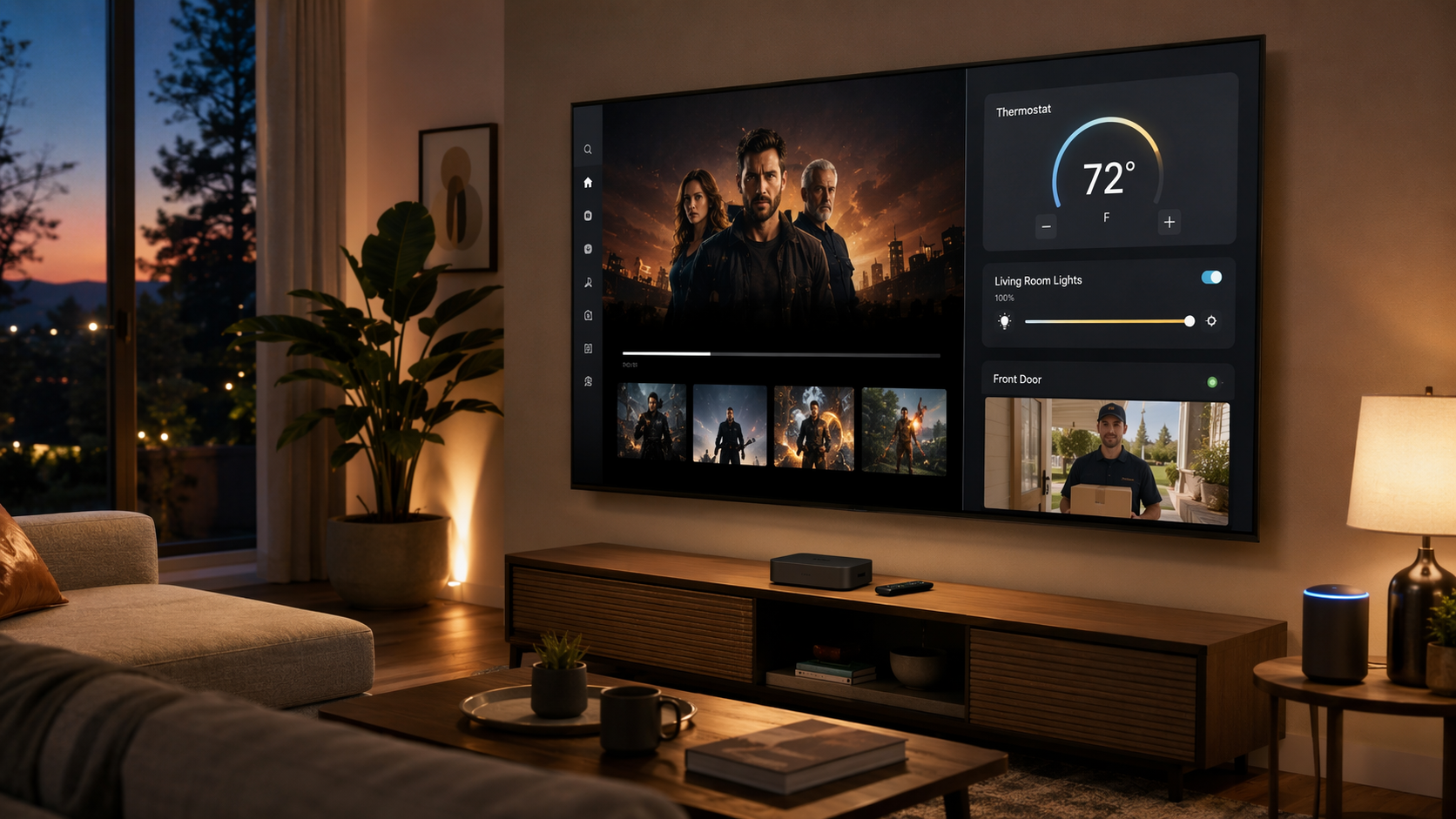
There is an energy-and-savings angle here, but it needs to be kept honest. A streaming player does not lower the power bill by sitting under the TV. The savings case comes from making connected devices easier to use: thermostats that are actually adjusted, routines that are actually run, lights that are not left on because the control was buried in a phone app. The U.S. Department of Energy has cited smart thermostat savings in the 10% to 23% range, but those savings come from thermostat behavior and automation, not from the streaming box itself.[4]
The Useful Comparison Is Ecosystem Fit
App coverage, Dolby Vision support, Wi-Fi performance, and remote design still matter. They just do not settle the newer problem. Most of the serious streaming devices can play the major services well enough for a normal household. The split appears when the TV becomes a control surface.
The streaming media device market is projected at $94.25 billion in 2026 and $182.12 billion by 2030, according to ResearchAndMarkets.[5] That momentum explains why every platform wants more of the living room. It does not, by itself, tell you whether a specific box can control your lock or act as a Thread border router. For that, the model details matter.
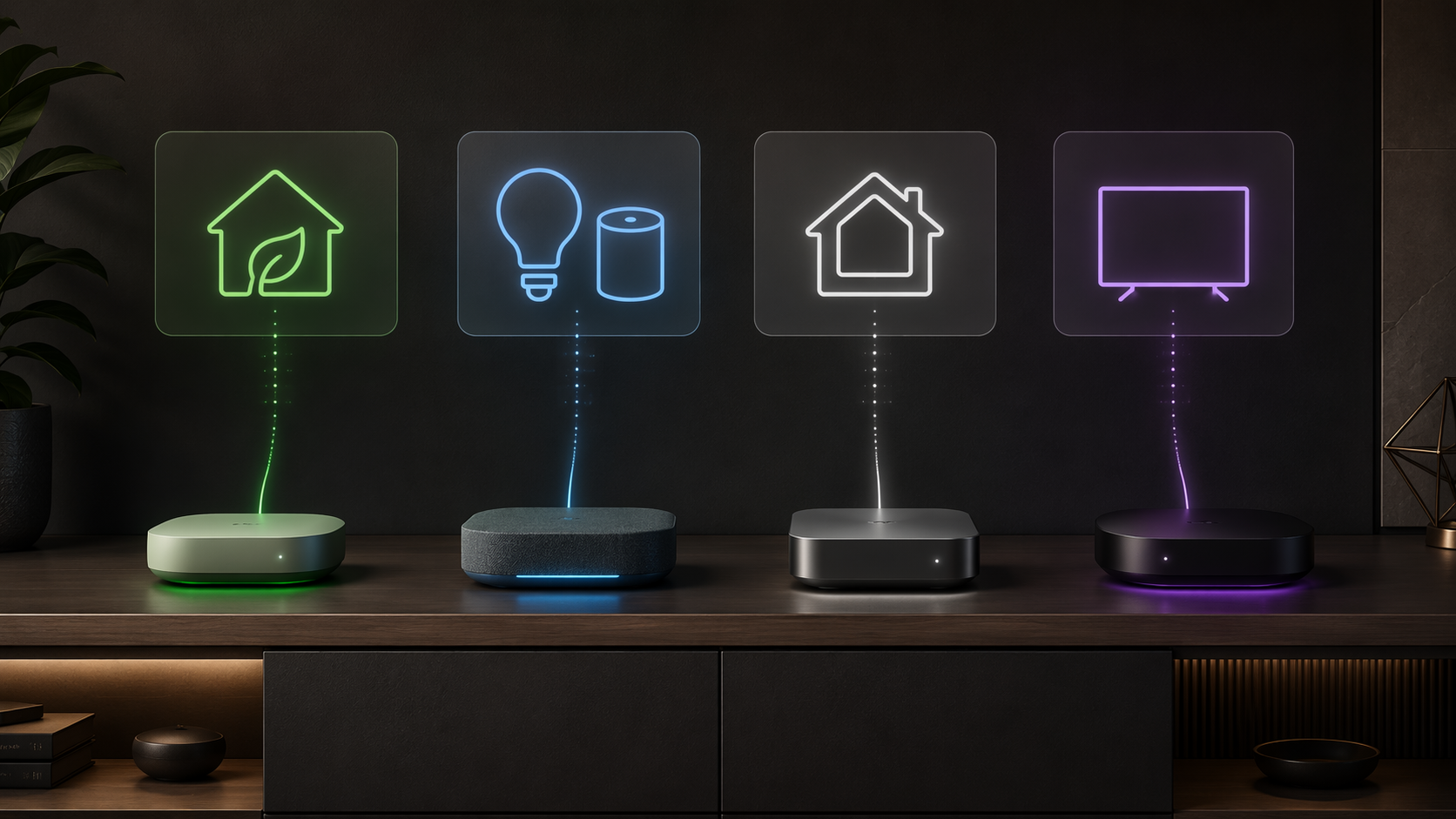
| Device family | Best fit | Smart home role | Important caveat |
|---|---|---|---|
| Google TV Streamer 4K | Google Home and Nest households | TV smart home panel, remote-accessible controls, Thread border router support | Thread border router function requires manual activation and IPv6 |
| Amazon Fire TV Stick 4K Max / Fire TV Cube | Alexa-first households | Alexa routines, Ambient Mode on Stick, Echo-like hands-free control on Cube | Strongest when devices already live in Alexa |
| Apple TV 4K 128GB | Apple Home and Matter households | HomeKit hub with Thread border router support | The 64GB model lacks the Thread radio |
| Roku Ultra / Roku Streaming Stick | Simple streaming and Roku-first users | Roku Smart Home control inside Roku’s own ecosystem | No native cross-platform smart home control for Alexa, Google Home, or HomeKit |
Google TV Streamer: The Most Direct TV-Based Smart Home Control
Google TV Streamer 4K is the cleanest answer for a household already using Google Home. Its advantage is not just that Google Assistant can respond to a voice command. The more practical point is the dedicated smart home panel, which can be opened from the remote and used to control thermostats, view doorbell camera feeds, check cameras, and toggle lights from the TV interface.[6]
That matters on an ordinary evening. If the doorbell rings during a show, the useful feature is not “voice assistant support” in the abstract. It is whether the person holding the remote can bring up the camera feed without finding a phone, unlocking it, opening the correct app, and waiting for the stream. Google’s smart home panel makes the TV feel like part of the home control layer rather than a separate entertainment island.
The other reason Google TV Streamer deserves attention is Thread. It can function as a Thread border router, which matters for Matter-compatible devices that use Thread rather than Wi-Fi. In plain terms, a Thread border router helps Thread devices communicate with the rest of the home network. For buyers comparing it with older Chromecast hardware or cheaper streamers, that is not a cosmetic difference.
There are two catches worth checking before treating it as a hub replacement. The Thread border router role requires manual activation, and the network needs IPv6 support. If the home network or router setup is awkward, the theoretical advantage may take more work than the box copy suggests. A detailed setup path is better handled before purchase than after everything is plugged in; our Google TV Streamer Thread border router guide is the place to check those requirements.
At a listed $99.99, Google TV Streamer sits above the cheap-stick tier but below many dedicated hub-and-streaming combinations.[6] The value depends on whether the household will actually use the TV panel and Thread role. For a Google Home house with Nest devices, compatible cameras, and Matter ambitions, it is one of the few streaming purchases that can simplify more than video.
Fire TV: The Alexa Answer, With Two Very Different Shapes
Amazon Fire TV makes the most sense when Alexa is already the household language. If the lights, plugs, thermostat, speaker groups, and routines are built around Alexa, a Fire TV device can make the television feel like one more control point instead of a competing system.
The Fire TV Stick 4K Max and Fire TV Cube should not be collapsed into the same recommendation. The Stick 4K Max is the cheaper streaming add-on, listed at $59.99, and its smart home value comes through Alexa integration, routines, and Ambient Mode for glanceable information.[7] It suits the person who already has Echo speakers doing the listening and mainly wants the TV to participate.
The Fire TV Cube is a more explicit living-room controller. At a listed $139.99, it doubles as an Echo-like device with hands-free Alexa+ voice control.[7] That changes who waits and who reaches for what. Someone can ask the Cube to turn off lights, show a camera, or start a routine without first locating the remote. In an Alexa-first home, that can be more natural than adding a separate streamer and hoping voice control feels coherent afterward.
The limit is also clear: Fire TV is strongest when the house has already standardized on Alexa-compatible devices. If the home is split between Apple Home, Google Home, and a few one-off Wi-Fi devices, Fire TV may still stream well, but it will not magically turn that mixed setup into a unified dashboard. In that case, the safer purchase is the one aligned with the devices people already use every day.
Apple TV 4K: Buy the 128GB Model If the Hub Role Matters
Apple TV 4K is the right short list for an Apple Home household, but only if the exact model is part of the discussion. The 128GB Apple TV 4K functions as a HomeKit hub and includes Thread border router support for Matter-compatible devices; the 64GB model lacks the Thread radio.[8] That distinction is easy to miss because both boxes look like Apple TV 4K products in ordinary shopping language.
For an Apple Home setup, the hub role is not an accessory feature. It affects remote access, automations, and whether Thread devices have the network bridge they need. If the home already uses iPhones, HomePods, Apple Home automations, and Matter devices, the 128GB Apple TV 4K is more than a premium streamer. It becomes part of the home infrastructure.
The listed price range is $129 to $149, and promotions can blur the gap between models.[8] That is exactly when the wrong comparison happens: a shopper sees a cheaper Apple TV 4K and assumes the smart home hardware is the same. It is not. If Thread and Matter hub duties are part of the reason for buying, the model label matters more than the sale badge.
Apple’s strength is coherence inside Apple Home. Its weakness, for some households, is the same thing. It is not the best answer for someone whose thermostat, speakers, and displays are already centered on Google or Alexa. But for the person who wants the TV box to serve as an Apple Home anchor, the 128GB version is the one to compare against dedicated hubs. Our Apple Home Matter hardware setup guide covers the hardware gaps that tend to surprise people after they start adding Matter devices.
Roku: Still the Simple Streaming Pick, Not the Cross-Platform Hub
Roku should not be dismissed just because it is not the most ambitious smart home controller. Parks Associates reported Roku at 28% connected TV platform share, the leading position in that press summary.[2] A lot of households know the interface, understand the remote, and do not want the TV to become a project.
That simplicity is the point. Roku Ultra and Roku Streaming Stick devices are good fits when the buyer wants reliable streaming, broad TV compatibility, and a familiar app-forward experience. For many rooms, especially secondary TVs or households that do not want smart home control on the screen, that is enough.
The smart home caveat is important. Roku has a separate Roku Smart Home ecosystem covering categories such as cameras, lights, doorbells, and sensors, and those devices can be controlled with the Roku remote. But that is not the same as native cross-platform control for Alexa, Google Home, or HomeKit. It is closer to a walled garden than a general-purpose smart home control layer.
That trade-off can still be perfectly acceptable. If the home has only a few Roku Smart Home devices, or if the streaming interface matters more than smart home consolidation, Roku remains a clean choice. If the goal is to make a mixed house of thermostats, lights, locks, and cameras easier to manage from the TV, read the fine print first. Our Roku Smart Home ecosystem guide goes deeper on where that boundary sits.
Where Matter and Thread Change the Purchase
Matter can make smart home compatibility less chaotic, but it does not erase hardware requirements. Some Matter devices use Wi-Fi. Others use Thread. A Thread device still needs a Thread border router somewhere in the home. That can be a dedicated hub, a smart speaker, a display, a router, or, in the right model, a streaming device.
This is where “supports smart home” becomes too vague to be useful. A streamer with voice assistant access is not the same thing as a streamer with a smart home panel. A streamer that can run routines is not automatically a Thread border router. A platform that sells cameras and lights is not necessarily able to manage the devices already installed across Google Home, Alexa, and Apple Home.
If the home is adding Matter devices, check whether the streaming box is only a controller, also a hub, or also a Thread border router. Those are different jobs. Our Matter smart home hub explainer breaks down why one device name can hide several different roles.
A Quick Detour: The TV Itself May Already Be the Hub
Not every home needs a streaming box to take on hub duties. Some TVs have their own smart home capabilities. Samsung Frame TVs with SmartThings hub capability offer an alternative path for readers who already own compatible hardware. In that case, buying a streaming device purely for smart home control may duplicate something the TV can already do.
The practical move is to inventory the control points already in the house before adding another one. A living room may already have a smart TV platform, a HomePod, an Echo, a Nest speaker, a Wi-Fi router with Thread support, or a dedicated hub. A streaming box is useful when it fills a real gap: better TV control, ecosystem alignment, Thread support, remote-accessible dashboard, or a simpler route to routines. It is less useful when it becomes the fifth device claiming to be the center of the home.
How to Choose Without Rebuilding the House
Start with the devices already installed, not the streaming platform with the loudest sale price. The thermostat, cameras, locks, lights, speakers, and routines decide more than the spec sheet does. A mixed home can still work, but the streaming device should reduce the number of awkward detours, not add another app and another half-integrated assistant.
- Choose Google TV Streamer 4K if Google Home is already the main control system and you want a TV smart home panel plus Thread border router potential.
- Choose Fire TV Stick 4K Max if Alexa routines already run the house and you want the TV to participate without replacing existing Echo devices.
- Choose Fire TV Cube if hands-free Alexa control in the living room is valuable enough to justify the larger, more expensive device.
- Choose Apple TV 4K 128GB if Apple Home, HomeKit hub duties, Matter, and Thread support are part of the reason for buying.
- Choose Roku Ultra or Roku Streaming Stick if simple streaming matters more than native cross-platform smart home control.
Before buying, verify the exact model, current price, Thread support, smart home panel or hub capability, and whether the devices already in the home belong to the same ecosystem. The important detail is often not the brand name on the box. It is the radio inside it, the panel on the TV, and whether the person holding the remote can actually control the house without taking a long way around.
References
- Leichtman Research Group Q1 2026 pay-TV household findings, Leichtman Research Group, Q1 2026.
- Parks Associates 2026 connected TV platform and smart TV primary streaming findings, Parks Associates, 2026.
- Smart Home Statistics 2026, makerstations.io, 2026.
- Smart Thermostats, U.S. Department of Energy.
- Streaming Media Devices Global Market Report 2026, ResearchAndMarkets, 2026.
- Google TV Streamer 4K review findings, CNET, 2026.
- Amazon Fire TV Stick 4K Max and Fire TV Cube review findings, Business Insider, 2026.
- Apple TV 4K technical specifications, Apple.
Data Updates
Know about updated rebate programs, changed subscription prices, or new ENERGY STAR certifications? Submit a note below to help keep this content current. For formal data corrections, use the contact page.
Comments
Join the discussion with an anonymous comment.