
Apple Home and Matter in 2026 starts with an unglamorous fact: the old HomeKit architecture is no longer the baseline. Apple’s legacy HomeKit architecture cutoff landed on February 10, 2026, and iPads no longer qualify as home hubs under the current Apple Home setup.[1] Some homes crossed that bridge quietly through earlier upgrades, but for anyone buying bulbs, locks, thermostats, sensors, plugs, or bridges now, this is not a future-protocol discussion. It is the platform you are actually shopping for.
That matters because Apple Home and Matter compatibility is no longer answered by a sticker alone. A Matter device still needs the right controller, the right network path, and an Apple Home interface that exposes the feature you bought it for. The good news is that the core smart home is finally credible here. The bad news is that Apple Home still leaves some Matter features sitting outside the front door.
For the migration story itself, the better place to start is What Apple’s 2026 HomeKit-Matter Switch Means for Your Setup. This guide picks up after that point: what hardware you need, what device categories are safe to buy, how setup works, and where Apple Home still makes a Matter accessory less useful than the box implies.
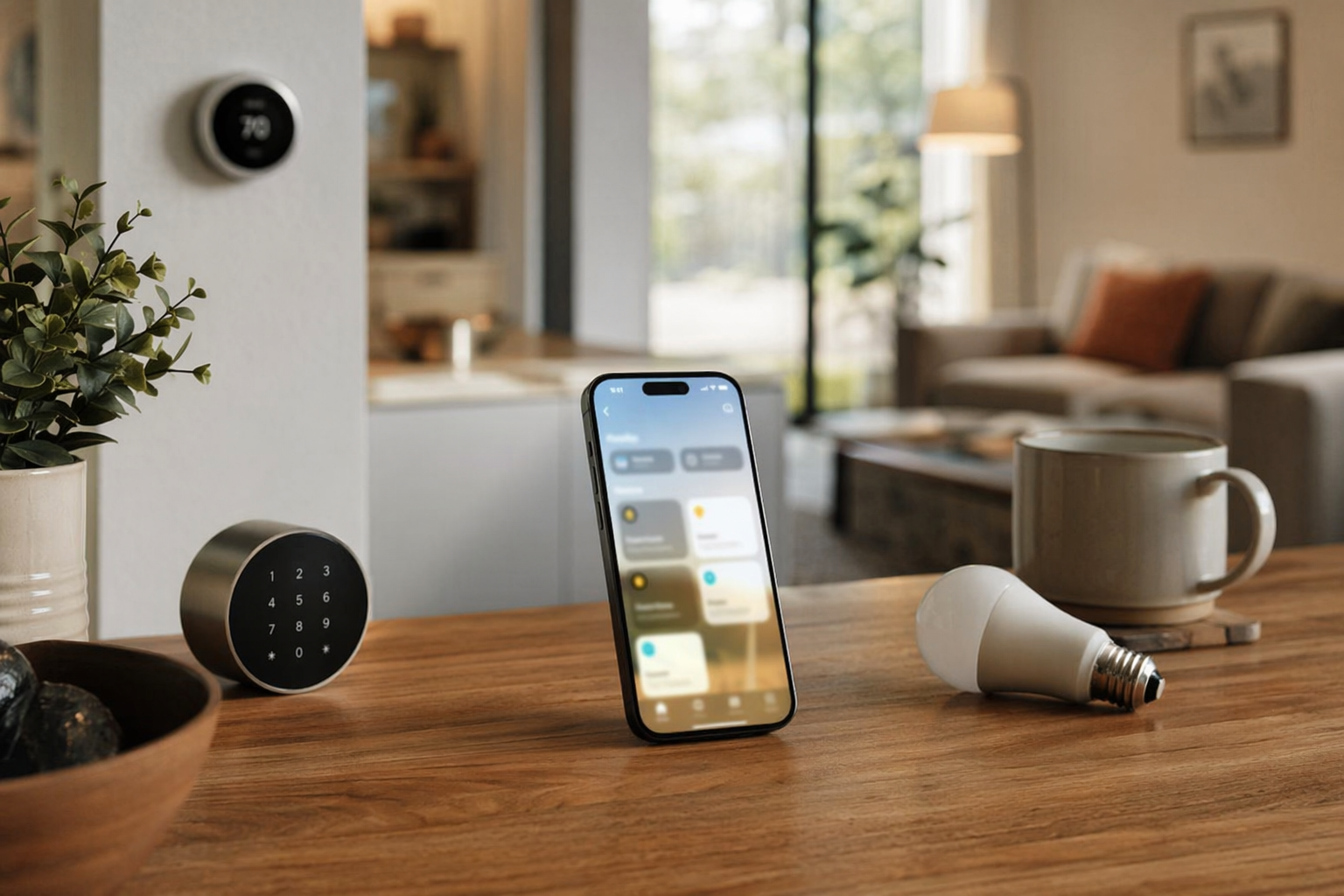
The Minimum Apple Home and Matter Setup in 2026
A working Apple Home and Matter setup has three practical pieces. First, your home needs to be on Apple’s current Home architecture. Second, you need a Matter controller. Third, if you buy Thread-based Matter accessories, you need a Thread border router.
| What you need | What it does | What to check before buying |
|---|---|---|
| Current Apple Home architecture | Keeps the home compatible with current Apple Home sharing, automation, and Matter behavior | Do not rely on an iPad as the home hub after the 2026 cutoff |
| Matter controller | Lets Apple Home add, control, and manage Matter accessories | Use supported Apple home hub hardware, not just an iPhone |
| Thread border router | Connects Thread accessories to the rest of your home network | Required for Thread devices; not needed for Wi-Fi Matter devices |
Apple’s own support guidance is clear on the setup direction: to add and manage Matter accessories in Apple Home, the home needs a home hub, and the user adds the accessory through the Home app using the Matter setup code or a supported pairing flow.[2] In normal household terms, your iPhone is the remote and the setup tool; it is not the permanent infrastructure.
The easiest Apple-first hardware answer remains a HomePod mini or Apple TV 4K. Both are commonly treated as the compact way to get a Matter controller and Thread border router in the Apple ecosystem, with the HomePod mini listed at $99 in 2026 hub comparisons.[3] If you already have one of these in the home, you may already have the boring but essential part covered. If you are building from scratch, buy the hub before you buy a basket of Thread sensors.
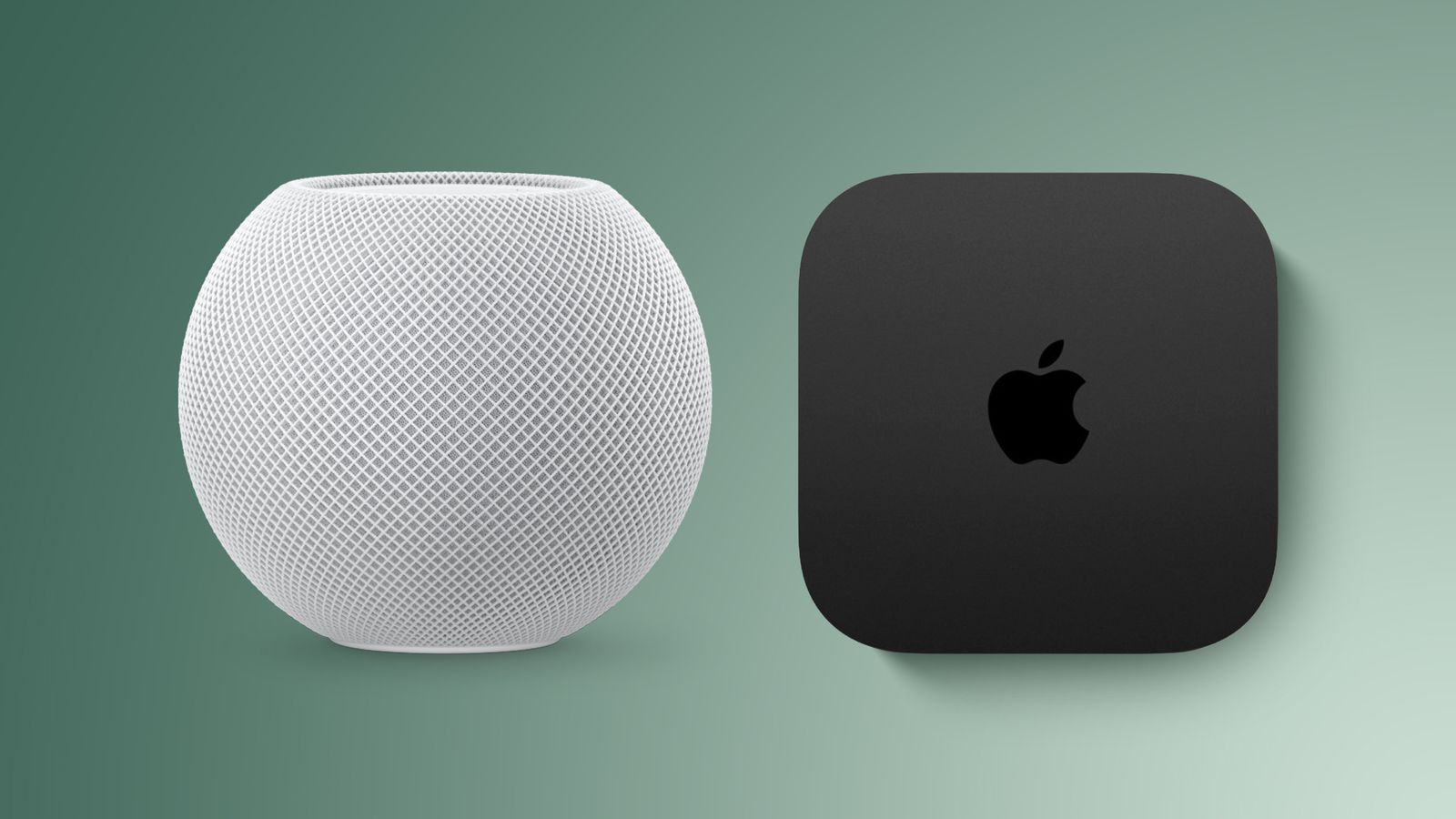
Thread is where 2026 feels less fragile than the early Matter years. Thread 1.4 made border-router behavior a lot less dependent on each platform building its own little island, and January 2026 marked a mandate point for Thread 1.4 certification in the Matter ecosystem.[4] That does not mean every messy network magically fixes itself. It does mean the industry has moved toward a shared Thread mesh instead of parallel meshes that confuse the person who only wanted the contact sensor to stop falling offline.
If the hardware choice is still unclear, use What Is a Matter Border Router and Do You Already Have One? before buying. For a platform-by-platform comparison, Best Thread Border Router for Your Smart Home Platform in 2026 is the more specific detour.
The Device Categories I Would Buy for Apple Home Now
For ordinary Apple Home use, the safe Matter categories are no longer exotic. Lights, smart plugs, switches, locks, thermostats, blinds, sensors, and several appliance and control categories appear in current Matter compatibility tracking, and The Verge’s device list is the useful reality check for which categories have actual ecosystem support rather than just standards ambition.[5]
The best buys are the devices where Apple Home’s simple model is a virtue: turn on, turn off, dim, lock, unlock, detect motion, read contact state, set temperature, and run automations. A Matter bulb in a hallway, a Thread contact sensor on a door, a smart plug on a lamp, or a compatible thermostat does not need a novel interface. It needs to respond quickly, survive household sharing, and show up in automations without needing a vendor app ritual every other month.
That is where Matter has done its most useful work for Apple homes. It reduced the old HomeKit shopping penalty, where perfectly decent hardware lived outside Apple’s walled garden unless the manufacturer paid the toll and built the integration. Macworld has framed Matter as part of Apple’s path out of that older HomeKit fragmentation problem, and that is the right context: this is not Apple becoming open in the loose sense; it is Apple becoming easier to buy for.[6]
A reasonable 2026 Apple Home shopping order looks like this:
- Buy Matter-over-Thread sensors, buttons, and small battery devices when you already have a Thread border router.
- Buy Matter-over-Wi-Fi plugs, switches, and bulbs when the device is mains-powered and your Wi-Fi coverage is strong.
- Prefer established device categories over newly added Matter categories if the device controls entry, heating, or daily lighting.
- Keep the vendor app installed long enough for firmware updates, even if Apple Home becomes the daily control surface.
- Do not assume a Matter logo means every feature appears in Apple Home.
For a deeper category-by-category reliability map, use What Actually Works with Matter in 2026 or Which Matter Smart Home Devices Are Ready to Buy in 2026. The short version for Apple-first buyers is simple enough: core control devices are ready; feature-heavy devices need closer inspection.
How Setup Actually Works in Apple Home
Apple’s Matter setup flow is one of the better parts of the current system, mostly because it does not ask the buyer to understand the standard first. In the Home app, you add an accessory, scan or enter the Matter setup code, assign the device to a room, name it, and choose how it appears in Apple Home.[2] If the accessory has already been added to another Matter platform, the process may involve generating or using a new setup code from that platform rather than reusing the original box code.[2]
That last point is where many normal homes stumble. Matter’s multi-admin idea sounds tidy: one device, multiple ecosystems. In practice, the first platform that commissions the device often becomes the place you go to share it onward. If a plug was first set up in SmartThings, you may need SmartThings to expose it to Apple Home. If it was first set up in Apple Home, you manage its sharing path from Apple’s side. This is not difficult once you know the direction, but it is not the same as scanning the same QR code into every app whenever you feel like it.
The practical setup sequence I would use in an Apple-first home is:
- Update the iPhone, Apple TV 4K, HomePod, or HomePod mini before pairing new Matter accessories.
- Confirm Apple Home shows an active home hub, especially if the home used to depend on an iPad.
- For Thread accessories, make sure the Apple TV 4K or HomePod mini is powered and staying in the home.
- Add the accessory in Apple Home using the Matter setup code or the manufacturer’s guided flow.
- Rename the device immediately with a household-safe name, then assign it to the correct room.
- Test it from another household member’s device before declaring the setup finished.
That last test catches the unglamorous failures: a lock visible only to the installer, a plug placed in the wrong room, a sensor named after its model number, or a hub that looked fine until someone unplugged the Apple TV to rearrange the cabinet. The Home app can feel calm because it hides network plumbing. The cost is that you need to verify the household experience, not just the installer experience.
For Thread versus Wi-Fi choices, the buying decision is less about ideology than device behavior. Battery sensors are where Thread earns its keep. Wi-Fi remains natural for many mains-powered accessories. If you want the longer version, Should Your Matter Accessories Use Thread or Wi-Fi in 2026? is the better place to sort that out before filling the cart.
Where Apple Home Still Makes Matter Feel Smaller
The mistake in 2026 is assuming Matter support and Apple Home feature support are the same thing. They are not. Matter can define or carry capabilities that Apple Home does not expose in a useful native interface. This is where an Apple-first buyer needs to slow down.
Energy Monitoring Is the Plug Trap
Energy-monitoring smart plugs are the easiest place to overbuy. Matter energy data can be useful in platforms such as SmartThings and Home Assistant, but Apple Home does not provide a native energy monitoring dashboard in its interface as of mid-2026.[7] That distinction matters if the whole point of buying the plug is to see what a freezer, dehumidifier, heater, or desk setup is consuming.
In Apple Home, that plug may still be perfectly good as a switch. It can turn a lamp on and off, participate in automations, and behave like a normal Matter accessory. What you should not do is pay extra for energy data and assume Apple will show it cleanly. If the energy chart is the purchase reason, plan on using the vendor app, Home Assistant, SmartThings, or another interface that actually exposes the measurements.
Matter Cameras Are Not an Apple Home Buy Yet
Cameras are even more misleading because the standards story is moving faster than the shopping shelf. Matter 1.5 added camera support in November 2025, and brands including Aqara, TP-Link, Eve, and Utec had been expected to move toward Matter camera products in the first half of 2026, but production Matter cameras were not yet a settled retail reality as of mid-2026.[4] Apple also does not publicly state a neat Matter spec version number for the Home app, so it is safer to judge by actual Apple Home behavior and shipping device support than by the existence of a standards document.
Matter Alpha’s mid-2026 critique puts the Apple-side gap plainly: no native Matter camera support in Apple Home yet.[7] That does not mean Apple Home is bad for cameras generally; HomeKit Secure Video remains its own Apple-specific path. It means a buyer should not purchase a camera mainly because Matter camera support exists on paper and expect it to land naturally in Apple Home.
For cameras, buy for the platform that supports the camera today. If that is HomeKit Secure Video, shop that way. If it is a vendor app, accept that tradeoff. If you want Matter camera support specifically inside Apple Home, waiting is the cleaner choice.
Lighting Works, but Dynamic Color Scenes Still Lag
Basic Matter lighting is one of the safer Apple Home bets. On, off, dimming, color temperature, room control, and automations fit Apple’s interface well. The gap shows up when lighting buyers expect richer dynamic color scenes to carry over natively. Matter Alpha identifies missing dynamic color scenes as one of Apple Home’s mid-2026 Matter limitations.[7]
This is a quality-of-experience problem, not a reason to avoid every Matter bulb. A kitchen downlight, hallway bulb, or bedroom lamp is fine. A room built around animated color scenes, party effects, or brand-specific lighting moods may still need the manufacturer’s app for the part that made the product feel special. Apple Home can be the household control layer without being the best creative lighting console.
These are not obscure edge cases if they match the thing you are buying. Energy monitoring, cameras, and dynamic lighting scenes are exactly the features that often justify the more expensive version of a device. For more examples of where the Matter logo can still hide platform-specific behavior, see Three Hidden Problems With Matter Devices in 2026.
A Sensible Buying Rule for Q3 2026
If the device’s main job is control, Apple Home with Matter is finally a safe default. Lights, plugs, switches, locks, sensors, blinds, and thermostats are the kinds of devices I would now buy around Apple Home without feeling like I am volunteering to debug the industry. Make sure the home has a real hub, prefer Thread where it fits the device, and keep the vendor app around for updates and special functions.
If the device’s main job is information, media, or advanced presentation, check Apple Home’s actual interface before spending extra. Energy data that Apple does not show, Matter camera support that is not native in Apple Home, and lighting effects that fall back to a brand app are not theoretical limitations. They change what the device is worth in an Apple household.
The cleanest 2026 position is neither blind confidence nor smart-home fatalism. Apple Home with Matter is credible enough to be the center of a normal smart home. It is not complete enough to assume every Matter feature will appear natively in Apple’s interface.
References
- Apple HomeKit Just Changed Forever, Forbes, February 10, 2026, link
- Pair and manage your Matter accessories, Apple Support, link
- The Best Smart Home Hubs of 2026, The Gadgeteer, link
- The Matter Standard in 2026 – A Status Review, matter-smarthome.de, link
- Here are all the devices that support Matter, The Verge, link
- Matter could help Apple fix HomeKit’s biggest problem, Macworld, link
- What Apple Home Needs Next, Matter Alpha, link
Updates & Corrections
Protocol specifications and platform features change rapidly — especially with Matter version evolution. Report version changes, certification count updates, or platform policy changes that have occurred since the last editorial review.
Comments
Join the discussion with an anonymous comment.