
Smart Home Systems Compared: Navigating Platform Trade-Offs in 2026
Choosing the right smart home system—from Amazon Alexa to professional Control4—can be overwhelming. This guide breaks down the key trade-offs in device compatibility, voice accuracy, privacy, local control, and budget, and helps you match a platform to your specific household needs.
Last updated
The expensive smart home mistake usually happens before the first box is opened. A household chooses a voice assistant, buys a few bulbs and plugs, adds a thermostat, then discovers that the platform decision has quietly become the wiring diagram for daily life. The question behind smart home systems in 2026 is not which brand is most popular. It is which weakness your household can live with after the novelty wears off.
There is no universal best platform. Amazon Alexa has the broadest advertised device compatibility, with Security.org citing support for more than 140,000 smart home devices in its 2026 guide.[1] Google Home remains attractive if natural voice control is the main interface, though the commonly repeated 93% answer-accuracy figure comes from a Loup Ventures test that Security.org still cites in 2026, not from a fresh 2026 lab retest.[1] Apple HomeKit is the cleaner fit for privacy-minded Apple households because of end-to-end encryption and local processing choices described by WIRED.[2] Home Assistant is the flexible local-control favorite, with more than 2,500 integrations and a self-hosted model, but it asks more from the person maintaining it.[2]
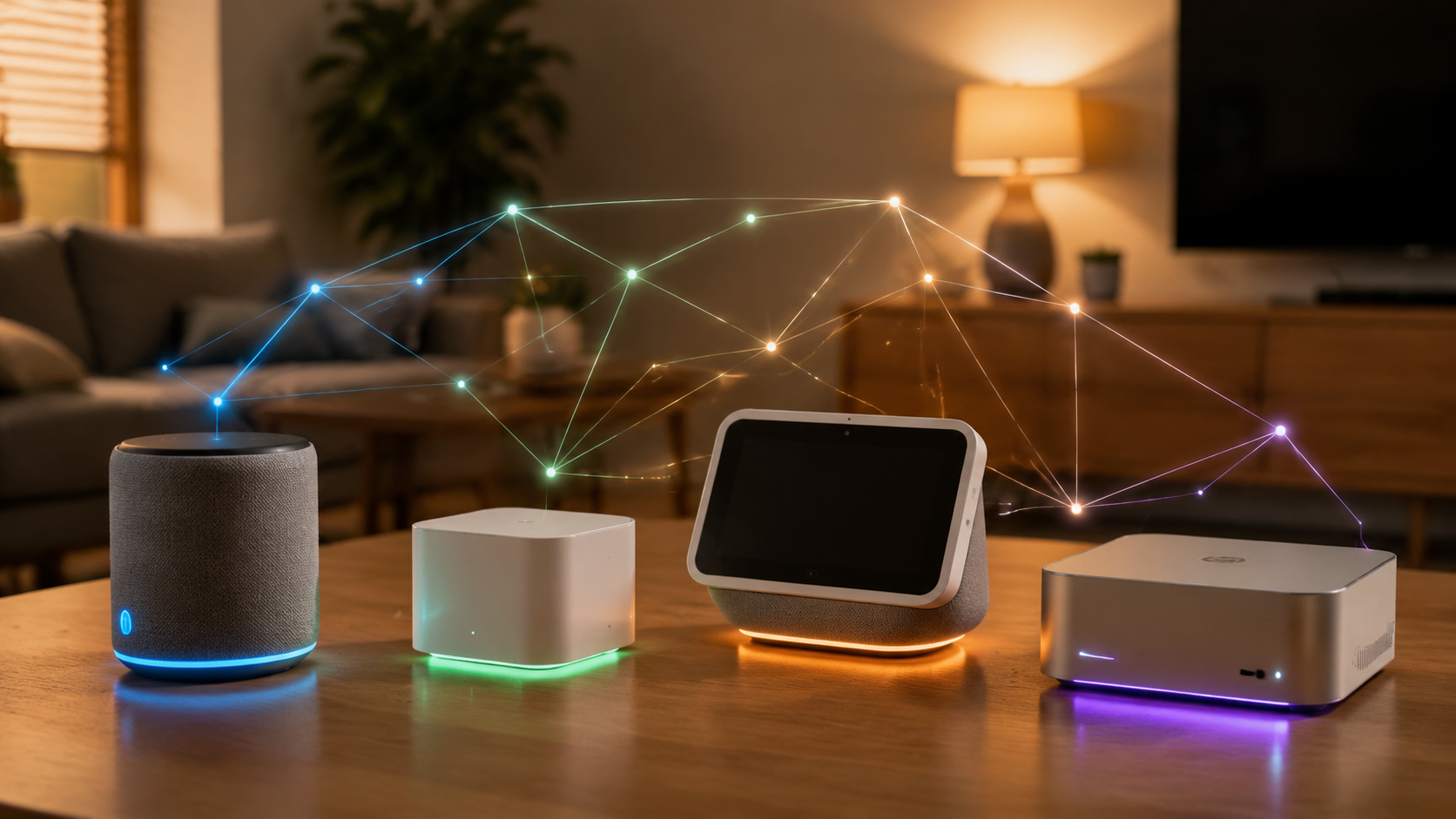
Before comparing logos, compare failure modes. If a light routine fails, who fixes it? If an app changes, who retrains the household? If a thermostat, lock, or shade motor does not fit the ecosystem, who returns it or pays for the workaround? Those questions matter more than a neat feature checklist.
Start With the Trade-Offs, Not the Brand
A useful platform comparison should separate six things that often get mashed together: device compatibility, voice performance, privacy posture, local control, budget, and maintenance burden. Matter can reduce lock-in, but it does not erase these differences. A Matter bulb may work across more apps; it does not make Alexa, Apple Home, Google Home, SmartThings, Home Assistant, and Control4 equivalent experiences.
| Platform | Best fit | Main strength | Trade-off to accept |
|---|---|---|---|
| Amazon Alexa | Broad device choice and simple voice control | Largest cited device ecosystem, with 140,000+ supported devices[1] | More exposure to Amazon’s advertising and data ecosystem[2] |
| Google Home | Households that talk to the assistant constantly | Strong natural-language assistant reputation; 93% accuracy figure is widely cited but older[1] | Hardware roadmap uncertainty, including Google’s Nest Protect discontinuation noted by WIRED[2] |
| Apple HomeKit | Apple households that value privacy and simple control | End-to-end encryption and local processing emphasis[2] | Smaller accessory universe than Alexa and less tolerance for mixed-device buying |
| Samsung SmartThings | Budget DIY homes with many device types | Flexible hub-style approach across many consumer devices | Automation depth and reliability depend heavily on device mix and setup discipline |
| Home Assistant | Tinkerers and local-control households | 2,500+ integrations and self-hosted control from about $95[2] | Requires technical comfort and ongoing maintenance |
| Control4, Crestron, Savant | Whole-home projects where service accountability matters | Integrated lighting, shades, audio, security, climate, and installer support[4] | Higher cost, professional scheduling, and less DIY spontaneity |
This is also where privacy belongs: not as a side sermon, but as a real household criterion. Parks Associates reported that 72% of smart home product owners are concerned about personal data security.[3] That concern does not mean every household must self-host everything. It does mean the platform’s data model should be part of the buying decision, especially for cameras, doorbells, locks, speakers, and occupancy-based automations.
Amazon Alexa: The Compatibility Default
Alexa is the platform I would expect many normal households to choose first because it removes friction at the store shelf. If the box says it works with Alexa, there is a good chance it joins the house without a long compatibility search. Security.org’s 140,000-plus supported-device figure is the clearest evidence for that advantage.[1]
That breadth matters in boring ways. It helps when one room has budget smart plugs, another has a midrange robot vacuum, and the hallway has a brand of motion sensor chosen because it was discounted. Alexa is forgiving of mixed shopping habits. For renters or first-time buyers building starter bundles, that can be more valuable than elegant automation depth. If you are still at the “what should I buy first?” stage, a platform-first starter plan pairs well with a beginner home automation device guide.
The cost is not that Alexa is unusable or unsafe by default. The cost is that the system sits inside Amazon’s broader commercial environment. WIRED flags Amazon’s advertising-ecosystem data use as a meaningful distinction among smart home platforms.[2] If your smart home will include mostly lights and a speaker, you may tolerate that. If it will include cameras, door locks, sleep routines, presence detection, and household-wide voice history, you may not.
Google Home: Strong Voice, Less Hardware Certainty
Google Home is strongest when the smart home is mostly spoken to. People who ask longer, messier questions often prefer Google Assistant’s style. The 93% correct-answer figure still circulates because it came from a Loup Ventures head-to-head assistant test and remains cited in Security.org’s 2026 guide.[1] It is useful as historical context, not as proof that Google won a 2026 benchmark.
The more practical point is interface behavior. A household that says “turn off the downstairs lights except the kitchen” or asks a speaker for context-heavy answers may notice assistant quality more than device catalog size. Google is also a natural fit for homes already using Android phones, Nest displays, Google speakers, and Google services.
The caution is continuity. WIRED points to Google’s Nest Protect discontinuation as part of a broader concern about hardware uncertainty.[2] That does not make Google Home a bad choice, but it does make me more careful about choosing Google as the center of expensive, hard-to-replace parts of the home. A speaker is easy to swap. A security and safety ecosystem is not.
Apple HomeKit: Privacy and Household Simplicity, If You Stay Inside the Lines
Apple HomeKit is the easiest recommendation for a household already built around iPhones, Apple Watches, HomePods, and Apple TVs, especially when privacy matters. WIRED describes HomeKit’s end-to-end encryption and local processing as core differences from other consumer ecosystems.[2] For many families, that is enough to justify a smaller accessory pool.
HomeKit also tends to reduce the “which app do I open?” problem for Apple households. The Home app, Siri, automations, and household member permissions feel more coherent when everyone is already carrying an iPhone. That matters more than spec sheets suggest. A smart home nobody else in the house wants to operate is not smart; it is one person’s hobby leaking into the hallway.
The trade-off is device selection and discipline. With Alexa, a random sale item is more likely to work. With HomeKit, you shop more carefully. That is especially important with thermostats, locks, cameras, and garage controls, where “mostly compatible” can turn into missing features. For climate devices specifically, check platform fit before buying through a smart thermostat ecosystem guide rather than assuming the logo on the box tells the whole story.
SmartThings: The Practical Middle for Mixed DIY Homes
SmartThings still makes sense for households that want a hub-style approach without crossing into full Home Assistant territory. It is often the middle lane: more flexible than a voice-assistant-only setup, less demanding than a self-hosted system, and friendly to people who own a mix of sensors, buttons, plugs, appliances, and lighting products.
Its risk is that flexibility can hide fragility. A SmartThings home assembled from whatever was cheapest that month can work well, but it can also become a patchwork of cloud dependencies, device-specific quirks, and automations nobody remembers writing. The platform is not the only variable; buying discipline matters.
I would put SmartThings on the shortlist for budget-conscious DIY buyers who want more than basic voice commands but do not want to maintain a server. If the household is also weighing cheap devices against more durable premium gear, the real comparison is not only platform cost; it is replacement rate, app support, and whether the device does the one job it must do every day. That is where a budget versus premium smart home gadget comparison becomes useful.
Home Assistant: Local Control for People Who Will Actually Maintain It
Home Assistant is the platform I trust most when the priority is local control, deep automation, and escaping single-vendor assumptions. WIRED describes it as self-hosted, with more than 2,500 integrations and a starting point around $95.[2] That combination is hard to beat if you know what you are doing.
It is also the easiest platform to romanticize. A local dashboard, custom automations, and integrations across odd devices sound liberating until the person who built it is away for the weekend and nobody else can figure out why the porch lights stopped following sunset. Home Assistant shifts power toward the homeowner. It also shifts responsibility there.
For tinkerers, that is a fair bargain. For a household where one person wants reliability and the other person wants experiments, it needs boundaries. Keep critical functions understandable. Label scenes plainly. Avoid building a climate, access, or security routine that only one person can diagnose.
Professional Systems Are Not Just Luxury Toys
Control4, Crestron, and Savant belong in this comparison because some homes outgrow consumer-platform improvisation. A house with integrated lighting, motorized shades, distributed audio, security, climate zones, access control, and a family that expects one clean interface is no longer the same problem as “make this lamp respond to voice.” Treasure Valley Solutions’ 2026 overview positions these professional systems around whole-home automation capabilities, including lighting, AV, security, climate, and custom integration.[4]
The professional route buys design, installation, programming, documentation, and someone to call. It also buys constraints: higher cost, scheduling, installer dependency, and less freedom to add random devices at midnight because they were on sale. That is not a flaw if the household wants service accountability more than tinkering freedom.
Installer demand supports the idea that this tier still has a real place. CEDIA reported that 35% of U.S. installers expected 6% to 15% revenue growth, a signal that many homeowners are still moving toward professionally installed systems rather than handling everything as DIY.[5] That does not prove professional systems are better for every home. It shows that “just use a smart speaker” is not where every project ends.
Match the Platform to the Household
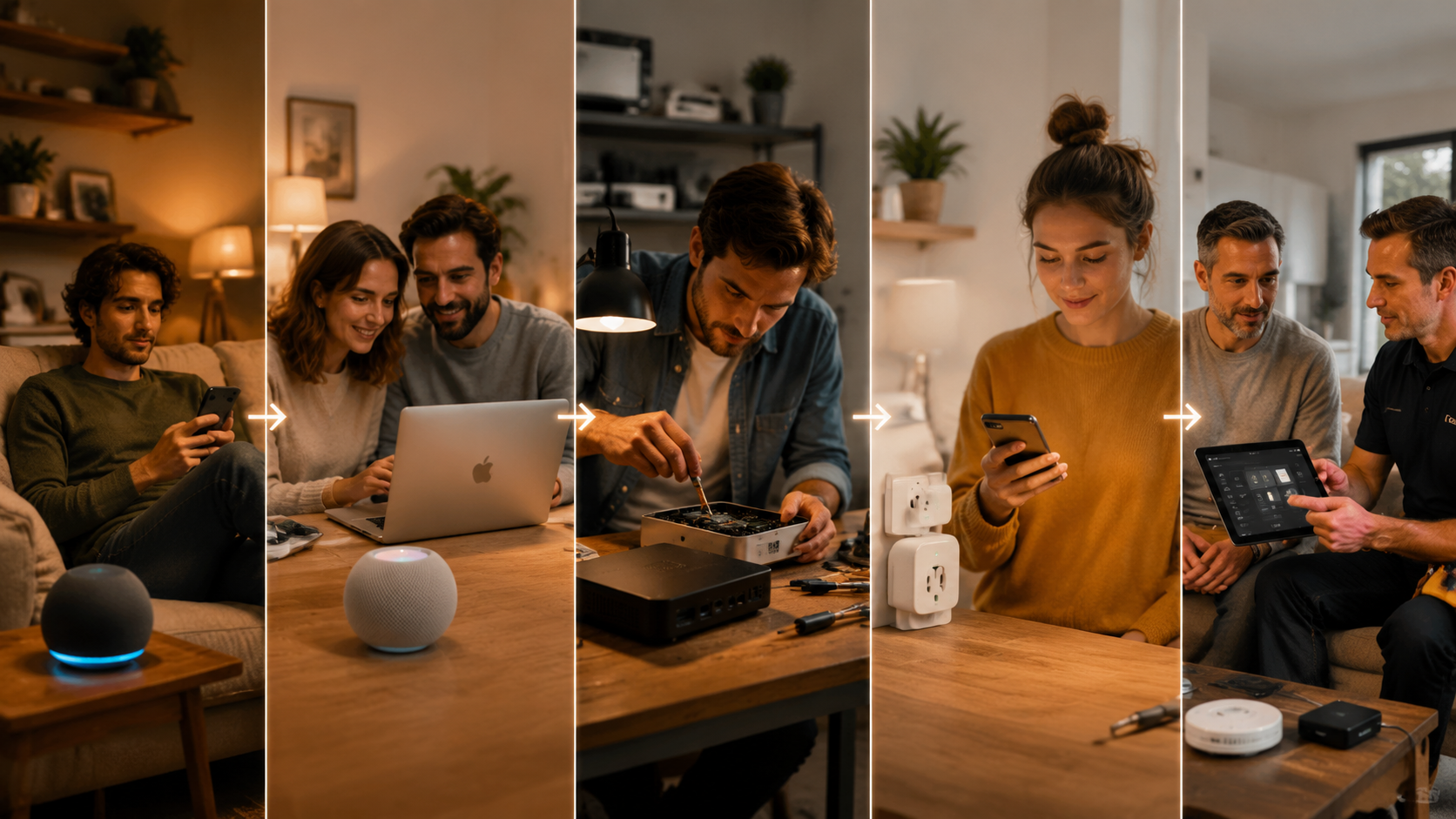
The cleanest way to choose is to name the household pattern first. Most regret comes from picking a platform for the person who enjoys setup day, not for the people who live with the system on a Tuesday morning.
| Household profile | Start here | Why | Watch for |
|---|---|---|---|
| Casual voice users | Amazon Alexa or Google Home | Alexa favors device breadth; Google favors conversational assistant use[1] | Data comfort, cloud dependence, and whether voice control is enough |
| Privacy-focused Apple households | Apple HomeKit | End-to-end encryption, local processing, and strong fit with Apple devices[2] | Accessory selection and careful buying |
| Tinkerers and local-control buyers | Home Assistant | Self-hosted model and 2,500+ integrations[2] | Maintenance burden and household usability |
| Budget DIY buyers with mixed devices | SmartThings, Alexa, or a Matter-aware mix | Flexible entry points and broad device availability | Patchwork reliability and unclear ownership of fixes |
| Whole-home remodels or high-reliability projects | Control4, Crestron, or Savant | Integrated lighting, shades, audio, security, and installer accountability[4] | Cost, schedule, and reduced DIY flexibility |
If You Mostly Want Voice Control
Choose Alexa if device variety and low-friction shopping matter most. Choose Google Home if the assistant’s conversational feel matters more than the accessory count. In either case, keep the first phase boring: lights, plugs, a speaker, maybe a thermostat after checking compatibility. Avoid making locks, cameras, or critical climate routines dependent on a platform you have only tested with lamps.
If the Household Is Already Apple-Centered
HomeKit is usually the least annoying path when everyone uses iPhones and privacy is a real priority. The smaller device universe is manageable if you buy deliberately. The mistake is treating HomeKit like Alexa and assuming every tempting discount device will fit cleanly. It may not.
If You Want Control More Than Convenience
Home Assistant is the right answer when you want local automations, unusual integrations, and the ability to keep routines running without waiting for a vendor’s cloud service. It is the wrong answer if the household will resent dashboards, backups, updates, naming conventions, and troubleshooting. Technical freedom is not free; it is paid for in attention.
If You Are Trying Not to Overspend
Budget buyers should separate platform cost from system cost. A cheap hub and cheap devices can still become expensive if half the devices need replacing, if automations break when a cloud service changes, or if a thermostat purchase forces a platform rethink. Alexa, SmartThings, and Matter-compatible devices can all work here, but only if you keep the device list intentional.
If the Project Includes Shades, Audio, Security, and Climate
Get a professional proposal before the walls close. You do not have to accept it, but you should know what a designed system would look like before a remodel locks in wiring, keypad locations, shade power, speaker placement, and rack space. Consumer systems can handle more than they used to, but whole-home reliability is partly an installation problem, not just an app problem.
Matter Helps, but It Does Not Choose for You
Matter is worth caring about because it reduces the penalty for choosing wrong. Aqara describes Matter as a standard that enables cross-platform device use, while Thread and Zigbee are connectivity technologies with different roles in the smart home stack.[6] In plain terms, a Matter-certified device is more likely to survive a platform change than an older device tied tightly to one app or hub.
That does not make Matter a separate ecosystem winner. Platform choice still affects automation depth, app design, voice behavior, privacy controls, household permissions, support expectations, and whether advanced features appear in one app but not another. Buy Matter-certified devices where possible, especially for lights, plugs, sensors, and locks, but do not treat the logo as a guarantee that every feature works identically everywhere.
Thread deserves similar restraint. It can improve low-power device networking when the platform and border routers are planned well, but it will not fix a poor Wi-Fi layout, bad device placement, or a platform nobody in the household wants to use.
Plan the Network Before the Smart Home Gets Big
A platform comparison is incomplete without the network. Many smart home complaints blamed on Alexa, HomeKit, SmartThings, or Home Assistant are really coverage, congestion, or backhaul problems. ListenUp’s 2026 smart home guide recommends planning for reliable networking with Wi-Fi 6 or 6E mesh and wired backhaul where possible.[7]
The practical rule is simple: do not scale the device count on a weak network. Put hubs and border routers where they can actually communicate. Use wired backhaul when the house layout allows it. Keep cameras, streaming devices, and automation hubs from fighting over a marginal signal. If the network is unstable, every platform starts looking worse than it is.
A Decision Rule That Survives the First Year
Pick Alexa if you want the broadest device choice and can tolerate Amazon’s data posture. Pick Google Home if voice intelligence is the daily interface and you are comfortable with Google’s hardware uncertainty. Pick HomeKit if the household is Apple-based and privacy weighs heavily. Pick SmartThings if you want flexible DIY control without running Home Assistant. Pick Home Assistant if local control and customization are worth maintenance. Pick Control4, Crestron, or Savant if a whole-home project needs design, integration, and someone accountable when it fails.
For a deeper consumer-platform companion, read The Smart Home Ecosystem Trap. Then make the choice the unglamorous way: choose the platform whose weakness your household can actually tolerate, buy Matter-certified devices where possible, and plan the network before scaling.
References
- Best Smart Home Security Systems, Security.org, 2026, https://www.security.org/smart-home/best/
- How to Choose Your Smart Home Ecosystem, WIRED, 2026, https://www.wired.com/story/how-to-choose-your-smart-home-ecosystem/
- 72% of Smart Home Product Owners Are Concerned with Personal Data Security, Parks Associates, https://www.parksassociates.com/blogs/press-releases/72-of-smart-home-product-owners-are-concerned-with-personal-data-security
- 11 Best Smart Home Automation Systems for 2026, Treasure Valley Solutions, 2026, https://treasurevalleysolutions.com/blog/best-smart-home-automation-systems
- Smart Home Installation Market Growth, CEDIA, https://cedia.org/smart-home-professionals/news/smart-home-installation-market-growth/
- Zigbee vs Thread vs Matter: What’s the Difference?, Aqara, https://www.aqara.com/us/blog-us/zigbee-vs-thread-vs-matter-whats-the-difference/
- 2026 Smart Home Guide: How to Build a Reliable, Future-Ready System, ListenUp, 2026, https://listenup.com/blogs/posts/2026-smart-home-guide-how-to-build-a-reliable-future-ready-system
Known issues with this device / protocol
Spec-version history
For active regressions on this protocol, see Update Watch.
No linked Update Watch entries yet.