
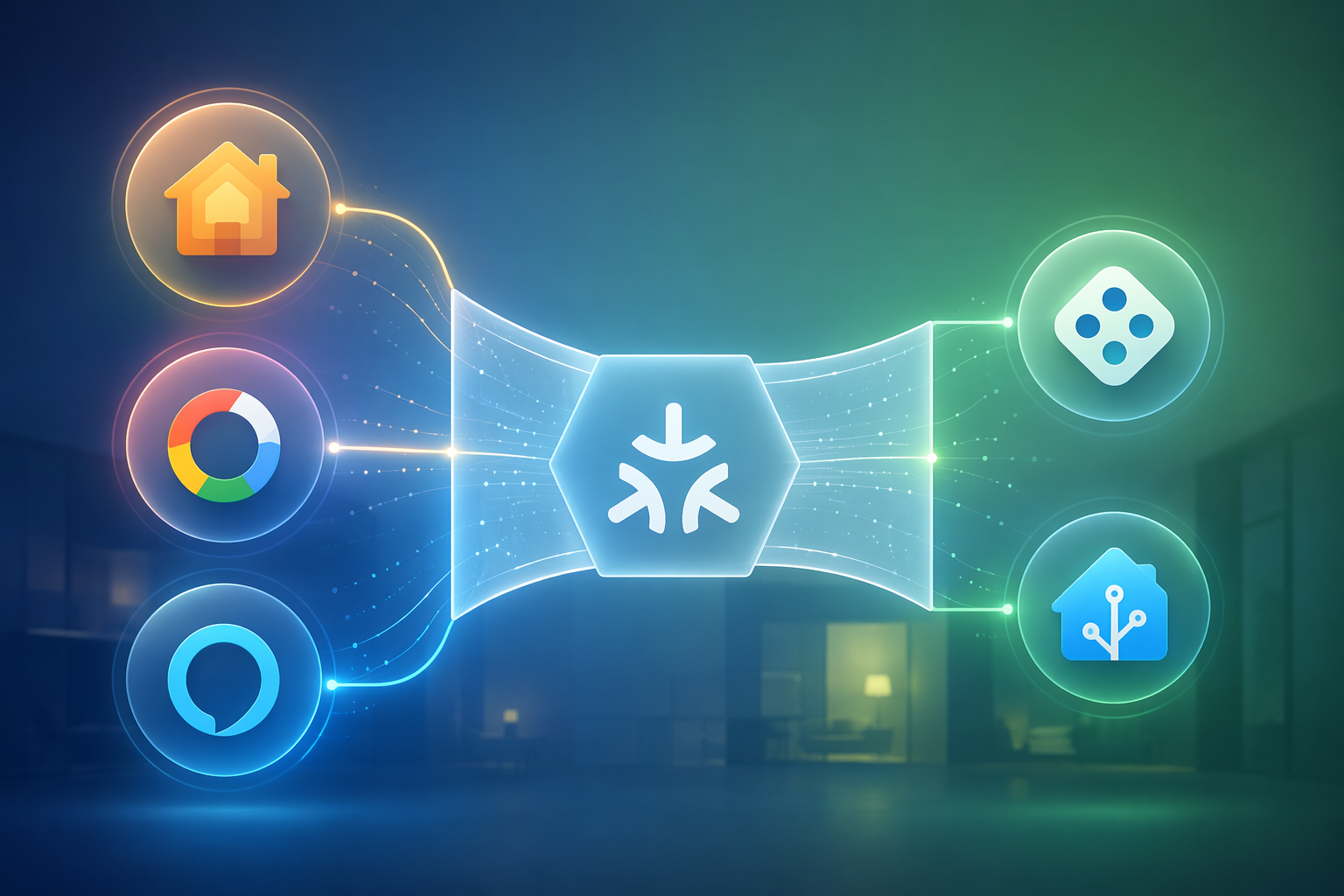
If you searched for “matter smart home app,” the first useful answer is blunt: there is no single official Matter app for controlling your smart home. Matter is the compatibility standard. The app you actually use is Apple Home, Google Home, Amazon Alexa, SmartThings, Home Assistant, or another ecosystem app that supports Matter.
Also, do not confuse this with the unrelated Matter read-later app. That app is for saving articles and web content. It will not pair your light bulb, unlock your door, or rescue you from a blinking setup LED at 10:30 p.m.
For a beginner, the real decision is not “Which Matter app do I download?” It is “Which Matter-capable ecosystem am I willing to live in every day?” That choice decides the setup screen you see, the controller hardware you need, which device types appear properly, which features are exposed, and how painful troubleshooting will be.
Start With the App You Will Actually Open
Matter 1.0 launched in October 2022, and by June 2026 the specification had reached Matter 1.6. That sounds like one clean ladder of progress. In the apps people actually use, it is messier: many consumer ecosystems still expose only Matter 1.0–1.3-era features, while newer device categories and controls arrive unevenly by platform.[1]
That gap is why the ecosystem matters more than the logo on the box. A device can be Matter-certified and still behave differently in Apple Home, Google Home, Alexa, SmartThings, and Home Assistant. Sometimes it pairs but shows fewer controls. Sometimes it needs the manufacturer’s app for firmware. Sometimes it simply is not useful in the app you picked.
Here is the practical version of the choice.
| Primary app | Good beginner reason to choose it | Matter reality check in 2026 |
|---|---|---|
| Apple Home | You live on iPhone, want a polished app, and prefer simple daily controls. | Apple Home remains around Matter 1.2/1.3-level implementation and still lacks some Matter areas, including generic switches, despite a strong interface.[1] |
| Google Home | You use Android, Nest speakers, Nest displays, or Google Assistant already. | Google Home has not made Matter 1.0 generic switches available; IKEA’s Bilresa remote and Klippbok leak sensor do not work in Google’s ecosystem according to the 2026 status review.[1] |
| Amazon Alexa | You already use Echo speakers and mostly want voice-first control. | Alexa does not support leak sensors even though Matter 1.3 covers water-management features.[1] |
| SmartThings | You want broader device handling without jumping straight into a hobbyist platform. | SmartThings has moved fastest on Matter version adoption and was first to support Matter 1.5 within one month of that specification’s release.[2] |
| Home Assistant | You want maximum control and are willing to manage hardware, integrations, and occasional rough edges. | Home Assistant gives serious flexibility, but it is not the easiest first stop for someone who just wants one bulb to work before dinner. |
None of that means one app wins for everyone. If your household already talks to Alexa all day, a theoretically better feature matrix will not make Apple Home feel natural. If everyone uses iPhones, Apple Home’s polish may matter more than a missing edge-case device type. Just do not buy a Matter device assuming the word “Matter” guarantees the same controls everywhere. It does not.
If you want a deeper ecosystem comparison after the basic choice is clear, use a platform guide such as Alexa, Google Home, and Apple Home Compared for 2026. iPhone-heavy homes should also look at the best smart home ecosystem for iPhone owners, while Android households should read why your Android phone decides the best smart home ecosystem.
The Controller Is the Part Beginners Miss
Downloading an app is not enough. A Matter smart home needs a Matter controller, and that controller is usually a piece of hardware sitting in your home. The phone starts setup, but the controller keeps the home running when your phone leaves the house.
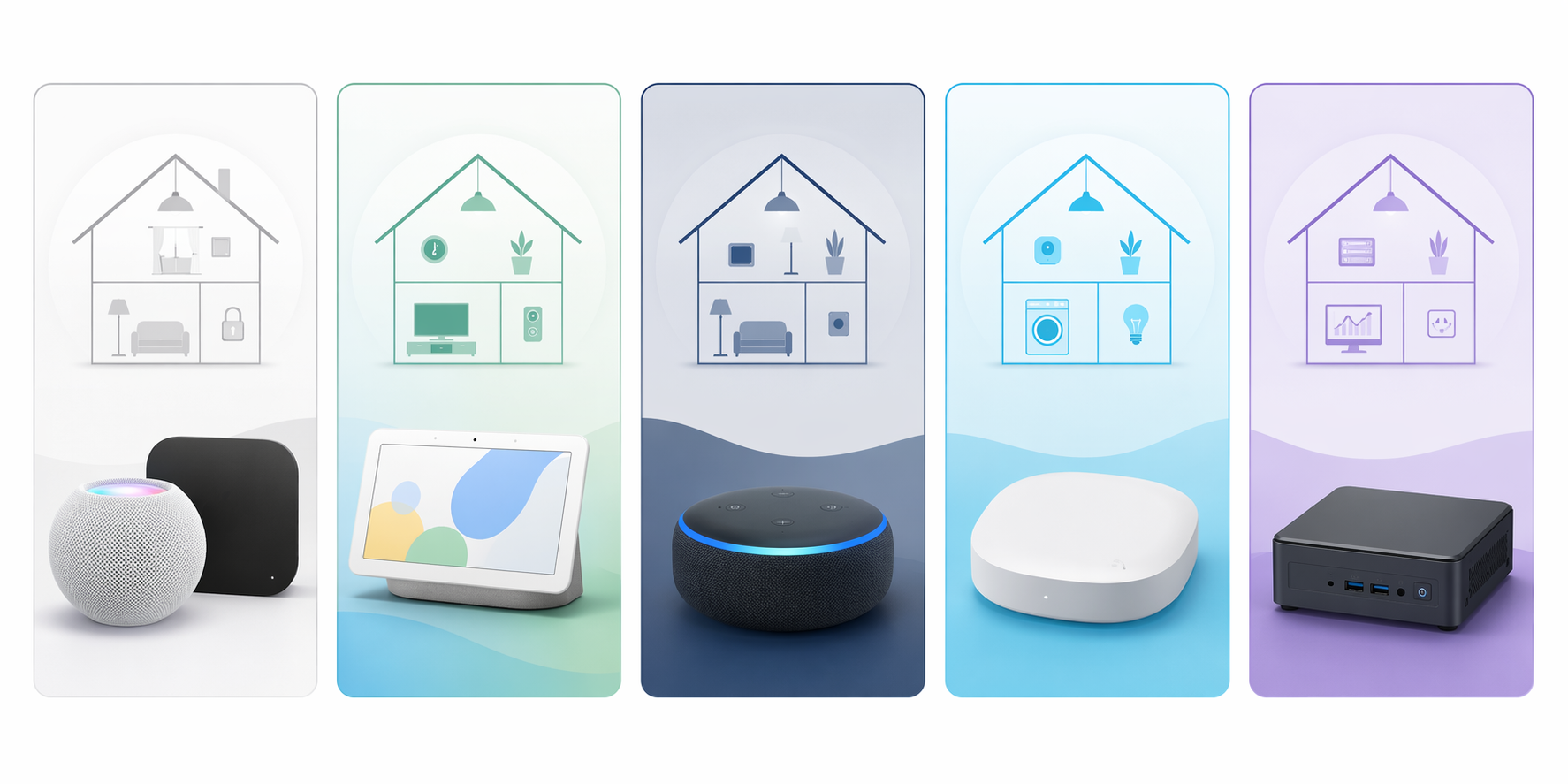
The common controller paths look like this: Apple Home uses a HomePod or Apple TV; Amazon uses a compatible Echo model; Google uses a Nest Hub or Google TV Streamer; SmartThings uses a SmartThings hub; Home Assistant runs on a computer or dedicated hardware.[3]
Before buying anything, check whether you already own the controller. Many people do. A smart speaker, streaming box, or hub in the living room may already be doing the job. If you are not sure what a hub contributes, read what your Matter hub actually does or check whether your Matter smart home hub might already be in your home. If you are starting from zero, a beginner hardware walkthrough such as Build Your First Matter Smart Home in 2026 is the more useful shopping list.
A sane first setup flow
For your first device, make the setup boring on purpose. Do not start with three ecosystems, two bridges, and a discounted Thread sensor from a brand you have never heard of. Start with one controller platform and one device type that platform clearly supports.
- Choose the primary ecosystem app: Apple Home, Google Home, Alexa, SmartThings, or Home Assistant.
- Confirm you have that ecosystem’s required Matter controller hardware.
- Buy one Matter device whose device type is supported by that ecosystem, not just by the Matter specification.
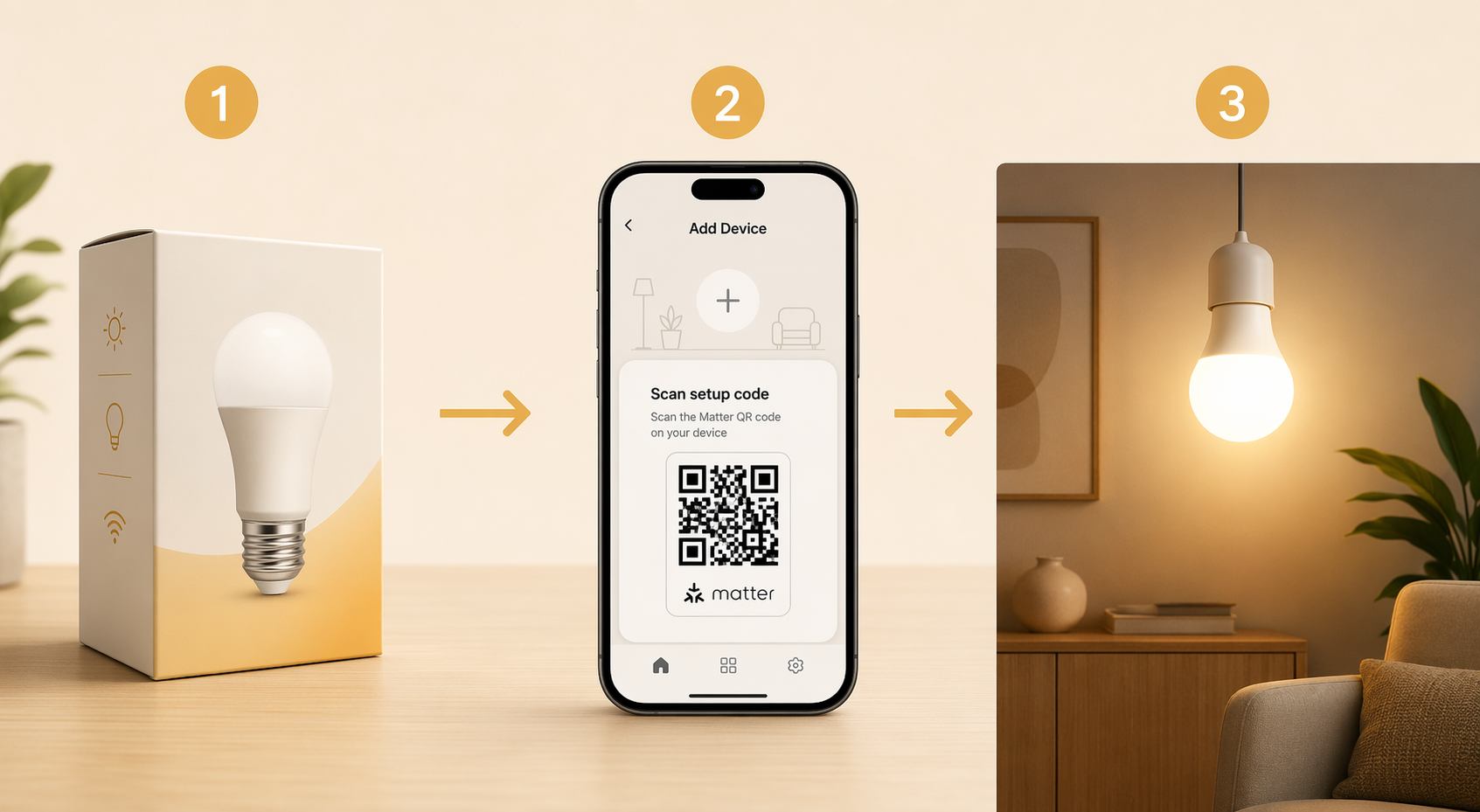
- Open the ecosystem app and use its add-device flow.
- Scan the Matter QR code or enter the setup code printed on the device, card, or packaging.
- Keep the manufacturer’s app installed if you need firmware updates, advanced settings, calibration, or device-specific features.
That last line is where many “Matter should replace all apps” expectations go to suffer. Matter can standardize basic pairing and control, but it does not force every manufacturer to expose every advanced setting through every ecosystem app. Firmware is still often handled in the brand app. Some device-specific settings stay there too.
If the words Matter, Thread, Zigbee, hub, and border router are starting to blur together, pause before buying. The useful distinction is simple: Matter is the application-level standard, Thread and Wi-Fi are ways devices communicate, and a border router is needed when Thread devices must connect to the rest of your home network. For that part, use What Is a Matter Border Router and Do You Already Have One? or the broader Matter Protocol vs Zigbee vs Thread guide.
Why a Matter Device May Still Not Show the Feature You Expected
The most common beginner mistake is reading the Matter badge as a promise that every compatible app will show the same device in the same way. The badge is a starting point. The ecosystem’s implementation decides the lived experience.
A leak sensor is the clean example. Matter 1.3 covers water-management features, but Amazon Alexa still does not support leak sensors in its Matter implementation.[1] That does not mean Matter is fake. It means the specification moved ahead of the app you planned to use.
Generic switches are another good test because they sound so basic that nobody expects trouble. Yet Apple Home remains behind in some Matter implementation areas, and Google Home has not exposed generic switches from Matter 1.0; the 2026 status review specifically notes IKEA’s Bilresa remote and Klippbok leak sensor as not working in Google’s ecosystem.[1]
This is why “Matter-compatible” is not enough for a first purchase. Check three things before you buy: the device type, the ecosystem app you plan to use, and whether your controller platform supports that device type today. Not eventually. Not “coming soon.” Today.
Multi-Admin Is Useful, Not Magical
Matter’s Multi-Admin feature lets one device be shared across multiple ecosystems. In practical terms, you might add a device to Apple Home first, then generate a sharing code and add it to Google Home or SmartThings. Matter devices can support up to five fabrics, meaning up to five ecosystem networks for the same device.[4]
That is genuinely useful. It is also not a guarantee that every app will expose the same controls, automations, or firmware path. Home Assistant’s Matter documentation treats Multi-Admin as part of the standard workflow, but the actual device experience still depends on the controller and integration involved.[5]
There is also a maintenance catch: Unstar’s 2026 review analysis notes sharing breaking after firmware updates as one of the real-world Matter complaints. The same analysis found that, within its sample of 1–3 star reviews across five smart home apps, device drop-offs were the top complaint at 19%, automation failures followed at 16%, and 11% of complaints involved Matter cross-ecosystem promises breaking at brand boundaries.[4]
Those percentages are not universal failure rates. They are complaint frequencies inside one review-analysis sample, so do not use them to declare Matter doomed. Use them for expectation-setting: the places where people get angry are often the same places beginners assume the standard has already smoothed over.
Thread Problems Look Like Bad Devices
Thread is where smart-home setup becomes unfair to normal people. A Thread device may fail or drop offline not because the sensor is terrible, but because your home has multiple Thread border routers creating separate mesh networks instead of cooperating neatly.
Historically, Thread border routers from different brands could form separate Thread networks. Thread 1.4, introduced in September 2024, standardizes credential sharing so border routers can join a common network more cleanly, but rollout is still in progress through 2026.[6]
The annoying part is that you may not be able to simply turn off the extra Thread border router. Terry White noted in May 2026 that users cannot disable Thread border routers on Google Nest Hubs or Amazon Echos without physically removing the devices.[7] That is exactly the sort of invisible conflict that makes a beginner think the bulb, sensor, or standard is broken.
This does not mean you should avoid Thread. It means you should be deliberate. If you are buying Thread devices, know which product in your home is acting as the Thread border router, and avoid accidentally building several isolated Thread islands. For a deeper platform-by-platform look, use Thread 1.4 Credential Sharing Compared by Platform.
The IKEA warning is small but useful
IKEA’s Matter-over-Thread problems are a good cautionary case because they show the gap between a cooperative standard and real households. In March 2026, 9to5Mac reported on IKEA smart-home failings and cited IKEA’s February 2026 acknowledgment, while also pointing to The Verge’s reporting that the cooperative spirit among Apple, Google, and Amazon around Matter had stalled.[8]
That is not a reason to panic-buy only old-fashioned Wi-Fi plugs. It is a reason to stop treating every Matter-over-Thread purchase as plug-and-play in every app. If a device does not appear, appears once and then vanishes, or works in one app but not another, the problem may be the controller, the Thread network, the firmware, or the ecosystem’s device-type support.
When something refuses to show up, work from the boring causes first: controller present, device supported by that ecosystem, firmware current, correct Thread border router, same home network, fresh setup code, and no half-completed pairing left behind. A troubleshooting checklist such as Use This Checklist to Troubleshoot Your Matter Smart Home is more useful than randomly resetting everything. Apple users dealing with one specific failure can also use Fix a Matter Device That Won’t Show in Apple Home.
A Good First Matter Purchase Rule
Buy for the ecosystem first, then the Matter badge. That sounds backwards only if you were sold Matter as a universal smart-home app. It is not. It is the bridge that improves compatibility between ecosystems, while the ecosystems still decide setup, controls, automations, sharing, firmware paths, and supported device types.
For a first setup, pick the app you are willing to use daily, confirm the required controller hardware, check that the device category works in that app now, and start with one device. After that device behaves for a while, then think about Multi-Admin, Thread expansion, and mixing platforms.
So the answer to “What Matter smart home app do I need?” is: you do not need a Matter app. You need a Matter-capable ecosystem app, the right controller, and a device whose Matter features your chosen platform actually supports.
References
- The Matter Standard in 2026 – A Status Review — matter-smarthome.de
- SmartThings Is the First Platform to Support Matter 1.5 — matter-smarthome.de
- How to Set Up a Smart Home with Matter – Step by Step — matter-smarthome.de
- Apple Home vs Google Home: 5 Smart Home Apps Ranked (2026) — Unstar.app, May 2026
- Matter - Home Assistant — Home Assistant
- Matter and Thread Explained: What Works in 2026 — Data Wire Solutions
- Why Matter Still Sucks in 2026! — Terry White's Tech Blog, May 2026
- Ikea smart home failings point to a major problem with Matter — 9to5Mac, March 18, 2026
Updates & Corrections
Protocol specifications and platform features change rapidly — especially with Matter version evolution. Report version changes, certification count updates, or platform policy changes that have occurred since the last editorial review.
Comments
Join the discussion with an anonymous comment.