
Which smart home routines to adjust for permanent DST
Permanent daylight saving time is pending, not law: the Senate has not voted and states can still opt out. If it takes effect, sun-relative routines keep tracking the real sun while fixed-clock schedules tied to daylight drift an hour off — this guide sorts which automations need adjusting, when the change lands, and why timezone-data updates are the hidden failure point.
Last updated
Permanent daylight saving time is still a “watch this space” problem, not a weekend rebuild job. As of Aug. 25, 2026, H.R. 139 has passed the House by a 308-117 vote on July 14, 2026, but the Senate has not voted, and state opt-outs remain part of the practical uncertainty around any final change.[1][2] Under current rules, the 2026 fall-back is still on the calendar unless the law changes before then.
The useful sorting rule is simple: sun-relative routines survive; fixed-clock routines chosen to match daylight drift; alarm-anchored routines stay where they are. That rule matters more than the app logo. A porch light set to “sunset” is different from a porch light set to “5:30 p.m.” A bedroom lamp tied to a 6:30 a.m. wake-up is different from a shade routine set to avoid sunrise glare.
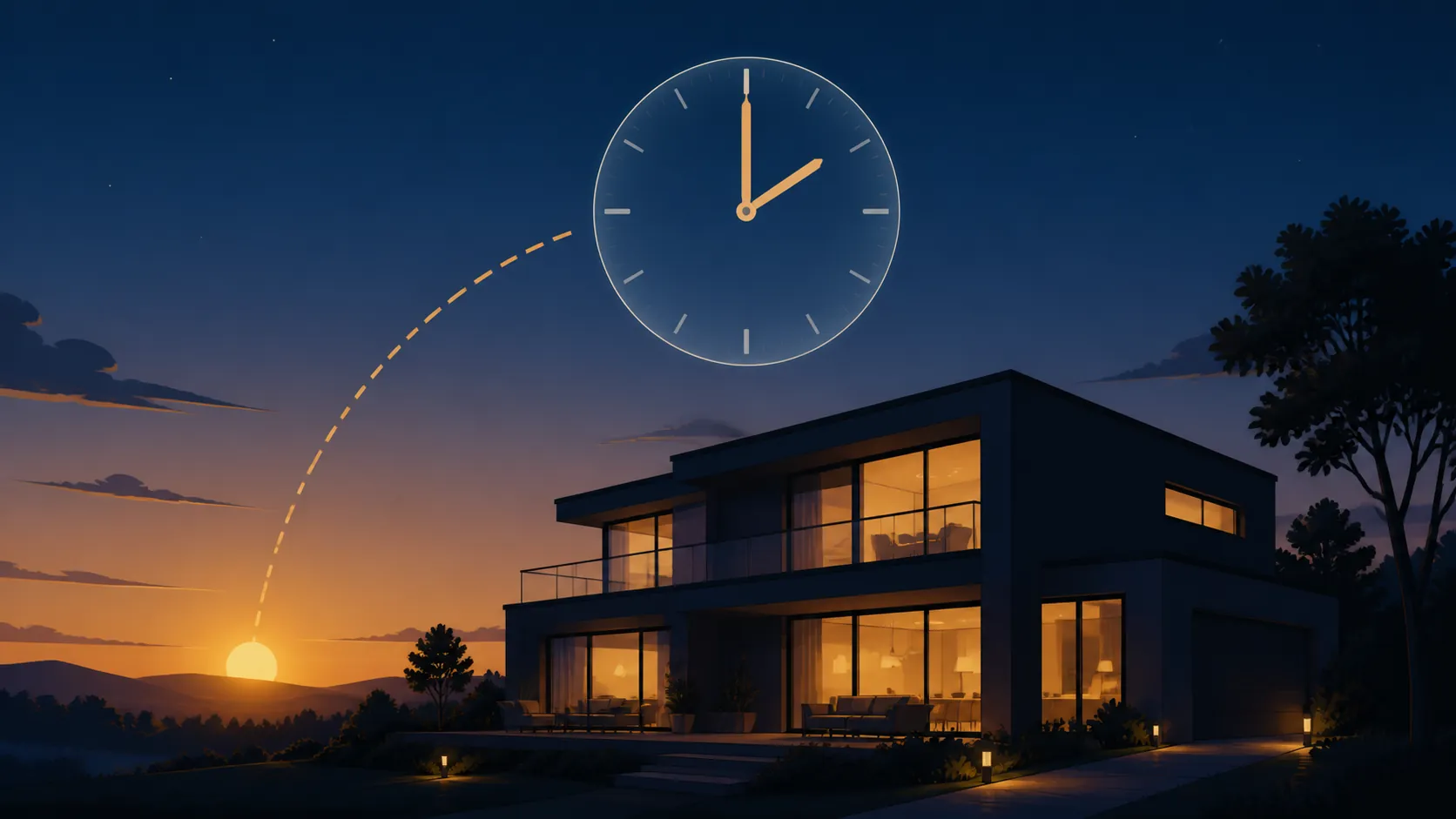
What permanent DST would actually change at home
Permanent daylight saving time would keep the daylight-saving clock label through the months that currently use standard time. The sun does not move because Congress says the clock should. The wall-clock label moves one hour later during those winter months.
That is why winter mornings get the attention. TIME’s New York example puts Jan. 15 sunrise at 7:18 a.m. under the current clock, but 8:17 a.m. under permanent daylight saving time; the same shift pushes a roughly 5 p.m. sunset to just before 6 p.m.[3] Local examples make the same point in different parts of the country: Cincinnati January sunrises would be around 9 a.m., and Roanoke would see an 8:28 a.m. sunrise and 6:08 p.m. sunset on the first day of winter.[4][5]
For automations, the lived effect is not mysterious. Anything that asks for the actual sun still asks for the actual sun. Anything that asks for a fixed wall-clock time will keep obeying that label, even if that label is now an hour farther from winter daylight than when you originally picked it.
Start by sorting routines, not editing them
Before touching Alexa, Google Home, Apple Home, Home Assistant, SmartThings, or a thermostat app, make a short inventory. The same household can have all three classes below, and only one of them usually needs work.
| Routine type | Typical examples | If permanent DST takes effect |
|---|---|---|
| Sun-relative | Porch lights at sunset; shades at sunrise; garden lights 30 minutes after sunset; automations based on sun elevation | Usually leave alone. Confirm the home location and timezone are correct, especially after a law change. |
| Fixed clock, chosen because of daylight | Exterior lights at 5:30 p.m.; shades at 7:15 a.m. to catch glare; sprinkler start chosen to beat morning heat; camera privacy mode tied to dusk | Shift by one hour during the months that used to be standard time, or convert to sunrise/sunset/sun elevation. |
| Human-clock anchored | Wake alarm; morning lights before work; thermostat preheat before 6:30 a.m.; medication reminders; school departure routines; locks after bedtime | Usually leave alone unless the household schedule itself changes. |
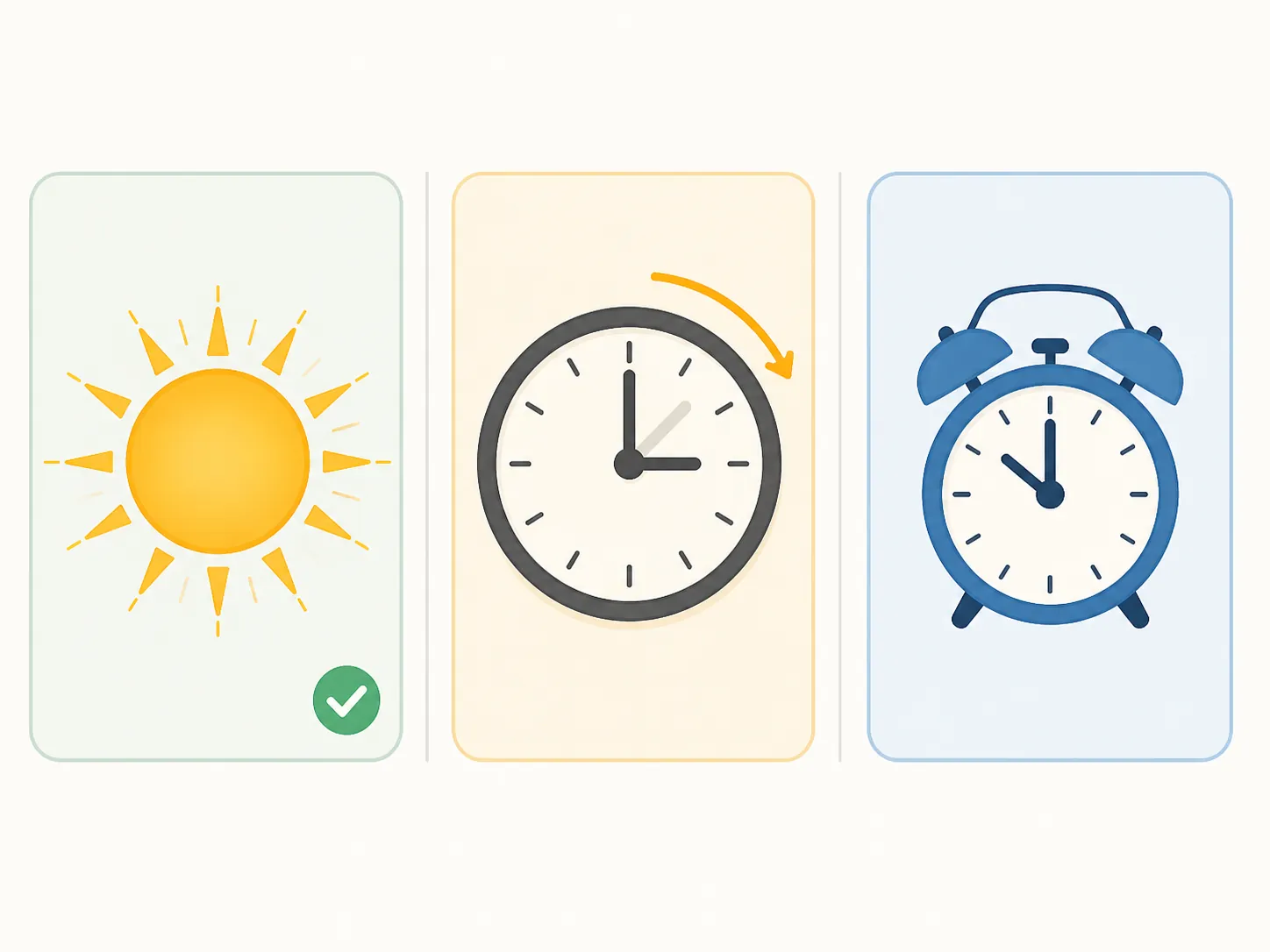
The middle row is where most of the useful maintenance lives. A fixed 5:30 p.m. porch-light schedule may have been a perfectly sensible substitute for sunset when you created it. Under permanent DST, that same wall-clock time would land an hour earlier relative to winter daylight than it used to. If the reason for the routine was “turn on around dusk,” it belongs with sun time, not clock time.
The last row is where over-editing causes trouble. If the thermostat starts warming the kitchen before a 6:30 a.m. alarm, leave it at 6:00 or 6:15 a.m. if the household is still waking at 6:30. Moving that routine because sunrise moved later would make the room late, not smarter. The same goes for medication reminders, school departure nudges, coffee plugs, morning accessibility lighting, and any other routine whose real anchor is a person’s clock.
Why sunrise and sunset triggers usually do not need rebuilding
A real sunrise trigger is not a renamed 7 a.m. timer. Home Assistant’s Sun integration calculates dawn, dusk, sunrise, sunset, noon, midnight, and sun elevation from the configured home location; the integration is reported as used by 99.6% of active Home Assistant installations.[6] That mechanism is the reason a “turn on at sunset” automation stays attached to sunset even if the legal clock label changes.
Google Home follows the same broad idea for household routines that use sunrise or sunset starters: Google’s help documentation requires a home address for sunrise and sunset behavior.[7] That location requirement is not trivia. It is what lets the platform calculate the sun for your actual home instead of pretending that sunset is the same clock time everywhere.
That does not mean every app exposes sun logic equally. Google Home’s routine model also has limits around starters, including the rule that a household routine can have only one non-voice starter.[7] So a conversion from “6:00 p.m.” to “sunset” may be conceptually right while still requiring a small routine split or redesign in the app.
Alexa can run routines from sunrise or sunset, and community-documented walkthroughs describe before/after offsets in minutes, but offset limits and one-per-day behavior should be verified in the current Alexa app before you rebuild around them.[8] That caveat is deliberate: community walkthroughs are useful for finding the button, but they are not the same as current vendor documentation.
For detailed conversion mechanics, use the companion recipe on switching smart home schedules to sun time after you know which routines deserve conversion.
The fixed-clock routines most likely to become wrong
Look for clock times that were chosen as a proxy for daylight. These are easy to miss because they usually look boring in the app: 5:15 p.m., 6:00 p.m., 7:10 a.m., 8:30 p.m. The label does not say “dusk workaround” or “winter glare workaround,” but that may be why the time exists.
- Exterior lighting: porch, path, driveway, deck, garage, and address-number lights set to a fixed evening time.
- Window coverings: shades or blinds set to fixed morning or evening times because of glare, heat gain, privacy, or street visibility.
- Outdoor devices: fountains, holiday lights, low-voltage transformers, and garden lighting that should follow dusk rather than dinner time.
- Security and privacy modes: camera recording, spotlight brightness, or indoor camera privacy schedules chosen around when people can see in or out.
- Irrigation and garden routines: fixed starts that were picked for temperature, evaporation, or available daylight rather than for a human schedule.
For each one, ask why that time was chosen. If the honest answer is “because it used to be dark around then,” convert it to sunrise, sunset, or a sun offset where your platform supports that cleanly. If the platform makes that awkward, a one-hour winter shift may be the cleaner maintenance choice.
A hypothetical example is enough to show the distinction. Suppose a hallway lamp turns on at 6:20 a.m. because someone walks downstairs at 6:30. That routine is tied to a person. Leave it. Suppose a front shade opens at 7:20 a.m. because that used to roughly match morning light. That routine is tied to the sun. It should either become sun-relative or be shifted after the law and local status are confirmed.
Do not move the routines that serve the household clock
Wake routines are the common trap. Permanent DST would change how dark the window looks at 6:30 a.m. in winter. It would not change the fact that school, work, medication, caregiving, commuting, and sleep schedules are normally coordinated by wall clock.
Leave these alone unless the human schedule changes:
- Alarm-linked bedroom lights.
- Thermostat preheat or precool before wake-up.
- Coffee maker or kitchen plug schedules.
- Medication, pet feeding, and caregiving reminders.
- School and work departure announcements.
- Night locks, alarm arming, and “after bedtime” routines tied to household behavior rather than darkness.
The house may feel different on a dark winter morning under permanent DST. That is a lighting-design problem, not a reason to slide every morning automation by an hour. Add more gentle wake lighting if needed; do not make the thermostat wait until after people are already up.
The timezone-data trap
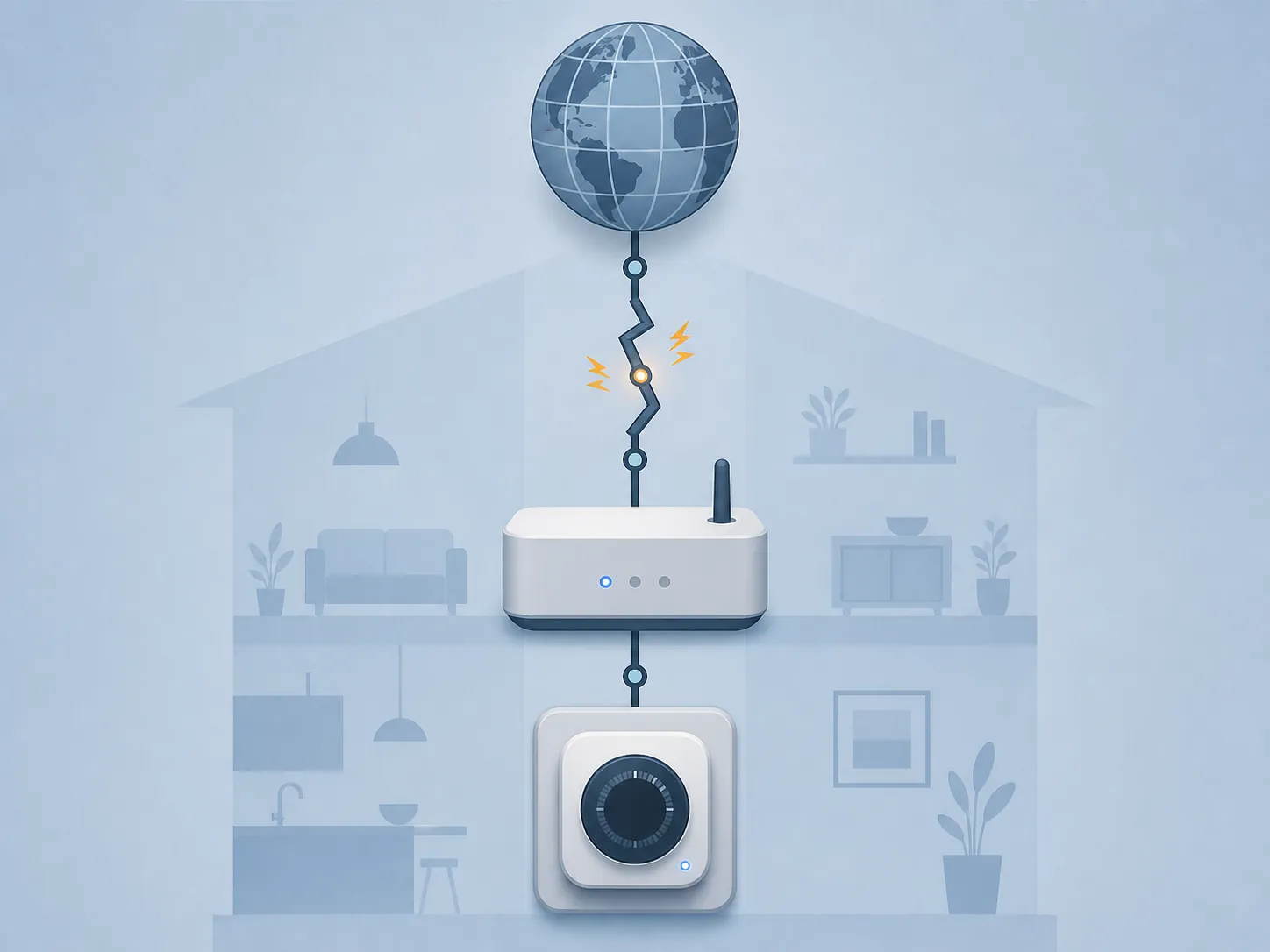
There is one boring layer that can still make a correct rule look wrong: timezone data. A law does not update a hub, thermostat, bridge, speaker, or cloud scheduler by itself. Devices need updated timezone rules, usually through operating-system, firmware, cloud, or app updates.
The IANA time zone database is one of the central places where civil-time rule changes are tracked. Its documentation warns that rule changes should be announced at least a year before they take effect, otherwise “many clocks will be wrong,” and it also notes that there is no fixed release schedule for timezone updates.[9] That is not a prediction that a specific smart-home vendor will fail. It is the plumbing reality behind every confident “your routines will be fine” claim.
There is precedent for older devices getting stuck on old DST rules. After the 2007 U.S. DST-date change, Honeywell’s support guidance for certain older VisionPRO thermostats was to disable automatic daylight saving time adjustment and set the clock manually.[10] SmartThings users have also documented sunrise and sunset events firing an hour off after DST transitions, with discussions pointing to cached SmartApp times in those cases.[11][12]
Those examples support a narrower conclusion than “platforms will break.” The better conclusion is that sun-relative logic and time-source freshness are separate. A rule can be designed correctly and still run at the wrong wall-clock moment if the hub or cloud service is using stale timezone assumptions.
What to check before blaming the routine
- Confirm the home address or latitude/longitude used by the platform.
- Confirm the hub, speaker, bridge, phone, and thermostat all show the correct timezone.
- Install firmware, app, operating-system, and hub updates before the effective date of any confirmed law.
- After a clock-rule change, test one sunrise routine and one sunset routine before rebuilding a whole room.
- If a sun-triggered routine is exactly one hour off, investigate timezone data and cached schedules before converting it to a fixed time.
If the clocks do change and devices start acting one hour off, the troubleshooting path is different from a planning inventory. Use the post-change guides for fixing smart home schedules after DST, the broader smart home DST schedule fix, or the focused guide to sunrise and sunset lighting problems after DST. For the underlying drift mechanisms, including hub timezone databases, see why smart home schedules drift after DST.
A practical pre-law inventory
The right amount of work before the Senate votes is small. Do not rebuild a household system for a bill that is not law. Do make the routines visible now, because the risky ones are usually the quiet fixed times nobody has looked at since they were created.
- Create a short list of fixed-clock routines that were really chosen to match daylight: lights, shades, cameras, outdoor loads, and garden schedules.
- Mark each one as “convert to sun,” “shift by one hour if needed,” or “leave because it follows people.”
- Confirm home address, location, timezone, and update status on hubs and major time-setting devices.
- Wait for confirmed law, effective date, and state status before editing live routines.
- When the status is confirmed, use the sun-time conversion recipe only for the routines that actually need conversion or a one-hour shift.
For thermostat-specific clock symptoms, keep the time-source and schedule fixes separate; a thermostat that shows the wrong time is a different job from a shade routine that was poorly anchored to daylight. The relevant troubleshooting guides are smart home DST clock fixes and smart thermostat schedule DST fixes. If you are tracking whether the 2026 fall-back is still scheduled under current rules, keep that in the status bucket with daylight saving time ends 2026 and the compatibility note on why DST ends early in 2026.
That is enough preparation for now: list the daylight-linked fixed times, verify location and timezone settings, and wait for confirmed federal and state status before changing live automations.
References
- Sunshine Protection Act, Wikipedia
- Trump’s Push to Make Daylight Saving Time Permanent, FactCheck.org, June 2026
- Trump Wants To Make Daylight Saving Time Permanent. Here’s What That Means, TIME, Aug. 13, 2026
- Permanent daylight saving time bill passes House, Ohio impact, WLWT
- House votes to make daylight saving time permanent, WSLS, July 14, 2026
- Sun, Home Assistant
- Create and manage Routines in the Google Home app, Google Assistant Help
- How to trigger Alexa Routines at sunrise or sunset, GearBrain
- Sources for time zone and daylight saving time data, IANA
- Honeywell Home support page for VisionPRO daylight saving time adjustment, Honeywell Home, updated Sept. 2, 2025
- SmartThings community thread 62293, SmartThings Community
- SmartThings community thread 188466, SmartThings Community
Known issues with this device / protocol
Spec-version history
For active regressions on this protocol, see Update Watch.
No linked Update Watch entries yet.