
If you already have a smart home system, start there. The best smart air quality monitor for home use is not the one with the longest sensor list; it is the one that can put its readings to work in the platform you already trust. For Alexa, start with Amazon Smart Air Quality Monitor. For Google Home, start with Airthings View Plus. For Apple HomeKit, start with Eve Room. For Home Assistant, start with AirGradient ONE. If you mostly want a clean standalone display and do not need deep Western-platform integration, Qingping Pro Gen 2 is the more neutral option.
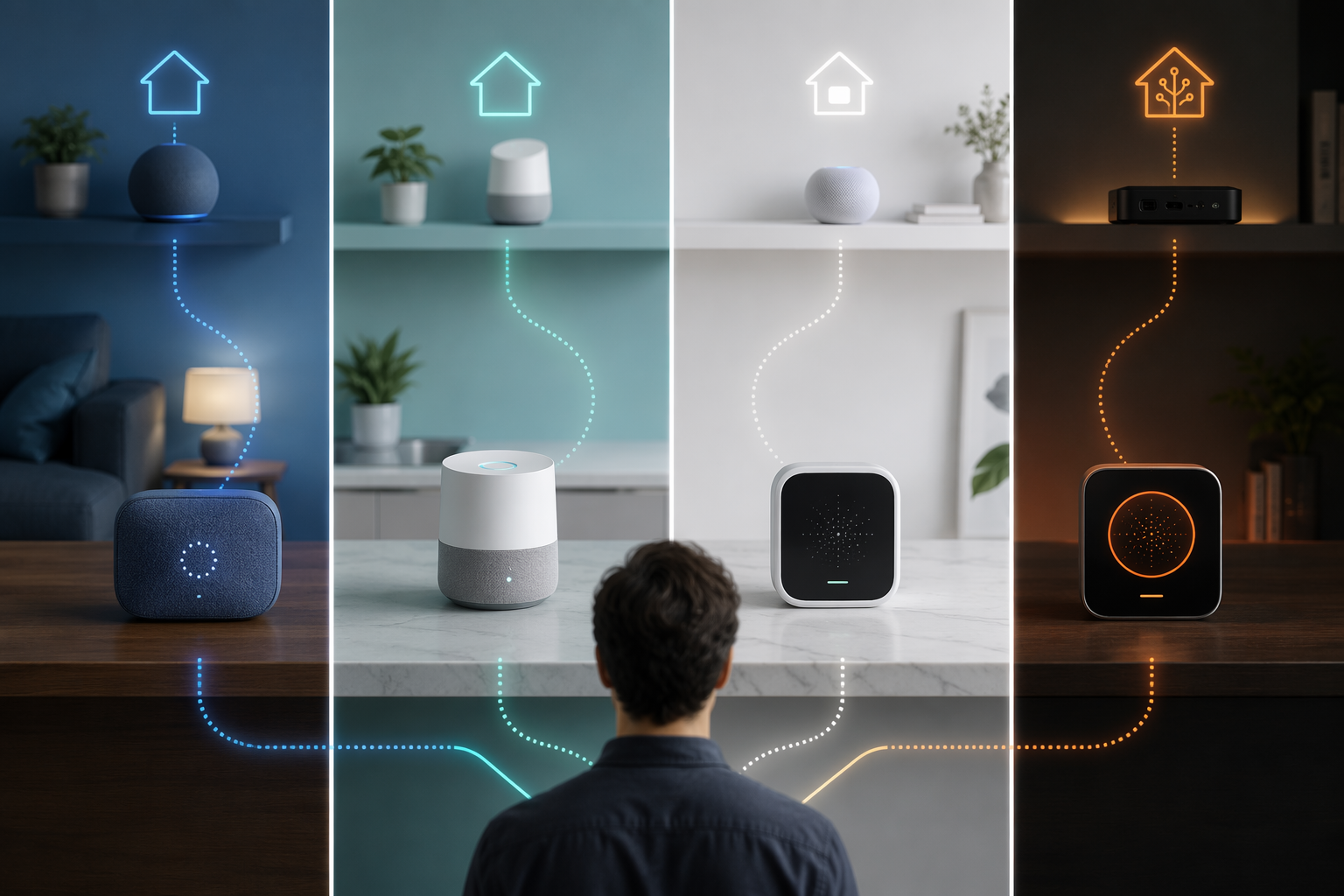
That order matters. A PM2.5 spike is useful information; a PM2.5 spike that turns on the right purifier, shows up in the right app, and does not strand your data in a side account is much more useful. A monitor can be technically capable and still be the wrong buy if it asks you to rebuild your smart home around it.
| Your platform | Start with | Why it fits | Main caveat |
|---|---|---|---|
| Alexa | Amazon Smart Air Quality Monitor | Direct Alexa Routines; practical purifier automations; low entry price | Price moves with Amazon sales, and accuracy claims come from third-party testing |
| Google Home | Airthings View Plus | Broad compatibility with Google Assistant, Alexa, and IFTTT; continuous radon tracking; long warranty | Google Home support is useful, but not the same as full platform-native control |
| Apple HomeKit | Eve Room | Native HomeKit experience with Matter/Thread support and no workaround hub | Matter air quality monitor adoption is still limited in mid-2026 |
| Home Assistant | AirGradient ONE | Native Home Assistant integration, open-source posture, local data appeal, and a dedicated NOx sensor | Best for people who actually want Home Assistant-level control |
| Mostly standalone | Qingping Pro Gen 2 | Strong display-first option for people who want readable room data without choosing Alexa, Google, Apple, or Home Assistant | Xiaomi Home limits its appeal for many Western smart home setups |
For Alexa Homes: Amazon Smart Air Quality Monitor
The Amazon Smart Air Quality Monitor is the easiest recommendation for an Alexa household because it does the thing most people actually buy a smart monitor to do: it can feed Alexa Routines directly. You do not need a separate hub, a translation service, or a weekend project just to make indoor air readings affect the rest of the home.
A useful Alexa setup is simple: when PM2.5 rises above 25 µg/m³, turn on a compatible air purifier. That threshold is not a full indoor air strategy, but it is the kind of action point that makes a monitor more than a wall ornament. If wildfire smoke is the reason you are shopping, the PM2.5 sensor is the part to care about first; the broader smoke-specific buying logic is covered in our guide to choosing a smart air quality monitor for smoke.
The accuracy case is good enough to take seriously, with an important boundary. AirQualityNest testing found the Amazon Smart Air Quality Monitor’s PM2.5 readings within 15% of reference-grade equipment, but that is third-party testing, not a universal certification that every unit in every room will behave the same way.[1] For a low-cost Alexa sensor, that result is encouraging. It should not be inflated into a lab-standard guarantee.
Its usual listed price is $49.99, but Amazon hardware prices are not stable enough to treat that number as permanent. Check the current price before you buy, especially around Prime Day, Black Friday, and other Amazon sales events. At the right price, this is the rare cheap smart home sensor that is cheap and operationally useful.
Pairing it with a purifier is where the recommendation becomes strongest. If you are trying to build a smoke-ready setup, use the monitor as the trigger and choose the purifier separately; our guide to the best smart air purifiers for wildfire smoke in 2026 is the more relevant next step than comparing extra air quality sensor types.
For Google Home: Airthings View Plus
Google Home users should start with Airthings View Plus because it is one of the easier monitors to live with across mixed households. It supports Google Assistant, Alexa, and IFTTT, and it carries a five-year warranty. It is also the mainstream pick here with continuous radon tracking, which changes the buying logic for basements, ground-floor rooms, and homes where radon is part of the air-quality concern.
The caveat is integration depth. “Works with Google Assistant” is valuable, but it is not the same as the clean, platform-native automation experience Alexa users get with Amazon’s monitor or Home Assistant users get with AirGradient. If your goal is to ask Google for a reading, see trends, and keep a broad compatibility path open, View Plus makes sense. If your goal is highly specific local automations, it is not the strongest option in this guide.
The other reason to take Airthings seriously is sensor mix. Radon is not a quick “open the window” reading like CO2 or VOCs; it is a longer-term exposure issue. A continuous radon monitor is not necessary for every apartment or every room, but when radon is on the list, View Plus earns its price in a way a cheaper PM2.5-only monitor cannot.
For HomeKit: Eve Room
For Apple HomeKit households, Eve Room is the least contorted answer. It gives you the native HomeKit path without asking you to route air quality data through a community bridge, a spare server, or a platform you did not want in the first place. That matters if the whole point of your smart home is that automations live cleanly inside Apple’s ecosystem.
Eve Room’s Matter/Thread support is the reason it belongs here in 2026, but this category is still young. Matter has helped smart home interoperability in some device classes faster than others, and air quality monitors are not yet a mature, crowded Matter category. Buying Eve Room is a bet on the cleanest HomeKit experience available now, not a promise that every air quality monitor will suddenly behave the same across platforms.
That makes Eve Room a very Apple-shaped recommendation: fewer workarounds, fewer platform compromises, and less tolerance for odd gaps in what gets exposed to automations. If you already run HomeKit scenes and automations, choose it because it belongs there, not because it wins every sensor-count comparison.
For Home Assistant: AirGradient ONE
AirGradient ONE is the pick for Home Assistant users because it answers a different question from most consumer monitors: who controls the data after the sensor collects it? AirGradient emphasizes open-source design and user data ownership, and its own comparison with Airthings calls out a contrast with Airthings terms that claim ownership rights over collected data.[2]
That Airthings terms issue should be treated carefully. It is a real terms-of-service concern for privacy-conscious buyers, not a courtroom finding about what would happen in a dispute. Still, for the kind of household that chose Home Assistant partly to avoid opaque clouds, vague data rights are not a tiny footnote. They are part of the product.
The native Home Assistant integration is the practical side of that same philosophy. AirGradient ONE can feed data into a system where you decide what happens next: run a purifier, increase ventilation, send a notification, log trends locally, or combine indoor and outdoor readings before acting. A typical Home Assistant setup might send AirGradient data into an automation or Node-RED flow, then turn on a purifier when PM2.5 crosses your chosen threshold. The important part is not the exact tool; it is that the monitor does not trap the reading away from the automation engine.
AirGradient ONE also includes a dedicated NOx sensor, which gives it a specific reason to exist in homes with gas stoves. NOx is not the same problem as wildfire smoke, and it should not be collapsed into a generic “bad air” score. If cooking emissions are part of your concern, a monitor that can expose that signal to Home Assistant can be more useful than a prettier app that hides the underlying detail.
This is not the best recommendation for someone who wants the simplest out-of-box app experience. It is the best recommendation for someone who wants the monitor to become an input in a home they already tune, automate, and audit.
If You Want a Display More Than an Ecosystem: Qingping Pro Gen 2
Qingping Pro Gen 2 deserves a place because not every buyer wants another invisible puck in an app. A good room display changes behavior in a way a buried dashboard often does not: someone sees the number, opens a window, starts a purifier, or stops ignoring the stuffy room. If that is your main use case, a display-first monitor can be the right answer even without the deepest smart home hooks.
The limitation is Xiaomi Home. For readers already invested in Alexa, Google Home, HomeKit, or Home Assistant, that app dependency is not a small integration detail. It can leave the monitor feeling adjacent to the smart home rather than part of it. Treat Qingping Pro Gen 2 as the platform-agnostic display option, not as the best way to drive automations in a Western ecosystem.
Which Sensors Should Actually Change Your Choice?
Sensor count is a messy shortcut. More sensors can help, but only when they match the problem you are trying to solve and the platform can use the reading. For most smart home buyers, the relevant split is narrower than the marketing pages make it look.
- PM2.5 matters most for wildfire smoke, cooking particles, and purifier automation.
- CO2 is useful for ventilation habits, especially in bedrooms, offices, and crowded rooms.
- VOCs can help flag fumes, cleaning products, and off-gassing, but broad VOC readings are not the same as identifying a specific chemical.
- Radon is a longer-term home exposure issue, which is why Airthings View Plus stands apart for buyers who need it.
- NOx is especially relevant for gas stove households, which is where AirGradient ONE becomes more interesting than a generic monitor.
If you are buying because of smoke, do not let a long sensor list distract you from PM2.5 performance and purifier control. For a smoke-only shortlist, see our companion guide to the best smart air quality monitor for smoke detection. If you are confused by alert colors, AQI labels, or why an app warns you before the room feels different, the setup guide on how to read air quality alerts on your smart home monitor is the better next read.
The Trade-Offs Worth Accepting
Every pick here asks you to accept something. The Amazon Smart Air Quality Monitor gives Alexa users unusually direct automation value, but its price is volatile and its accuracy case rests on third-party testing rather than a single standardized benchmark. Airthings View Plus is the broadest Google-friendly choice and the radon standout, but its data terms deserve a privacy read before you treat the cloud as invisible. Eve Room is the clean HomeKit option, but Matter/Thread air quality support is still a developing category in mid-2026. AirGradient ONE is the Home Assistant and data-control pick, but it is most rewarding for people who want to configure their own automations. Qingping Pro Gen 2 is the display-first alternative, but Xiaomi Home keeps it from being a clean fit for many Western smart homes.
References
- Best Air Quality Monitors, AirQualityNest
- AirGradient vs Airthings, AirGradient
Reader Feedback
Share your purchase experience, flag outdated picks, or ask clarifying questions about the checklist items.
Comments
Join the discussion with an anonymous comment.