
HomeKit Not Responding After iOS 27 Beta? Demote the Hub
After the iOS 27 beta, HomeKit 'No Response' is usually a hub problem, not an accessory problem: an Apple TV or HomePod running tvOS 27 beta can take accessory state down with it while acting as the active hub. Demote the beta hub so a release-OS hub takes over — the fix restored control in reported cases and carries Workaround status as of 2026-08-04.
Update Watch status, current as of 2026-08-04: Workaround, not Confirmed. For HomeKit devices not responding after the iOS 27 beta update, the lowest-risk first fix is to move the active Home hub off tvOS/HomePodOS 27 beta and onto a hub still running the release OS. In the Home app, go to Home Settings > Home Hubs & Bridges, turn off Automatic Selection, and select a release-OS Apple TV or HomePod if one is available. Apple documents that this screen shows the active hub and lets you manage Automatic Selection. [1]
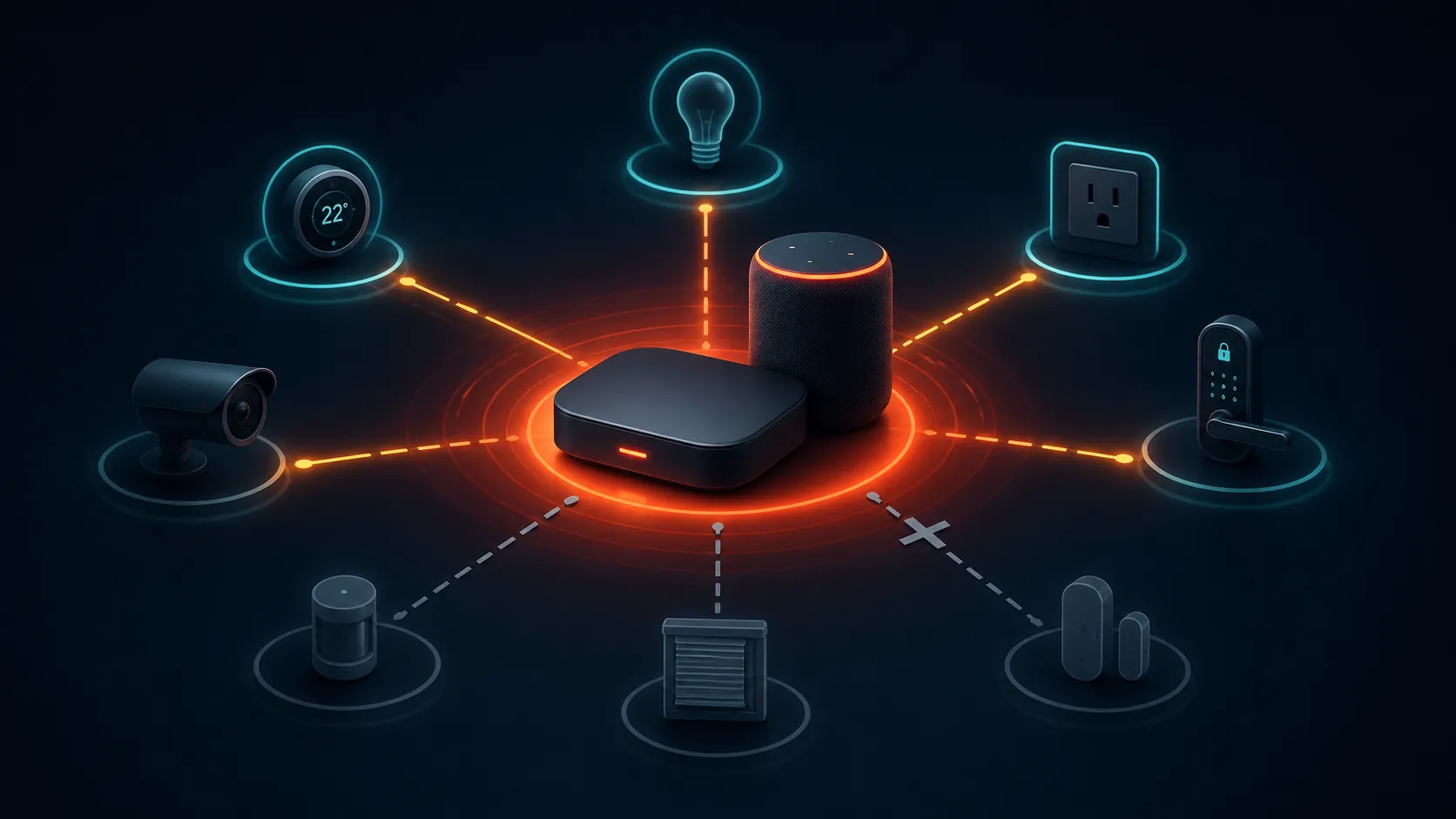
The important split is simple: if many accessories fail at once in Home or Siri, but the Hue, SwitchBot, Aqara, Eve, or other vendor app can still control the same hardware, do not start by deleting the Home, re-pairing devices, or factory-resetting bridges. That pattern points higher up the stack. The accessory may be fine; the hub currently translating HomeKit/Matter state for the home may be the unstable piece.
| What you see | What to do first |
|---|---|
| Many accessories show “No Response,” “Hub Not Responding,” or “Unable to Connect” after iOS 27 beta | Check the active Home hub before resetting accessories |
| Vendor apps still control the same devices | Treat the active hub as the first suspect |
| The active Apple TV or HomePod is on tvOS/HomePodOS 27 beta | Demote it and force a release-OS 26 hub if available |
| Devices are missing, automations are deleted, or rooms changed | Treat that as a separate data-loss or migration symptom, not this hub-level No Response workaround |
Check the hub before touching the accessories
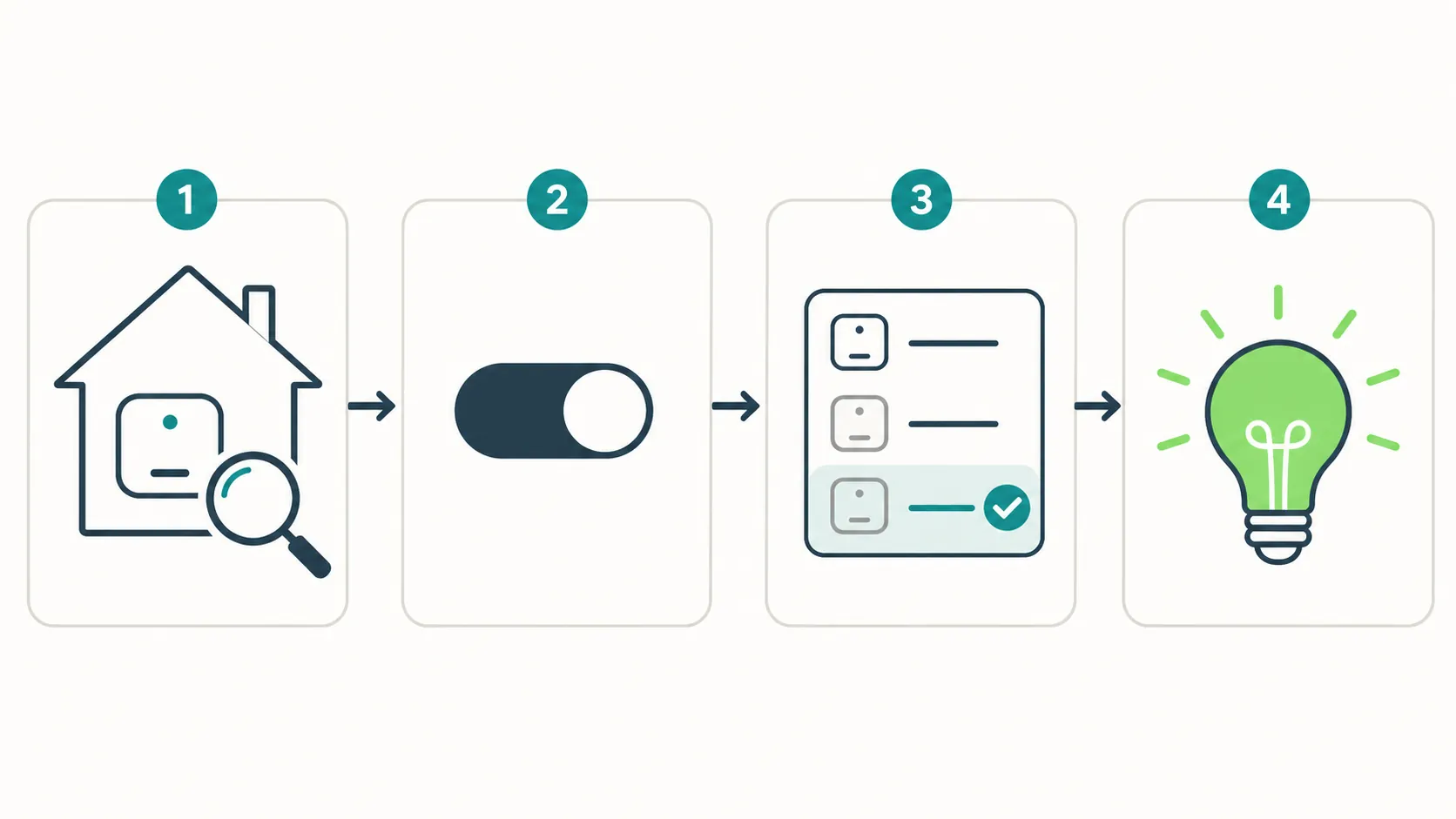
Open the Home app on your iPhone or iPad, then go to Home Settings > Home Hubs & Bridges. Look for the hub marked as active or connected. If that device is an Apple TV or HomePod running a tvOS/HomePodOS 27 beta, and you also have another Apple TV or HomePod still on OS 26, the next move is to make the OS 26 unit take over. [1]
- In Home, open Home Settings.
- Open Home Hubs & Bridges.
- Identify which Apple TV or HomePod is currently active.
- Check whether that hub is on tvOS/HomePodOS 27 beta.
- Turn off Automatic Selection.
- Select a release-OS hub, ideally one still on tvOS/HomePodOS 26.
- Wait for Home to settle, then test a few accessories in Home and Siri before changing anything else.
This is not a decorative preference. HomeKit and Matter state in Apple Home now depend heavily on the Home hub layer, especially for remote access, automations, and Thread/Matter routing. If the active hub is the beta device that is misreporting state, resetting a bulb only adds another variable to a home that already has the wrong device in charge.
The reported pattern is consistent across different hardware
A HomeKit user reporting Hue Pro Bridge trouble on tvOS 27 beta described the useful diagnostic split: Hue still worked in its own app, while Home and Siri did not. The recovery reported in that thread was not a bridge reset; it was switching the active hub to a HomePod on OS 26. [2]
A separate SwitchBot report followed the same shape from the Matter side. The SwitchBot Hub 2 over Matter failed in Apple Home during the Apple Home public beta 27 cycle, and the reported recovery came when the active hub was switched to a HomePod on OS 26. That does not prove every Matter failure is the same bug, but it is the same practical failure path: Home breaks while the fix is at the hub layer. [3]
MacRumors forum users described Apple TV 4K units on tvOS 27 beta producing connection errors, the Home hub stopping and failing over, timed automations failing, and reliability returning only after a non-beta HomePod was manually selected as the hub. That is enough to treat hub demotion as the first dated workaround for this No Response cluster, not enough to call it an Apple-confirmed root cause. [4]
Demote the tvOS/HomePodOS 27 beta hub
The cleanest version of this workaround requires at least two eligible Home hubs: one on the beta, one still on the release OS. If every Apple TV and HomePod in the home is already on tvOS/HomePodOS 27 beta, you can still restart and stabilize the hubs, but you cannot perform the useful A/B test that the reports above relied on.
If Thread or Matter accessories are involved, the replacement hub still needs to be suitable for that job. Apple says Thread-capable home hubs include HomePod mini and supported Apple TV 4K models; for model-level Apple TV differences, use NestGrid’s Apple TV Matter hub compatibility guide rather than guessing from the product name alone. [1]
- Name the hubs clearly first. If you have “Living Room Apple TV,” “Bedroom Apple TV,” and “HomePod,” make sure you know which physical device is which before changing selection.
- Check software versions. On Apple TV, check tvOS in Settings. For HomePod, check the HomePod details in the Home app. The goal is to avoid selecting another beta hub by accident.
- Turn off Automatic Selection. Automatic hub choice is useful when all hubs are healthy. During this beta failure, it can put the unstable beta hub back in charge after a reboot or failover.
- Select the release-OS hub. Prefer a stable, always-powered device with a strong network connection. If one candidate is wired by Ethernet and the other is marginal on Wi-Fi, choose the wired one.
- Verify in layers. First check Home app status, then Siri, then timed automations. Do not declare victory because one light responds once.
A good recovery looks boring: the active hub remains the release-OS device, accessories move from No Response to reachable, Siri stops claiming it cannot reach the home, and scheduled automations run at their next expected time. If the vendor app always worked and Home starts working only after the hub move, that is the strongest practical signal you will get without Apple publishing a root-cause note.
If Home keeps drifting back to the beta hub
Some homes will not stay neatly pinned on the first attempt, especially if a beta Apple TV is rebooting, losing network, or reappearing as an attractive hub candidate. Keep the order disciplined:
- Restart the beta Apple TV or HomePod that was active when the failures began.
- Restart the release-OS hub you want to use, then select it again after it returns.
- If the chosen hub is an Apple TV, prefer Ethernet where available; if it must use Wi-Fi, move it out of weak-signal territory before blaming accessories.
- If you are actively using the beta Apple TV for testing, streaming, or AirPlay during troubleshooting, stop using it as the center of the home until stability returns.
- Retest Home status before making accessory-level changes.
Do not mix this up with missing-device or automation-loss bugs
This workaround is for the hub-level No Response pattern: accessories still exist in Home, but they fail to respond, often while vendor apps still work. If accessories vanished, rooms changed, automations disappeared, or data appears to have been deleted after a later iOS 27 developer beta, treat that as a separate failure mode. Start with NestGrid’s broader iOS 27 HomeKit Update Watch instead of applying this hub-demotion fix to symptoms it was not meant to solve.
There is also a sibling iOS 27 pattern where Calendar-related permissions or data can interfere with Apple Home behavior. If your HomeKit failure is tied to Calendar prompts, shared-home behavior, or account-level oddities rather than a clearly unstable hub, use HomeKit Not Working After iOS 27? Fix Your Calendar First.
If hub demotion does not finish the job
Apple’s new Home architecture cutoff matters here. Apple’s support material says users needed to update Apple Home by February 10, 2026, which means the old habit of treating the hub as optional troubleshooting background is now out of date for current homes. [5]
After the active hub is on the most stable available OS, then follow Apple’s accessory no-response ladder. For Thread accessories, Apple’s documented step is specific: disconnect the Thread accessory from power for 5 minutes, reconnect it, then wait 10 minutes for the Thread network to stabilize. [6]
- Restart the accessory only after the hub check.
- Power-cycle a bridge only after verifying Home is no longer being served by the beta hub.
- Use the vendor app as a diagnostic comparison, not as proof that HomeKit is permanently broken.
- Save factory resets, Home deletion, iCloud sign-out, and mass re-pairing for the end of the official ladder, not the first five minutes.
If you are not on iOS 27 at all, or this started after a normal iOS 26.6 update, use the older HomeKit No Response iOS 26.6 ladder instead. The hub check is still useful, but the beta-hub demotion evidence in this article is specific to the iOS/tvOS/HomePodOS 27 beta cycle.
Why this stays Workaround status
MacRumors’ reproduction of Apple’s iOS 27 beta 3 change list includes items for improved Thread home accessory connectivity, faster smart home accessory updates, and faster HomeKit accessory pairing. That shows Apple is actively changing the same HomeKit, Matter, and Thread surfaces that are failing for beta testers; it does not prove the exact cause of the No Response reports. [7]
As of 2026-08-04, the practical call is narrow: when HomeKit shows No Response after the iOS 27 beta, many accessories fail together, and vendor apps still work, demoting the tvOS/HomePodOS 27 beta hub is the best first move. Multiple independent user reports say control returned after a release-OS hub took over. Apple has not confirmed that as the root cause, so this remains a Workaround until stable iOS, tvOS, and HomePodOS releases can be retested.
References
- Set up your HomePod, HomePod mini, or Apple TV as a home hub, Apple Support
- TVOS 27 beta 1 - Hue Pro Bridge issues, Reddit
- Apple Home Public Beta 27 - Hub 2 Matter not working, Reddit
- tvOS 27 and HomePod Issue, MacRumors Forums
- Update Apple Home, Apple Support
- If your HomeKit or Matter accessory isn't responding in the Home app, Apple Support
- iOS 27 Beta 3 Bug Fixes, Changes, and Improvements, MacRumors Forums
Resolution
Investigating — no confirmed fix yet.
Protocol background
For general spec/firmware mechanics, see Compatibility & Protocols.
No linked protocol reference for this update yet.