
What Your Smart Home Devices Do When the Power Goes Out
Not all smart home devices react the same way when the power drops. This guide breaks down exactly what each device type does—and which settings you can change now to keep things running.
When the power goes out, start with the boring question first: does the device still have power? After that, ask whether it needs Wi-Fi, the internet, a remote cloud service, or a local hub to do anything useful. This snapshot is current as of July 28, 2026, and it is a category-level reference, not a promise about every firmware version or every model sold under a brand name. Individual devices still need to be checked against their own manuals and app settings.
The table below combines the most useful outage-behavior patterns reported in smart-home power-outage guides and device examples: what dies immediately, what keeps basic local function, and what can be configured before the next storm warning or utility shutoff notice arrives.[1][2]
| Device type | Cloud-dependent? | Battery backup? | Works offline? | Configurable power-loss behavior? |
|---|---|---|---|---|
| Voice assistants such as Amazon Echo and Google Home | Yes; voice responses and smart-home commands rely on internet/cloud service | No built-in whole-device backup in normal plug-in use | No practical local fallback when internet is unavailable | Not meaningfully for outage use |
| Wi-Fi smart bulbs | Usually yes for app and voice control | No; bulb needs mains power | No while power is out; behavior after power returns varies by model | Sometimes; check power-on behavior in the brand app |
| Zigbee smart bulbs | Not necessarily if paired to a local hub | No; bulb needs mains power | No light while power is out, but local control can return without cloud if hub and network are powered | Often yes; power-on state can usually be changed in ZHA or Zigbee2MQTT |
| Z-Wave switches, sensors, and plugs | Not necessarily if paired to a local controller | Mains devices need power; battery sensors may continue | Often yes inside a local Z-Wave setup if the hub remains powered | Varies by device; some expose power-loss or restore-state parameters |
| Smart locks | Often cloud-assisted for remote control, but lock mechanism is local | Yes; most smart locks use internal batteries | Usually yes for keypad, local lock operation, and physical key override when present | Partly; check auto-lock, keypad, battery alerts, and key access |
| Security cameras with only cloud recording | Yes for recording access and alerts | Only if connected to backup power | Usually limited or no useful recording without internet/cloud access | Limited; verify whether the camera records locally |
| Security cameras with local SD recording | Cloud may be needed for remote viewing, but recording can be local | Only if camera and network gear have backup power | Can continue recording locally when powered, even if internet is down | Yes; enable SD recording and confirm overwrite behavior |
| SmartThings hub, 2nd generation | Cloud services still matter for some features | Community and guide reports note built-in backup battery | Some local automation may continue depending on device, integration, and hub state | Check which routines are local and whether the battery still holds charge |
| SmartThings hub, 3rd generation/current model | Cloud services still matter for some features | Community and guide reports note no built-in backup battery | Only if externally powered and configured for local-capable devices | Use UPS or other backup power if it must stay online |
| Ring Alarm Range Extender V2 and Zooz ZAC38 | Used with Z-Wave systems; cloud need depends on controller | Yes; they expose mains/battery status | Can report power state to a compatible local Z-Wave controller | Yes; useful as power-status sensors, not just range devices |
The devices that simply stop
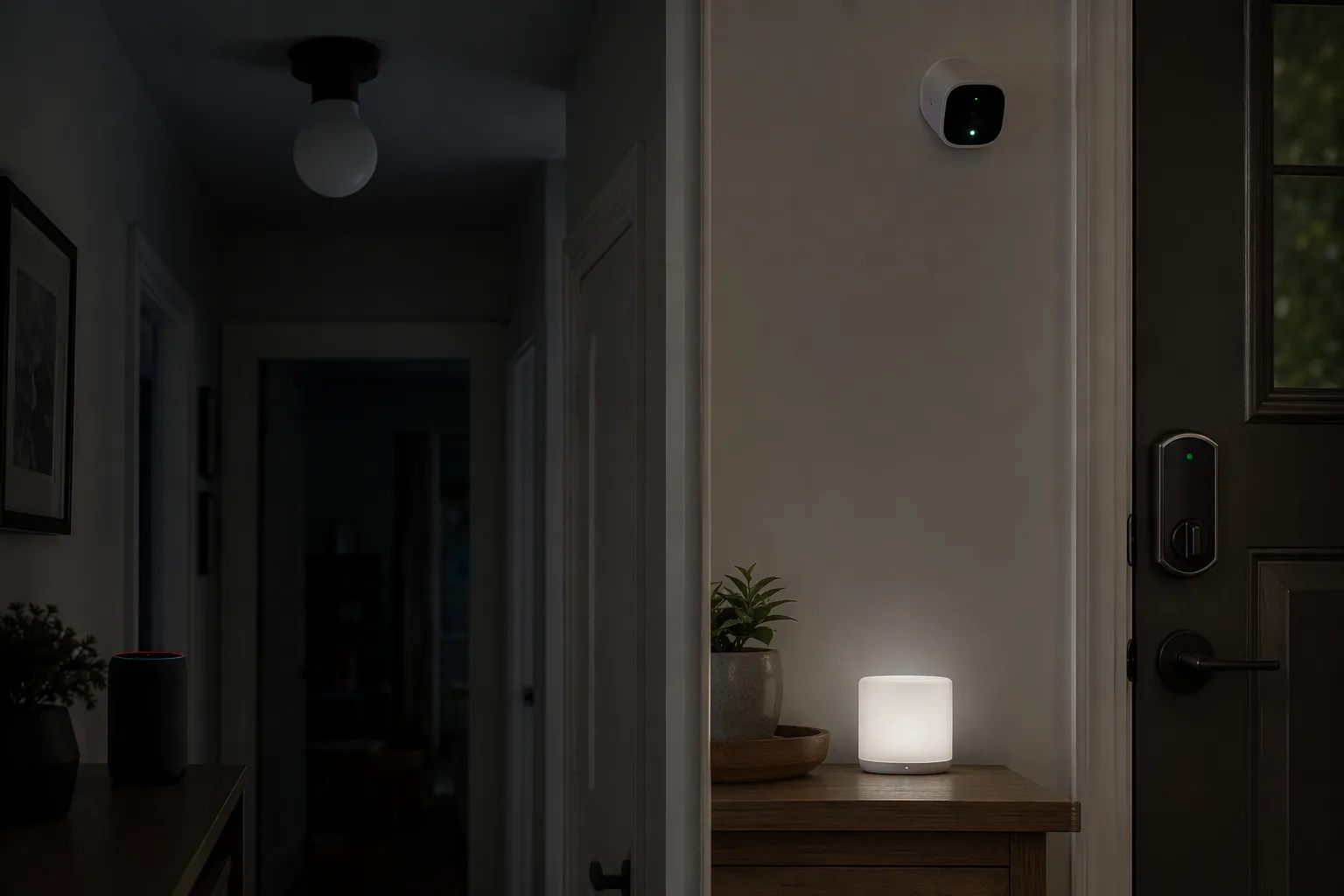
A plug-in voice assistant is not a tiny emergency console. If the power is out, it is off. If the internet is out but the speaker still has power, Amazon Echo and Google Home devices still lose the cloud service they depend on for voice responses and smart-home control. Outage guides consistently treat these devices as unavailable once either power or internet service is missing, with no useful local fallback for controlling the house.[1][2]
That matters because many households use voice as the main interface. A hallway light that is normally controlled by voice, a camera feed that is normally opened by voice, or a routine that is normally started from a smart speaker may still have working pieces behind it, but the speaker is no longer the reliable way to reach them.
Wi-Fi bulbs are almost as blunt. During a power outage, they cannot produce light because the lamp or fixture has no mains power. During an internet or router outage, they may still turn on from the wall switch if power is present, but app control, cloud automations, and voice control can disappear depending on the brand and local-control support. For a lamp in a guest room, that may be acceptable. For a stair light, it is not something to discover in the dark.
Where local hubs change the answer
Zigbee and Z-Wave devices are often easier to reason about because they do not have to speak directly to a vendor cloud. A battery-powered Z-Wave contact sensor can keep sensing. A Zigbee motion sensor can keep reporting. A local hub can still evaluate some automations if the hub, its radio, and the devices involved remain powered. HomeTechHacker and James Ridgway both describe outage preparation around local control, backup power for core network equipment, and keeping critical automation paths from depending unnecessarily on the internet.[3][4]
Local does not mean magic. A mains-powered Zigbee bulb still goes dark when the circuit goes dead. A Z-Wave wall switch cannot switch a dead load. A hub with no battery or UPS shuts down like any other plug-in box. The difference is what happens when you give the local system enough power to keep its hub and radios alive: the command path can stay inside the house instead of waiting for a remote service to come back.
This is where hub hardware details are not trivia. The SmartThings 2nd-generation hub is reported in outage guides and community discussion as having a built-in backup battery, while the 3rd-generation/current SmartThings hub is reported as lacking that built-in battery.[1][3] Treat that as a model-specific buying and maintenance check, not a universal SmartThings rule. If the hub you own has no internal battery, it needs a UPS or another backup source before any local-capable Zigbee or Z-Wave setup can matter during a power failure.
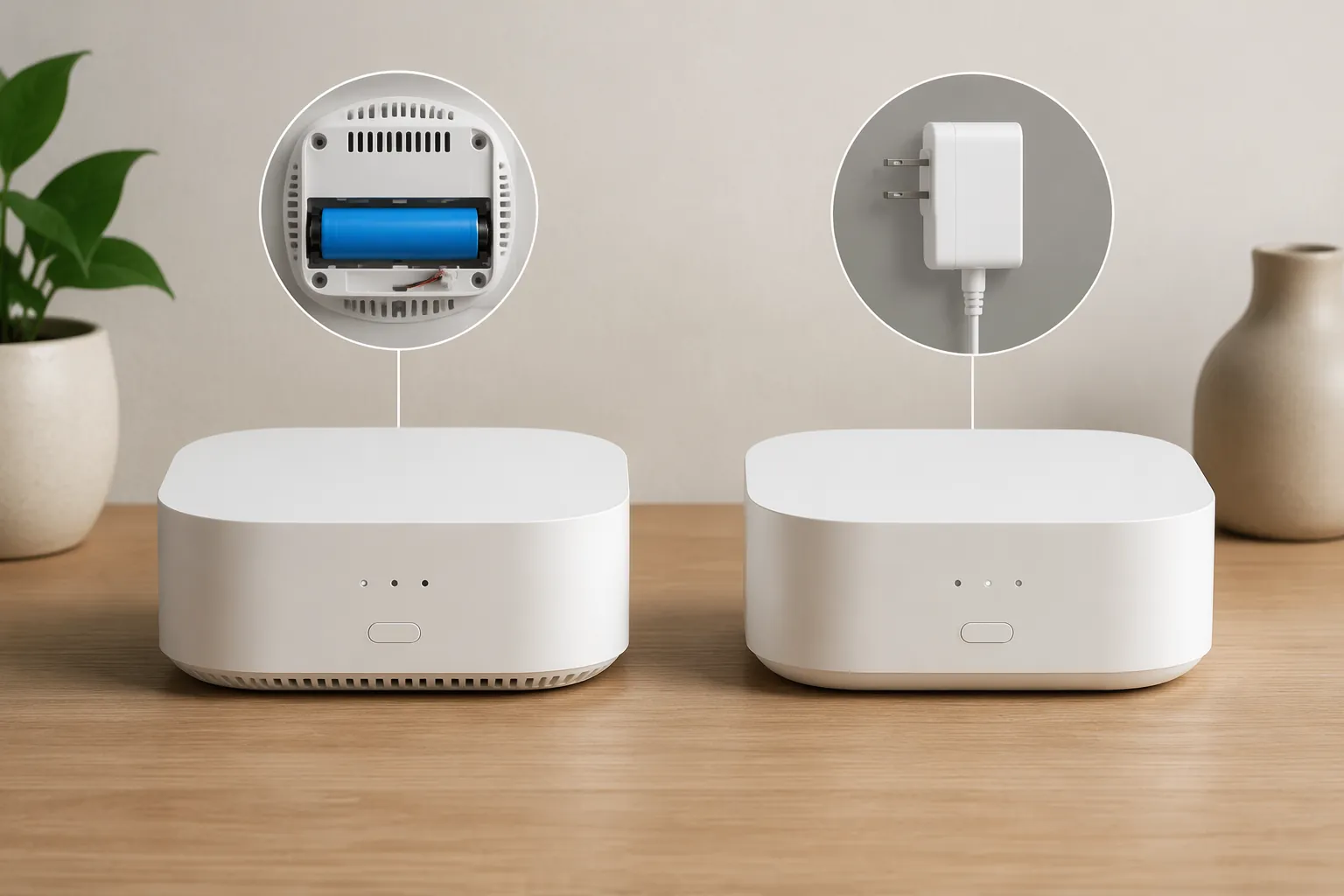
If you are deciding how much backup power to provide, separate the control layer from the comfort layer. A small UPS for a hub, router, modem, and a few network devices is a different project from powering refrigerators, HVAC, or whole-room lighting. For sizing that by expected outage length, use Power Outage Duration by Region: How to Size Your Smart Home Backup. For the broader blackout-power plan, continue with How to Power Your Smart Home Through a Blackout.
The bulb setting that surprises people after power returns
Smart bulbs have a second outage problem: what they do after power comes back. Many Zigbee bulbs historically restore to full-on after a power cut unless their power-on behavior has been changed. That can turn a bedroom, nursery, or exterior light on at full brightness in the middle of the night after a short utility blink.
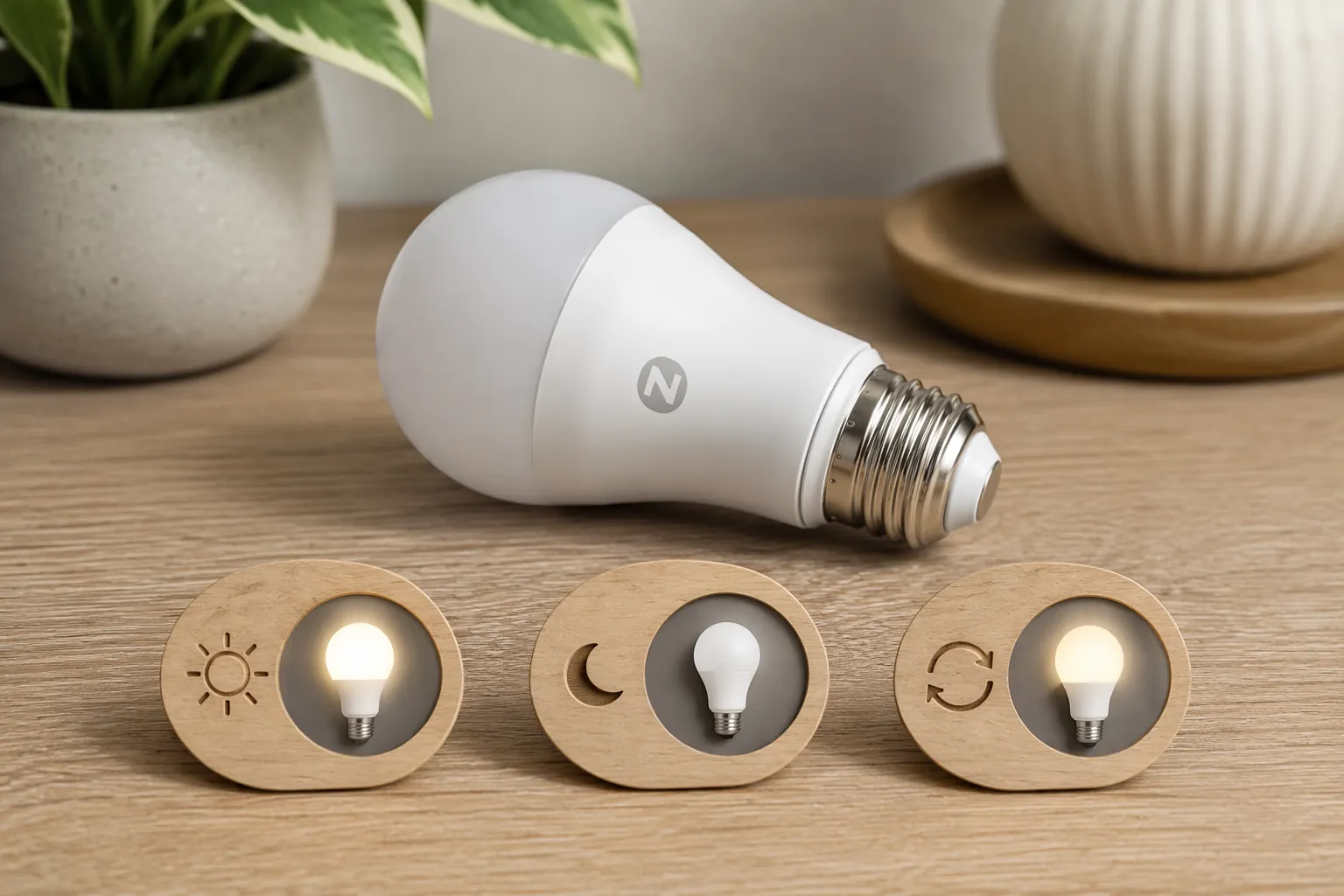
For many Zigbee bulbs, the setting is exposed as power-on state or power-on behavior in platforms such as ZHA or Zigbee2MQTT. The useful choices are usually some version of on, off, previous, or last state. Older Philips Hue bulbs may require changing the behavior inside the Hue app rather than relying on the generic Zigbee controller. Because this depends on bulb firmware and how the device is paired, verify the setting on the exact bulb before assuming it will stay dark or restore gently.
- Bedroom bulbs: set power-on behavior to off or previous state if the firmware supports it.
- Safety-path bulbs: decide deliberately; full-on after restore may be useful in a stairwell but annoying in a sleeping area.
- Hue bulbs: check the Hue app’s power-loss recovery setting, especially for older bulbs.
- ZHA or Zigbee2MQTT bulbs: look for the exposed power-on state option and test it by cutting power at the switch or plug.
Do the test when the house is calm. Change the setting, remove power, wait, restore power, and write down what actually happened. A setting that looks obvious in an app is less useful than one tested on the real fixture.
Locks are more physical than the app makes them look
Smart locks are one of the better categories during a power outage because the lock is usually battery-powered. The keypad, local electronics, and mechanical lock body do not depend on your home’s AC power. Remote control, notifications, and cloud integrations may fail when the internet or hub is down, but the door should still be treated first as a lock, not as an app tile.
The practical check is simple: confirm how your model opens when everything around it is inconvenient. If it has a physical key override, make sure the key exists, works, and is reachable by the people who need it. If it uses emergency battery contacts, know what battery type is required and where to place it. Americas Generators specifically notes that smart locks are battery-powered and that manual key override remains available where the lock includes it.[2]
For buyers, this is also where compatibility research should stay grounded. Matter support, bridge requirements, and platform labels are useful, but none of them replace checking the physical fallback. If you are comparing models, use the Matter smart lock compatibility guide alongside the manual-key and emergency-power details.
Cameras need both power and somewhere to record
A camera without power is just a mounted object. A camera with power but no internet can still be useful only if it has a local place to put footage. Cameras that support local SD recording can continue capturing video during an outage when the camera itself remains powered, while remote streaming and cloud access still require the internet path to be working.[1][2]
Before relying on that, open the camera settings and confirm that SD recording is enabled, the card is healthy, and overwrite behavior is what you expect. Then disconnect internet while keeping the camera powered and see whether footage is still saved locally. It is common for a product page to make local storage sound reassuring while the default setup still pushes the owner toward cloud recording.
Also remember the network path. A PoE camera on a backed-up PoE switch is a different animal from a Wi-Fi camera plugged into a dead wall outlet. A battery camera may keep recording motion clips, but access to those clips can still be delayed until the network returns. The right question is not “does it have a battery?” but “during an outage, where is the video stored, and what equipment must stay powered for that to happen?”
Power-status devices are useful because they tell the truth early
Some devices are valuable during an outage because they report the outage, not because they solve it. The Ring Alarm Range Extender V2 and Zooz ZAC38 are both Z-Wave devices that expose mains-versus-battery status attributes. In a compatible Z-Wave setup, that status can be used to tell a controller that utility power has dropped at a specific outlet or area. The Ring Alarm Range Extender V2 does not require a Ring Alarm base station for this kind of Z-Wave status use when paired to another compatible controller, according to the referenced smart-home outage-prep material.[3]
That does not belong in the same bucket as a smoke alarm or a generator transfer switch. It is a status signal. Its value is that it can distinguish “the internet is down” from “this part of the house lost mains power,” assuming the controller that receives the signal is still running.
Settings and checks to do before the outage
Do not start by designing automations. Start with a device audit. Walk the house and mark each critical device with four dependencies: AC power, battery, internet, and hub. The exercise is fast, and it catches the fragile assumptions that polished apps hide.
- Voice assistants: assume unavailable without power and internet; do not make them the only control path for critical lights or locks.
- Wi-Fi bulbs and plugs: confirm whether wall-switch control still gives a usable default state when app control is gone.
- Zigbee bulbs: set and test power-on behavior in ZHA, Zigbee2MQTT, or the manufacturer app.
- Z-Wave and Zigbee hubs: verify whether the hub has built-in battery backup or needs an external UPS.
- Smart locks: test keypad, physical key, emergency battery contacts, and household access to backup keys.
- Cameras: enable local SD recording where available and test recording with internet disconnected.
- Power-status sensors: decide whether a mains/battery-reporting Z-Wave device belongs on the circuits you care about.
If you keep an emergency-prep checklist, add these as verification items rather than vague reminders. “Check smart home” is not useful. “Test front-door key override,” “confirm bedroom bulbs restore off,” and “verify hub stays online on UPS” are useful. For a broader household readiness pass, use the red-flag warning smart-home checklist.
What to buy differently next time
Offline-capable systems are not automatically better in every normal day-to-day use. Cloud devices can be polished, easy to install, and perfectly fine for noncritical rooms. The mistake is buying them as if “smart” also means “resilient.” Android Authority’s offline smart-home build makes the stronger version of this argument from a local-control perspective: when automations and control stay inside the home, the system is less exposed to internet and cloud outages.[5]
For outage-sensitive purchases, prefer devices that can answer these questions cleanly: What powers it? What controls it when the internet is down? What happens after power returns? Does the setting live in the hub, the device firmware, or the manufacturer app? Is there a physical fallback?
That chain is the real outage behavior of a smart home: power source, protocol, hub behavior, local control, and model-specific settings. Once those are written down for the devices that matter, the next decision is straightforward: change the settings that already exist, add backup power where the control path is worth preserving, or replace hardware that cannot behave predictably when the house is inconvenient.
References
- What Happens To Smart Device During A Power Outage — EVVR
- Surviving a Smart Home Power Outage — Americas Generators
- Preparing Your Smarthome for Outages — HomeTechHacker
- Surviving a Power Cut — Home Automation Resilience — James Ridgway
- How I built a fully offline smart home, and why you should too — Android Authority