
What Is a Home Automation Controller? A Structured Device Profile for 2026
Learn what a home automation controller is, how it unifies devices across different wireless protocols, and why the local vs cloud processing decision is the most important factor when choosing the brain of your smart home.
Last updated
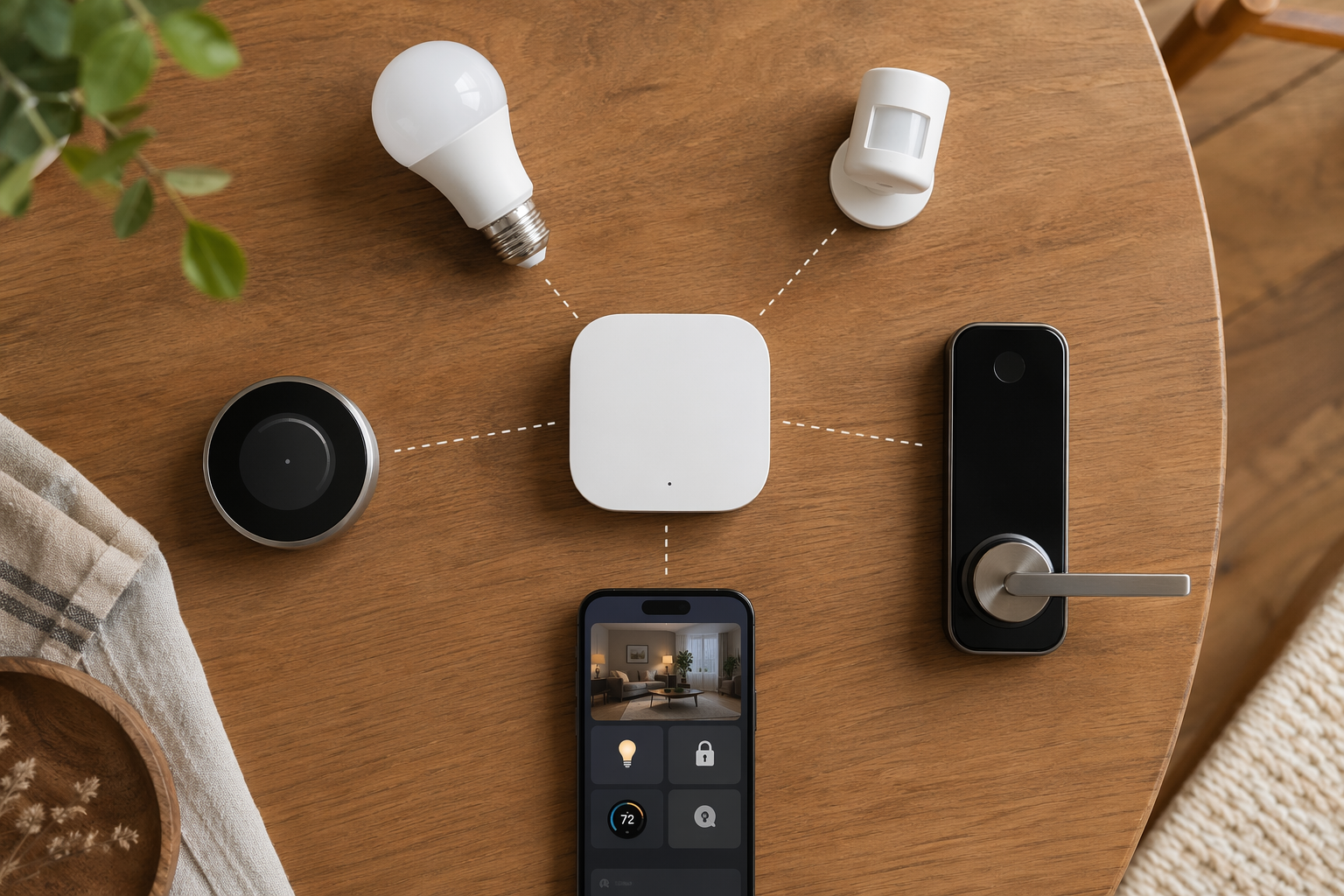
In March 2025, Amazon removed local voice processing from every Echo device. Every Alexa command now routes through the cloud. There is no opt-out. If your internet goes down, you cannot even say "turn off the kitchen lights" and have it work. That is the real risk of a cloud-dependent controller. And it is not hypothetical — it happened, to millions of devices, in a single update.
The single most important specification for a home automation controller in 2026 is whether it processes automations locally or routes them through the cloud. This is not a minor checkbox. It determines:
- Offline reliability — does your motion-triggered light still work after the ISP goes down?
- Privacy — is your sensor data analyzed in your house or on a server you do not control?
- Automation speed — local processing is milliseconds; cloud round-trips can add half-second delays that feel sluggish on lights.
- Vendor lock-in risk — can a future firmware update move processing to the cloud and break your setup?
What a Controller Actually Does
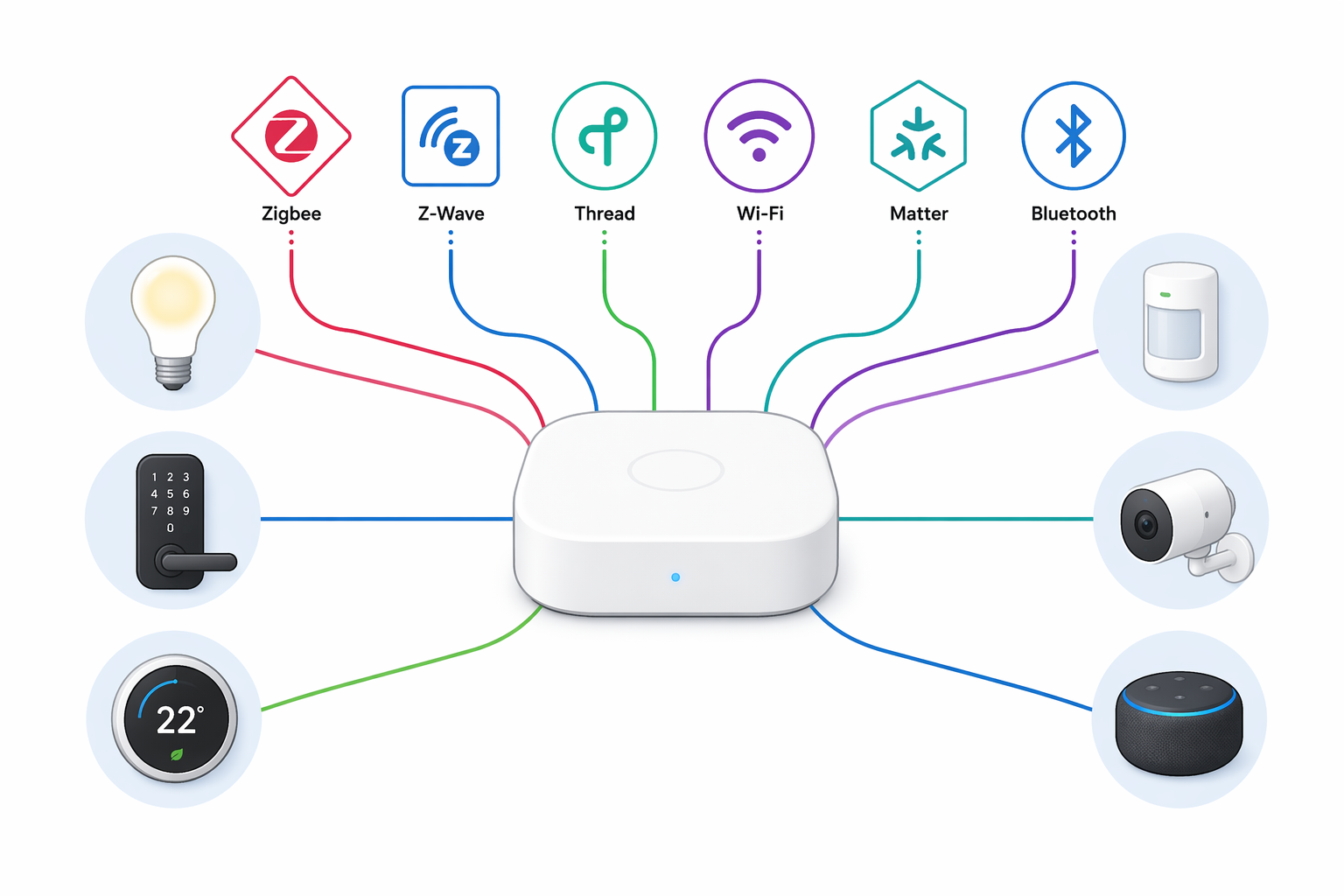
You have seen the terms hub, gateway, bridge, and controller thrown around. In practice, a home automation controller is the central processor that unifies smart devices that speak different wireless protocols — Zigbee, Z-Wave, Thread, Wi-Fi, Matter — into a single system. It translates between languages, runs automation logic, and decides whether that logic executes in your house or in someone else's data center.
A bridge lets one vendor's device talk to a specific platform (like an Aqara bridge for HomeKit). A gateway connects local devices to the internet. A controller is the full brain: it receives sensor triggers, evaluates conditions, and fires actions across devices from different brands. That distinction matters because the controller's architecture determines whether your automations survive an internet outage.
Imagine a motion sensor in your hallway that uses Zigbee, a smart bulb that uses Thread, and a door lock that uses Z-Wave. Without a controller, none of them can talk to each other. The controller sits in the middle, speaking multiple protocols simultaneously. When the sensor detects motion, the controller receives the Zigbee signal, evaluates the rule (if motion after sunset, turn on light and unlock door), and sends the appropriate commands over Thread and Z-Wave.
The Protocols It Speaks—and the Limits You Need to Know
- Zigbee — mesh network, low power, widely used in lights and sensors. Zigbee 3.0 merged the old ZLL and ZHA profiles into one standard.
- Z-Wave — proprietary mesh, less crowded spectrum, strict device limit of 232 nodes per controller, but reliable range (up to 200 m in open air with Z-Wave Plus v2).
- Thread — IP-based mesh, uses IPv6, native internet connectivity. Thread 1.4 harmonizes border routers across platforms and became mandatory for new certification as of January 2026.
- Matter — an application-layer interoperability standard riding on Wi-Fi and Thread. Matter 1.5 (released late 2025) added cameras and energy management. But "Matter certified" does not mean the same thing on every platform. SmartThings supports Matter 1.5 fully; Apple Home and Google Home still lag on certain device types.
- Wi-Fi, Bluetooth, 433 MHz RF, and Infrared — some controllers pack these for legacy or niche devices (like Homey Pro's IR blaster for controlling AC units).
The Homey Pro supports eight protocols out of the box and claims compatibility with over 50,000 devices. That is the outer edge of what a consumer controller can handle. Most hubs cover two to four protocols.
What “Local” Actually Means — and Doesn’t
After reading that, you might think: great, I will just buy a fully local hub. But local processing has limits you need to know about.
Home Assistant Green processes 100% of its automations locally. That is a strong claim — and it is accurate for the logic engine. But voice processing? Cloud-only. Any integration that relies on a cloud API (like checking a weather service or controlling a cloud-dependent smart plug)? Also cloud. So "local hub" means "local for the automation rules", not local for every function.
Then there is the radio-level limitation. The Aqara Hub M3 has a Zigbee radio, but it only pairs with Aqara-brand devices. You cannot use it to control an IKEA Tradfri bulb or a Sonoff sensor. The product page rarely spells that out. A buyer who assumes "Zigbee" means universal compatibility will end up with a hub that cannot connect most of their existing Zigbee gear.
Matter adds another layer of nuance. A controller can be Matter-certified but still not support all Matter device types. SmartThings picked up Matter 1.5 quickly. Apple Home and Google Home have not — they lag on cameras and energy-management devices even in mid-2026. If you buy a Matter controller expecting it to work with every Matter accessory, check which version of Matter the platform actually implements.
So when you see a claim like "fully local" or "Matter certified," ask: local for which automations? Certified for which device types? The answer is usually narrower than the headline.
Controller Types — and Which Ones Actually Stay Local
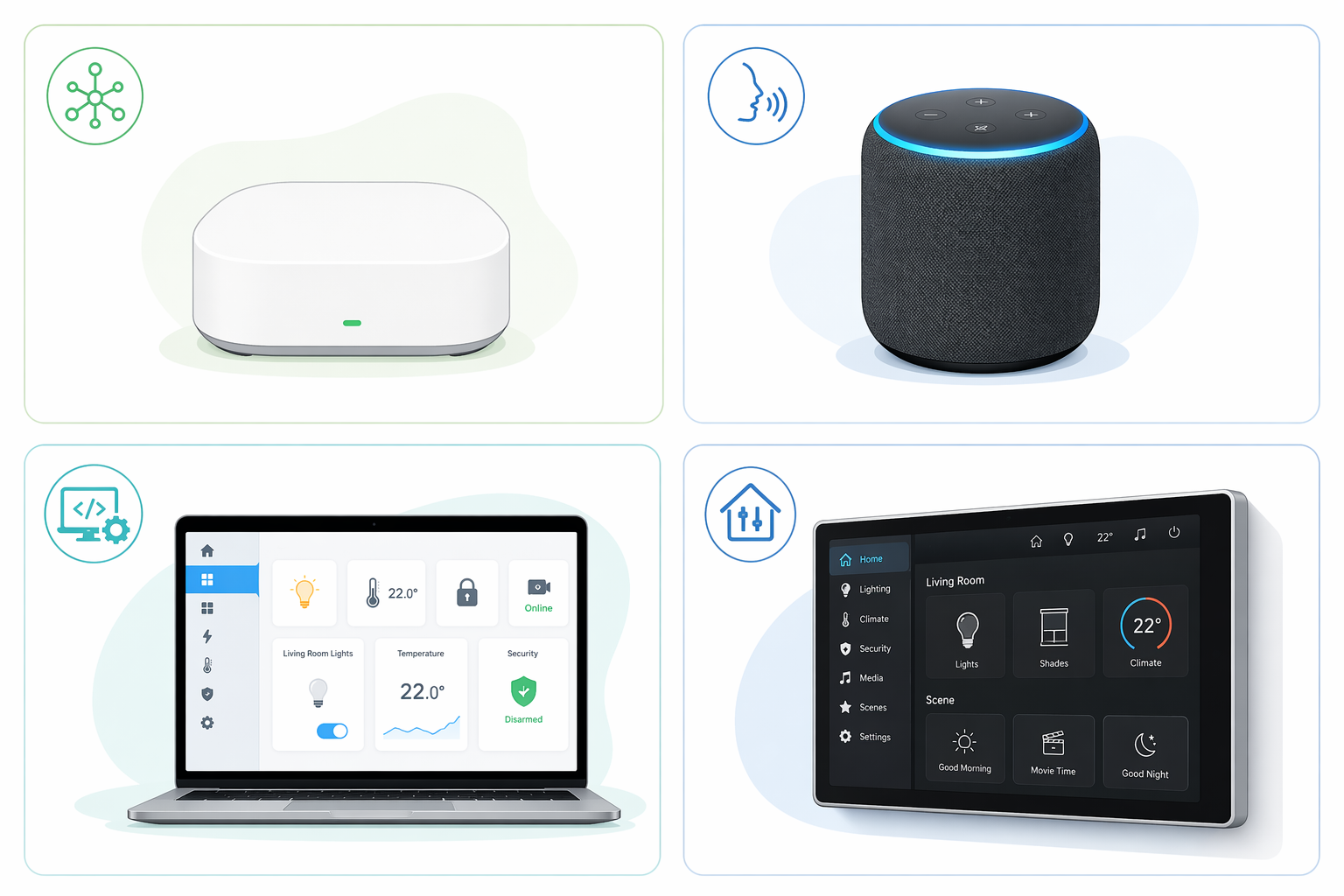
- Dedicated hardware hubs — a standalone box that plugs into your router. Examples: Aeotec SmartThings v3, Hubitat C-8 Pro, Homey Pro, Fibaro Home Center 3. Typically the most reliable for local processing (though SmartThings is cloud-primary). These are the workhorses for enthusiasts and anyone who wants multi-protocol support without messing with code.
- Voice-assistant hubs — smart speakers that double as controllers. Examples: Amazon Echo Hub, Apple HomePod mini, Google Nest Hub. They are convenient and cheap (most around $100–$180), but they come with trade-offs: limited protocol support (Echo Hub: Wi‑Fi + Zigbee only; HomePod: Wi‑Fi + Thread only; Nest Hub: Wi‑Fi + Bluetooth only), cloud-dependent voice processing, and no user-accessible automation engine beyond simple routines.
- Software platforms — run on existing hardware you provide. Home Assistant Green is the standout: a pre-built Raspberry Pi-like board with the full Home Assistant software stack. It processes every automation locally, supports 3,000+ integrations, and has no subscription fee. The trade-off is steeper setup and a more utilitarian interface.
- Professional systems — Savant, Control4, Crestron. These are installed by dealers, cost thousands, and are almost always local with cloud options. They are not for the average buyer, but they demonstrate that when reliability is non-negotiable, local architecture is the industry standard.
The Specs That Actually Matter
When you evaluate a controller, these are the specs that actually change how it performs in your home. The table below shows a cross-section of popular models. Note that protocol support alone is not enough — you need to know where the automation logic runs.
| Model | Price Range | Protocols | Processing Mode | Device Limit / Note |
|---|---|---|---|---|
| Aeotec SmartThings v3 | $130–$220 | Zigbee, Z‑Wave, Wi‑Fi, Matter 1.5 | Cloud (primary) | Z‑Wave up to 232; cloud-dependent |
| Hubitat C-8 / C-8 Pro | $180 | Zigbee, Z‑Wave, Matter (via update) | Local | Z‑Wave 800 LR up to 1,300 ft (C-8 Pro) |
| Homey Pro | $349 | Zigbee, Z‑Wave, Thread, Matter, BT, IR, 433 MHz | Local | 50,000+ devices via apps |
| Home Assistant Green | $159–$219 | Via USB dongle (Zigbee, Z‑Wave, Matter) | Local | 3,000+ integrations, no subscription |
| Aqara Hub M3 | $160 | Zigbee (Aqara-only), Thread, Matter, Wi‑Fi, IR | Local | Zigbee limited to Aqara devices; PoE option |
| Apple HomePod mini | $99 | Wi‑Fi, Thread, BT | Local (HomeKit), Cloud (Siri) | HomeKit automation only; no Zigbee/Z‑Wave |
| Amazon Echo Hub | $180 | Wi‑Fi, Zigbee, Sidewalk | Cloud | No local voice (removed Mar 2025) |
CPU and RAM numbers are less important for most buyers. The Hubitat C-8 runs a 1.5 GHz quad-core with 1 GB RAM; the SmartThings v3 runs a single-core 528 MHz with 256 MB RAM. The SmartThings still handles a home's worth of devices — until the internet goes out. That is the spec that tells the real story.
Quick Reference: Models at a Glance
This is a shortlist grid, not a full comparison. For a side-by-side analysis with detailed evaluation, see Best Smart Home Controller 2026: 7 Top Hubs Compared. What follows is the essential data you need before you start researching deeper.
| Model | Price Range | Protocols | Processing Mode | Notable Limit |
|---|---|---|---|---|
| Aeotec SmartThings v3 | $130–220 | Zigbee, Z‑Wave, Wi‑Fi, Matter 1.5 | Cloud | Automations fail offline |
| Hubitat C-8 Pro | $180 | Zigbee, Z‑Wave | Local | No built-in Matter; add dongle |
| Homey Pro | $349 | Zigbee, Z‑Wave, Thread, Matter, BT, IR, 433 | Local | Expensive; app ecosystem quality varies |
| Home Assistant Green | $159–$219 | Via add-on radios | Local | Setup requires time and some Linux comfort |
| Aqara Hub M3 | $160 | Zigbee (Aqara-only), Thread, Matter, IR | Local | Zigbee locked to Aqara ecosystem |
| Apple HomePod mini | $99 | Wi‑Fi, Thread, BT | Local (HomeKit) | No Zigbee/Z‑Wave; Siri cloud-dependent |
| Amazon Echo Hub | $180 | Wi‑Fi, Zigbee, Sidewalk | Cloud | No local voice; cloud routing for all |
How to Choose — Without Overthinking
The decision comes down to three questions, in order:
- Do you want your automations to work when the internet goes down? If yes, skip cloud-primary hubs. Choose a controller marked Local in the processing mode column above.
- Which wireless protocols do your existing (or planned) devices use? If you have Z‑Wave locks, you need a hub with a Z‑Wave radio. If you only have Wi‑Fi bulbs, a voice assistant may be enough.
- How much technical effort are you willing to invest? Home Assistant Green gives you the most freedom but needs initial configuration. A dedicated hub like Homey Pro or Hubitat works out of the box with a web interface.
That is the entire decision framework in three steps. For the full step-by-step guide with checklists and caveats per use case, read How to Choose a Home Automation Controller in 2026: A Decision Framework for Buyers.
Known issues with this device / protocol
Spec-version history
For active regressions on this protocol, see Update Watch.
No linked Update Watch entries yet.