
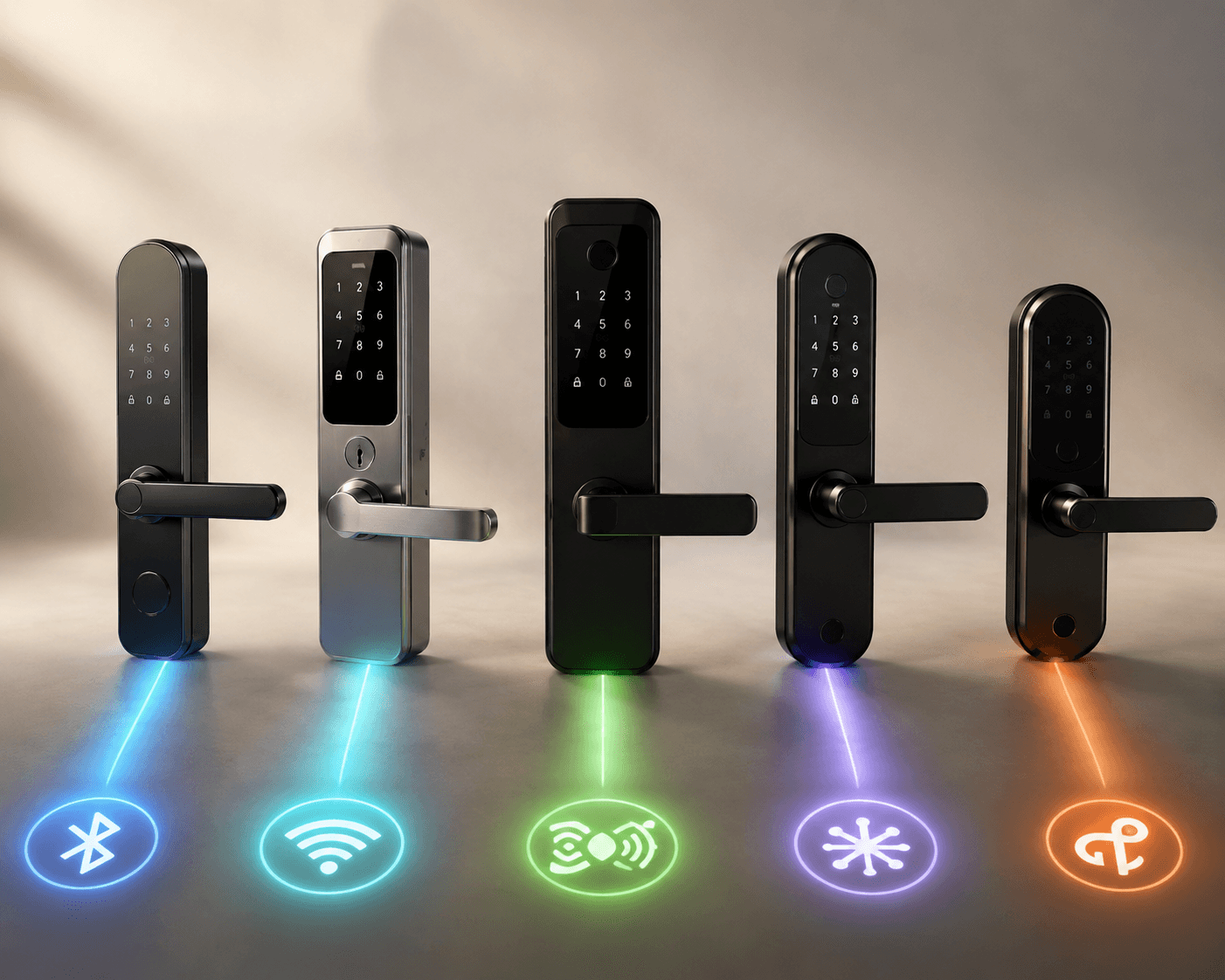
The easiest way to buy the wrong Kwikset smart lock is to start with the model name. Halo sounds broad, Aura sounds simple, Select sounds premium, and Home Connect sounds like it should connect to everything. It does not. The real question is narrower: after the lock is installed, who gets locked out of a feature you assumed would be there?
For Kwikset smart locks in 2026, the useful map is not cosmetic style or keypad shape. It is protocol path: Bluetooth for simple local control, Wi-Fi for standalone Alexa or Google homes, Z-Wave or Zigbee for security systems, Matter for cross-platform smart homes, and Apple Home Key only where Kwikset actually supports it.
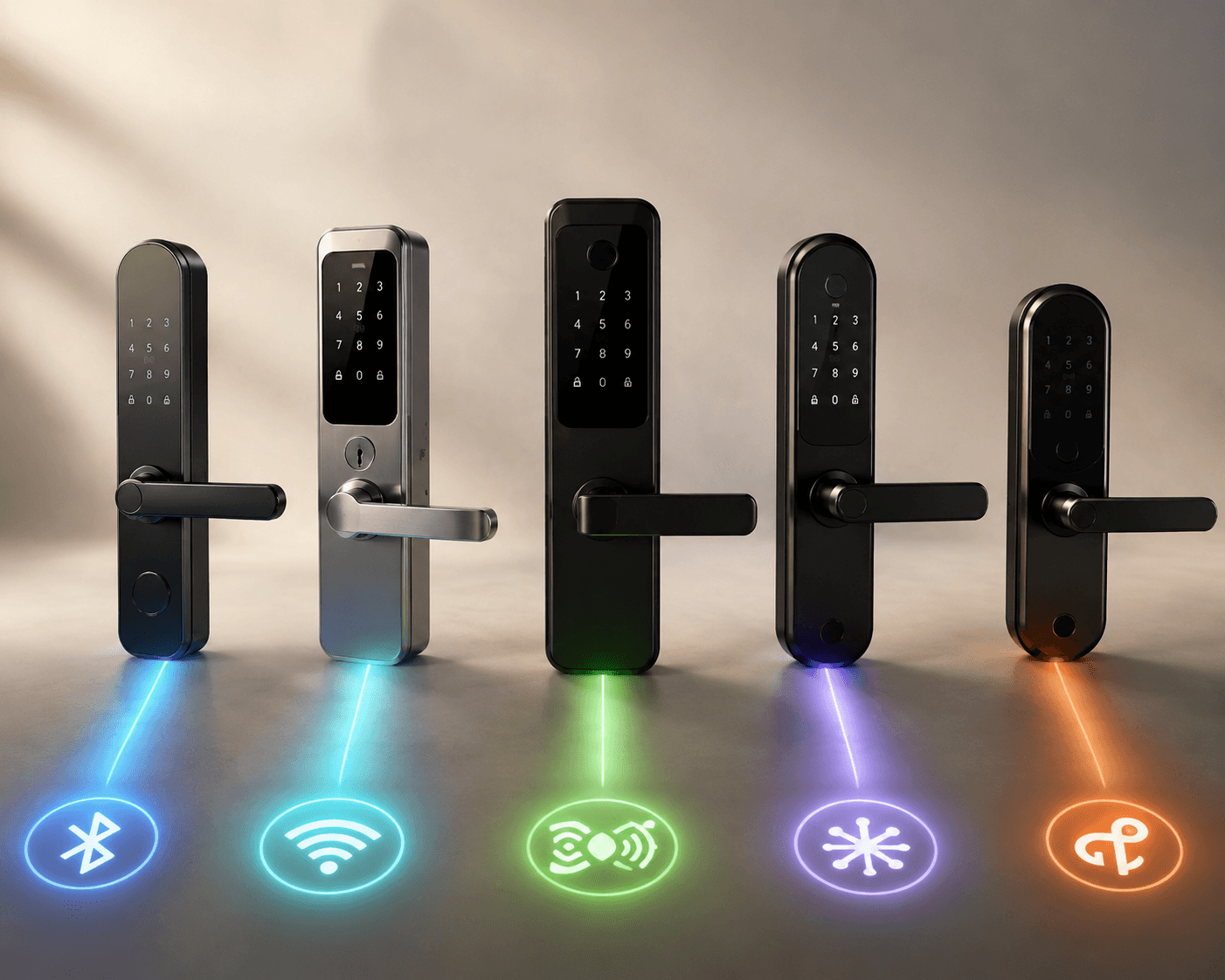
| If this is your situation | Start with this Kwikset path | Approx. Q2 2026 price | Main thing you lose if you choose wrong |
|---|---|---|---|
| Rental or guest access where guests should not need app support | Aura Bluetooth | About $177 | Remote Wi-Fi control and broad smart-home automation |
| Standalone home using Alexa or Google over Wi-Fi | Halo Wi-Fi | $165–$215 | Security-system integration through Z-Wave or Zigbee |
| Existing Z-Wave or Zigbee security system | Home Connect or SmartCode | $149–$179 | Standalone Wi-Fi app behavior and Matter support |
| Apple household buying specifically for Home Key | Halo Select Plus | About $309 | Apple Home Key if you pick any other Kwikset model |
| Matter-first home that accepts feature trade-offs | Halo Select or Aura Reach | About $275 for Halo Select; about $189 for Aura Reach | Some Kwikset app-side conveniences, depending on model and mode |
That table does more work than a long list of feature badges. A keypad, an app, and a physical key can appear across several models. Home Key, Matter behavior, Z-Wave/Zigbee pairing, and guest-management routines do not move so freely.
Start With the Person Who Needs Access
A household member tolerates a little setup friction. A paying guest usually should not have to. That is why rental use is not just “smart lock plus more codes.” The routine matters: create a code, share it, remove it, repeat, without turning every weekend into tech support.
Aura is the Kwikset line that makes the most sense when the lock is mostly a keypad-and-Bluetooth device. It is not trying to be the center of a smart home. That limitation can be a relief for a rental door where the guest only needs a code and the owner does not want to explain app permissions, hubs, Matter controllers, or platform invites.
The trade-off is plain: Bluetooth keeps things local. If you need live remote locking, remote code changes from across town, or automations tied into Alexa, Google, Apple Home, or a broader Matter setup, a Bluetooth-only choice will feel boxed in. For a short-term rental where turnover codes are planned ahead, that may be acceptable. For an owner who expects to manage the door in real time from a phone while away, it usually is not.
Aura Reach changes that conversation because it brings Matter over Thread into a lower-priced Kwikset model. It was announced at CES 2026 at about $189, positioned as a more affordable Matter-over-Thread option than the premium Halo Select models.[3] That makes it interesting for buyers who want cross-platform compatibility without jumping straight to the highest-priced Kwikset tier. It does not automatically make it the rental answer, because rentals still live or die by how boring guest access is in practice.
If You Only Want Wi-Fi, Halo Is the Straight Path
For many homes, the honest requirement is simple: the lock should connect to home Wi-Fi, work with Alexa or Google, and not require a separate hub. That is the regular Halo lane. It is the most straightforward fit when the house is not built around a security panel and no one is asking for Apple Home Key.
Halo models typically sit around $165–$215 in Q2 2026 pricing coverage, depending on keypad style and feature set.[1] Halo Touch adds fingerprint access, which matters if the household actually prefers a finger over a code. SafeHome’s Halo Touch review treats the fingerprint reader as a defining feature of that branch of the Halo line, not just a decorative upgrade.[4]
The mistake is buying Halo Wi-Fi because it sounds like the most modern option when the home already depends on a security system. Wi-Fi is not a substitute for Z-Wave or Zigbee in a system that expects those radios. If your lock needs to appear inside Vivint, Ring, or another security platform through that older smart-home plumbing, regular Halo is the wrong road.
For a normal Wi-Fi household, though, Halo keeps the mental load low. You are not choosing Matter mode, not maintaining a separate Z-Wave network, and not buying a lock for Home Key. You are choosing a standalone Wi-Fi lock because that is how the home already works.
Security-System Homes Should Not Drift Into Wi-Fi by Accident
Home Connect and SmartCode are the models to look at when the lock needs to join a Z-Wave or Zigbee security ecosystem. The reason is not nostalgia for older protocols. It is that many security systems still organize locks, sensors, automations, and monitoring around those networks.
The current pricing materials place Home Connect and SmartCode options roughly in the $149–$179 range, making this path cheaper than Halo Select and Halo Select Plus.[1] Price is not the main reason to choose it. Compatibility is. A lower-priced Z-Wave lock that joins the panel cleanly is more useful than a prettier Wi-Fi lock that sits outside the system the household actually uses.
This is where product names get especially unhelpful. “Home Connect” sounds like the universal choice, but it is really the security-system path. “Halo” sounds more advanced, but it can be the dead end if the rest of the house expects Z-Wave or Zigbee. Before comparing finishes, confirm the protocol your panel supports and whether your installer or monitoring provider has a model whitelist.
Apple Home Key Is a Yes-or-No Requirement
Apple households often talk about “HomeKit support” as if it were one soft preference. With Kwikset, the more useful question is sharper: do you want Apple Home Key tap-to-unlock? If yes, the answer is Halo Select Plus. No other Kwikset model in the materials supports Apple Home Key.[2]
That matters because Home Key is not the same as “works with my iPhone somehow.” It means unlocking with an iPhone or Apple Watch through Apple Wallet-style access. A household that expects that behavior will not be satisfied by a generic app unlock, a keypad code, or a lock that merely sounds Apple-adjacent.
Halo Select Plus is also the premium-priced option, at about $309 in Q2 2026 coverage.[1] Gear Diary’s May 2026 review describes its Home Key performance and premium feature set positively, but that review was based on a manufacturer review sample, so it is better read as useful hands-on coverage rather than independent proof that every household will see the same experience.[5]
If Home Key is the reason you are shopping, do not compromise downward and hope a firmware update or Matter setup will fill the gap. Buy the model that lists Home Key support now, or widen the search beyond Kwikset to other Apple Home Key smart locks.
Matter Is Compatibility With Consequences
Matter is the part of the Kwikset lineup most likely to be oversold by a shopping page. Cross-platform compatibility is valuable. It can make a lock easier to place in a home where Apple, Google, Amazon, and other Matter controllers coexist. But on Kwikset, choosing Matter can also mean giving up familiar Kwikset-side features.
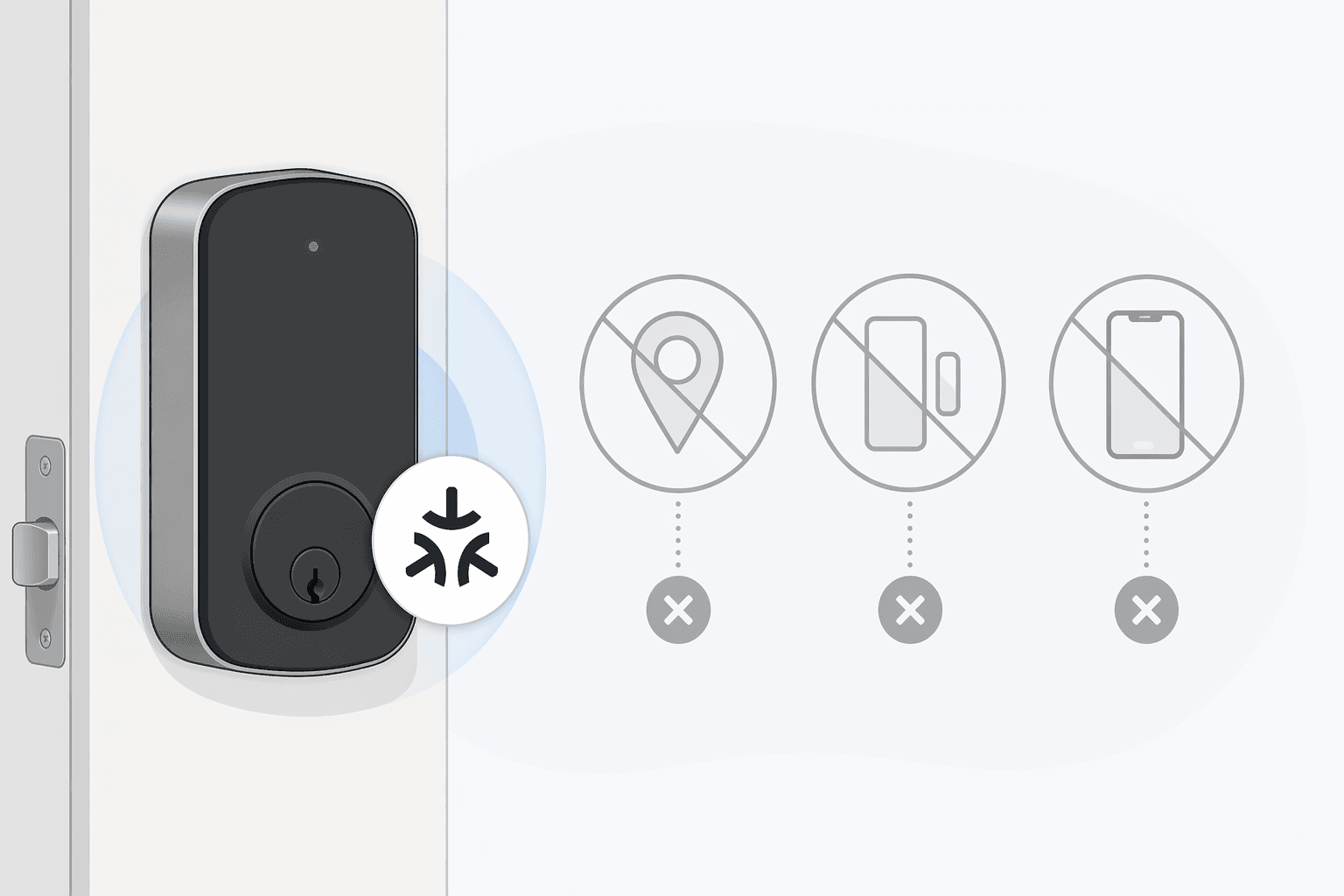
SafeWise’s Halo Select testing found that switching the lock into Matter mode disabled geofencing auto-unlock, door sensor alerts, and Kwikset app control.[6] That is the sort of caveat that should appear before checkout, not after the lock is bolted to the door.
The narrowness of that evidence also matters. This trade-off is documented in a single review, not a broad lab survey across every firmware version and household setup. If auto-unlock, door-status alerts, or Kwikset app control are deal-breakers, verify the current behavior directly in Kwikset’s support materials or with the retailer before choosing Matter mode.
Halo Select still has real reasons to exist. It is the Kwikset model carrying the company’s highest BHMA Grade AAA rating in the current comparison materials.[2] For a buyer who wants the strongest listed Kwikset security rating and Matter compatibility, it belongs on the shortlist. Just do not treat Matter as a free upgrade layered on top of every Wi-Fi feature you saw in the app.
Aura Reach is the more budget-minded Matter-over-Thread path. The Thread part is important because it avoids treating Wi-Fi as the only way to make a lock feel connected. In a well-built Matter home, Thread can be a sensible fit for a battery-powered door device. The practical question remains the same: which controller will manage the lock, which features survive in that mode, and who in the household will notice what disappeared?
Battery Life Depends More on Behavior Than the Box Suggests
Kwikset’s own estimate of about one year of battery life belongs in the conversation, but it should not be the only number a buyer sees.[2] Reviewers and users report shorter windows, often around two to six months under Wi-Fi-heavy or geofencing-heavy use, with the exact result depending on lock model, signal quality, feature use, and traffic at the door.[6]
This is not necessarily a contradiction so much as a reminder that battery claims are measured under assumptions. A quiet side door with strong connectivity is different from a front door that wakes constantly, checks location-based auto-unlock, serves multiple users, and struggles against weak Wi-Fi.
Matter over Thread may help some households avoid the worst Wi-Fi battery behavior, but the research materials support caution rather than a blanket promise. If battery changes are the one maintenance chore your household will resent, give protocol and signal quality as much attention as keypad style. A lock with the wrong radio in the wrong spot can make fresh batteries feel like a subscription.
Installation and Rekeying Are Kwikset’s Practical Strengths
Kwikset deserves credit for not making every smart lock feel like a sealed gadget. The current lineup is generally positioned for DIY installation with a screwdriver, with typical install windows around 15–60 minutes depending on door prep and user comfort.[1][2] For a first-time installer, that means the job is usually more about careful alignment than advanced wiring.
SmartKey is the other practical advantage. Nearly all Kwikset smart locks include SmartKey rekeying, with Obsidian keyless models as the notable exception.[7] For homeowners who want a new lock without replacing every physical key in the house, that continuity is useful in a way many app features are not.
There is a fair caveat: some locksmiths raise anecdotal concerns about SmartKey’s long-term wear. The materials here do not turn those forum-level practitioner concerns into a proven failure rate, so they should not be treated as a reason to dismiss Kwikset outright. They are still worth remembering if the lock is going on a high-traffic door where mechanical durability matters more than convenient rekeying.
The Short Route to the Right Kwikset Smart Lock
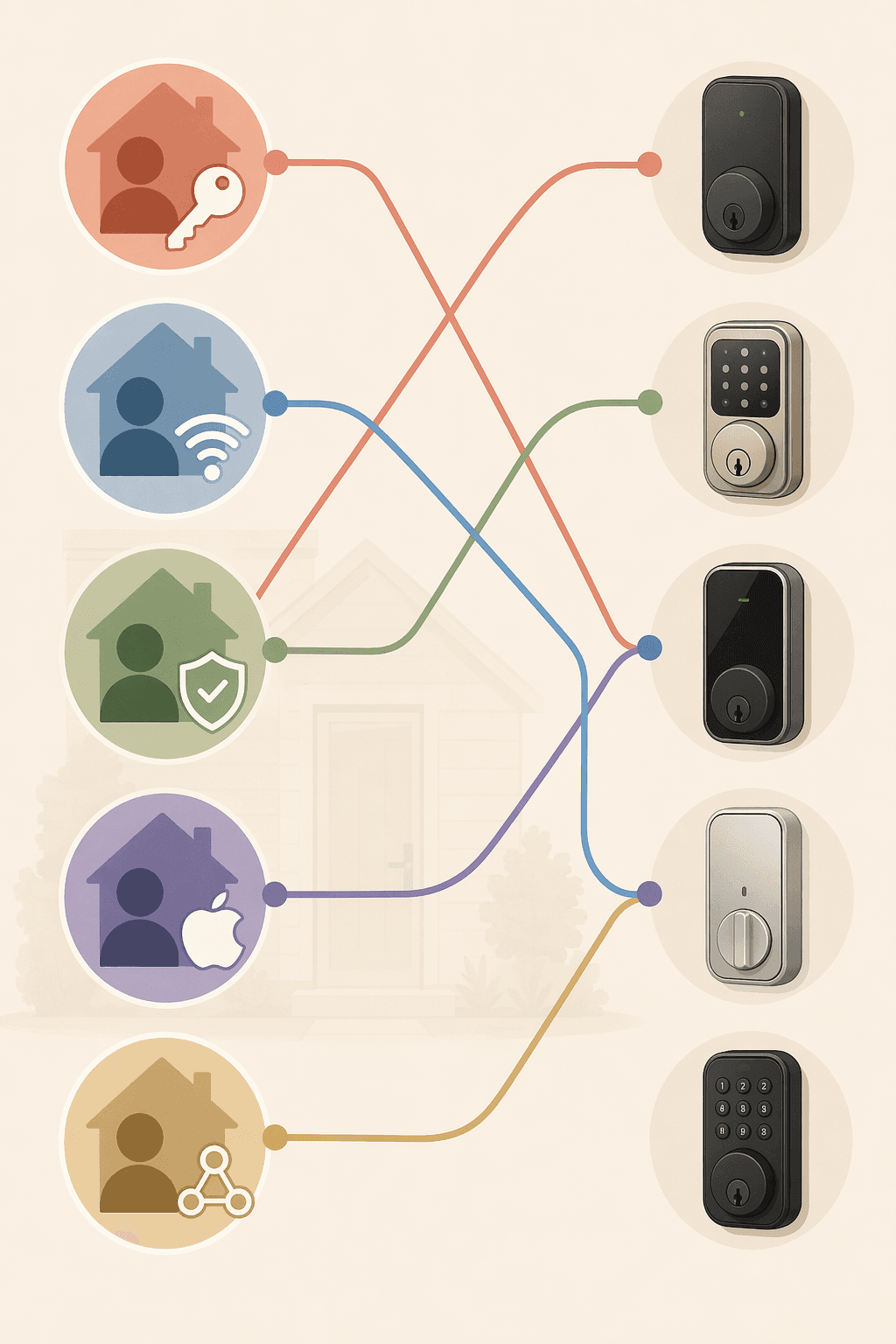
- Choose Aura if guest codes and local simplicity matter more than remote smart-home control.
- Choose Halo Wi-Fi if the home is mainly Alexa or Google and you do not need Z-Wave, Zigbee, Matter, or Apple Home Key.
- Choose Home Connect or SmartCode if the lock must join an existing Z-Wave or Zigbee security system.
- Choose Halo Select Plus if Apple Home Key is the requirement; do not assume another Kwikset model will add it later.
- Choose Halo Select if Matter and BHMA Grade AAA matter enough to accept the documented Matter-mode feature trade-offs.
- Watch Aura Reach if you want Kwikset’s lower-cost Matter-over-Thread path and are willing to verify its real setup behavior before purchase.
If none of those sentences sounds like your home, the problem may not be Kwikset at all. A buyer who wants Apple Home Key at a lower price, unusually long battery life, or a different app experience should compare beyond this brand before forcing a Kwikset model into the wrong ecosystem. A cross-brand guide such as best smart locks for home 2026 is the better next stop once the protocol path does not fit.
Before buying, verify the exact protocol mode on the product page and again during setup. With Kwikset smart locks, the right model is the one whose ecosystem path preserves the access method, app behavior, and integrations your household actually needs.
References
- Kwikset Smart Lock Review & Pricing 2026, Security.org
- Kwikset Smart Locks Comparison Chart, Kwikset
- CES 2026: Kwikset Aura Reach, MacRumors
- Kwikset Halo Touch Review, SafeHome.org
- Kwikset Halo Select Plus Review, Gear Diary, May 2026
- Kwikset Halo Select Review, SafeWise
- SmartKey Security, Kwikset
Corrections & Community Notes
Spotted an outdated spec, changed compatibility, or new firmware behavior? Submit a correction below to help keep this profile current. For formal editorial updates, use the contact page.
Comments
Join the discussion with an anonymous comment.