
What Hub to Pair With a Galaxy Z Fold 8 in 2026
The Galaxy Z Fold 8 has no built-in smart home hub radios, so you need a companion hub. This guide compares the SmartThings Station, Smart Home Hub 2, legacy Z-Wave hardware, and built-in hubs in Samsung TVs and appliances to help you choose based on your protocol mix.
Last updated
The clean Galaxy Z Fold 8 smart home hub answer is this: the Fold 8 is the screen, controller, and SmartThings app device. It is not the box that replaces your Zigbee, Thread, or Z-Wave coordinator. If your home is Matter, Thread, and Zigbee only, Samsung’s current hub options can be tidy. If even one important lock, sensor, relay, or switch is Z-Wave, do not assume the newest SmartThings hub is an upgrade.
That distinction matters more on a $1,899.99 foldable than it would on a cheap spare tablet. Samsung announced the Galaxy Z Fold 8 on July 22, 2026, with shipping set for August 7, 2026, and the phone’s own connectivity story is Wi-Fi 7, Bluetooth 6.0, UWB, NFC, and USB-C — with no listed 802.15.4 radio stack for Zigbee or Thread, and not Z-Wave. [1][2] For the no-built-in-hub-radios premise, start with our Fold 8 smart home hub test; this article is the next buying decision.
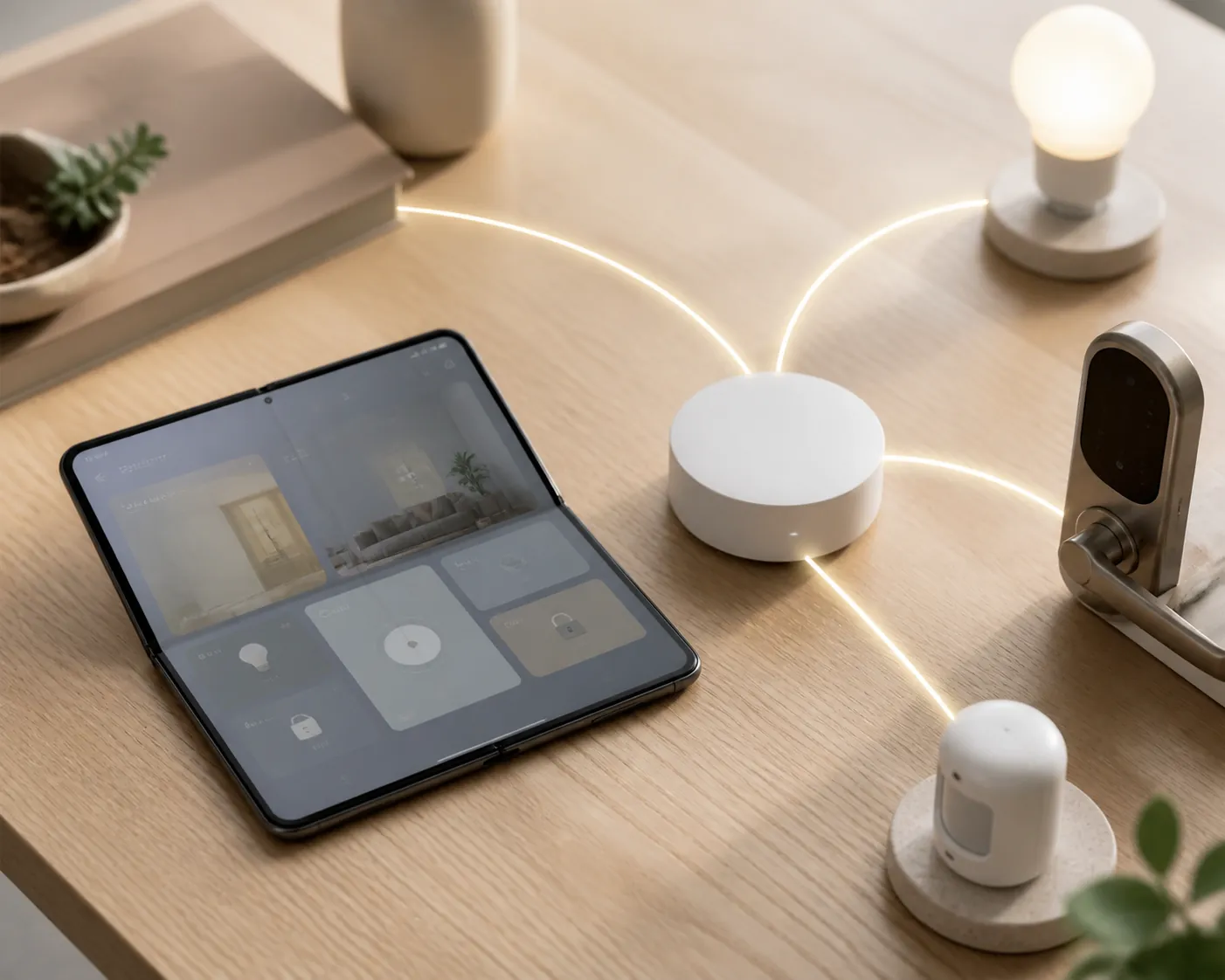
| Your home looks like this | Best companion-hub move | What to check before buying |
|---|---|---|
| Mostly Zigbee sensors, bulbs, buttons, plus Matter/Thread plans | SmartThings Smart Home Hub 2 | It is Samsung’s current dedicated hub for Matter over Thread, plus Zigbee, but it does not include Z-Wave. [3] |
| You want a desk charger, SmartThings button, Find scanner, and hub in one small device | SmartThings Station | It supports Matter, Thread, Bluetooth, and Zigbee, but ZDNET’s protocol check found no Z-Wave. [4] |
| You own a qualifying Samsung TV, soundbar, Smart Monitor, or Family Hub fridge | Use the built-in SmartThings hub first | Samsung’s Hub Everywhere devices can already provide Matter, Thread border router, and Zigbee hub functions. [5][6] |
| Any Z-Wave locks, switches, sensors, valves, or relays still matter | Keep or source legacy SmartThings v3/Aeotec-class Z-Wave hardware | Hub 2, Station, and the listed built-in hub products are not Z-Wave replacements. [3][4][5] |
| All devices are already Wi-Fi/Matter-over-Wi-Fi and work in SmartThings | You may only need the Fold 8 app as a control surface | The hub question returns when you add Thread, Zigbee, Z-Wave, or want hub-side automations. |
Start with the radio, not the phone
A SmartThings home can feel unified in the Fold 8 app while still depending on several different radio networks underneath it. Zigbee bulbs do not join your phone. Thread sensors need a Thread border router. Z-Wave locks need a Z-Wave controller. Matter is an application layer, not a promise that every old device suddenly speaks the same radio language.
That is why the first inventory question is boring and decisive: what protocols are actually installed in your home? If you are unsure whether a device is Zigbee or Wi-Fi, look up the model number before you buy a hub. If you are unsure what Matter changes and what it does not, use our Matter-enabled device guide before treating Matter support as a substitute for radio coverage.
The Fold 8 still has a useful role. It can be the dashboard you leave open on the kitchen counter, the device you use to run SmartThings routines, and the large-screen control surface for cameras, locks, lights, and scenes. For that side of the setup, see our Fold 8 smart home control guide and the Fold 8 dashboard guide. The hub choice is about the radios your home needs when the phone is asleep, away, rebooting, or simply not part of the mesh.
The Z-Wave branch is where people make the expensive mistake
If you have Z-Wave, the newer-looking Samsung answer is not automatically the better answer. The SmartThings Smart Home Hub 2 launched in the U.S. in November 2025 at $119 with a 53% more powerful CPU, 512 MB of RAM, a body about 50% smaller than before, local-first processing, Matter over Thread support, and Zigbee. The same launch coverage also says it has no Z-Wave. [3]
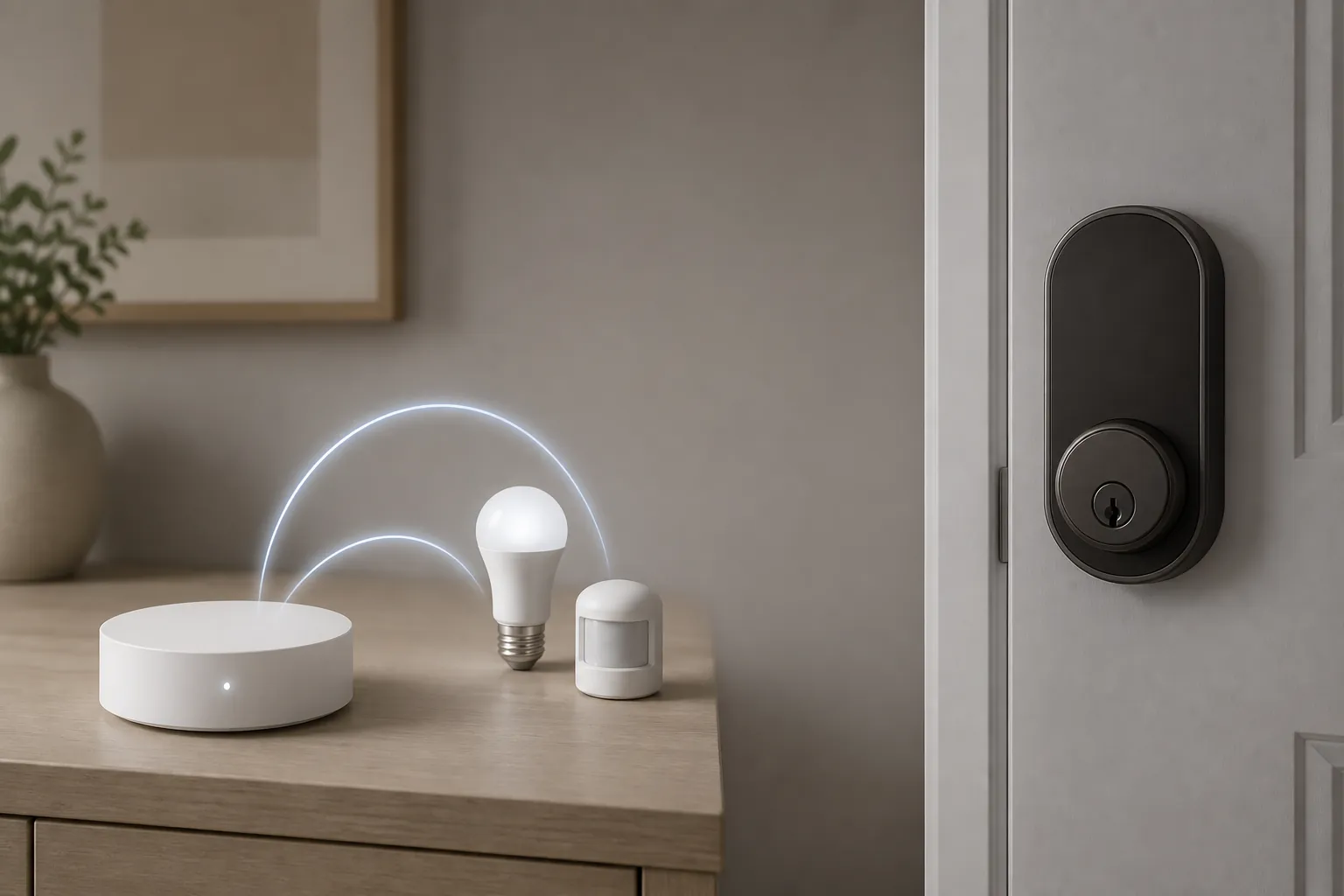
The Station is in the same category for this specific question. It may be a clever little charger-button-hub, and it supports Matter, Thread, Bluetooth, and Zigbee, but ZDNET’s review identified no Z-Wave support. [4] Samsung’s built-in hub push for TVs, soundbars, monitors, and appliances is also centered on Matter, Thread border router functions, and Zigbee, not Z-Wave. [5][6]
For a home with a Z-Wave front door lock, a Z-Wave water shutoff, or older in-wall Z-Wave switches, that is not a footnote. It decides whether the device joins at all. A Fold 8 can still show the lock tile in SmartThings when the system is working, but the phone is not the Z-Wave controller that wakes the lock, routes the mesh, or includes and excludes devices.
The practical move is plain: keep your SmartThings v3/Aeotec-class Z-Wave hub if it is stable, or source equivalent legacy SmartThings-compatible Z-Wave hardware if those devices still matter. Do not retire it just because Hub 2 or Station is newer. A newer hub can be useful beside it for Thread, Matter, and Zigbee expansion, but it is not a Z-Wave transplant.
- Check locks first. Door locks are often the devices that make a wrong hub purchase most painful.
- Check in-wall switches and modules next. They are easy to forget because they do not look like “gadgets” anymore.
- Check old sensors and water devices. A cheap-looking leak sensor can be the reason you still need Z-Wave.
- Only after that should you compare Hub 2 and Station as upgrades.
If Z-Wave is gone, Hub 2 is the clean dedicated SmartThings hub
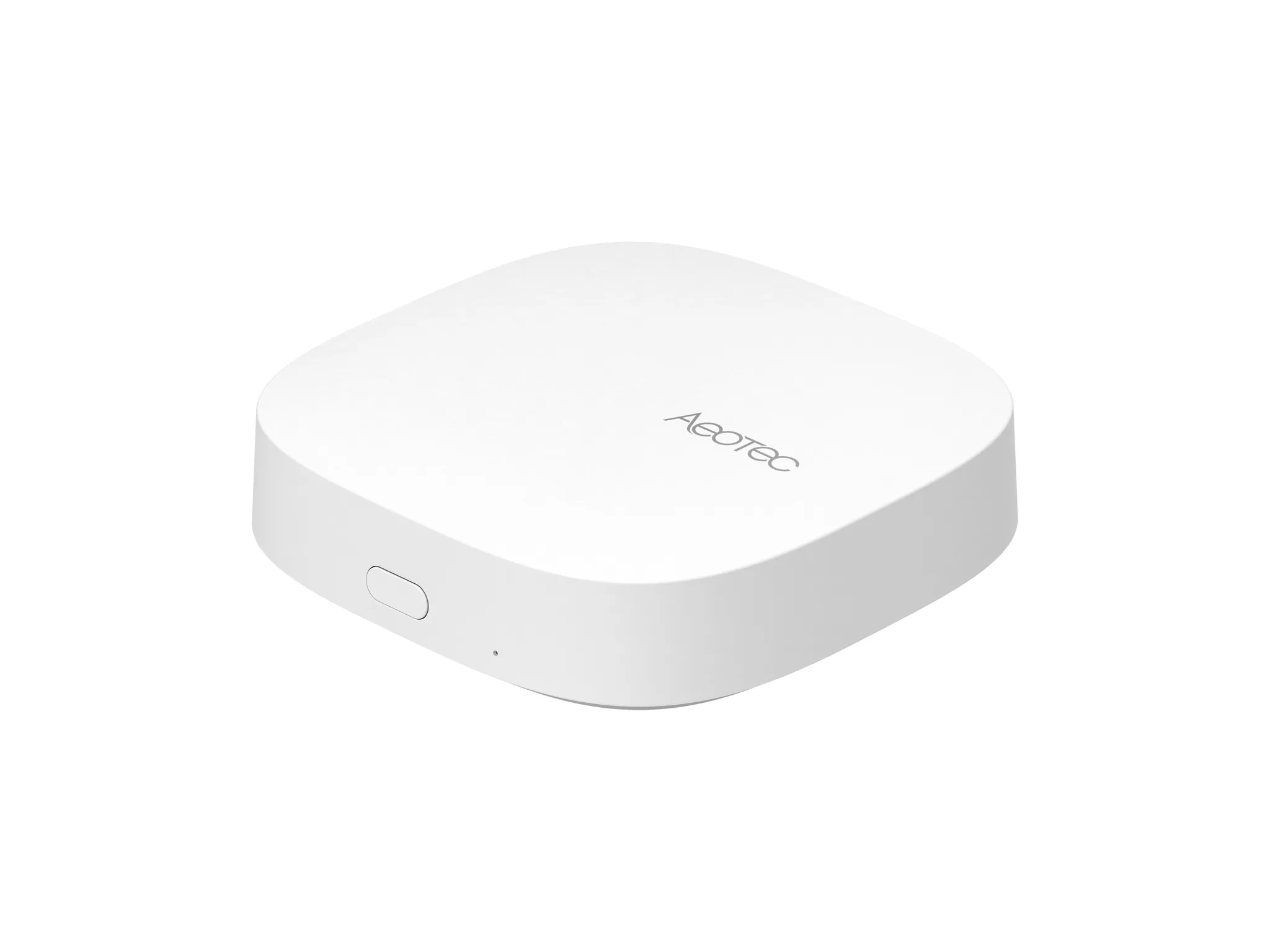
For a SmartThings user who wants a current standalone hub and does not need Z-Wave, the Smart Home Hub 2 is the straightforward pick. It is the dedicated hub in this group: no charger identity to justify, no TV model qualification to check, no appliance sitting in another room that you forgot was part of the network. It is there to be the hub.
The Hub 2’s launch claims are also the ones that matter most in a real house: faster hardware, doubled RAM to 512 MB, local-first processing, Matter over Thread, and Zigbee. [3] Those details do not make it glamorous, but they are the right details for sensors, bulbs, buttons, and routines that should keep working when the Fold 8 is not in your hand.
This is especially clean for an all-Zigbee SmartThings home, or for someone rebuilding around Thread and Matter while leaving Z-Wave behind. If you are still sorting out why Zigbee devices require a coordinator instead of pairing straight to the Fold 8, our Zigbee hub requirements guide is the better place to settle that before buying.
The catch remains the same because it is the catch that changes the purchase: Hub 2 is not the hub to buy if your plan is to unplug an older Z-Wave SmartThings hub and pretend every paired device has somewhere to go.
The Station is best when the charger and button are part of the reason

The SmartThings Station makes more sense once you stop asking it to be a universal protocol bridge. At its 2023 launch, it was a $59 device that combined a SmartThings hub, wireless charger, programmable smart button, and SmartThings Find scanner. [4] That is a genuinely useful desktop or bedside object if the protocol list fits your home.
For Matter, Thread, and Zigbee households, the Station can be enough. For a Fold 8 owner who wants to drop the phone onto a charger, tap one button for a night routine, and keep a small hub in the open rather than hiding another puck near the router, the Station has a reason to exist beyond its radio list.
The radio list still decides the verdict. Z-Wave is absent. [4] Bluetooth support is not a Z-Wave escape hatch. Matter support is not a Z-Wave escape hatch. If your home has no Z-Wave and you like the Station’s shape, charger, button, and Find role, it is a reasonable companion. If you are trying to preserve old Z-Wave gear, it is the wrong replacement.
You may already own the hub Samsung wants you to use
Samsung’s most interesting SmartThings hardware move is not another white puck. It is the quiet spread of hub functions into devices people buy for other reasons. Samsung describes built-in SmartThings hubs across TVs, soundbars, Smart Monitors, and Family Hub fridges; its U.S. newsroom specifically calls out Samsung TVs Q60 and above from 2022 or later, while its SmartThings materials point to supported TVs, select soundbars, monitors, and appliances. [5][6]
That changes the Fold 8 buying decision. If a 2022-or-newer Q60-or-above Samsung TV is already in the living room, or a supported Samsung soundbar, Smart Monitor, or Family Hub fridge is already online, you may not need to buy Hub 2 or Station just to add Matter, Thread, or Zigbee devices. The Fold 8 can remain the app and dashboard while the qualified Samsung product handles the hub work.
This is also where launch coverage can mislead people by implication. A phone can be shown next to lights, routines, door locks, and SmartThings dashboards without becoming the network coordinator. Samsung’s Hub Everywhere list is full of TVs, monitors, soundbars, and appliances — not Galaxy phones. [5][6]
Before buying a standalone hub, open SmartThings and check whether your Samsung TV, soundbar, monitor, or Family Hub fridge appears as a hub-capable device. Then check which protocols it supports in your region and model generation. “Samsung TV” is not precise enough. “2022 Q60 or above with built-in SmartThings hub support” is the kind of answer that prevents duplicate hardware.
Migration notes for homes that are expanding, not starting over
Most Fold 8 buyers asking this question are not building a smart home from zero. They are trying not to break something that already works. SmartThings has two practical tools worth knowing about here: Hub Replace and multi-hub routing. Samsung’s partner documentation says Hub Replace can transfer Matter, Zigbee, Z-Wave, and Thread networks, Edge Driver data, routines, and hub settings “in a few taps,” while multi-hub routing lets devices join the closest or most optimal hub. [7]
Those tools help with migrations and larger homes, but they do not erase hardware limits. If the destination hub lacks Z-Wave, Hub Replace does not conjure a Z-Wave radio. If you add a second hub, multi-hub routing can make placement less clumsy, but it is still a hub-side feature. The Fold 8 benefits from the cleaner SmartThings location; it is not the device doing the mesh routing.
Thread deserves the same precision. In October 2025, SmartThings gained two-way Thread network unification built on Thread 1.4, aimed at helping SmartThings play more cleanly with other Thread border routers. [8] That is good news if your home has multiple Thread-capable hubs or appliances, but again, the relevant device is the Thread border router, not the Fold 8.
If you are shopping for Fold 8 bundles, credits, or add-on hardware, separate the phone deal from the hub requirement. Our Fold 8 smart home deals guide can help with the purchasing side; the compatibility side still comes back to the protocol inventory.
Practical verdict
- Buy SmartThings Smart Home Hub 2 if you want the current dedicated SmartThings hub for Matter, Thread, and Zigbee, and you do not need Z-Wave.
- Choose SmartThings Station if its wireless charger, smart button, and SmartThings Find role are useful to you, and Z-Wave is irrelevant in your home.
- Use the built-in hub you already own if your Samsung TV, soundbar, Smart Monitor, or Family Hub fridge is a qualifying SmartThings hub device with the protocols you need.
- Keep or source legacy SmartThings v3/Aeotec-class Z-Wave hardware if any Z-Wave device still matters.
- Use the Galaxy Z Fold 8 as the control surface, dashboard, and setup device; do not buy it expecting it to replace the hub radios in your home.
References
- Samsung Galaxy Z Fold8 Ultra, Fold8, Flip8: Foldables Perfected for Every Way of Living — Samsung US Newsroom, July 22, 2026
- Samsung Galaxy Z Fold Wide 5G - Full phone specifications — GSMArena
- Samsung Launches SmartThings Smart Home Hub 2 in US With Faster CPU and Matter Support — Android Headlines, November 2025
- Can your smart hub do this? Samsung's $59 SmartThings Station innovates where it matters — ZDNET
- Where Did Smart Home Hubs Go? Everywhere! — Samsung US Newsroom
- SmartThings — Samsung
- Hub Everywhere — SmartThings Partner Documentation
- SmartThings will now play nice with other smart home hubs — SamMobile, October 2025
Known issues with this device / protocol
Spec-version history
For active regressions on this protocol, see Update Watch.
No linked Update Watch entries yet.