
The 2026 viewing window, without the buried answer
The best time to see the 2026 Perseid meteor shower is from midnight through dawn on the mornings of August 12 and August 13, with the predicted peak at 14:53 UTC on August 13, 2026.[1] In the U.S., that peak falls during daylight hours, so the useful answer is not “go outside at the exact peak.” It is: set your smart home reminder for late night on August 11 and August 12, then watch after midnight into the pre-dawn hours.
The reason 2026 deserves the reminder is the moon. The new moon falls on August 12, 2026, with 0% illumination, removing the biggest natural light problem that often washes out fainter meteors.[2] That does not make every backyard equal, but it does make this one of the cleaner Perseid setups worth planning around.
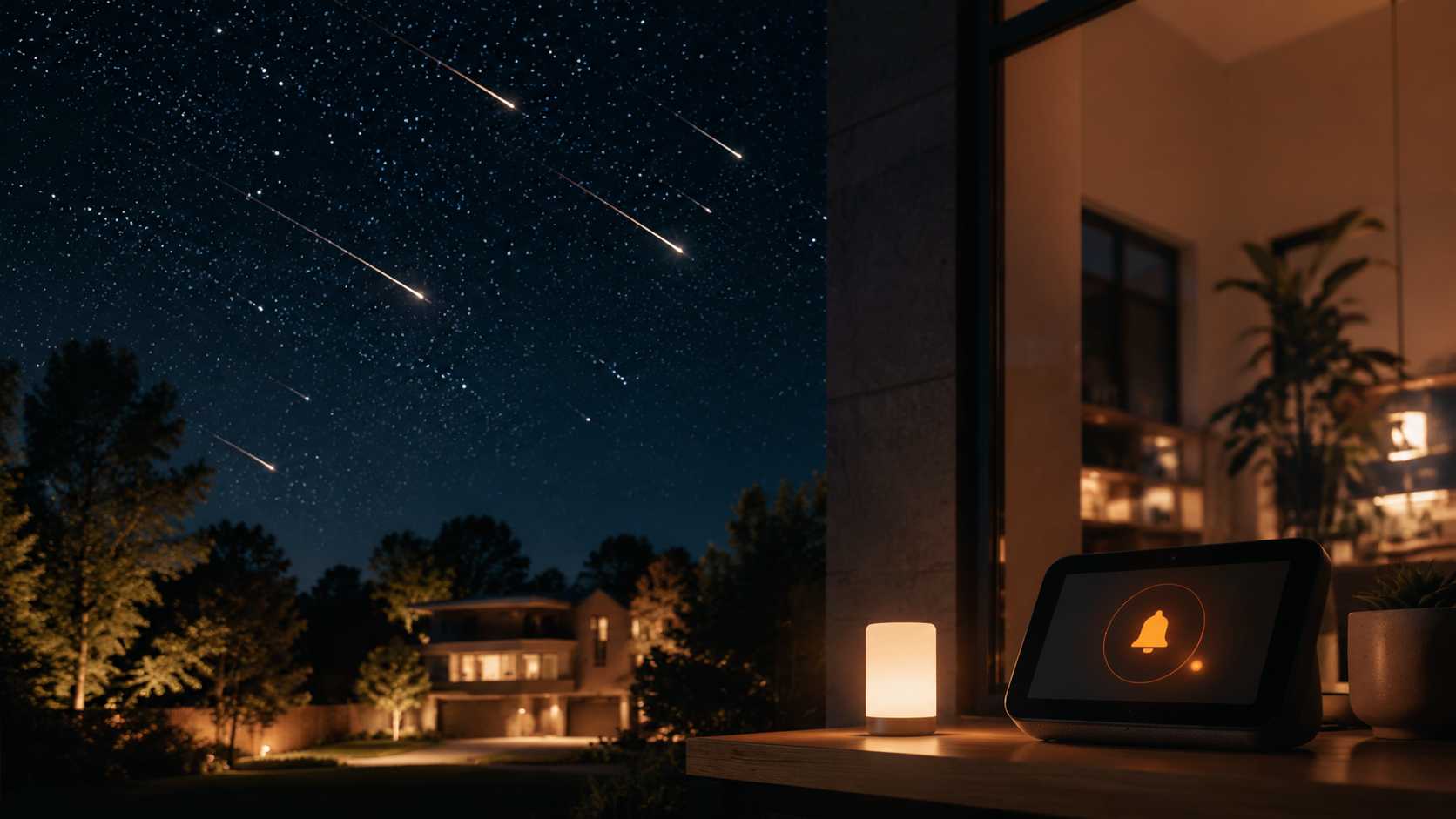
You will see “up to 100 meteors per hour” attached to the Perseids, and that number is useful only if it is treated properly. It refers to the shower’s zenithal hourly rate under ideal observing conditions, not a promise that a driveway near porch lights will deliver one meteor every 36 seconds.[3] Suburban light pollution, haze, trees, local weather, and the height of the radiant all pull the real count down. The 2026 advantage is that the moon is not the thing working against you.
Set two reminders, not one
The night-of reminder is the obvious one. The more useful automation is the prep-day reminder on August 11. Meteor showers are easy to miss because nothing looks urgent at 8 p.m.; then midnight arrives, the chairs are in the garage, the camera battery is dead, and the brightest outdoor light is still on.
| Reminder | When to set it | What it should do |
|---|---|---|
| Prep reminder | August 11, early evening | Check weather, charge the camera, gather binoculars, put chairs or blankets near the door, decide where lights should be dimmed or turned off |
| Viewing reminder 1 | Late evening August 11 or just before midnight August 12 | Tell the household that the first strong viewing window starts after midnight |
| Viewing reminder 2 | Late evening August 12 or just before midnight August 13 | Repeat the alert for the second pre-dawn window, closest to the predicted peak |
If your setup includes smart lighting, this is where automation becomes more than a calendar nudge. A routine can dim indoor lights near the exit, turn off patio or yard lights, or set a low red-toned scene before people step outside. If you are still deciding what kind of bulbs or switches make sense for that kind of control, start with How to Choose Smart Lights for Your Home or compare broader smart home lighting systems.
Google Home: the cleanest annual setup
Google Home is the best fit for this job because it supports an “Annually” schedule starter. Google added that native annual option on October 1, 2024, which means a Perseid reminder can be built as a normal household automation instead of a clever chain you have to remember to repair.[4]
Use Google Home if you want the lowest-maintenance version: one recurring prep reminder, one or two recurring viewing reminders, and optional device actions tied to the same routine.
- Open the Google Home app.
- Go to Automations and create a new Household Routine if other people should benefit from the reminder, or a Personal Routine if it is only for you.
- Choose a schedule starter.
- Set the date to August 11 and choose Annually for the prep reminder.
- Choose an evening time you will actually notice, such as after dinner rather than close to bedtime.
- Add actions: send a notification, broadcast a message to speakers, and optionally adjust lights or smart plugs.
- Repeat for August 12 and August 13 viewing reminders, or create one routine for each observing morning.
For the August 11 prep routine, a good broadcast is plain: “Perseid prep night. Check the weather, charge the camera, and put chairs by the door.” For the viewing routine, make the action more direct: “The Perseids are best after midnight. If the sky is clear, step outside before dawn.”
If the Annually option is missing, update the Google Home app first. If it still is not available in your region or app version, use a one-time date-based starter for 2026 and create a second phone calendar reminder for July 2027 that tells you to renew the routine. That fallback is less elegant, but it still prevents this year’s good setup from passing unnoticed.
Suggested Google Home routines
| Routine | Starter | Useful actions |
|---|---|---|
| Perseid prep | Annually, August 11, early evening | Phone notification; speaker broadcast; turn on a low indoor scene near the door |
| Perseid night 1 | Annually, August 12, just after midnight or late August 11 | Broadcast reminder; dim selected lights; turn off outdoor lights where safe |
| Perseid night 2 | Annually, August 13, just after midnight or late August 12 | Repeat reminder; restore normal lighting later in the morning if desired |
Alexa: quick reminder, yearly upkeep
Alexa can handle the 2026 reminder quickly, but as of July 2026, it should be treated as a one-time setup or a manually maintained annual routine. The practical path is simple: create dated reminders for August 11, August 12, and August 13, then add a separate yearly calendar note for yourself to rebuild or re-enable them before next August.
- Open the Alexa app.
- Go to More, then Reminders.
- Create a reminder for August 11, 2026: “Prep for the Perseid meteor shower.”
- Create viewing reminders for late August 11 and late August 12, or for just after midnight on August 12 and August 13.
- If you prefer Routines, add smart light or speaker actions there, but plan to check the date settings again next summer.
The Alexa version is not bad; it is just less durable. For a one-off 2026 event, it takes only a few minutes. For a reminder you want to trust every year, the maintenance note matters.
Home Assistant: reliable calendar trigger, optional sky-aware layer
Home Assistant is the right choice if you already trust it with household routines and want the reminder to live locally with the rest of your automations. The practical baseline is not an astronomy integration; it is a calendar event that triggers notifications, announcements, and device actions. Home Assistant’s alert and notification tooling can handle the household nudge once a trigger exists.[5]
Create calendar events for August 11, August 12, and August 13. Then build an automation that listens for those events and sends the message where it will be noticed: mobile app notification, speaker announcement, dashboard card, or a lighting scene. If your devices are connected through Matter, the same routine can sit alongside the setup described in How to Set Up Matter in Home Assistant.
alias: Perseid meteor shower reminder
trigger:
  - platform: calendar
    event: start
    entity_id: calendar.household
condition:
  - condition: template
    value_template: "{{ 'Perseid' in trigger.calendar_event.summary }}"
action:
  - service: notify.mobile_app_your_phone
    data:
      title: "Perseid meteor shower"
      message: "If the sky is clear, watch after midnight through dawn. Check lights, chairs, and camera battery."
  - service: light.turn_off
    target:
      entity_id:
        - light.patio
        - light.backyard
That example is intentionally plain. It does not try to predict whether the sky is worth watching; it makes sure the house remembers the date. For many homes, that is the reliability layer that matters.
If you want Home Assistant to become more selective, AstroWeather is a custom integration discussed by the Home Assistant community that can add astronomy-focused conditions such as seeing forecasts, but it requires HACS and should be treated as an advanced add-on rather than the core reminder path.[6] Use it only if you are already comfortable maintaining custom integrations; a broken advanced forecast chain is worse than a simple calendar reminder that fires on time.
A sensible Home Assistant split
| Layer | Use it for | Keep it simple by |
|---|---|---|
| Calendar event | Annual date memory | Naming events clearly, such as “Perseid prep” and “Perseid viewing” |
| Notification action | Getting people outside | Sending one direct message instead of several noisy alerts |
| Lighting action | Reducing local light interference | Only changing lights you can safely turn off at night |
| AstroWeather | Advanced sky-condition awareness | Using it as an optional condition, not the only trigger |
IFTTT: simple phone-only backup
IFTTT is useful if your goal is only to get a phone notification. An RSS-based applet can watch an astronomy or moon-phase feed and push an alert, or you can use a date-and-time style applet for a direct reminder. The tradeoff is control: this is better as a personal nudge than a full household scene, especially if your plan includes speakers, lights, or multiple devices.
- Create an applet with a date/time or feed-based trigger.
- Set the message to mention the useful window: “Watch after midnight through dawn on August 12 and 13.”
- Send the action to the IFTTT mobile app notification.
- If you need lights or speaker announcements, use Google Home, Alexa, or Home Assistant instead.
IFTTT works best as a backup reminder on your phone. It is not the place to build the whole viewing-night routine unless your needs are intentionally minimal.
Which setup should you use?
| Platform | Best for | Main limitation |
|---|---|---|
| Google Home | Low-maintenance annual reminders with notifications, broadcasts, and device control | Annual starter availability may depend on app version or region |
| Alexa | Fast one-time reminders for the 2026 shower | No native annual recurrence to rely on as of July 2026 |
| Home Assistant | Local, customizable routines with calendar triggers and optional conditions | More setup responsibility, especially with custom integrations |
| IFTTT | A simple phone notification backup | Limited household device control |
If you already use Google Home, set the annual routines there. It is the cleanest match for a recurring sky event that happens on a calendar, not because it is the most powerful platform, but because it solves the boring part directly. If you use Alexa, make the 2026 reminders now and accept the yearly upkeep. If you use Home Assistant, anchor the automation to calendar events and only add sky-condition logic if you are willing to maintain it. If you use IFTTT, treat it as the phone buzz that catches what the house might not.
For more household routines that work on the same principle—small reminders preventing small failures—see Camera-Free Presence Automation Recipes for Every Room and How to Build a Vacation Mode Automation for Your Smart Home.
For the 2026 Perseids, the viewing window is worth the trouble: midnight through dawn on August 12 and 13, under a new moon, with the best planning done before anyone gets sleepy. The automation does not need to be clever. It just needs to remember what people reliably forget.
References
- Everything you need to know: Perseid meteor shower, EarthSky
- Perseid Meteor Shower 2026: Perfect New Moon To Create Ideal Conditions For Peak, Weather.com, July 16, 2026
- Meteor Shower Calendar, American Meteor Society
- Create and manage automations in the Google Home app, Google Home Help, October 1, 2024
- Alert, Home Assistant
- AstroWeather Integration, Home Assistant Community
Implementation Notes
Share platform-specific tips, report that a recipe no longer works after a platform update, or contribute variations for different device combinations.
Comments
Join the discussion with an anonymous comment.