
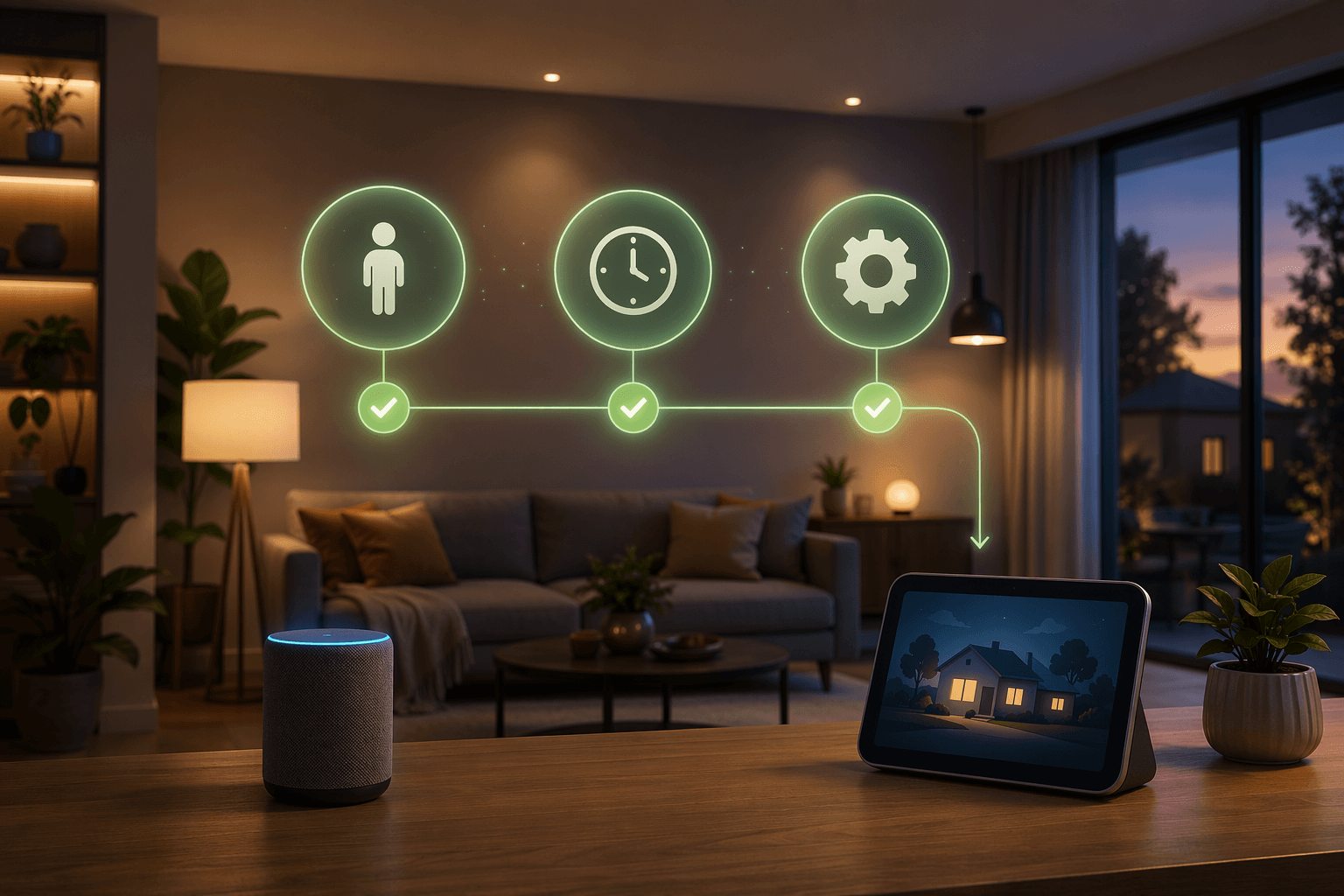
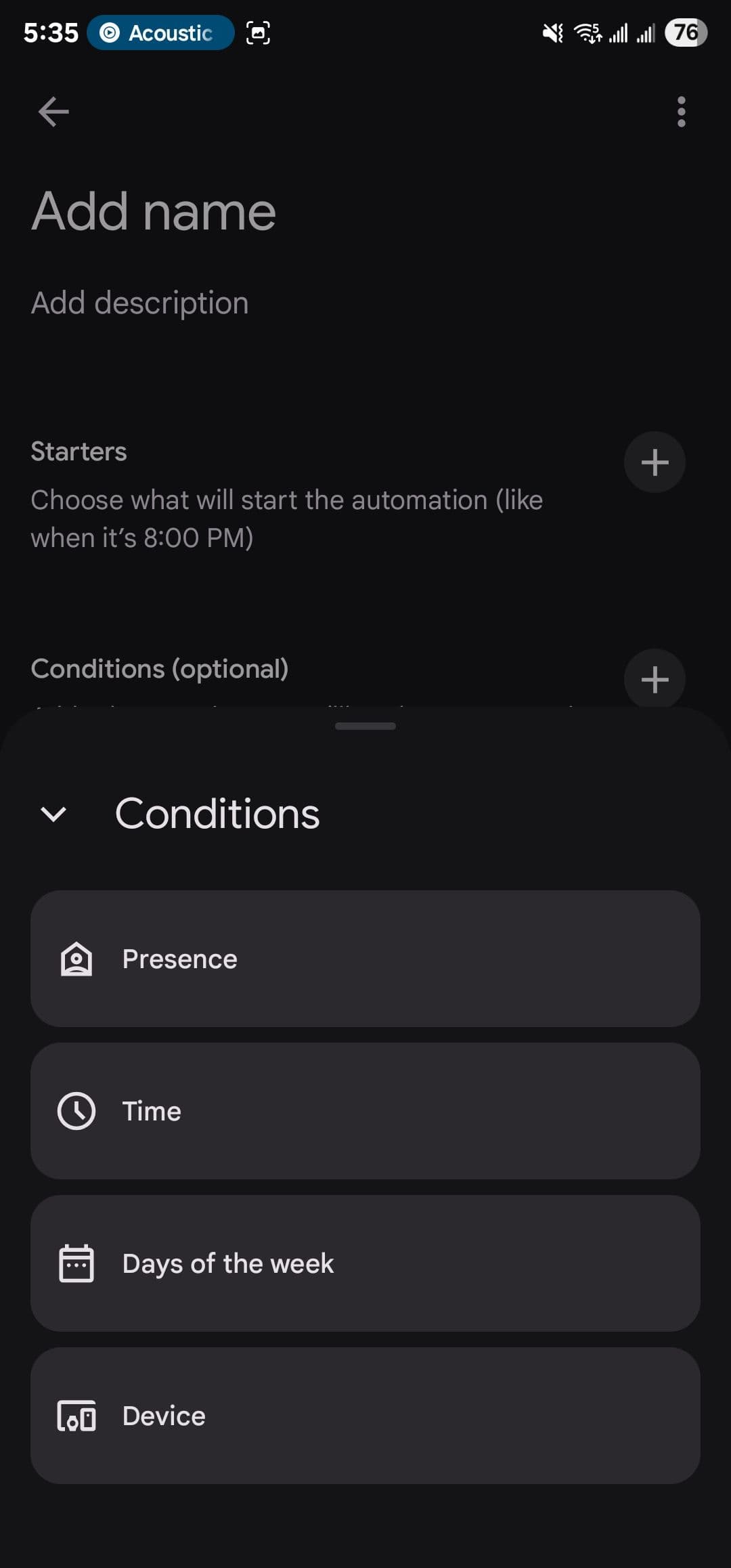
Google Home automation is finally useful when you stop trusting the routine to run just because the clock said so. The 2026 editor adds a conditions layer — presence, device state, and time windows — so an automation can be blocked before it wakes the house or fires while nobody is home, and Google also expanded the starter/action set with media playback, appliance status, and other new events in 2026.[1][2][5]
The other change that matters is diagnostics. In the activity log, you can usually tell whether the starter never fired, the condition blocked the run, or the action chain broke after the routine started.[1]
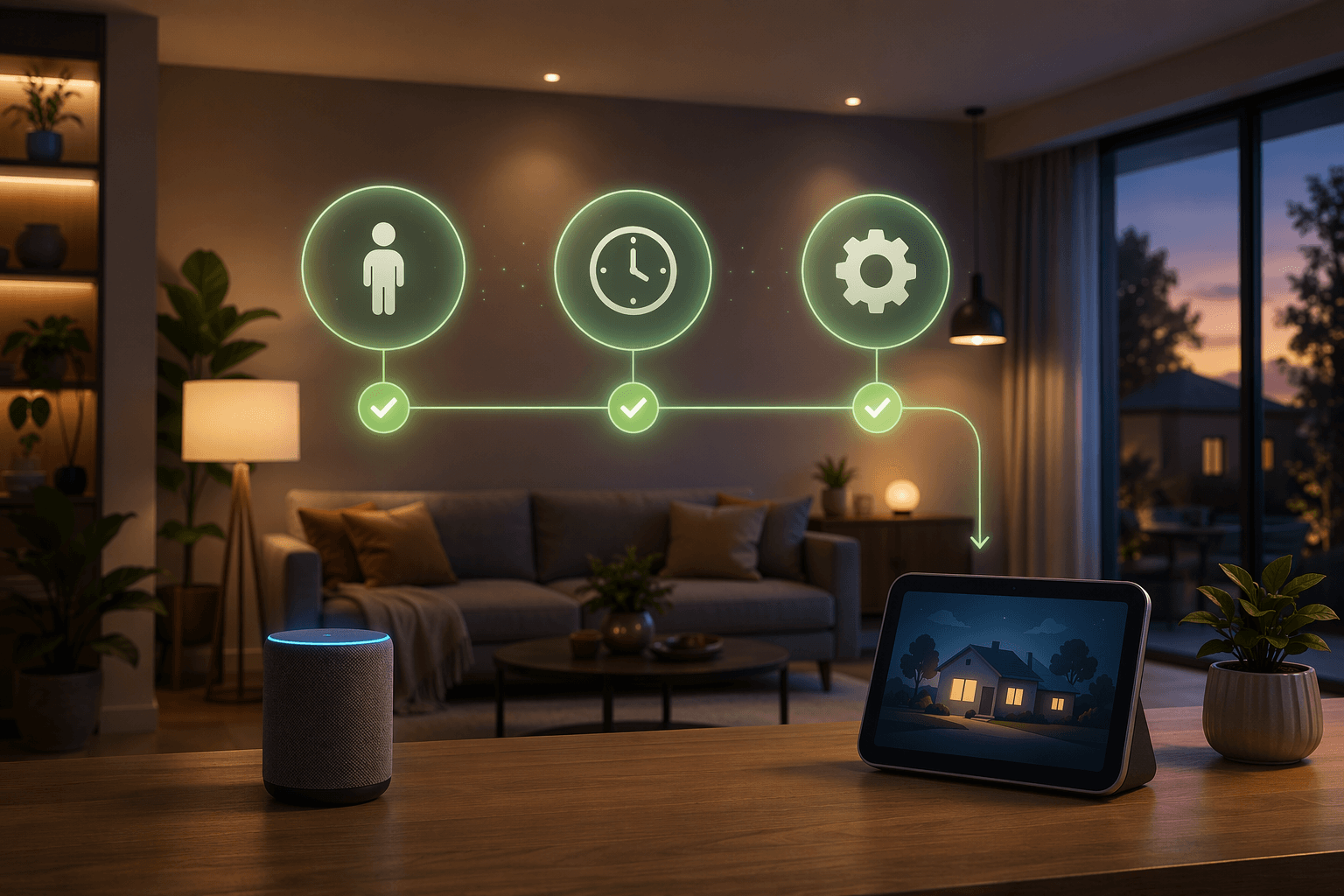
The reliable pattern is simple: starter first, then a gate that blocks bad runs, then a short action chain. Google’s current editor exposes that structure directly, with presence sensing, device-state checks, and time windows alongside newer starters such as media playback and appliance status.[2][5]
Ten Google Home automation recipes that behave
Read the table left to right. If the starter is real, the condition is tight, and the action is short, the automation is easy to copy and easy to test.
| Recipe | Starter | Conditions | Actions | Compatible devices |
|---|---|---|---|---|
| Weekday wake-up without weekend surprises | Time starter at 6:30 a.m. | Presence: someone is home; days: Monday-Friday | Turn on bedroom lights, start a speaker briefing, raise the thermostat to comfort | Lights, speakers, thermostat, presence sensing |
| Arrival routine that only runs when somebody is actually there | Presence starter: a phone or Nest device detects arrival | Optional time window: after sunset | Turn on entry lights, announce arrival, raise the thermostat from away mode | Presence sensing, lights, speakers, thermostat |
| Leaving-home routine that respects real absence | Presence starter: everyone leaves home | Condition: only during a daytime window if you want to avoid overnight false departures | Turn off common-area lights, set the thermostat to eco | Presence sensing, lights, thermostat |
| Movie mode that waits for actual playback | Media playback starter: the TV or streaming device starts playing | Condition: only in the evening and only when the living-room lights are on | Dim the lights, lower speaker volume, mute routine chatter | TV or streaming device, lights, speakers |
| Movie reset when playback stops | Media playback starter: playback stops | Condition: only if the room was dimmed by the movie routine | Restore lights and volume | TV or streaming device, lights, speakers |
| Washer-done alert that matters before you leave | Appliance status starter: washer reaches done or finished | Condition: someone is home | Flash living-room lights and send a phone alert | Washer with status support, lights, phone notifications |
| Robot-vacuum wrap-up that does not surprise the house | Appliance status starter: robot vacuum finishes cleaning | Condition: someone is home, or a work-from-home window is active | Announce that cleaning is done and turn on hallway lights | Robot vacuum, speakers, lights |
| Porch-light alert when a camera sees a package delivered | Camera starter: package delivered | Condition: only after dark or when nobody is home | Turn on the porch light and announce the delivery on a speaker | Google Home camera, lights, speakers; some advanced camera features may need Premium |
| Driveway alert when a camera sees a car enter | Camera starter: car enters driveway | Condition: only during weekday afternoons or when the house is empty | Turn on entry lights and announce the event on a speaker | Google Home camera, lights, speakers; some advanced camera features may need Premium |
| Bedtime shutdown with a smart lock | Time starter at 11:00 p.m. | Condition: someone is still home | Turn off selected lights, set the thermostat back, lock a compatible smart lock | Lights, thermostat, smart lock |
How to tell where a failed automation broke
- Starter never fired: the clock, sensor, media state, or appliance state never changed the way you expected.
- Condition blocked it: the routine started to qualify, but presence, time, or device state stopped it before any action ran.
- Action chain broke: the automation qualified, but one device was unavailable or not supported by that starter/action combination.[1][2]
That last point is why device compatibility still matters. Google’s documentation is explicit that not every device supports every starter, condition, or action, so the route to a reliable routine is still to match the recipe to the hardware instead of assuming the editor will fill in the gaps.[2]
Where camera automations stop being free
Camera scene understanding became more useful in May 2026, when Google Home started using what cameras see as automation starters for events such as a package delivery or a car entering the driveway.[3] Some of the more advanced camera features sit behind Google Home Premium, which Google lists at $10 per month for Standard and $20 per month for Advanced in the U.S. at publication time, with regional pricing able to vary.[4] That does not change the core recipes above; it only changes how far you can push the camera side of them.
Once presence, device state, and time windows are doing the gating, Google Home automation stops feeling like a hopeful timer and starts behaving like a household system. The difference is not more ideas; it is the conditions layer deciding when the idea is allowed to run.
References
- I spent an afternoon building custom Google Home routines and finally fixed my broken smart automation setup — Android Police
- Supported automation starters, conditions & actions — Google Home Help
- Google Home can use what cameras see as automation starters — 9to5Google — 2026-05-27
- Google Home Premium Subscription — Google Store
- Google Home Unlocks 20 New Automations in 2026 Update — Gadget Hacks
Implementation Notes
Share platform-specific tips, report that a recipe no longer works after a platform update, or contribute variations for different device combinations.
Comments
Join the discussion with an anonymous comment.